Monitors for Photoshop
Finding the right Monitor for Photoshop is essential for anyone looking to achieve precise and vibrant results in their creative projects. Whether you are a professional designer or a passionate hobbyist, selecting a monitor that supports your workflow can make all the difference. Explore a wide selection of monitors designed to deliver impressive clarity and support detailed image editing, helping you bring your vision to life with confidence. Discover the Monitor for Photoshop that fits your needs and enhances your editing experience.
Sort


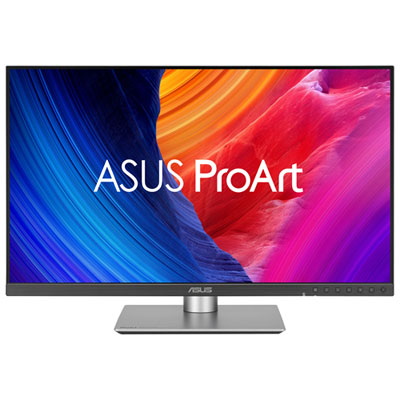

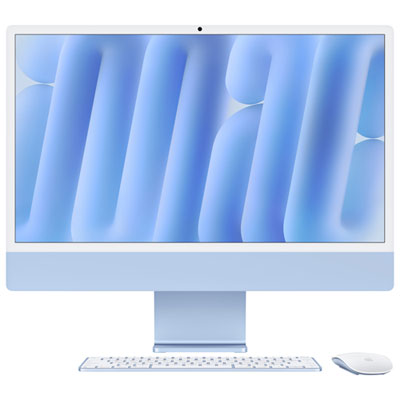
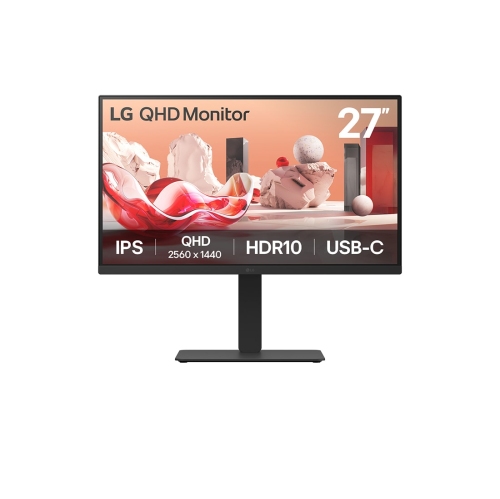
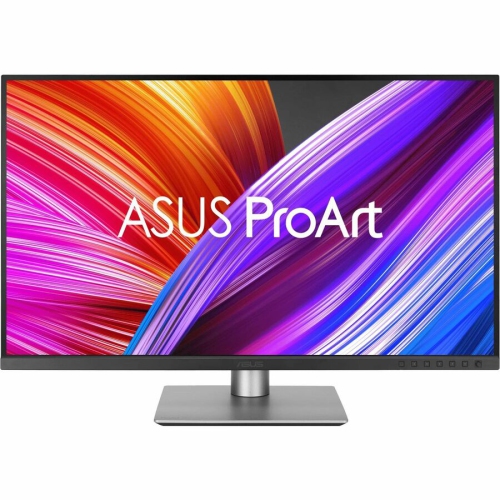
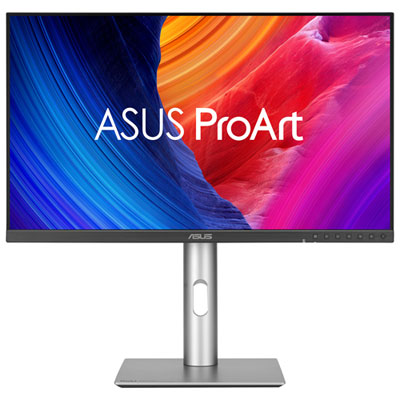
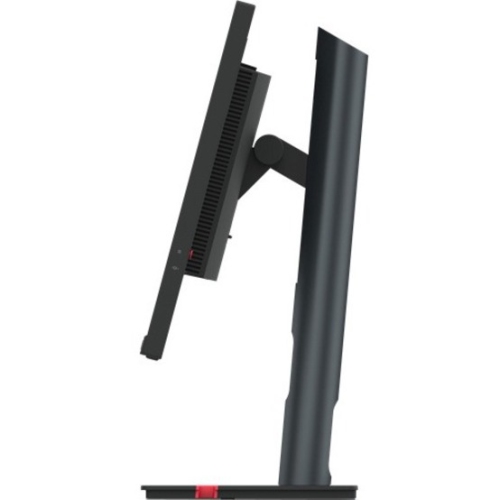
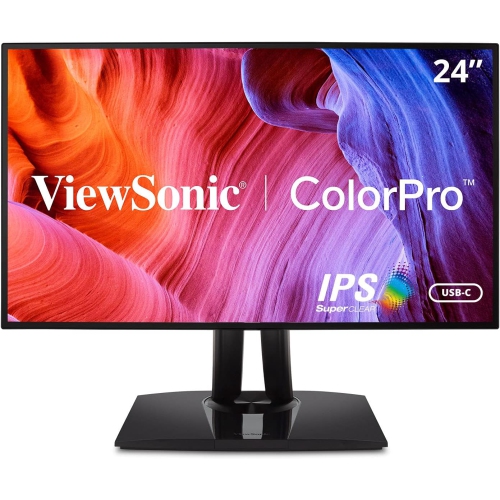
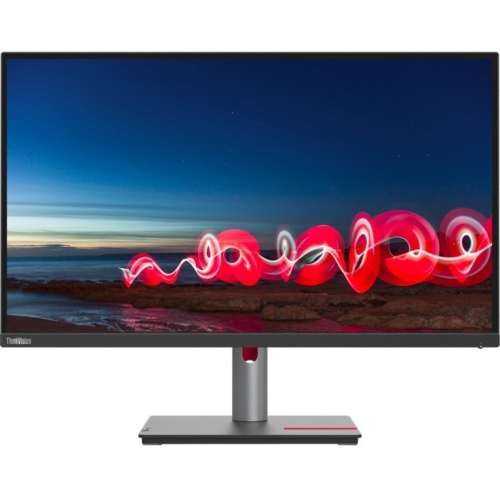
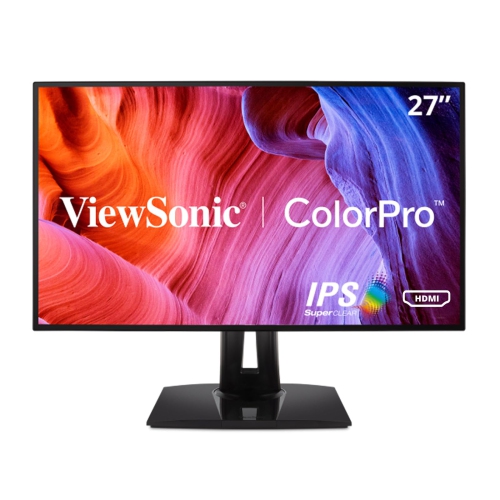
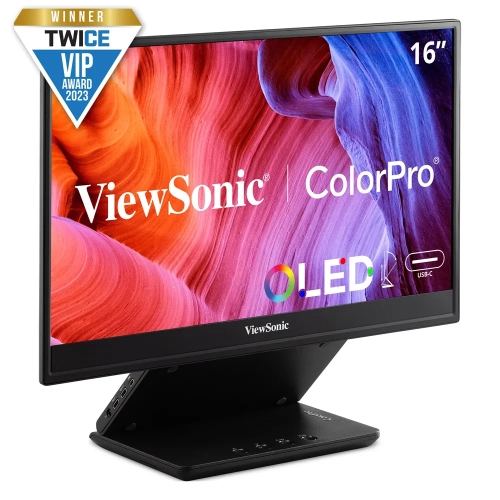
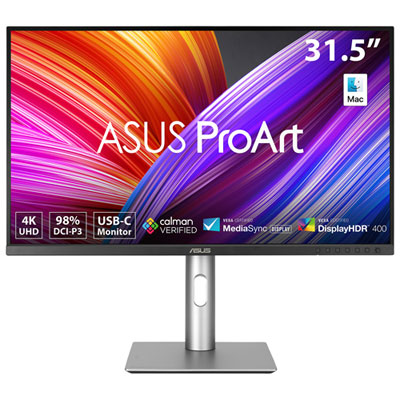

Monitors for Photoshop
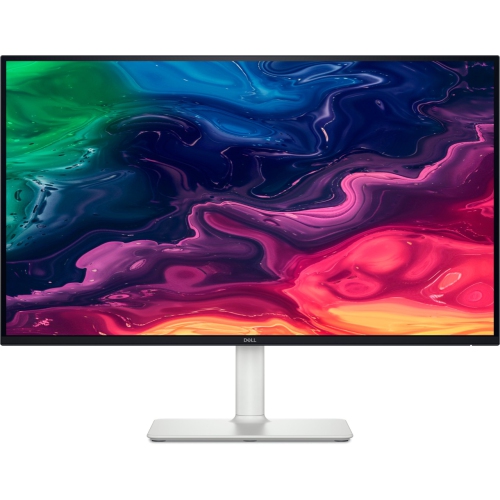
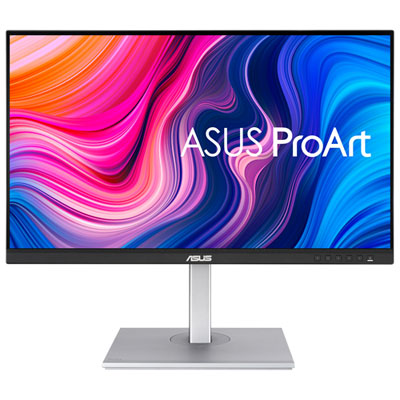
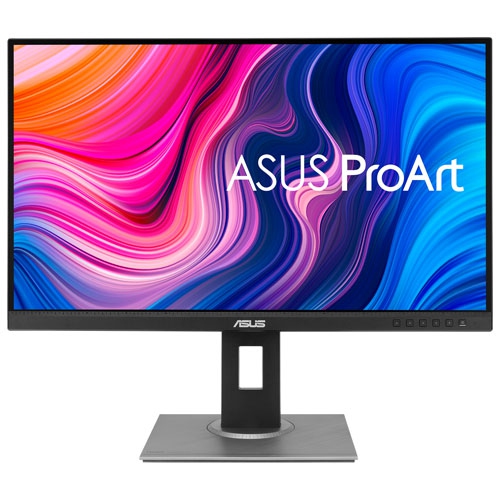
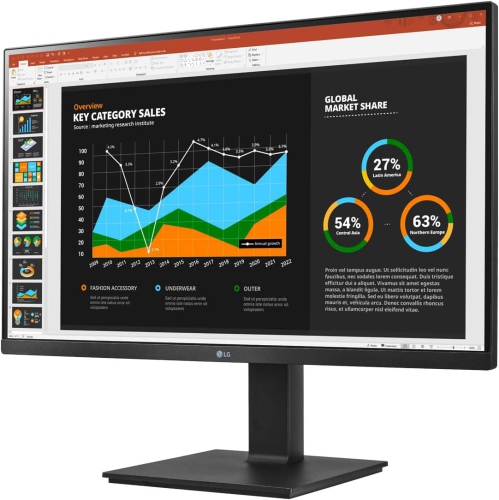
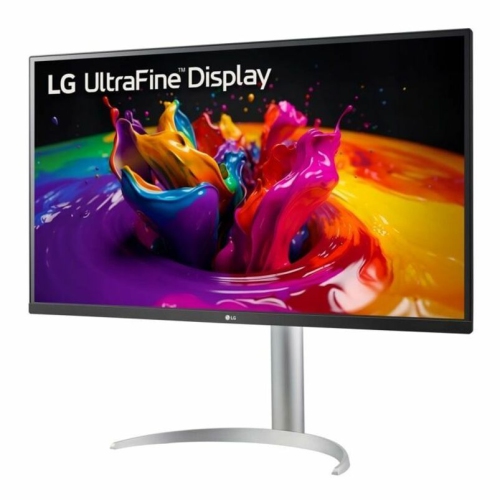
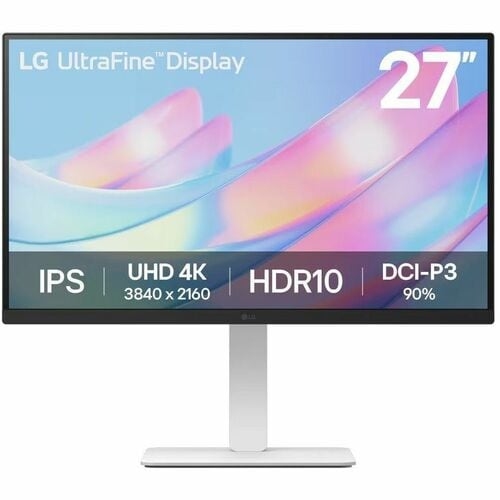
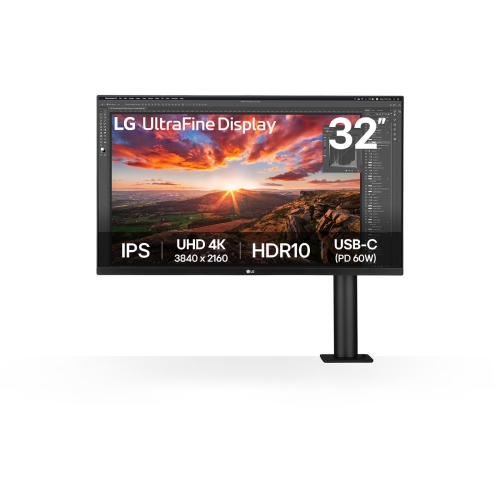
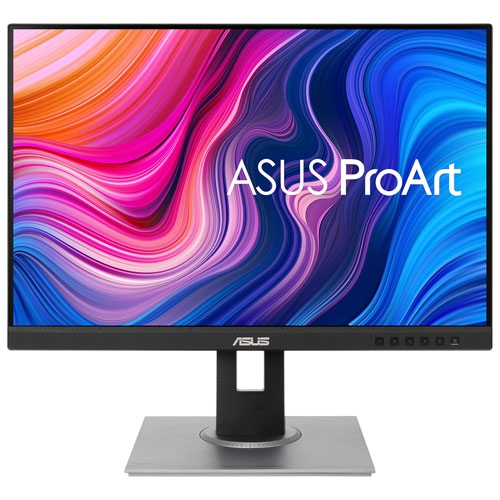
The right monitor can make a remarkable difference in your Photoshop experience, whether you’re a seasoned photo editor, a graphic designer refining intricate visuals, or an enthusiast diving into creative projects. Monitors designed for Photoshop are carefully engineered to deliver exceptional colour accuracy, sharp detail, and true-to-life image reproduction, which are essential for tasks like retouching portraits, preparing files for print, or building digital artwork. These monitors typically feature IPS or OLED panels, known for their wide viewing angles and consistent colour performance, so your work looks the same from edge to edge. A monitor with a high percentage of Adobe RGB or DCI-P3 colour gamut coverage helps ensure that subtle gradients and delicate hues are faithfully rendered, which is especially valuable for professionals who need their on-screen edits to match the final output. Screen size is another key consideration; many creative professionals prefer displays in the 27 to 32 inch range, which provide ample space for Photoshop’s toolbars, palettes, and multiple open files, making multitasking and fine detail work more comfortable and efficient. High-resolution panels—such as 4K UHD—bring out every nuance in your images, allowing for precise control over edits and a more immersive workflow.
As the weather warms and creative energy flows, many find themselves inspired to capture and edit vibrant outdoor scenes, family gatherings, or travel memories. A monitor optimized for Photoshop is the perfect companion for photographers processing high-resolution RAW files, digital artists sketching new concepts, or students building portfolios for design school. These displays also make thoughtful gifts for anyone passionate about photography or digital art, whether they’re upgrading a home studio or setting up a new workspace. Connectivity options like USB-C with power delivery are increasingly important, especially for those who use laptops or want to minimize cable clutter on a busy desk. Features such as hardware calibration support, low Delta E values for colour accuracy, and flicker-free backlighting contribute to a comfortable, reliable editing environment that stands up to long creative sessions. For those who work across multiple creative disciplines, exploring related options like Monitors for Graphic Design can help pinpoint the perfect balance of performance and versatility.
Investing in a monitor tailored for Photoshop is about more than just specs—it’s about enabling your vision to come to life with confidence. Whether you’re preparing images for a client presentation, editing landscapes as the days grow longer, or simply enjoying the satisfaction of seeing your work displayed in vivid, accurate colour, the right monitor becomes an essential tool in your creative arsenal. With features designed to support both precision and comfort, these monitors help streamline your workflow and reduce the guesswork, so you can focus on what matters most: bringing your ideas to life, pixel by pixel.
As the weather warms and creative energy flows, many find themselves inspired to capture and edit vibrant outdoor scenes, family gatherings, or travel memories. A monitor optimized for Photoshop is the perfect companion for photographers processing high-resolution RAW files, digital artists sketching new concepts, or students building portfolios for design school. These displays also make thoughtful gifts for anyone passionate about photography or digital art, whether they’re upgrading a home studio or setting up a new workspace. Connectivity options like USB-C with power delivery are increasingly important, especially for those who use laptops or want to minimize cable clutter on a busy desk. Features such as hardware calibration support, low Delta E values for colour accuracy, and flicker-free backlighting contribute to a comfortable, reliable editing environment that stands up to long creative sessions. For those who work across multiple creative disciplines, exploring related options like Monitors for Graphic Design can help pinpoint the perfect balance of performance and versatility.
Investing in a monitor tailored for Photoshop is about more than just specs—it’s about enabling your vision to come to life with confidence. Whether you’re preparing images for a client presentation, editing landscapes as the days grow longer, or simply enjoying the satisfaction of seeing your work displayed in vivid, accurate colour, the right monitor becomes an essential tool in your creative arsenal. With features designed to support both precision and comfort, these monitors help streamline your workflow and reduce the guesswork, so you can focus on what matters most: bringing your ideas to life, pixel by pixel.
Top selling and popular products
-
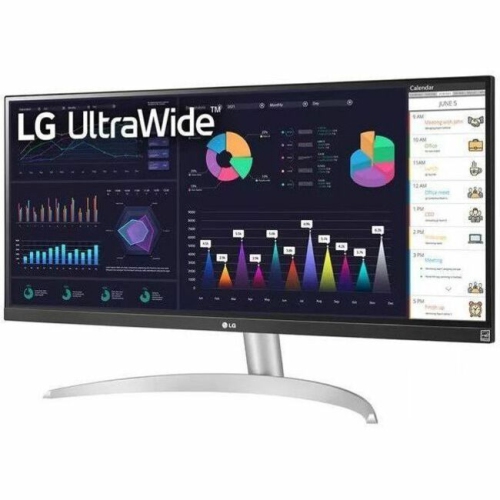 Your price for this item is $2217.68
 -
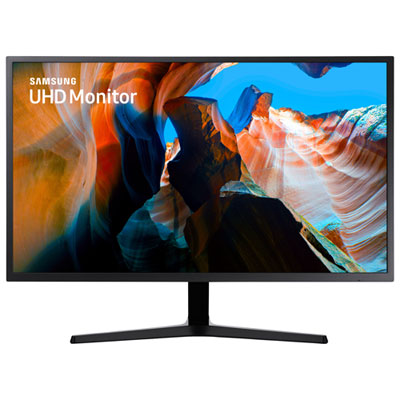 Your price for this item is $299.97
 -
 Your price for this item is $299
 -
 Your price for this item is $99.99
 -
 Your price for this item is $329.99
 -
 Your price for this item is $199.99
 -
 Your price for this item is $499
 -
 Your price for this item is $269.99
Discover more categories related to Monitors for Photoshop
Top Collections:
Pokemon Centers, Kindle Devices, Budget Smartphones, Budget 4K TVs, Apple iPhones 16, Canon G7X Cameras, iPhone 15 Apple, Alarm Clock, Budget-Friendly Wireless Earbuds, iPhone 14 256GB
Some products may be subject to Environmental Handling Fees
(EHF) depending on your province.
Learn more about EHFs.