Portable Monitors for Content Creators
Portable monitors for content creators offer flexibility and convenience, making it easier to work efficiently from any location. Whether editing photos, producing videos, or managing multiple projects on the go, these lightweight displays provide the extra screen space that creative professionals need. Explore a wide selection of portable monitors for content creators designed to support your workflow and help bring your ideas to life wherever inspiration strikes.
Sort
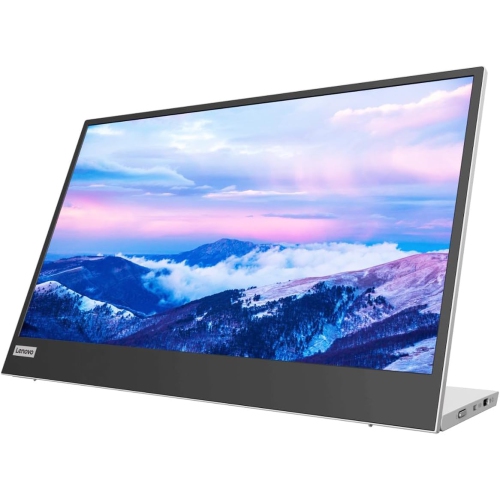
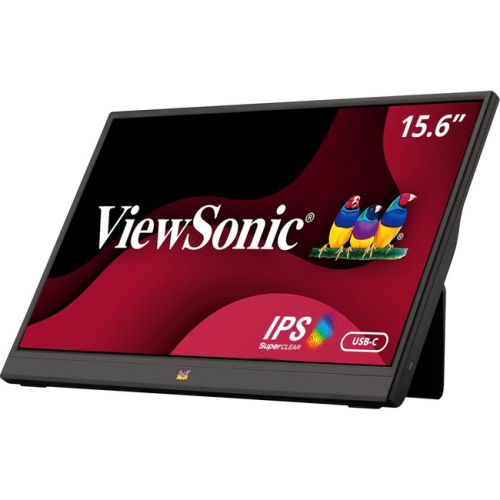

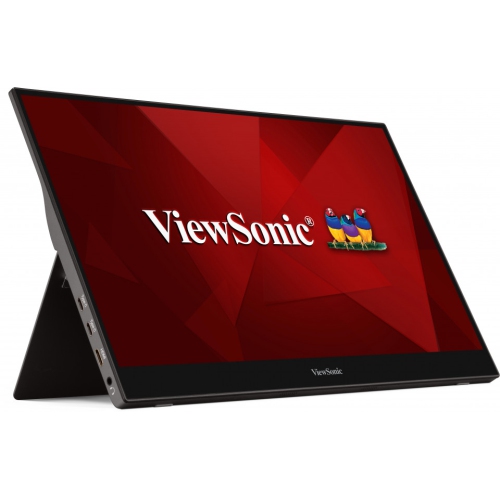
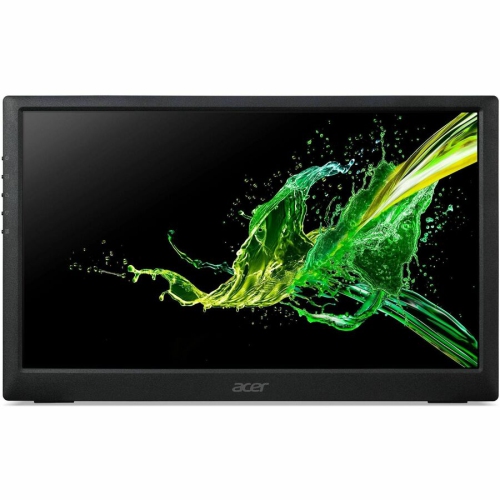
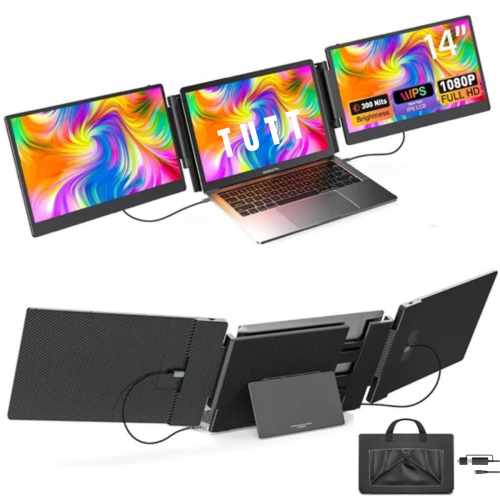
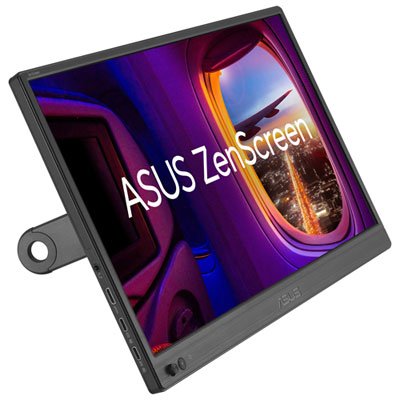
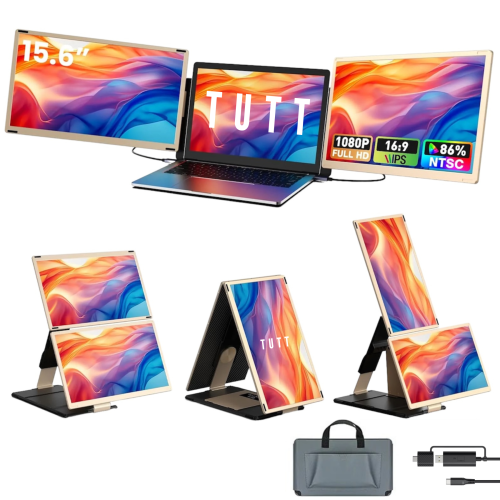
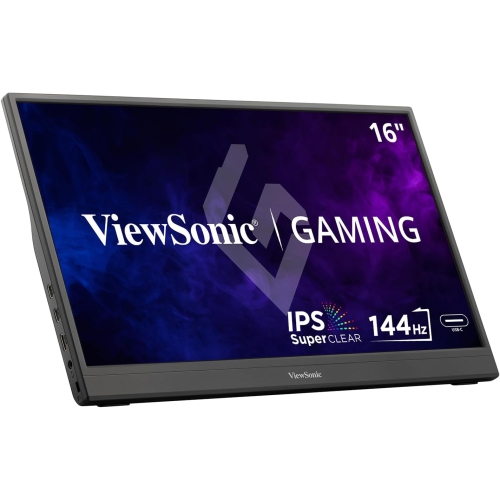
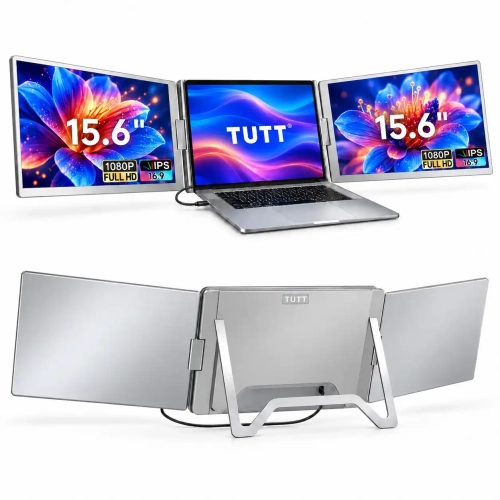
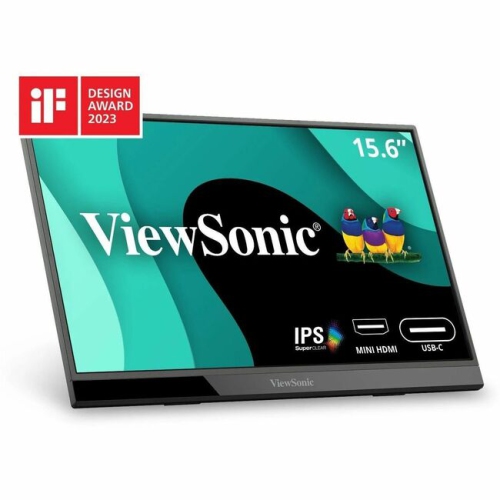
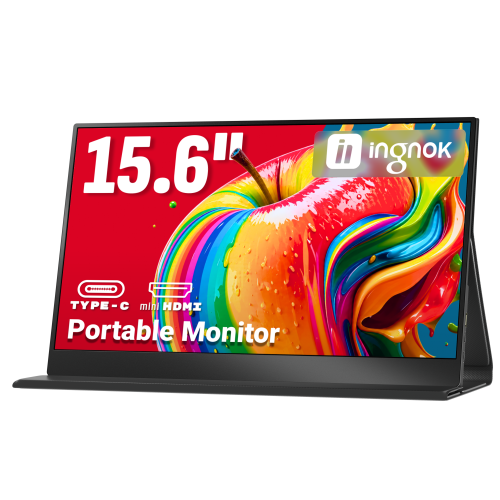
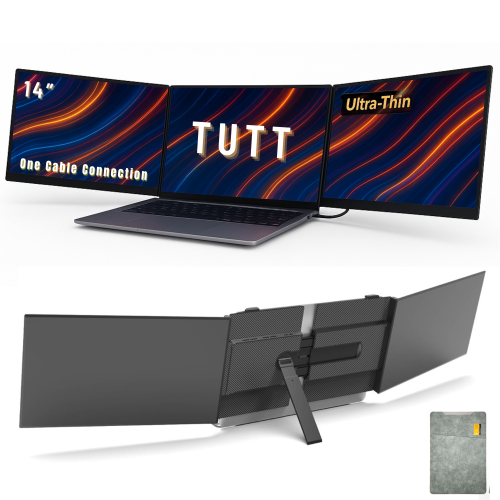
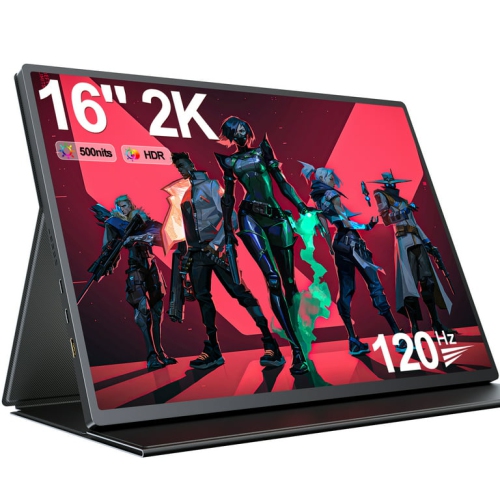
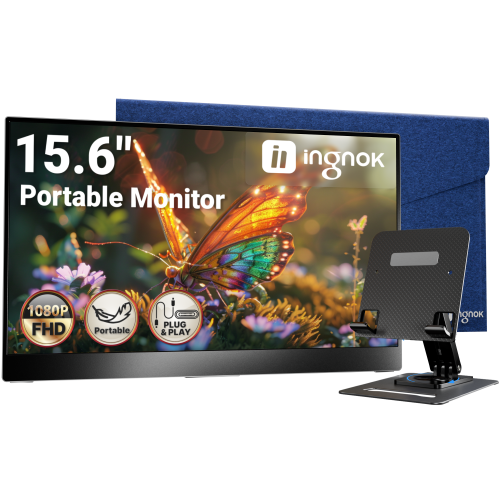
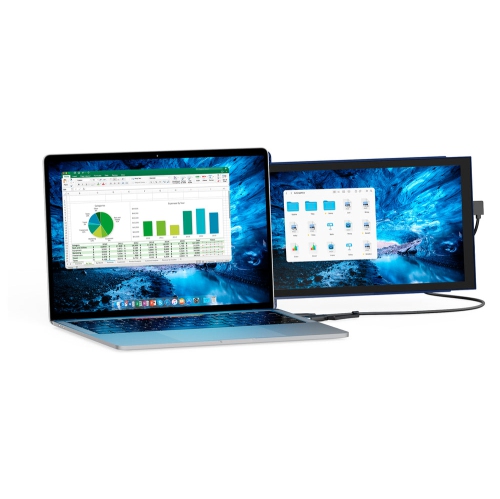
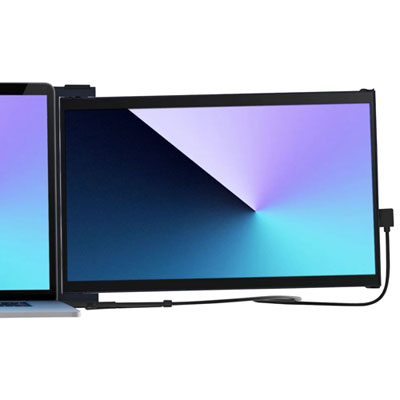
The right second screen depends on your workflow
Portable monitors for content creators add a second screen to a laptop-based workspace, giving photography, video, illustration, and publishing tasks more room without the bulk of a full-sized desktop display. Their value depends on the work assigned to them: a screen used to judge colour needs dependable colour performance, while one used for scripts, chat, reference images, or editing controls may be useful primarily for its extra workspace. A video editor can stretch a timeline across one display while keeping the preview on another; a photographer can separate image browsing from detailed retouching; a livestreamer can keep audience messages visible without covering the recording controls. For colour-sensitive work, colour-gamut coverage, accuracy, calibration options, and consistent brightness matter more than resolution alone. Coverage of sRGB is relevant to much web content, while wider gamuts such as DCI-P3 may support particular video and creative workflows. Gamut coverage describes the range of colours a display can reproduce, not how accurately it reproduces them. Factory calibration information and support for colour profiling can therefore be useful, especially when images move between screens. An IPS panel typically offers wide viewing angles, helping colours and contrast remain more consistent when the screen is viewed from the side. OLED panels can deliver deep blacks and strong contrast, although panel type alone does not establish colour accuracy. Resolution and screen size also work together: a higher-resolution panel can reveal fine detail, but interface scaling may be needed to keep toolbars and text comfortable to read on a compact display. For someone who primarily needs an extra place for captions, shot lists, or file folders, clear text and a practical screen size can matter more than the widest colour gamut. A matte finish can reduce distracting reflections, while a glossy surface may appear more reflective under overhead lighting. Neither finish replaces consistent lighting when judging an image, and matching brightness between displays can make a two-screen workspace less visually jarring.
Connections determine how easily a portable monitor fits into an existing creative setup. USB-C can carry video, data, and power through one cable when the monitor, cable, and connected device support the required functions, but a USB-C connector does not automatically mean video output is supported. Compatibility with DisplayPort Alt Mode or another supported video standard matters, as does the power available from the connected device. A monitor connected by HDMI will commonly need a separate power connection, and some setups need an adapter. This becomes particularly relevant when a laptop also has to accommodate external storage, an audio interface, a card reader, or a charger. A single-cable arrangement can keep a small desk tidy, but powering a display from a laptop also adds to its battery load. Displays with built-in batteries can reduce dependence on an outlet, although their weight and operating time deserve consideration. Physical fit is just as important as the connection list. Screen dimensions, total weight, stand depth, and cable placement affect whether a display feels manageable beside a laptop or crowded on a narrow work surface. A 15-inch screen may be easy to pack, while a larger panel can provide more comfortable space for a video timeline or a detailed layout. Landscape orientation suits many editing applications, while supported portrait use can be helpful for vertical video, page layouts, and long reference documents. A secure stand with useful tilt adjustment keeps the screen steady during everyday work; height adjustment or a compatible mounting option can help place it closer to eye level. Touch input can make navigation more direct, but support depends on the connected device, operating system, and connection method. A touchscreen is not necessarily a drawing display, and pressure-sensitive pen input requires explicit compatibility. Built-in speakers can handle basic playback, but headphones or dedicated audio equipment are generally better suited to detailed sound editing. These practical differences shape how comfortably a display fits into a creator’s routine, beyond the specifications of the panel itself.
For people who alternate between client offices, shared desks, and a home studio, portable monitors for creative professionals can make a familiar two-screen arrangement easier to recreate. A designer might keep a client brief open beside a layout, while a creator working on a tutorial can separate presentation notes from the material being recorded. The display’s construction and accessories influence how well it handles that movement. A metal housing can feel rigid and substantial, while a plastic shell may help reduce carrying weight; neither material alone guarantees resistance to knocks or pressure. Hinges, stand attachment points, exposed corners, and connector placement deserve attention because they are handled repeatedly during setup and packing. A folding cover may double as a stand, but its stability can vary with the angle and work surface. A protective sleeve helps prevent scuffs in a bag, while a structured compartment offers more separation from chargers, camera equipment, and other hard objects. Keeping pressure off the panel is particularly important when packing a slim display alongside a laptop. For routine care, power down and unplug the monitor before wiping it gently with a clean microfibre cloth, following the manufacturer’s cleaning directions. Avoid spraying liquid directly onto the screen or applying pressure to remove a mark. Cables last better when disconnected by the plug rather than pulled by the cord, and packing them separately helps prevent connectors from pressing into the display. For a student building a creative portfolio, a freelance photographer, or a family member developing a video channel, a portable monitor can also be a thoughtful gift when its connections and intended role match their equipment. Someone who edits photographs may appreciate verified colour performance, while someone managing scripts and publishing schedules may benefit most from readable text and straightforward setup. The most useful fit is a display that supports the recipient’s actual work and is easy enough to carry, connect, and position that it becomes part of the routine.
Top selling and popular products
-
 Your price for this item is $783.68
-
 Your price for this item is $299
-
 Your price for this item is $469
-
 Your price for this item is $94.99
-
 Your price for this item is $177.99
-
 Your price for this item is $229.99
-
 Your price for this item is $1138.68
-
 Your price for this item is $355.68
Discover more categories related to Portable Monitors for Content Creators
Top Collections:
Best Black Friday Deals This Year, Best Black Friday Deals On Electronics, Kindle Devices, Dyson Airwrap, Best Cameras for Sports Photography, Best Budget Office Chairs, Canon G7X Cameras, PS5 Pro Consoles, Best Black Friday Deals On Apple Products, XBOX One S Consoles
Some products may be subject to Environmental Handling Fees
(EHF) depending on your province.
Learn more about EHFs.