Portable Monitors For Video Editing And Content Creation
Portable Monitors For Video Editing And Content Creation offer flexibility and convenience for professionals and enthusiasts who need to work on the go or expand their workspace. Whether you are editing videos, creating graphics, or collaborating with a team, these monitors provide the extra screen real estate needed to boost productivity and enhance your workflow. Explore a wide range of portable monitors designed to meet the demands of video editing and content creation, making it easier to achieve precise results wherever your projects take you.
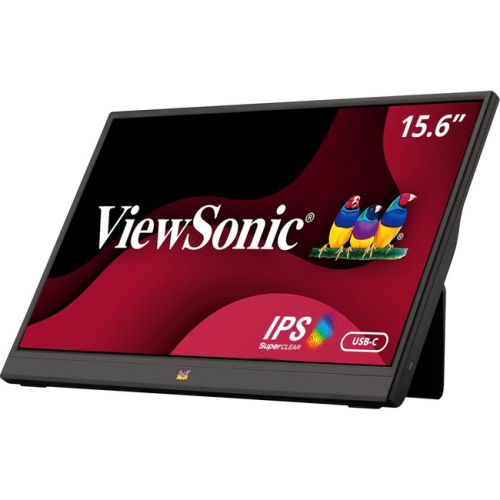
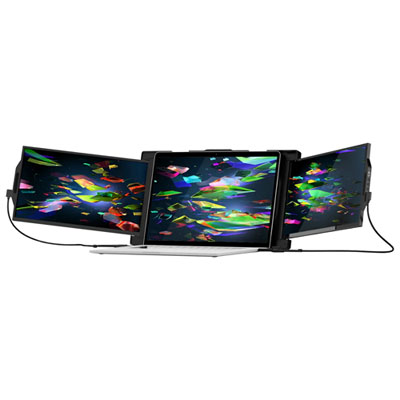
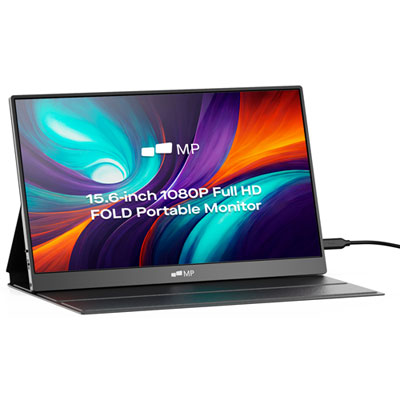
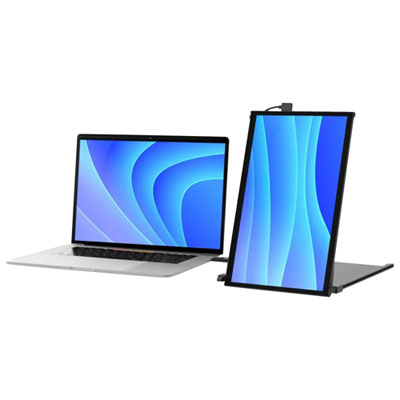
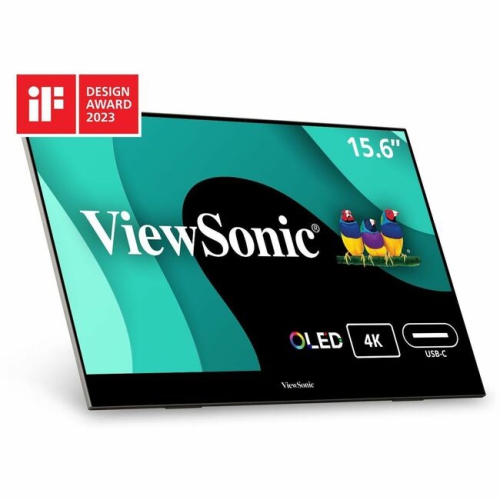
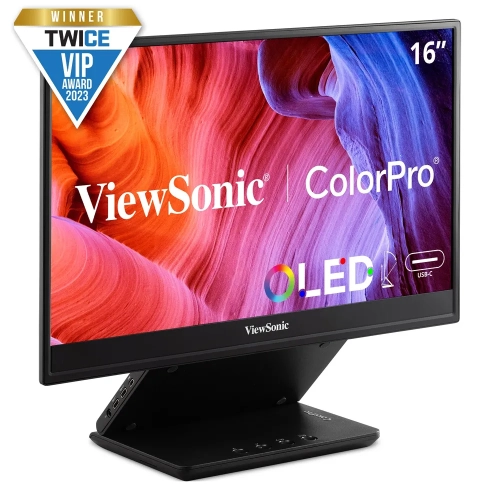
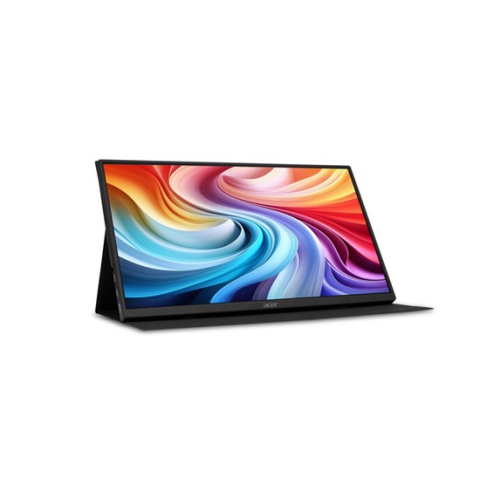
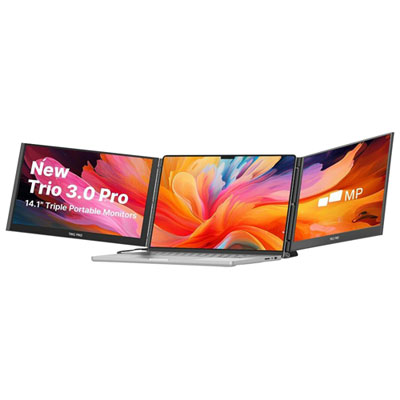
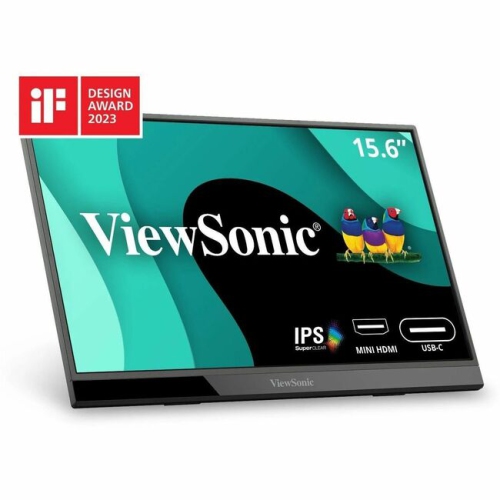
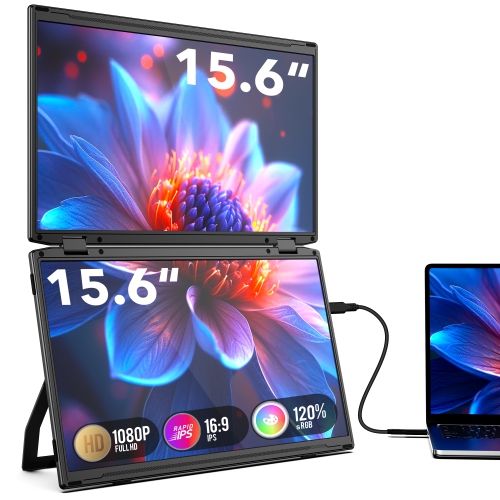
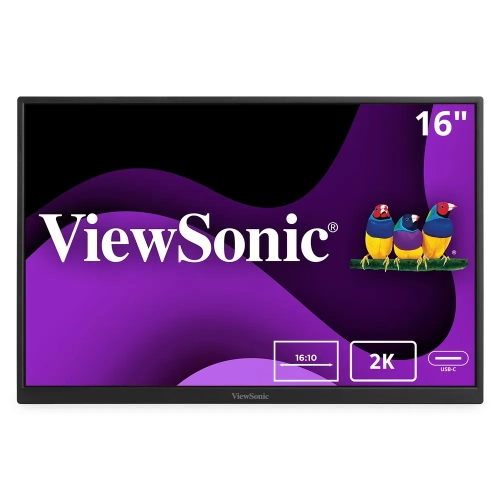
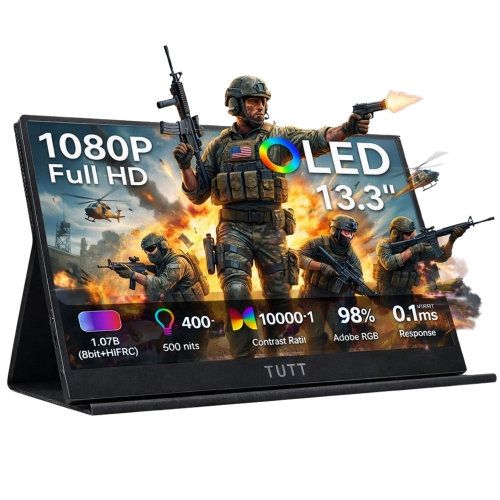
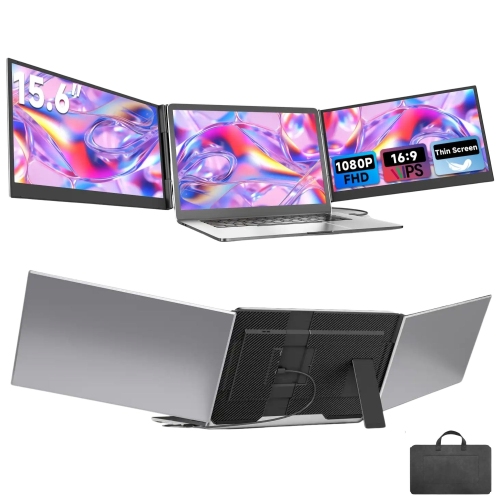
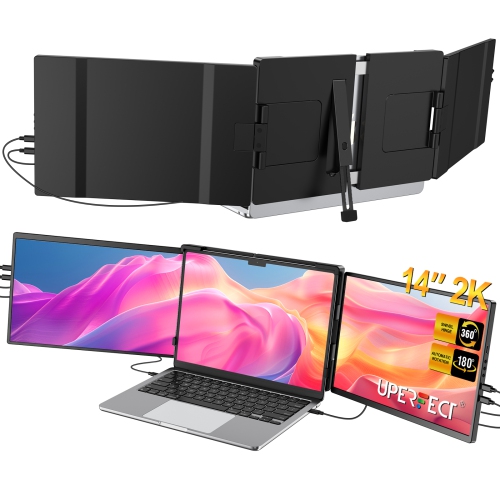
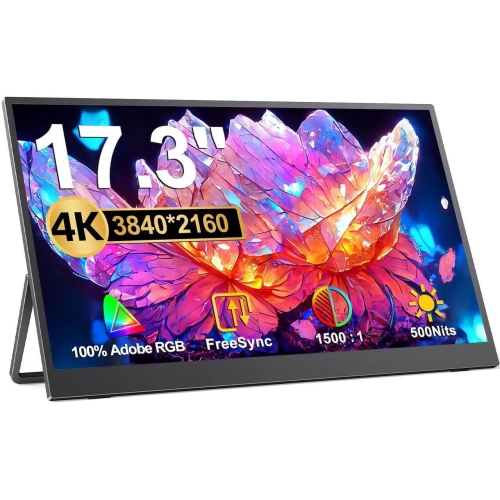
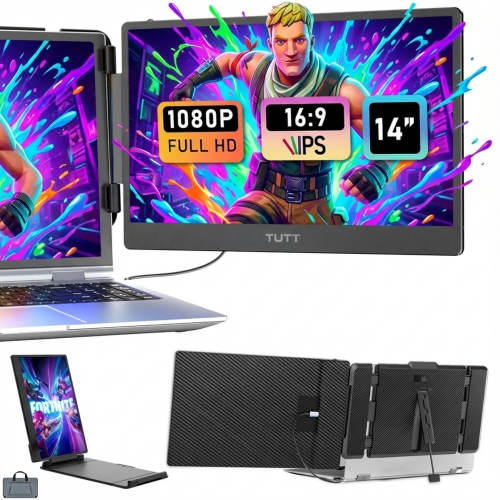
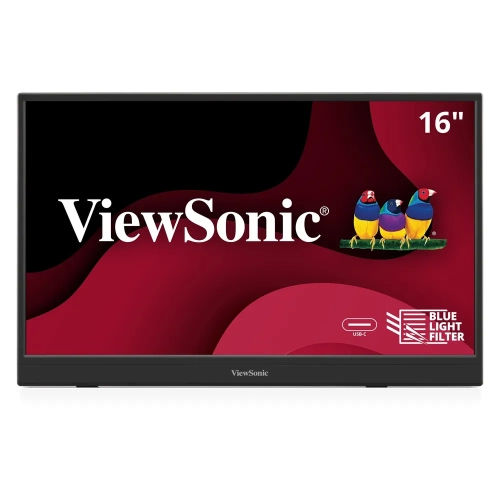
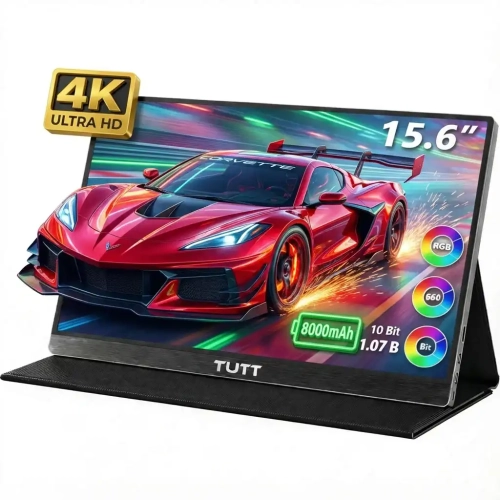
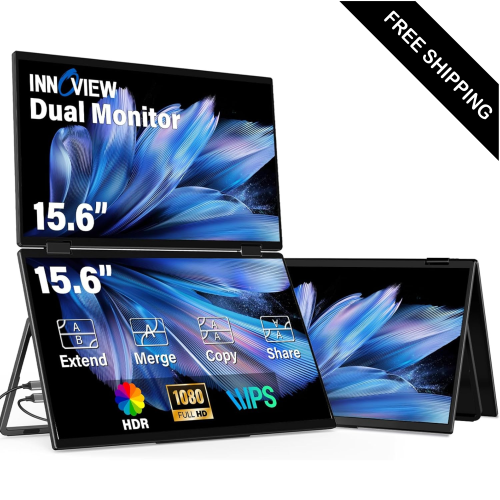
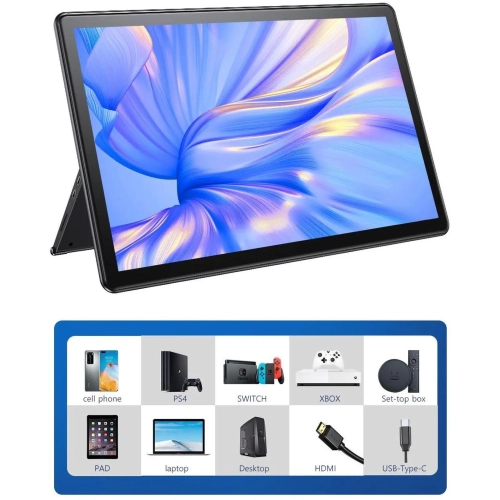
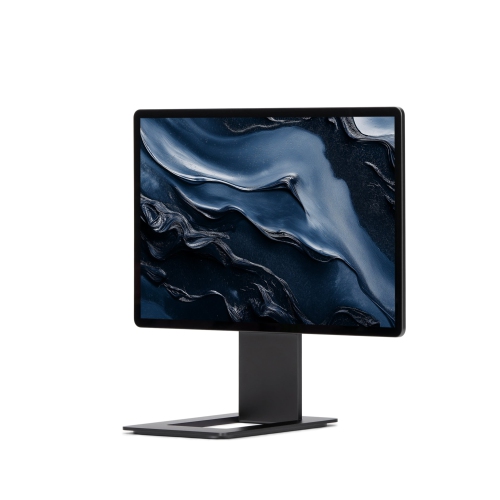
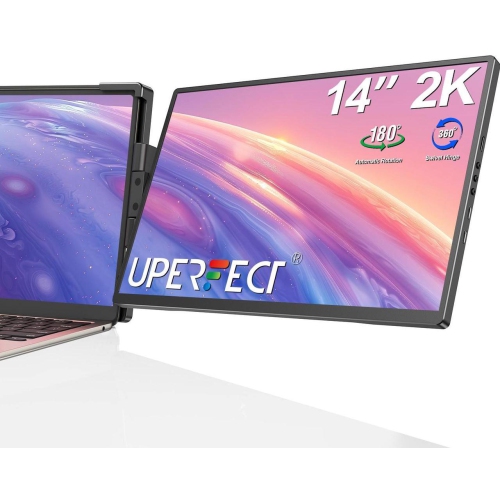
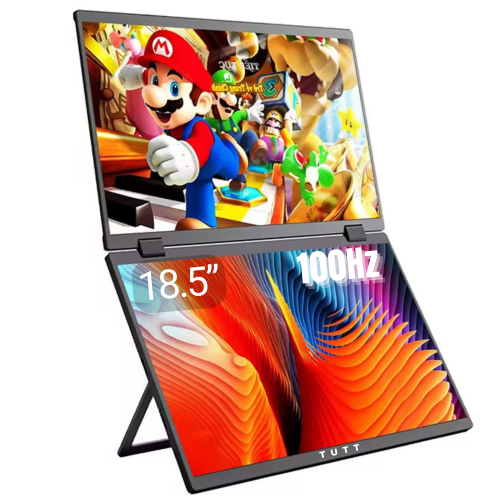

Flexible editing workflows for creators on the move
When considering a portable monitor for video editing, there are several key factors to keep in mind to ensure it meets your creative needs. Display quality is paramount—look for high resolution, accurate colour reproduction, and wide viewing angles to ensure your edits look consistent across different devices. Many monitors offer features like HDR support or factory calibration, which can be especially valuable for colour-critical work. Connectivity is another major consideration; options such as USB-C, HDMI, and DisplayPort provide compatibility with a wide range of laptops, tablets, and even cameras, making it easier to set up your workstation wherever you are. Touchscreen capabilities, integrated stands, and adjustable brightness settings are also worth considering, particularly if you often work in varied lighting conditions or need to make quick adjustments on the go. For those who travel frequently or move between locations, durability and build quality can make a significant difference—sturdy construction and protective carrying cases help ensure your monitor stands up to the rigours of daily use.
Portable monitors can also make thoughtful gifts for students heading back to school, creative professionals upgrading their gear, or anyone who enjoys editing videos and photos as a hobby. They’re a practical addition for digital nomads, remote workers, or anyone looking to maximize productivity during the cooler months when more time may be spent indoors. For more information on choosing the right display for your workflow, explore the full range of Portable Monitors for Video Editing to find the perfect match for your creative ambitions. Whether you’re editing footage from a summer adventure or refining a project as autumn approaches, a portable monitor offers the freedom and flexibility to create wherever you feel most inspired.
FAQ
What features should I look for in a portable monitor for video editing and content creation?
When choosing a portable monitor for video editing and content creation, consider features such as high color accuracy (look for monitors with wide color gamuts like sRGB or Adobe RGB), high resolution (Full HD or higher), good brightness levels, multiple connectivity options (USB-C, HDMI), and adjustable stands for comfortable viewing angles.
Are portable monitors compatible with both Mac and Windows laptops?
Most portable monitors are designed to be compatible with both Mac and Windows laptops. They typically connect via USB-C or HDMI ports, which are standard on many devices. Always check the monitor's compatibility specifications to ensure it works with your laptop's operating system and available ports.
Can I use a portable monitor as a second screen for creative software like Adobe Premiere Pro or Photoshop?
Yes, portable monitors can be used as a second screen for creative software such as Adobe Premiere Pro, Photoshop, and other editing tools. This setup can help increase productivity by providing additional workspace for timelines, toolbars, or reference images.
Do portable monitors require external power sources?
Many modern portable monitors can be powered directly through a USB-C connection from your laptop or device. However, some models may require an external power source, especially if they have higher brightness levels or larger screens. Always review the power requirements before purchasing.
How do I calibrate a portable monitor for accurate color reproduction during content creation?
To achieve accurate color reproduction on a portable monitor, use calibration tools such as colorimeters along with calibration software. Many monitors also come with built-in presets for different color spaces. Regular calibration ensures consistent and precise colors when editing photos or videos.
Top selling and popular products
-
 Your price for this item is $783.68
-
 Your price for this item is $299
-
 Your price for this item is $469
-
 Your price for this item is $94.99
-
 Your price for this item is $177.99
-
 Your price for this item is $229.99
-
 Your price for this item is $1138.68
-
 Your price for this item is $355.68