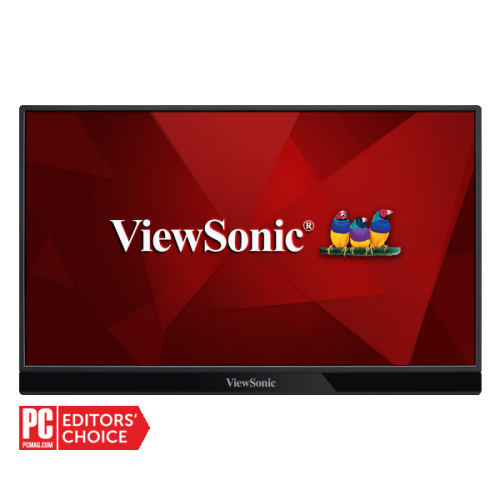
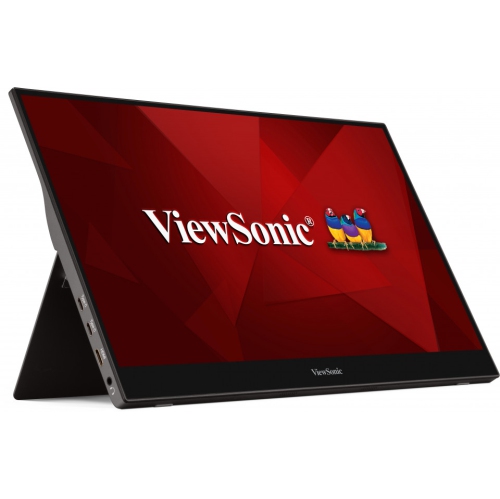
Portable Monitors for MacBook Pro
Enhance your workspace and productivity with portable monitors for MacBook Pro, designed to offer flexible display solutions wherever you go. Whether you need an extra screen for multitasking on the road or a compact setup at home, these monitors provide convenient options for expanding your viewing area. Discover a range of sizes and connectivity choices to find the perfect portable monitor for your MacBook Pro setup.
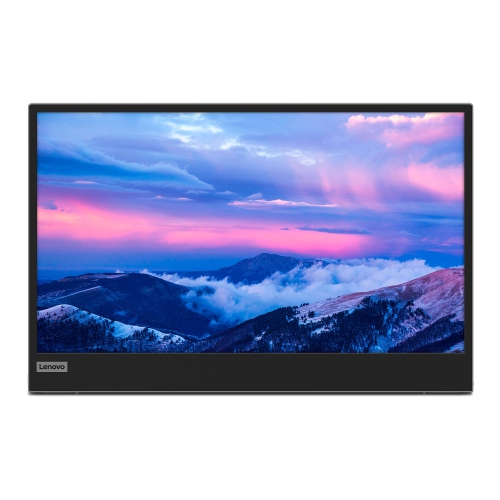
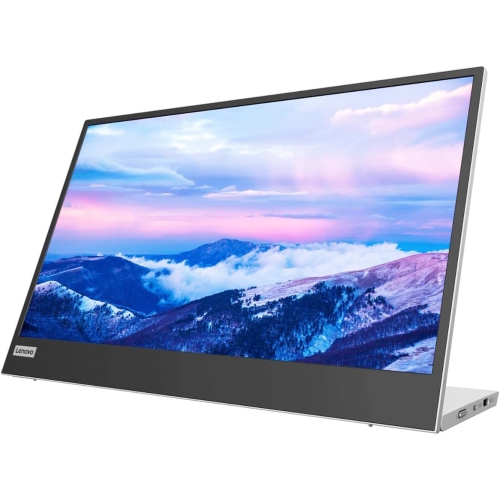
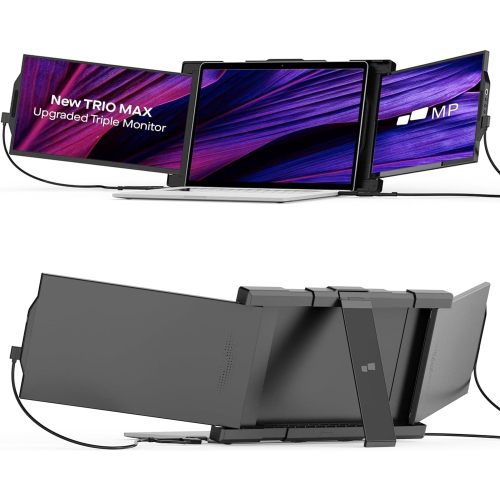
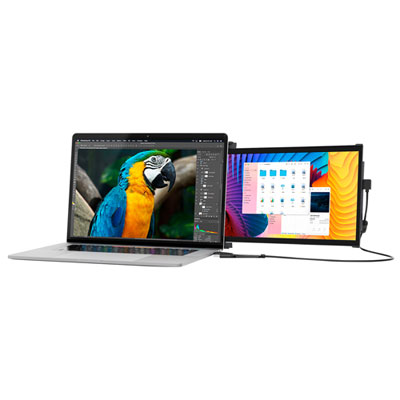
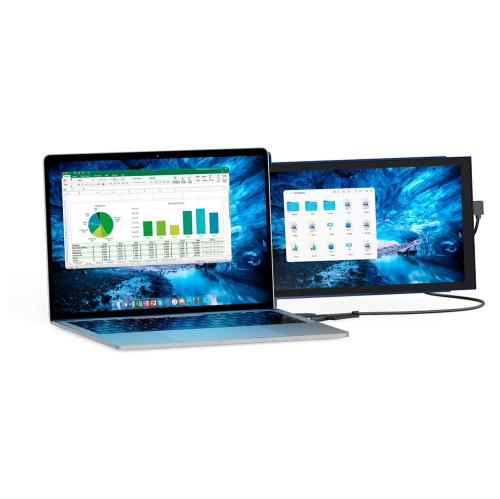
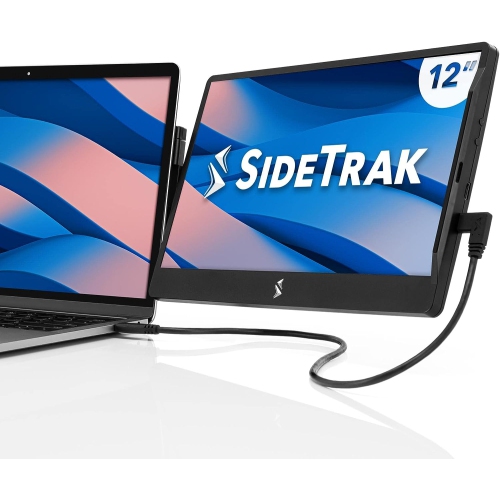
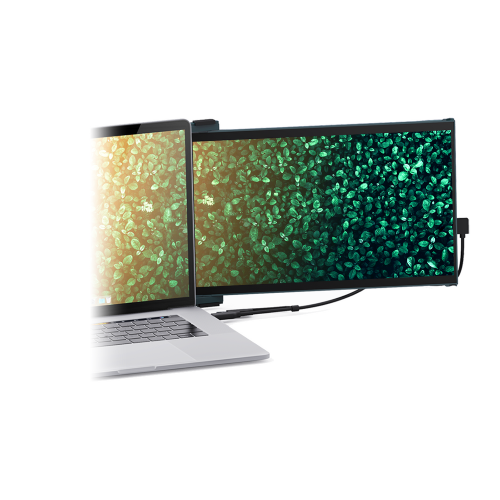
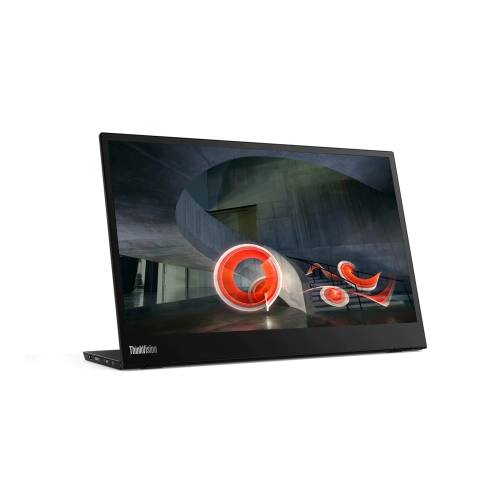
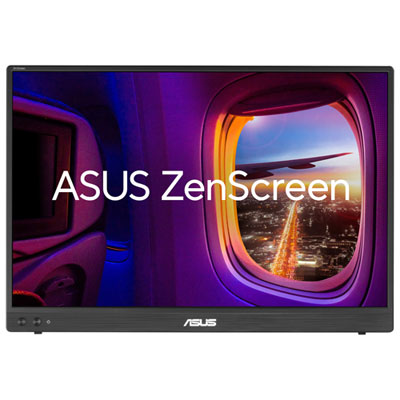
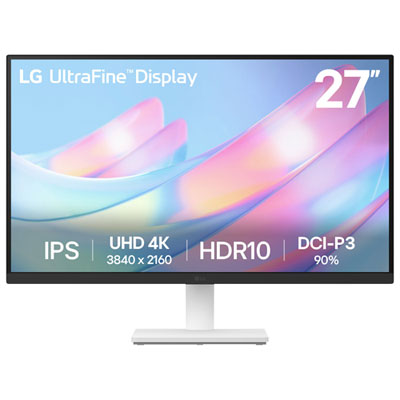
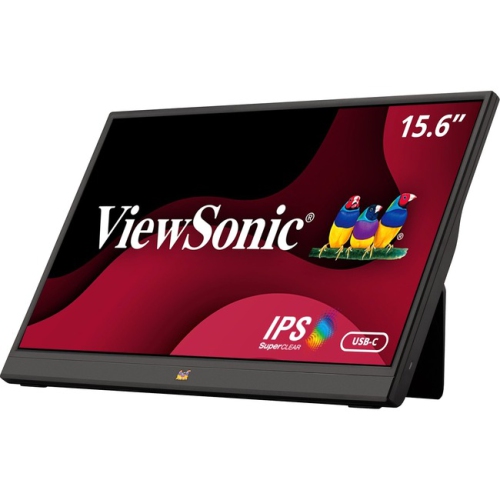
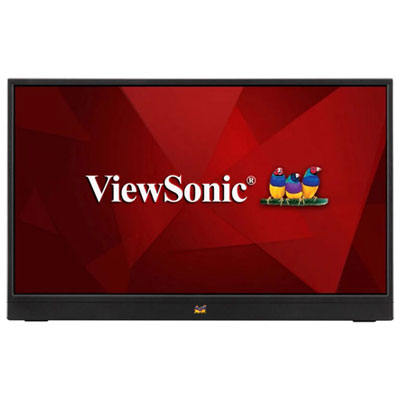
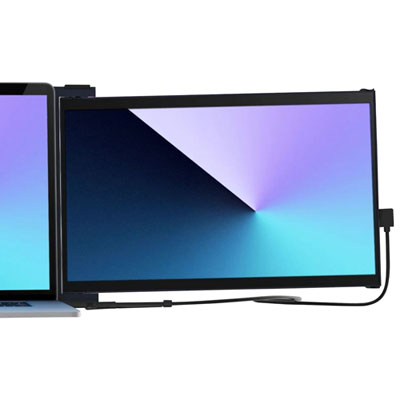
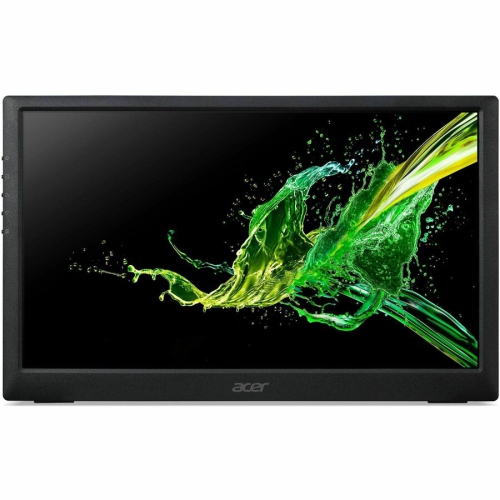
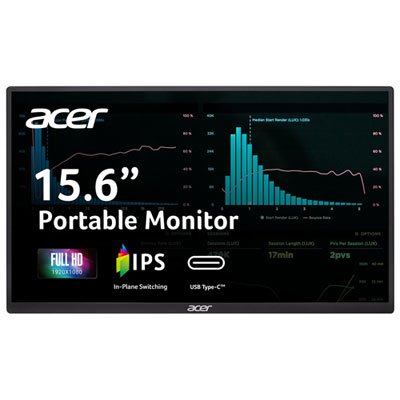
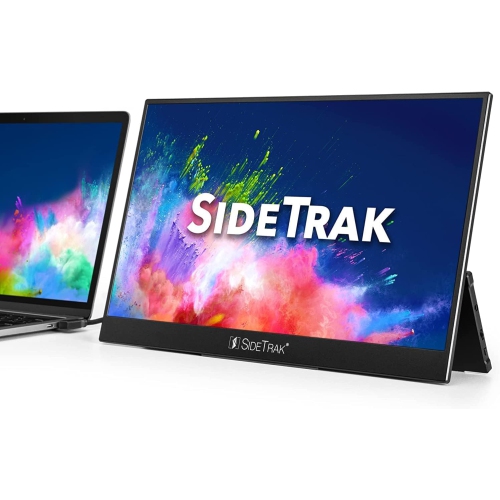

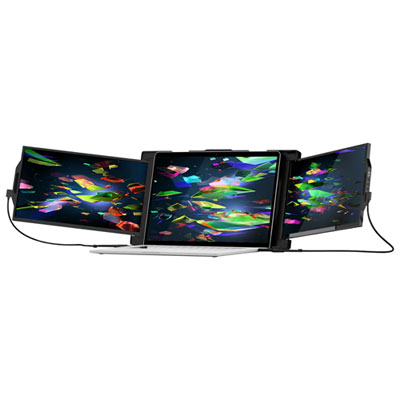
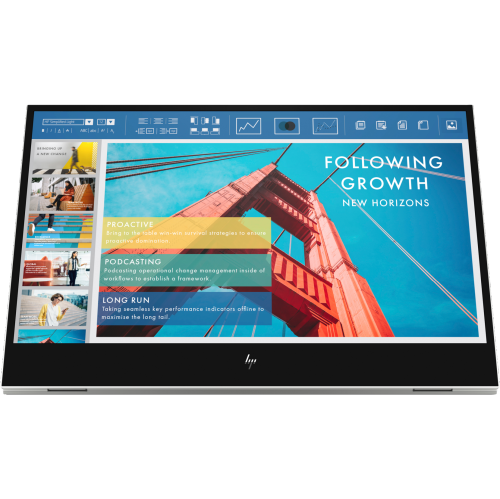
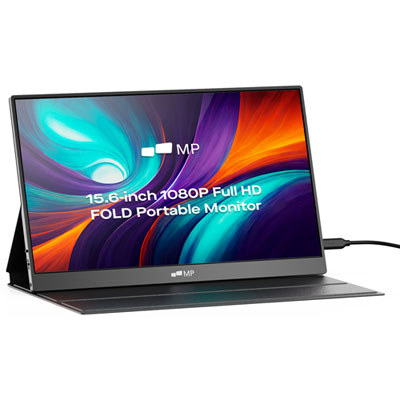

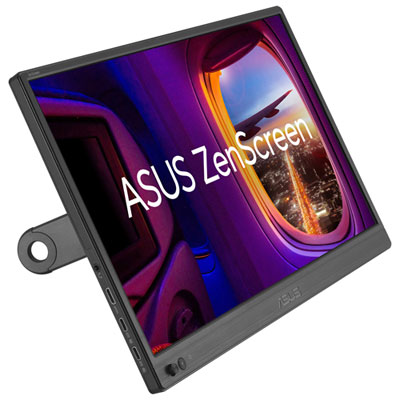
Extra screen space for flexible work anywhere
When considering a portable monitor for a MacBook Pro, there are a few key factors to keep in mind to ensure the best fit for your needs. Screen size and resolution are at the top of the list—some users prefer a compact 13-inch display that slips effortlessly into a backpack, while others might opt for a larger 15- or 17-inch model to maximize productivity. Connectivity is another crucial consideration, especially for MacBook Pro users who may rely on USB-C or Thunderbolt ports for seamless plug-and-play compatibility. Weight and overall build quality can make a significant difference, particularly for those who plan to carry their monitor between home, office, and other locations. Some portable monitors come with built-in stands or protective cases, making them even more convenient for on-the-go use. Touchscreen functionality, adjustable brightness, and built-in speakers are additional features that can elevate the user experience, depending on your workflow and preferences.
Portable monitors also make thoughtful gifts for graduates heading off to university, professionals starting a new job, or anyone who values flexibility in their tech setup. As the weather warms and people embrace working from different locations—whether that’s a sunny backyard, a shared workspace, or while travelling—having a portable monitor on hand can help maintain productivity and comfort without sacrificing screen space. Whether you’re shopping for yourself or someone else, exploring the wide range of Mac Portable Monitors available can help you find the perfect match for your work style, creative projects, or study needs. With so many options tailored to different lifestyles and preferences, it’s easier than ever to create a flexible, efficient, and inspiring workspace wherever you go.
FAQ
Are portable monitors compatible with MacBook Pro?
Yes, most portable monitors are compatible with MacBook Pro, especially those that support USB-C or Thunderbolt connections. Always check the monitor’s specifications to ensure it supports macOS and the connection type available on your MacBook Pro.
What features should I look for in a portable monitor for my MacBook Pro?
Key features to consider include USB-C connectivity for easy plug-and-play use, high resolution for clear visuals, lightweight design for portability, and compatibility with macOS. Some models also offer touch functionality or built-in speakers.
Can I use a portable monitor as a second screen with my MacBook Pro?
Absolutely! Portable monitors are a popular choice for expanding your workspace by serving as a second screen. This can help boost productivity by allowing you to multitask more efficiently.
Do I need additional software to use a portable monitor with my MacBook Pro?
Most portable monitors work seamlessly with MacBook Pro without the need for extra software, especially when using USB-C or Thunderbolt connections. However, some advanced features like touch input may require driver installation.
How do I connect a portable monitor to my MacBook Pro?
You can connect a portable monitor to your MacBook Pro using a compatible cable, such as USB-C or HDMI (with an adapter if needed). Simply plug the monitor into your laptop and select it as an external display in your system preferences.
Top selling and popular products
-
 Your price for this item is $299
 -
 Your price for this item is $469
 -
 Your price for this item is $149.99
 -
 Your price for this item is $329.99
 -
 Your price for this item is $499
 -
 Your price for this item is $199.99
 -
 Your price for this item is $249.99
 -
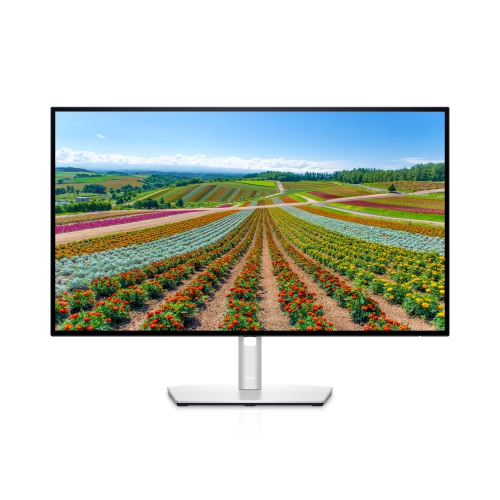 Your price for this item is $569.99