Monitors for MacBooks
Monitors for MacBooks offer seamless compatibility and enhanced productivity for your workspace. Whether you're working from home, editing photos, or streaming entertainment, the right monitor can help you make the most of your MacBook. Explore a wide selection designed to deliver clear visuals and reliable performance, making it easy to expand your screen real estate and multitask efficiently. Find monitors for MacBooks that suit your setup and elevate your daily computing experience.
Sort
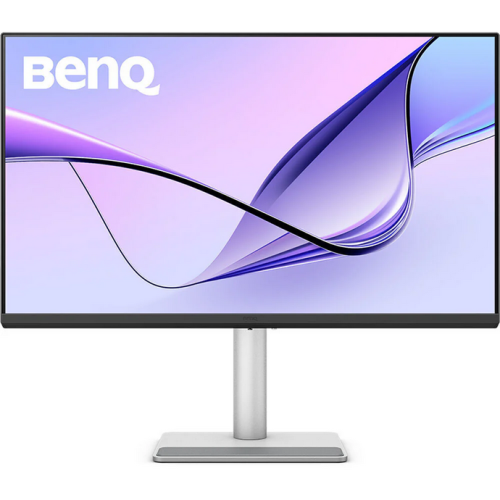

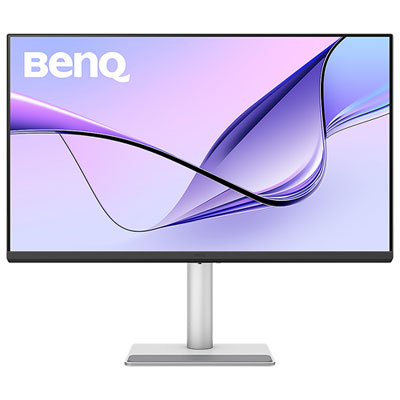
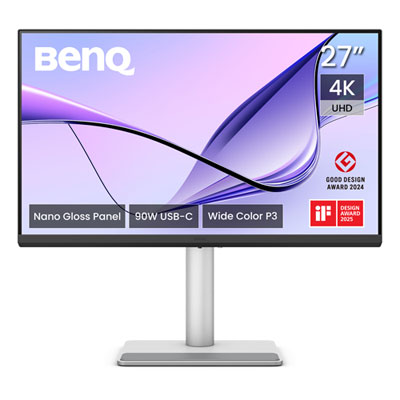
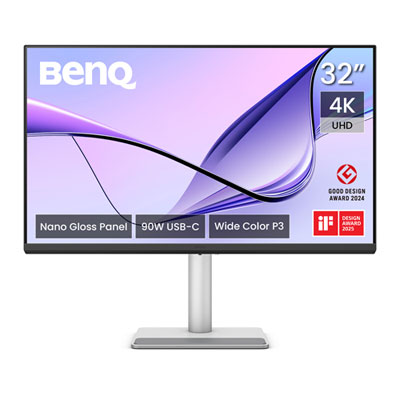
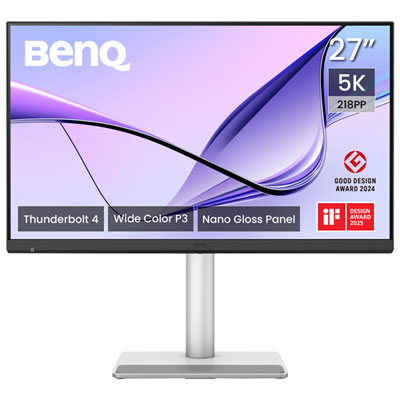
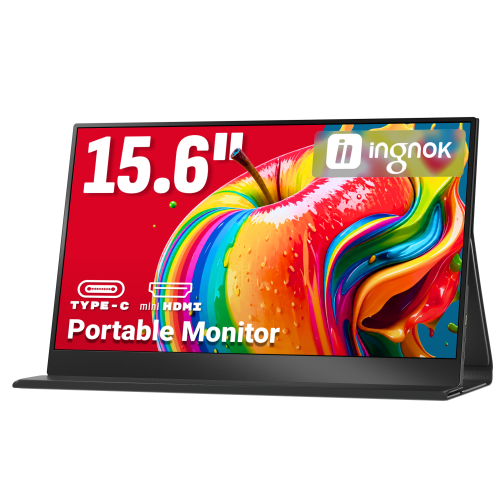
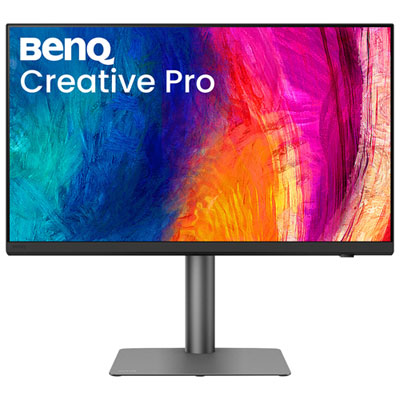
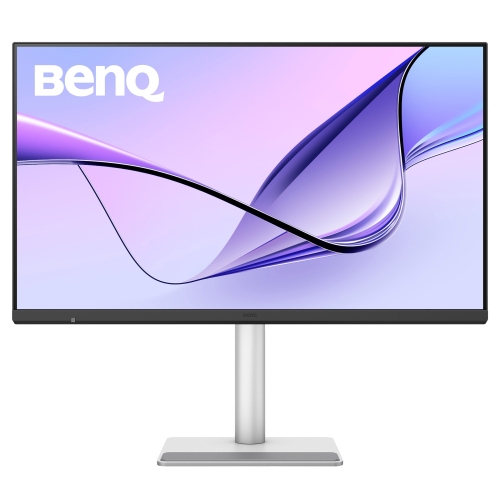
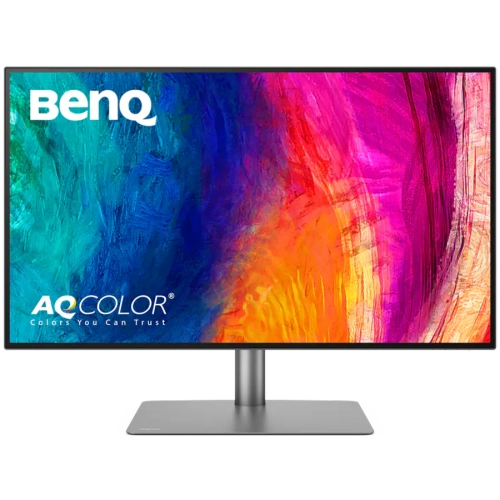
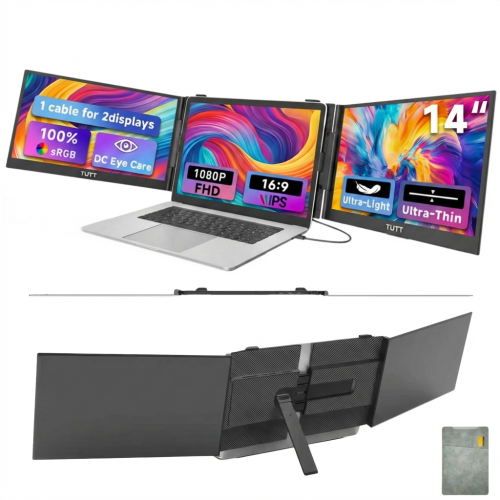
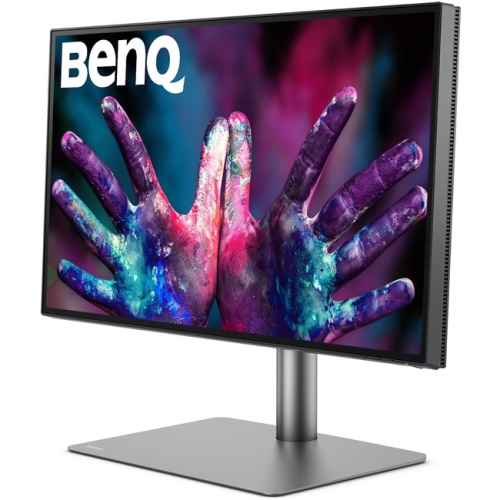
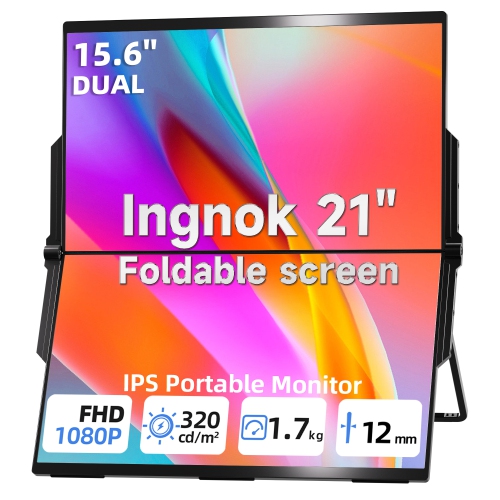
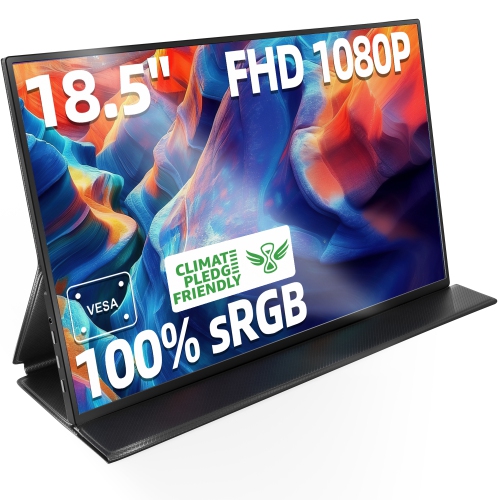
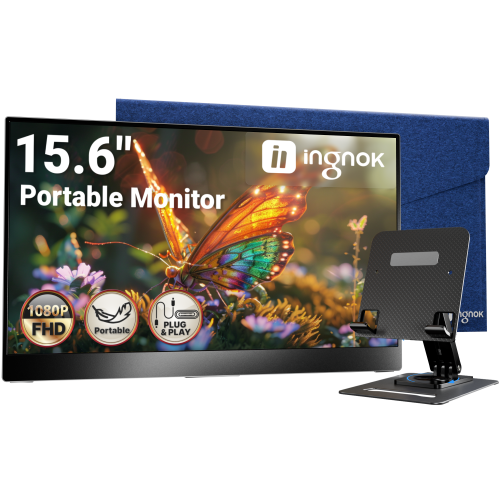
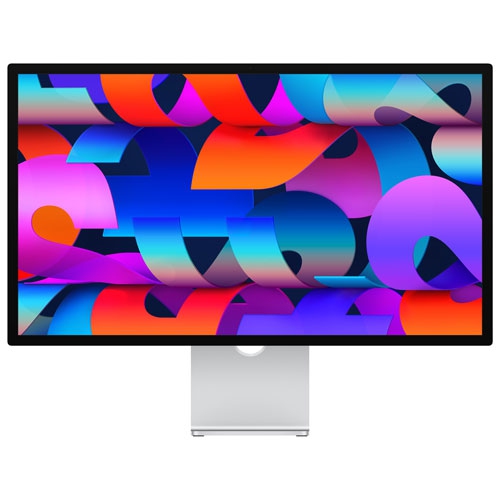

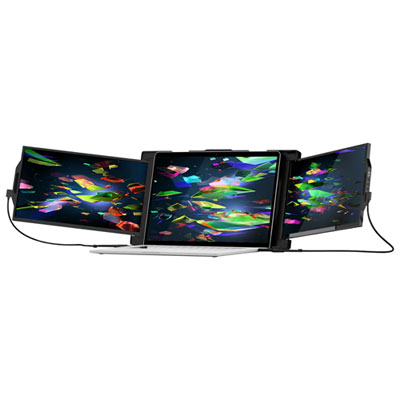
Sharper visuals and simpler setups for every MacBook workflow
When searching for the best screen for Mac, it’s important to consider how a monitor will enhance your everyday experience—whether you’re a creative professional seeking vibrant colour accuracy, a student attending virtual classes, or someone working from home who needs extra space to multitask efficiently. Monitors designed for MacBooks often feature 4K or even 5K resolution, which delivers crisp, detailed visuals that make text easier to read and images more lifelike. Many models support the P3 colour gamut, which is ideal for those who edit photos, design graphics, or work with video, ensuring colours remain true to what you see on your MacBook’s built-in display. Thunderbolt and USB-C connectivity are also key considerations, as they provide fast data transfer, streamlined cable management, and power delivery—often enough to charge your MacBook directly through the monitor, reducing desktop clutter. During the late spring and summer months, as natural light shifts and workspaces move closer to windows or even outdoors, having a monitor with adjustable brightness and an anti-glare coating can make long sessions more comfortable and productive.
Monitors for MacBooks are a thoughtful gift for university students preparing for a new semester, graphic designers setting up a home studio, or anyone upgrading their home office. As the weather warms and routines become more flexible, many people find themselves working from different locations, making portability and versatility increasingly important. Some monitors are slim enough to slip into a backpack alongside your MacBook, perfect for those who split time between home, co-working spaces, or even a shaded patio. For added convenience, screens with built-in speakers, ergonomic stands, and customizable viewing angles help create a seamless setup wherever you go. If you’re looking for a solution that travels as easily as your laptop, explore options like Portable Monitors for MacBook Pro, which offer flexibility without sacrificing image quality or connectivity. Whether you’re fine-tuning a design project, presenting to clients, or catching up on your favourite shows, the right monitor can transform your MacBook into a powerful workstation or entertainment hub.
Choosing a monitor tailored for MacBooks means thinking about more than just screen size or resolution. Consider your workflow and the types of tasks you do most often. If you’re editing high-resolution images, look for monitors with factory-calibrated colour accuracy and wide viewing angles. For professionals who join frequent video calls, a built-in webcam and microphone can simplify your setup. If you need to connect multiple devices, extra ports like HDMI, DisplayPort, or additional USB-C inputs can keep everything organized. As days grow longer and you find yourself working late into the evening, features like blue light reduction and flicker-free technology can help reduce eye strain. Whether you’re setting up a permanent home office or need a flexible display for life on the go, the right monitor will help you get the most out of your MacBook all season long.
Monitors for MacBooks are a thoughtful gift for university students preparing for a new semester, graphic designers setting up a home studio, or anyone upgrading their home office. As the weather warms and routines become more flexible, many people find themselves working from different locations, making portability and versatility increasingly important. Some monitors are slim enough to slip into a backpack alongside your MacBook, perfect for those who split time between home, co-working spaces, or even a shaded patio. For added convenience, screens with built-in speakers, ergonomic stands, and customizable viewing angles help create a seamless setup wherever you go. If you’re looking for a solution that travels as easily as your laptop, explore options like Portable Monitors for MacBook Pro, which offer flexibility without sacrificing image quality or connectivity. Whether you’re fine-tuning a design project, presenting to clients, or catching up on your favourite shows, the right monitor can transform your MacBook into a powerful workstation or entertainment hub.
Choosing a monitor tailored for MacBooks means thinking about more than just screen size or resolution. Consider your workflow and the types of tasks you do most often. If you’re editing high-resolution images, look for monitors with factory-calibrated colour accuracy and wide viewing angles. For professionals who join frequent video calls, a built-in webcam and microphone can simplify your setup. If you need to connect multiple devices, extra ports like HDMI, DisplayPort, or additional USB-C inputs can keep everything organized. As days grow longer and you find yourself working late into the evening, features like blue light reduction and flicker-free technology can help reduce eye strain. Whether you’re setting up a permanent home office or need a flexible display for life on the go, the right monitor will help you get the most out of your MacBook all season long.
Top selling and popular products
-
 Your price for this item is $299
 -
 Your price for this item is $469
 -
 Your price for this item is $149.99
 -
 Your price for this item is $329.99
 -
 Your price for this item is $499
 -
 Your price for this item is $199.99
 -
 Your price for this item is $249.99
 -
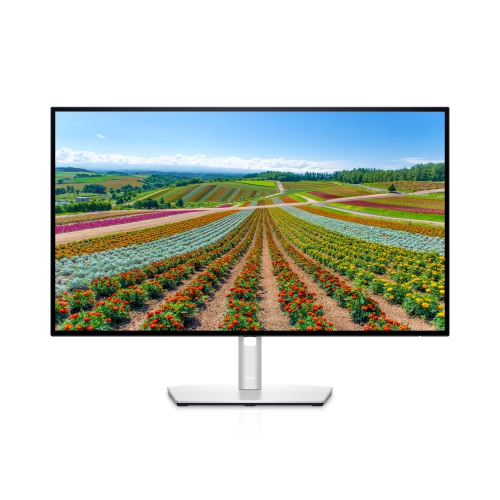 Your price for this item is $569.99
Discover more categories related to Monitors for MacBooks


Top Collections:
Pokemon Centers, Best Cameras for Sports Photography, Kindle Devices, Samsung Galaxy Phones, Canon G7X Cameras, Pokémon 30th Celebration Cards, Refurbished Apple Laptops, iPhone 15 Apple, Laptops for Students, Budget Smartphones
Some products may be subject to Environmental Handling Fees
(EHF) depending on your province.
Learn more about EHFs.