Portable Printers for iPhone
Discover the convenience and versatility of a portable printer for iPhone, designed to help you print photos, documents, and more directly from your device. Ideal for those on the go, these compact printers make it easy to capture memories or handle important tasks wherever you are. Whether you're traveling, working remotely, or simply want to keep your workspace clutter-free, a portable printer for iPhone offers a seamless solution for instant printing needs. Explore a range of options that pair effortlessly with your smartphone for quick and reliable results every time.
Sort
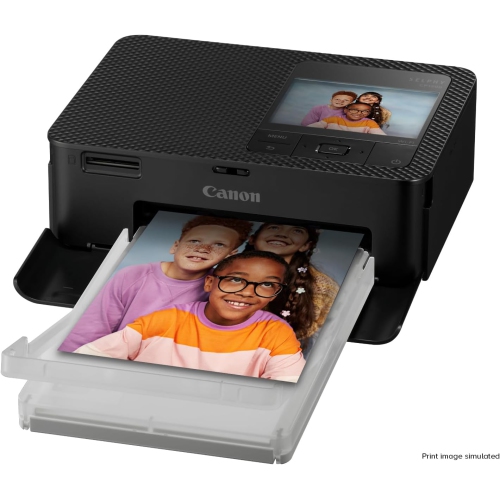
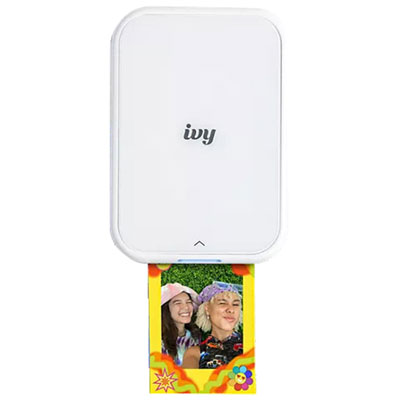
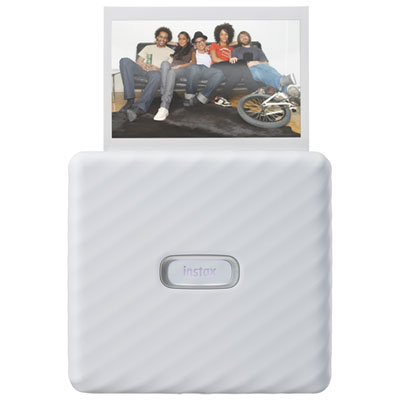
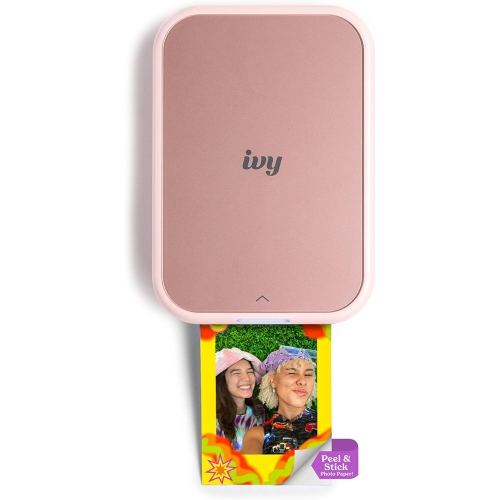
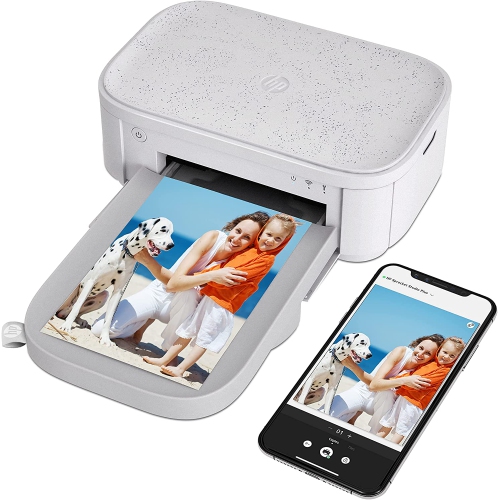
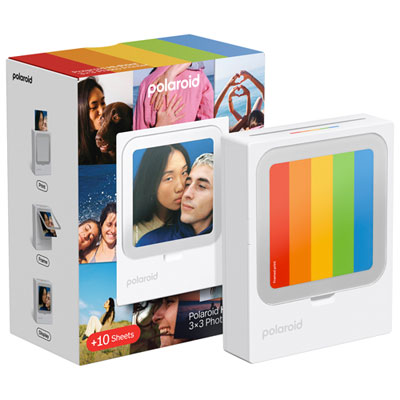

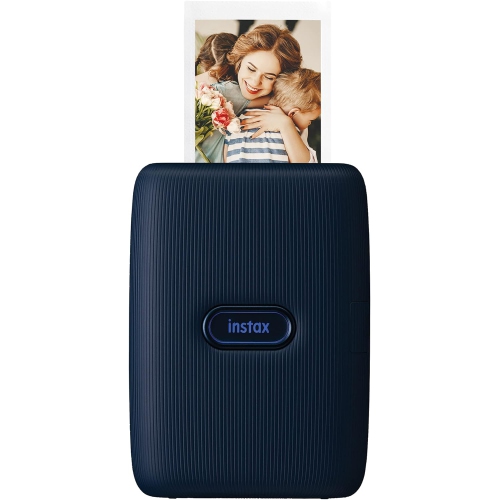
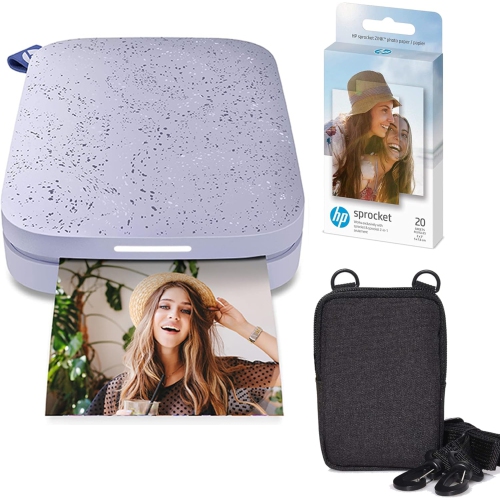
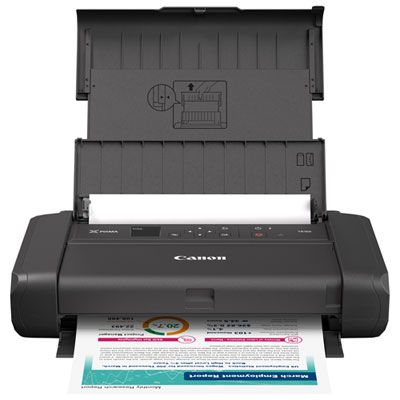

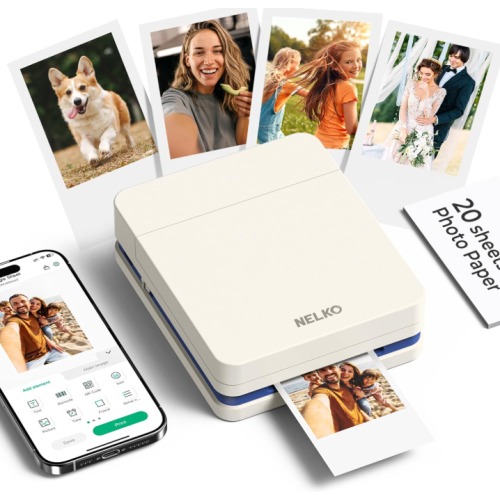
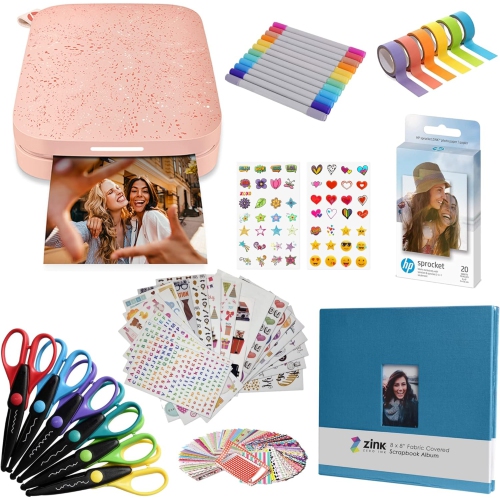
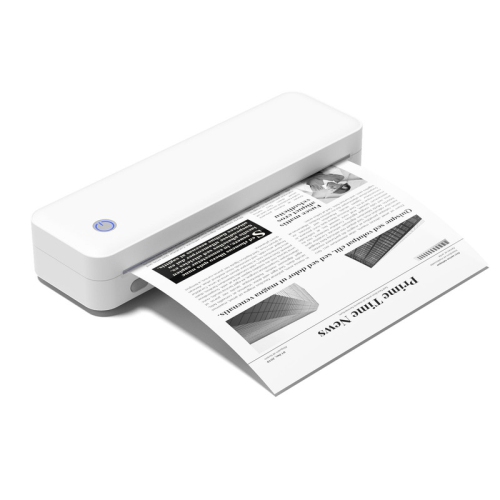
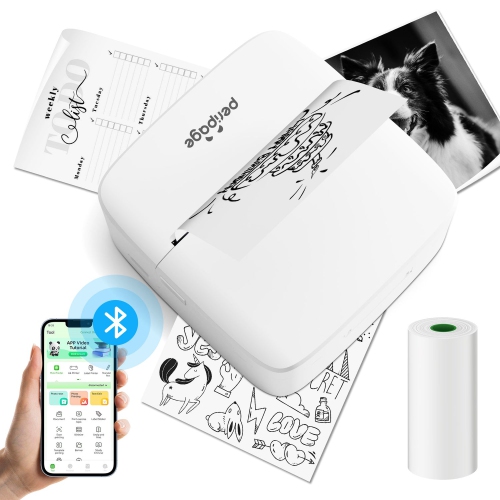
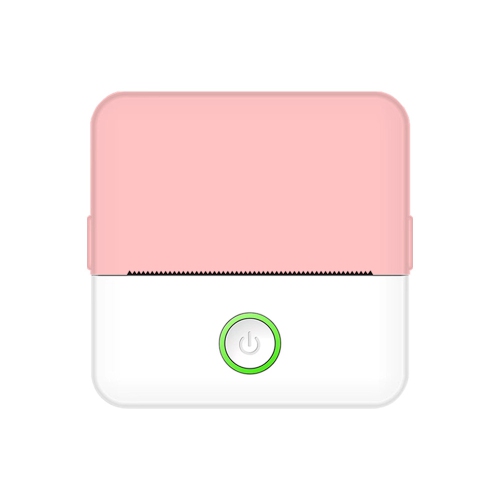
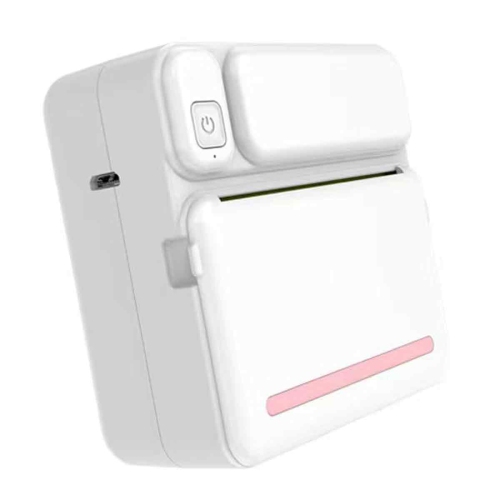
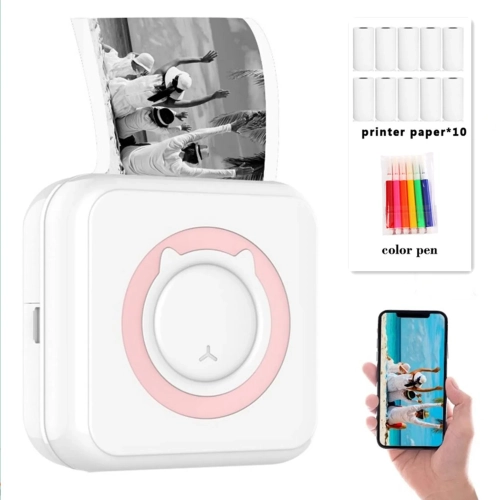
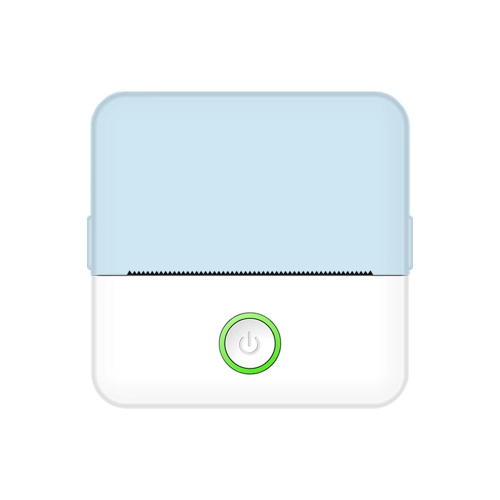
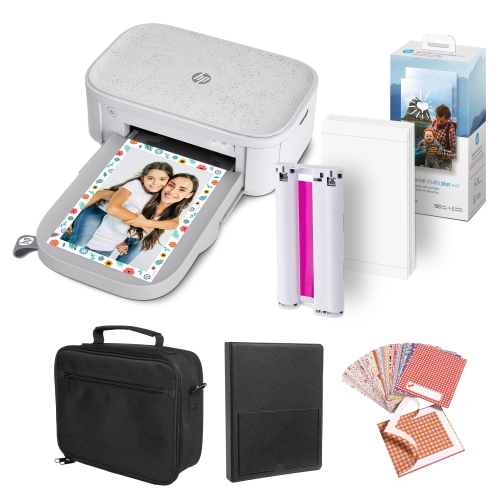
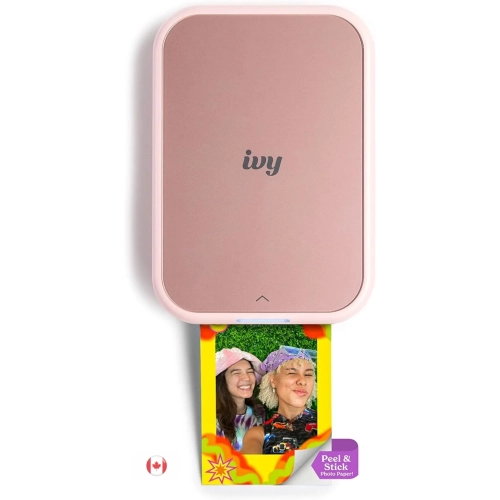
Photo keepsakes and paperwork call for different printers
Portable printers for iPhone make it possible to turn images and documents stored on a phone into physical prints without keeping a full-size printer close by. The category includes compact photo printers for snapshots, albums and adhesive-backed keepsakes, as well as portable document printers for paperwork away from a desk. Those uses call for different features: a pocket photo printer is designed around small images, while a mobile document printer needs to accommodate larger sheets and readable text. For someone printing pictures from a birthday gathering, a small wireless photo printer can make it easy to share a few favourite moments before everyone heads home. A student, travelling professional or small-business owner may instead need a bag-friendly printer for forms, notes or documents. Compatibility depends on more than the presence of Bluetooth or Wi-Fi. Many compact photo printers connect through a dedicated iPhone app, which handles pairing, image selection, cropping and print settings. AirPrint-compatible printers can accept print jobs from supported iPhone apps without a separate printer driver, usually when the phone and printer share the same Wi-Fi network. Some portable printers offer a direct wireless connection, but that feature must specifically support printing from an iPhone. Bluetooth connectivity alone does not mean a printer can print from every app or handle both photos and documents. Supported iOS versions, required apps and connection methods are therefore meaningful differences within this category. An app may also provide borders, collage layouts or text overlays, making it easier to create a small photo with a date or caption. When printing away from home, a connection that does not rely on a household network can be useful, provided the printer supports that setup. For shared use, straightforward pairing and a clear print queue help keep several people’s photos organized. These details influence how comfortably a portable printer fits into everyday routines, whether it travels in a backpack or stays within reach beside a photo album.
Print technology shapes the look, feel and intended use of the finished page. Some pocket photo printers use specially coated paper containing heat-activated colour crystals, so there is no separate ink cartridge to install. Others use dye-sublimation printing with a matched ribbon and paper set, applying colour in stages to produce a finished photograph. Compact inkjet printers use liquid ink and compatible paper, with some designs suited to both photos and documents. Portable direct thermal document printers generally produce monochrome output on specially treated paper, making them a different choice from colour photo printers. Each system has its own supplies, and paper with the right dimensions is not necessarily compatible with every printer. Small photo formats, such as 2 x 3 inch prints, fit easily into journals, card inserts and compact albums. A 4 x 6 inch format offers more room for group portraits and display photographs, although printers supporting that size generally take up more space than pocket models. Adhesive-backed paper can be useful for scrapbooks and personal projects, while ordinary photo paper is better suited to slipping into an album or frame. Not every small print has a peel-off backing, so the paper type matters as much as the printer’s size. Image quality also depends on the original photo, the printing process and the chosen format. A sharply focused image with good lighting gives a compact printer more detail to work with than a dim screenshot or a heavily compressed image shared through messaging. Phone screens are illuminated, while paper reflects light, so a print may look less bright than the image on the display. Aspect ratio matters, too: filling a small sheet edge to edge can crop a person’s head or trim details near the sides. A print preview helps show whether a border or a different crop will preserve the composition. For documents, clear lettering, suitable margins and the ability to print the required page size are usually more important than decorative photo features. Thermal paperwork may also need different storage from conventional printed documents, particularly when it must remain readable over time.
Portability is a combination of dimensions, weight, power requirements and how the printer handles paper, rather than simply a compact outer shell. A slim photo printer may fit into a small bag, while a document printer often needs a longer compartment and room for full-size sheets. Housings are commonly made from lightweight plastic, sometimes with textured surfaces that make the printer easier to hold. A fitted carrying case can help protect the paper opening and controls from scratches, dust and pressure from other belongings, but a protective case does not make a printer waterproof. Built-in batteries are convenient for printing without an outlet, while other designs use removable batteries, optional battery packs or external power. Print capacity per charge varies with the printer and how it is used, and a larger batch of photos may require time for recharging. A USB-C port may be used only for power, so it should not be taken as proof that a direct cable connection to an iPhone is supported. Paper handling also affects the space needed during use: some photo printers move a sheet through the mechanism several times and require clear space around the output path. A stable tabletop is more practical than holding the printer in one hand while it works. For care, keeping unused paper sealed, dry and flat helps prevent dust, curled edges and feeding problems. Prints and supplies should be stored according to their instructions, away from direct sunlight and sources of heat. Gentle exterior cleaning and the specified cleaning method for the paper path help protect the finish and printing mechanism; household sprays and improvised tools can cause damage. As a gift, a portable photo printer can suit someone who fills journals, makes memory books or enjoys handing a photograph to a friend rather than sending another message. A portable document printer serves a more practical role for people who regularly need paperwork away from their usual workspace. The broader Printers Compatible With iPhone category offers another way to explore phone-based printing when a pocket-sized design is not the main priority.
Top selling and popular products
-
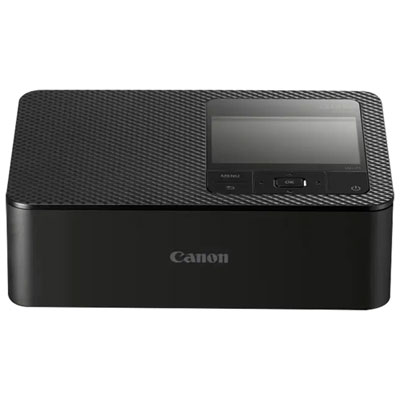 Your price for this item is $149.99
-
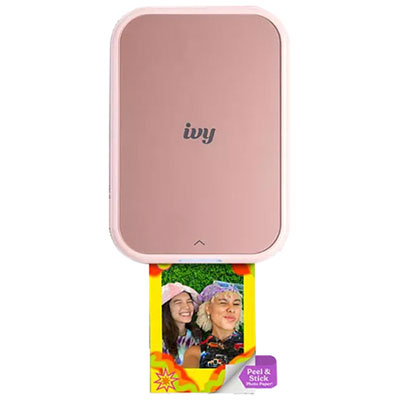 Your price for this item is $99.99
-
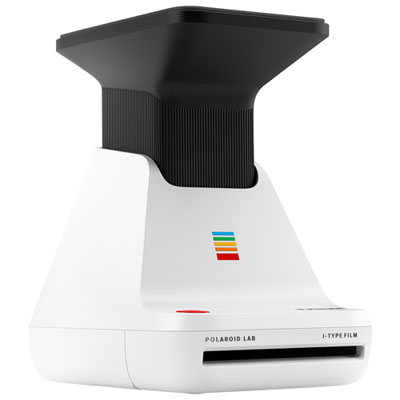 Your price for this item is $169.98
-
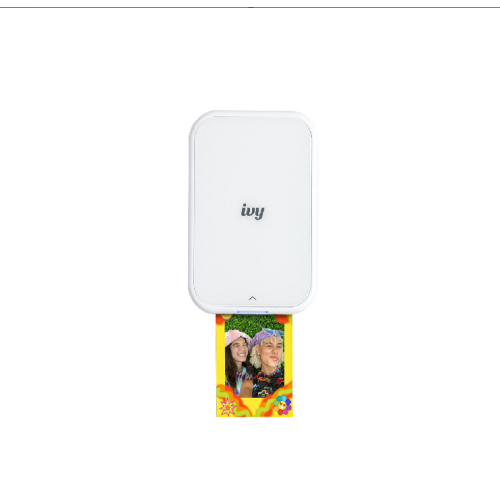 Your price for this item is $163.74
-
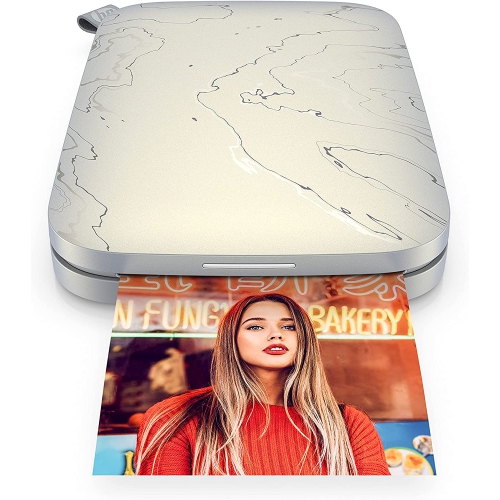 Your price for this item is $149.99
-
 Your price for this item is $179.99
-
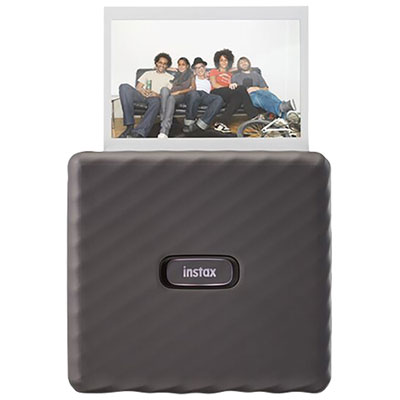 Your price for this item is $209.99
-
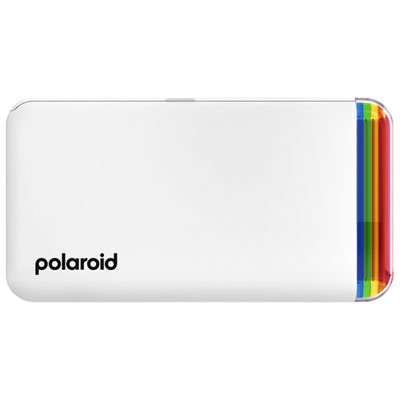 Your price for this item is $149.99
Discover more categories related to Portable Printers for iPhone
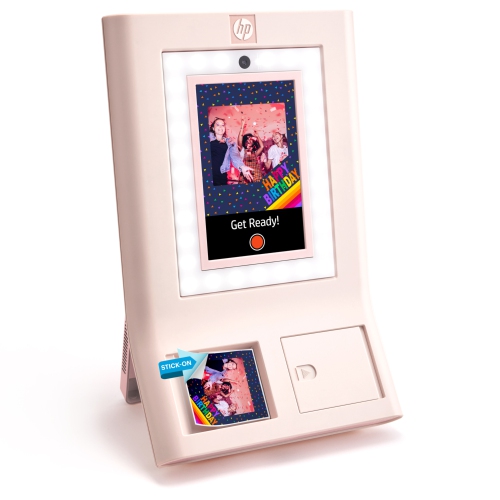
Top Collections:
Best Black Friday Deals This Year, Best Black Friday Deals On Electronics, Kindle Devices, Pokemon Centers, Best Black Friday Deals On Apple Products, Best Cameras for Sports Photography, Dyson Airwrap, Pokémon 30th Celebration Cards, Apple iPhone 17 Pro, Canon G7X Cameras
Some products may be subject to Environmental Handling Fees
(EHF) depending on your province.
Learn more about EHFs.