Printers Compatible With iPhone
Printers Compatible With iPhone make it easy to print photos, documents, and more directly from your Apple device. Whether you’re working from home, managing school assignments, or capturing memories, finding the right printer ensures seamless wireless connectivity with your iPhone. Explore a range of options designed to offer convenience and efficiency for all your printing needs. Discover models that suit every space and budget, all optimized for effortless integration with your favorite mobile device.
Sort
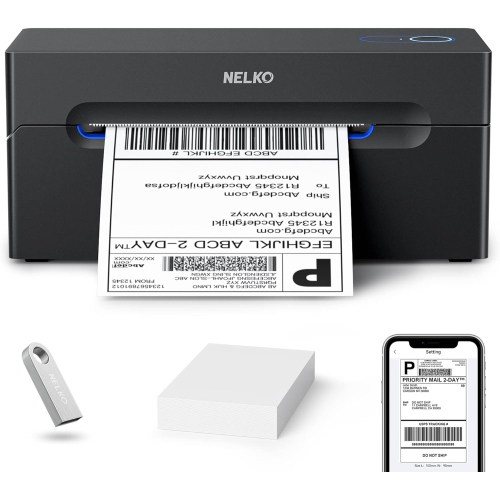
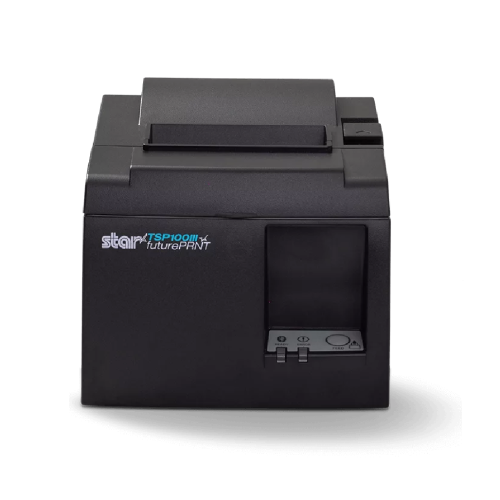
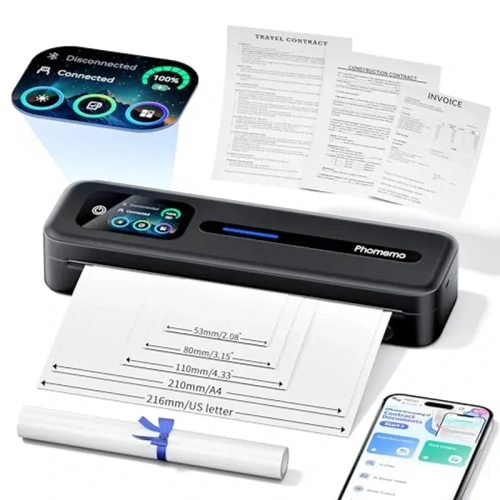
Why AirPrint matters for everyday printing from your iPhone
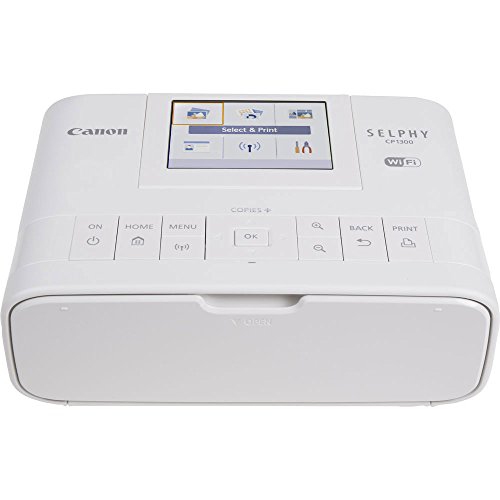
Printers compatible with iPhone bring everyday documents and photos off the screen and onto paper, whether that means a signed form for an appointment, a recipe for the kitchen counter, or a favourite family picture. AirPrint is a built-in printing technology that allows an iPhone to send print jobs to a compatible printer from supported apps without installing separate printer drivers. For standard network printing, the iPhone and printer need to be connected to the same local network. The printer may connect through Wi-Fi or, on models with the appropriate connection, through an Ethernet cable to the router. An internet connection is not normally required for local AirPrint printing, although accessing online files or using certain app features may require one. Wireless connectivity alone does not guarantee iPhone compatibility: some printers rely on a manufacturer’s app, and Bluetooth support does not automatically mean a printer accepts standard document printing from an iPhone. The connection method and supported printing features are therefore important parts of a printer’s specifications. AirPrint support is particularly useful in households where several people share one printer, since a compatible model can accept jobs from different iPhones without each person having to install printer drivers. Available settings depend on the printer and the app, but may include paper size, page range, colour, black-and-white output, and double-sided printing. A compact printer can suit occasional forms and tickets, while a more capable shared model can handle school assignments, business paperwork, and longer documents. Home network arrangements also affect convenience. Guest networks and network isolation settings can prevent an iPhone from finding an otherwise compatible printer, even when both devices have internet access. In a home office or shared household, reliable network access can matter just as much as print speed. The strongest match is a printer whose connection options, supported apps, and paper handling suit the tasks that regularly start on the phone.
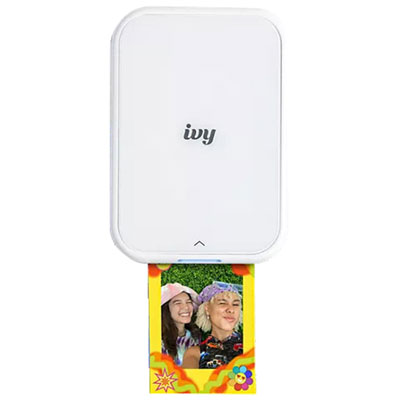
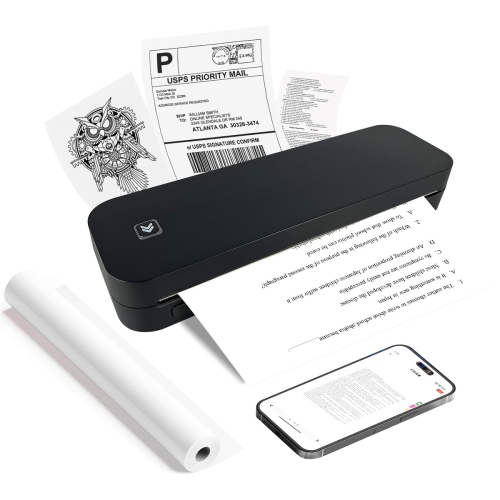
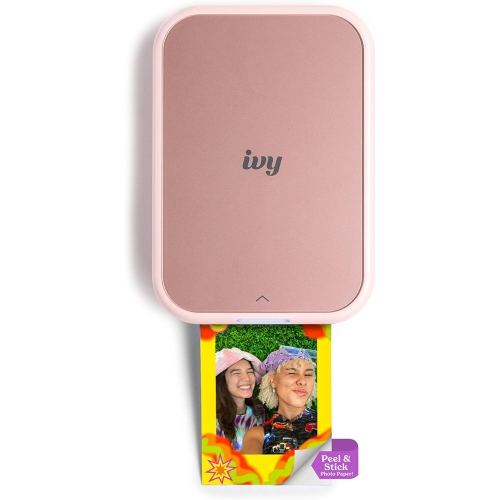
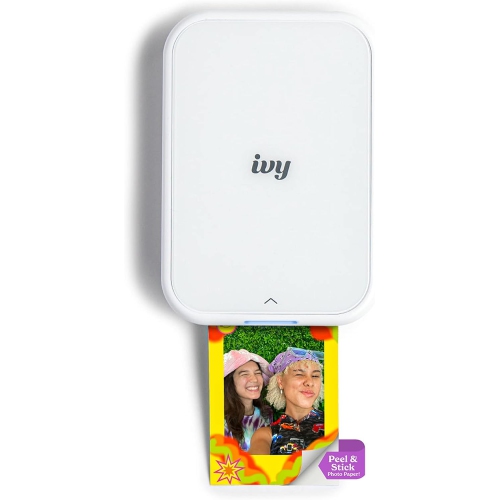
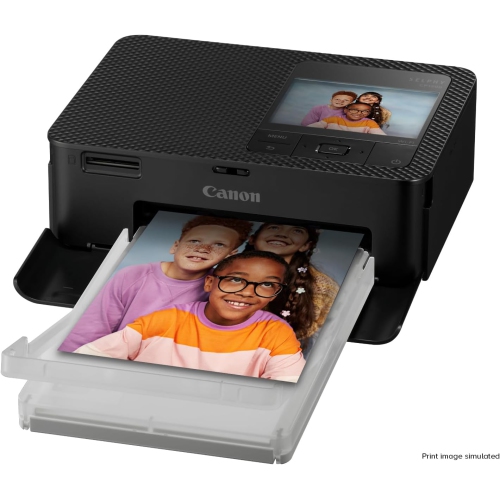
Different printing technologies serve different kinds of iPhone content. Inkjet printers are versatile options for mixed use, combining text documents with colour charts, illustrations, and photographs. Laser printers are often well suited to frequent text printing, with monochrome models focused on black-and-white output and colour models adding flexibility for presentations and other graphics. Neither technology guarantees a particular result on its own; print quality also depends on the model, selected settings, original file, and compatible paper. A crisp PDF typically produces more readable text than a low-resolution screenshot of the same document. For photographs, the original image usually preserves more detail than a copy compressed for messaging. The iPhone Photo Printers collection focuses on a related use: turning pictures stored on a phone into physical prints for albums, frames, cards, and personal keepsakes. Photo-focused models may use inkjet technology, dye-sublimation processes, or specially coated paper, with different requirements for supplies and different limits on print size. Some compact photo printers work through a companion app rather than AirPrint, so their iPhone connection method matters as much as their portability. Full-page document printing and small photo printing are distinct uses, and a pocket-sized photo printer is not necessarily a substitute for a household document printer. Paper finish also changes the look and feel of a photograph. Glossy sheets can give images a bright, reflective appearance, while matte finishes offer a less reflective surface. Supported paper types, borderless printing, and maximum paper size determine how much flexibility a printer offers. For document-heavy use, tray capacity and automatic double-sided printing can make longer jobs easier to manage. Multifunction printers add scanning and copying, while an automatic document feeder can simplify working with a stack of pages. Those functions are separate from basic iPhone printing, and mobile scanning features depend on the printer and its supported app.
A printer’s physical fit affects how comfortably it works in daily life. A small closed footprint does not always reflect the space needed when an output tray is extended, a rear paper feed is raised, or a scanner lid is open. On a shallow desk or shelving unit, clearance for paper movement and access to ink or toner can be just as important as the width of the printer itself. Many home printers have moulded plastic housings, while models intended for heavier workloads may use more substantial internal frames and paper-handling components. Build quality, recommended monthly print volume, and the design of trays and hinges offer more useful context for durability than size alone. A family printing homework several times a week has different needs from someone producing a few forms each month, and a small business handling regular batches of paperwork may benefit from sturdier paper handling and a larger tray. Portable models offer another kind of convenience, particularly for printing photographs away from a desk, though battery operation, charging requirements, and supported paper formats vary. As gifts, iPhone-compatible printers can suit students setting up a study space, relatives who enjoy displaying family photos, or someone organizing a home office. A good match accounts for the recipient’s phone connection, available space, and the supplies the printer uses. Ongoing care is generally straightforward but differs by technology. Inkjet models may need periodic use and maintenance cycles to keep print heads working properly, while laser models have their own toner and maintenance requirements. Paper stored flat and dry is less likely to curl or feed unevenly, and supported media helps avoid unnecessary jams. Accessible trays and clear controls make shared use easier, especially when several people print from their phones. For personal paperwork, a printer positioned within easy reach also makes it simpler to collect sensitive pages promptly. Together, dependable iPhone connectivity, suitable print quality, manageable upkeep, and a practical physical design make a printer useful well beyond its first print job.
Top selling and popular products
-
 Your price for this item is $299
-
 Your price for this item is $599.99
-
 Your price for this item is $253.19
-
 Your price for this item is $166.99
-
 Your price for this item is $480.68
-
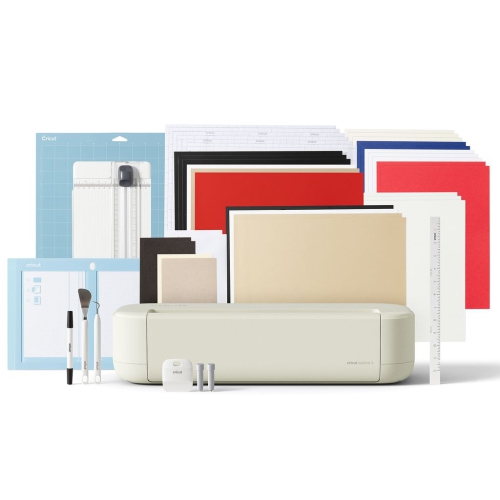 Your price for this item is $269.99
-
 Your price for this item is $599.99
-
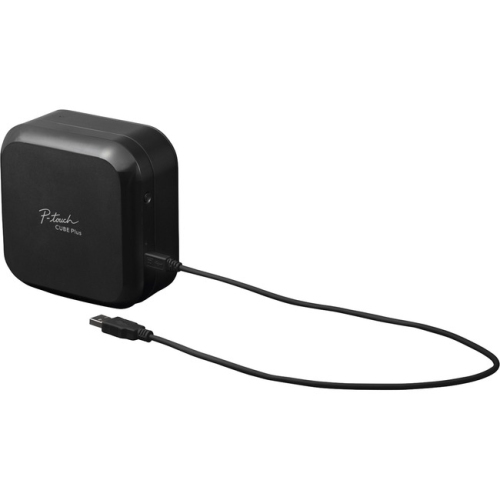 Your price for this item is $154.41
Discover more categories related to Printers Compatible With iPhone
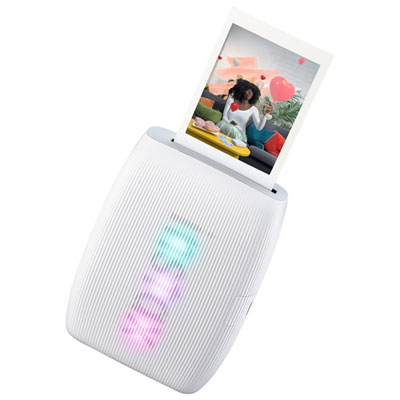
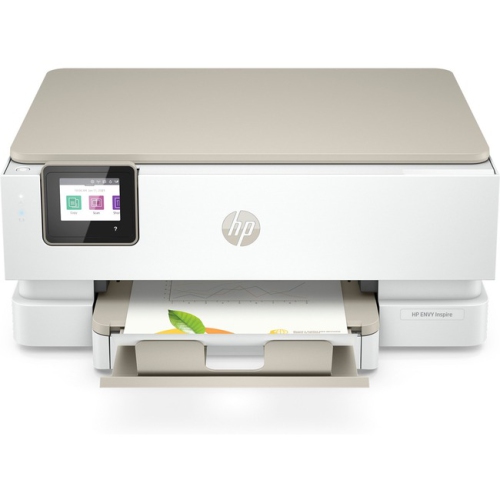
Top Collections:
Best Black Friday Deals This Year, Best Black Friday Deals On Electronics, Kindle Devices, Best Black Friday Deals On Apple Products, Best Budget Office Chairs, Best Cameras for Sports Photography, Dyson Airwrap, Canon G7X Cameras, Best Laptops for Writers, Samsung Galaxy Phones
Some products may be subject to Environmental Handling Fees
(EHF) depending on your province.
Learn more about EHFs.