Programmable Keyboards
Enhance your typing experience and boost your productivity with this wide selection of programmable keyboards. These innovative devices offer customizable features that allow you to personalize your keyboard layout, assign macros, and create shortcuts for seamless navigation. Whether you're a gamer looking for quick access to commands or a professional seeking efficient workflow management, this range of programmable keyboards is designed to meet your unique needs.
Sort
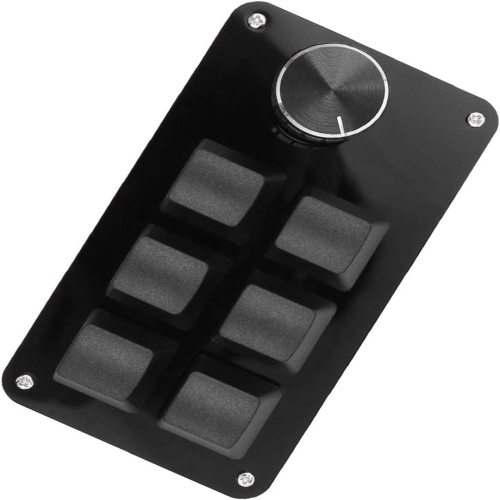
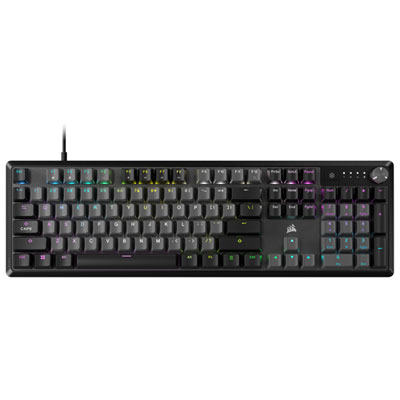

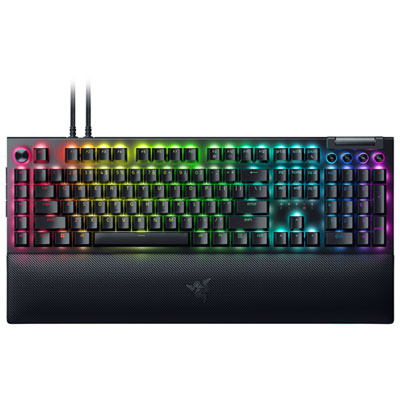
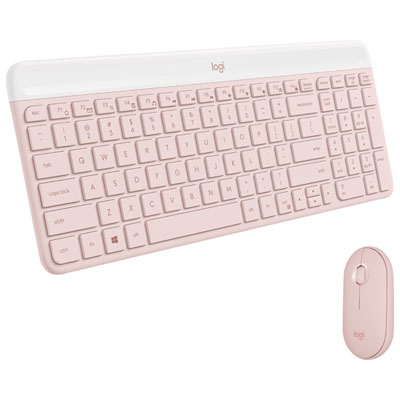

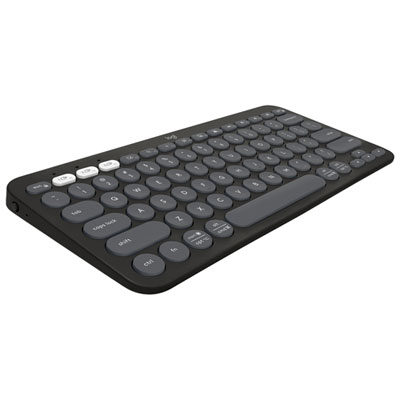
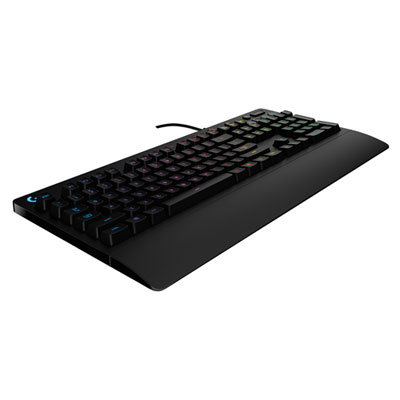
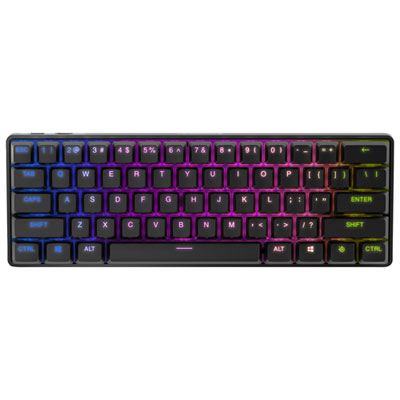
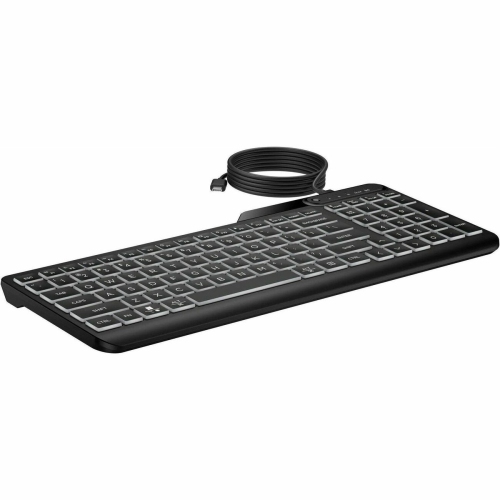
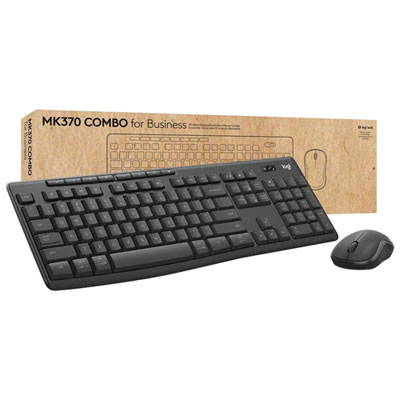
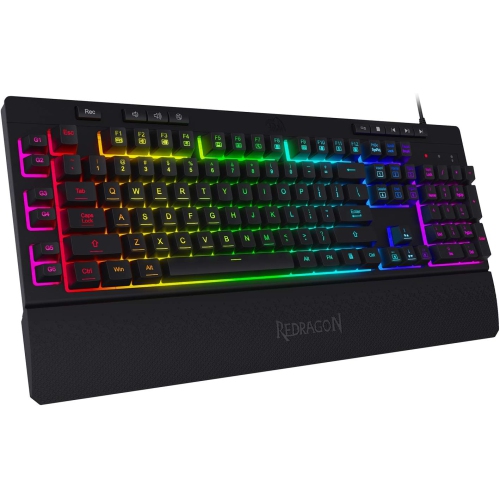
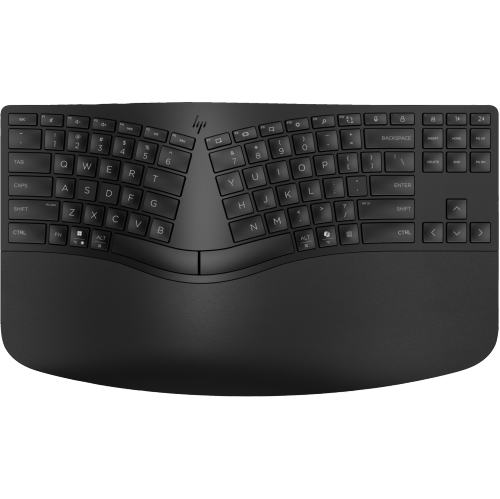
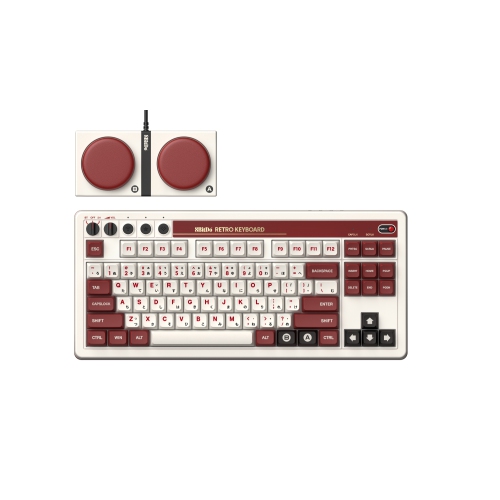
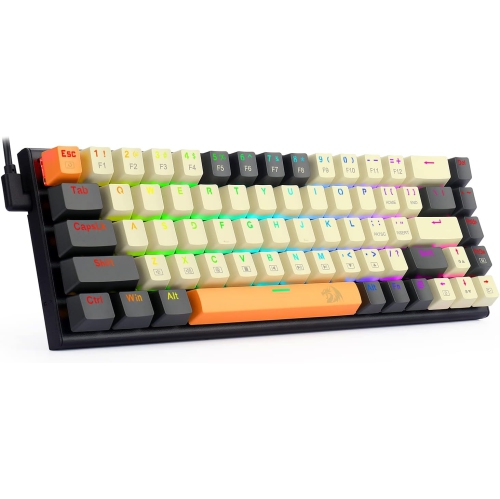
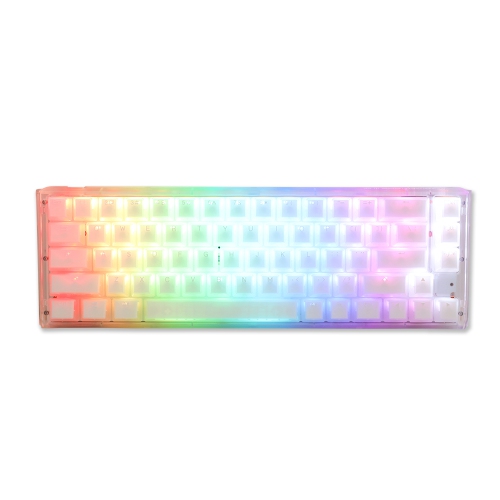
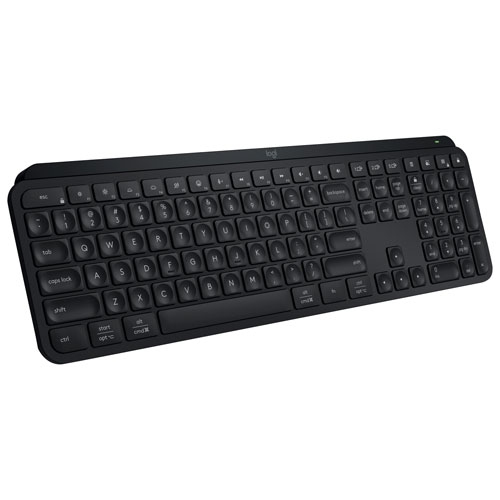
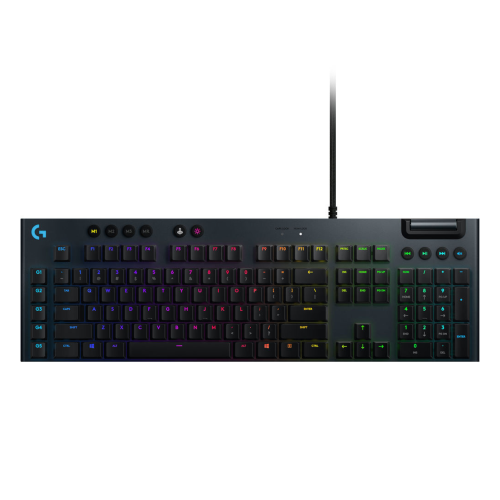
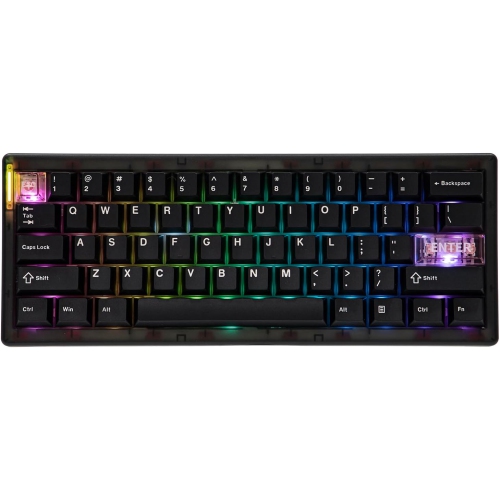
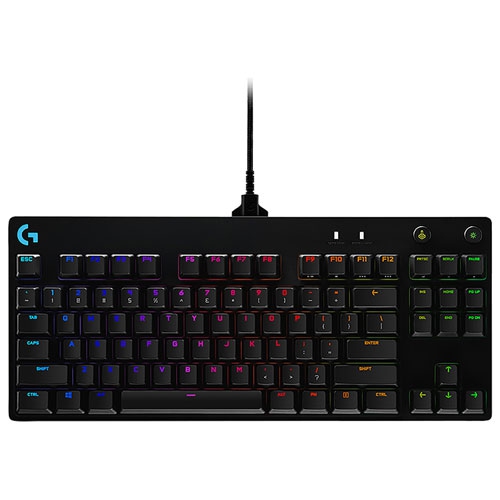
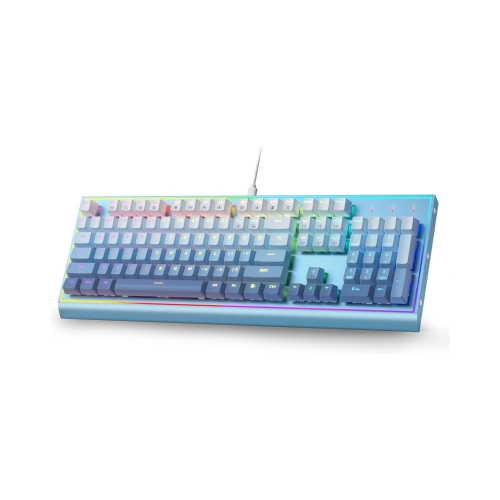
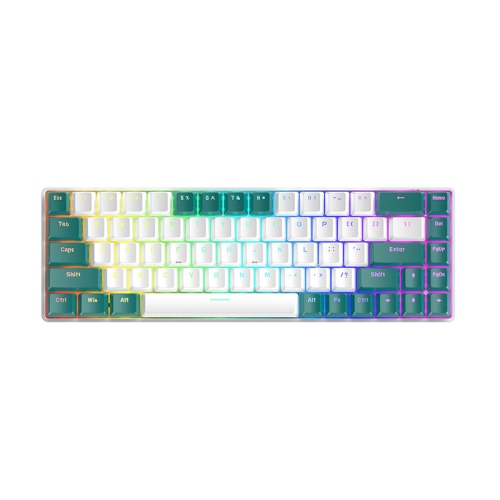
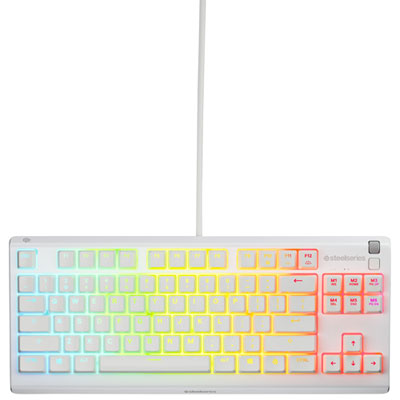
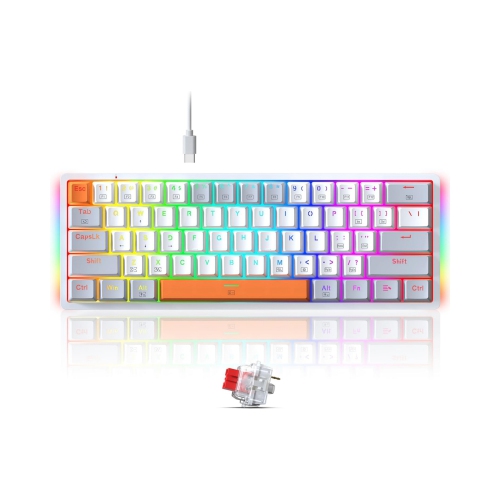
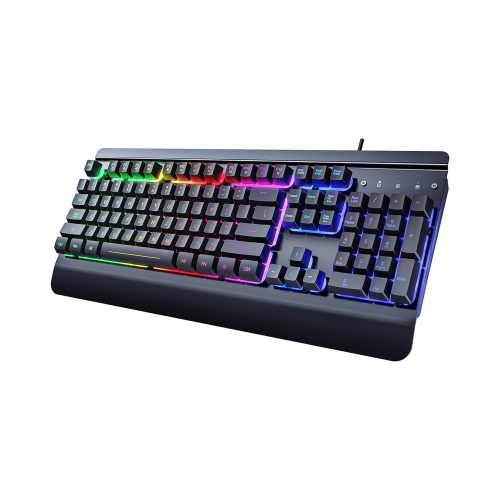
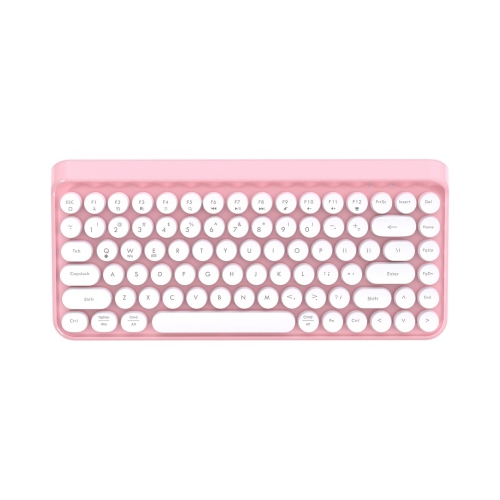





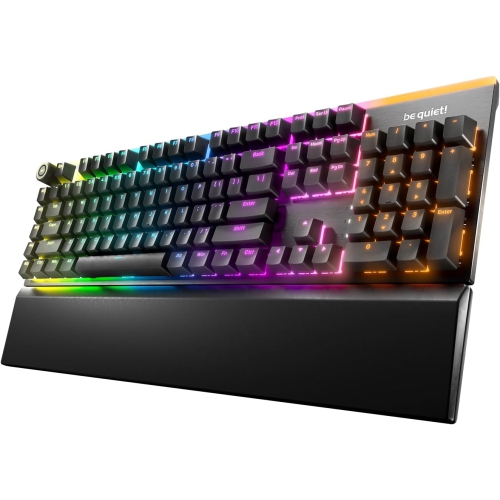
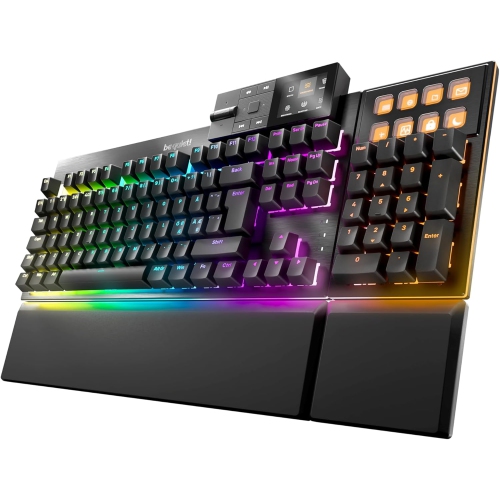
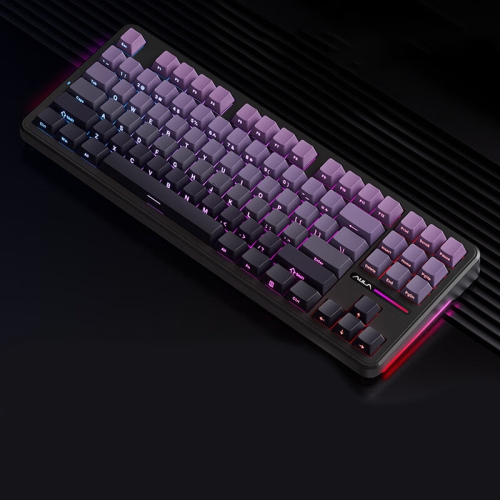
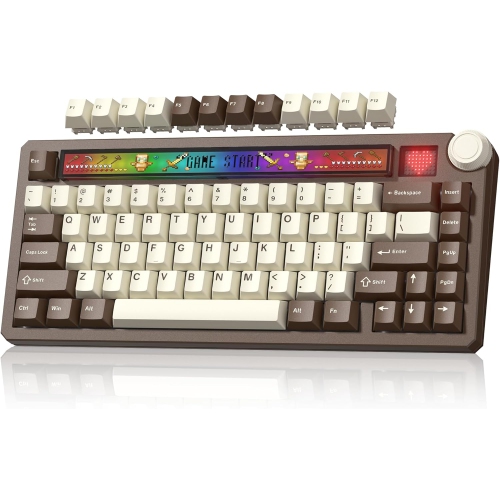
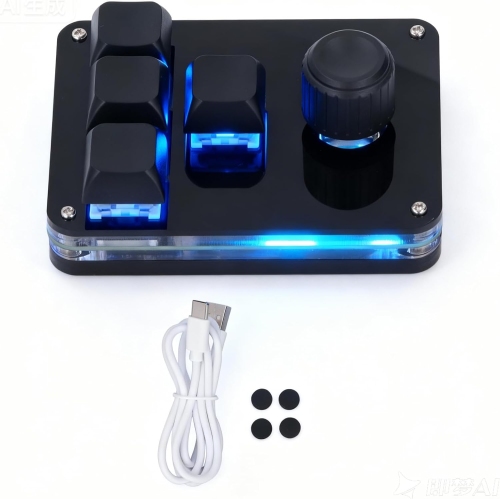

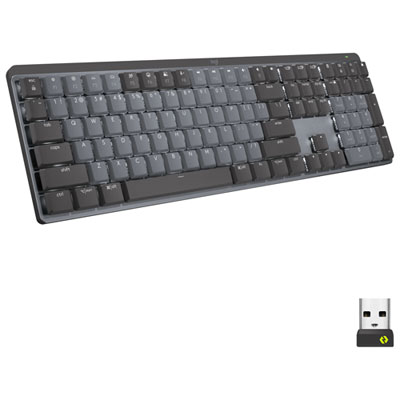
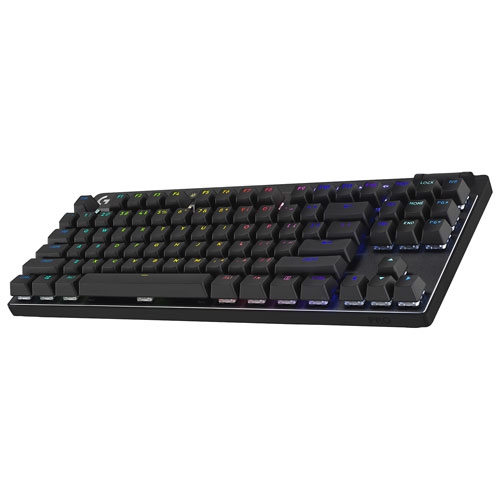
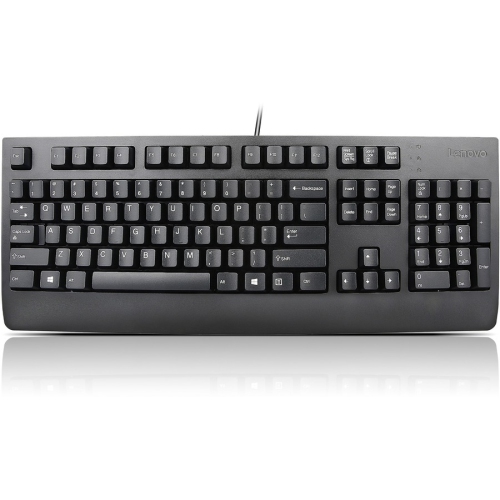

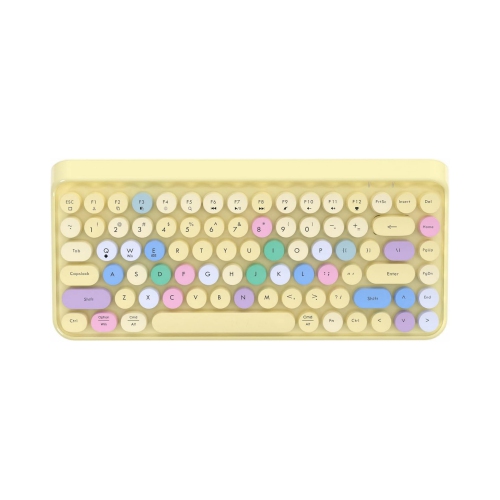
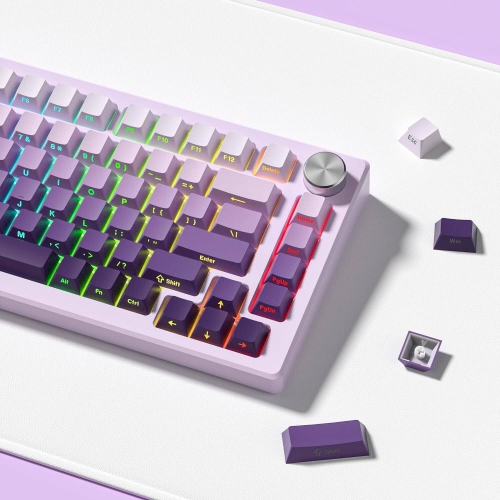

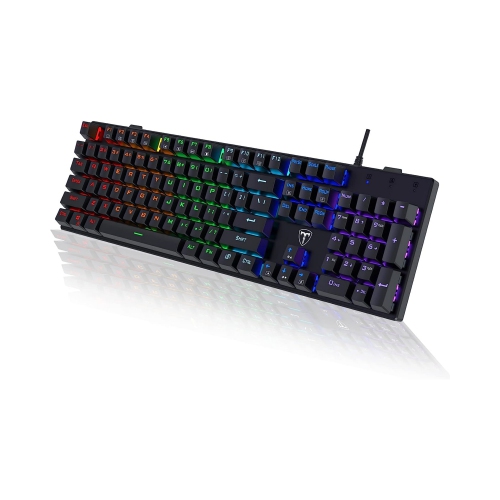
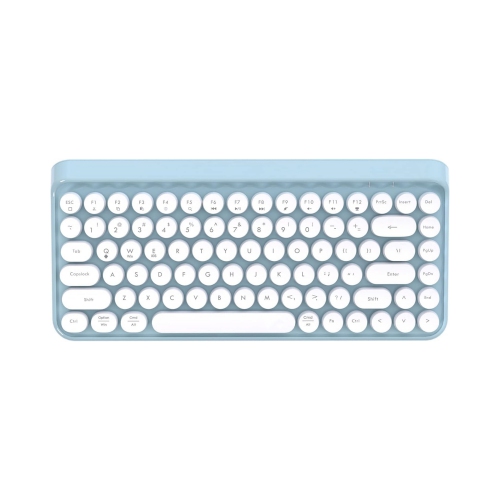


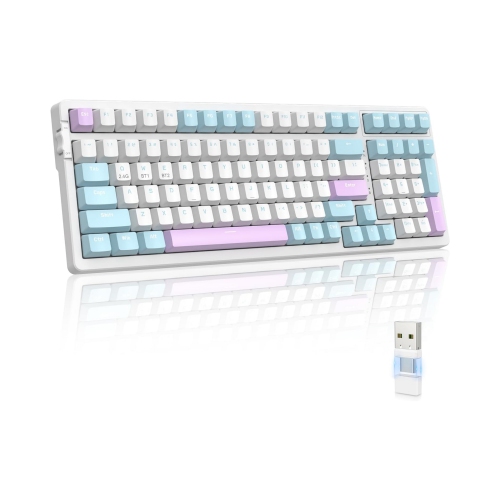
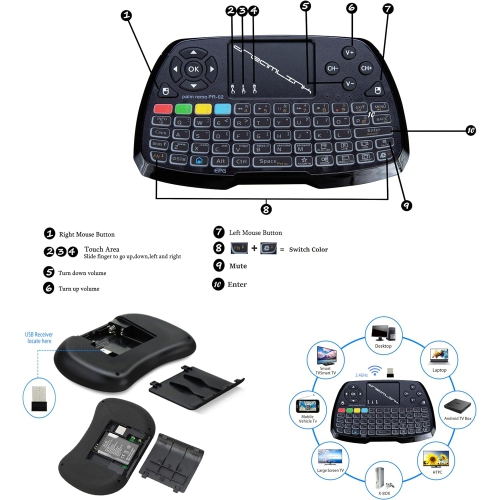
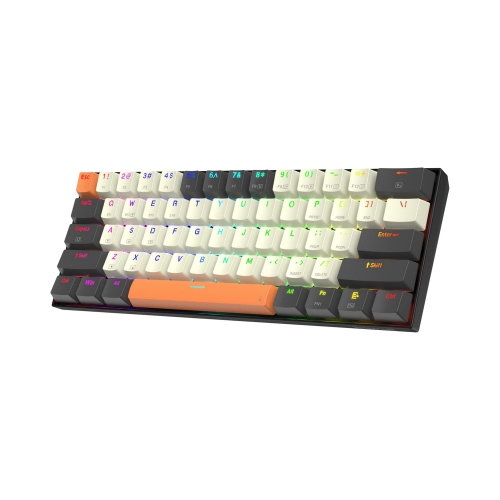

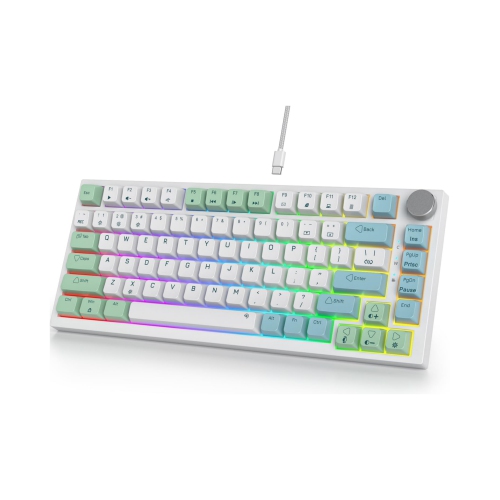


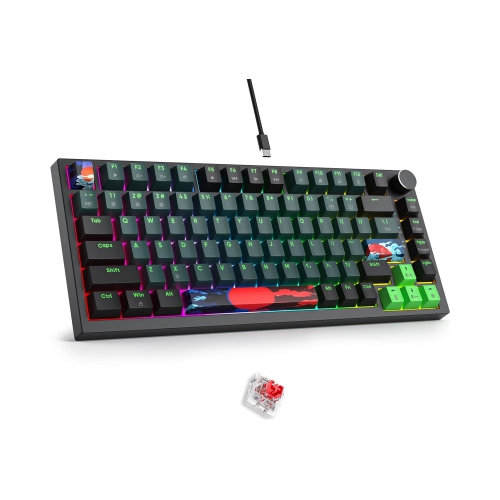
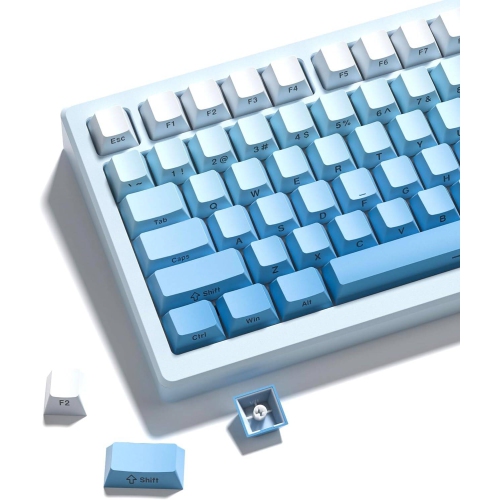
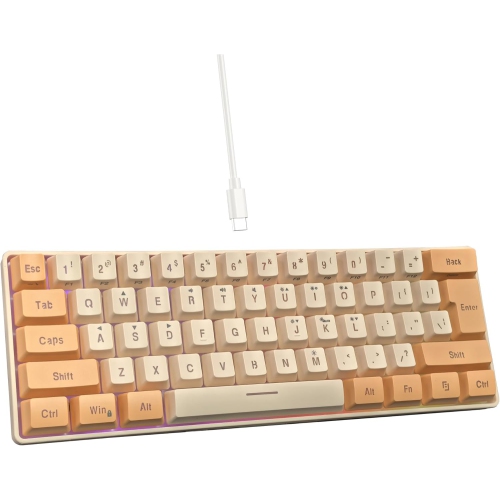
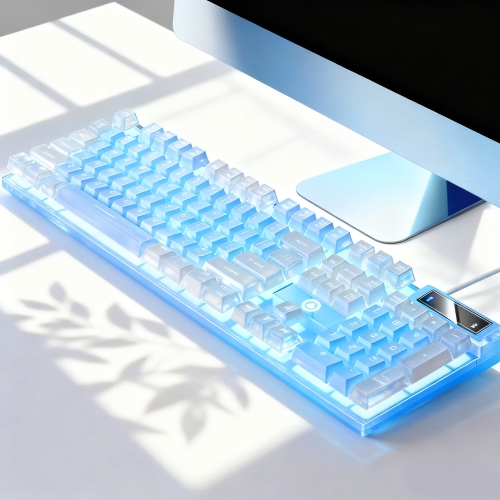
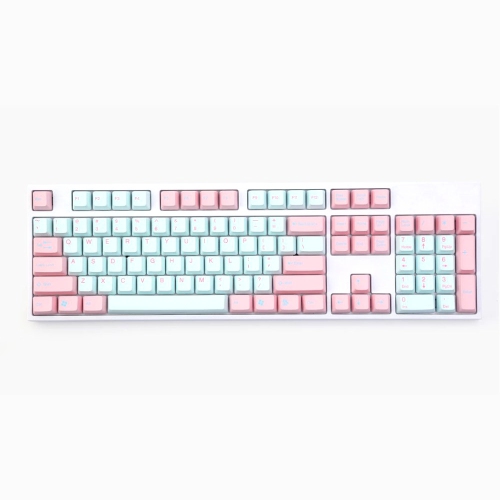
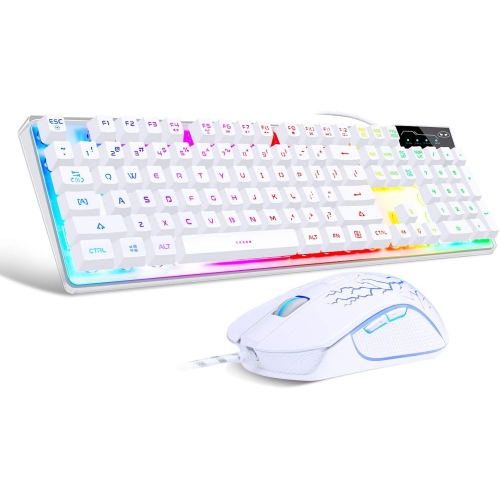
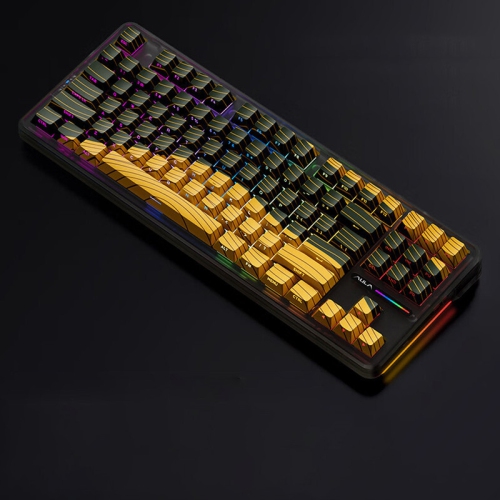
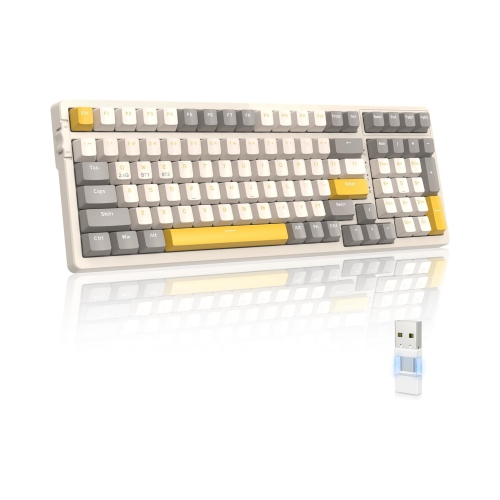
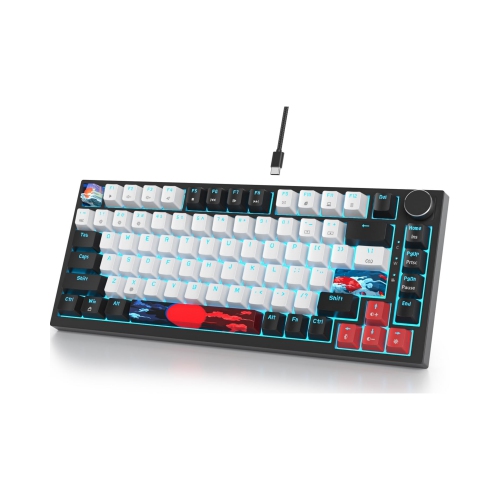
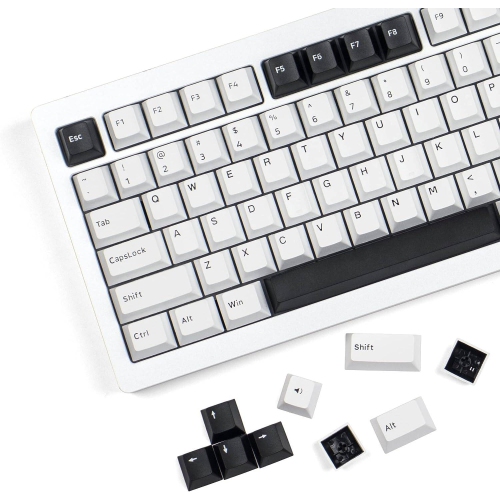


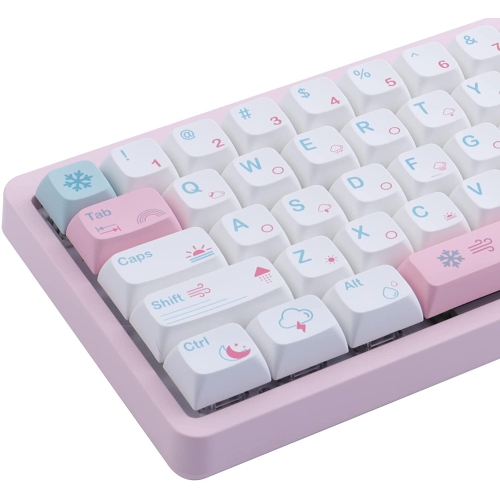
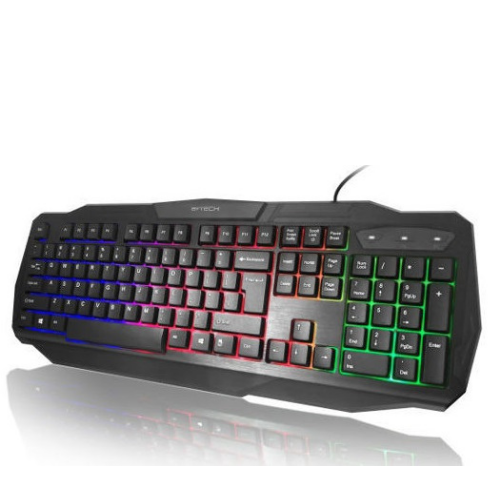
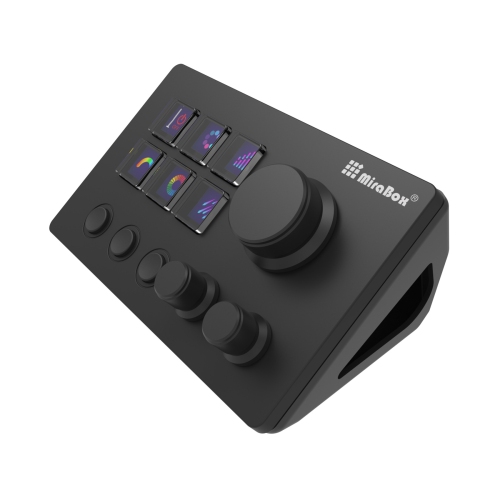
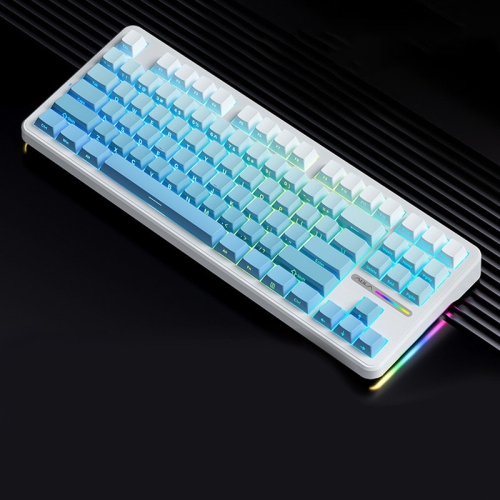
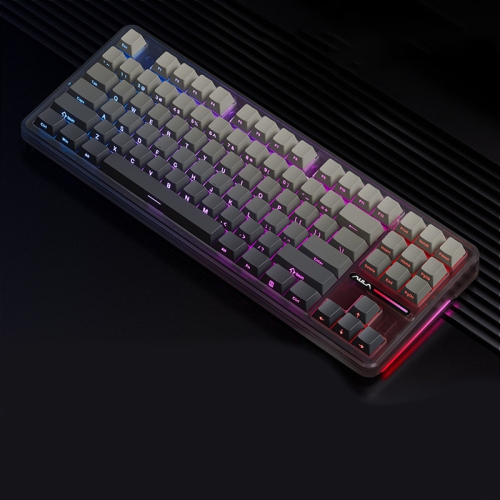
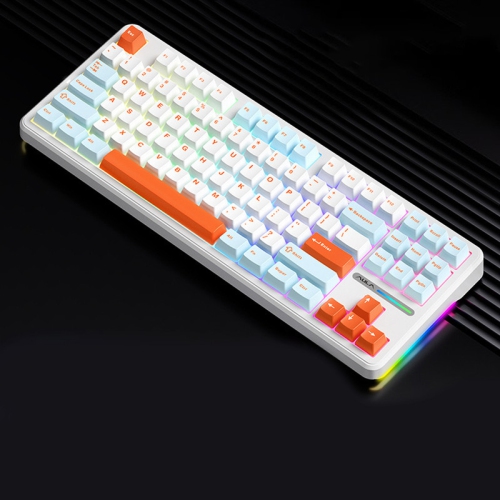
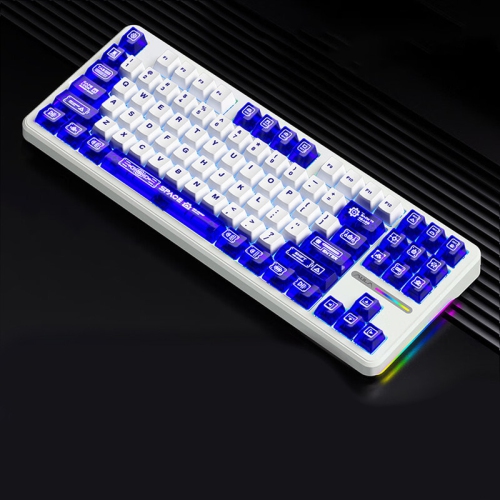
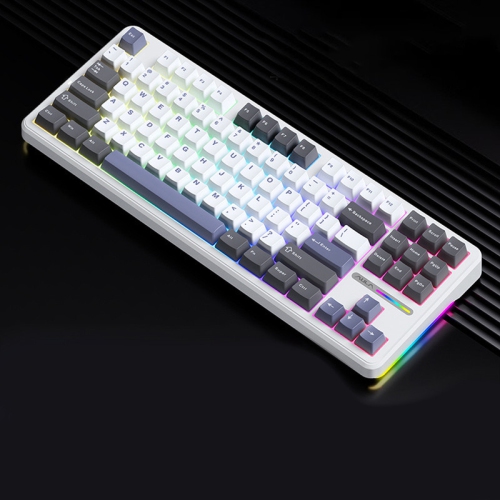
More control through shortcuts, macros, and layered layouts
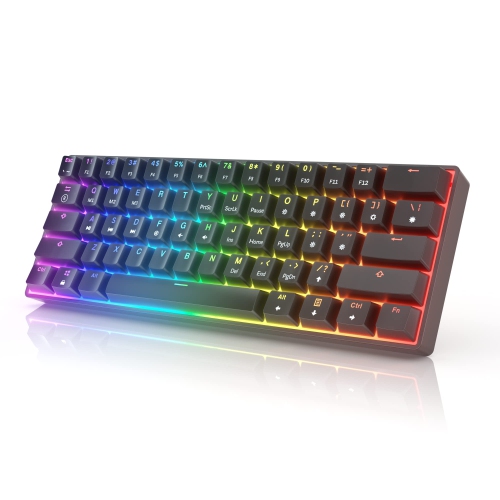
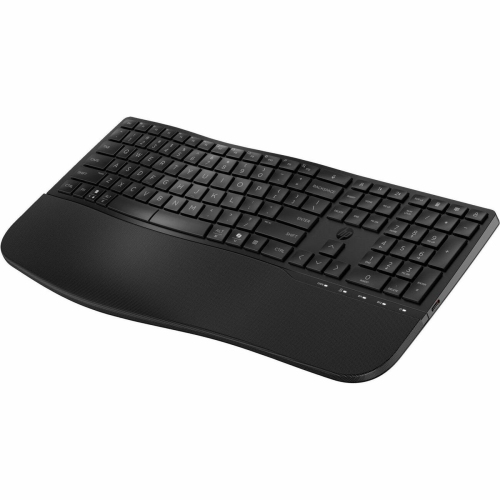
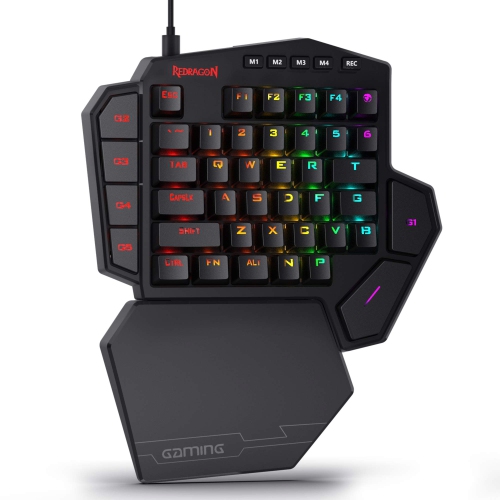
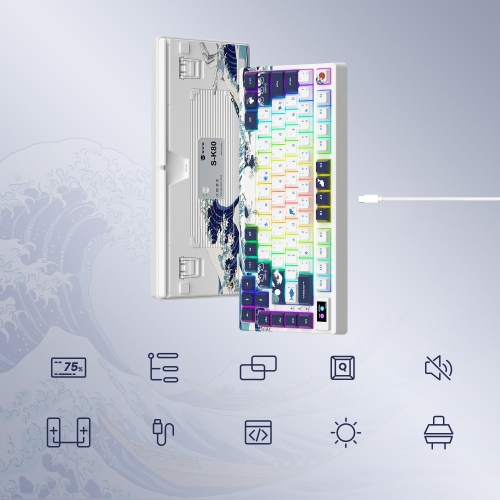
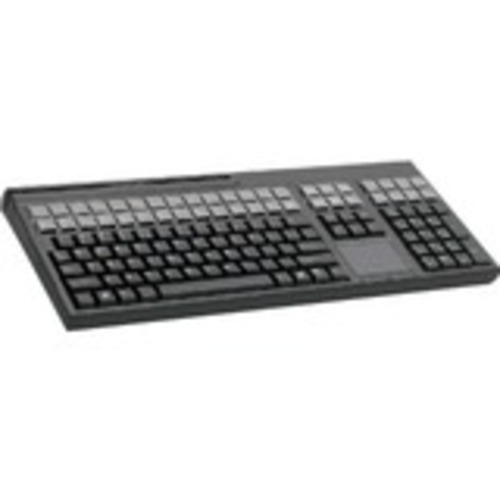
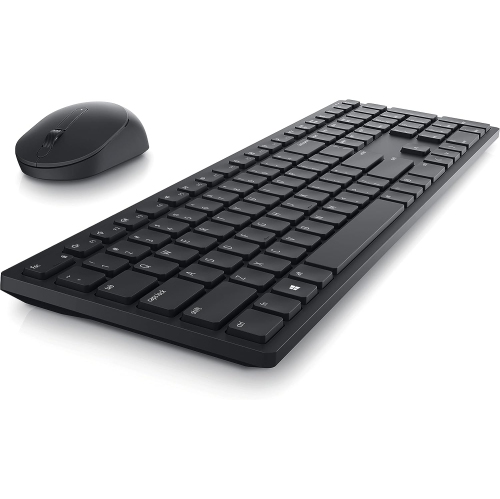
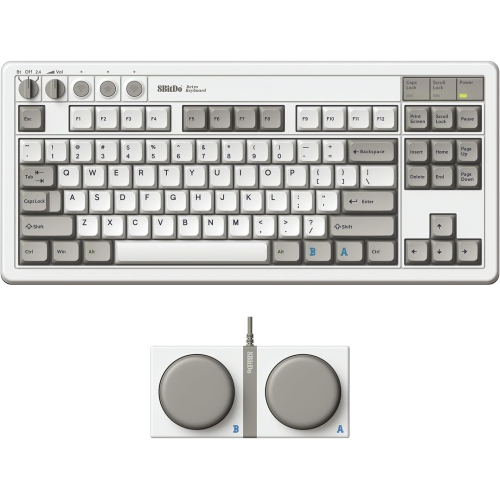
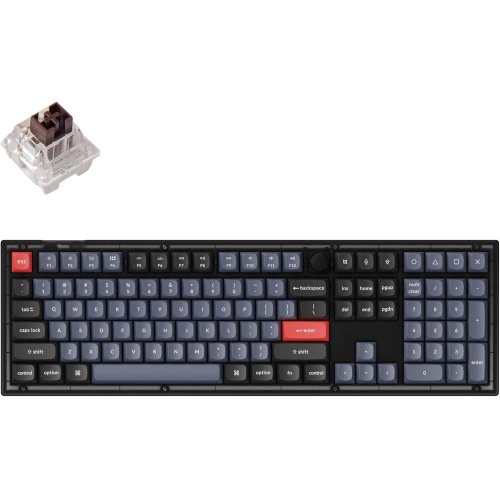
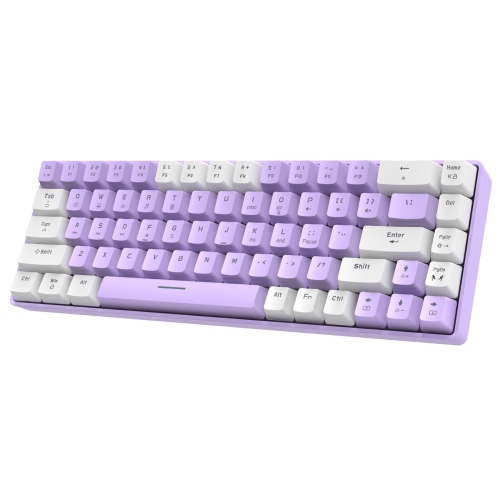
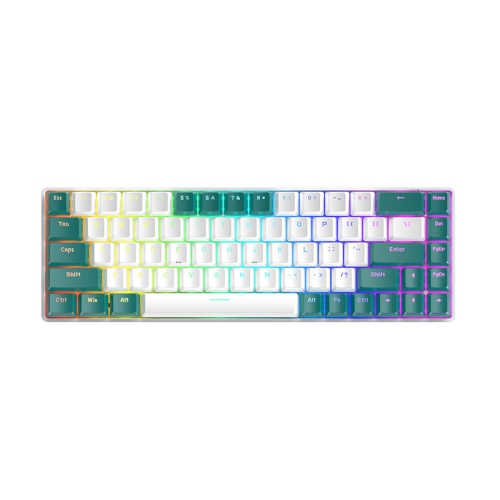
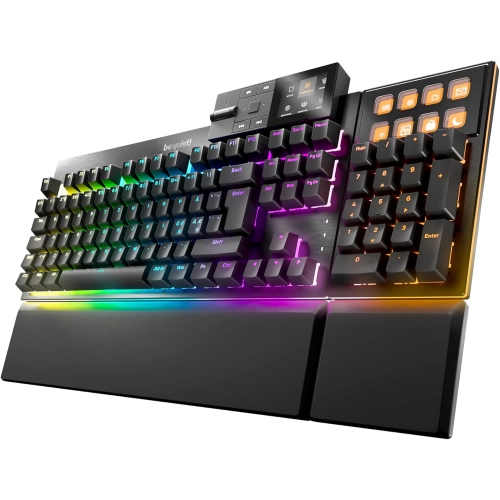
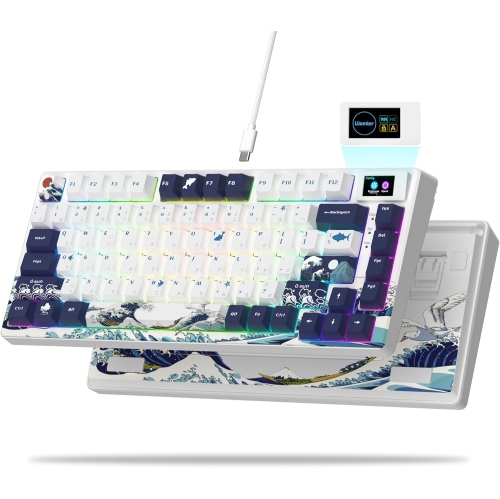
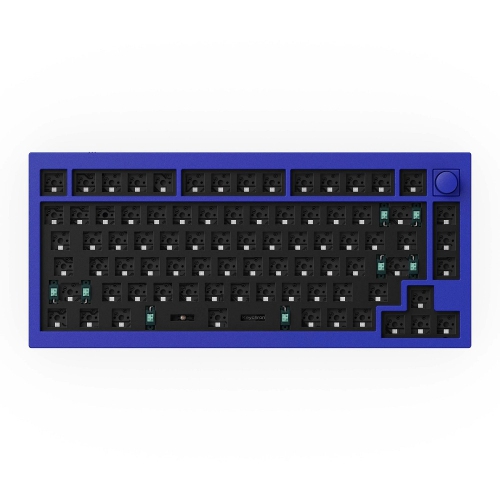
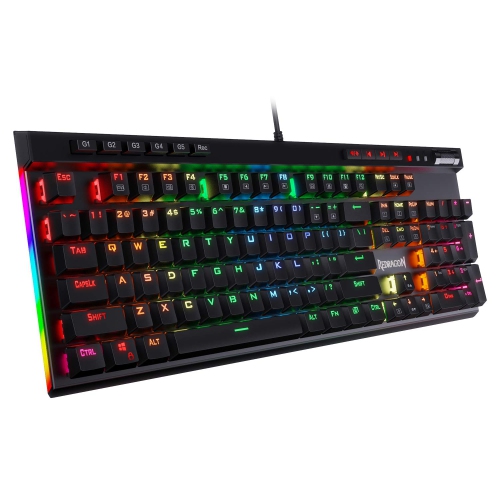
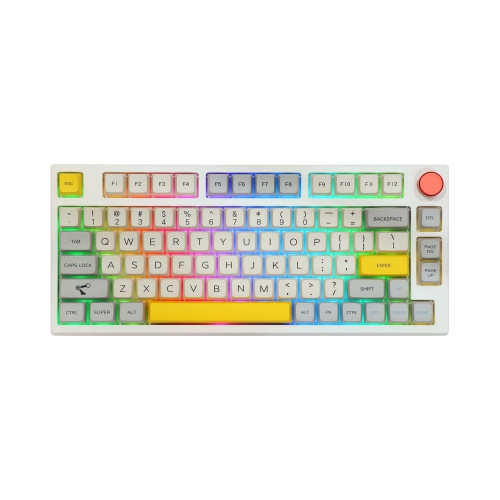
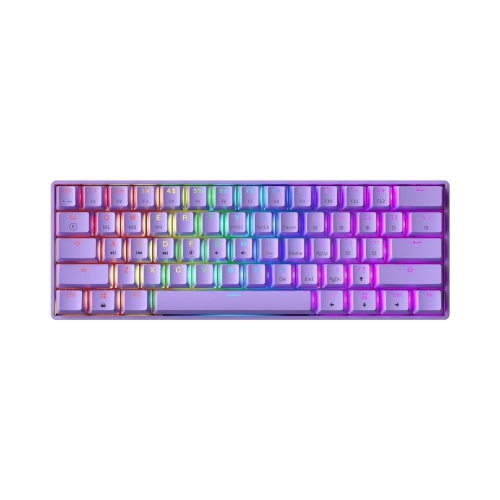
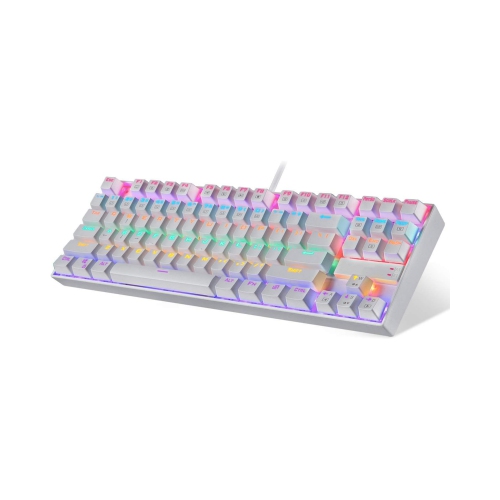
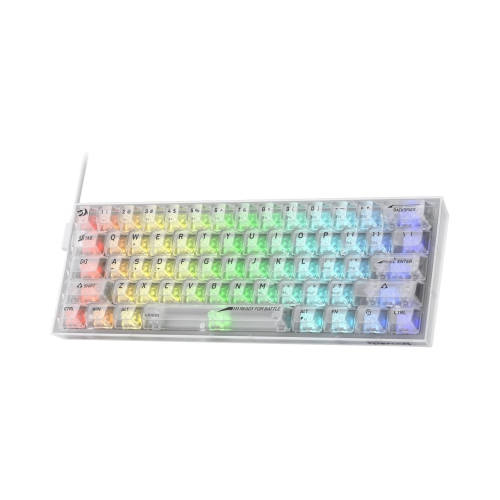
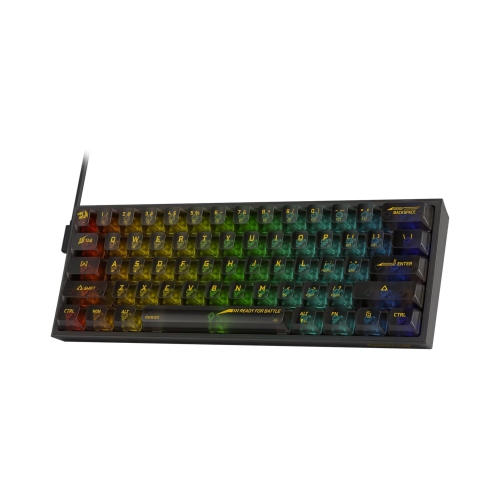
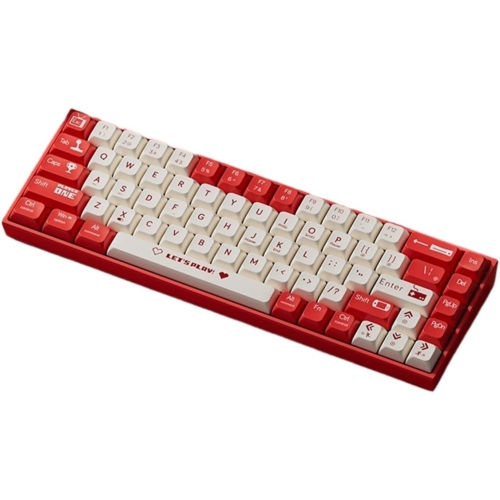
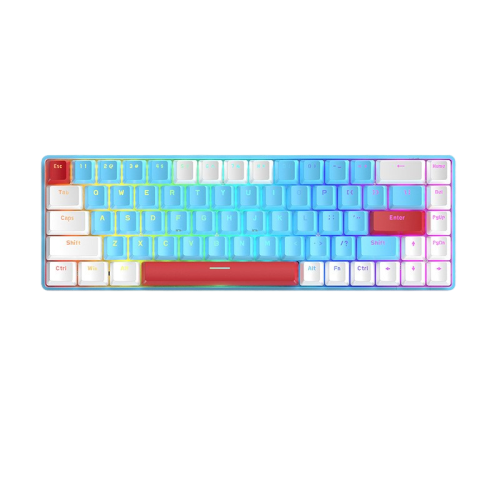
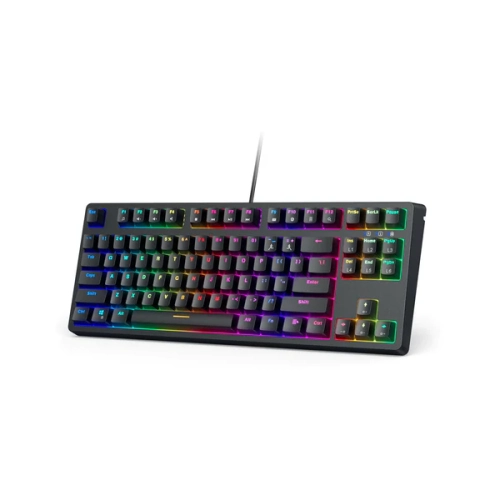
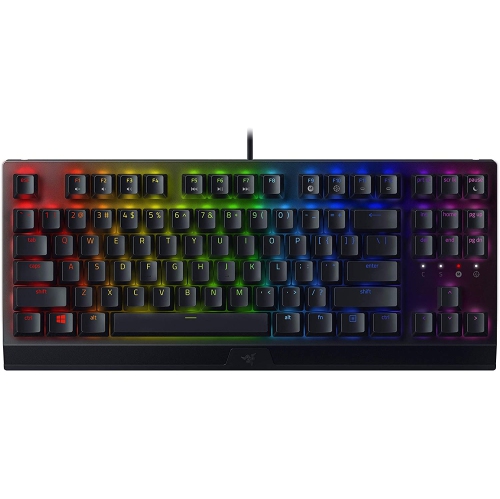
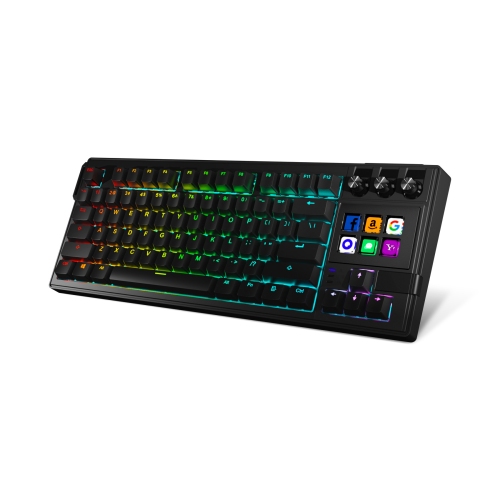
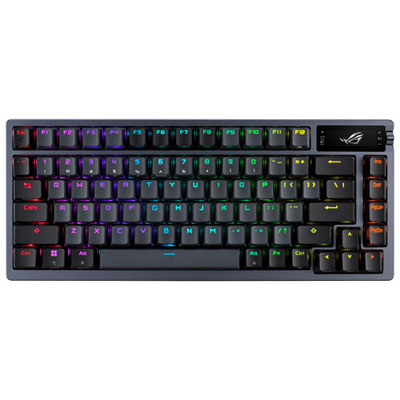
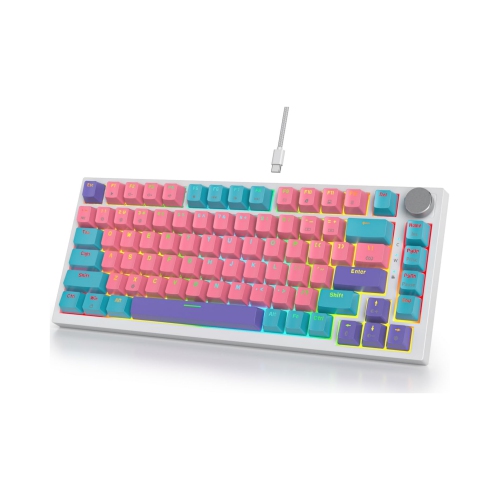
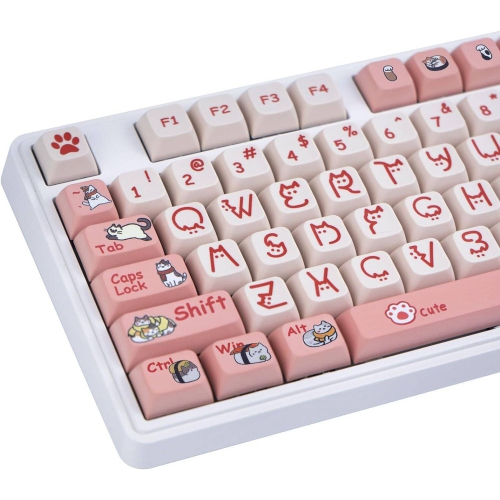
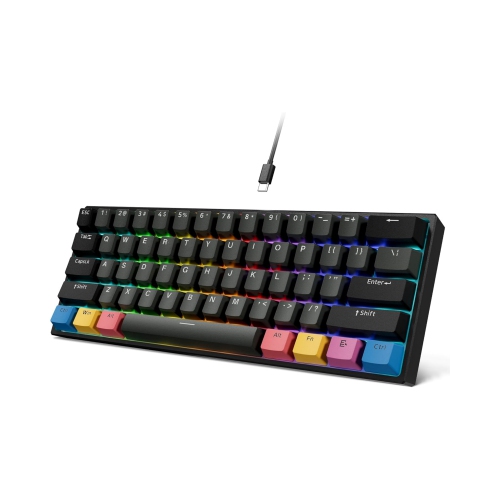
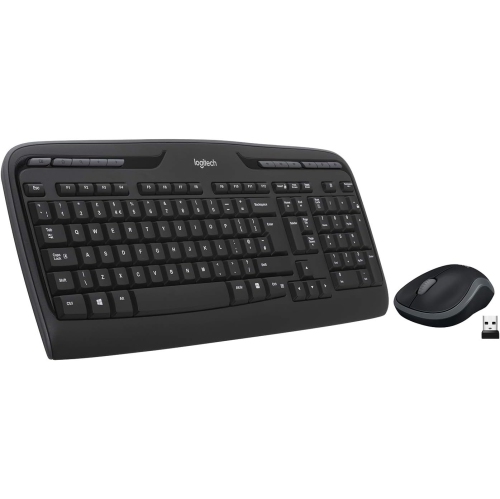
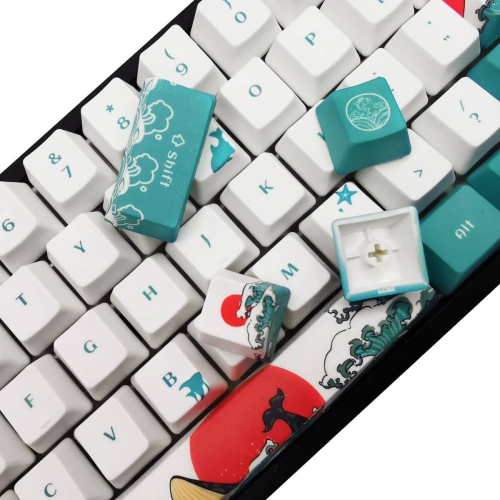
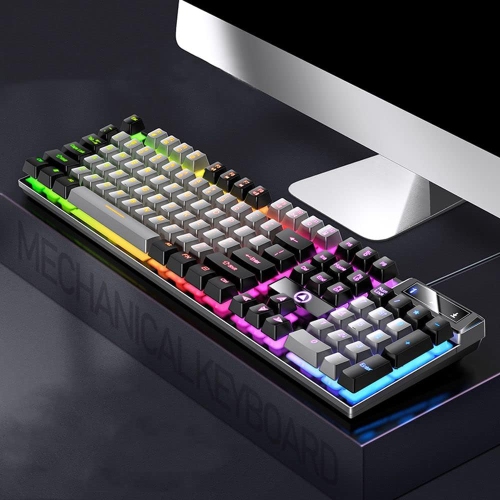
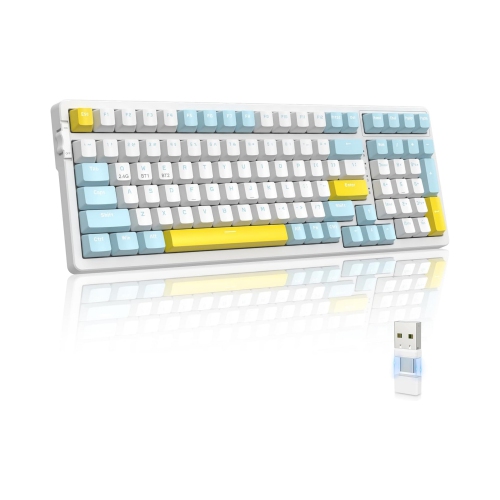
Programmable keyboards give you more control over how your computer responds to every keystroke. Instead of relying only on the standard letter, number, and function keys, you can assign shortcuts, commands, media controls, text strings, and multi-step actions to selected keys. A single press might open a frequently used application, paste a prepared phrase, switch between audio sources, or trigger a sequence of commands that would otherwise require several keystrokes. This flexibility can make a noticeable difference for people who spend long hours writing, coding, editing photos or video, managing spreadsheets, creating music, gaming, or handling repetitive office tasks. It can also make a compact keyboard feel far more capable by placing less-used functions on additional layers. With layered layouts, one set of physical keys can serve several purposes, giving you quick access to navigation controls, number pads, punctuation, media playback, or application-specific shortcuts without taking up extra desk space. For shoppers exploring different ways to tailor their setup, Customizable Keyboards can offer useful context when comparing layouts and personalisation features.
The best programmable keyboard for you depends on how you work, what you like to type on, and how much adjustment you want to make. Full-size layouts include a dedicated number pad and familiar spacing, which can be helpful for accounting, data entry, budgeting, and frequent use of navigation keys. Tenkeyless and compact layouts leave more room for a mouse and can suit smaller desks, shared workspaces, or anyone who prefers a cleaner arrangement. Mechanical keyboards often let you choose a particular switch feel, from light and quiet presses to a more tactile response that provides noticeable feedback as you type. Other keyboards use low-profile or quieter designs that may be more comfortable in an office, library, or shared room. Pay attention to whether the keys can be remapped individually, whether the function row can be customised, and whether the keyboard supports macros or multiple profiles. A profile can store a group of settings for a particular activity, such as writing, spreadsheet work, design software, or gaming, so you can change your controls without rebuilding them from scratch. Some models save configurations in onboard memory, allowing your preferred assignments to travel with the keyboard when you connect it to another compatible computer. Others depend on companion software, which may provide a visual interface for assigning actions, setting up layers, adjusting lighting, or creating application-specific profiles. Wired connections can provide a dependable, uninterrupted link, while wireless models can reduce cable clutter and make it easier to move between a desktop, laptop, and other compatible devices. Check connection type, operating system support, battery expectations, key rollover, and included accessories before choosing a keyboard for your routine.
Programmable keyboards can be especially useful when small improvements add up throughout the day. A writer might assign a key to insert a commonly used sign-off, a photographer might map controls for zooming and switching tools, and a programmer might place frequently repeated commands within easy reach. A streamer or content creator may use a compact macro pad to manage scenes, microphone controls, music, and lighting without leaving the main application. For gaming, programmable keys can place game-specific actions closer to your hand, although it is important to review the rules of the games and services you use before relying on macros. These keyboards can also be thoughtful gifts for students, remote workers, creative professionals, and PC enthusiasts who enjoy fine-tuning their workspace. Someone moving into a new home office may appreciate a keyboard that helps make a small desk feel more organised, while a family member who spends cooler months indoors gaming or working on personal projects may enjoy experimenting with new layouts and shortcuts. Setup is usually easiest when you begin with a few genuinely useful assignments rather than trying to customise every key at once. Start with commands you use repeatedly, label unfamiliar shortcuts where possible, and keep a standard layer available for moments when another person needs to use the computer. Consider the keycap legends, backlighting, wrist support, typing angle, and overall dimensions as well; customisation is most valuable when the keyboard remains comfortable for long sessions. Whether you prefer a familiar full-size arrangement, a compact board with layered controls, or an auxiliary keypad dedicated to shortcuts and dials, programmable keyboards can help create a more natural connection between your hands and the tasks on screen.
The best programmable keyboard for you depends on how you work, what you like to type on, and how much adjustment you want to make. Full-size layouts include a dedicated number pad and familiar spacing, which can be helpful for accounting, data entry, budgeting, and frequent use of navigation keys. Tenkeyless and compact layouts leave more room for a mouse and can suit smaller desks, shared workspaces, or anyone who prefers a cleaner arrangement. Mechanical keyboards often let you choose a particular switch feel, from light and quiet presses to a more tactile response that provides noticeable feedback as you type. Other keyboards use low-profile or quieter designs that may be more comfortable in an office, library, or shared room. Pay attention to whether the keys can be remapped individually, whether the function row can be customised, and whether the keyboard supports macros or multiple profiles. A profile can store a group of settings for a particular activity, such as writing, spreadsheet work, design software, or gaming, so you can change your controls without rebuilding them from scratch. Some models save configurations in onboard memory, allowing your preferred assignments to travel with the keyboard when you connect it to another compatible computer. Others depend on companion software, which may provide a visual interface for assigning actions, setting up layers, adjusting lighting, or creating application-specific profiles. Wired connections can provide a dependable, uninterrupted link, while wireless models can reduce cable clutter and make it easier to move between a desktop, laptop, and other compatible devices. Check connection type, operating system support, battery expectations, key rollover, and included accessories before choosing a keyboard for your routine.
Programmable keyboards can be especially useful when small improvements add up throughout the day. A writer might assign a key to insert a commonly used sign-off, a photographer might map controls for zooming and switching tools, and a programmer might place frequently repeated commands within easy reach. A streamer or content creator may use a compact macro pad to manage scenes, microphone controls, music, and lighting without leaving the main application. For gaming, programmable keys can place game-specific actions closer to your hand, although it is important to review the rules of the games and services you use before relying on macros. These keyboards can also be thoughtful gifts for students, remote workers, creative professionals, and PC enthusiasts who enjoy fine-tuning their workspace. Someone moving into a new home office may appreciate a keyboard that helps make a small desk feel more organised, while a family member who spends cooler months indoors gaming or working on personal projects may enjoy experimenting with new layouts and shortcuts. Setup is usually easiest when you begin with a few genuinely useful assignments rather than trying to customise every key at once. Start with commands you use repeatedly, label unfamiliar shortcuts where possible, and keep a standard layer available for moments when another person needs to use the computer. Consider the keycap legends, backlighting, wrist support, typing angle, and overall dimensions as well; customisation is most valuable when the keyboard remains comfortable for long sessions. Whether you prefer a familiar full-size arrangement, a compact board with layered controls, or an auxiliary keypad dedicated to shortcuts and dials, programmable keyboards can help create a more natural connection between your hands and the tasks on screen.
Top selling and popular products
-
 Your price for this item is $39.99
 -
 Your price for this item is $76.98
 -
 Your price for this item is $94.99
 -
 Your price for this item is $319.99
 -
 Your price for this item is $364.99
 -
 Your price for this item is $149.99
 -
 Your price for this item is $124
 -
 Your price for this item is $94.99
Discover more categories related to Programmable Keyboards
Top Collections:
Pokemon Centers, Kindle Devices, Best Budget Office Chairs, Apple iPhones 16, Canon G7X Cameras, iPhone 15 Apple, Alarm Clock, Refurbished Apple Laptops, Flip Phones, Best Laptops for Writers
Some products may be subject to Environmental Handling Fees
(EHF) depending on your province.
Learn more about EHFs.