Unique Keyboards
Explore the world of unique keyboards that blend functionality with creativity, transforming your workspace into an inspiring hub. Whether you're a gamer seeking precision, a writer craving comfort, or a designer in need of versatility, these distinctive keyboards cater to every need and style. With innovative designs and advanced features, they offer more than just typing; they enhance your overall computing experience. Discover options that range from ergonomic layouts to customizable keys, each crafted to elevate your productivity and express your individuality. Dive into a collection where technology meets artistry, and find the perfect keyboard to complement your digital lifestyle.
Sort
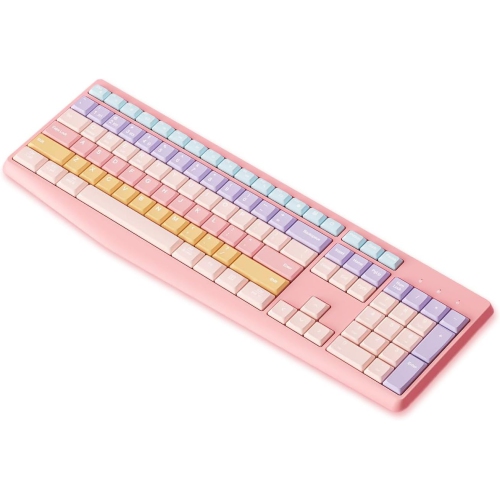
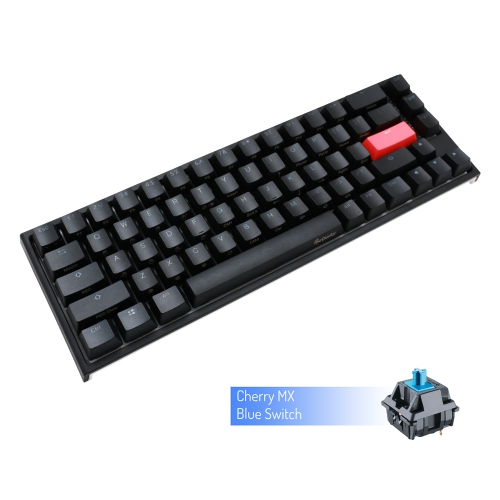
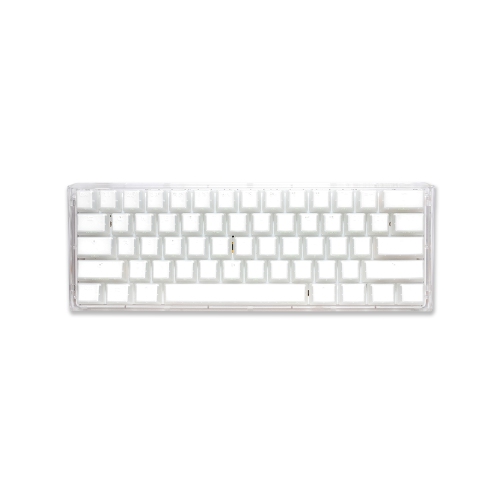
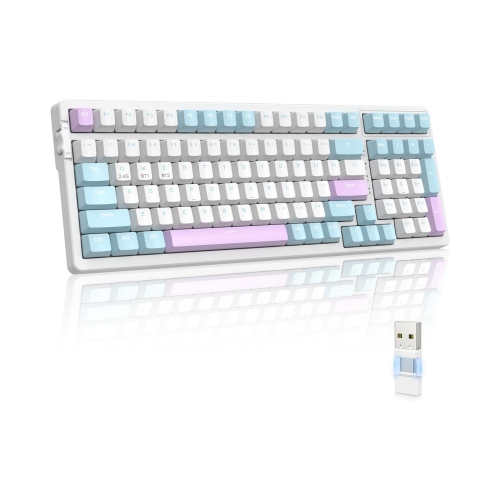
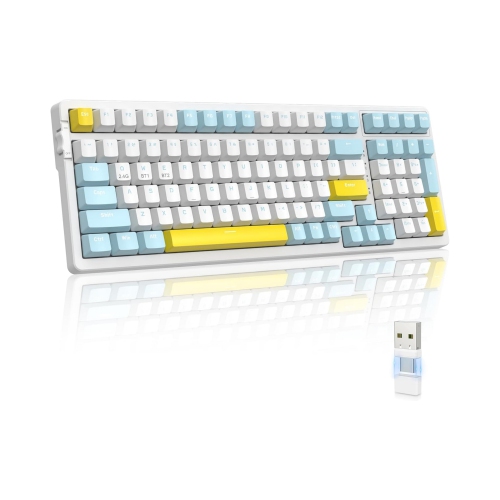
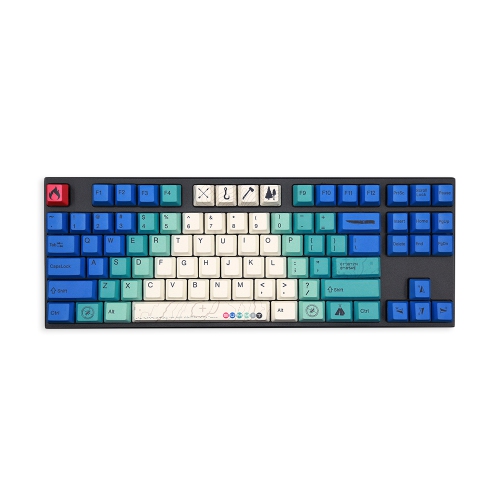
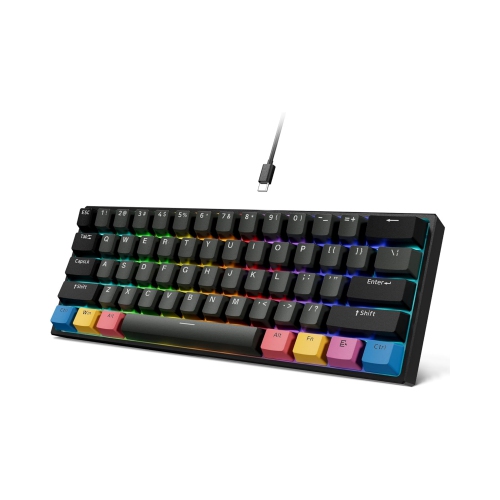

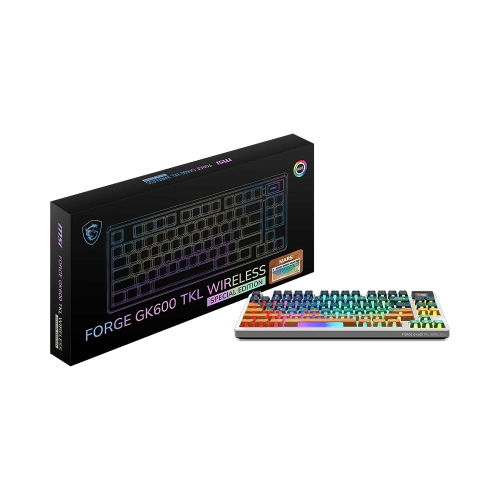
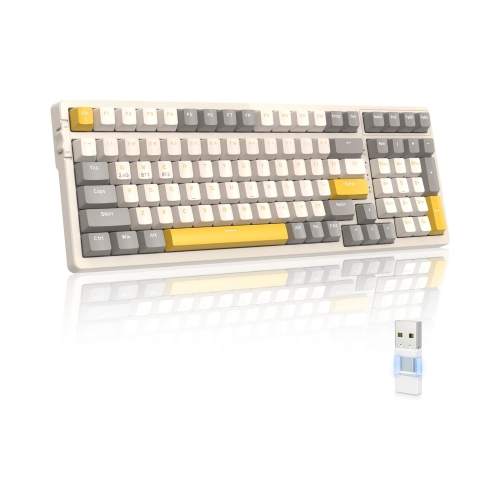
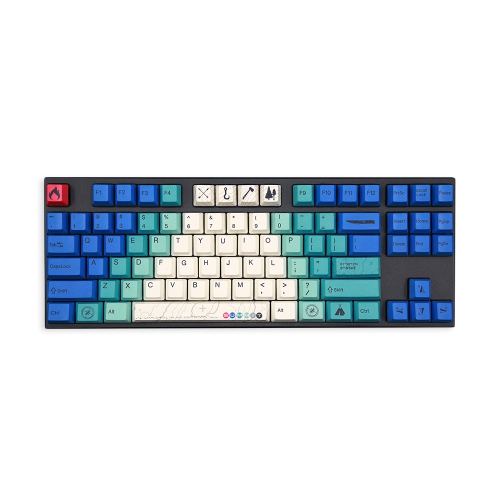
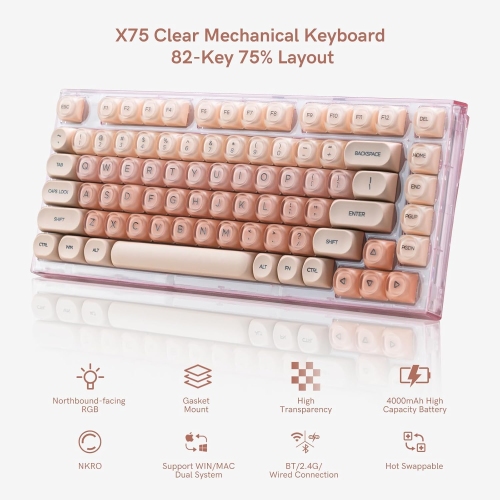
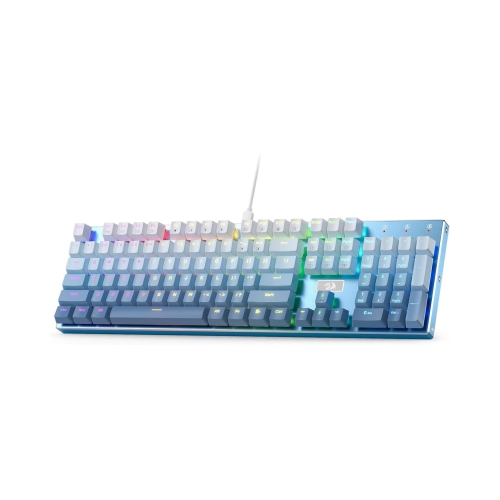
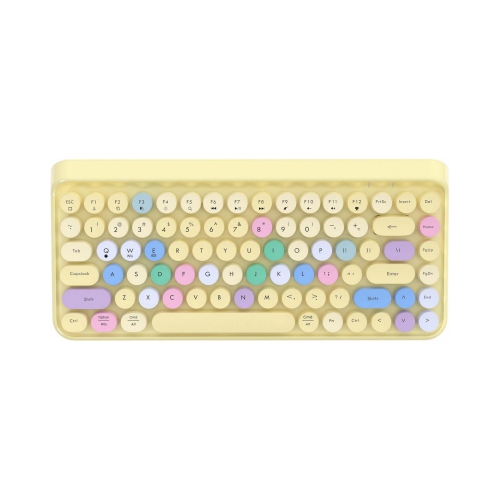
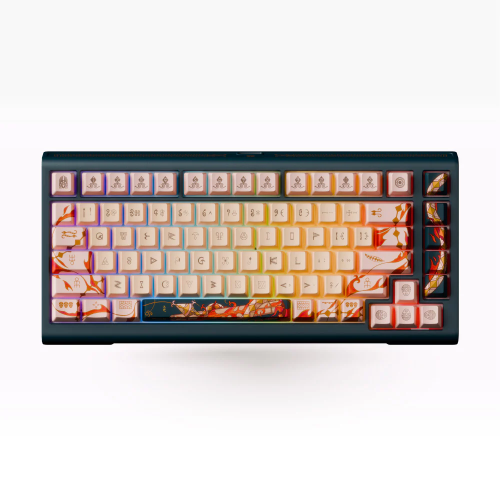
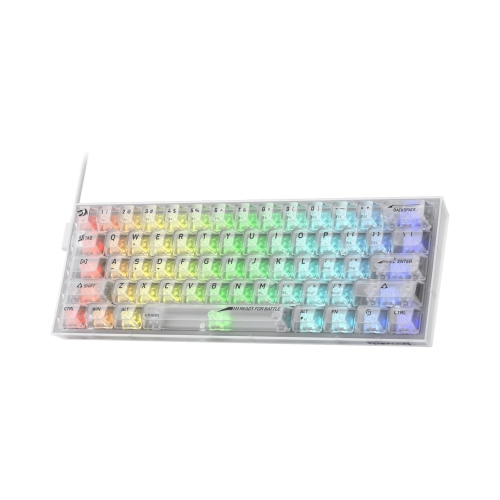
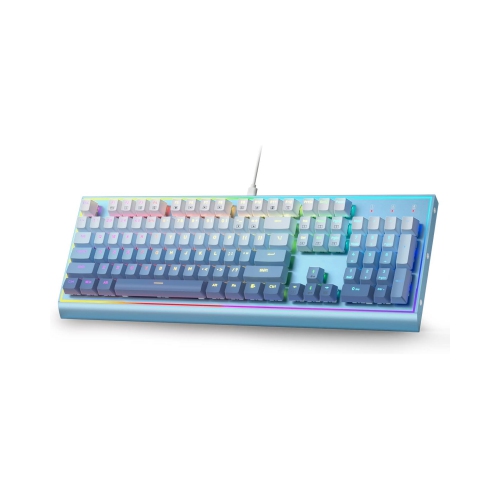
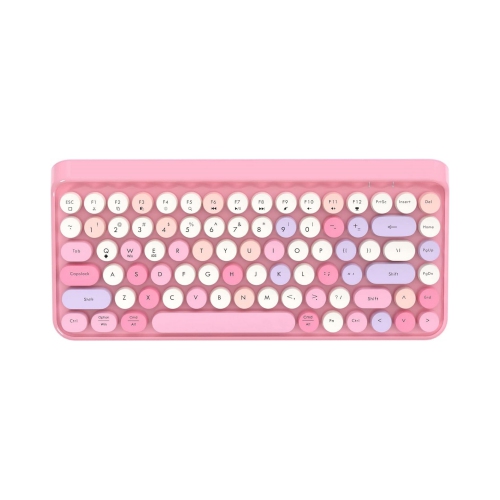
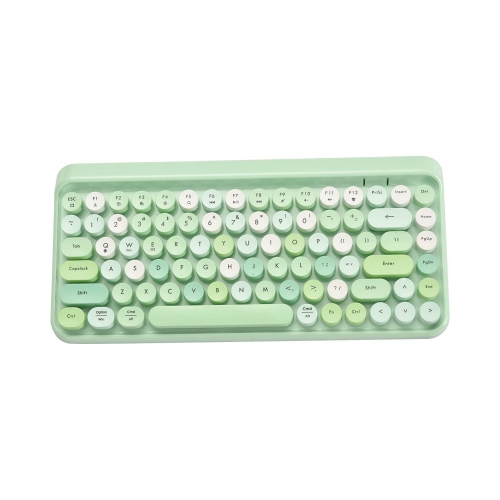
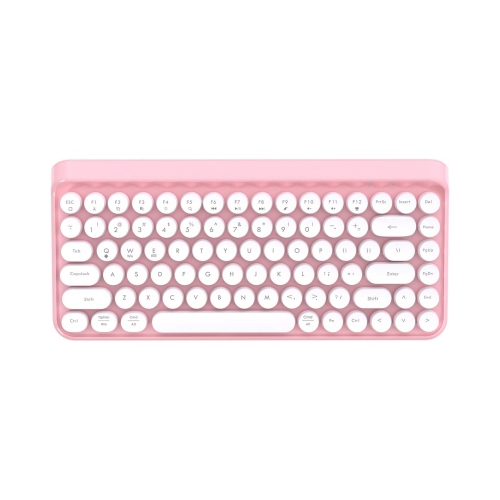
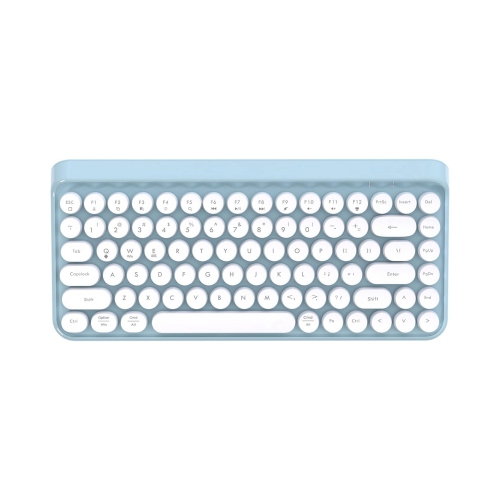
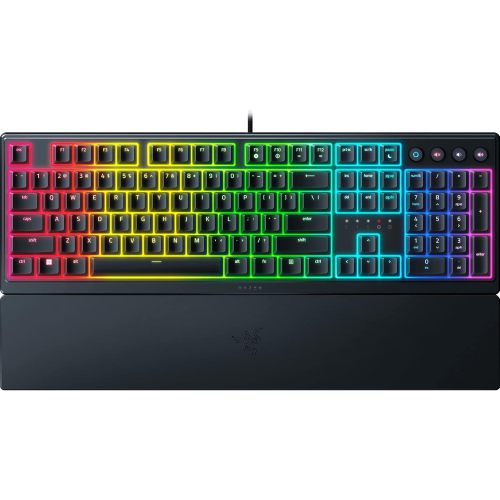
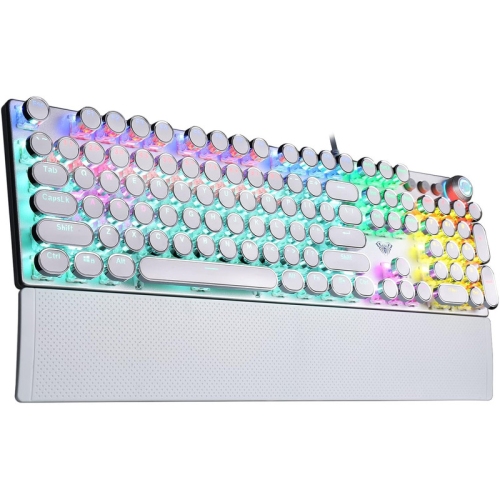
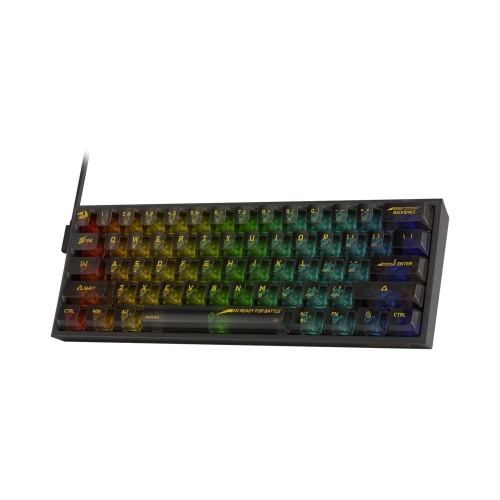
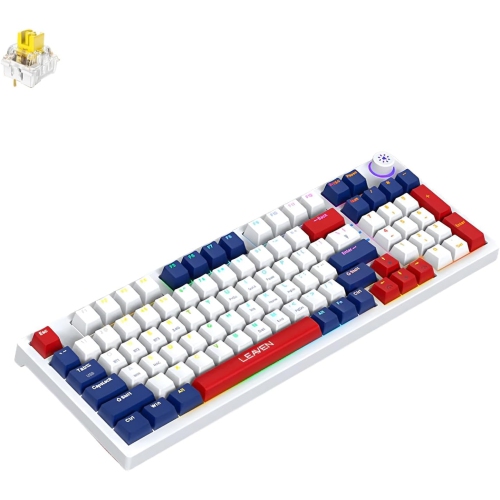


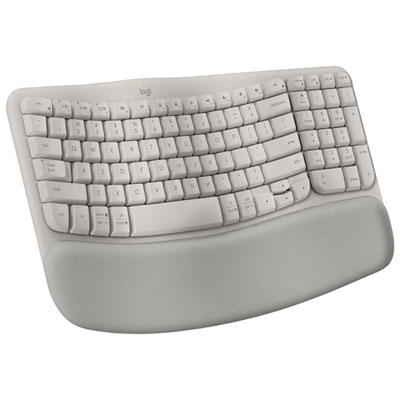
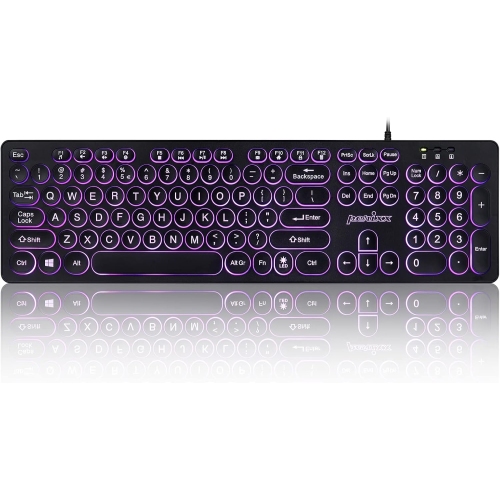
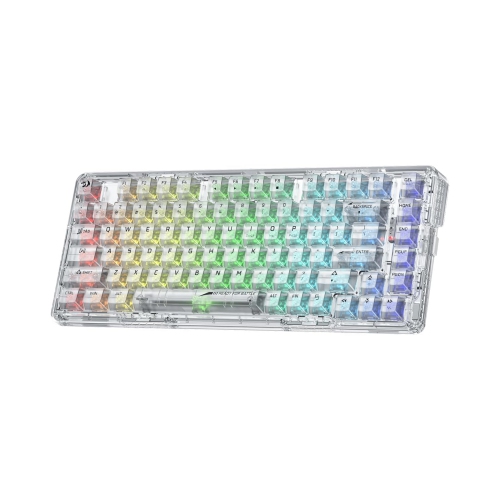
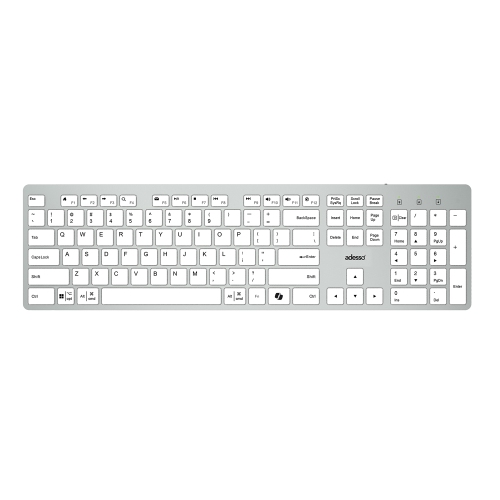
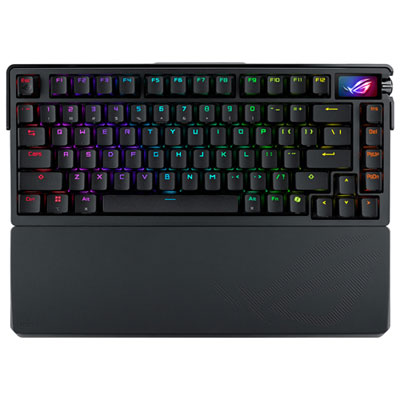
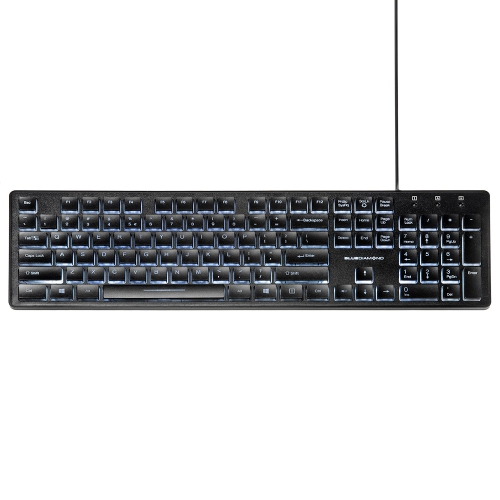
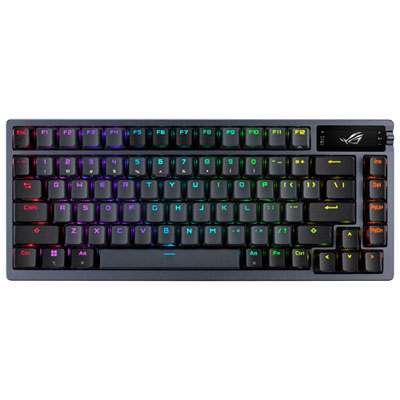
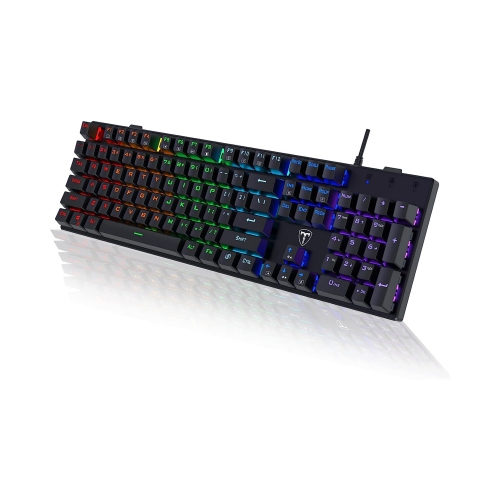
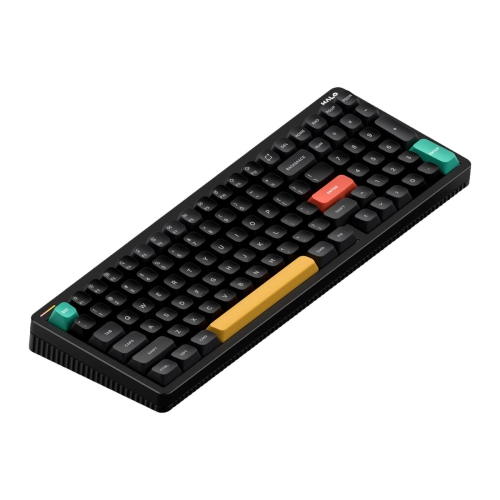
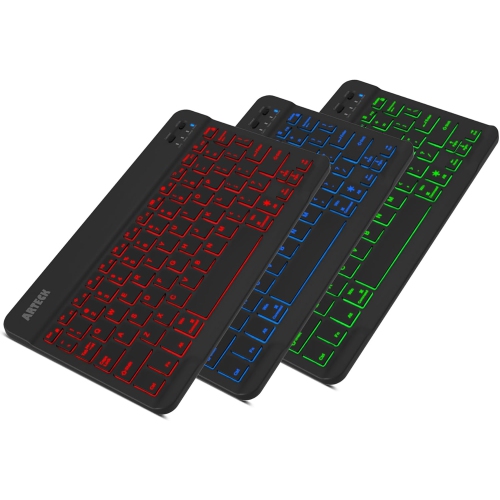
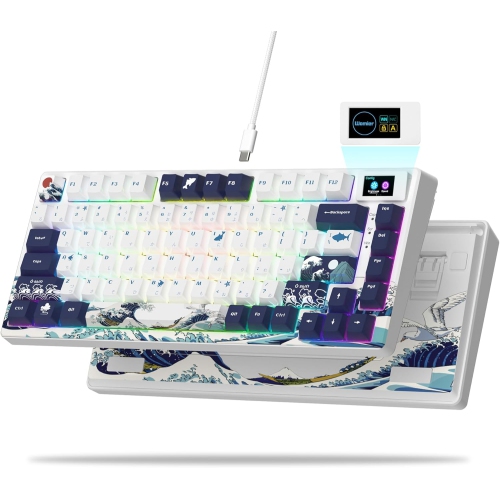
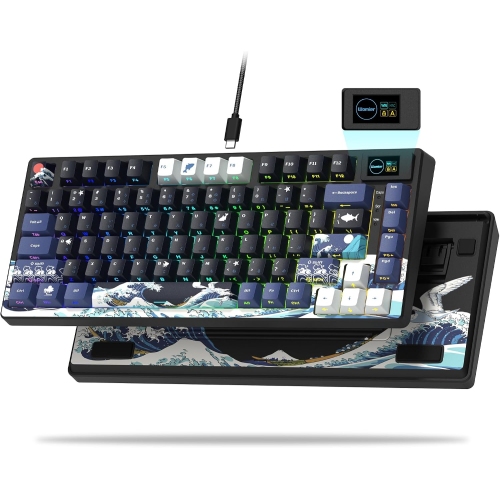
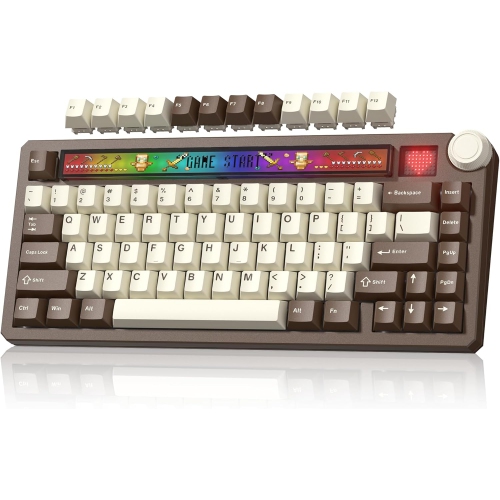
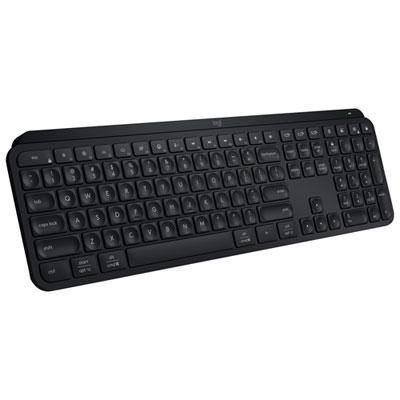
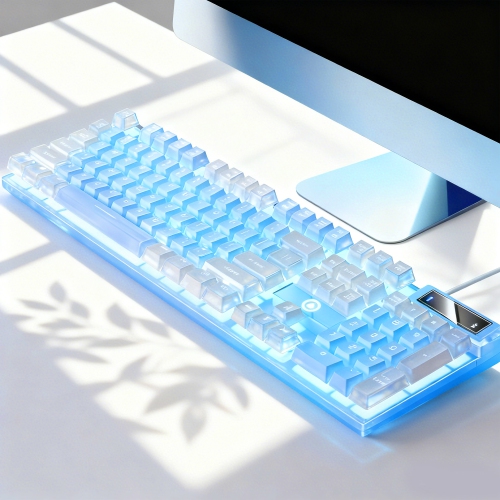
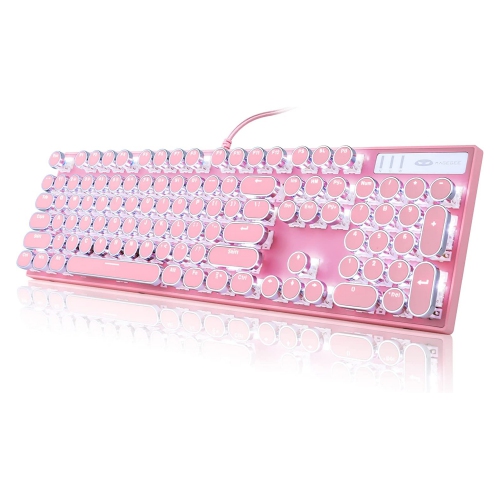
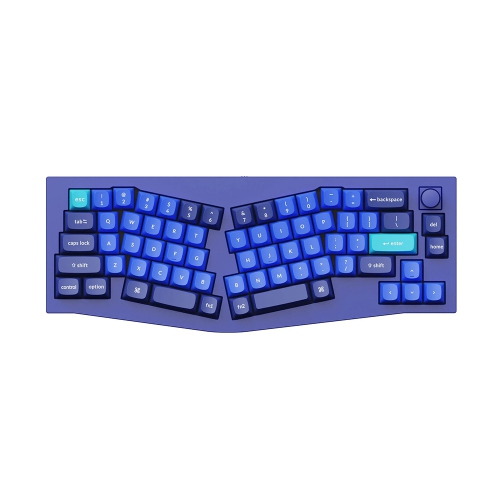
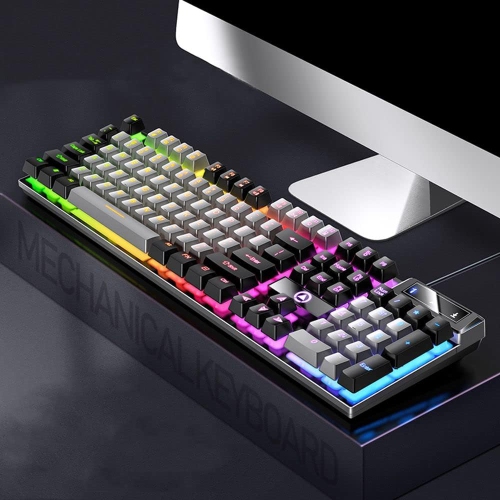
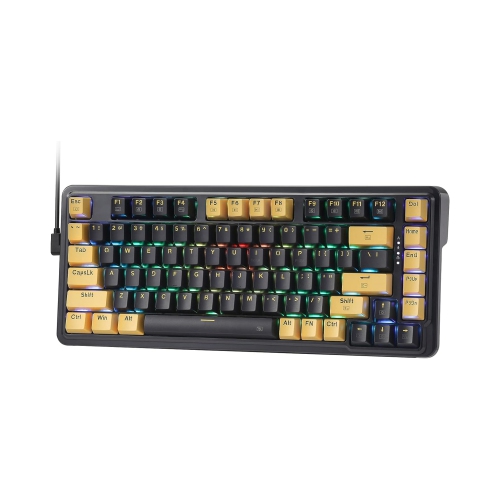
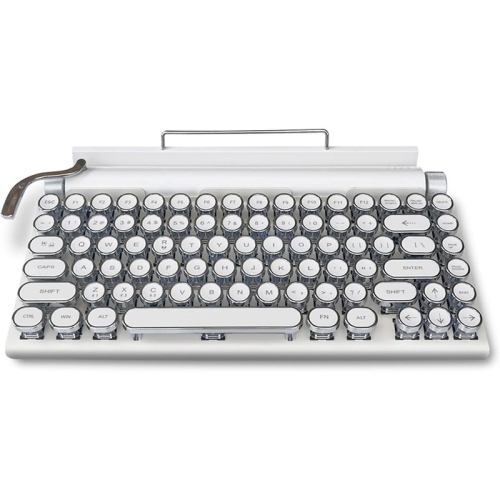
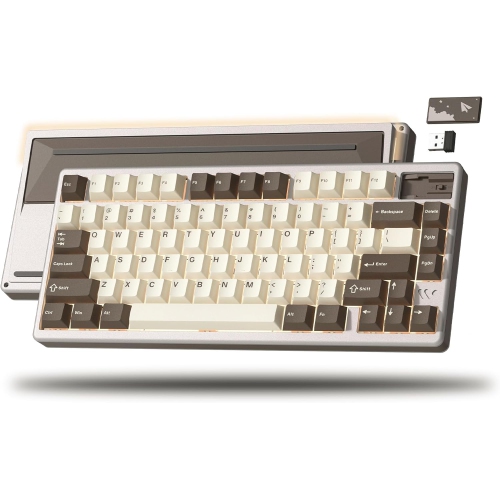
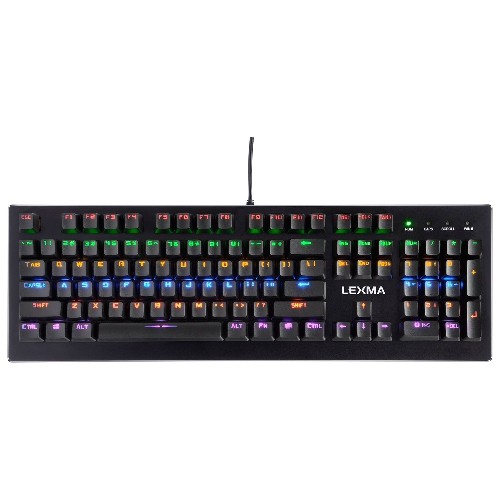
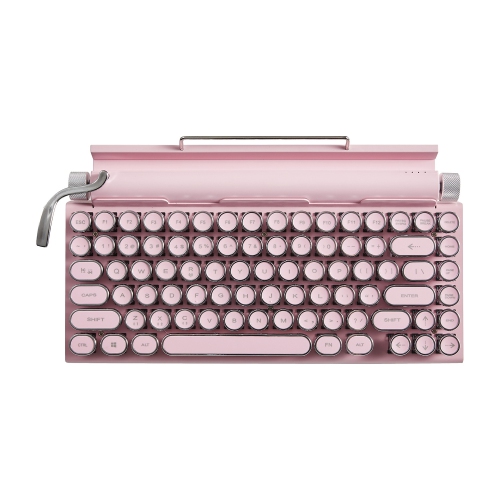
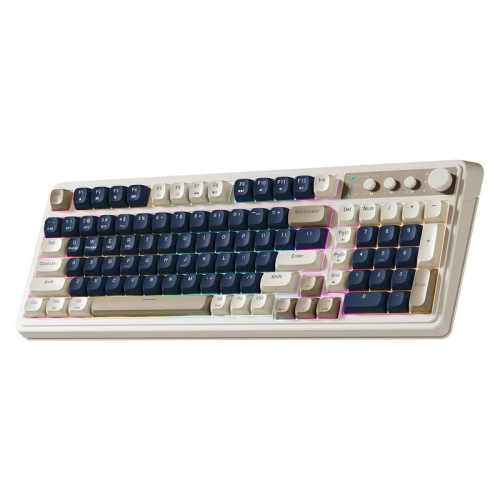
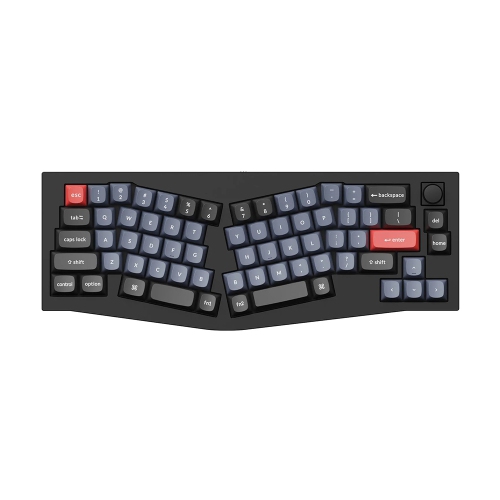
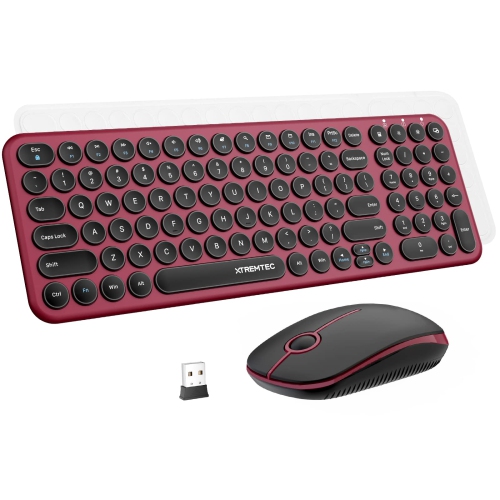
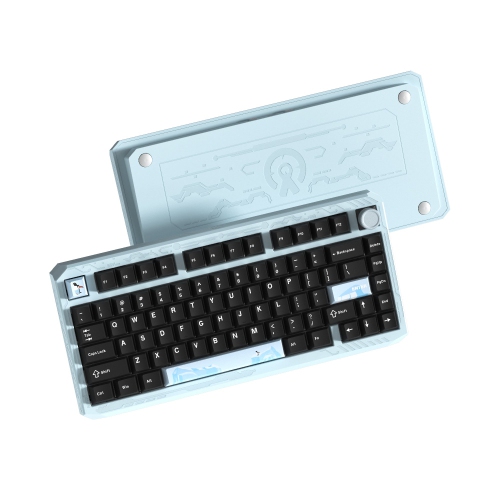
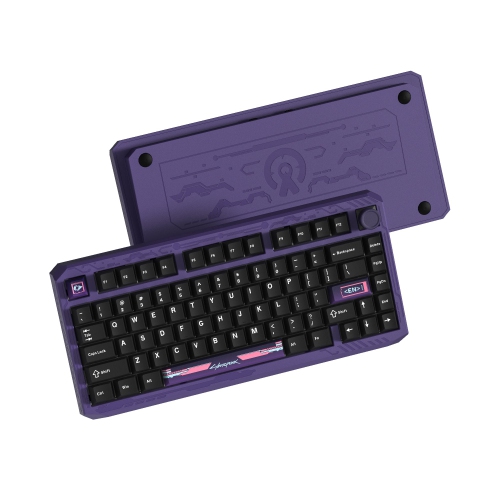
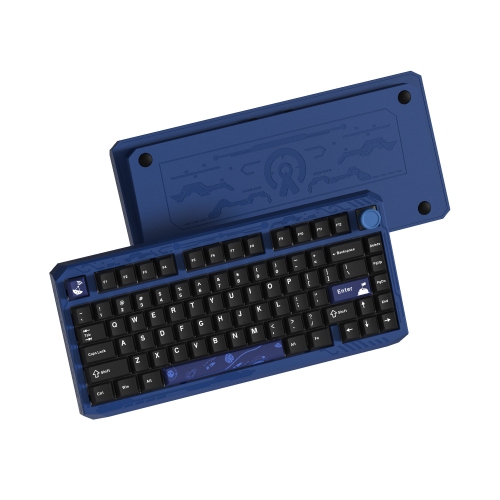
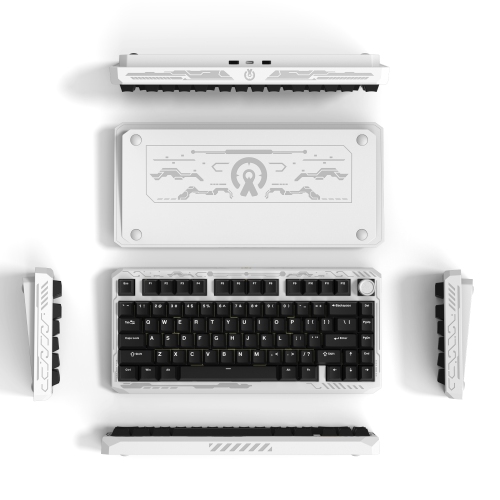
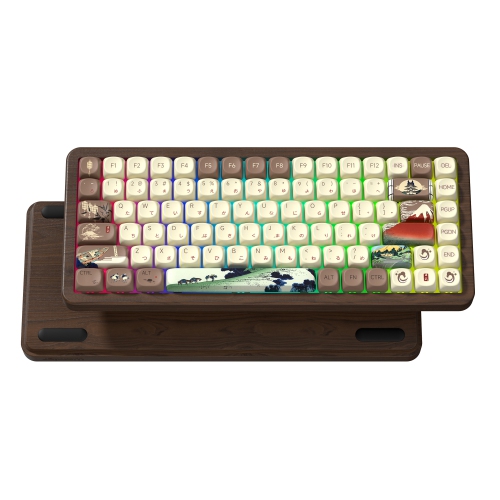
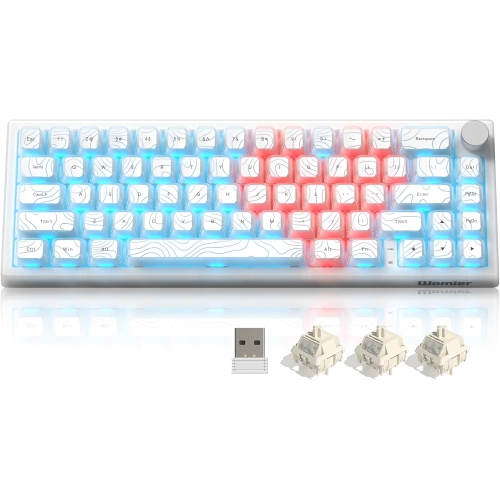
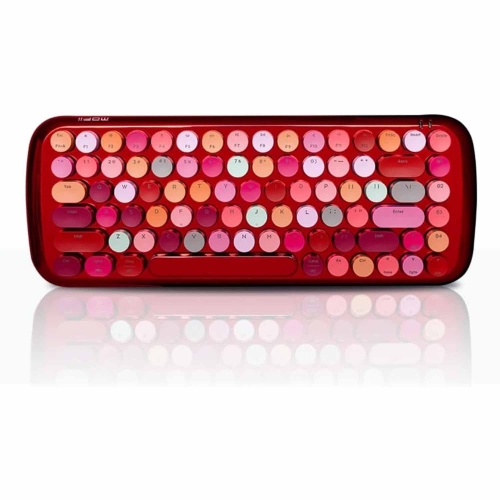
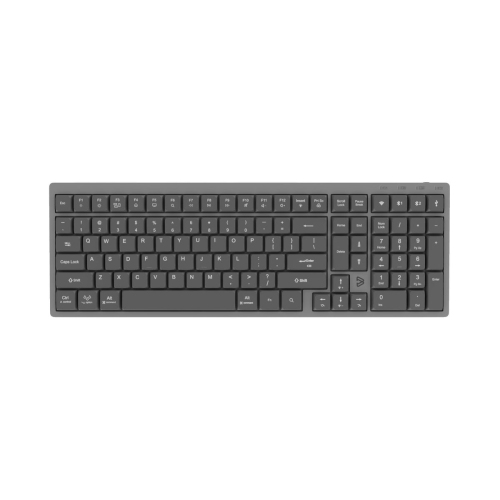

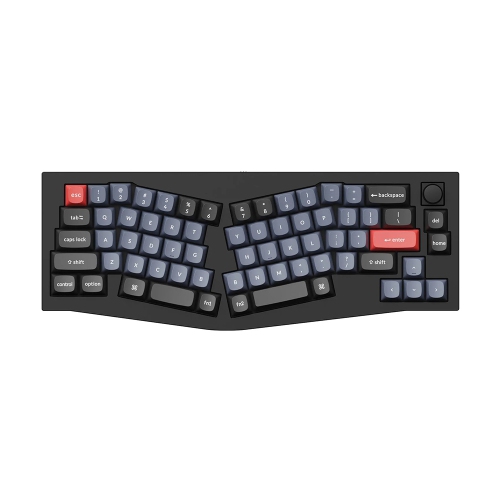
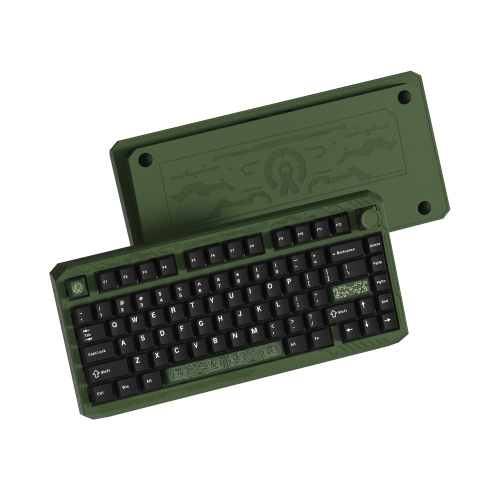
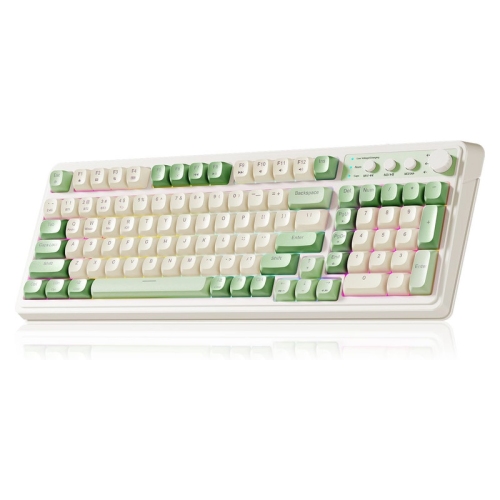
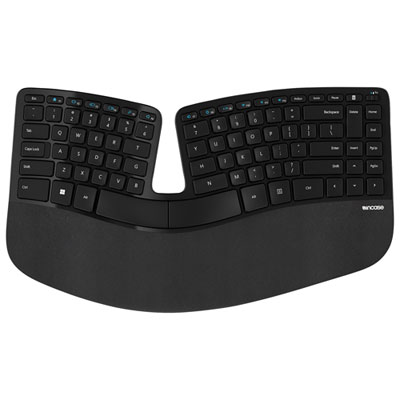
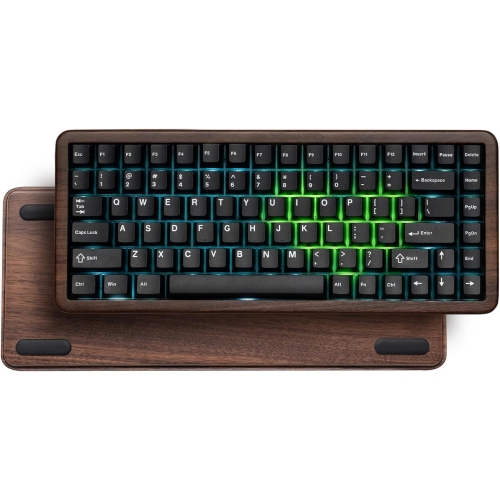
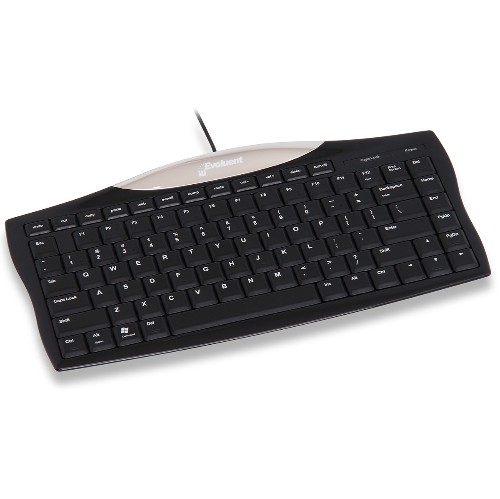
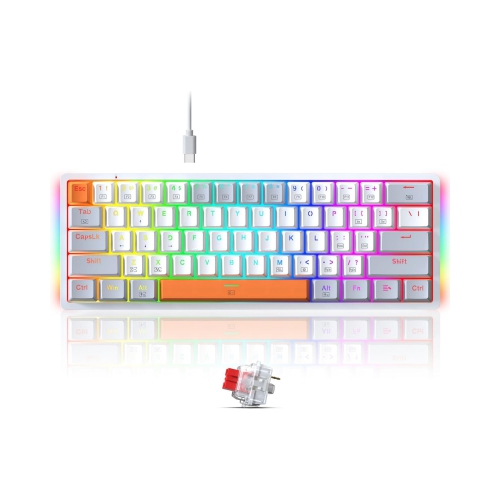
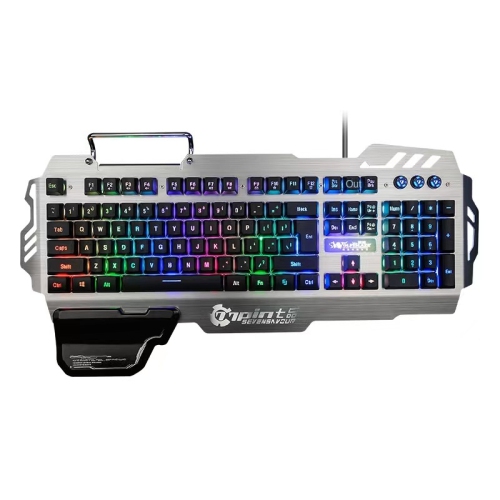

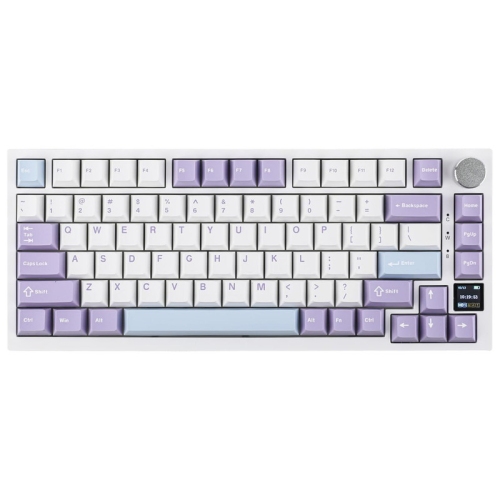
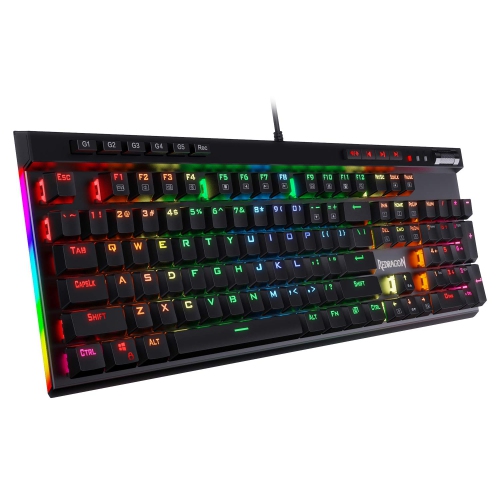
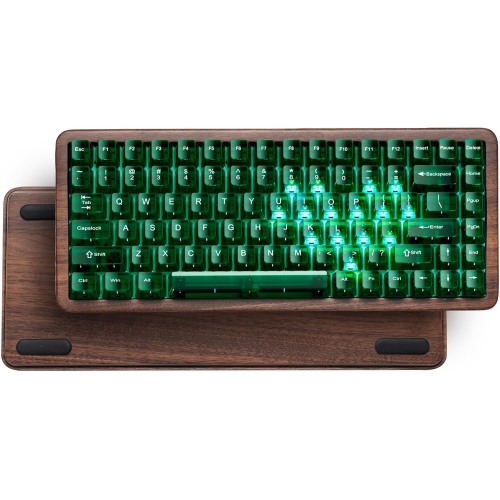
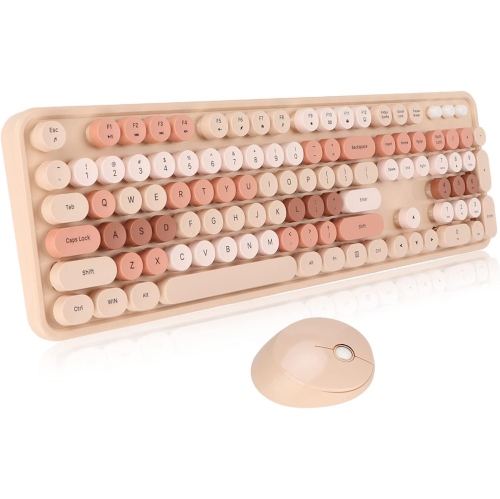
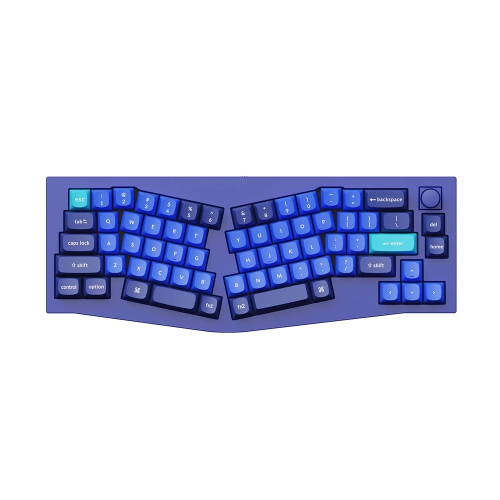
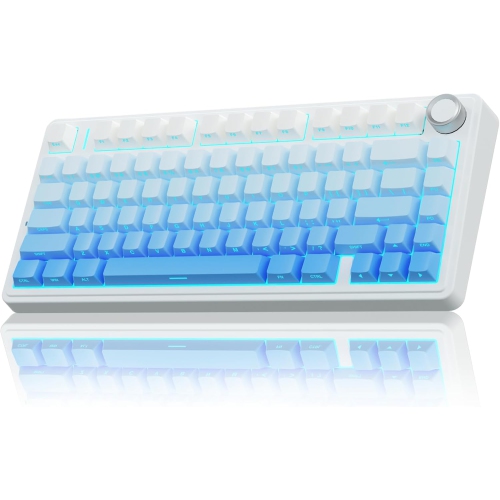
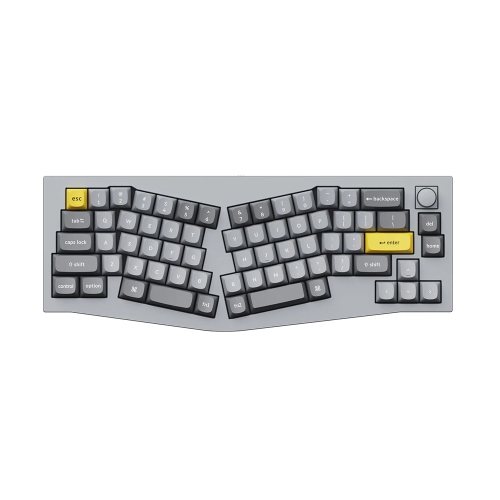
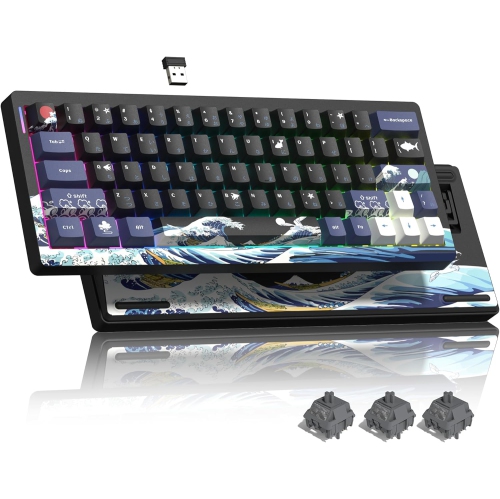
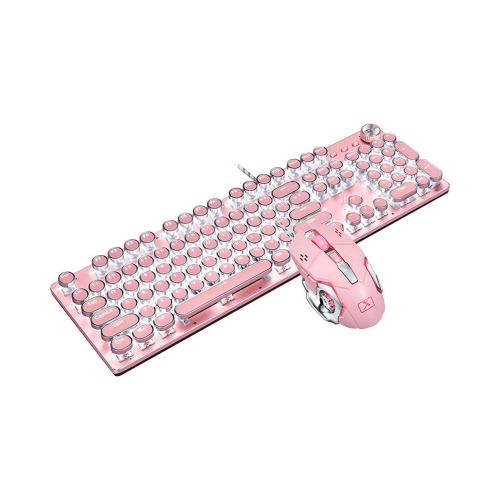
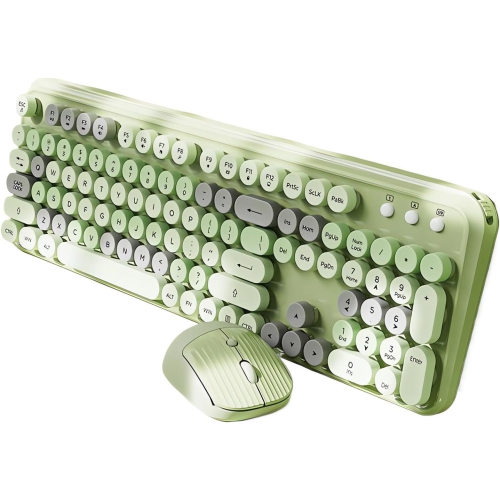
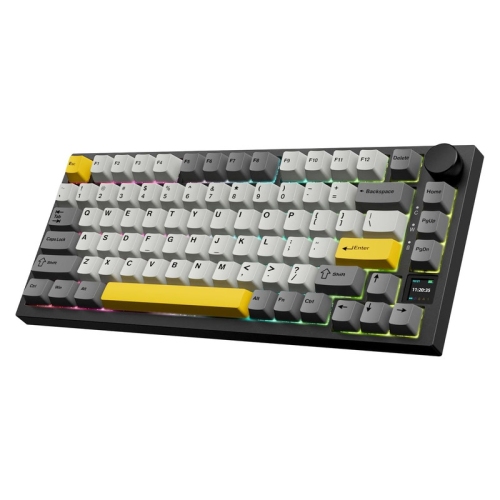
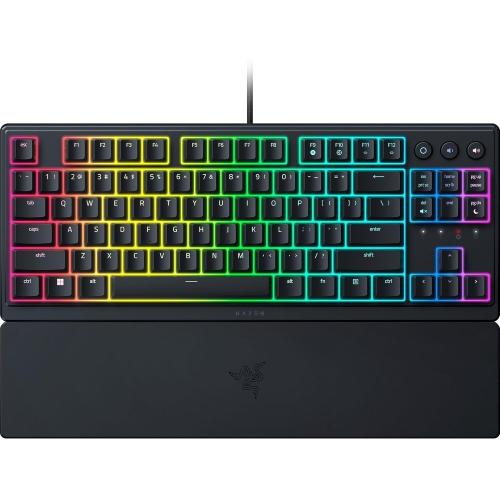
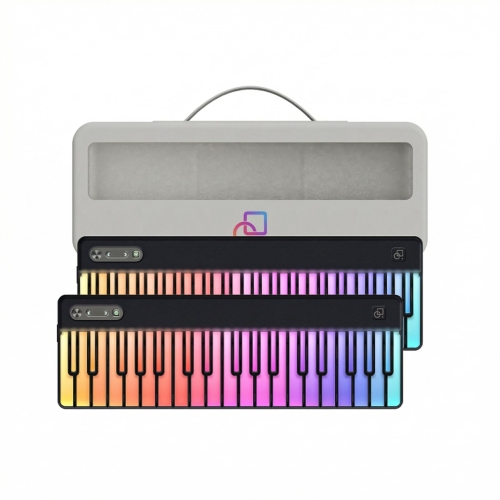
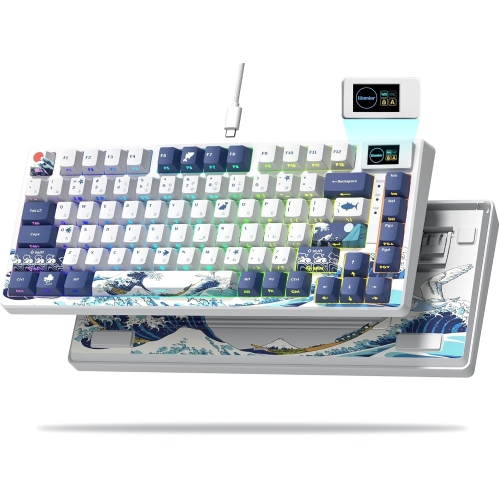
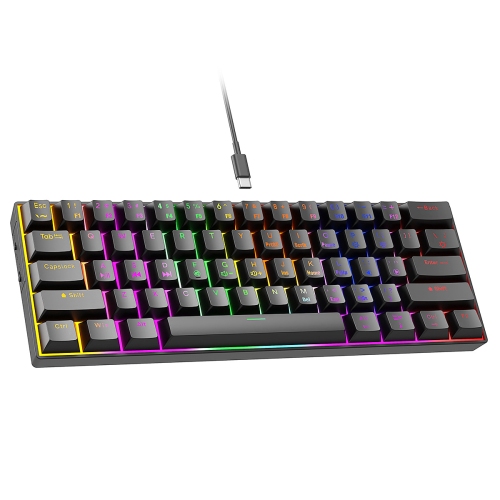
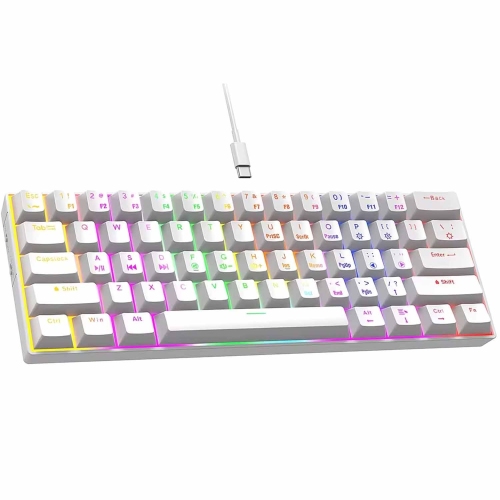
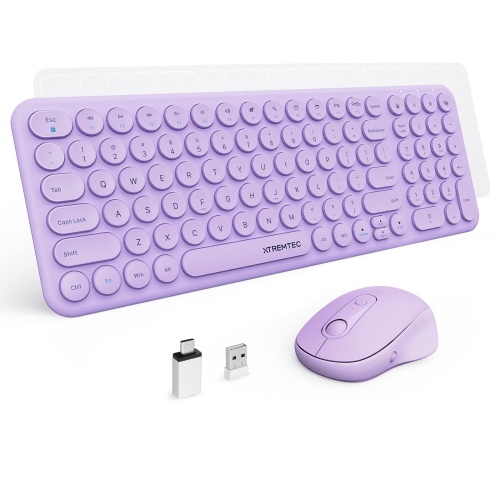
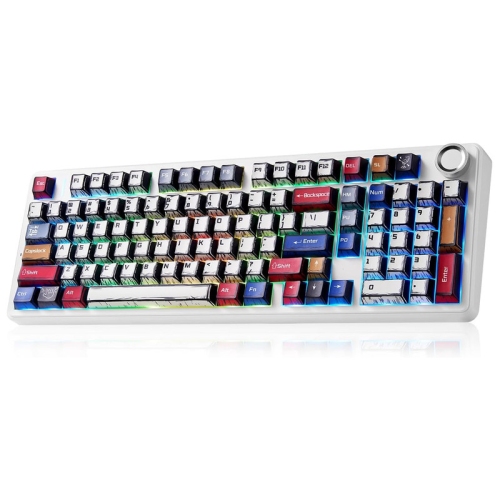
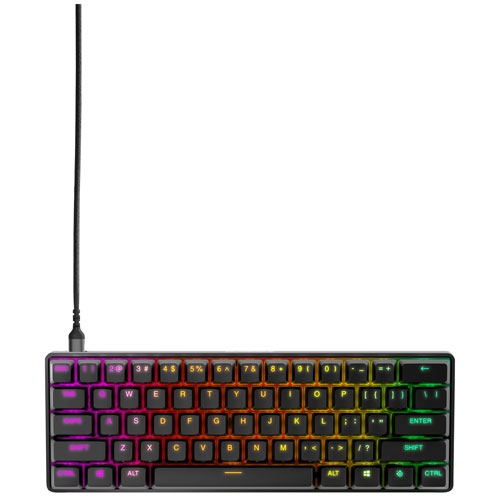
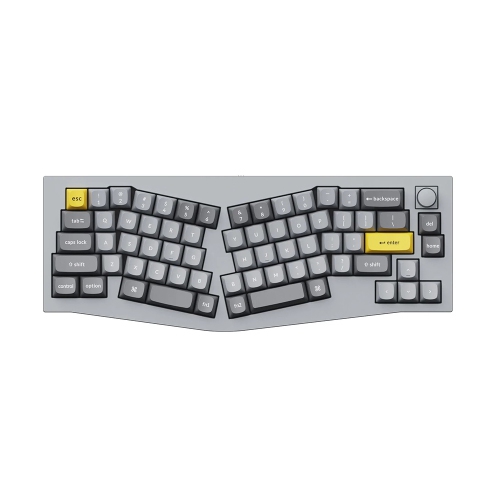
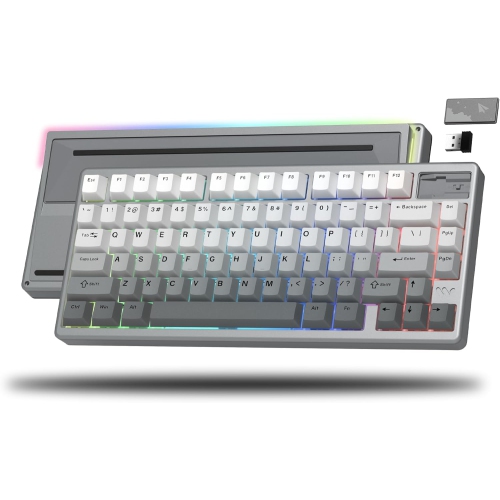
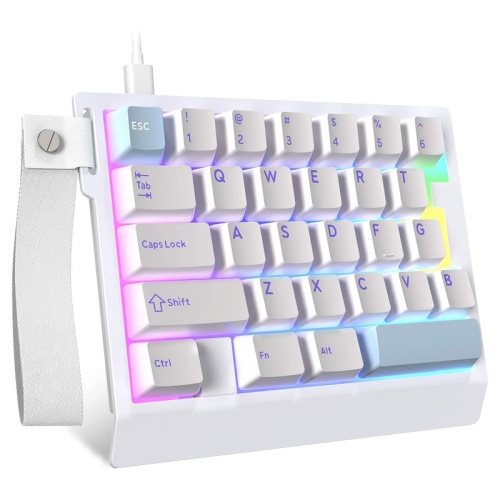
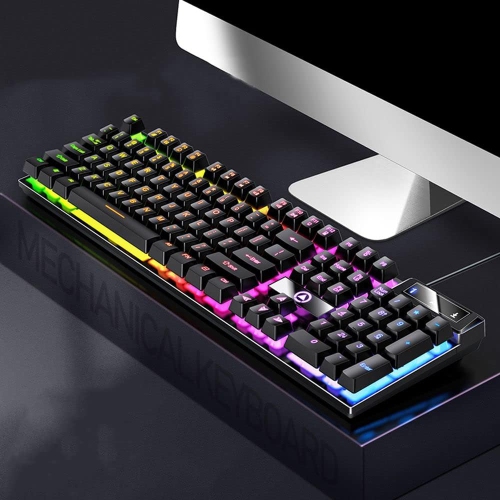
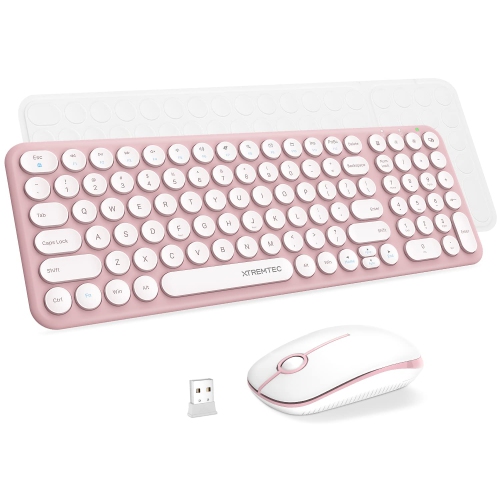
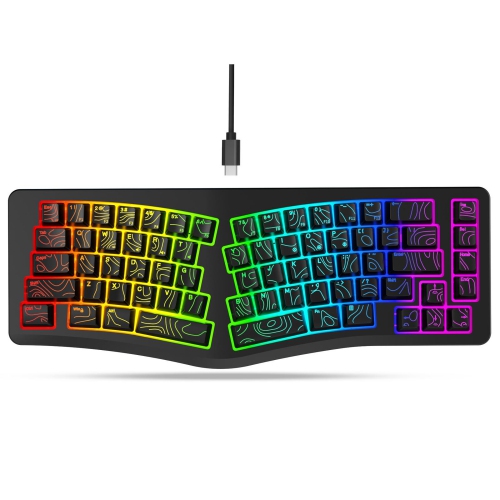
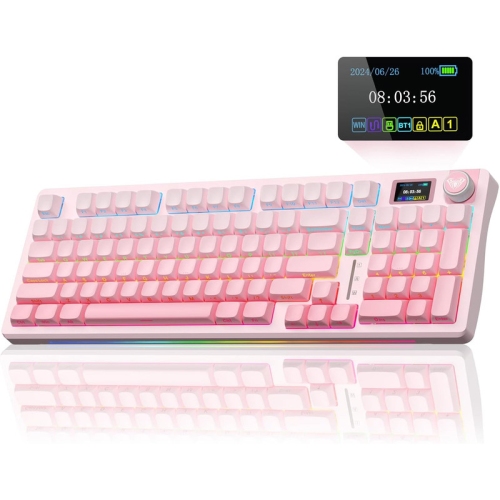
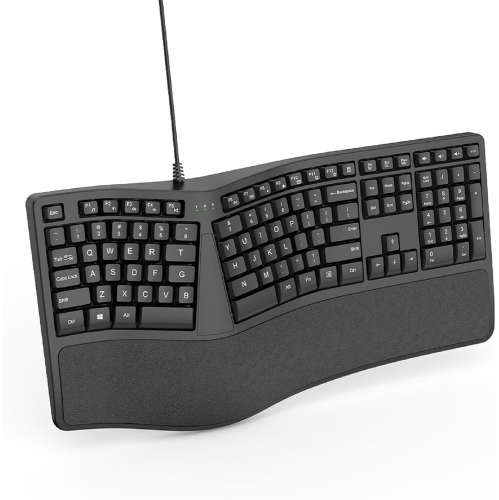
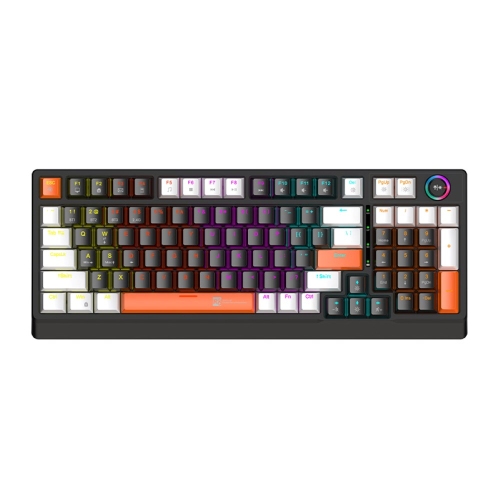
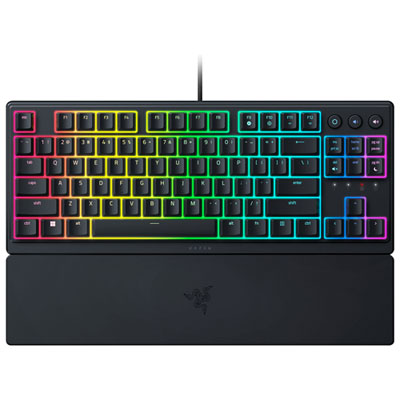
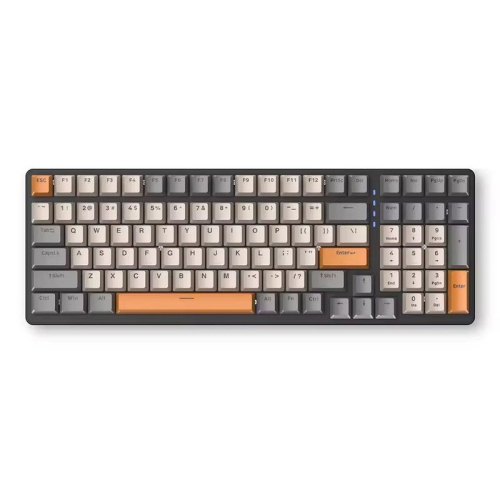
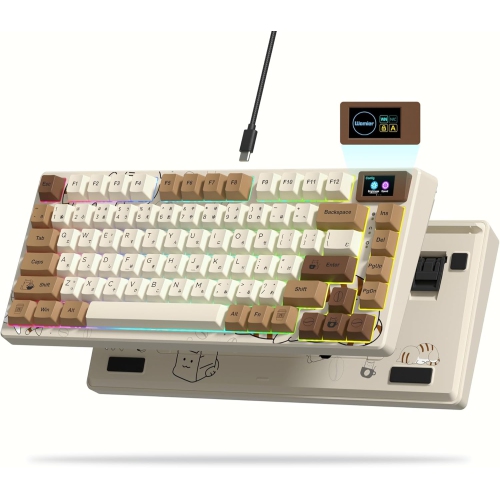

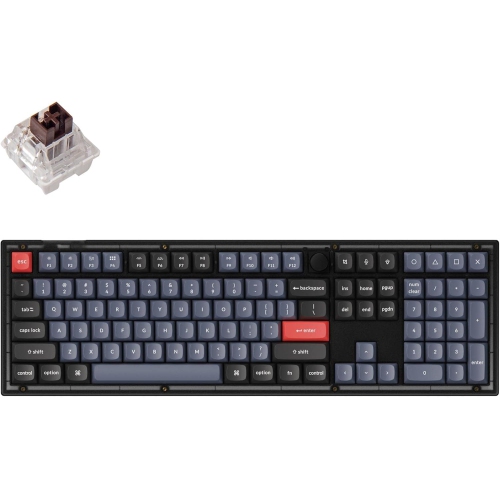
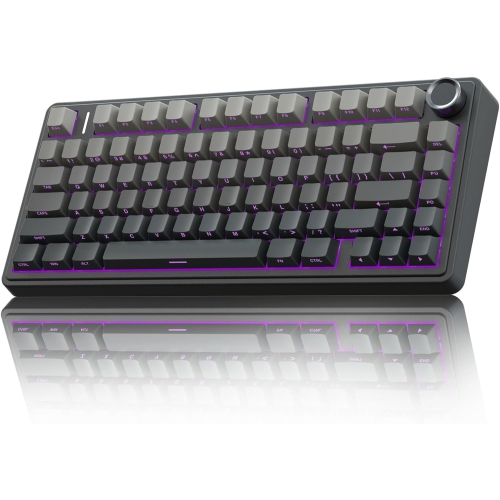
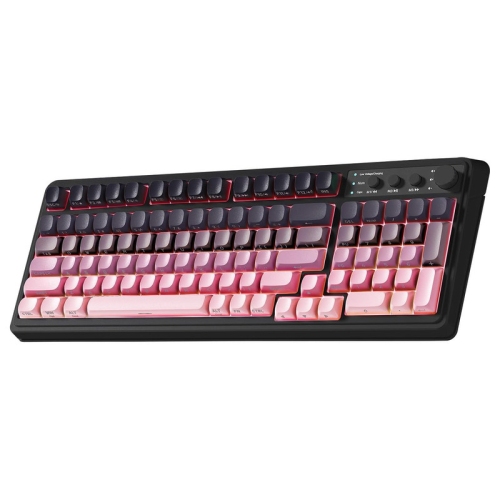
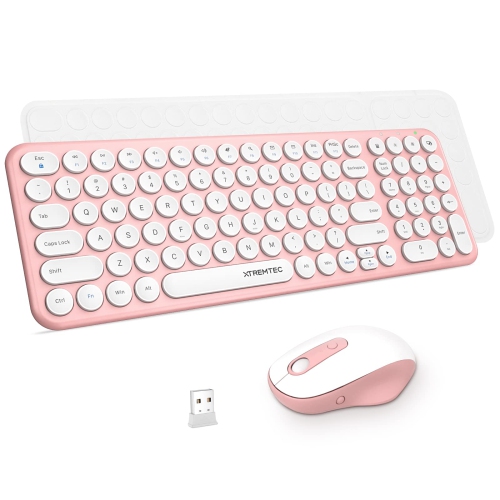
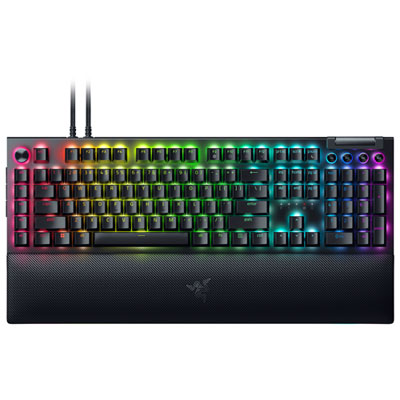

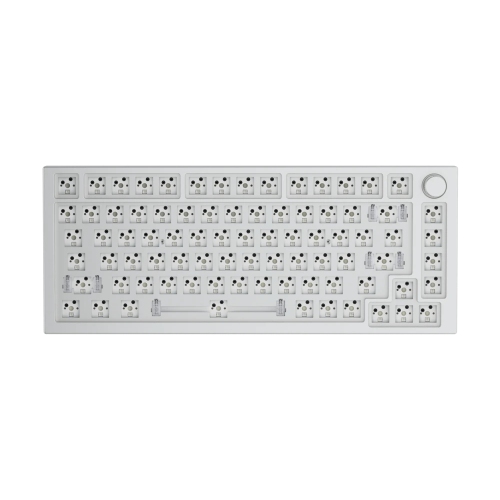
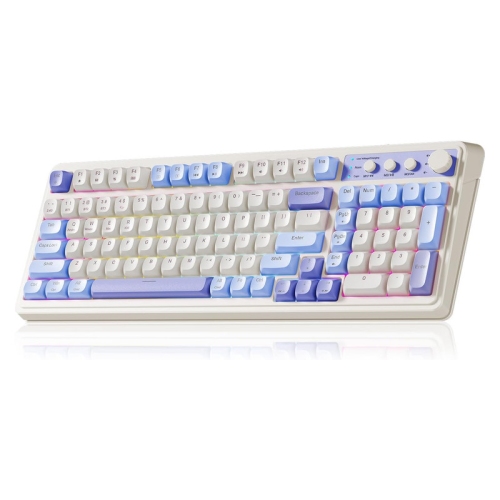
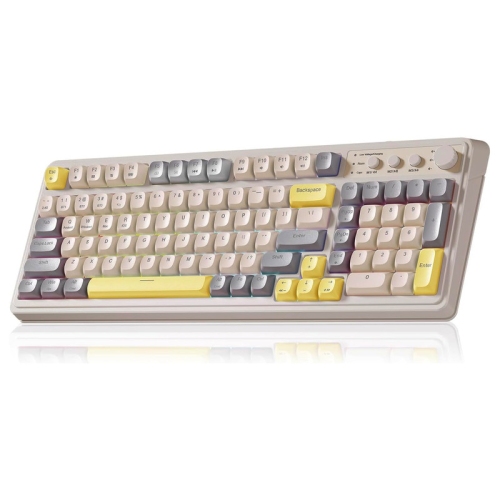
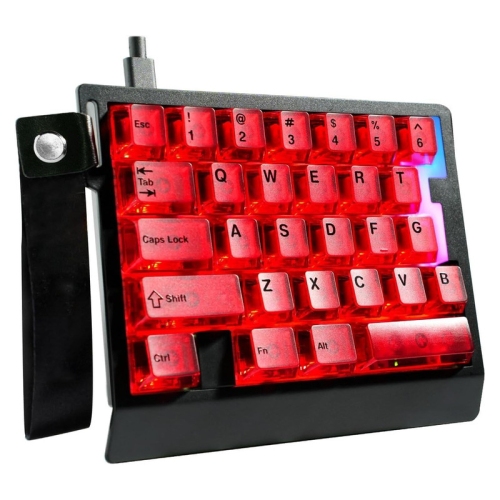
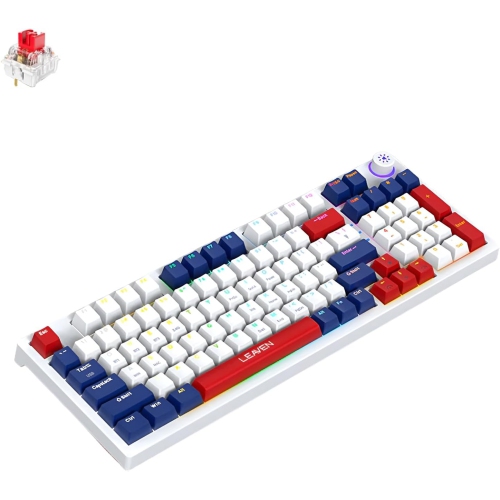
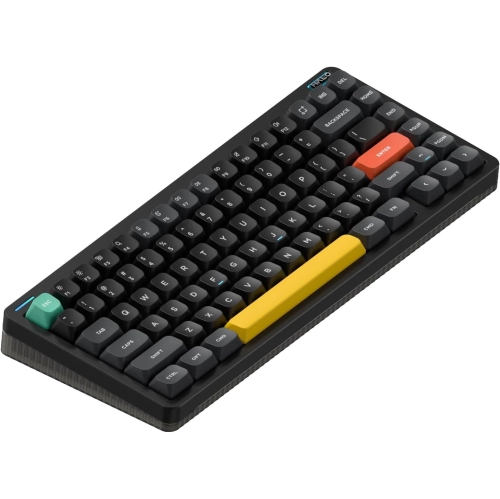

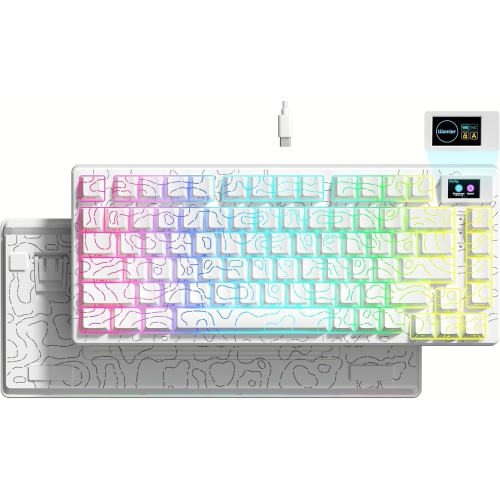
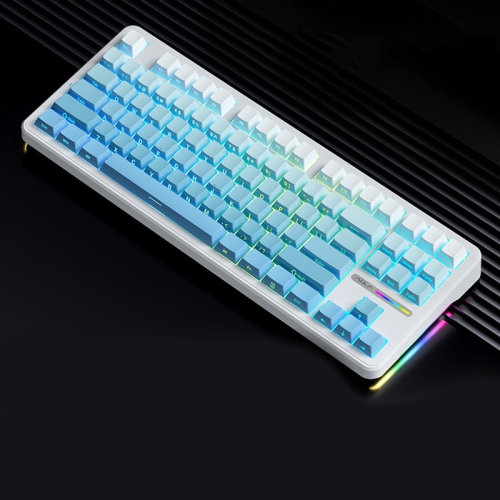
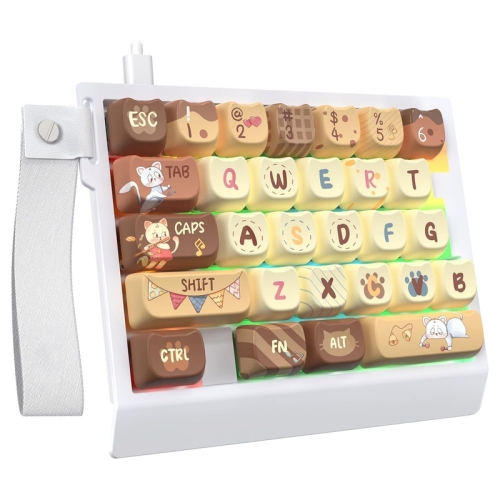
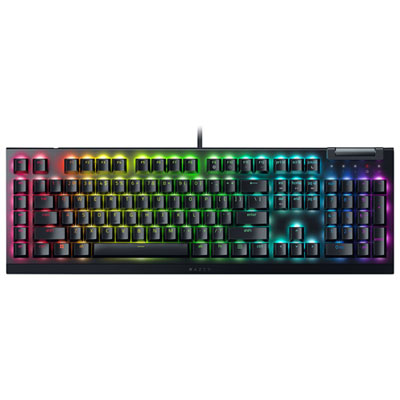
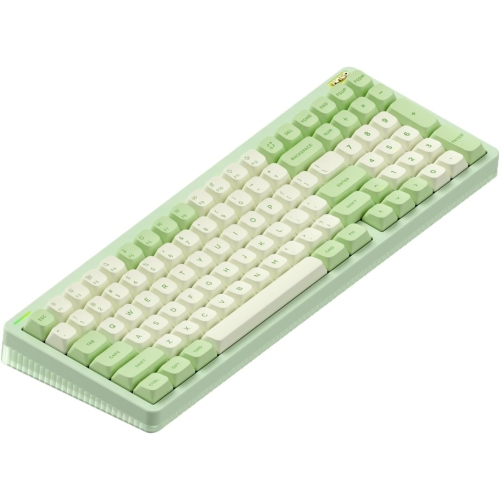
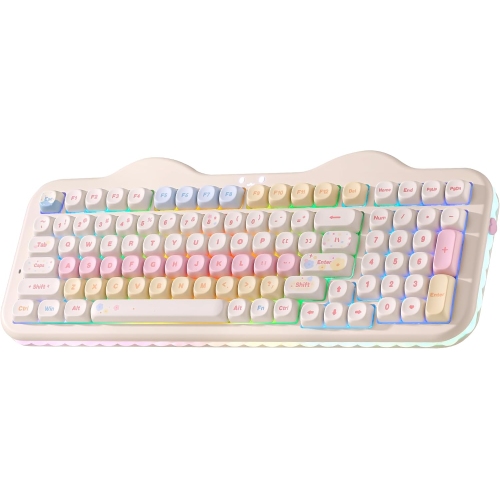
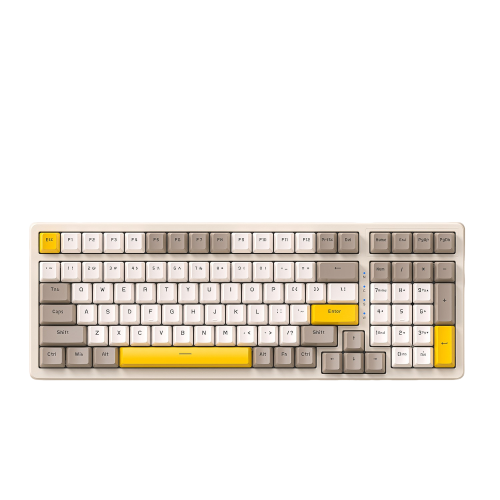
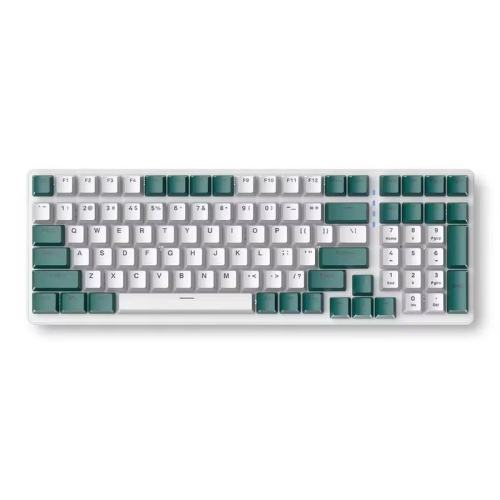

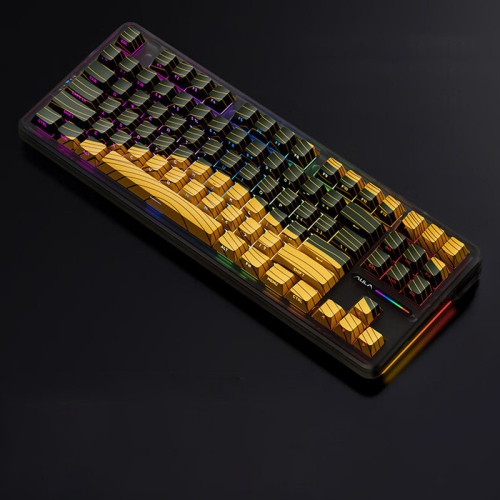
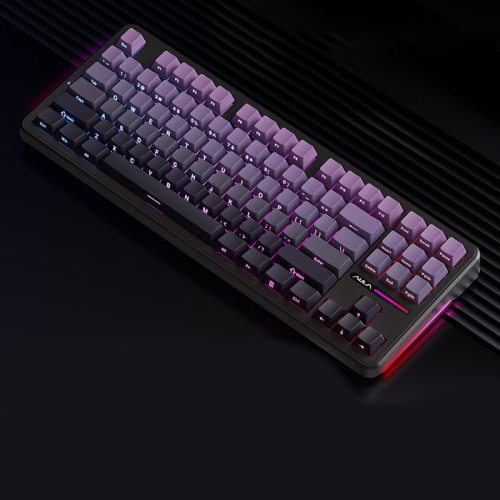
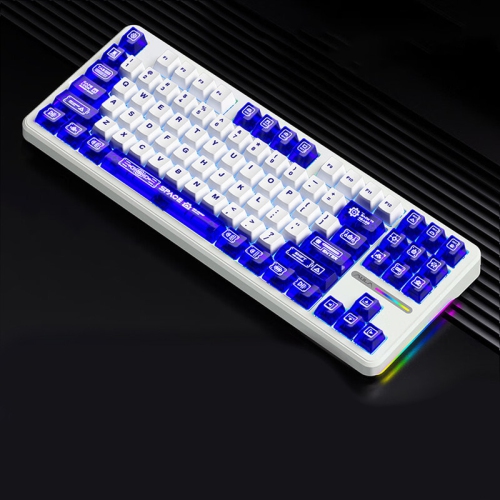
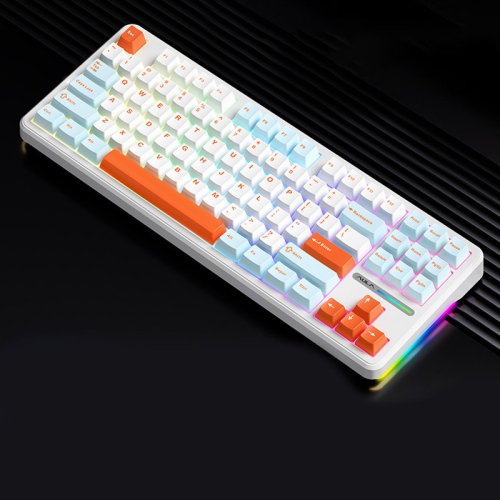
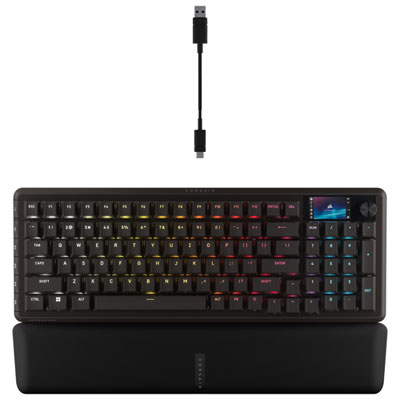
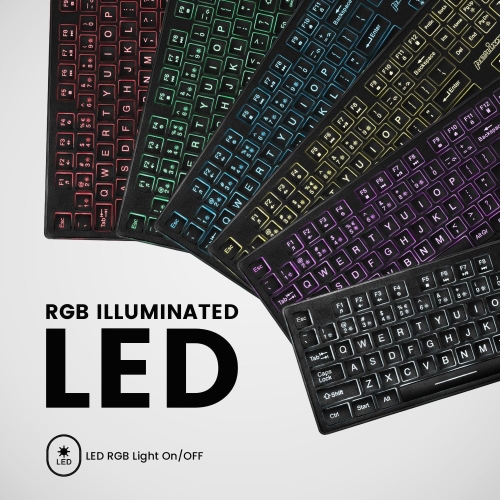
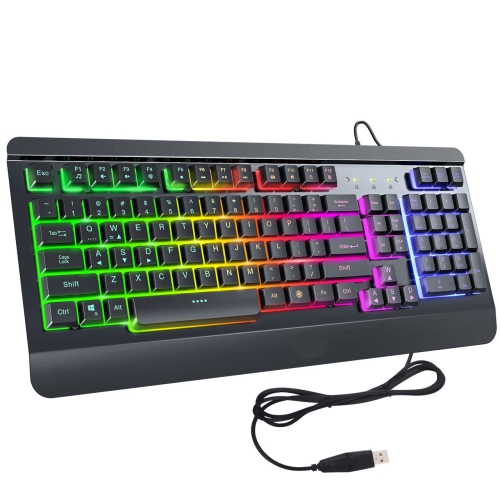
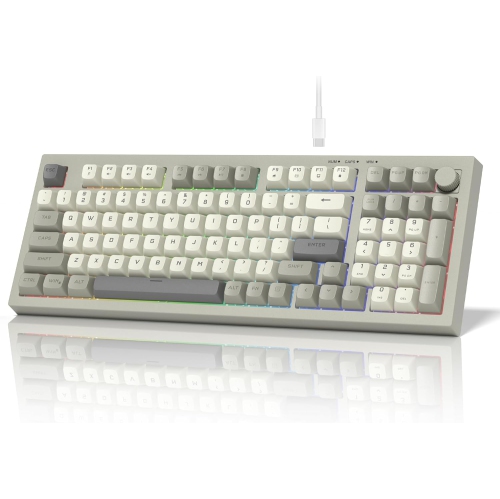
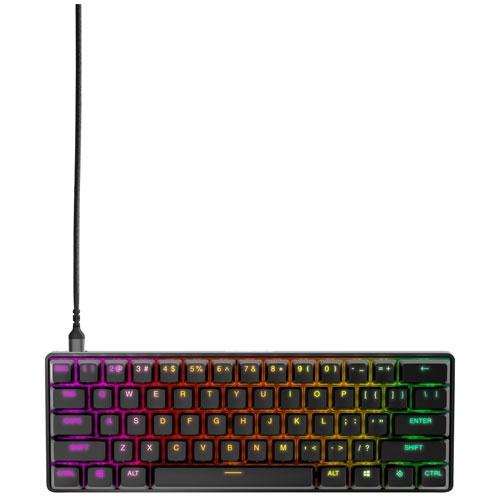
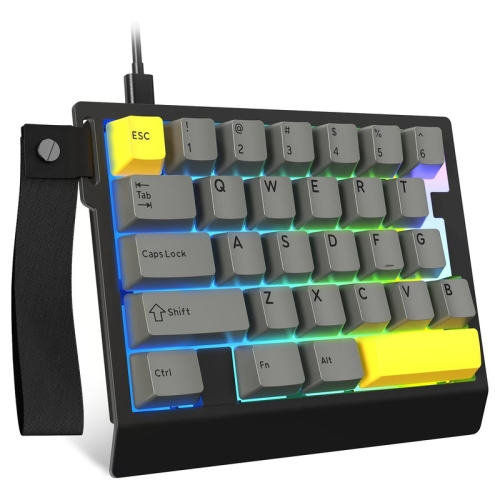
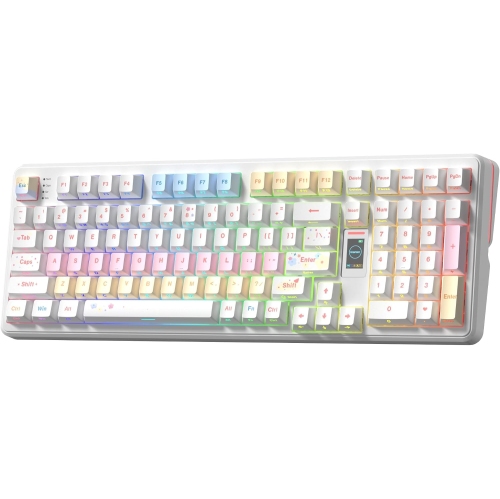
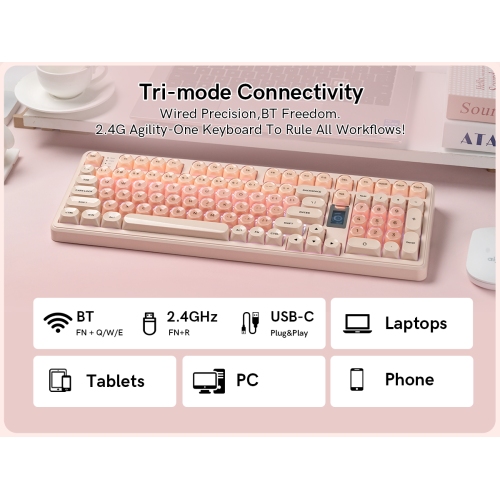
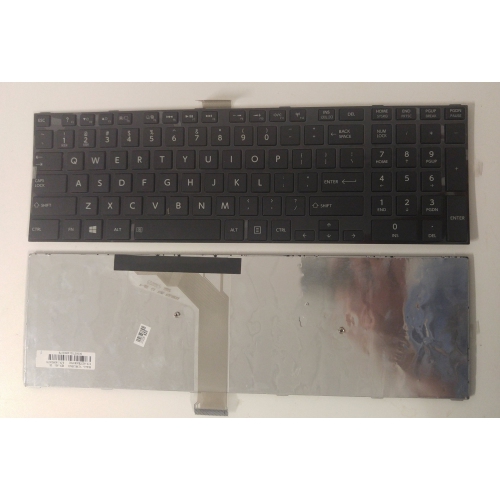
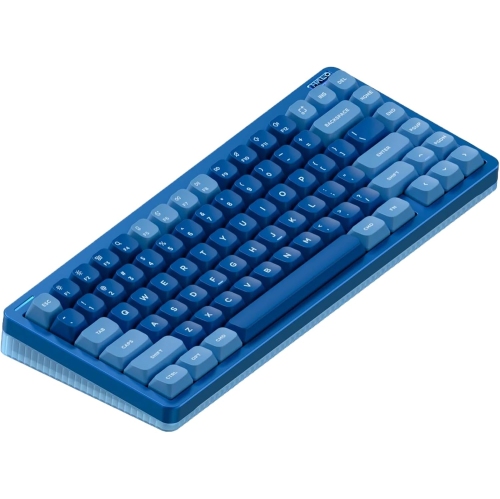
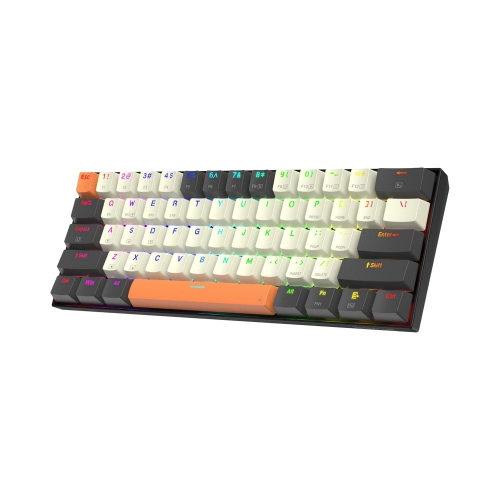
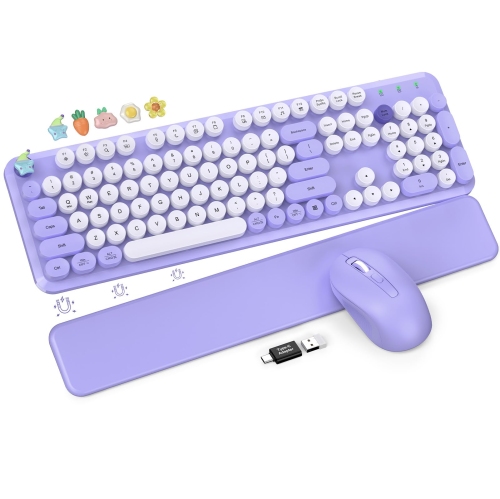
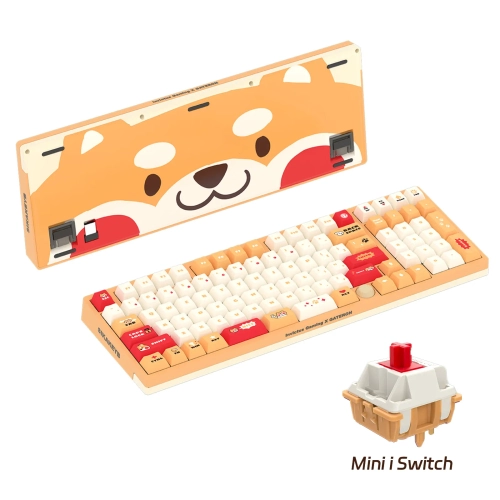
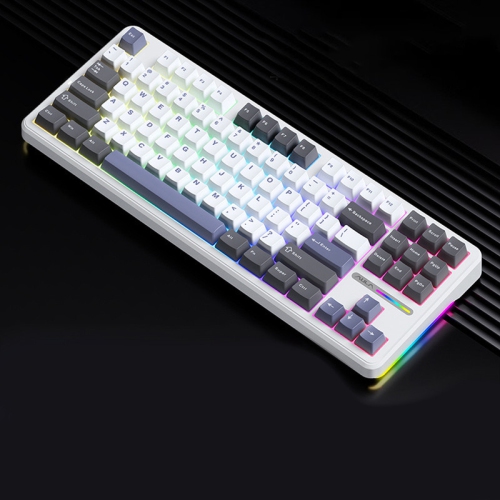
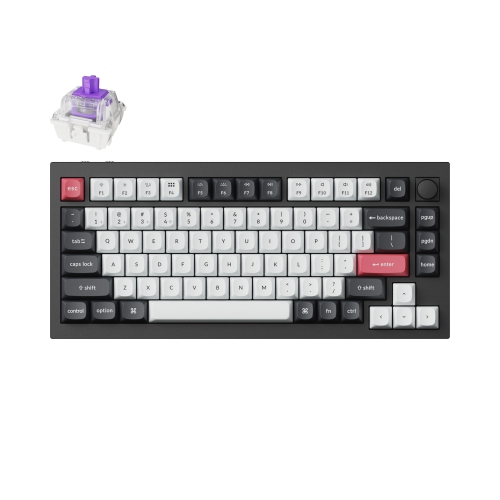

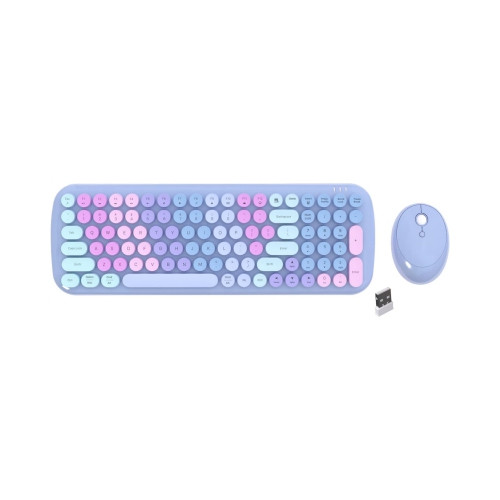
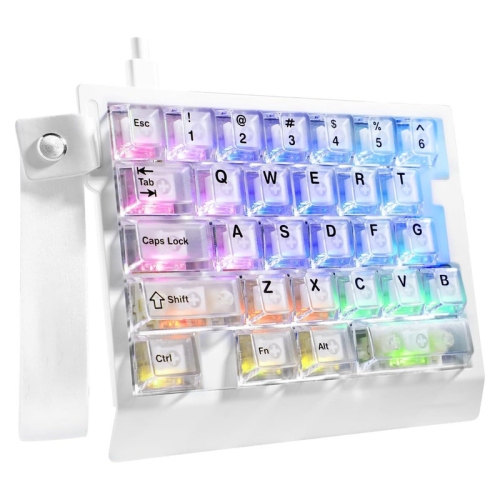
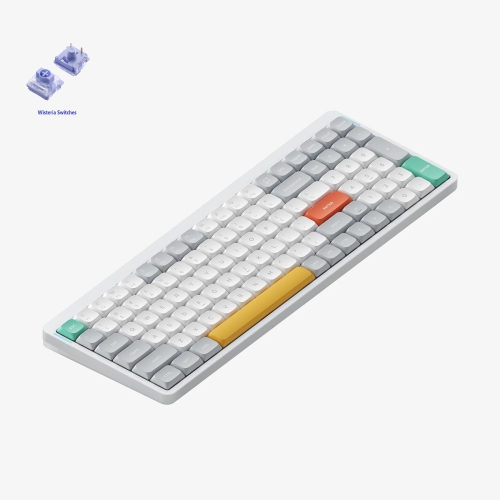
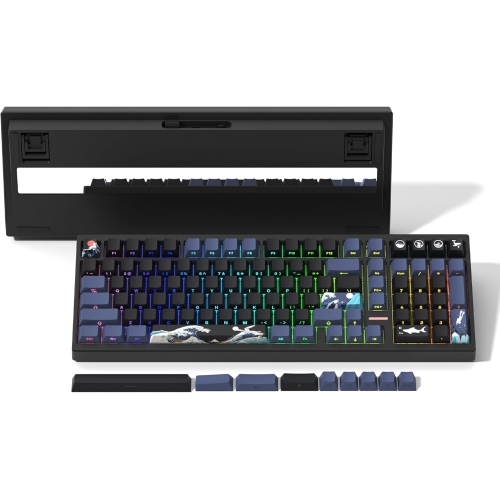
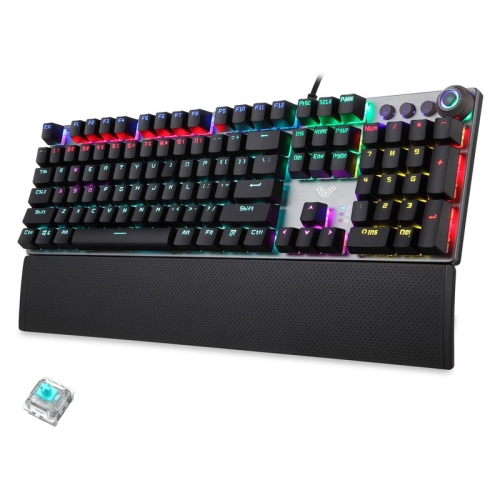
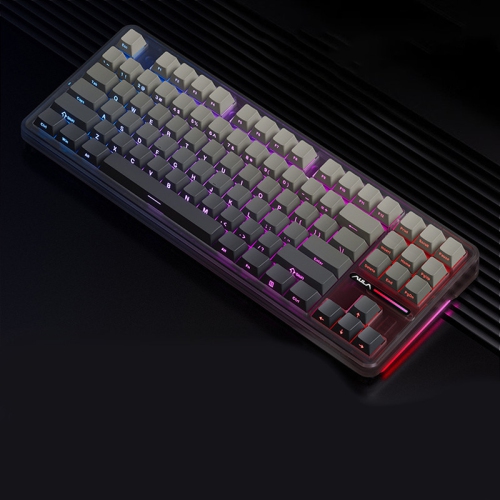
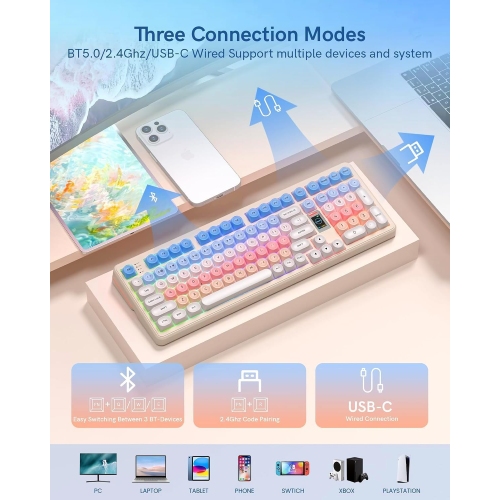
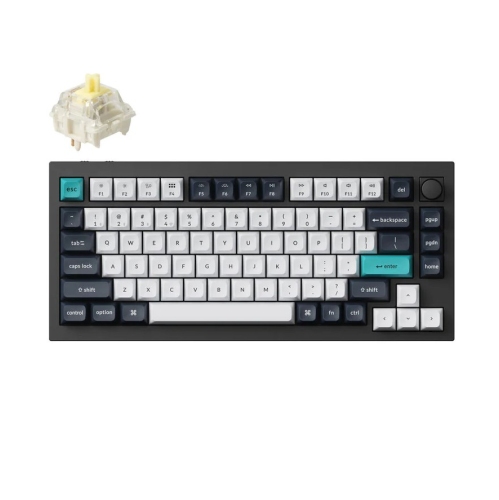
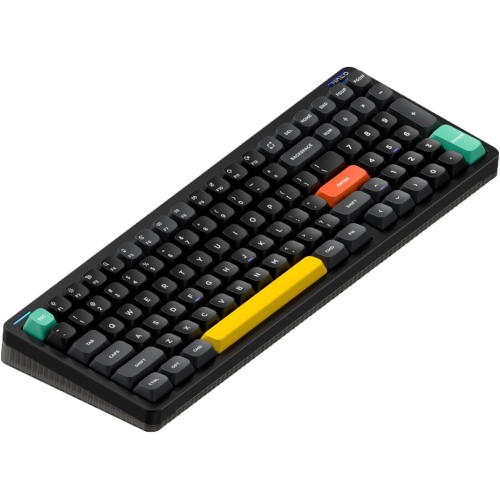
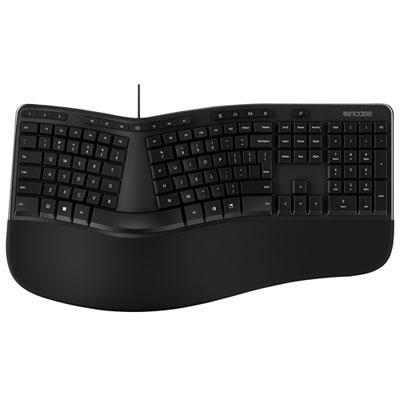
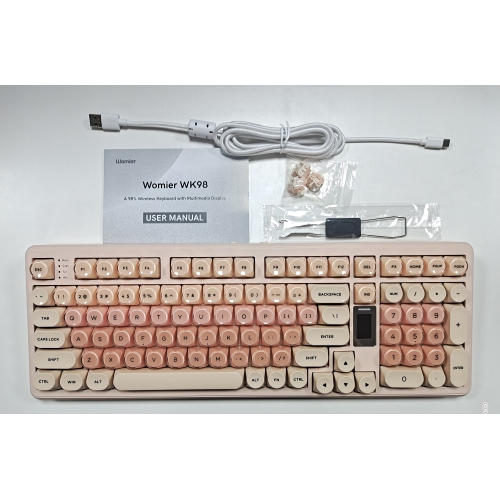
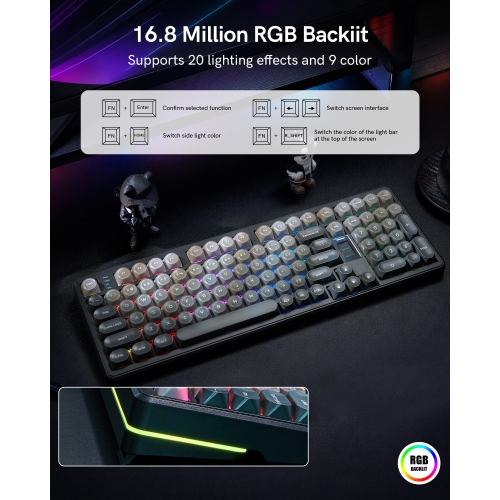
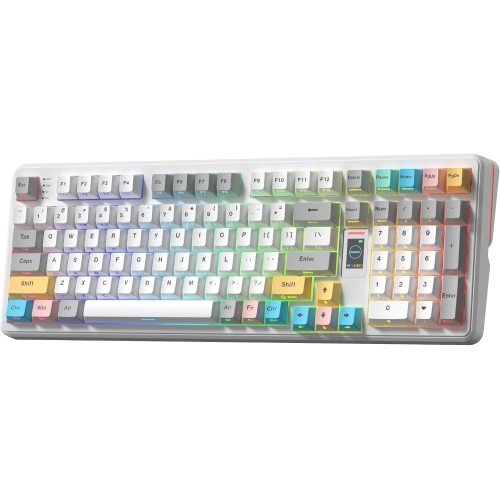
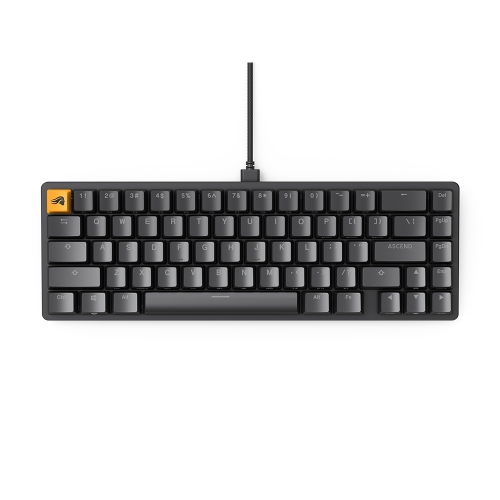
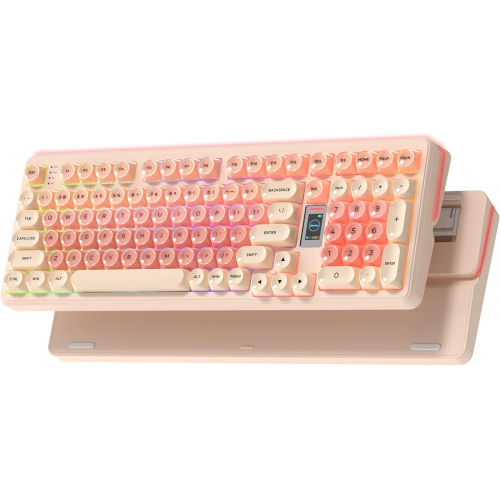
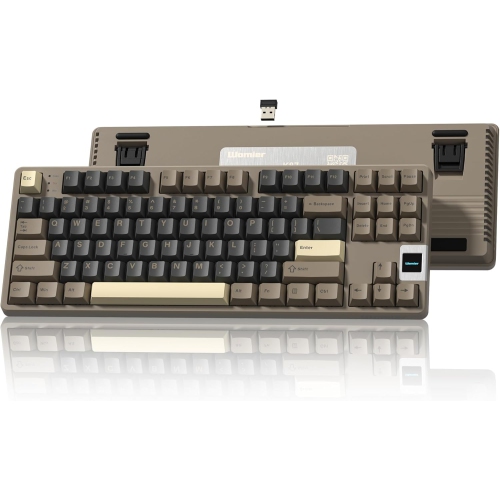
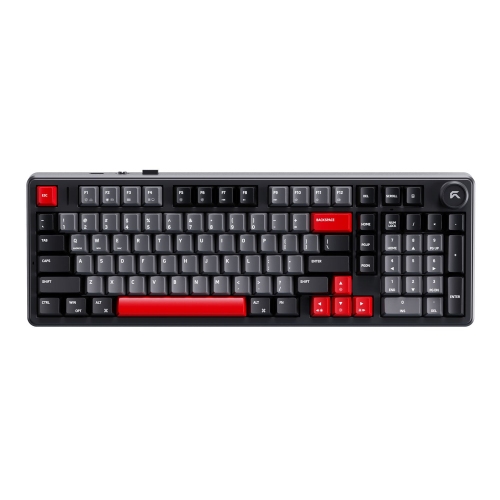
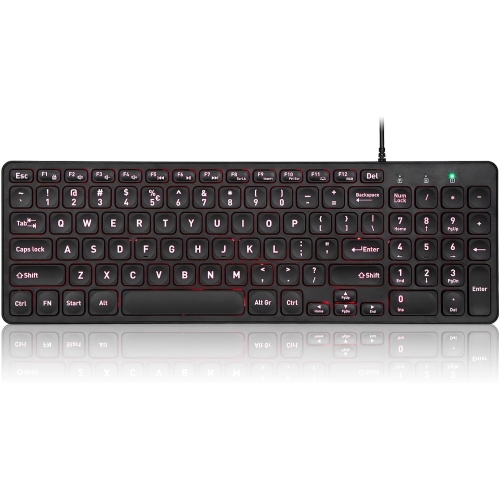

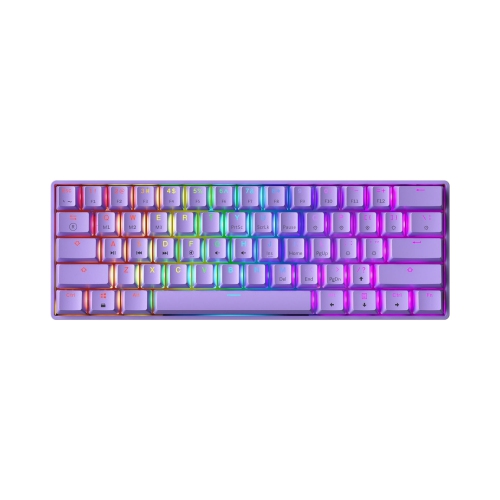
Distinctive designs that change how typing looks and feels
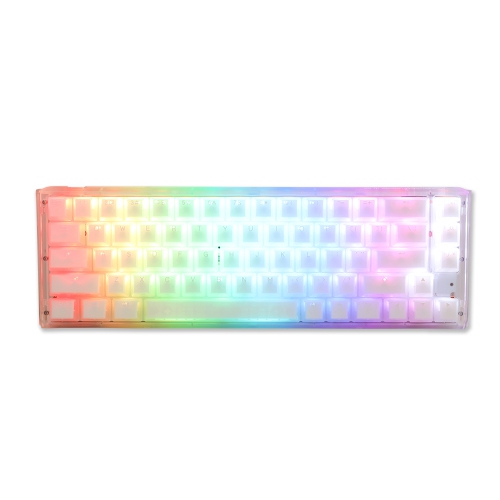
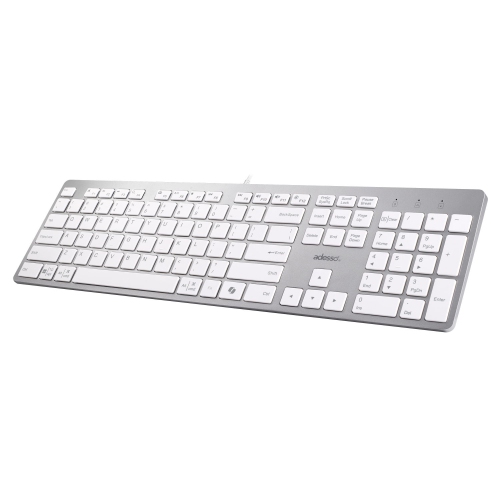
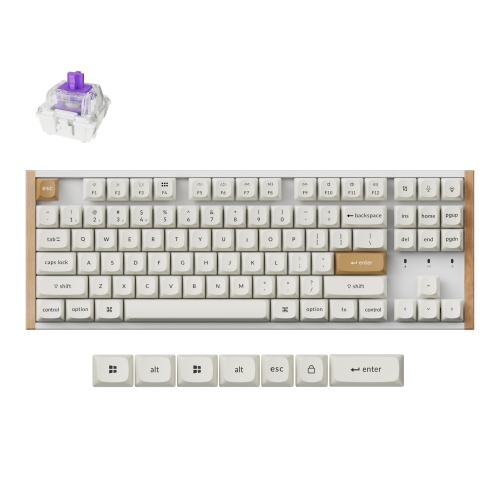
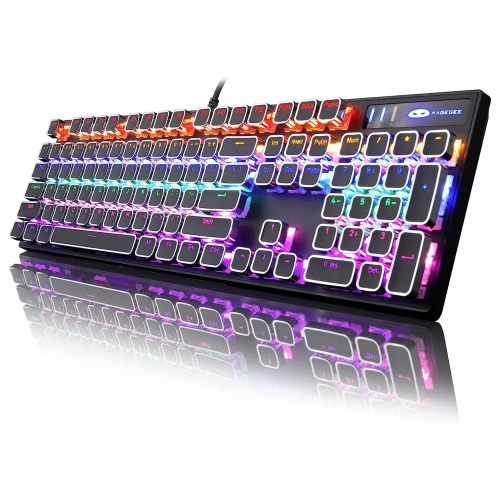
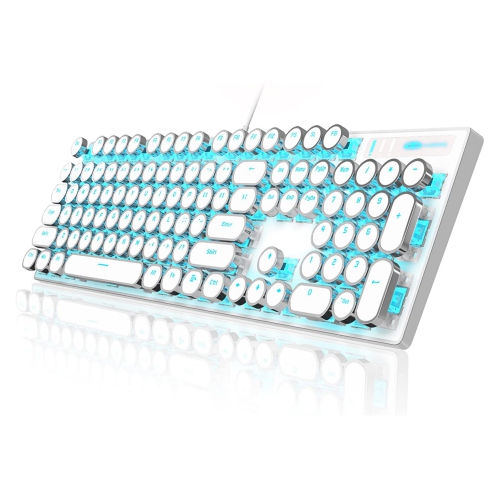
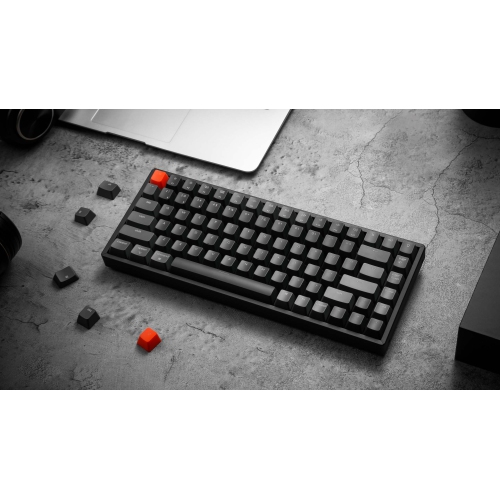
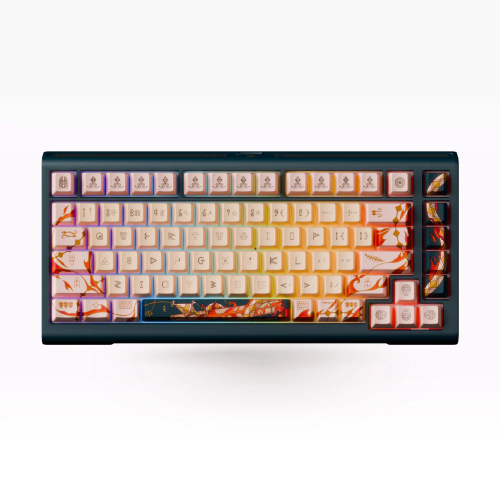
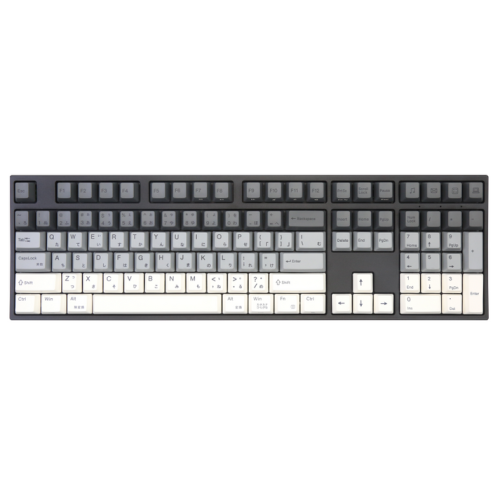
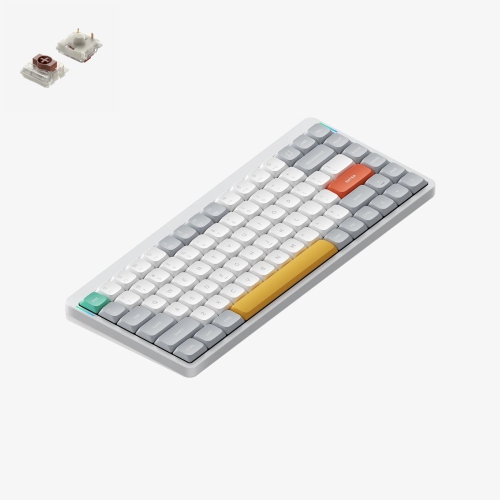
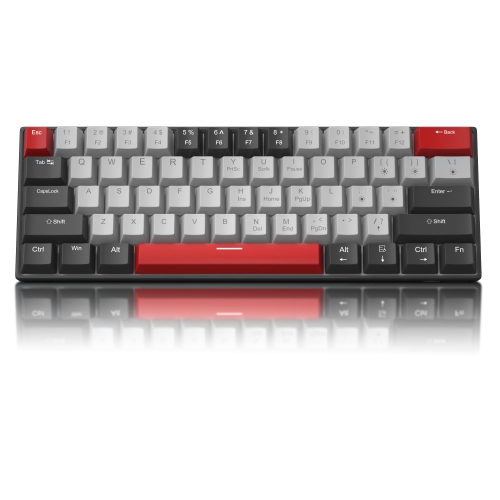
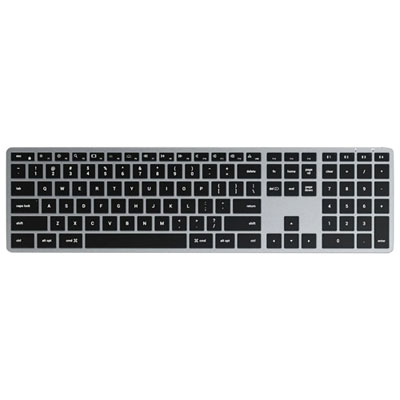
Unique keyboards bring a distinctive look, typing feel, or layout to a familiar desktop essential. Rather than following the standard office design, they may feature typewriter-inspired round keys, sculpted keycaps, split construction, unusual colour combinations, or controls built into the keyboard itself. Their appeal is practical as well as visual: a compact board can leave more room for a mouse, while a programmable layout can keep frequently used commands close at hand. Retro keyboards often pair raised, circular keycaps with metallic details or textured trim, giving a writing desk a more tactile, characterful centrepiece. Minimalist designs take the opposite approach, using clean lines, understated legends, and a smaller footprint to keep the workspace uncluttered. Colourful keyboards can coordinate with a desk mat or add a deliberate contrast to a neutral setup, while translucent cases and sculpted profiles make the construction part of the design. Size makes a noticeable difference in everyday use. A full-size keyboard includes a number pad for spreadsheets and data entry, whereas a tenkeyless layout removes that section while generally retaining dedicated navigation keys. Compact layouts reduce the footprint further, sometimes moving function keys, navigation commands, or other controls onto a secondary layer accessed with a modifier key. A 60% layout typically omits dedicated arrow keys, while many 65% layouts bring them back without adding much width. Those differences matter when moving between writing, gaming, coding, and working with numbers. A distinctive shape is most useful when it still supports familiar tasks, whether that means keeping shortcuts easy to reach or leaving space for broad mouse movements. Printed legends and physical key arrangements also deserve attention, particularly for anyone accustomed to a bilingual Canadian layout or a particular Enter key shape. A keyboard can look completely different from a conventional board while still fitting naturally into an established routine; the strongest match combines visual personality with a layout that feels useful long after the initial novelty.
Typing feel gives unique keyboards much of their character, even when two designs look similar. Mechanical switches are commonly described as linear, tactile, or clicky: linear switches move without a pronounced bump, tactile switches provide a noticeable point of feedback, and clicky switches add an intentional sound. The switch is only part of the experience, however. Keycap shape, mounting style, case construction, and internal dampening all influence how a keyboard sounds and feels. A softly mounted typing assembly may feel more cushioned than a rigid one, while a hollow case can make each keystroke more resonant. For a shared office or a desk beside a sleeping area, the difference between a crisp click and a muted tap can matter more than an unusual appearance. Low-profile designs offer shorter keys and often a lower front edge, which may suit someone who prefers a laptop-like hand position. Taller, sculpted keycaps create a different sensation, with rows shaped to guide the fingertips. Materials affect both appearance and long-term wear. PBT keycaps are often valued for their textured feel and resistance to developing a polished surface, although finish and manufacturing quality vary. ABS keycaps can offer smooth surfaces and vivid colours, with some developing shine through repeated use. Double-shot legends are formed from separate pieces of plastic rather than printed on the surface, helping the lettering resist wear. Metal cases can add weight and rigidity, while plastic housings are often lighter and easier to move between workspaces. Wood or leather accents introduce additional texture but may require different care from the surrounding keys. Split and angled designs add another kind of distinction, allowing more flexibility in hand placement. Adjustable separation and tenting can help some people find a comfortable position, although fit depends on desk height, posture, and individual preference. These layouts can also involve a learning period, especially when familiar keys move into thumb clusters or arranged columns.
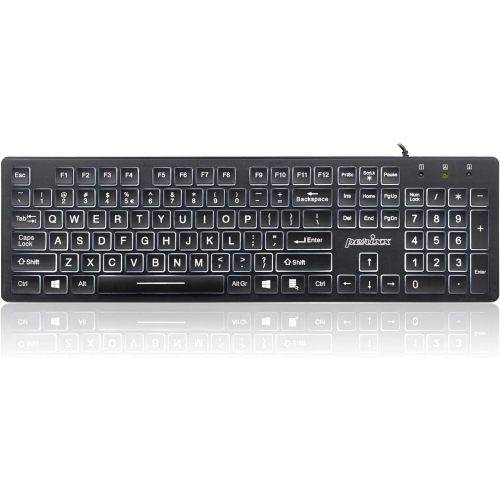
Features beyond the keys can make an unconventional keyboard especially useful for everyday work and hobbies. Programmable buttons can put repetitive commands within easy reach, while a rotary dial may control volume, scrolling, or another supported function. Built-in pointing controls can reduce some movement between the keyboard and mouse, although their usefulness depends on the tasks involved. Hot-swappable switch sockets allow compatible switches to be replaced without soldering, making it possible to change typing feel or replace a worn switch; socket support, switch dimensions, and pin compatibility still need to match. Connection options are equally important. A wired connection keeps the setup straightforward, while Bluetooth or a dedicated wireless receiver can reduce desk cables. Multi-device pairing can suit someone who moves between a computer and a tablet, but operating system support, shortcut behaviour, and configuration software vary. Backlighting adds another practical and expressive element. Illuminated legends can improve visibility in a dim workspace, while adjustable colours and effects can complement the desk setup. The range of LED Keyboards includes designs with different lighting approaches, and the visibility of the lettering depends partly on whether the keycaps allow light through. Care helps preserve both appearance and performance: disconnecting the keyboard before cleaning, removing loose debris gently, and following the manufacturer's instructions are sensible starting points. Liquids should not be sprayed directly onto the keys, and decorative finishes may need specific cleaning methods. Removable keycaps can make deeper cleaning easier, but not every keyboard supports the same removal process. For gifting, distinctive keyboards can appeal to writers, students, gamers, designers, and anyone who enjoys personalizing a workspace. Familiarity with the recipient's computer, preferred layout, and tolerance for typing noise makes the gesture more thoughtful. A bold colour scheme may be the first thing they notice, but comfortable reach, readable legends, dependable connections, and a satisfying keystroke are what make the keyboard worth using every day.
Top selling and popular products
-
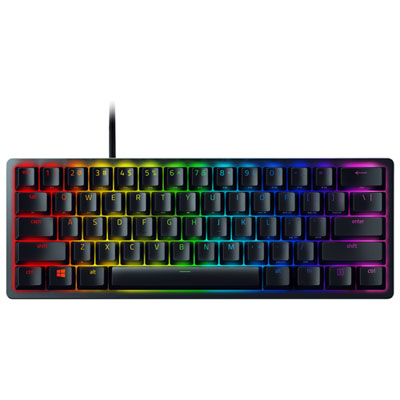 Your price for this item is $94.99
-
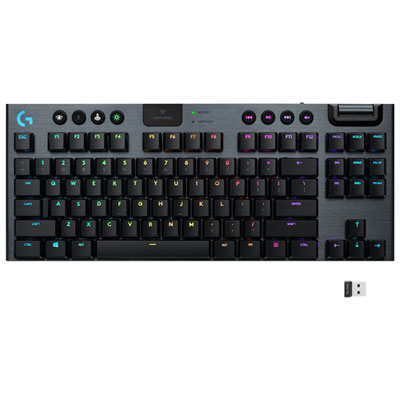 Your price for this item is $319.95
-
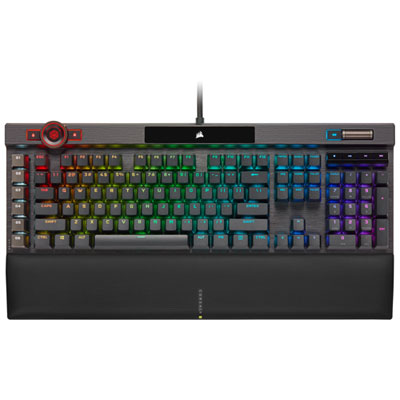 Your price for this item is $364.95
-
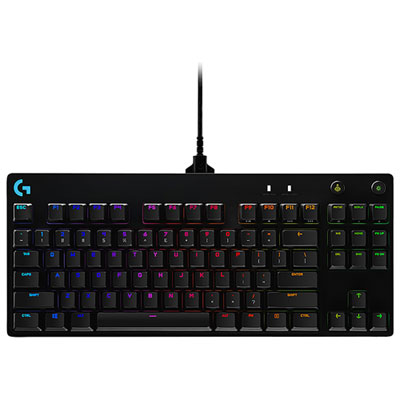 Your price for this item is $149.99
-
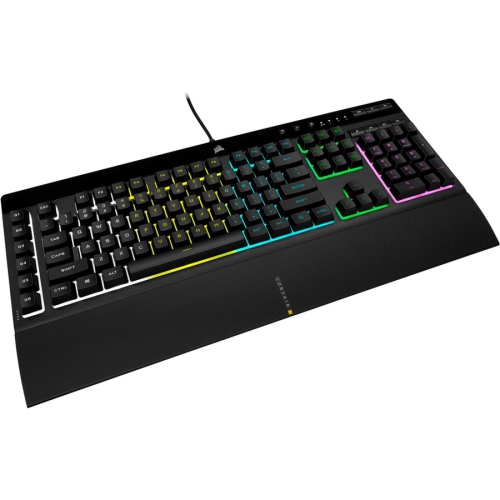 Your price for this item is $113.68
-
 Your price for this item is $94.99
-
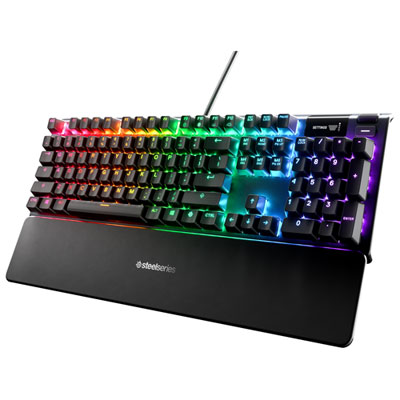 Your price for this item is $139.95
-
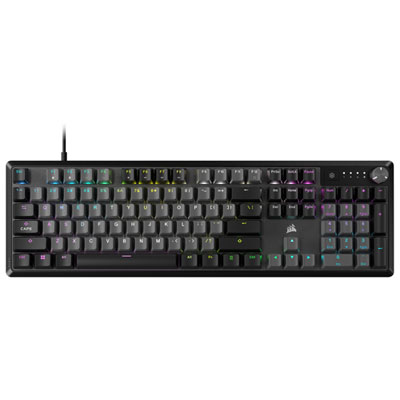 Your price for this item is $99.99
Discover more categories related to Unique Keyboards
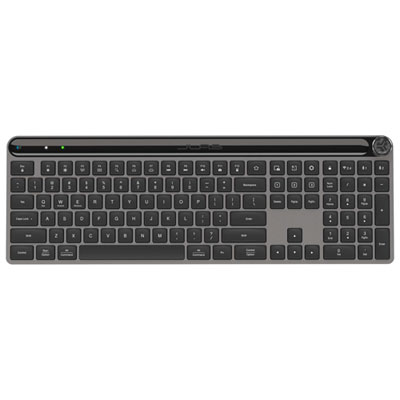
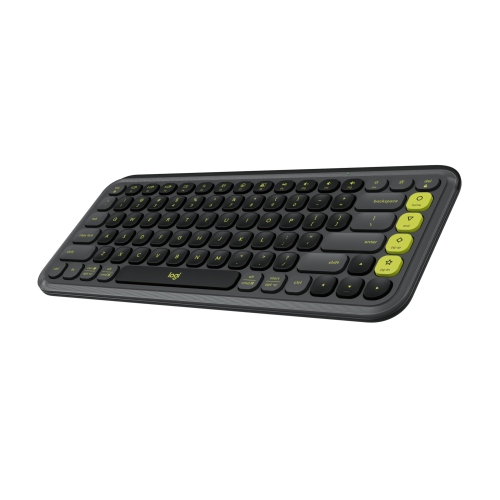
Top Collections:
Best Black Friday Deals This Year, Best Black Friday Deals On Electronics, Kindle Devices, Pokemon Centers, Best Black Friday Deals On Apple Products, Best Cameras for Sports Photography, Dyson Airwrap, Pokémon 30th Celebration Cards, Apple iPhone 17 Pro, Canon G7X Cameras
Some products may be subject to Environmental Handling Fees
(EHF) depending on your province.
Learn more about EHFs.