Protective Laptop Sleeves for Students
Protective laptop sleeves for students are an essential accessory for keeping devices safe throughout a busy school day. Designed to fit easily into backpacks and bags, these sleeves help students carry their laptops between classes, study sessions, and extracurricular activities. With a variety of sizes, colors, and styles available, it’s easy to find the right protective laptop sleeves for students who want both practicality and a look that suits their personal style. Explore options that make it simple to protect your laptop while on the go.
Sort




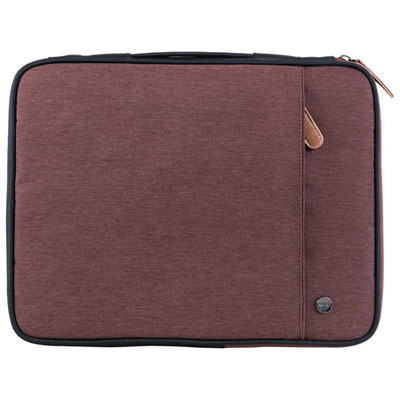
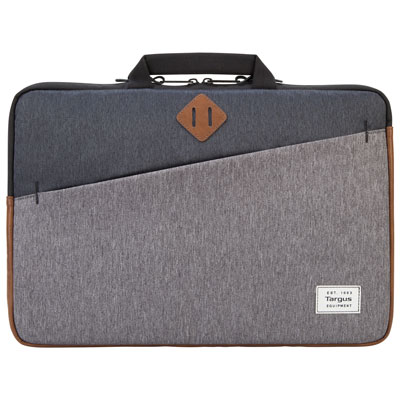
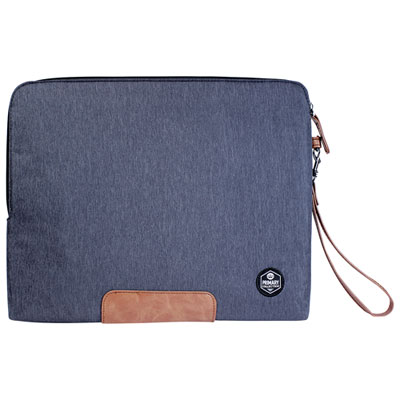

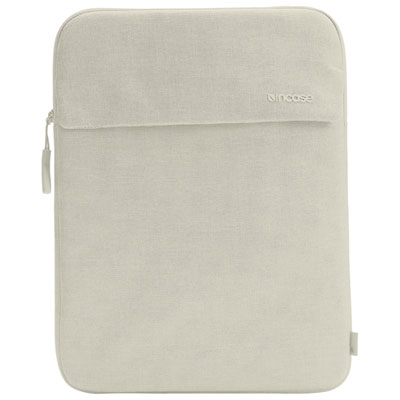
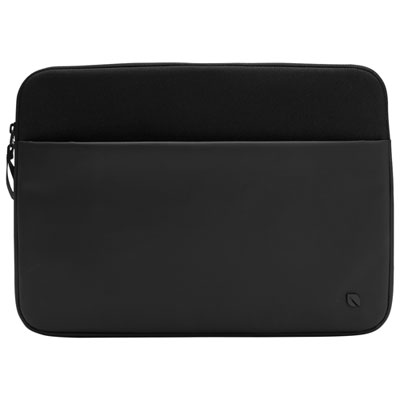
Everyday laptop protection without another bulky bag
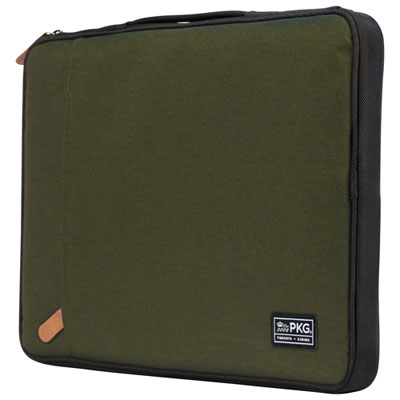
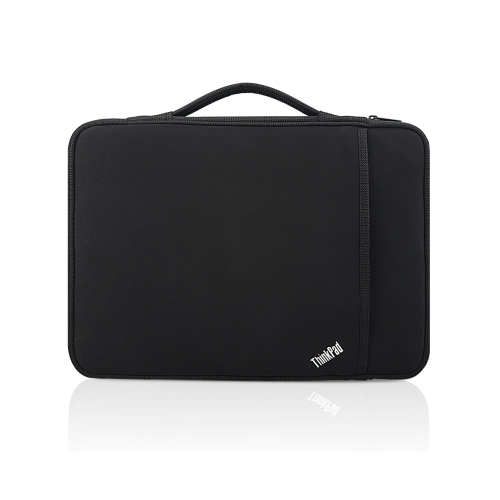
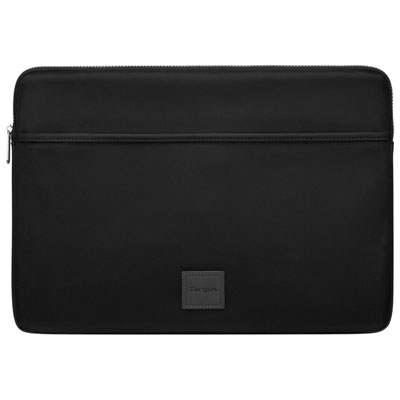
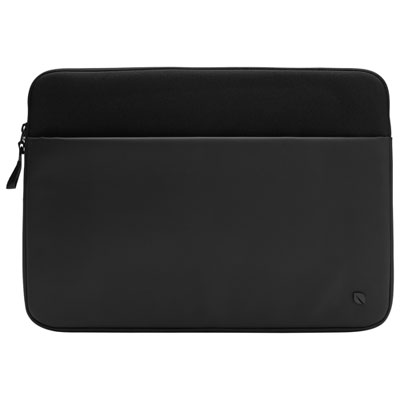
Protective laptop sleeves for students combine cushioning, a close fit, and a slim shape that slips easily into a backpack. They help separate a laptop from textbooks, stationery, and other daily essentials, reducing direct contact that can leave scratches on its lid or casing. For students moving between classrooms, libraries, study spaces, and home, a sleeve adds a dedicated layer of protection without the bulk of another full-sized bag. The amount of cushioning varies by construction: lightweight foam can soften everyday bumps, while thicker padding and reinforced corners provide more material around vulnerable edges. No sleeve makes a laptop damage-proof, and a soft case should not be treated as protection against heavy compression or a serious drop. Materials also affect how a sleeve feels and performs in daily use. Neoprene offers a flexible, slightly stretchy structure, while woven polyester or nylon can provide a smooth outer surface that slides into a crowded backpack. Felt has a softer, structured feel, though resistance to moisture and staining depends on the material and finish. A soft lining, such as fleece or microfibre, helps keep the laptop’s surface from rubbing against rough fabric or exposed seams. Water-resistant fabric can offer some protection from small splashes, but it does not necessarily make the seams or zipper watertight. A leaking drink bottle can still cause damage, so liquids belong in a separate compartment. The most useful balance depends on the student’s routine. Someone carrying a laptop inside a well-padded backpack may prefer a thin sleeve that adds little bulk, while a student using an unpadded tote may appreciate more substantial cushioning. For a busy school day, the sleeve should be easy to remove, comfortable to hold briefly, and simple to put away when a lecture or study session begins. A smooth exterior can also reduce snagging on notebook corners or backpack dividers, making the laptop easier to retrieve without disturbing everything packed around it.
Fit is one of the most important details because a sleeve that is too loose lets the laptop move around, while one that is too tight can strain the closure and make removal awkward. Screen size alone is not enough to confirm compatibility. Two laptops with the same display measurement can have different widths, depths, and thicknesses because of their bezels, hinges, feet, and overall construction. Comparing the laptop’s exterior dimensions with the sleeve’s stated internal dimensions gives a clearer picture of how it will sit inside. An attached shell, raised accessory, or unusually thick hinge may also affect the fit. The laptop should slide in without force and sit securely without stretching the corners or pressing hard against the zipper. For families narrowing their search around secondary school routines, Laptop Sleeves for High School Students offers a related focus for devices carried between classes and home. Closure design matters just as much as size. A zipper that opens along more than one edge can make loading easier, while an internal fabric guard helps keep zipper teeth away from the laptop’s finish. An envelope-style flap avoids a zipper altogether, although its security depends on the fastening and how closely the sleeve fits. Strong stitching around the opening, neatly finished seams, and reinforced stress points are useful signs of thoughtful construction. Pockets can hold slim accessories such as a charging cable or a small notebook, but a tightly packed power adapter can create a hard pressure point against the computer. Keeping bulky chargers in another compartment helps preserve the sleeve’s cushioning and shape. Students who carry only their laptop between nearby rooms may value a handle, while those packing everything into one backpack may find a flat design easier to manage. A sleeve is not a replacement for a shoulder bag or backpack unless its carrying features are designed for that purpose.
Daily habits and straightforward care help a laptop sleeve stay useful throughout the school year and beyond. Fabric care varies, so the care label should determine whether a sleeve can be washed, spot-cleaned, or wiped with a damp cloth. A removable mark on a woven exterior may need only gentle cleaning, whereas soaking a padded sleeve can leave moisture trapped inside its layers. The lining should be completely dry before the laptop goes back in. Dust, crumbs, and grit can collect along seams and inside pockets, especially when a sleeve shares space with lunch containers or sports gear. Emptying it regularly and gently removing debris helps keep those particles from rubbing against the laptop. Zippers also work more smoothly when the surrounding fabric is clean and nothing is caught in the track. Pulling a tight closure with force can damage stitching, so a sudden change in fit is worth checking before packing the device away. A laptop should be shut down or properly asleep before it is enclosed, with enough time to cool after demanding tasks. Charging or running it inside a closed sleeve can restrict airflow and trap heat. Beyond care, colour and texture can make the sleeve easier to recognize among classmates’ belongings or find inside a dark bag. A discreet identification label can help distinguish it without placing unnecessary personal information on the outside. For high school, college, and university students, these practical details can matter as much as appearance: a reliable closure, manageable weight, and consistent fit support repeated use through lectures, group projects, and independent study. A sleeve can also be a thoughtful gift for a student starting a program or receiving a laptop, provided the device’s measurements are known. The best match is one that suits the laptop and the way it is carried, leaving room for everyday essentials without adding unnecessary weight or encouraging overpacking.
Fit is one of the most important details because a sleeve that is too loose lets the laptop move around, while one that is too tight can strain the closure and make removal awkward. Screen size alone is not enough to confirm compatibility. Two laptops with the same display measurement can have different widths, depths, and thicknesses because of their bezels, hinges, feet, and overall construction. Comparing the laptop’s exterior dimensions with the sleeve’s stated internal dimensions gives a clearer picture of how it will sit inside. An attached shell, raised accessory, or unusually thick hinge may also affect the fit. The laptop should slide in without force and sit securely without stretching the corners or pressing hard against the zipper. For families narrowing their search around secondary school routines, Laptop Sleeves for High School Students offers a related focus for devices carried between classes and home. Closure design matters just as much as size. A zipper that opens along more than one edge can make loading easier, while an internal fabric guard helps keep zipper teeth away from the laptop’s finish. An envelope-style flap avoids a zipper altogether, although its security depends on the fastening and how closely the sleeve fits. Strong stitching around the opening, neatly finished seams, and reinforced stress points are useful signs of thoughtful construction. Pockets can hold slim accessories such as a charging cable or a small notebook, but a tightly packed power adapter can create a hard pressure point against the computer. Keeping bulky chargers in another compartment helps preserve the sleeve’s cushioning and shape. Students who carry only their laptop between nearby rooms may value a handle, while those packing everything into one backpack may find a flat design easier to manage. A sleeve is not a replacement for a shoulder bag or backpack unless its carrying features are designed for that purpose.
Daily habits and straightforward care help a laptop sleeve stay useful throughout the school year and beyond. Fabric care varies, so the care label should determine whether a sleeve can be washed, spot-cleaned, or wiped with a damp cloth. A removable mark on a woven exterior may need only gentle cleaning, whereas soaking a padded sleeve can leave moisture trapped inside its layers. The lining should be completely dry before the laptop goes back in. Dust, crumbs, and grit can collect along seams and inside pockets, especially when a sleeve shares space with lunch containers or sports gear. Emptying it regularly and gently removing debris helps keep those particles from rubbing against the laptop. Zippers also work more smoothly when the surrounding fabric is clean and nothing is caught in the track. Pulling a tight closure with force can damage stitching, so a sudden change in fit is worth checking before packing the device away. A laptop should be shut down or properly asleep before it is enclosed, with enough time to cool after demanding tasks. Charging or running it inside a closed sleeve can restrict airflow and trap heat. Beyond care, colour and texture can make the sleeve easier to recognize among classmates’ belongings or find inside a dark bag. A discreet identification label can help distinguish it without placing unnecessary personal information on the outside. For high school, college, and university students, these practical details can matter as much as appearance: a reliable closure, manageable weight, and consistent fit support repeated use through lectures, group projects, and independent study. A sleeve can also be a thoughtful gift for a student starting a program or receiving a laptop, provided the device’s measurements are known. The best match is one that suits the laptop and the way it is carried, leaving room for everyday essentials without adding unnecessary weight or encouraging overpacking.
Top selling and popular products
-
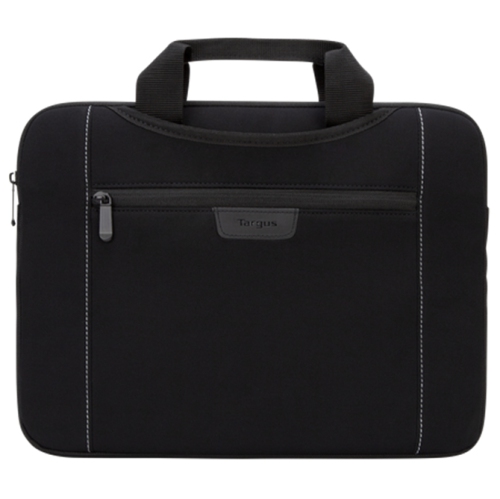 Your price for this item is $58.68
-
 Your price for this item is $15.99
-
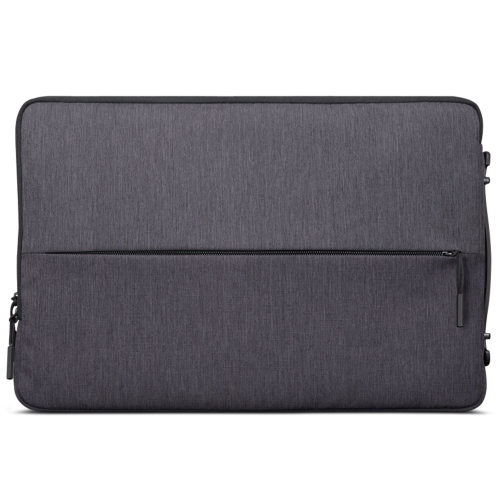 Your price for this item is $16.99
-
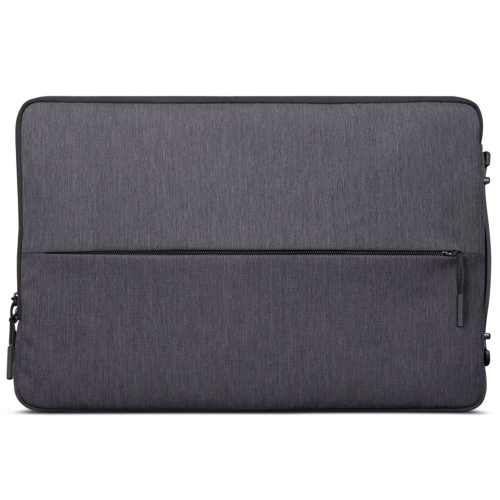 Your price for this item is $19.99
-
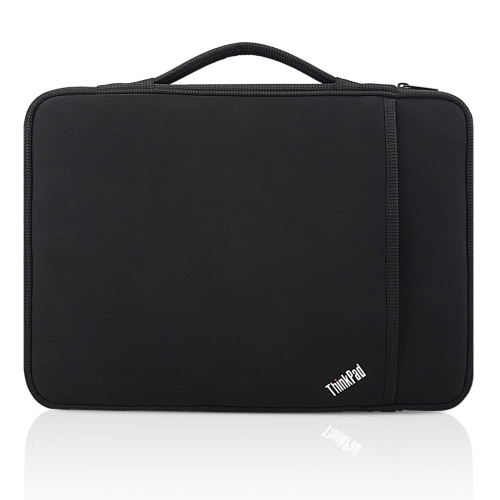 Your price for this item is $28.99
-
 Your price for this item is $47.99
-
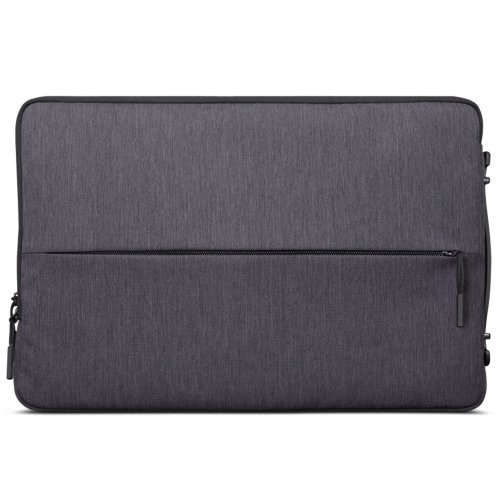 Your price for this item is $15.99
-
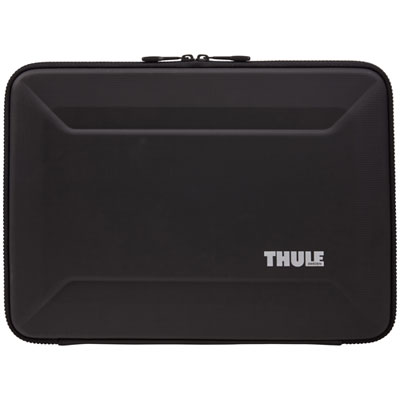 Your price for this item is $64.99
Discover more categories related to Protective Laptop Sleeves for Students
Top Collections:
Best Black Friday Deals This Year, Best Black Friday Deals On Electronics, Kindle Devices, Pokemon Centers, Best Black Friday Deals On Apple Products, Best Cameras for Sports Photography, Dyson Airwrap, Pokémon 30th Celebration Cards, Apple iPhone 17 Pro, Canon G7X Cameras
Some products may be subject to Environmental Handling Fees
(EHF) depending on your province.
Learn more about EHFs.