Protective Tablet Cases for Students
Protective tablet cases for students are designed to help safeguard devices during busy school days, commutes, and study sessions. With a wide range of styles, sizes, and colors available, it’s easy to find options that suit any student’s needs and preferences. Whether used in classrooms or on the go, protective tablet cases for students offer reliable coverage to keep tablets looking their best throughout the school year. Explore choices that combine practicality and style to support learning and daily activities.
Sort
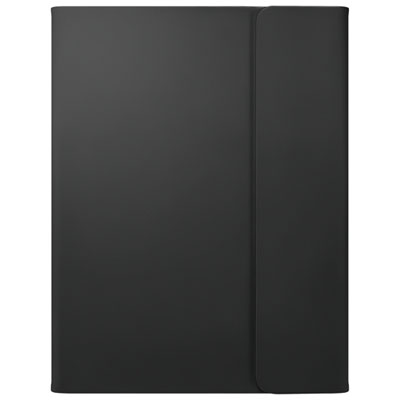
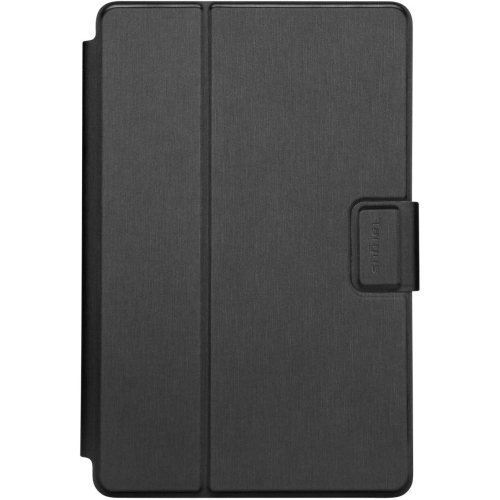
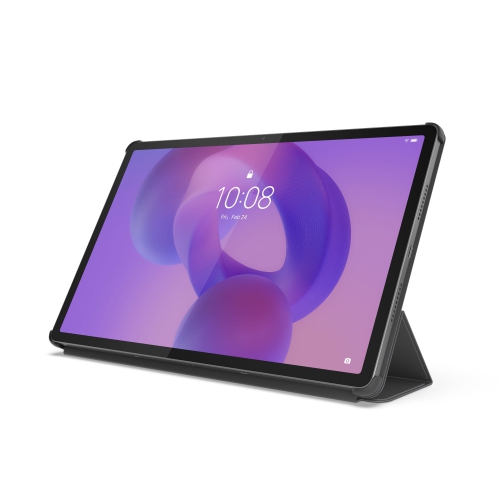
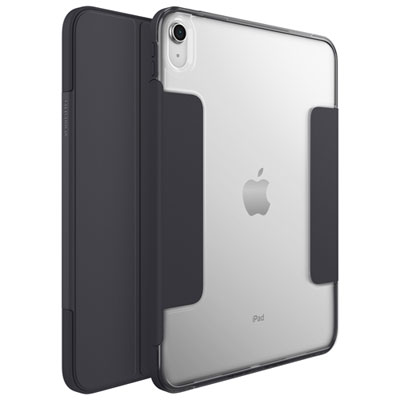


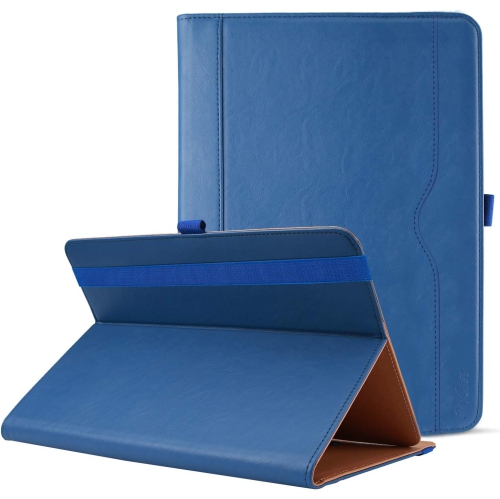


Tablet protection that goes beyond bumps and drops
Protective tablet cases for students help guard against everyday bumps, scuffs, and accidental drops while making a tablet easier to carry and use for schoolwork. Depending on the design, useful features include reinforced corners, a raised screen edge, an adjustable stand, and a holder for a compatible stylus. These details matter when a device moves between a crowded backpack, a classroom desk, and a library study table. A case with a flexible inner layer and a rigid outer shell can combine cushioning with structural support, while a slim folio offers a cover for the display without adding as much bulk. Silicone and thermoplastic polyurethane provide a flexible, grippy feel; rigid polycarbonate adds structure around the back and edges. Fabric-covered and synthetic leather folios offer a different texture and often fold into a stand. The most suitable construction depends on how the tablet will be handled. A younger student who carries a device from room to room may benefit from substantial corner protection and a handle, while a college or university student may prefer a lighter case that slips neatly beside notebooks. Fit is essential in either situation. Screen size alone does not establish compatibility: tablets with similar display dimensions can have different bodies, camera positions, buttons, and charging connections. A case should match the tablet’s exact model and generation, with openings that leave cameras, microphones, speakers, and ports usable. Edges should hold the device securely without pressing buttons or interfering with touch gestures. Raised borders can help keep the screen and camera lenses away from a flat surface, but they do not make those parts immune to damage. Where drop-test information is provided, the stated height and test conditions offer more useful context than a general claim of toughness. No case can guarantee protection from every fall, particularly onto an uneven surface or against a sharp corner.
Classroom usefulness extends beyond impact protection. A stable stand can keep reading material upright during a research assignment, hold the tablet beside a notebook during revision, or position the camera for a group discussion. Multiple viewing angles give students more flexibility than a single fixed position, especially when moving between a desk and a shared table. A lower angle can make handwriting and sketching more comfortable, while a more upright angle suits reading or watching a lesson. The stand’s footprint matters too: a broad, steady base is less likely to rock when the screen is tapped, although it still needs enough space on the work surface. Cases with rotating supports can accommodate portrait documents and landscape presentations, provided the mechanism holds its position securely. For students who annotate readings or draw diagrams, dedicated stylus storage helps keep a small accessory from disappearing into the bottom of a bag. A fitted holder, loop, or enclosed compartment should suit the stylus being used, and cases designed around magnetic attachment should also leave any compatible charging area accessible. An integrated keyboard can be useful for longer assignments, but it adds weight and may require charging or a separate connection. A case without a keyboard can be a better match for students who mainly read, sketch, or complete short activities on the touchscreen. Hand straps and carrying handles offer another way to hold a tablet during a presentation or while moving between learning spaces. Their placement should leave a comfortable grip without blocking the screen or controls. Cut-outs around fingerprint readers, clearance for charging cables, and room for any required adapters also affect daily use. Colour and texture have practical value as well: a distinctive finish can make a tablet easier to identify among similar devices, while a textured back may feel more secure in the hand.
Durability is about how a case holds up to repeated use, not just how substantial it looks. Corners, stand hinges, cover folds, stylus loops, and closures are all points that receive frequent handling. A cover that stays closed inside a backpack can help keep the display from rubbing against loose objects, while a separate sleeve can add a buffer during transport. Neither replaces sensible packing: keys, pens, and heavy books can still put pressure on a tablet, especially if they press directly against the screen. Keeping the device in its own padded compartment helps limit that contact. A built-in screen protector may be convenient, but not every protective case includes one, and an added protector must fit without lifting at the edges or affecting touch sensitivity. Water resistance should also be assessed separately from drop protection. A rugged appearance does not mean a case seals out spills, and open ports can leave the tablet exposed to liquid. Everyday care is usually straightforward when it follows the case manufacturer’s directions. A soft cloth can remove fingerprints and surface dust; any permitted cleaning solution should be applied sparingly and kept away from device openings. Grit trapped between the tablet and its case can cause rubbing, so occasional inspection is worthwhile, particularly after the device has travelled loose in a bag. Cracked shells, stretched corners, loose stands, and worn closures can reduce a case’s usefulness and are signs to reassess its condition. For families choosing a practical gift, confirming the recipient’s tablet model and how they use it is more helpful than choosing by appearance alone. Younger learners, secondary school students, and post-secondary students may all need different balances of grip, coverage, portability, and typing support. The Back To School Protective Cases for Student Tablets page brings together cases for student use. A well-matched case supports the routines that matter most, whether that means carrying a device securely, keeping a stylus close at hand, or setting up a comfortable place to read and work.
Classroom usefulness extends beyond impact protection. A stable stand can keep reading material upright during a research assignment, hold the tablet beside a notebook during revision, or position the camera for a group discussion. Multiple viewing angles give students more flexibility than a single fixed position, especially when moving between a desk and a shared table. A lower angle can make handwriting and sketching more comfortable, while a more upright angle suits reading or watching a lesson. The stand’s footprint matters too: a broad, steady base is less likely to rock when the screen is tapped, although it still needs enough space on the work surface. Cases with rotating supports can accommodate portrait documents and landscape presentations, provided the mechanism holds its position securely. For students who annotate readings or draw diagrams, dedicated stylus storage helps keep a small accessory from disappearing into the bottom of a bag. A fitted holder, loop, or enclosed compartment should suit the stylus being used, and cases designed around magnetic attachment should also leave any compatible charging area accessible. An integrated keyboard can be useful for longer assignments, but it adds weight and may require charging or a separate connection. A case without a keyboard can be a better match for students who mainly read, sketch, or complete short activities on the touchscreen. Hand straps and carrying handles offer another way to hold a tablet during a presentation or while moving between learning spaces. Their placement should leave a comfortable grip without blocking the screen or controls. Cut-outs around fingerprint readers, clearance for charging cables, and room for any required adapters also affect daily use. Colour and texture have practical value as well: a distinctive finish can make a tablet easier to identify among similar devices, while a textured back may feel more secure in the hand.
Durability is about how a case holds up to repeated use, not just how substantial it looks. Corners, stand hinges, cover folds, stylus loops, and closures are all points that receive frequent handling. A cover that stays closed inside a backpack can help keep the display from rubbing against loose objects, while a separate sleeve can add a buffer during transport. Neither replaces sensible packing: keys, pens, and heavy books can still put pressure on a tablet, especially if they press directly against the screen. Keeping the device in its own padded compartment helps limit that contact. A built-in screen protector may be convenient, but not every protective case includes one, and an added protector must fit without lifting at the edges or affecting touch sensitivity. Water resistance should also be assessed separately from drop protection. A rugged appearance does not mean a case seals out spills, and open ports can leave the tablet exposed to liquid. Everyday care is usually straightforward when it follows the case manufacturer’s directions. A soft cloth can remove fingerprints and surface dust; any permitted cleaning solution should be applied sparingly and kept away from device openings. Grit trapped between the tablet and its case can cause rubbing, so occasional inspection is worthwhile, particularly after the device has travelled loose in a bag. Cracked shells, stretched corners, loose stands, and worn closures can reduce a case’s usefulness and are signs to reassess its condition. For families choosing a practical gift, confirming the recipient’s tablet model and how they use it is more helpful than choosing by appearance alone. Younger learners, secondary school students, and post-secondary students may all need different balances of grip, coverage, portability, and typing support. The Back To School Protective Cases for Student Tablets page brings together cases for student use. A well-matched case supports the routines that matter most, whether that means carrying a device securely, keeping a stylus close at hand, or setting up a comfortable place to read and work.
Top selling and popular products
-
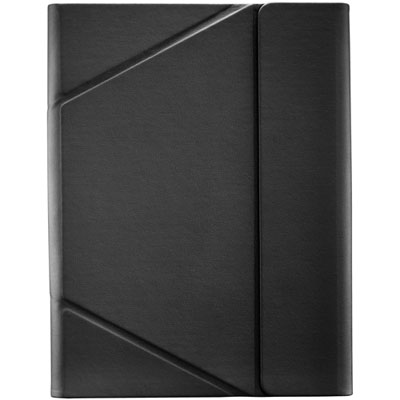 Your price for this item is $44.99
-
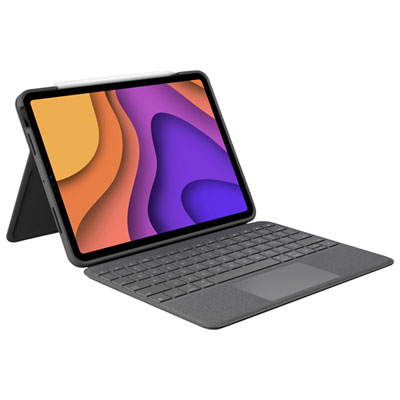 Your price for this item is $229.99
-
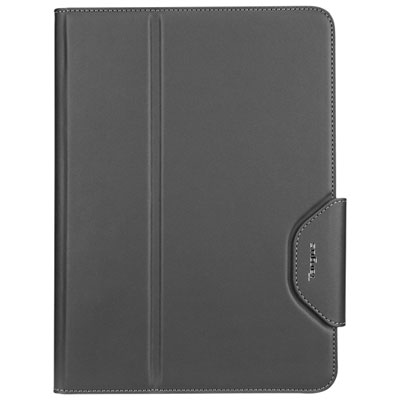 Your price for this item is $62.99
-
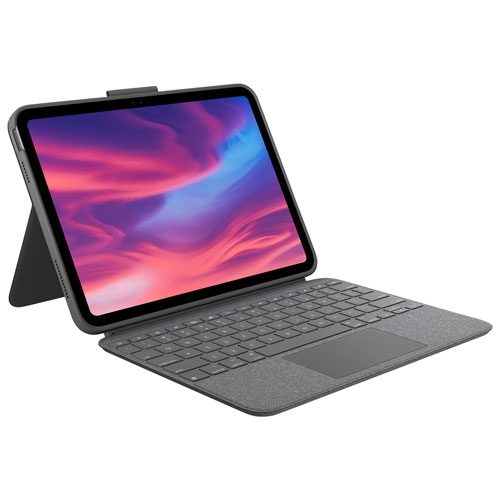 Your price for this item is $179.99
-
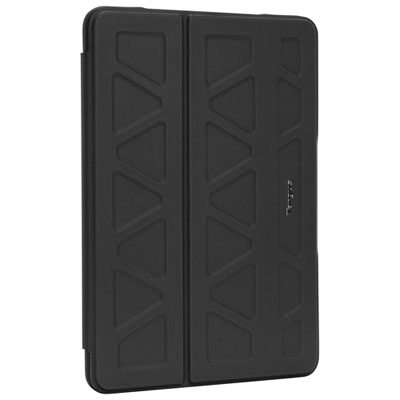 Your price for this item is $41.98
-
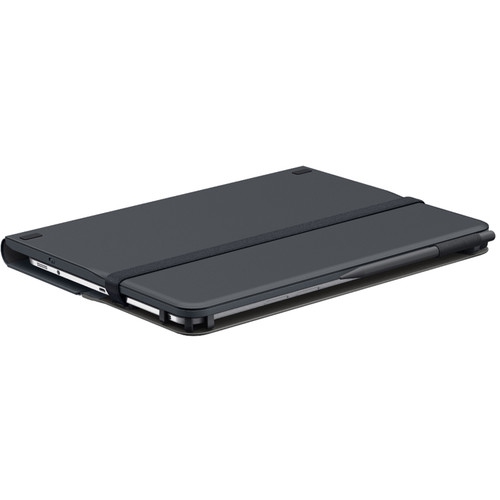 Your price for this item is $115.68
-
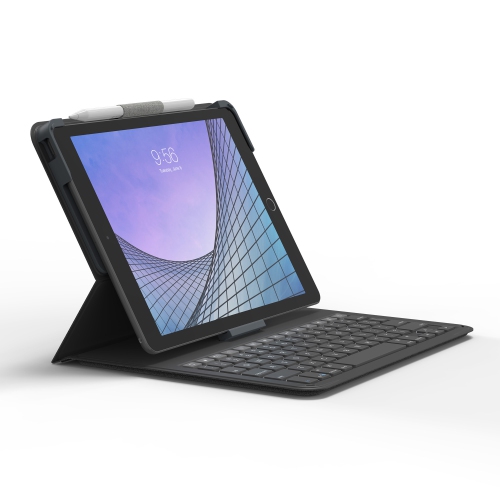 Your price for this item is $69.99
-
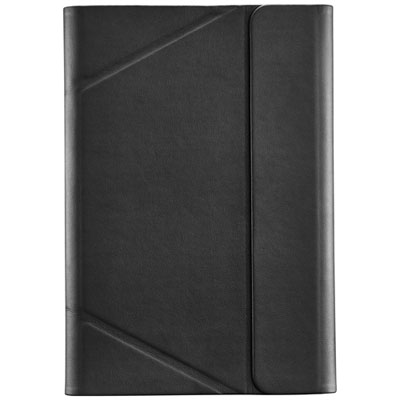 Your price for this item is $39.99
Discover more categories related to Protective Tablet Cases for Students
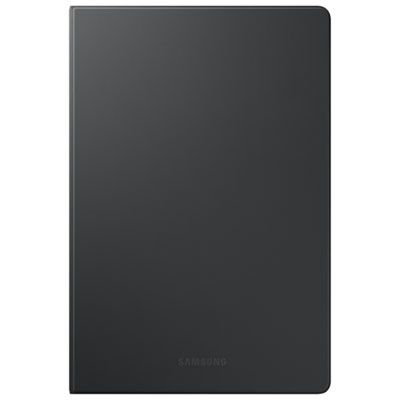
Top Collections:
Best Black Friday Deals This Year, Best Black Friday Deals On Electronics, Kindle Devices, Pokemon Centers, Best Black Friday Deals On Apple Products, Best Cameras for Sports Photography, Dyson Airwrap, Pokémon 30th Celebration Cards, Apple iPhone 17 Pro, Canon G7X Cameras
Some products may be subject to Environmental Handling Fees
(EHF) depending on your province.
Learn more about EHFs.