Quiet Laptops
Quiet Laptops are designed to help you stay focused and productive in any environment, whether you're working from home, attending virtual meetings, or studying at your favorite café. These laptops operate with minimal noise, making them ideal for shared spaces or late-night work sessions. Explore a range of Quiet Laptops that combine performance and efficiency while ensuring your workspace remains calm and undisturbed. Find the perfect device to match your needs and enjoy a more peaceful computing experience.
Sort
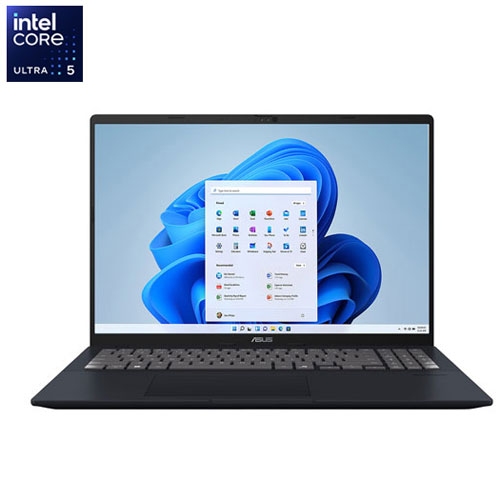
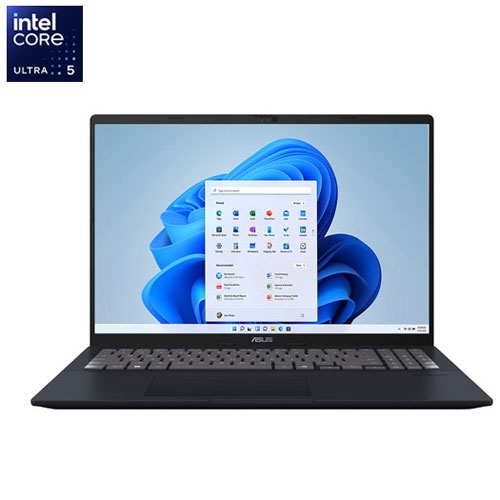
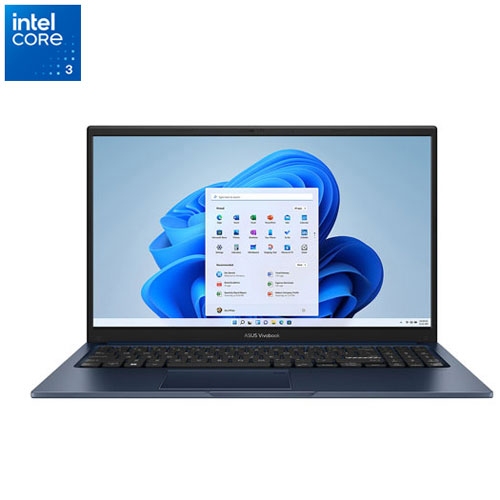
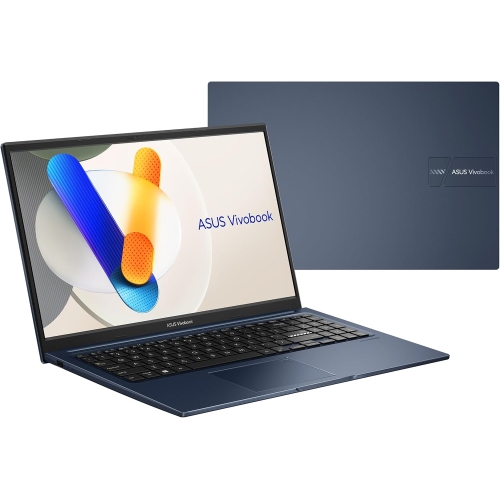
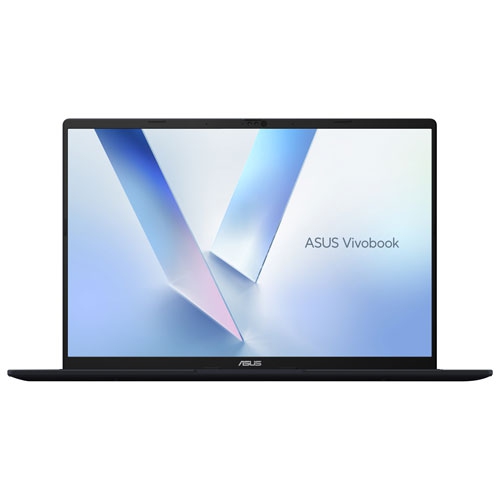
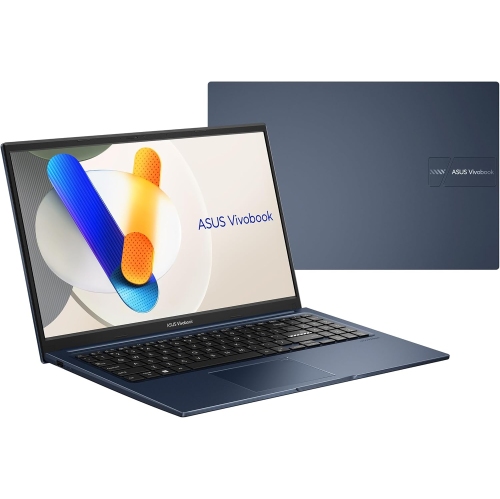
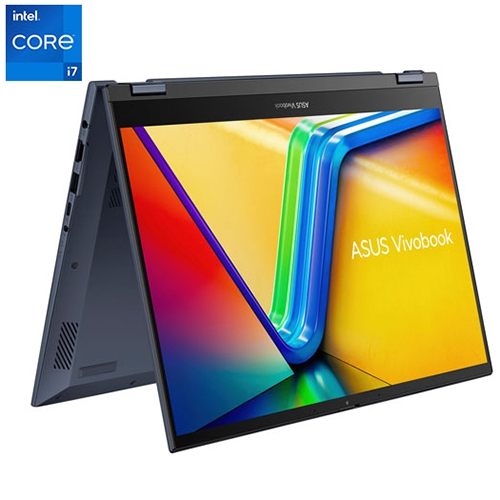
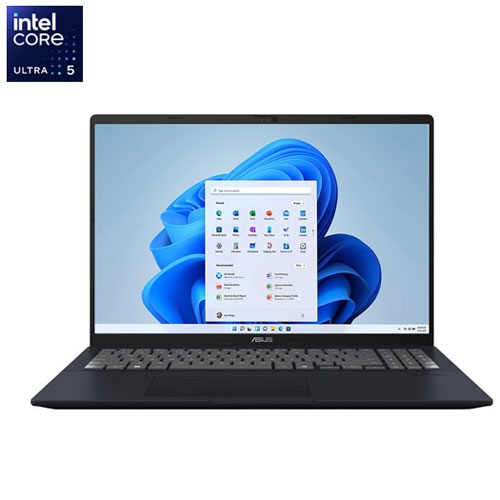
How cooling design shapes noise and everyday performance
Quiet laptops keep cooling noise low during everyday computing, making them a comfortable fit for shared offices, libraries, classrooms and evenings spent working beside someone who is reading or watching a film. The quietest approach is a fanless design: without a cooling fan, there is no fan noise, even when the processor is busy. That does not necessarily mean complete silence, since typing, speakers and occasional electronic sounds can still be audible. Laptops with fans can also run quietly, particularly during lighter tasks such as writing documents, browsing websites and answering email. Their fans may remain off or turn slowly until the workload demands more cooling. The distinction becomes clearer during sustained activity. Editing a long video, compiling software or playing a demanding game can generate enough heat for an actively cooled laptop to become noticeably louder. A fanless laptop handles that heat without a fan, but may reduce processing speed during extended workloads to stay within its operating limits. Neither approach is automatically the better choice; the right balance depends on the work being done and how much sustained performance it requires. For students taking notes in a quiet lecture hall or professionals reviewing documents during a meeting, low noise during light use may matter more than maximum processing power. For someone who regularly exports large creative projects, a cooling system that remains reasonably unobtrusive under load may be more useful than a fanless design. Processor efficiency, cooling layout and power settings all influence the result, so a processor label alone does not establish how quiet a laptop will be. Quiet or silent modes generally limit power use or adjust fan behaviour, often trading some speed for less sound. Acoustic measurements are most useful when they describe comparable tasks, operating modes and testing distances. A faint, steady airflow can also be less distracting than a higher-pitched fan that repeatedly speeds up and slows down, even when the measured sound levels are similar. Quiet operation is therefore as much about the character and consistency of the sound as its volume.
A quiet laptop still needs to feel right through a full day of use. Enough memory for the intended workload helps keep documents, browser tabs and communication apps responsive, while a solid-state drive stores files without the spinning platters or mechanical movement of a hard drive. A solid-state drive does not make an entire laptop silent, but it removes one potential source of operating noise. Storage capacity matters for people keeping large photo libraries, course materials or project files on the device, and memory requirements tend to grow when several demanding applications stay open together. Display size and resolution affect how comfortably text, spreadsheets and creative work fit on screen. A larger screen can make side-by-side documents easier to read, while a more compact laptop is simpler to carry between a desk, a classroom and a meeting room. Screen finish, brightness and viewing angles also shape everyday comfort, especially when a desk faces a window or sits beneath bright overhead lighting. The keyboard deserves equal attention: cooling may be nearly inaudible, yet a firm keystroke or a sharp touchpad click can stand out in a silent room. Key feel, spacing and palm-rest support influence whether long writing sessions remain comfortable. For video calls, a clear microphone, useful camera placement and dependable Wi-Fi can matter just as much as low fan noise. Port selection determines how easily the laptop connects to an external display, storage drive or headset without extra adapters. Materials contribute to portability and daily handling rather than guaranteeing quietness. A metal chassis may feel rigid, while a well-built plastic housing can also stand up to regular travel. Hinge stability, the fit of the base and lid, and a protective sleeve all have practical value for a laptop carried in a backpack. Weight and charger size are worth considering together, since both become part of the load on a commute.
The setting in which a laptop is used can make small sounds more noticeable. A fan that disappears beneath conversation in a busy office may be distracting beside a sleeping partner or during a spoken-word recording. For remote workers, researchers and writers, predictable low-noise operation can help maintain concentration without adding a constant rush of air to the room. Musicians and people recording voice tracks may appreciate a laptop that stays quiet during playback and light editing, although demanding audio projects can still increase processing load. A quiet laptop can also be a thoughtful gift for a student, a frequent traveller or someone whose desk occupies a shared living space, provided its software compatibility and performance suit the recipient’s needs. At a permanent desk, pairing it with Quiet Keyboards can reduce another familiar source of distraction, particularly when the laptop is connected to a larger display. Day-to-day placement matters too. A hard, flat surface leaves cooling openings clear, whereas a duvet, cushion or thick fabric can obstruct airflow and cause a laptop with fans to work harder. A stand can improve screen position and leave room around vents, but it cannot guarantee lower noise from every design. Keeping vents clear and following the manufacturer’s cleaning instructions helps preserve the cooling system’s intended operation. Liquids should stay away from openings, and cleaning should be done with the laptop powered off as directed by its care guidance. Software activity can explain unexpected bursts of sound: a video call, a large download accompanied by file scanning, or an application running in the background may keep the processor busy after the main task appears finished. Battery-saving or quiet settings can be useful for lighter work, while a performance mode may suit tasks where finishing sooner matters more than sound. A well-matched quiet laptop leaves room for both priorities, delivering comfortable everyday operation without asking a lightweight design to perform work better suited to a more powerful machine.
Top selling and popular products
-
 Your price for this item is $449
-
 Your price for this item is $3099
-
 Your price for this item is $1800.68
-
 Your price for this item is $664.05
-
 Your price for this item is $869.99
-
 Your price for this item is $2960.48
-
 Your price for this item is $499.68
-
 Your price for this item is $1951.79
Discover more categories related to Quiet Laptops
Top Collections:
Best Black Friday Deals This Year, Best Black Friday Deals On Electronics, Kindle Devices, Pokemon Centers, Best Black Friday Deals On Apple Products, Best Cameras for Sports Photography, Dyson Airwrap, Pokémon 30th Celebration Cards, Apple iPhone 17 Pro, Canon G7X Cameras
Some products may be subject to Environmental Handling Fees
(EHF) depending on your province.
Learn more about EHFs.