Quiet Computer Fans
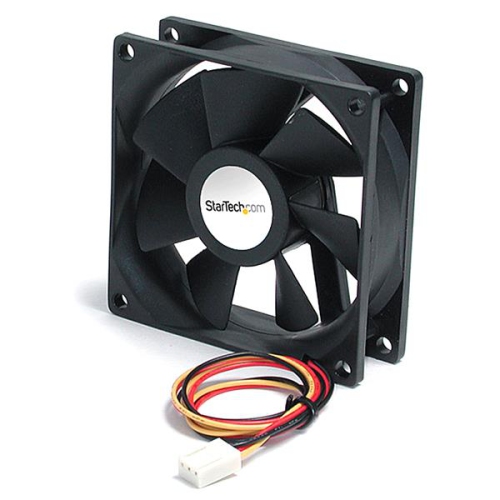
Looking to keep your computer cool without the distracting noise? Look no further than our selection of quiet computer fans. Whether you're a gamer, a creative professional, or simply someone who values a peaceful work environment, these whisper-quiet fans are designed to provide optimal cooling power without sacrificing tranquility. With various sizes and styles available, you'll be able to find the perfect fan to suit your needs and help you achieve the ultimate balance between performance and silence. Say goodbye to noisy distractions and hello to a more serene computing experience with our range of quiet computer fans. Also check out our selection of High Quality PC Speakers for even more great component options!


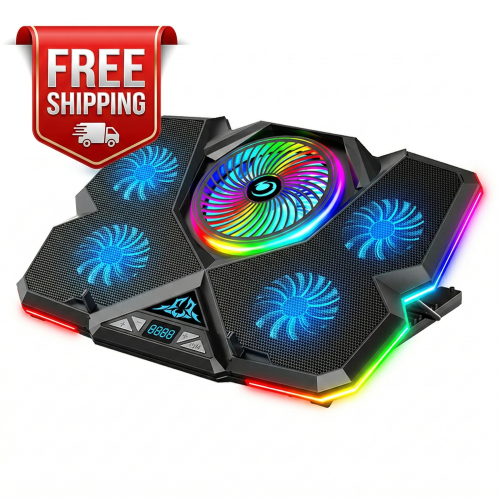

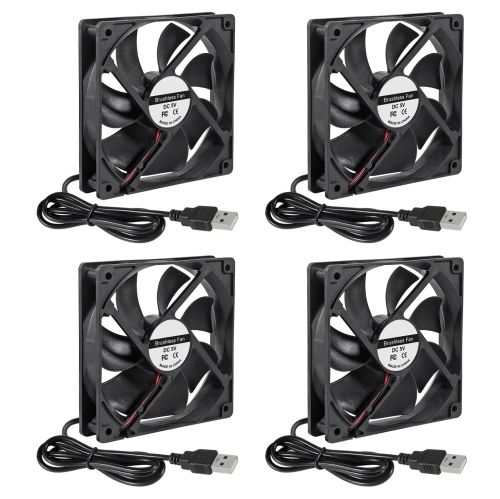
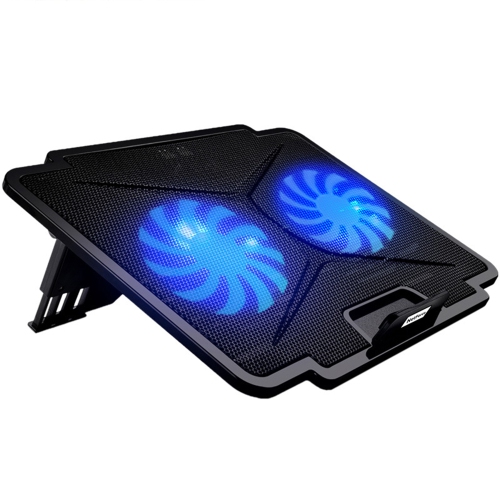
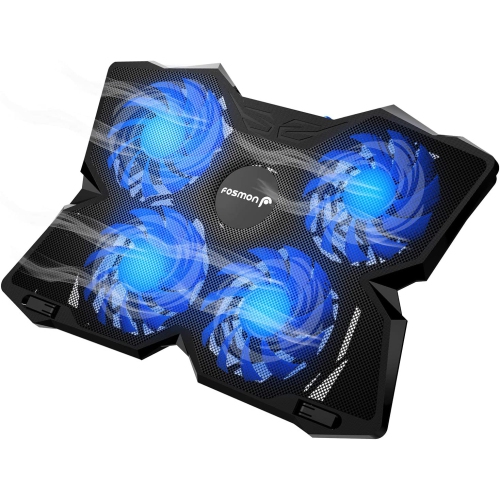
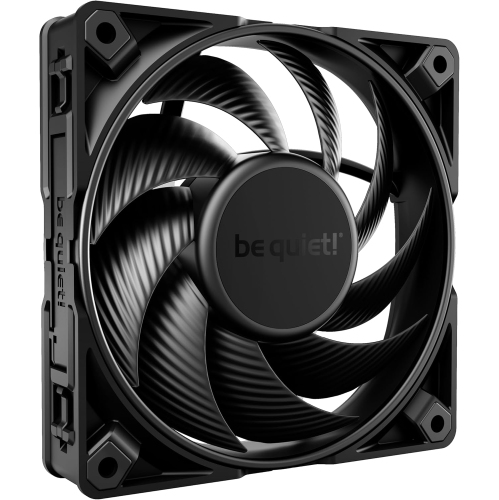
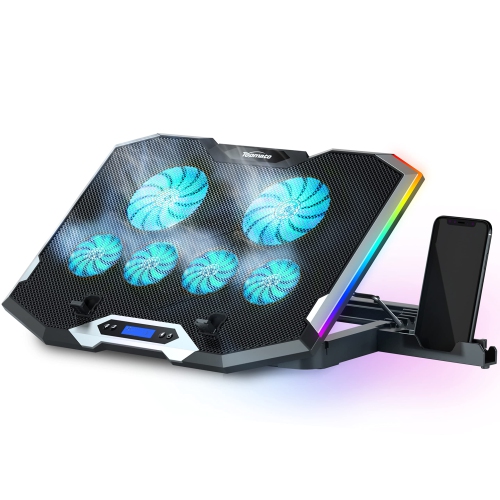
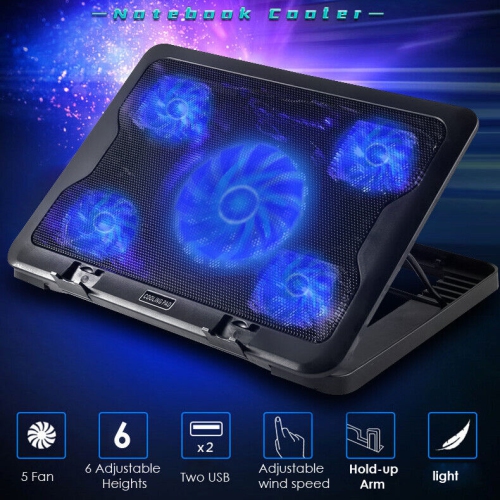
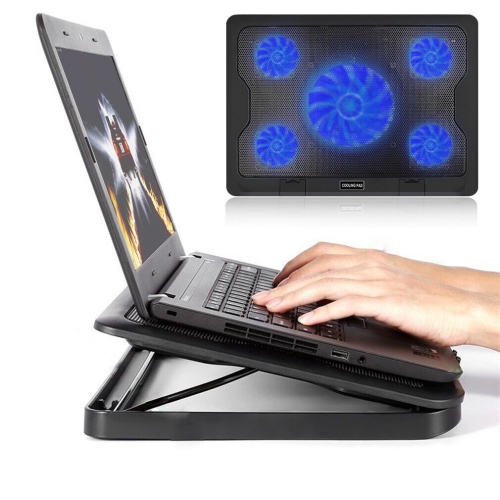
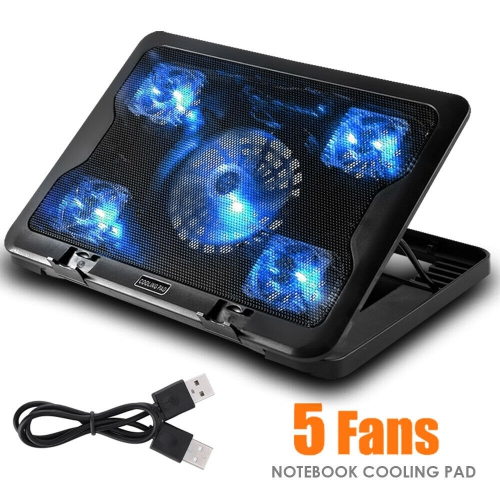
![HLD Wind - Laptop Cooling Pad - 11"- 19", Ps4 - [ 4 Fans ] - Light, Quiet Rapid Cooling Action - Ergonomic Ventilated Support](https://multimedia.bbycastatic.ca/multimedia/products/500x500/138/13811/13811145.jpg)
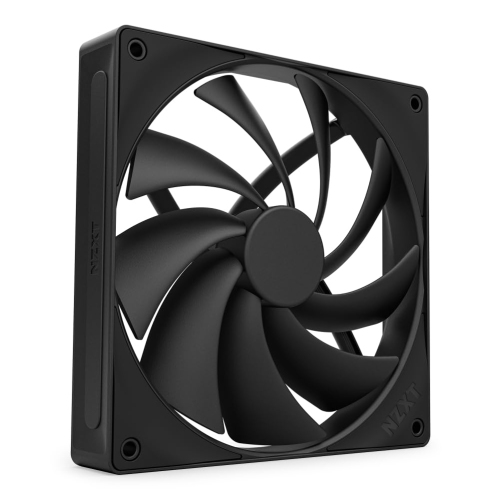
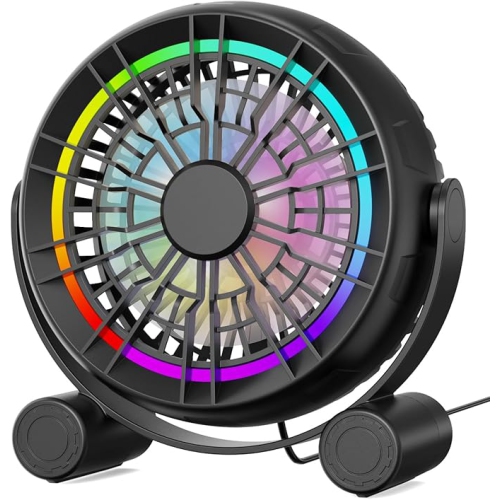
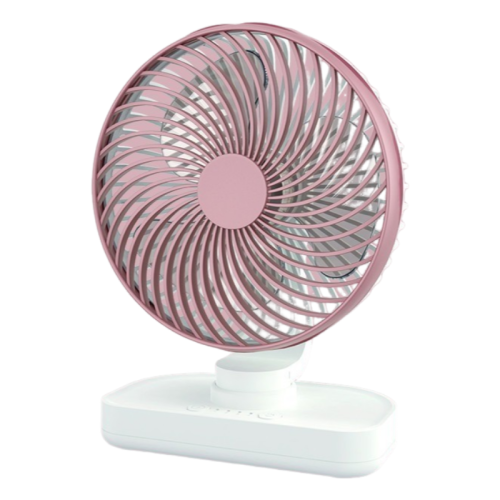
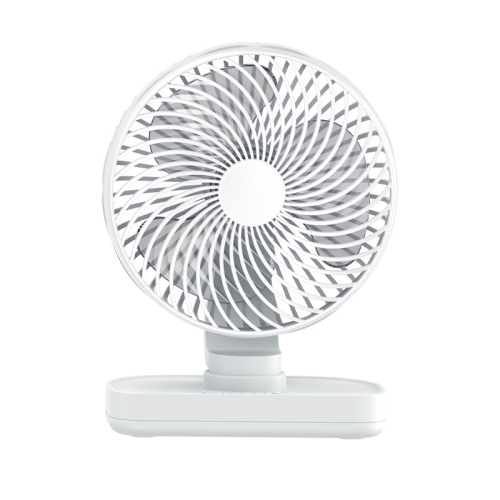
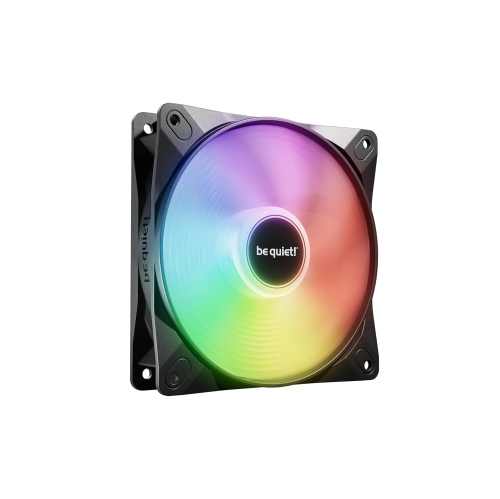
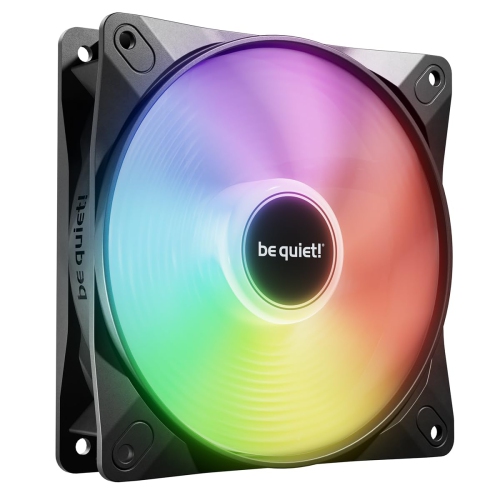
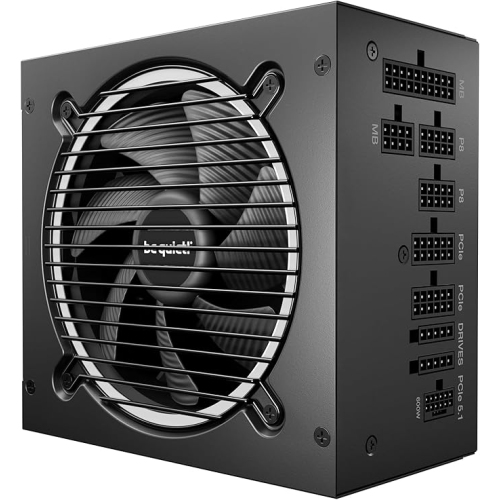

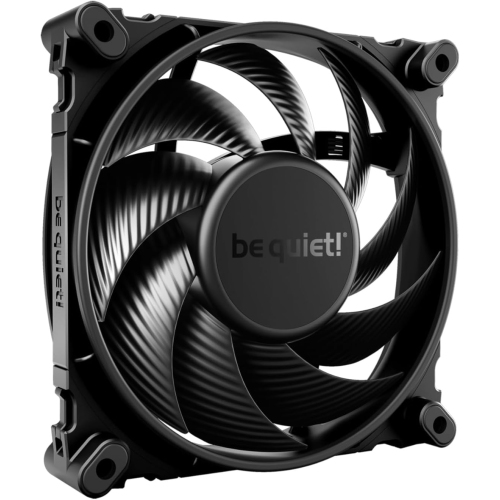
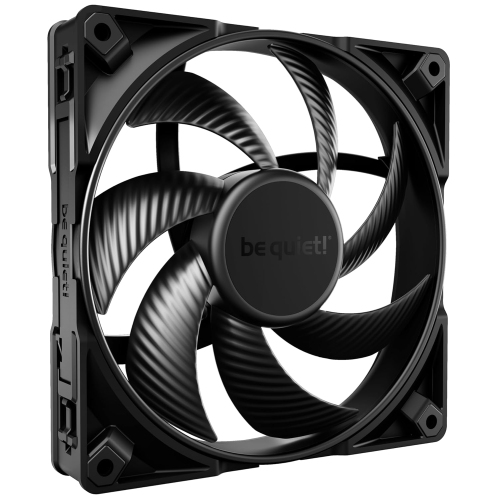
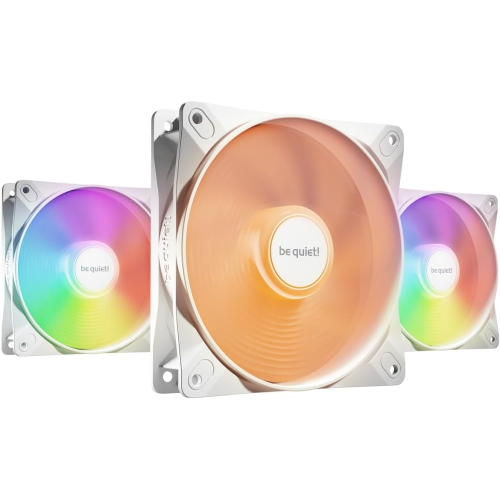
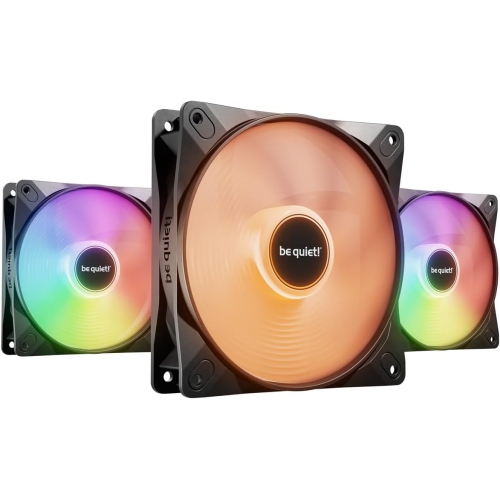
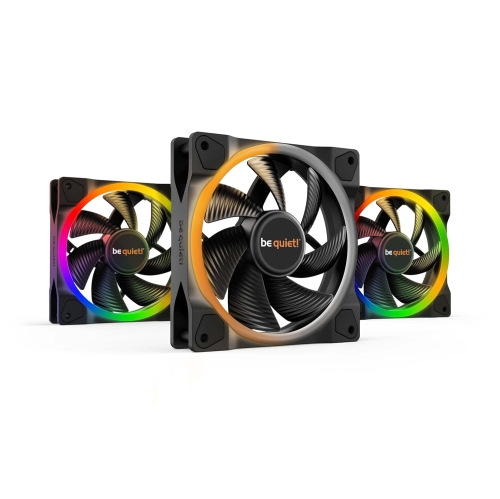
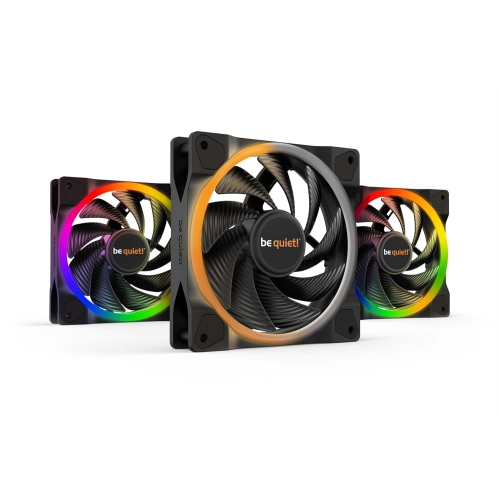
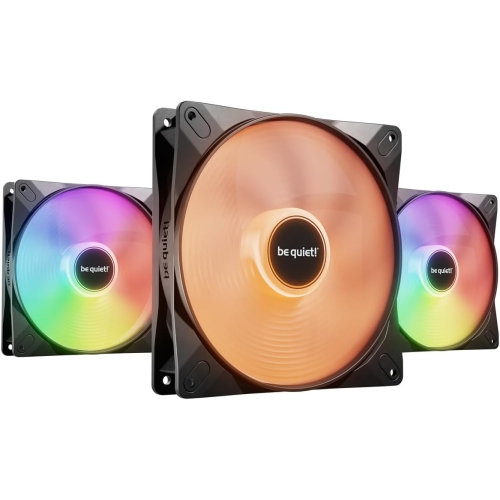
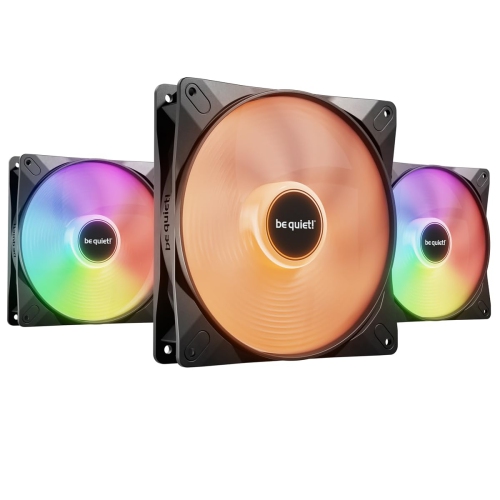
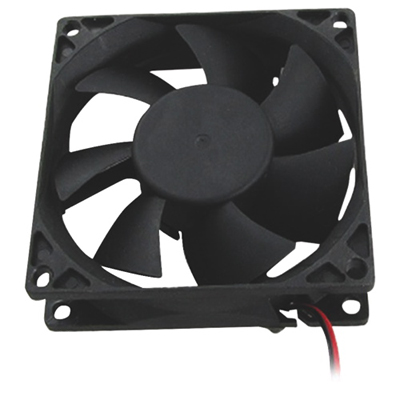
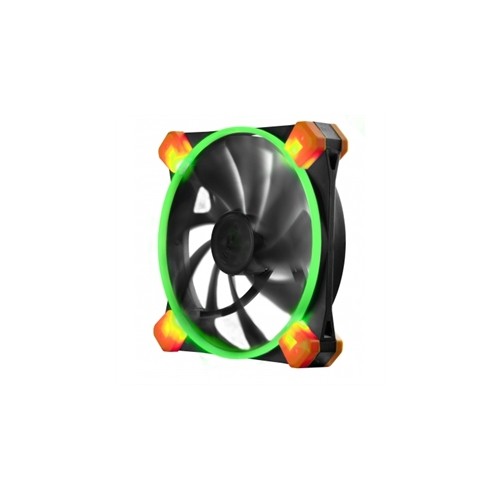
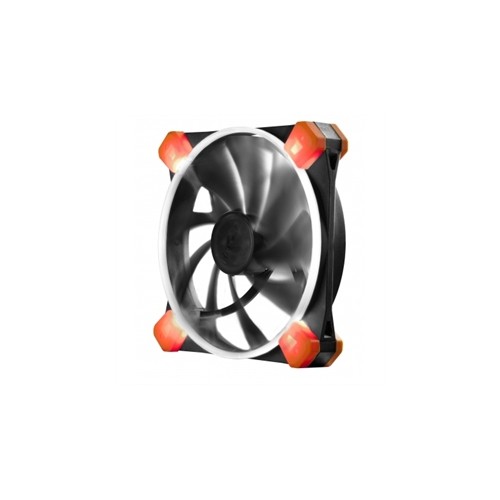


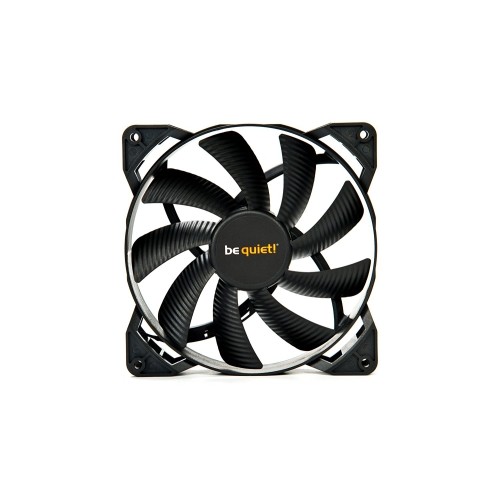

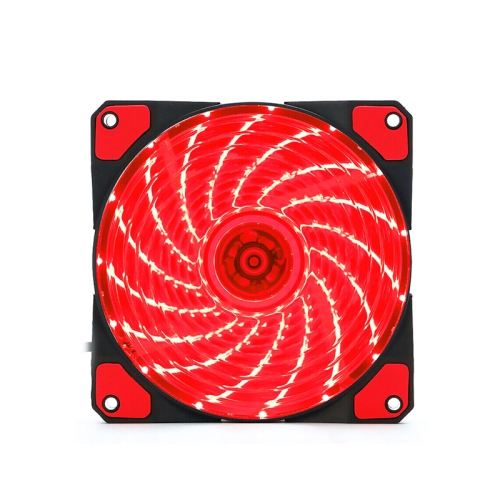
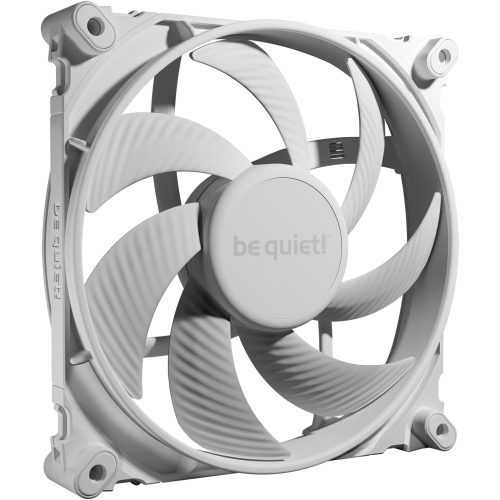
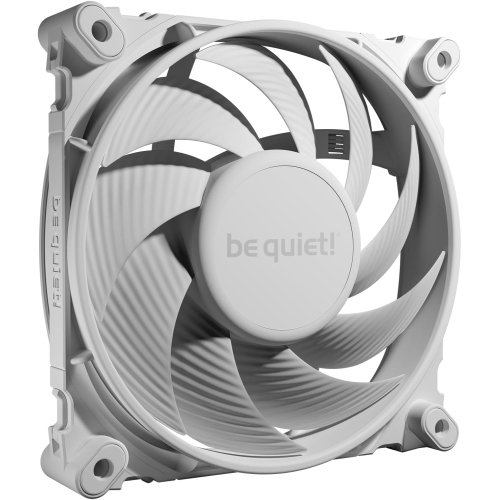
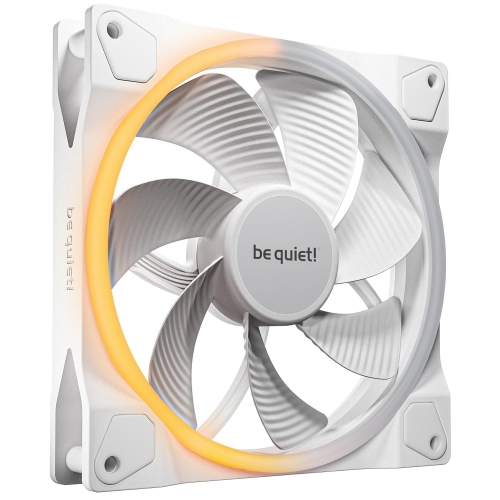
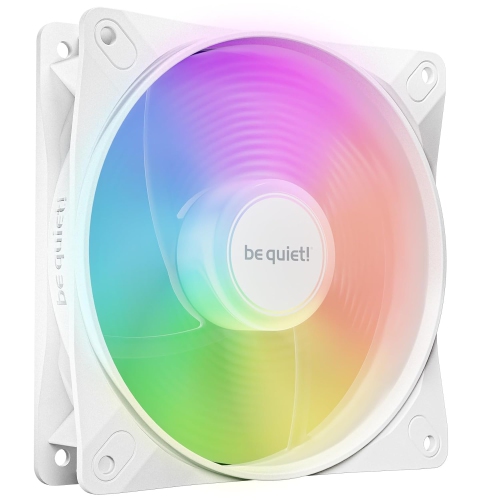
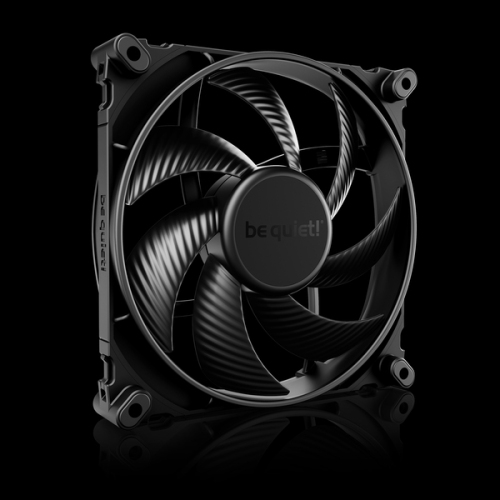

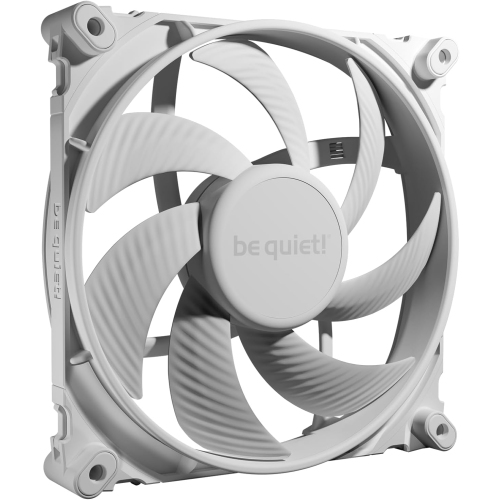
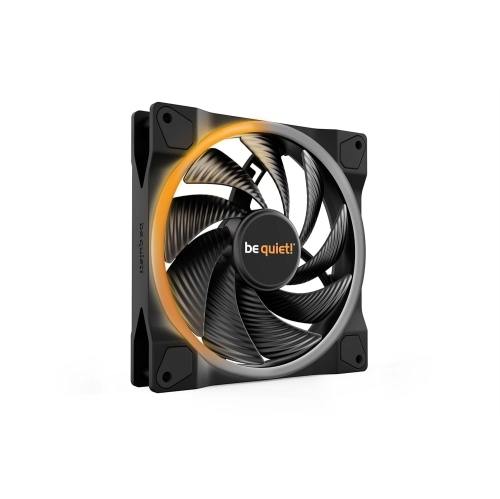

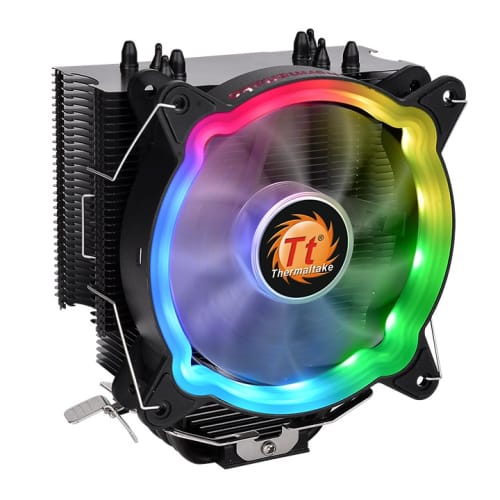
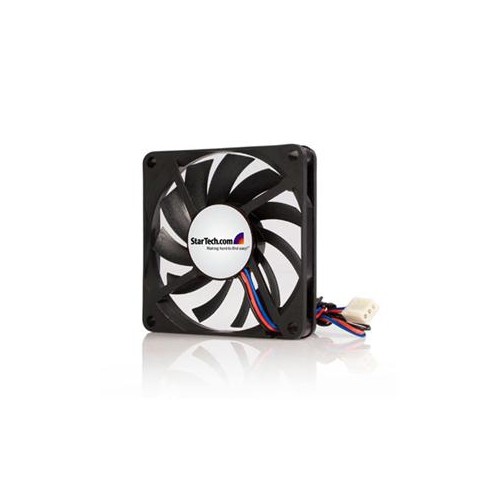
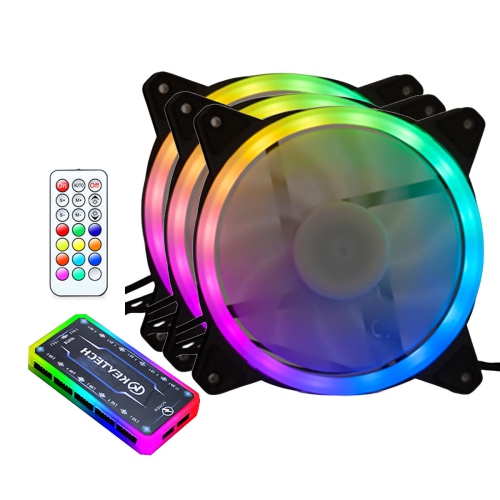
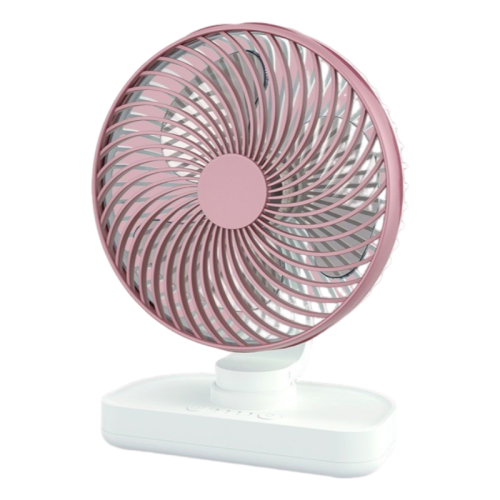
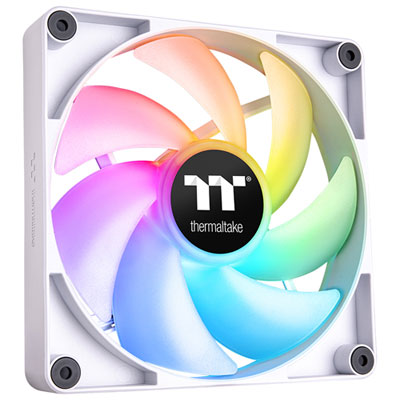
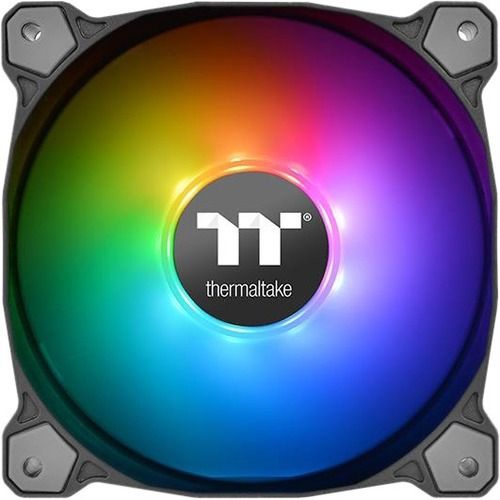
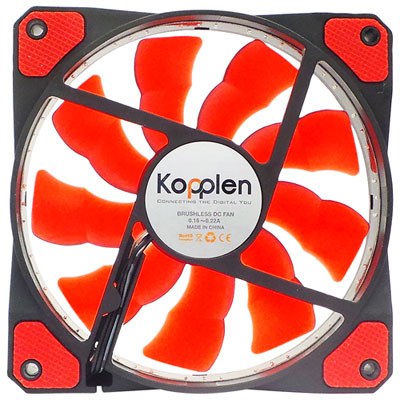
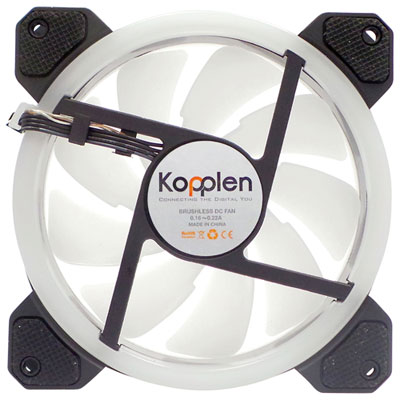
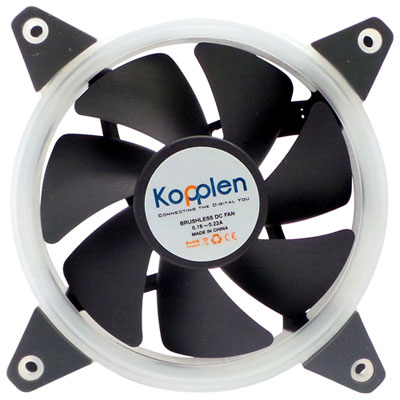

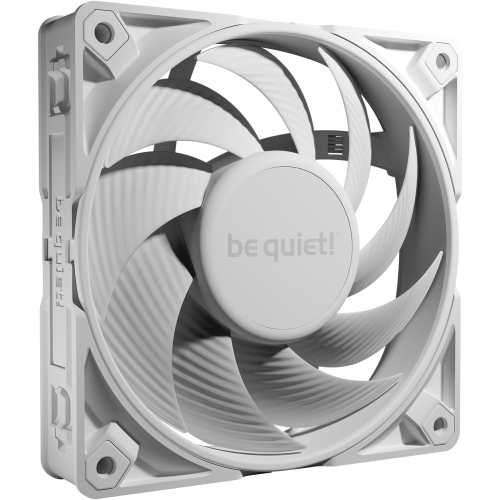
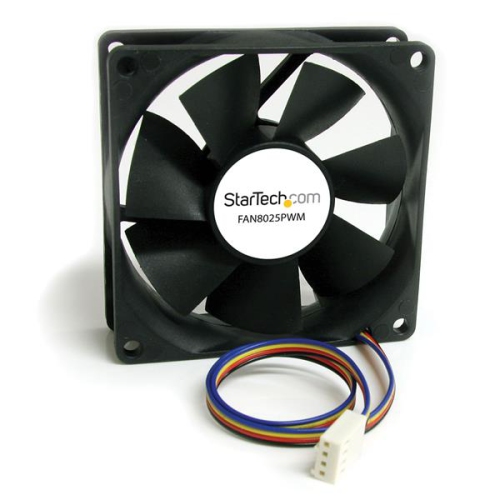

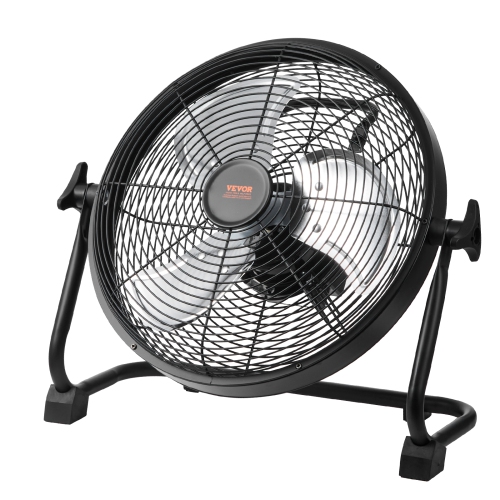

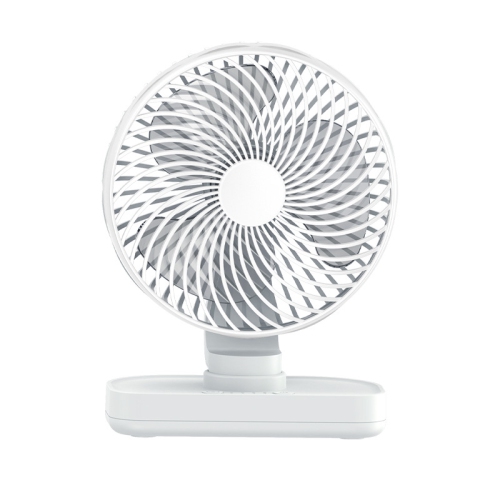
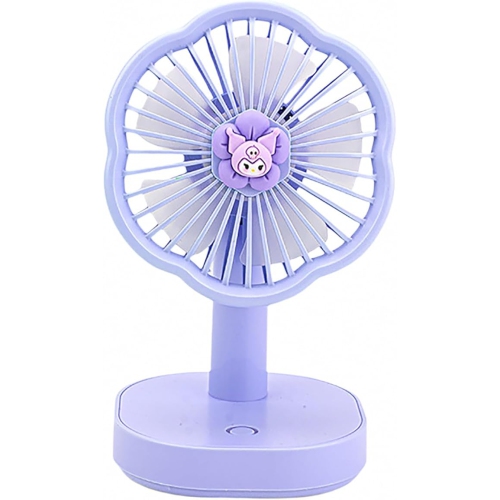

Balance dependable cooling with a quieter desktop experience
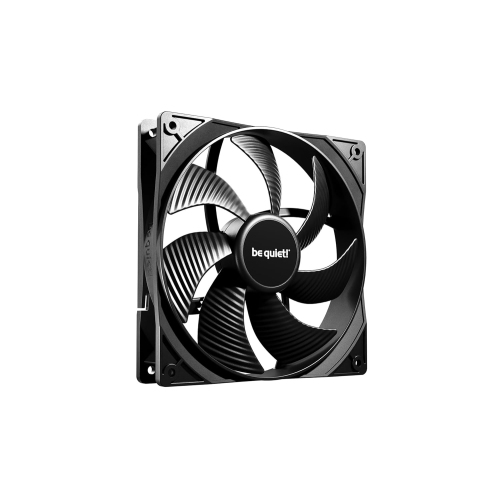
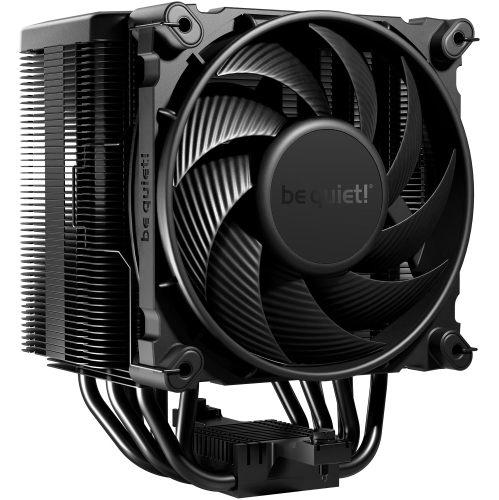
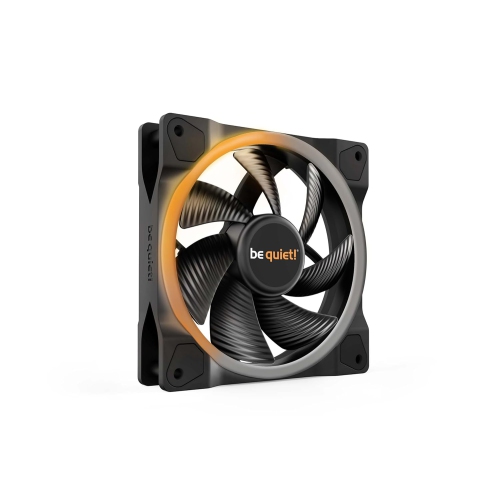
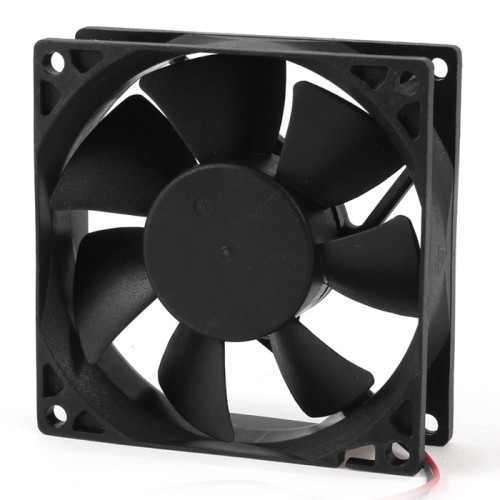
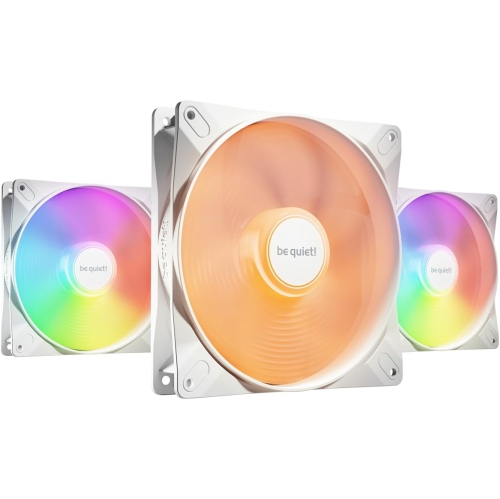
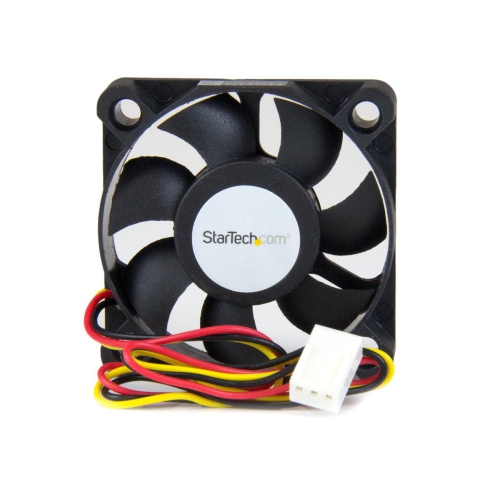
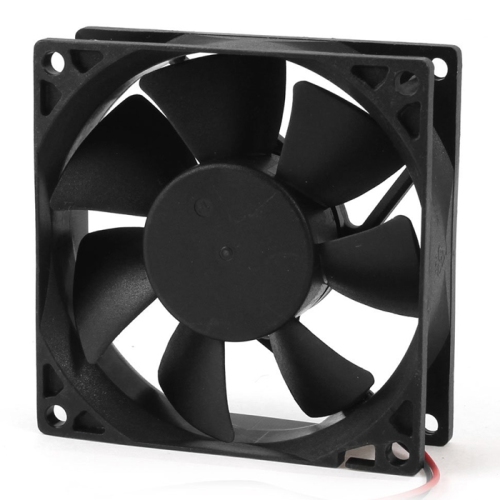
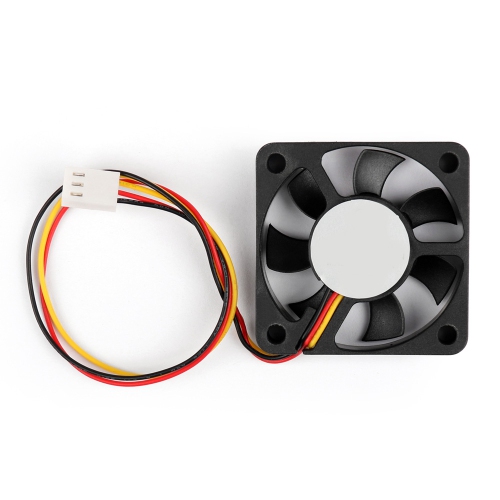
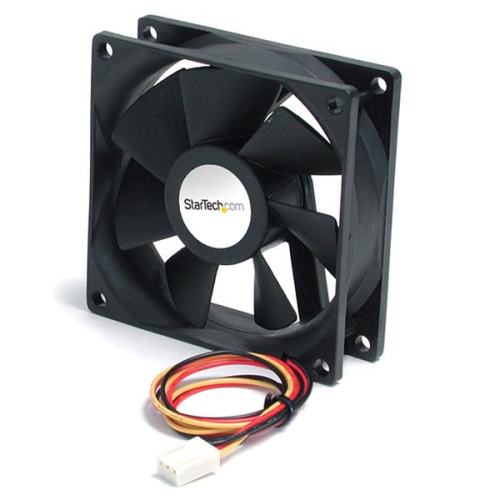
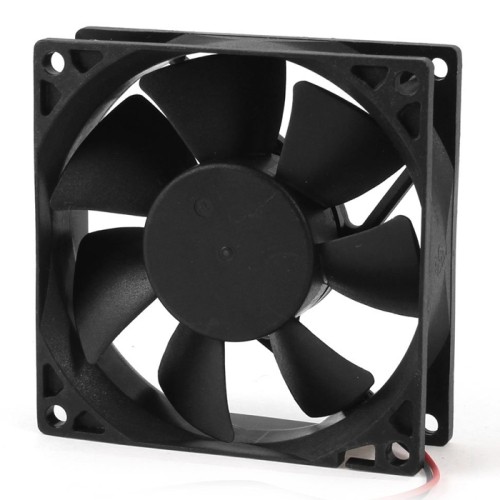
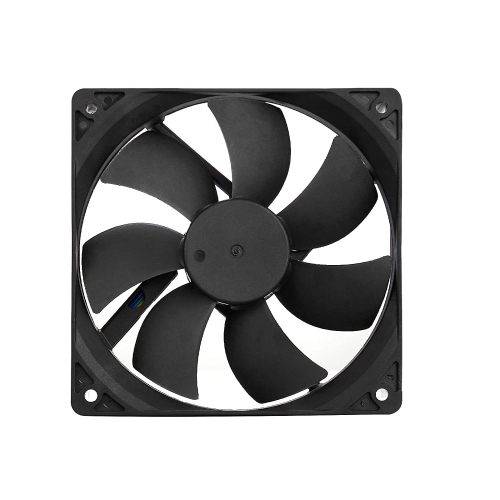
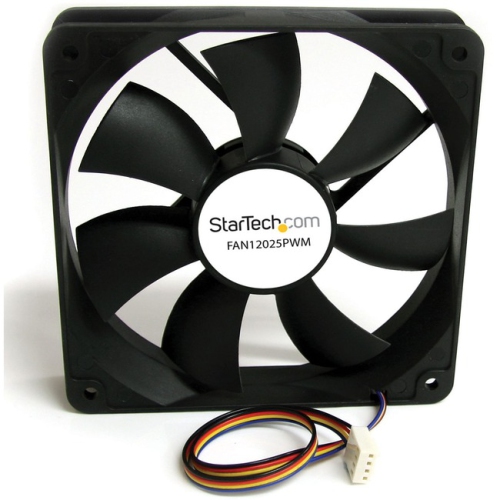
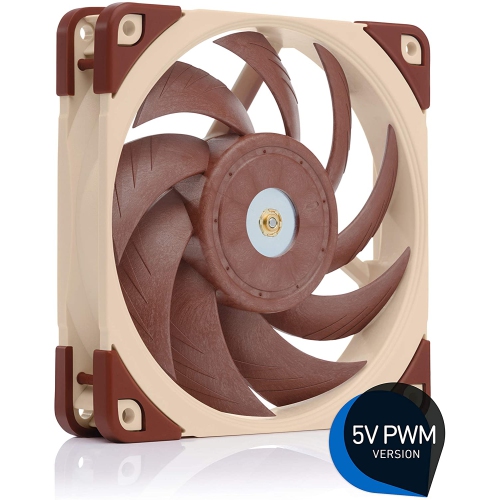
Size is one of the most important details to check before purchasing. Common desktop fan sizes include 120 millimetres and 140 millimetres, but the correct choice depends on the mounting points in the computer case, cooler, radiator, or other component. A larger fan can often move a similar amount of air at a lower rotational speed, which may help reduce the sound of rushing air. A 120 mm fan is a flexible choice for many case positions and is frequently used where space is limited, while a 140 mm fan may suit a case with compatible mounting holes and enough clearance around the motherboard, memory, and graphics card. Fans intended for unrestricted case airflow are designed to move air efficiently through open spaces. By contrast, high-static-pressure fans are better suited to restrictive locations, including radiators, dense dust filters, mesh panels with limited clearance, and heatsinks with closely spaced fins. Check whether the listing describes airflow, static pressure, maximum revolutions per minute, and speed-control support. Pulse-width modulation, commonly called PWM, allows compatible motherboards or fan controllers to adjust fan speed according to temperature. A three-pin fan may also be controllable on some systems through voltage regulation, but compatibility varies. Before ordering, confirm the connector, cable length, included adapters, and whether the system has enough available headers or requires a splitter or separate controller. It is also worth checking clearance inside the case, especially in compact builds where a few millimetres can determine whether a fan fits beside a radiator, tower cooler, storage drive, or graphics card.
A quiet installation depends on more than the fan motor. Bearing design affects both operating sound and long-term consistency, while a balanced rotor and well-built frame can help reduce rattling or tonal noise. Rubber corner pads, soft mounting points, and anti-vibration mounts can prevent the fan from transferring small motor vibrations into a metal case, where they may become an irritating resonance. Tighten mounting screws securely but avoid overtightening, which can distort the frame or increase vibration. Good airflow planning also helps: cool air is typically drawn in through front or bottom positions, while warm air leaves through rear or top positions. Matching the number and speed of intake and exhaust fans can help prevent unnecessary turbulence, and keeping cables clear of the blades allows air to follow a more direct path. After installation, use the motherboard’s BIOS or system software to create a fan curve that keeps speeds low when the computer is cool and increases them gradually as temperatures rise. This approach is often more comfortable than running every fan at full speed all the time. Listen for changes after the system has warmed up, since a fan that sounds quiet at idle may become much louder under load. Quiet computer fans can be a thoughtful gift for someone building a first PC, improving a gaming setup, assembling a home recording system, or creating a calmer workspace during the cooler months. They are also useful for enthusiasts who enjoy fine-tuning a build, replacing worn components, or balancing cooling performance with a more peaceful room. By matching the fan size and pressure profile to the installation point, checking connector compatibility, using vibration-dampening hardware, and setting an appropriate speed curve, shoppers can choose cooling that supports steady computer performance without allowing fan noise to dominate the room.
Top selling and popular products
-
 Your price for this item is $44.99
 -
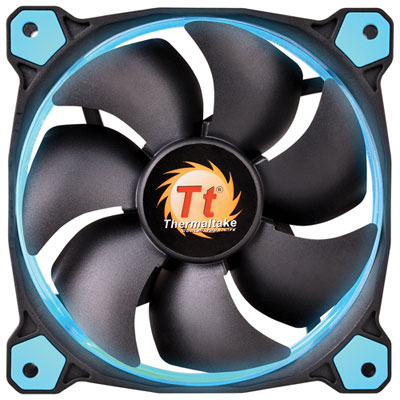 Your price for this item is $19.99
 -
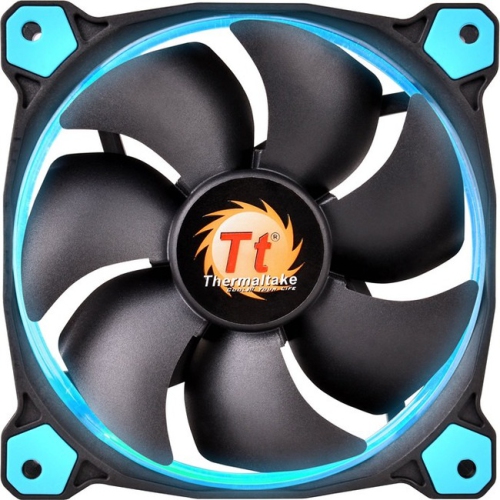 Your price for this item is $41.68
 -
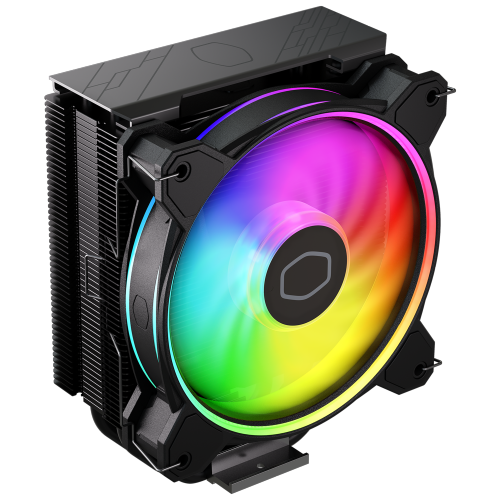 Your price for this item is $43.99
 -
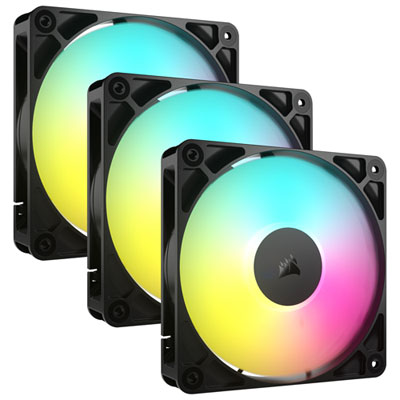 Your price for this item is $49.99
 -
 Your price for this item is $139.99
 -
 Your price for this item is $129.99
 -
 Your price for this item is $149.99