RAM Slots On Motherboard
Looking to upgrade your computer's RAM? Look no further than the motherboard's RAM slots. These essential components allow you to expand your system's memory capacity, boosting its performance and multitasking capabilities. Whether you're a gaming enthusiast craving faster load times or a professional seeking seamless multitasking for resource-intensive applications, RAM slots are the key to unlocking your computer's potential. Here are some great options available.
Sort
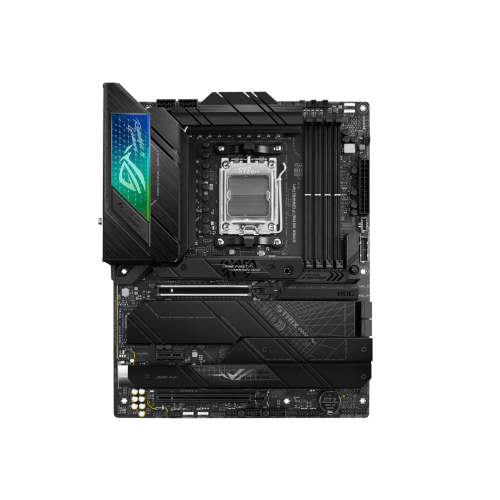
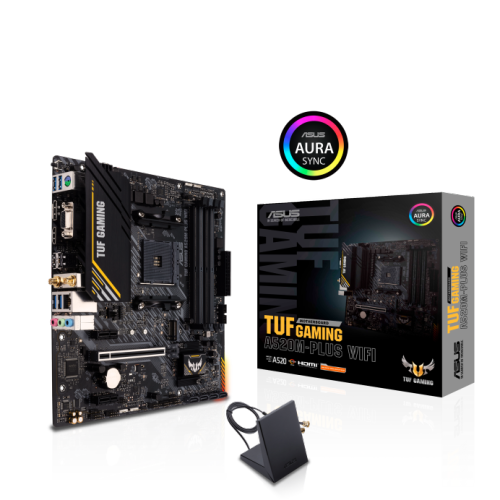

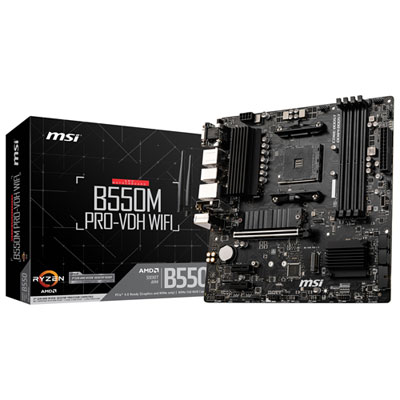
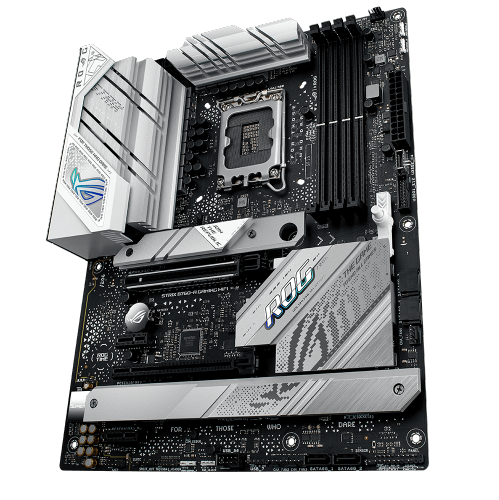
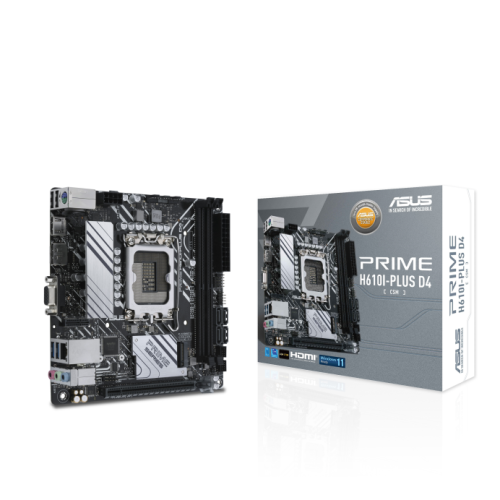
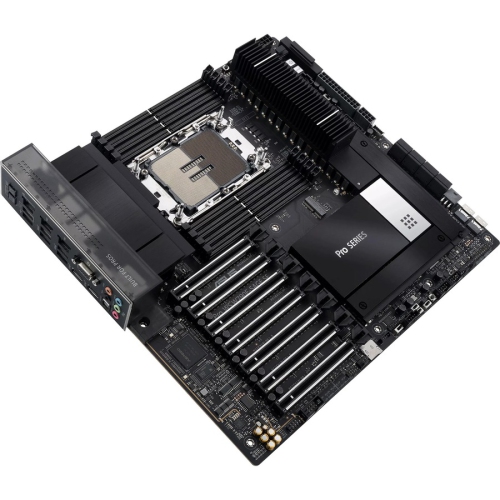
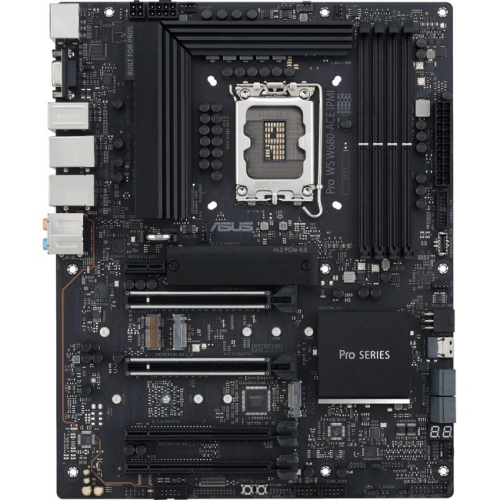
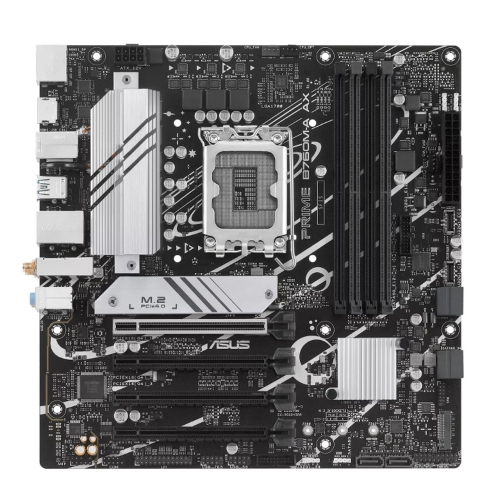
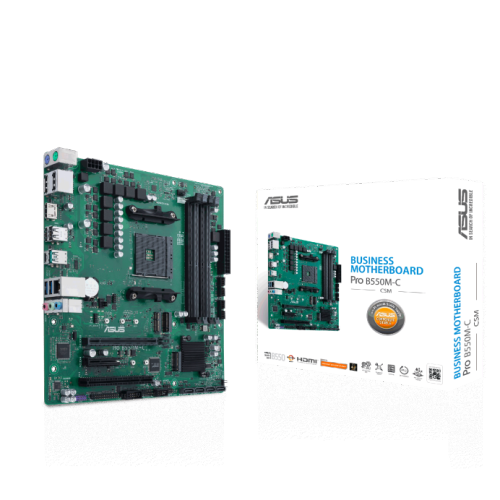
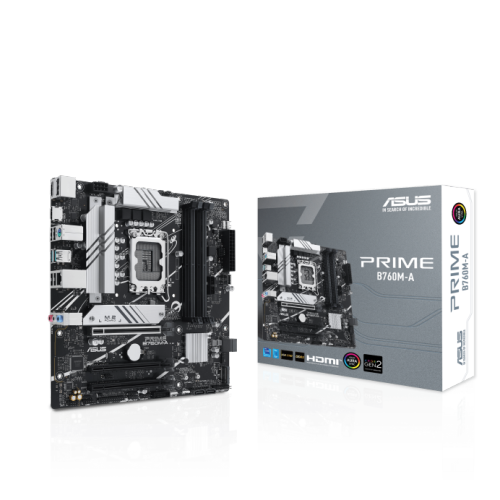

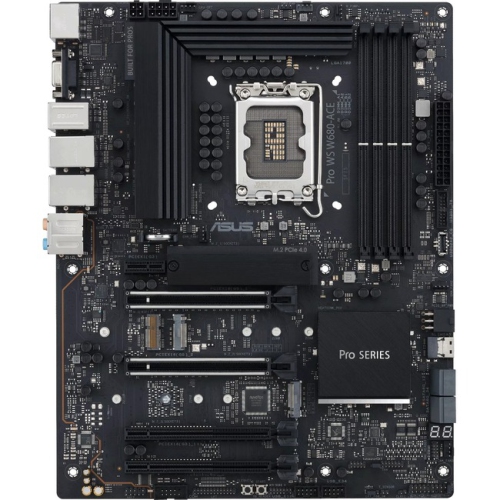
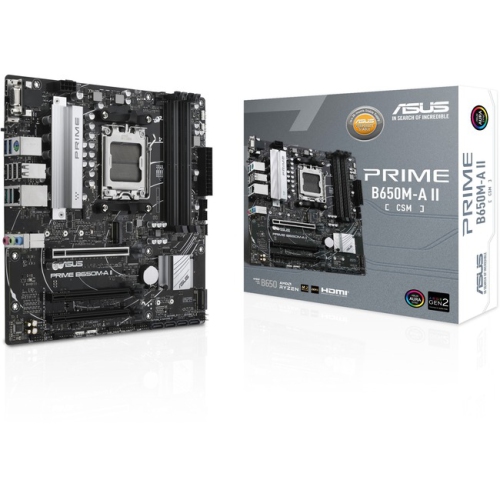
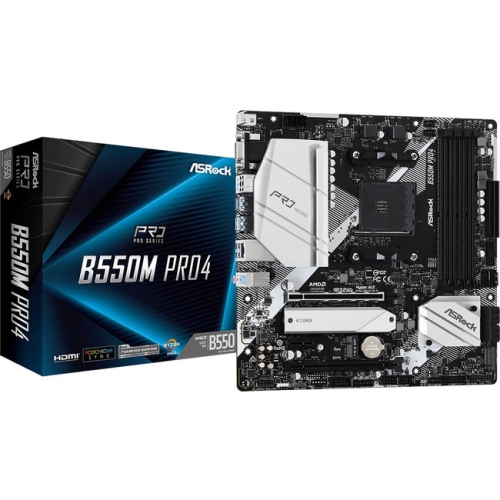
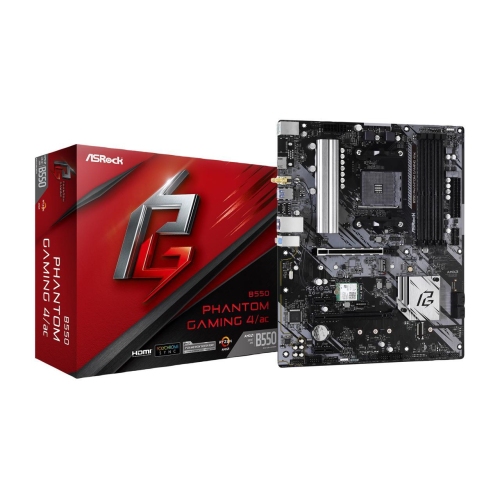

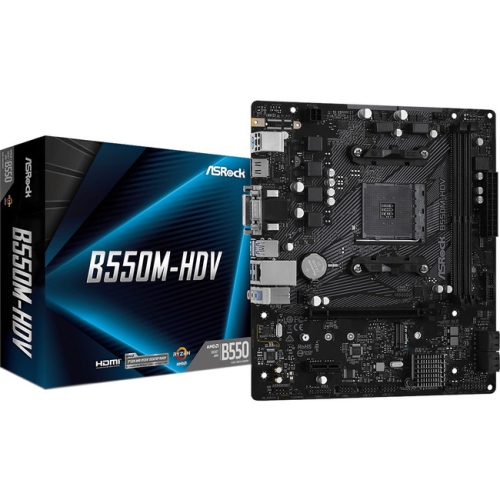

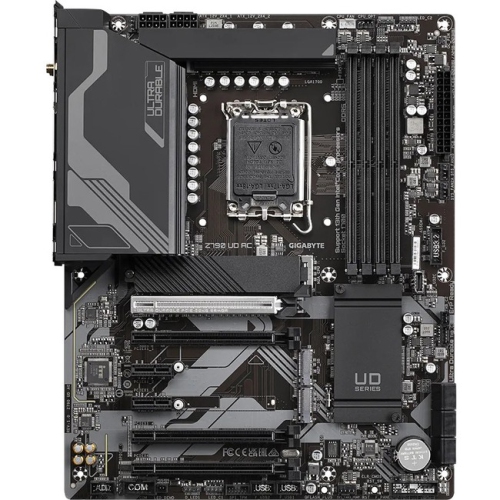
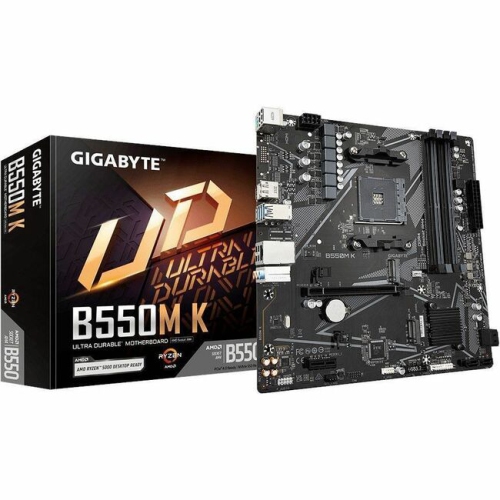
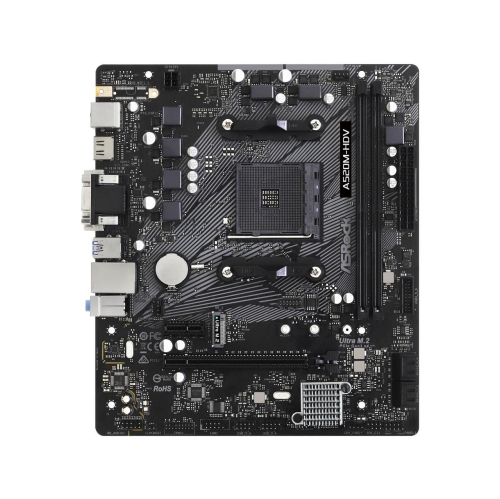
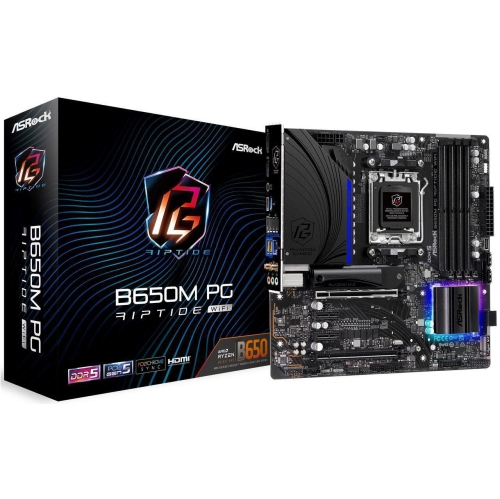
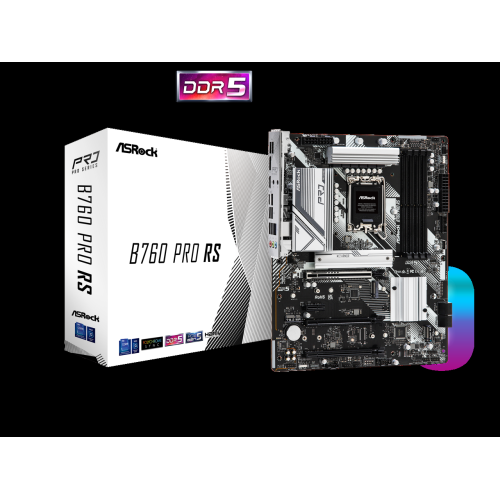
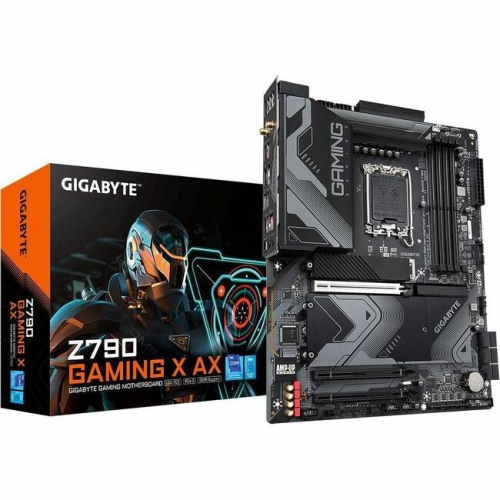
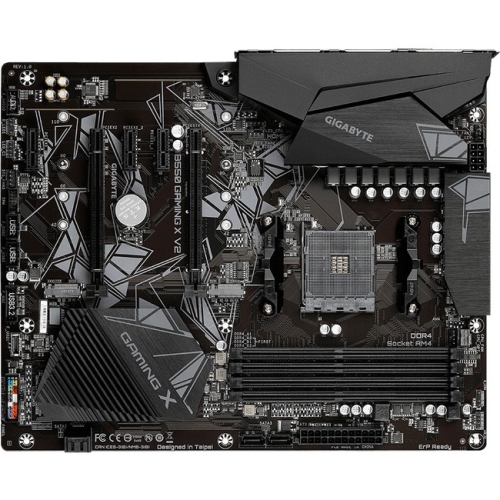
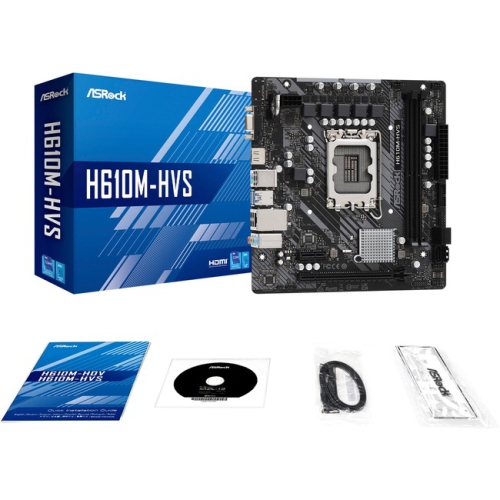
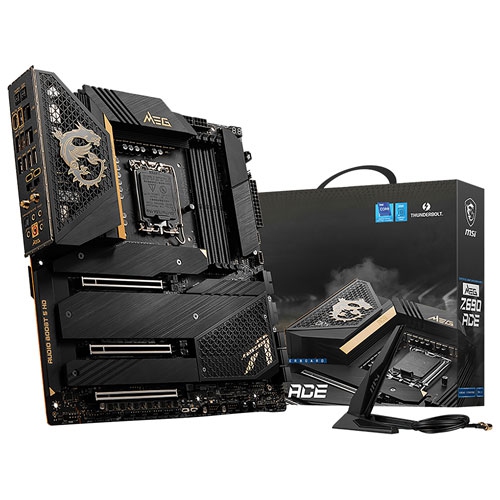
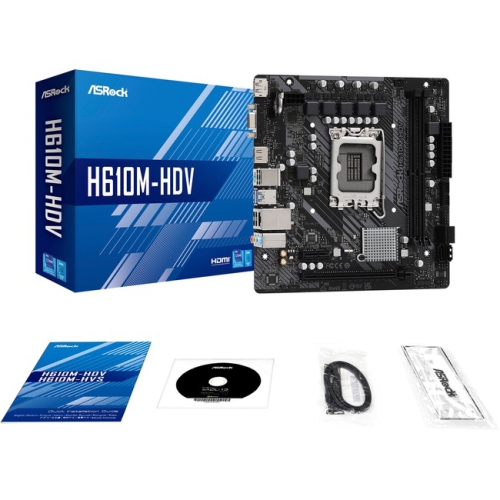
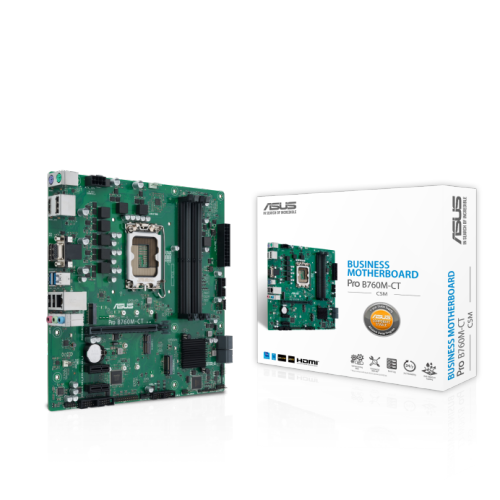
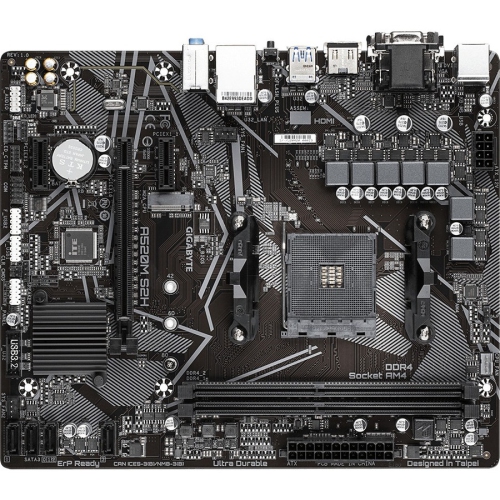
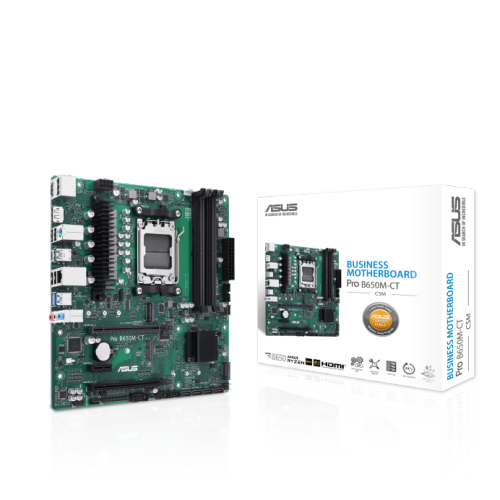


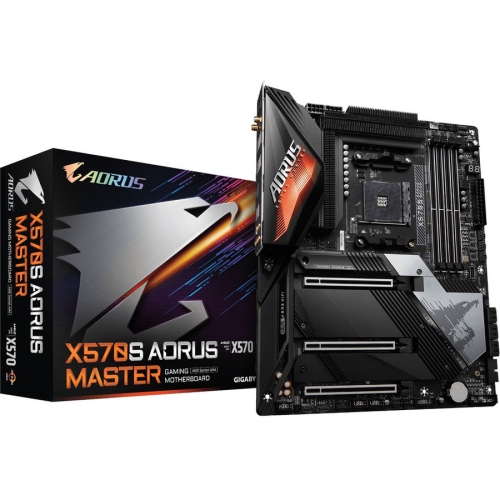
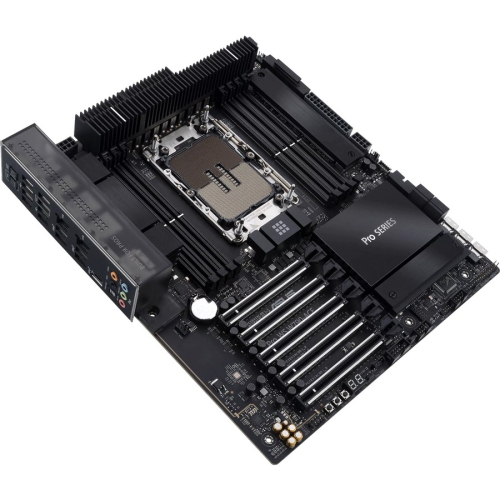
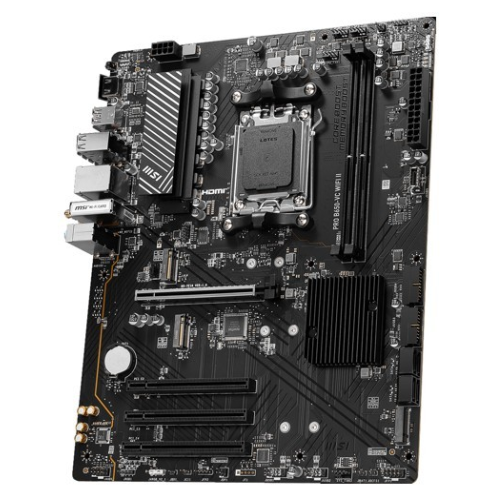
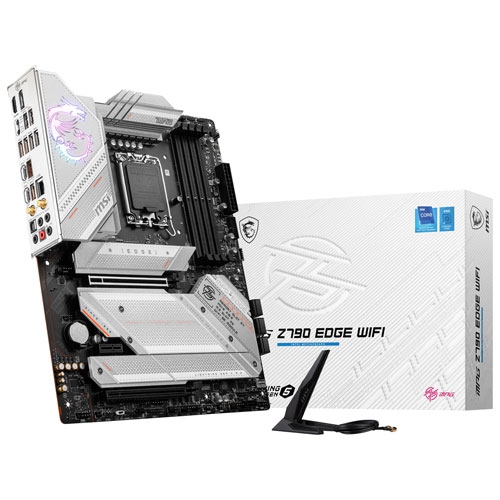

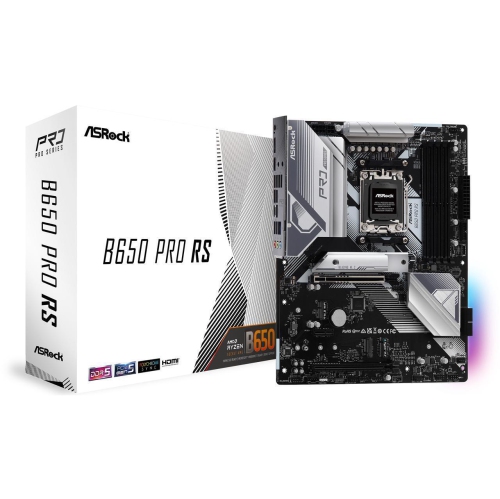
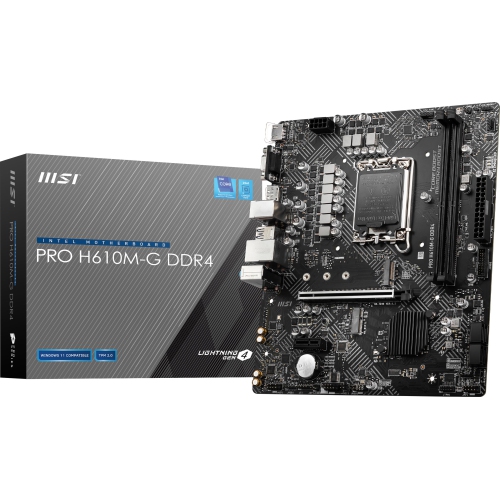
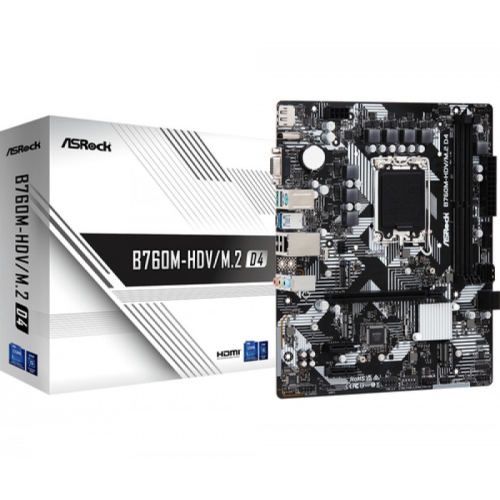
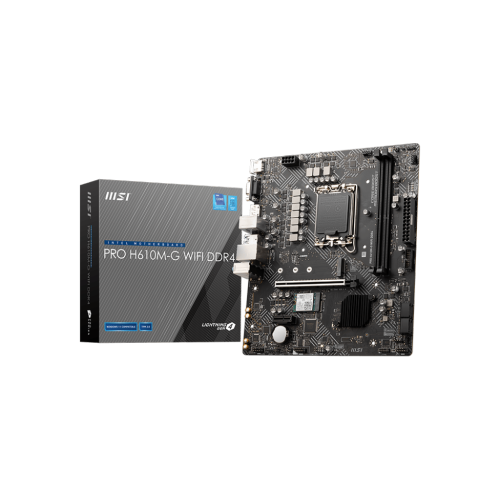

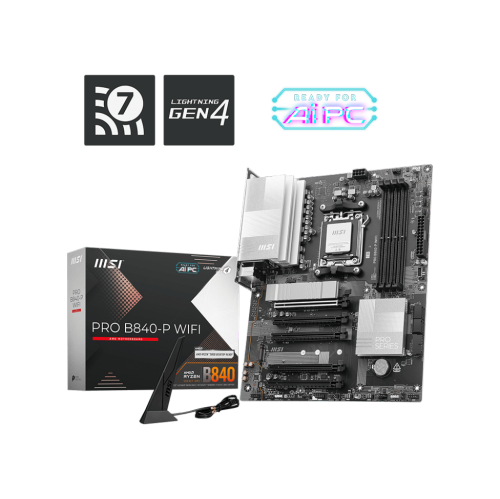
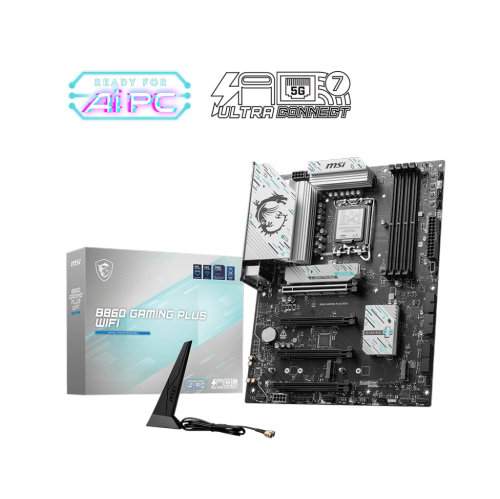
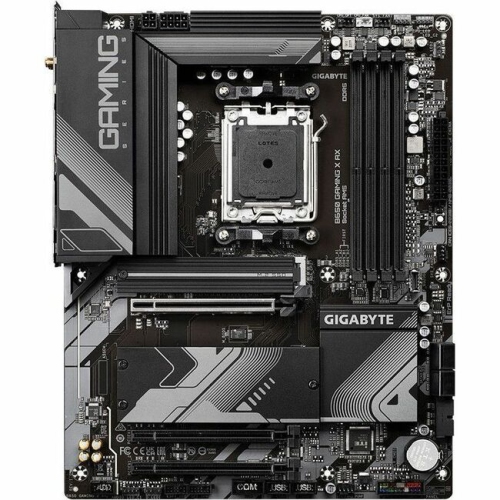
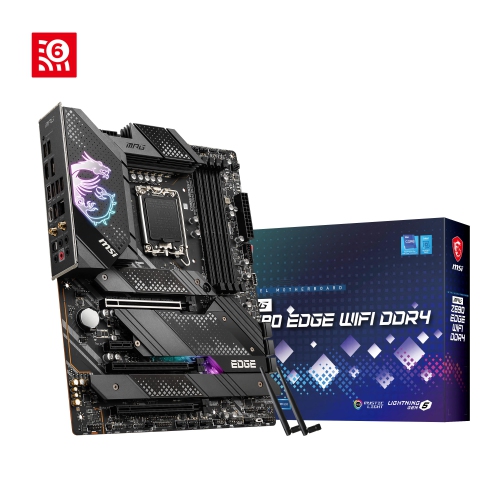
Memory capacity and compatibility shape future desktop upgrades
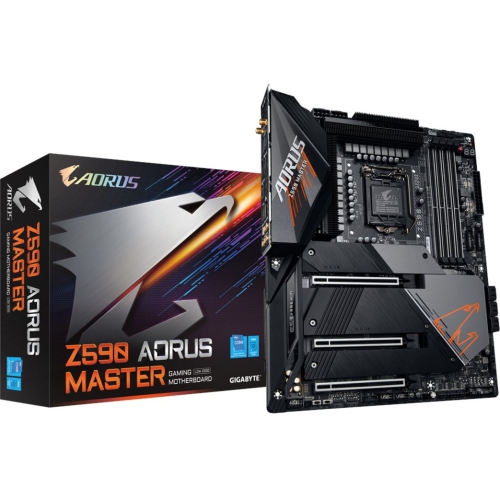
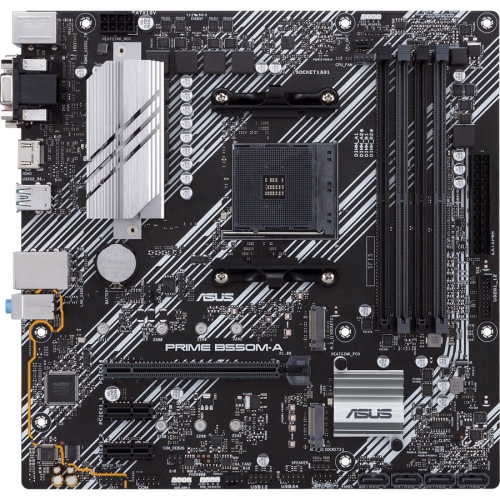
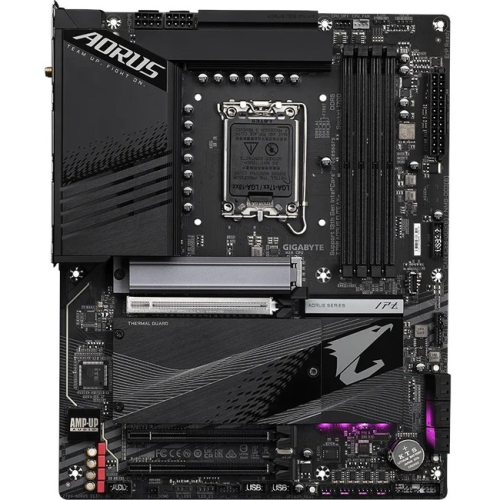
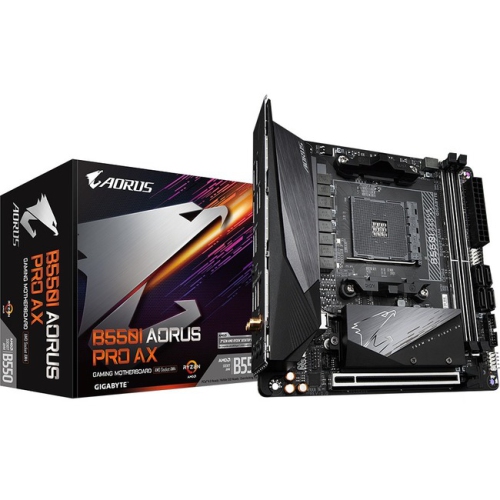
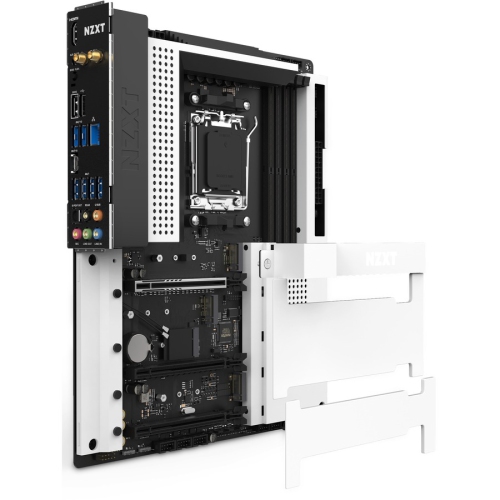
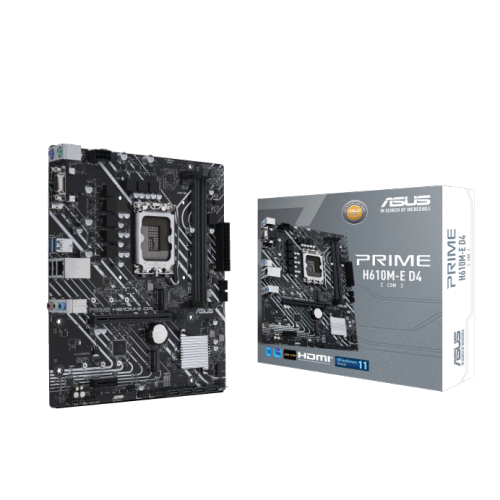
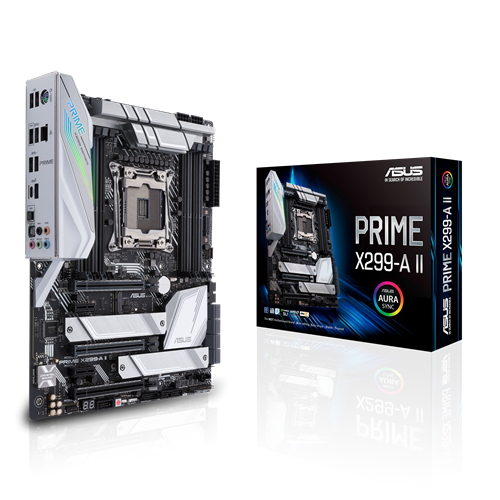
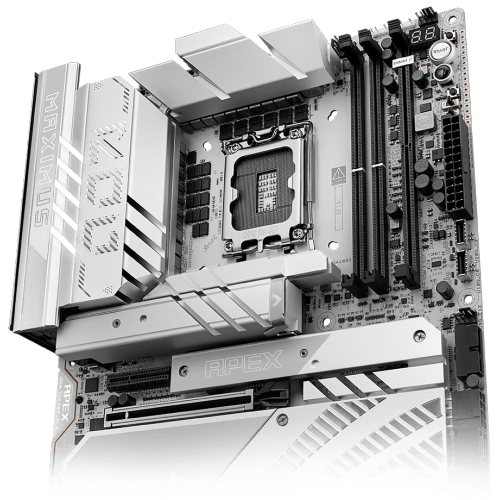
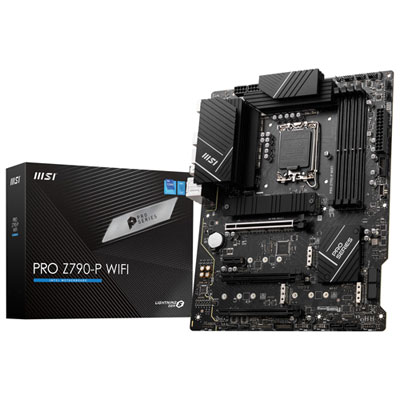
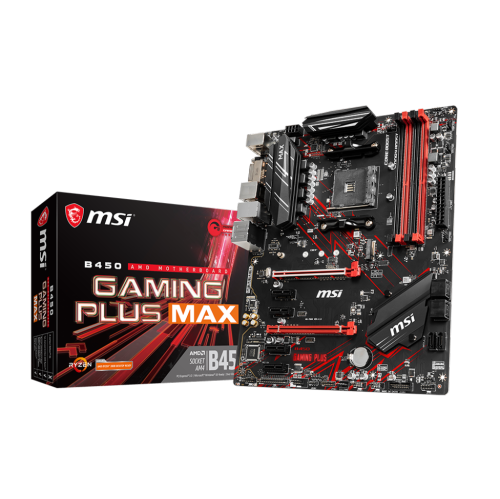
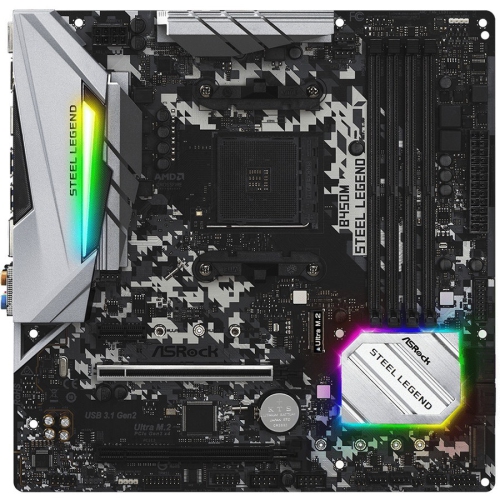
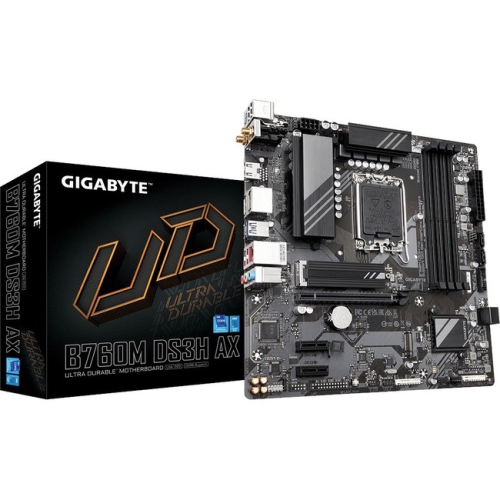
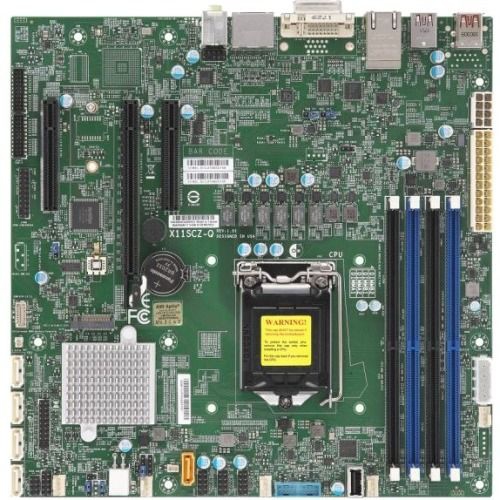
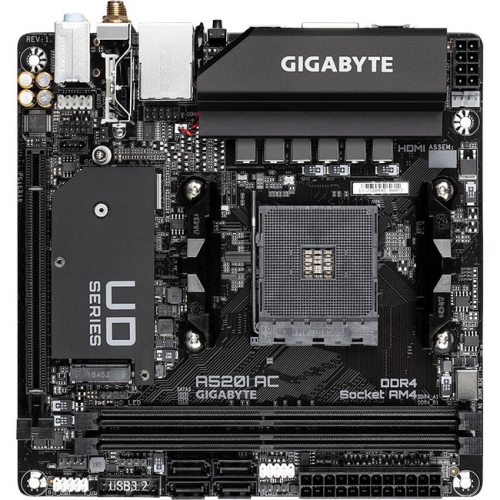
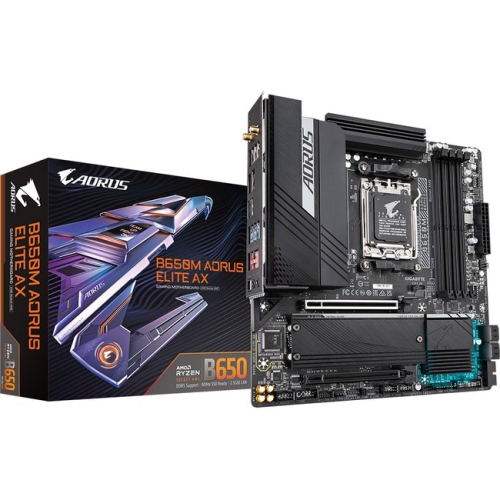
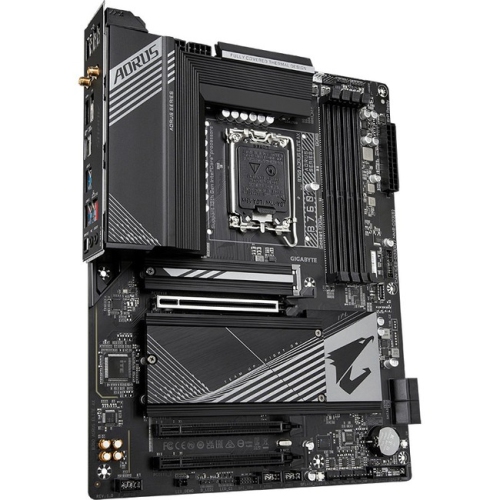
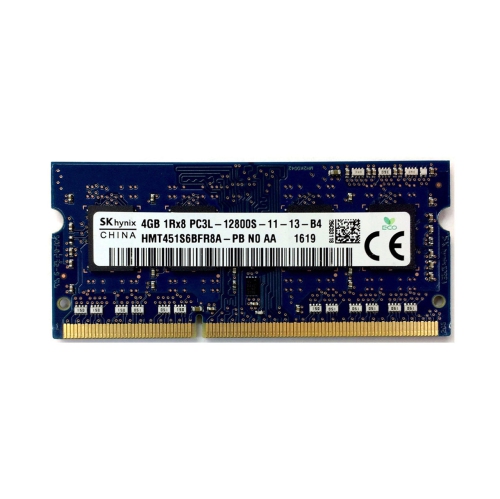
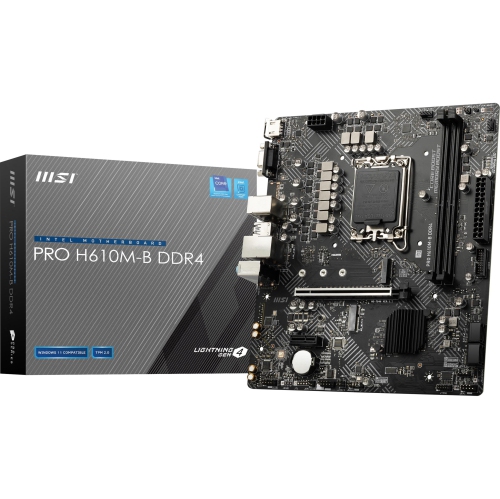
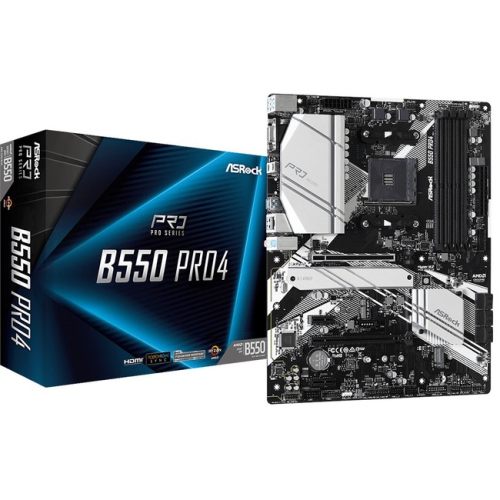
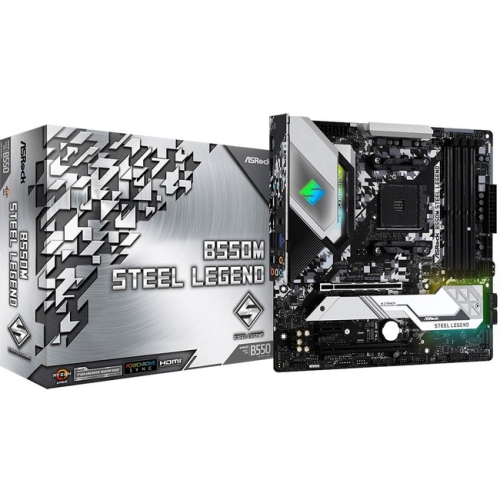
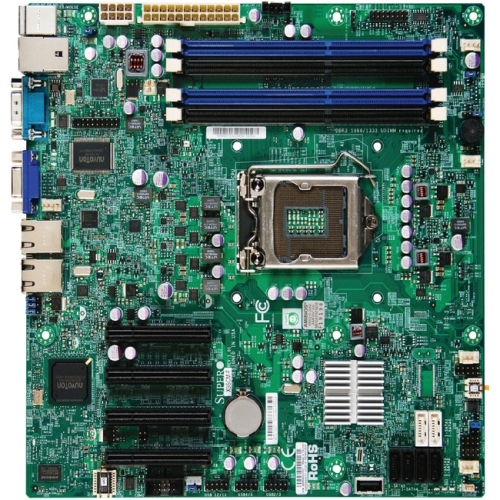
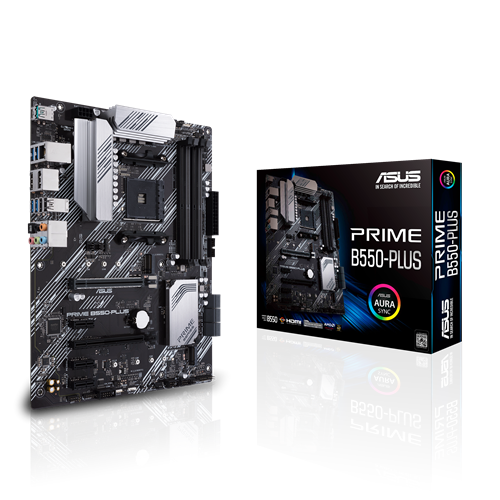
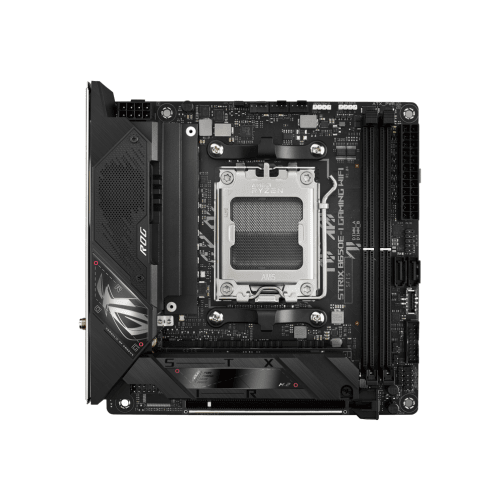
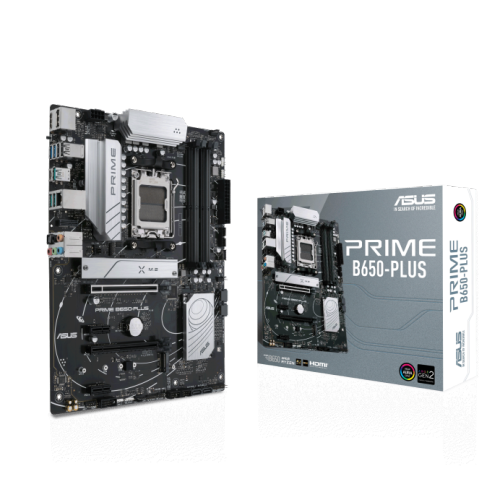
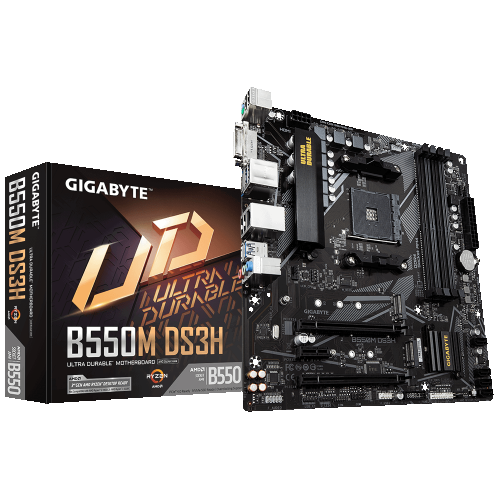
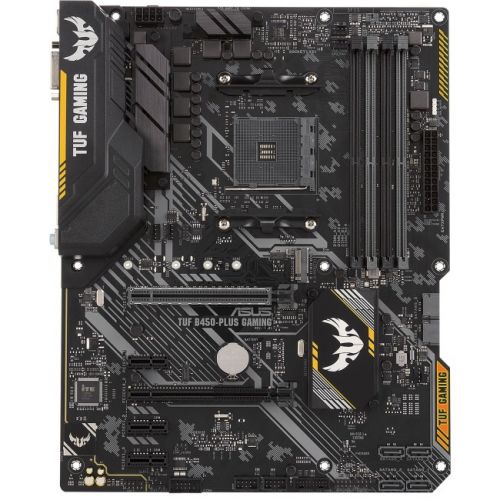
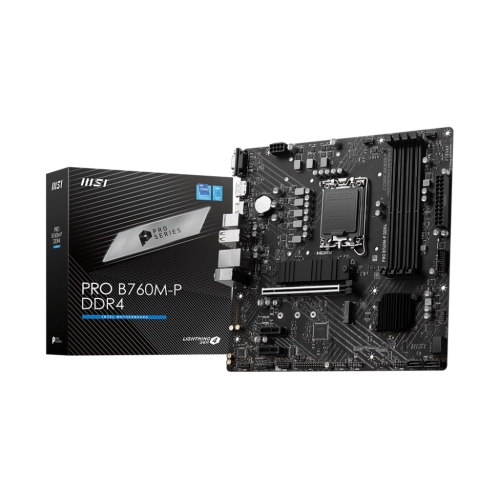
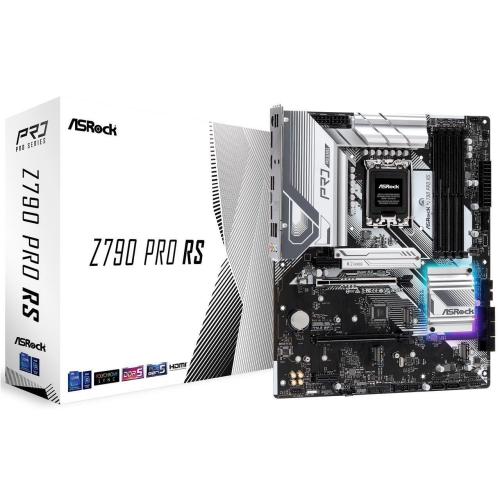
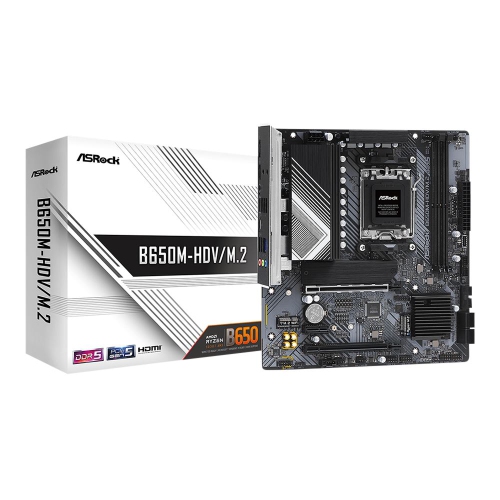
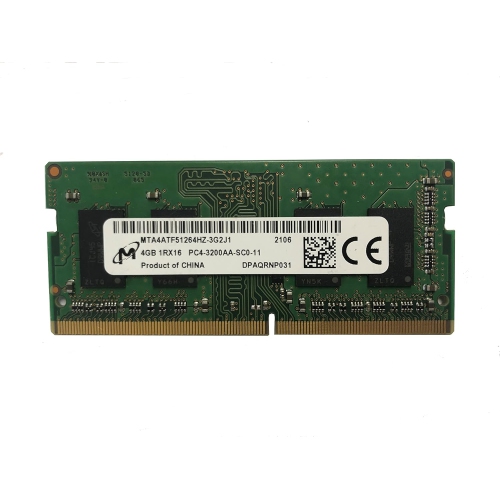
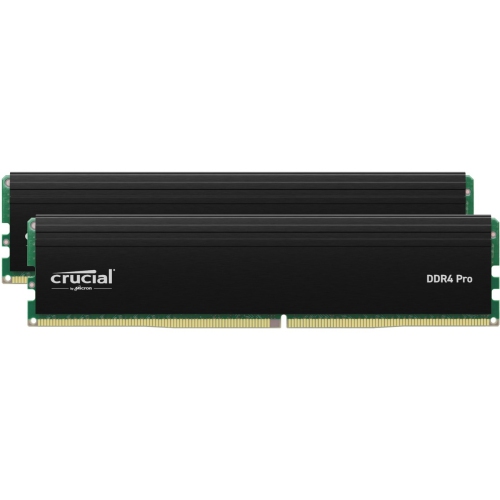
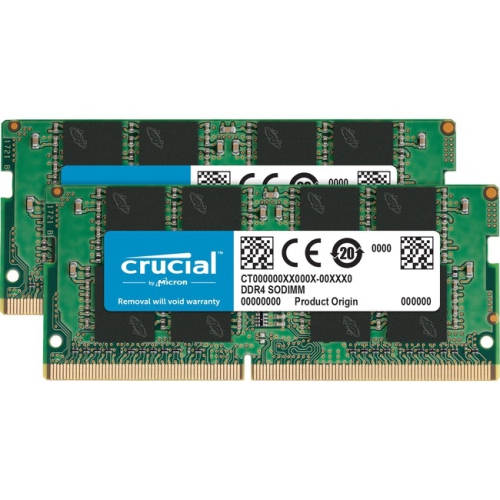
Motherboards with RAM slots provide the foundation for building or upgrading a desktop computer, and the number and layout of those slots can have a direct effect on how much memory the system can use and how easily it can be expanded later. Most standard desktop motherboards include two or four full-size DIMM slots, while some larger models offer additional slots for higher memory capacity. When comparing products in this category, check the motherboard’s supported memory type, maximum capacity, supported memory speed, and number of memory slots rather than relying on the slot count alone. Memory generations are not interchangeable, and a module designed for one generation will not fit correctly in a slot intended for another. The motherboard’s form factor also matters: a full-size board may provide more expansion room, while a compact board may have fewer slots to fit a smaller computer case. It is also important to confirm compatibility with the processor and the board’s firmware, as these factors can affect the maximum supported capacity and rated memory speed. Desktop DIMM slots are intended for standard desktop memory, while laptops and some compact computers use smaller SO-DIMM modules; shoppers looking for that format can browse SO DIMM Memory Modules. A motherboard with two slots can be a practical choice for a straightforward everyday computer, especially when the planned memory capacity is modest and the system is unlikely to be expanded. A four-slot motherboard provides more flexibility, letting a builder start with two modules and add more later without immediately replacing the original set. This extra room can be useful for people working with large spreadsheets, editing photos and video, running virtual machines, creating content, or keeping many browser tabs and applications open. It can also appeal to first-time builders who want a little breathing room as their needs change. For a family member or friend assembling a desktop as a gift, a motherboard with clearly documented RAM support and accessible slots can make future upgrades less complicated, particularly when the computer will serve a mixture of school, work, entertainment, and creative tasks.
The arrangement of the RAM slots is just as important as the total number. On a typical four-slot desktop motherboard, the slots are labelled A1, A2, B1, and B2, with A1 and A2 belonging to one memory channel and B1 and B2 belonging to the other. When installing two matching memory modules, the recommended positions are usually the second and fourth slots counted outward from the processor, commonly labelled A2 and B2. This arrangement enables dual-channel memory operation and can provide substantially more memory bandwidth than placing both modules in adjacent slots such as A1 and A2. A single module is commonly installed in A2, but the exact recommendation can vary by motherboard design, so the manual should always take priority over a general layout rule. Some boards use different colour patterns, spacing, or labelling, and the slot nearest the processor is not necessarily the first one that should be populated. For a balanced configuration, matched modules with the same capacity and specifications are generally the simplest choice. For example, two modules of equal capacity can make it easier for the motherboard to operate in the intended dual-channel mode, while mixing modules with different ratings may cause the system to run at the speed of the slower module or require additional configuration. The motherboard’s listed maximum capacity should also be viewed alongside the supported capacity per slot, since a board may support a larger total amount only when compatible modules are distributed across the available channels. Before selecting a motherboard, consider the computer’s purpose and likely memory demands over its useful life. A basic home or office system may need only a modest amount of memory, while gaming, design, engineering, software development, media production, and heavy multitasking can benefit from greater capacity and faster access. Choosing the right number of slots at the beginning can help avoid the awkward situation of removing existing modules simply to install larger ones later.
Installing memory requires a careful fit rather than excessive force. First, turn off the computer, disconnect power, and consult the motherboard documentation to confirm the recommended slots. Open the retaining tabs on the selected slots, then compare the notch in the memory module with the ridge inside the slot. The notch is offset, so the module should align in only one direction; never rotate it or press it into place when the marks do not match. Once aligned, apply even pressure along the top edge until the module is fully seated and the retaining tabs click into position. On some motherboards, one side of the slot may have a fixed tab, so the installation method can look slightly different from one board to another. After installation, check that the module sits level and that the clips are secured before reconnecting power. If the computer does not start or reports less memory than expected, turn it off and recheck the slot positions, seating, module compatibility, and motherboard manual. A system may also revert to a standard memory speed until a compatible performance profile is enabled in firmware, and the available settings depend on the motherboard, processor, and memory kit. Motherboards with RAM slots are useful for new desktop builds, repairs, and upgrades, whether the computer is destined for a home office, a student’s workspace, a family entertainment area, or a dedicated creative setup. During the cooler months, a carefully planned build can be a satisfying indoor project, but the same compatibility checks remain valuable year-round: match the memory type, confirm the supported capacity, use the recommended channel arrangement, and leave enough expansion room for the way the computer is expected to grow.
The arrangement of the RAM slots is just as important as the total number. On a typical four-slot desktop motherboard, the slots are labelled A1, A2, B1, and B2, with A1 and A2 belonging to one memory channel and B1 and B2 belonging to the other. When installing two matching memory modules, the recommended positions are usually the second and fourth slots counted outward from the processor, commonly labelled A2 and B2. This arrangement enables dual-channel memory operation and can provide substantially more memory bandwidth than placing both modules in adjacent slots such as A1 and A2. A single module is commonly installed in A2, but the exact recommendation can vary by motherboard design, so the manual should always take priority over a general layout rule. Some boards use different colour patterns, spacing, or labelling, and the slot nearest the processor is not necessarily the first one that should be populated. For a balanced configuration, matched modules with the same capacity and specifications are generally the simplest choice. For example, two modules of equal capacity can make it easier for the motherboard to operate in the intended dual-channel mode, while mixing modules with different ratings may cause the system to run at the speed of the slower module or require additional configuration. The motherboard’s listed maximum capacity should also be viewed alongside the supported capacity per slot, since a board may support a larger total amount only when compatible modules are distributed across the available channels. Before selecting a motherboard, consider the computer’s purpose and likely memory demands over its useful life. A basic home or office system may need only a modest amount of memory, while gaming, design, engineering, software development, media production, and heavy multitasking can benefit from greater capacity and faster access. Choosing the right number of slots at the beginning can help avoid the awkward situation of removing existing modules simply to install larger ones later.
Installing memory requires a careful fit rather than excessive force. First, turn off the computer, disconnect power, and consult the motherboard documentation to confirm the recommended slots. Open the retaining tabs on the selected slots, then compare the notch in the memory module with the ridge inside the slot. The notch is offset, so the module should align in only one direction; never rotate it or press it into place when the marks do not match. Once aligned, apply even pressure along the top edge until the module is fully seated and the retaining tabs click into position. On some motherboards, one side of the slot may have a fixed tab, so the installation method can look slightly different from one board to another. After installation, check that the module sits level and that the clips are secured before reconnecting power. If the computer does not start or reports less memory than expected, turn it off and recheck the slot positions, seating, module compatibility, and motherboard manual. A system may also revert to a standard memory speed until a compatible performance profile is enabled in firmware, and the available settings depend on the motherboard, processor, and memory kit. Motherboards with RAM slots are useful for new desktop builds, repairs, and upgrades, whether the computer is destined for a home office, a student’s workspace, a family entertainment area, or a dedicated creative setup. During the cooler months, a carefully planned build can be a satisfying indoor project, but the same compatibility checks remain valuable year-round: match the memory type, confirm the supported capacity, use the recommended channel arrangement, and leave enough expansion room for the way the computer is expected to grow.
Top selling and popular products
-
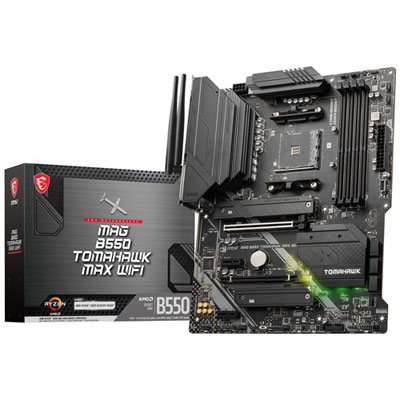 Your price for this item is $224.99
 -
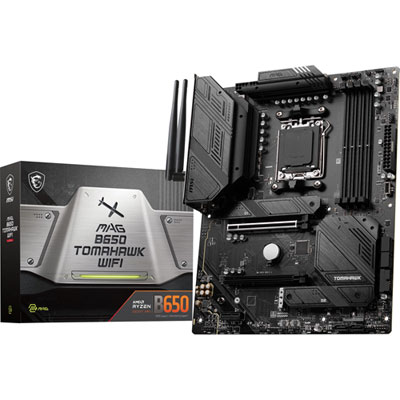 Your price for this item is $239.99
 -
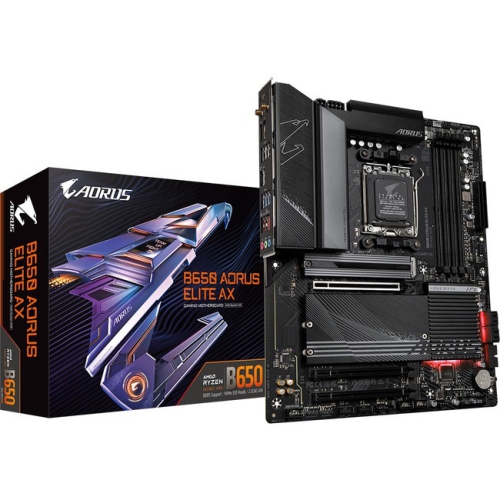 Your price for this item is $286.68
 -
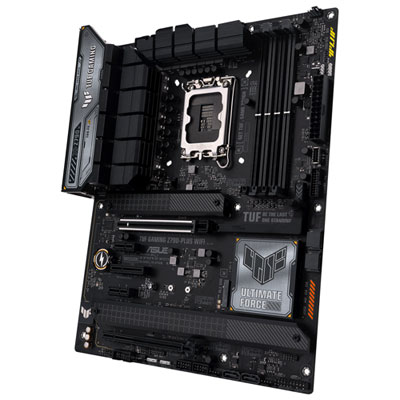 Your price for this item is $349.99
 -
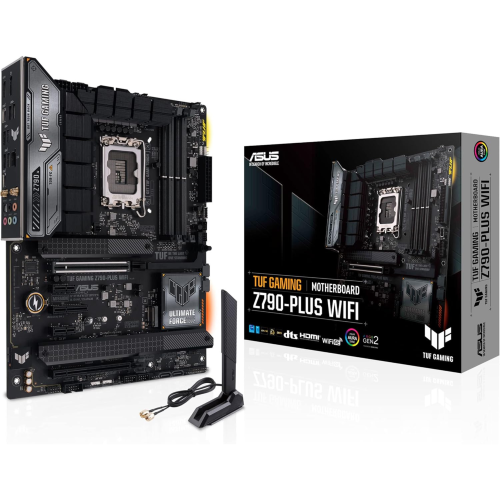 Your price for this item is $361
 -
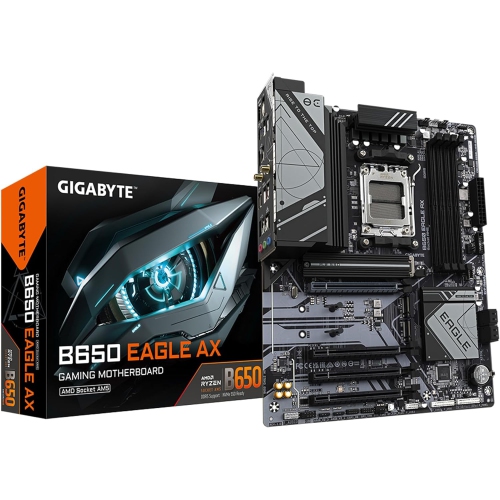 Your price for this item is $225.69
 -
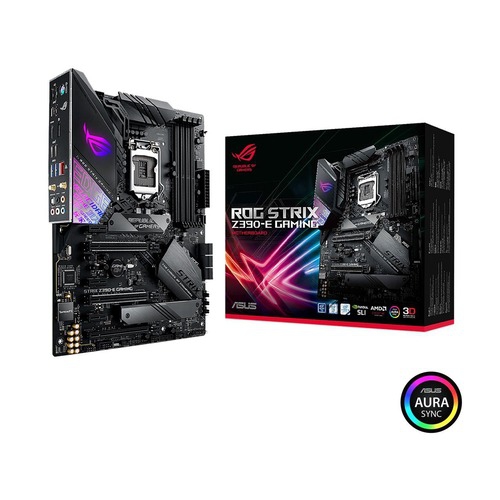 Your price for this item is $350
 -
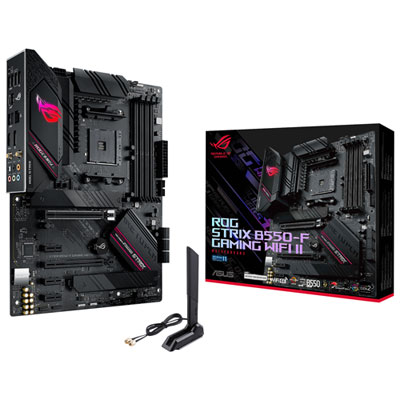 Your price for this item is $239.99
Discover more categories related to RAM Slots On Motherboard
Top Collections:
Pokemon Centers, Kindle Devices, Best Budget Office Chairs, Apple iPhones 16, Samsung Galaxy Phones, Canon G7X Cameras, iPhone 15 Apple, Flip Phones, Best Laptops for Writers, Alarm Clock
Some products may be subject to Environmental Handling Fees
(EHF) depending on your province.
Learn more about EHFs.