Ransomware Protection Software
Protect your valuable data from cyber threats with our comprehensive selection of ransomware protection software. In today's digital age, it is crucial to safeguard your personal and business information from unauthorized access and potential data breaches. Our range of powerful and reliable software solutions offers advanced features and cutting-edge technology, ensuring that you can defend against the ever-evolving landscape of ransomware attacks. With our top-notch selection, you can browse through a variety of options tailored to meet your specific security needs. Safeguard your digital world today with our trusted selection of ransomware protection software.
Sort
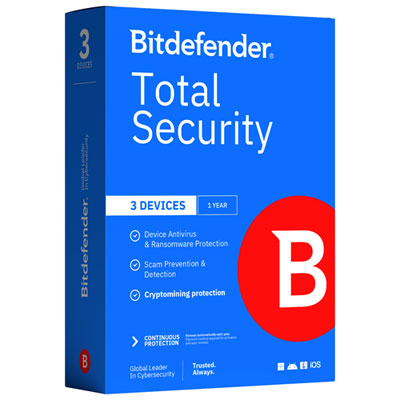
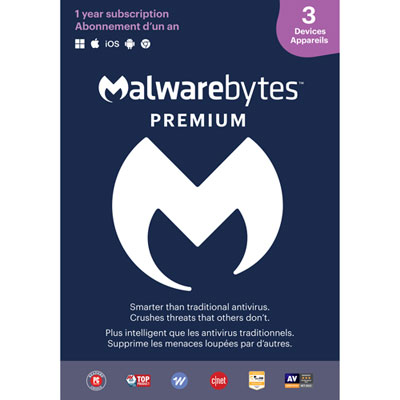
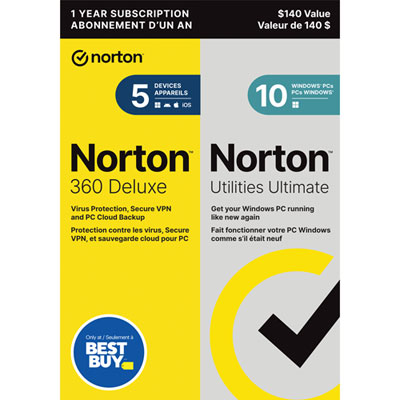

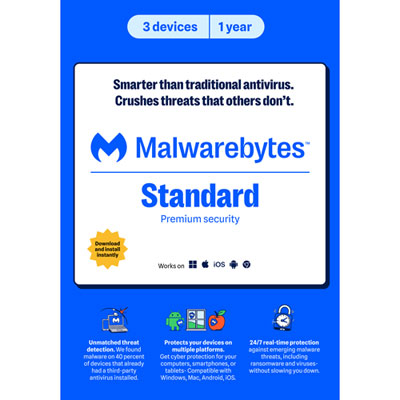
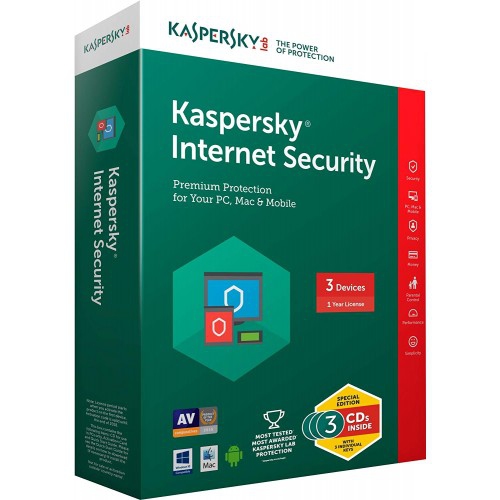
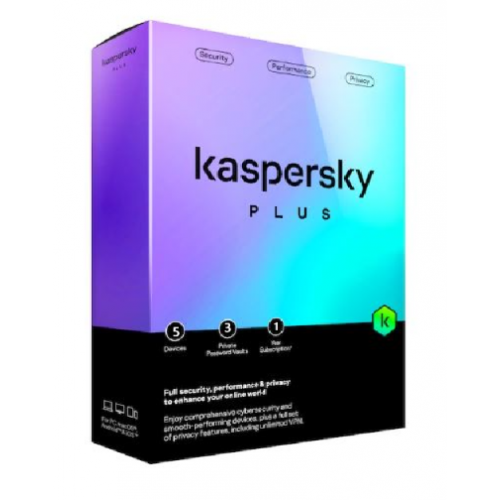
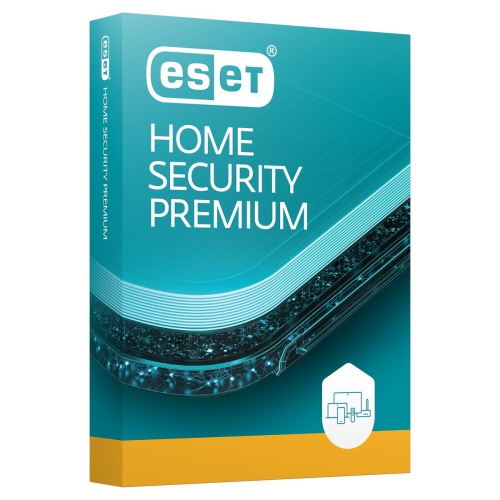
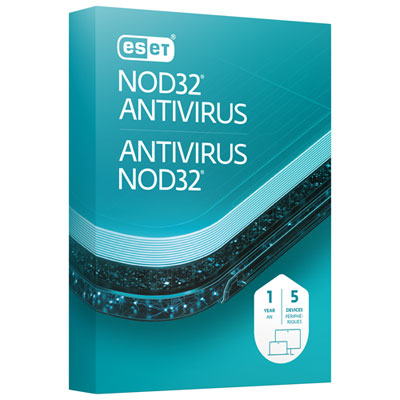
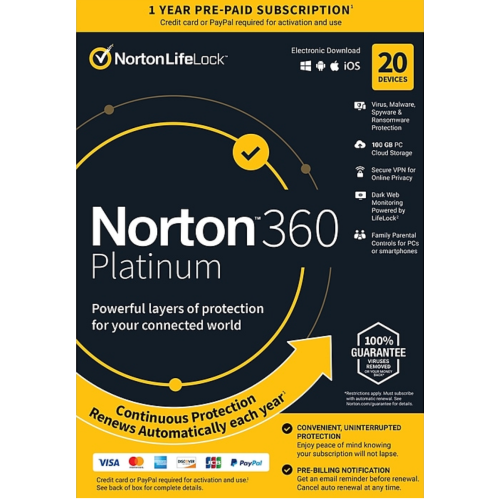
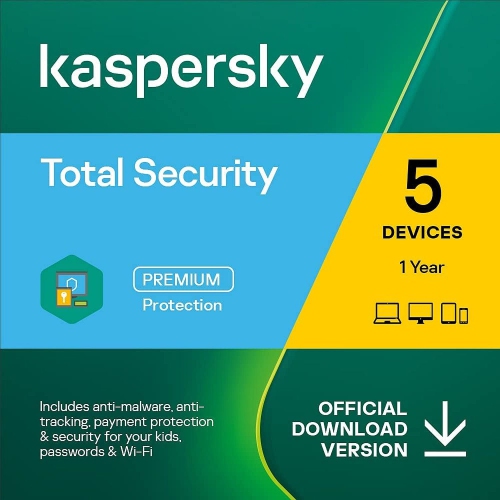
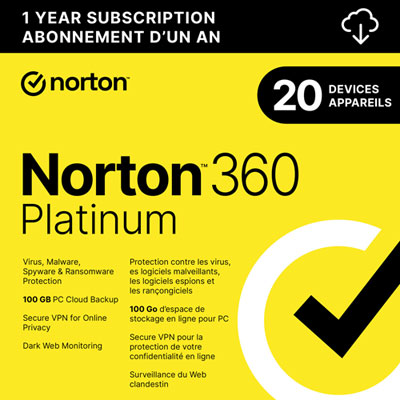
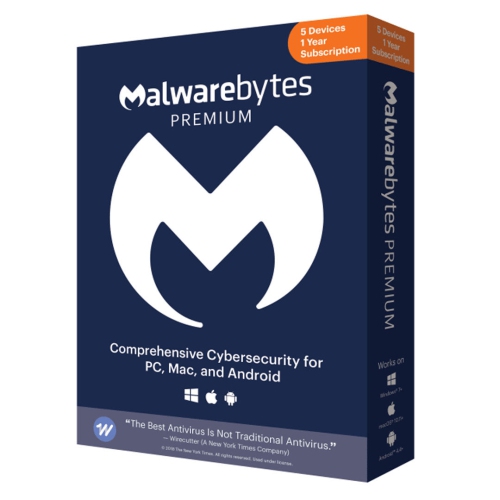
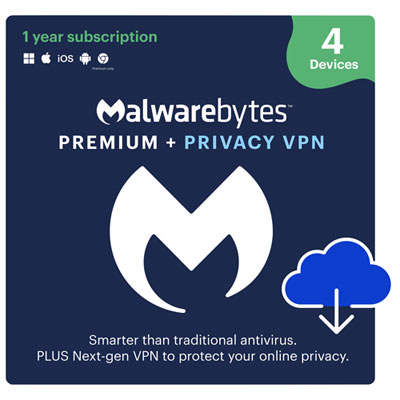
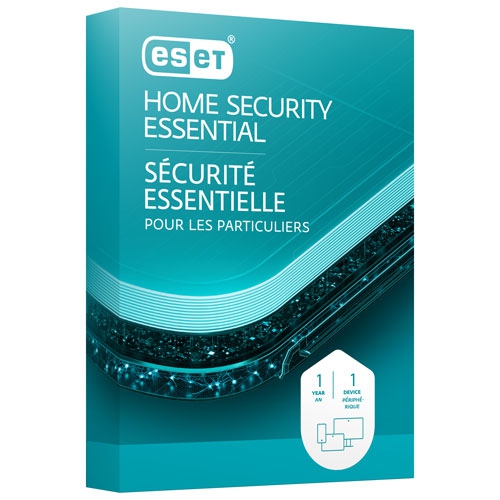
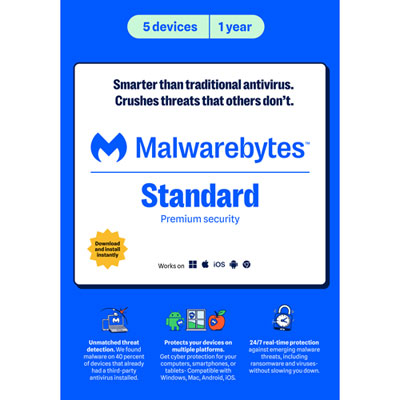
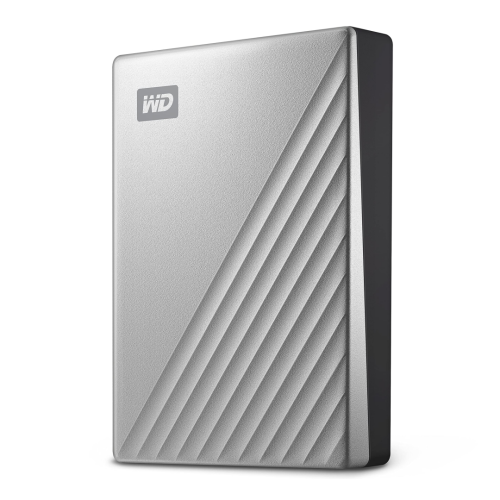
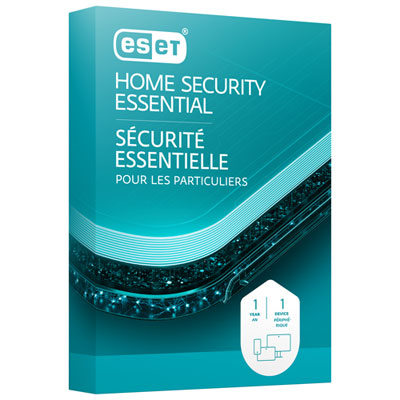
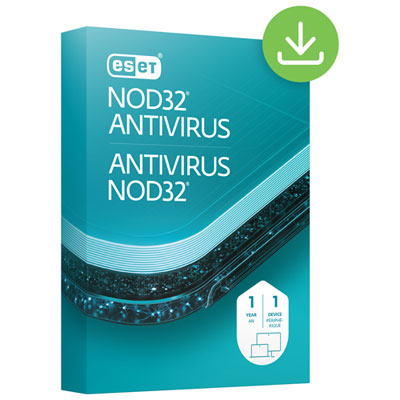
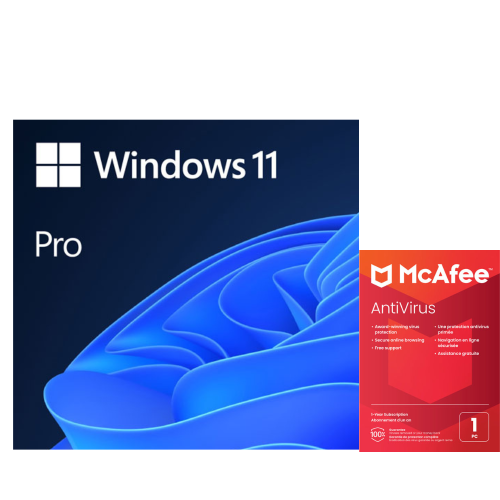
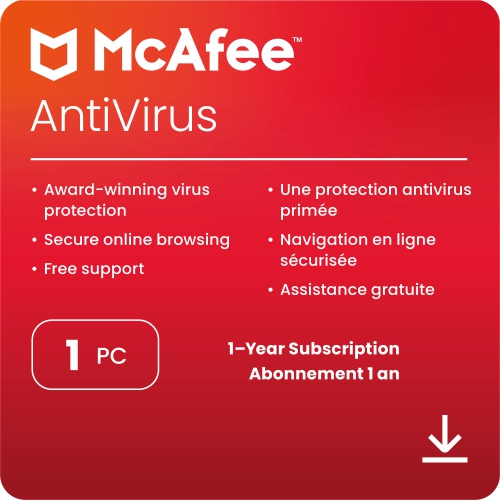
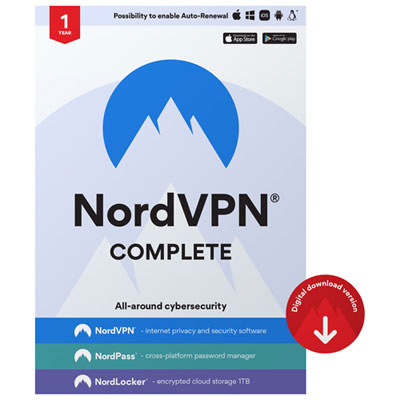
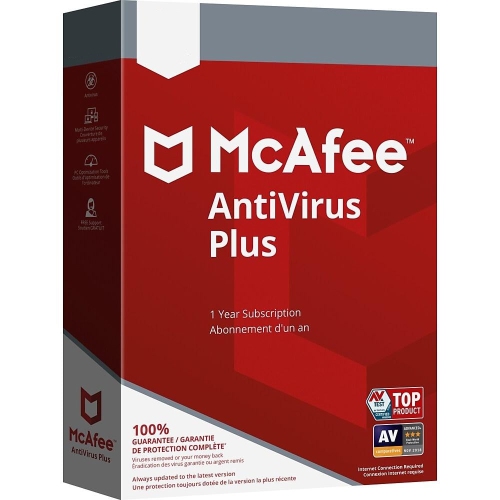
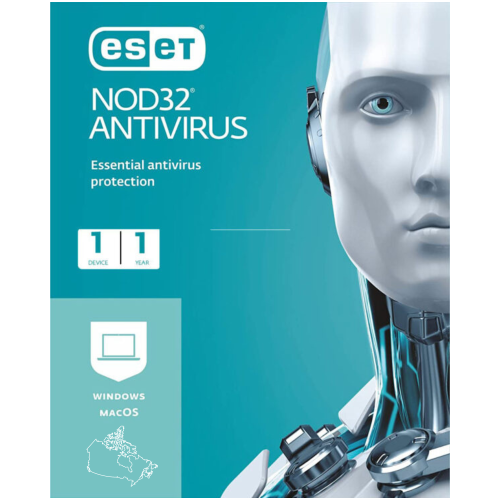
Behaviour-based security helps stop threats before files are encrypted
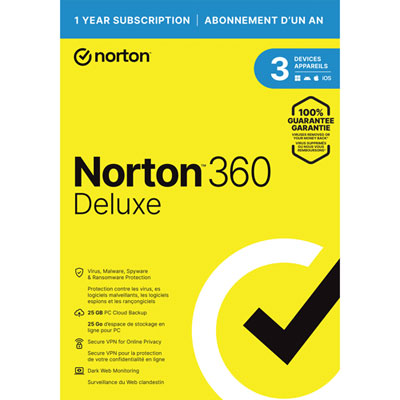
Ransomware protection software is designed to help prevent one of the most disruptive forms of malware: an attack that locks or encrypts files and demands payment for their release. Photos, school assignments, tax records, business documents, creative projects, and other personal files can become inaccessible in a matter of minutes when malicious code gains a foothold on a computer. Ransomware protection works alongside your operating system and other security measures to identify suspicious activity before it spreads. Instead of relying only on a database of known threats, many programs use behavioural detection to monitor how applications interact with files, folders, storage devices, and network connections. A program that suddenly attempts to rename, encrypt, or modify hundreds of documents may be blocked even if that particular ransomware variant has not been seen before. Depending on the software, additional features can include real-time malware scanning, exploit shields, web and email protection, controlled folder access, and automated remediation that reverses unauthorized changes. These layers are useful for households with several computers, students storing coursework, remote workers handling client files, and anyone who keeps irreplaceable photos or records on a local drive. Ransomware protection software is also relevant for small offices where a single compromised workstation could interrupt invoicing, scheduling, customer communication, or shared projects. For a broader look at related tools, including software that can help safeguard important files and personal information, explore Software for Data Protection.
When choosing ransomware protection software, start by considering the devices and operating systems that need coverage. Some applications are intended for one Windows PC, while others support multiple computers, Macs, mobile devices, or members of the same household under one subscription. Check the number of devices included, supported operating system versions, installation requirements, and whether an internet connection is needed for cloud-assisted analysis or security updates. Ease of use matters as well. A clear dashboard, quiet background operation, and straightforward alerts make it easier to respond promptly without being overwhelmed by technical language. Look for software that offers real-time monitoring rather than relying solely on scans started manually, and review whether it includes protection for removable USB drives, downloaded files, email attachments, and network activity. Folder protection can be especially valuable when you want to limit which applications may access Documents, Photos, Desktop, or other selected locations. Behaviour-based detection is helpful for identifying unfamiliar threats, while automated file recovery or remediation features may help restore files modified during an attack. These capabilities are not identical across every program, so read the feature details carefully and consider whether you prefer a dedicated ransomware utility or a broader security suite with ransomware controls built in. Performance is another practical consideration: a well-matched program should provide ongoing protection without making everyday tasks such as browsing, video calls, gaming, photo editing, or document work feel sluggish. For a family computer shared by several people, simple notifications and minimal maintenance can make security easier to keep active.
Ransomware protection is strongest when it forms part of a sensible file-safety routine. Keep the operating system, browsers, applications, and security software updated, since updates often address weaknesses that attackers may attempt to exploit. Use strong, unique passwords and multi-factor authentication where available, and take care with unexpected links, invoices, shared documents, and urgent messages that encourage you to open an attachment or enable a macro. Regular backups remain important because no single security program can guarantee that every threat will be stopped. Store backup copies separately from the computer when possible, and check occasionally that important files can be recovered. Businesses and advanced users may also need centralized endpoint monitoring, access controls, protected network storage, or immutable backup snapshots that cannot be altered by ordinary user accounts. At home, a straightforward product can be a thoughtful gift for a parent who stores years of family photos, a student whose laptop contains coursework, or a friend setting up a first home office. It can also be a practical addition to a new computer purchased during the cooler months, when more work, study, and entertainment may take place indoors. Before purchasing, confirm whether the licence is for personal or business use, whether renewal terms apply, and whether customer support or a trial period is included. With the right combination of ransomware protection software, careful browsing habits, updated devices, and dependable backups, users can reduce the likelihood that a sudden security incident will turn valuable files into an inaccessible collection of encrypted data.
When choosing ransomware protection software, start by considering the devices and operating systems that need coverage. Some applications are intended for one Windows PC, while others support multiple computers, Macs, mobile devices, or members of the same household under one subscription. Check the number of devices included, supported operating system versions, installation requirements, and whether an internet connection is needed for cloud-assisted analysis or security updates. Ease of use matters as well. A clear dashboard, quiet background operation, and straightforward alerts make it easier to respond promptly without being overwhelmed by technical language. Look for software that offers real-time monitoring rather than relying solely on scans started manually, and review whether it includes protection for removable USB drives, downloaded files, email attachments, and network activity. Folder protection can be especially valuable when you want to limit which applications may access Documents, Photos, Desktop, or other selected locations. Behaviour-based detection is helpful for identifying unfamiliar threats, while automated file recovery or remediation features may help restore files modified during an attack. These capabilities are not identical across every program, so read the feature details carefully and consider whether you prefer a dedicated ransomware utility or a broader security suite with ransomware controls built in. Performance is another practical consideration: a well-matched program should provide ongoing protection without making everyday tasks such as browsing, video calls, gaming, photo editing, or document work feel sluggish. For a family computer shared by several people, simple notifications and minimal maintenance can make security easier to keep active.
Ransomware protection is strongest when it forms part of a sensible file-safety routine. Keep the operating system, browsers, applications, and security software updated, since updates often address weaknesses that attackers may attempt to exploit. Use strong, unique passwords and multi-factor authentication where available, and take care with unexpected links, invoices, shared documents, and urgent messages that encourage you to open an attachment or enable a macro. Regular backups remain important because no single security program can guarantee that every threat will be stopped. Store backup copies separately from the computer when possible, and check occasionally that important files can be recovered. Businesses and advanced users may also need centralized endpoint monitoring, access controls, protected network storage, or immutable backup snapshots that cannot be altered by ordinary user accounts. At home, a straightforward product can be a thoughtful gift for a parent who stores years of family photos, a student whose laptop contains coursework, or a friend setting up a first home office. It can also be a practical addition to a new computer purchased during the cooler months, when more work, study, and entertainment may take place indoors. Before purchasing, confirm whether the licence is for personal or business use, whether renewal terms apply, and whether customer support or a trial period is included. With the right combination of ransomware protection software, careful browsing habits, updated devices, and dependable backups, users can reduce the likelihood that a sudden security incident will turn valuable files into an inaccessible collection of encrypted data.
Top selling and popular products
-
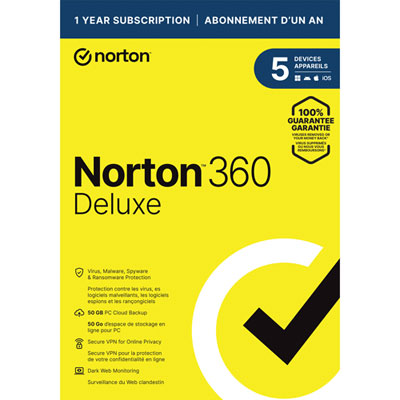 Your price for this item is $89.99
 -
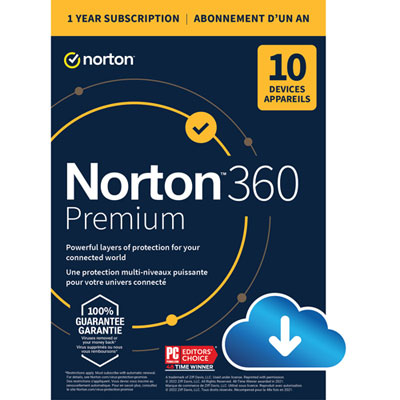 Your price for this item is $99.99
 -
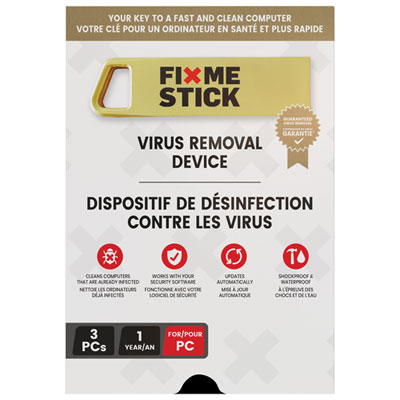 Your price for this item is $89.99
 -
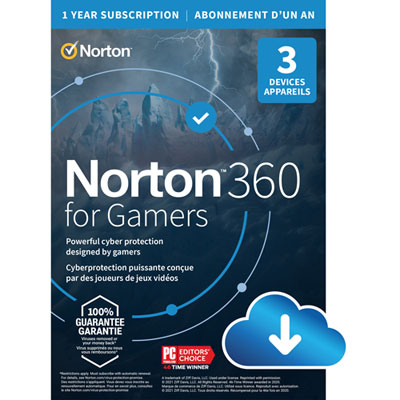 Your price for this item is $89.99
 -
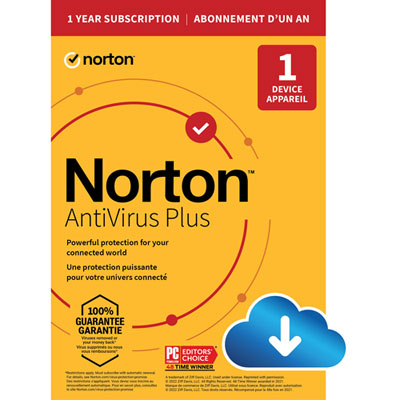 Your price for this item is $14.99
 -
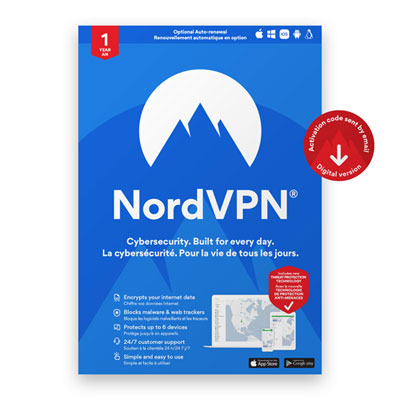 Your price for this item is $49.99
 -
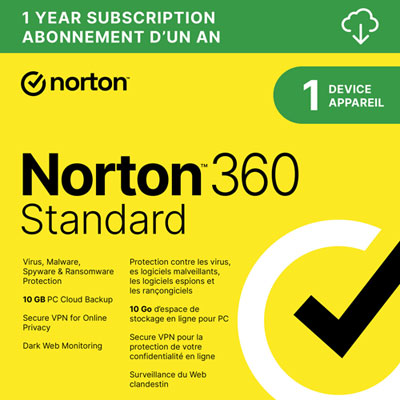 Your price for this item is $69.99
 -
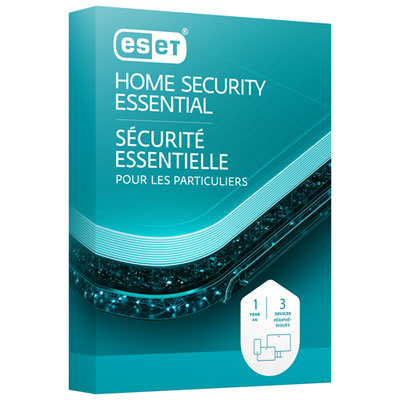 Your price for this item is $59.95
Discover more categories related to Ransomware Protection Software
Top Collections:
Pokemon Centers, Kindle Devices, Best Budget Office Chairs, Apple iPhones 16, Best Laptops for Writers, iPhone 15 Apple, Canon G7X Cameras, Refurbished Apple Laptops, Alarm Clock, Motorola Razr Phones
Some products may be subject to Environmental Handling Fees
(EHF) depending on your province.
Learn more about EHFs.