Refurbished All In One Computers
Looking for a budget-friendly option to meet your computing needs? Look no further than our collection of refurbished all-in-one computers. These versatile machines combine the power of a desktop with the convenience of a compact design, making them perfect for home offices, dorm rooms, or any space where saving space is a priority. With our wide selection of refurbished all-in-one computers, you can enjoy the benefits of high-performance computing without breaking the bank. Whether you're a student, a professional, or simply looking to upgrade your current setup, our refurbished all-in-one computers offer the perfect balance of affordability and functionality.
Sort
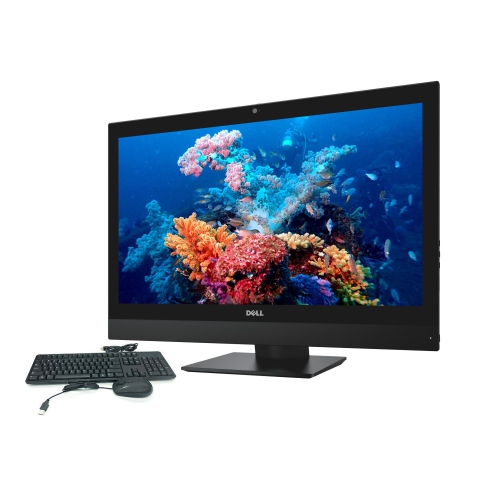
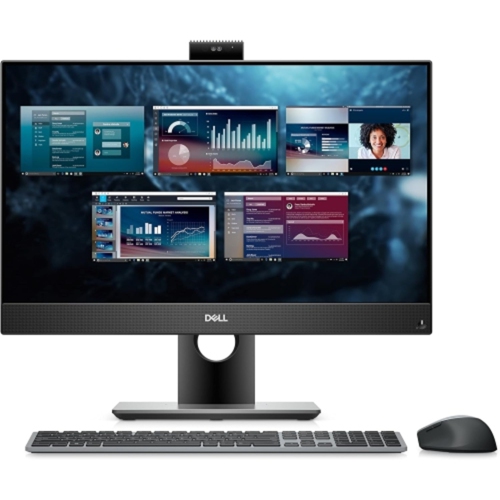

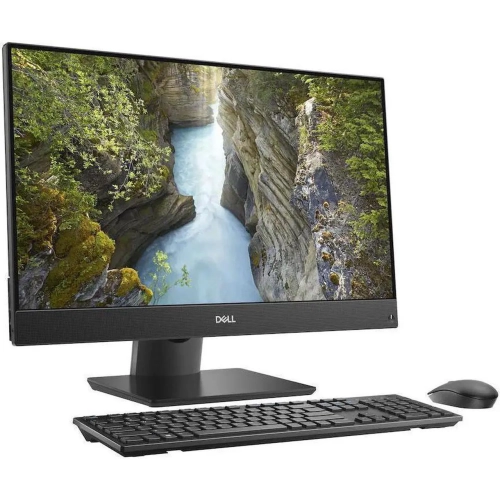
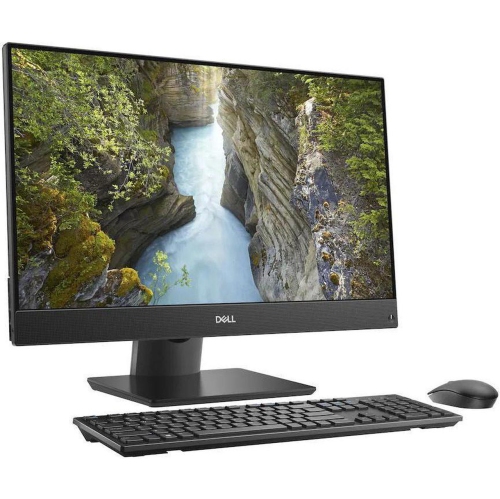
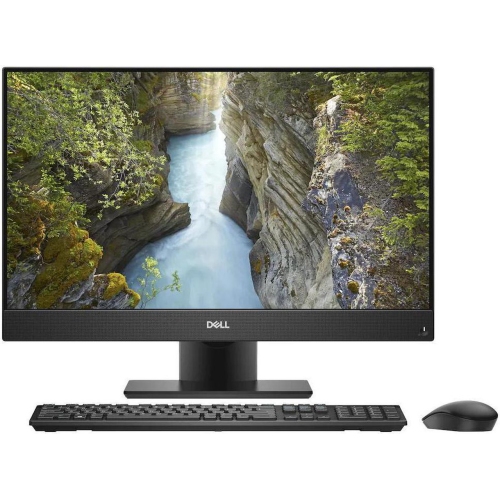
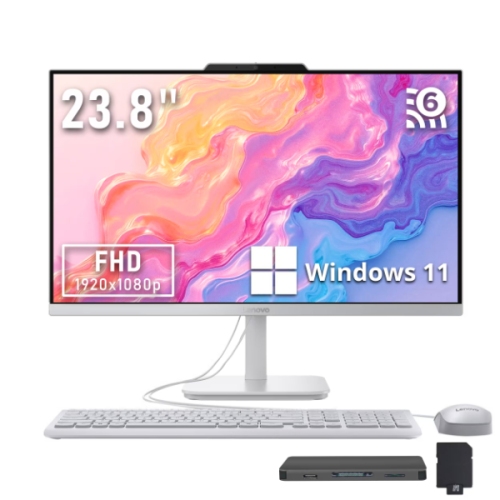
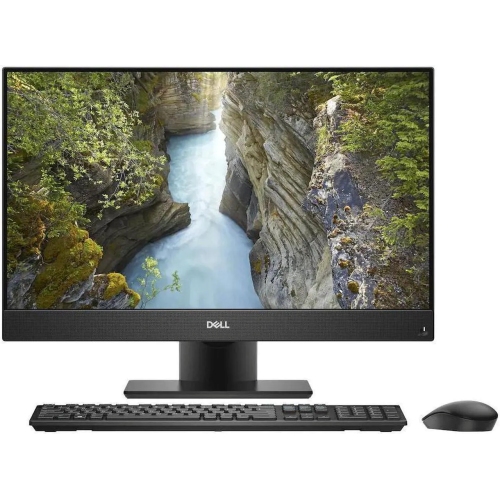
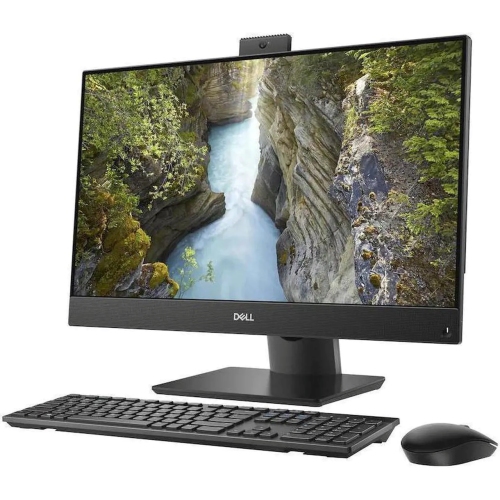




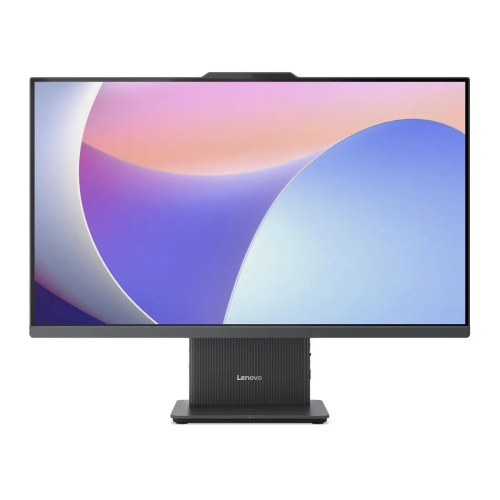


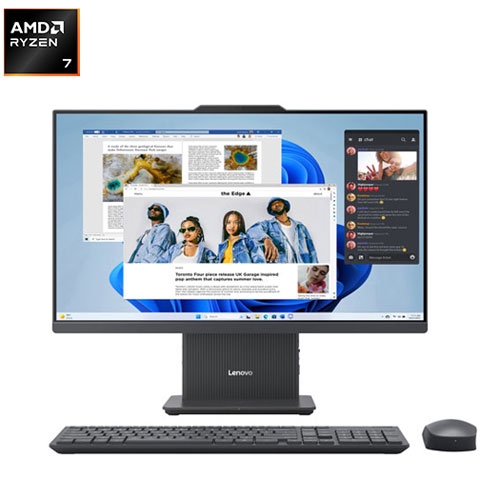

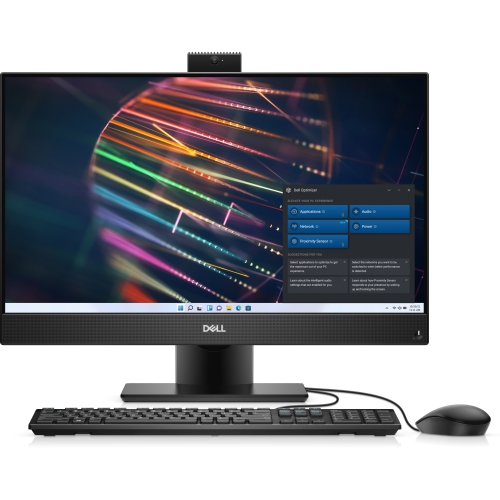
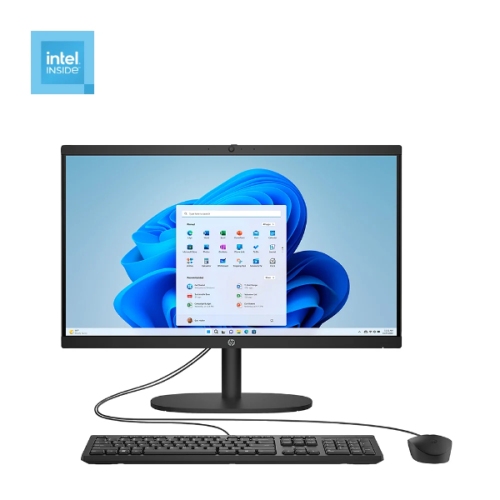









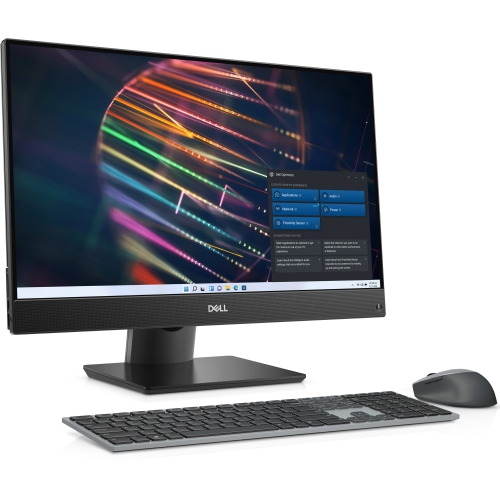
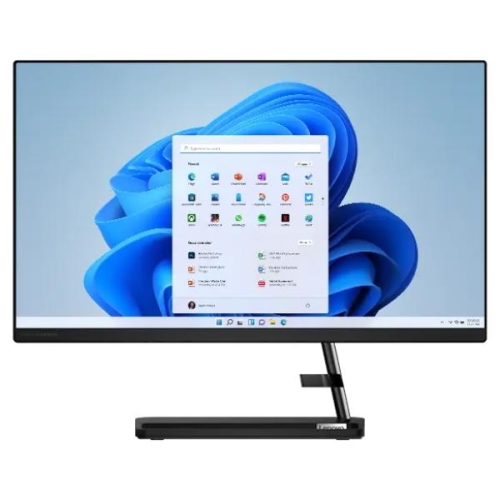
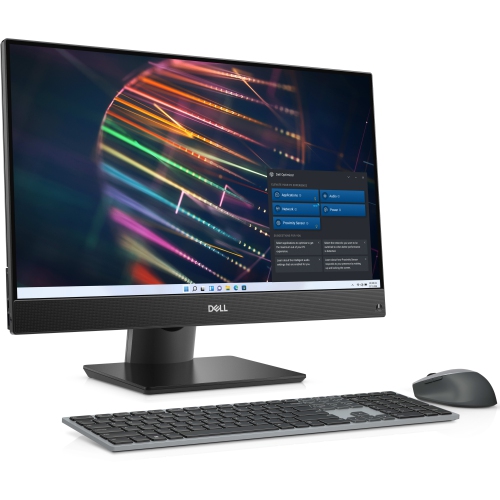
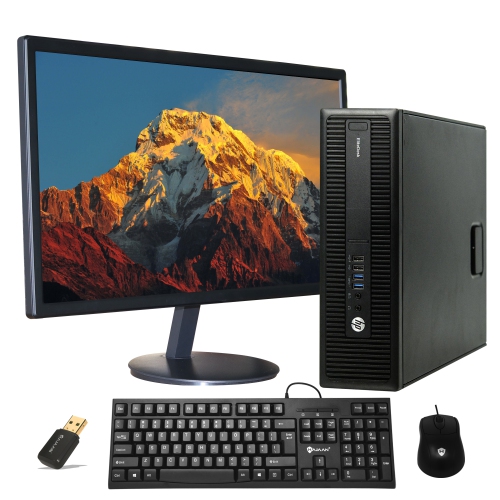
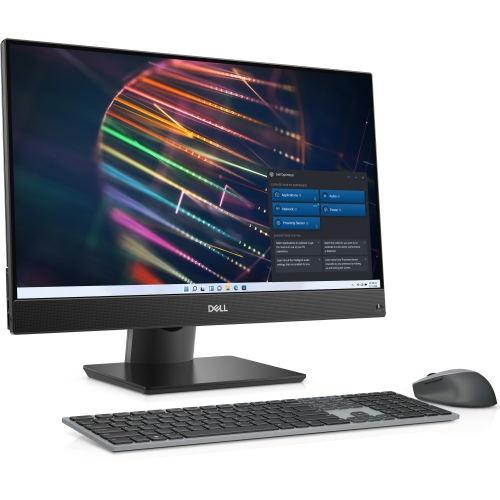
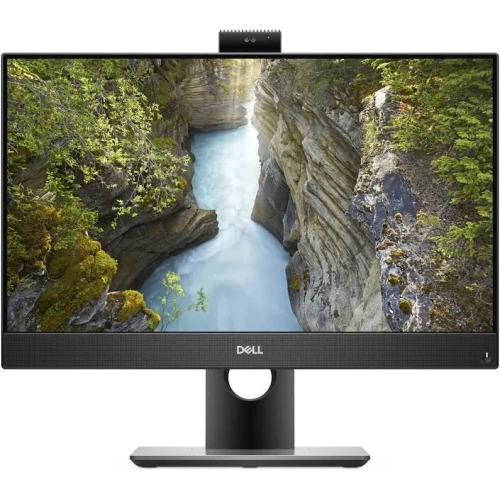
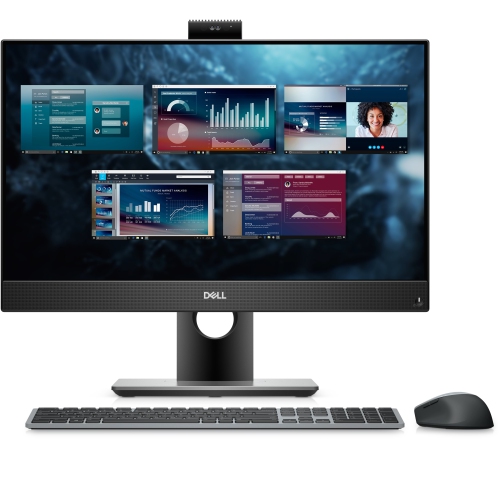
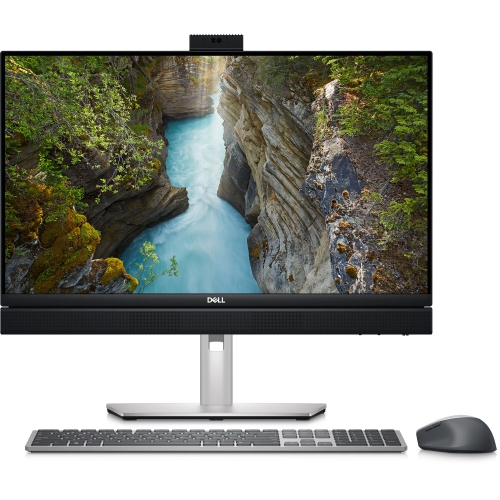
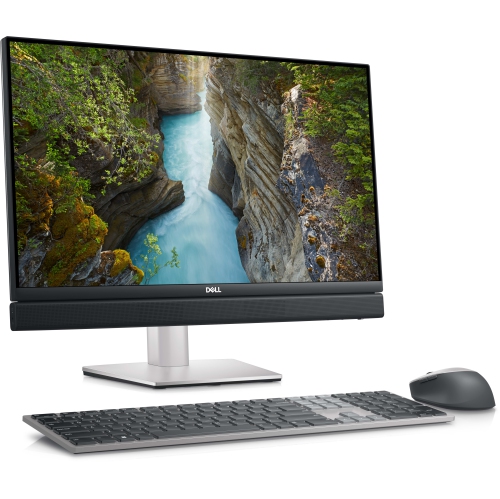
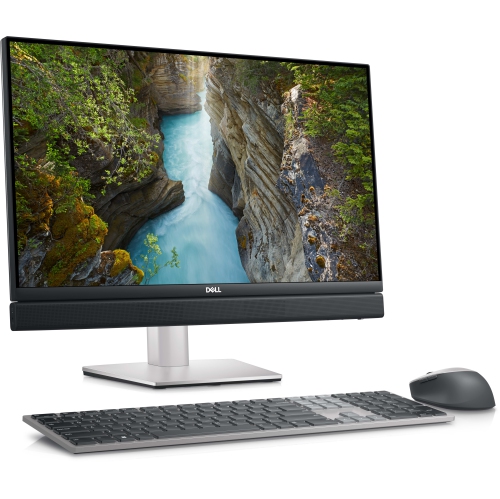
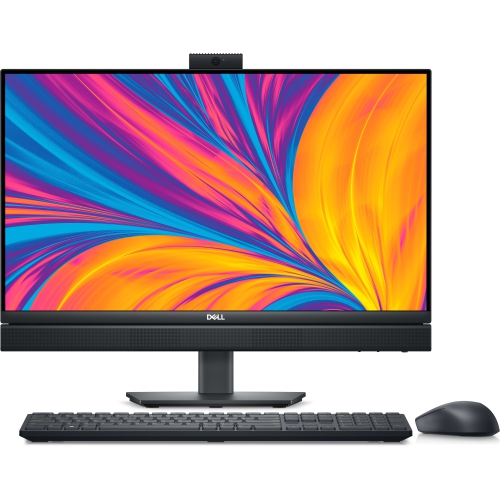

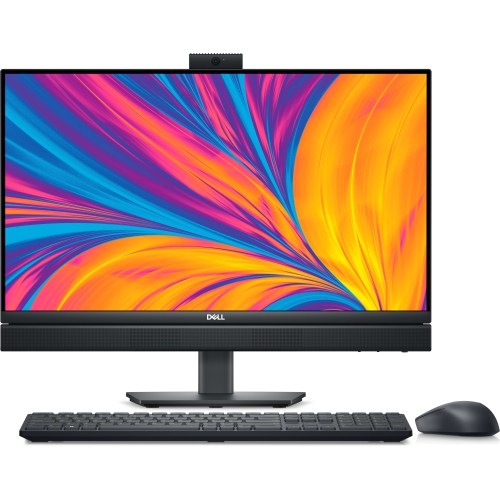
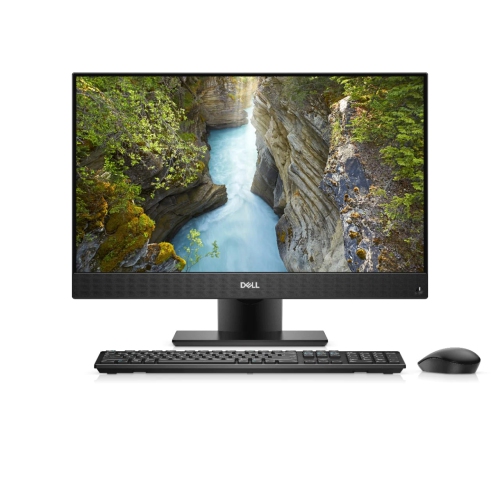
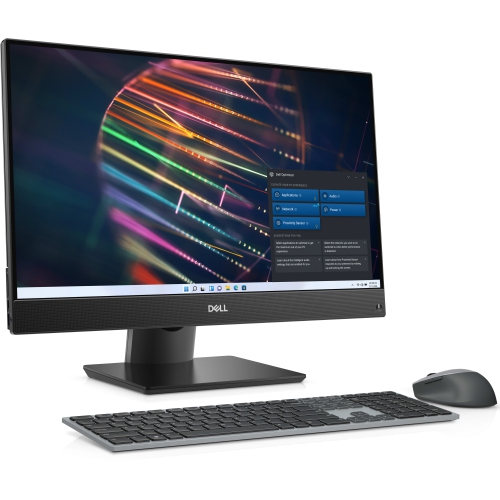
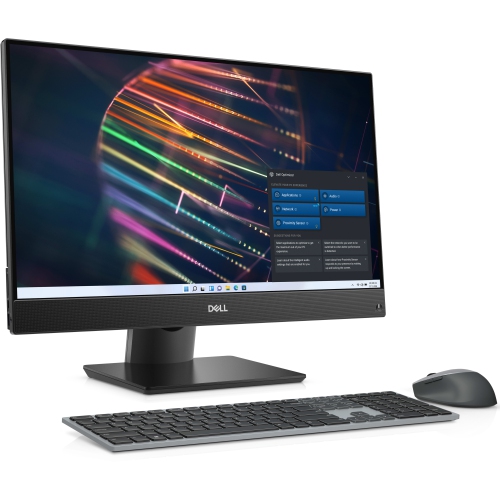
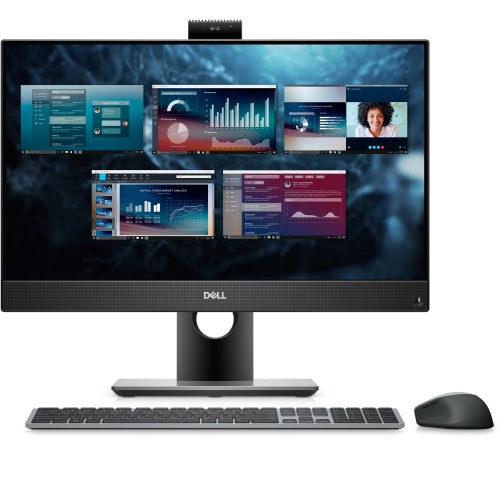

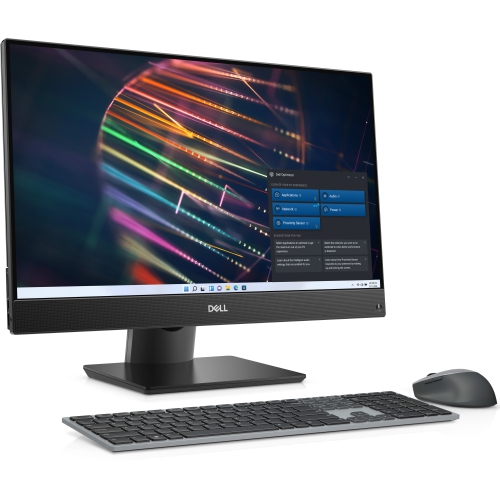

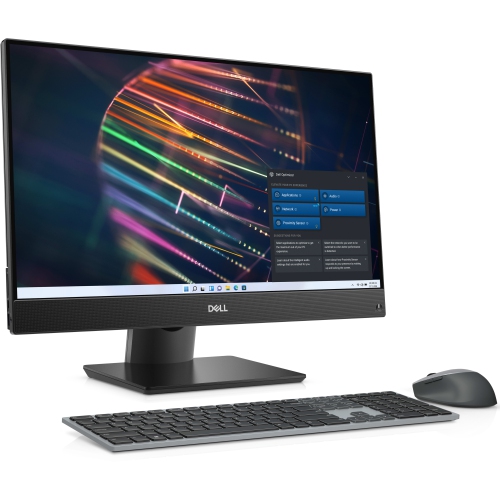

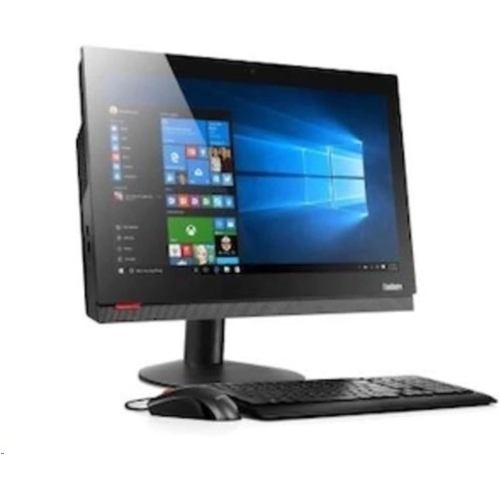



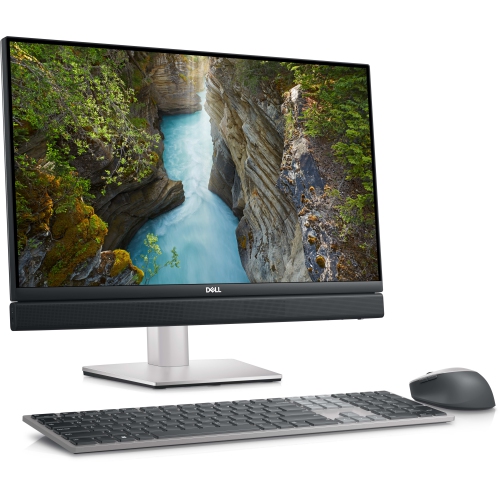
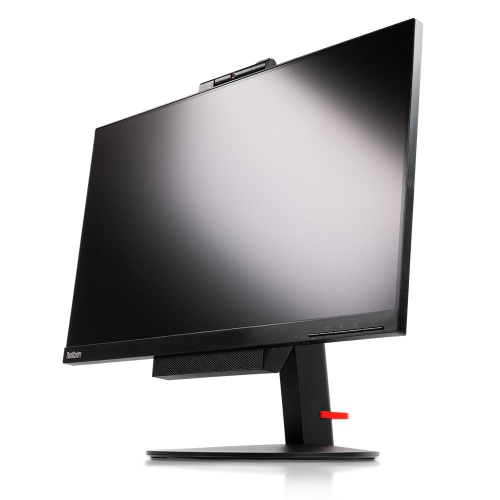
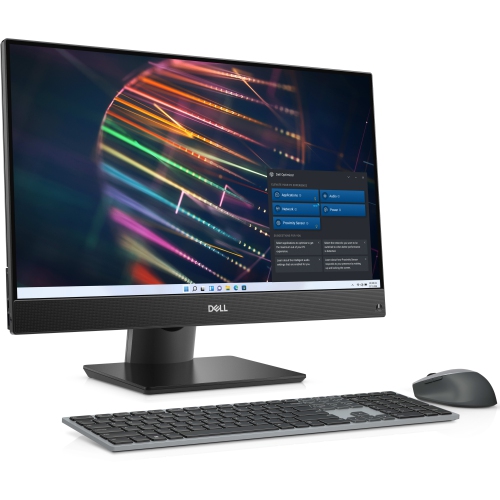
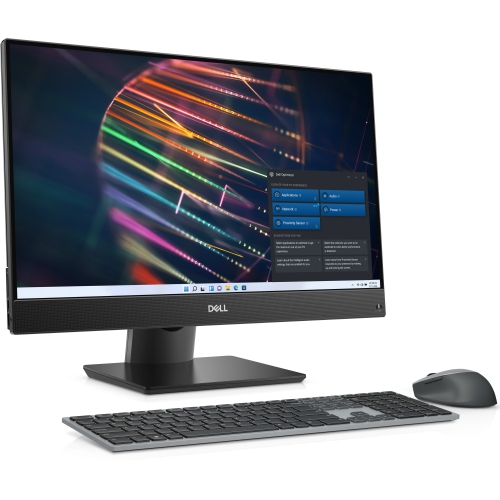
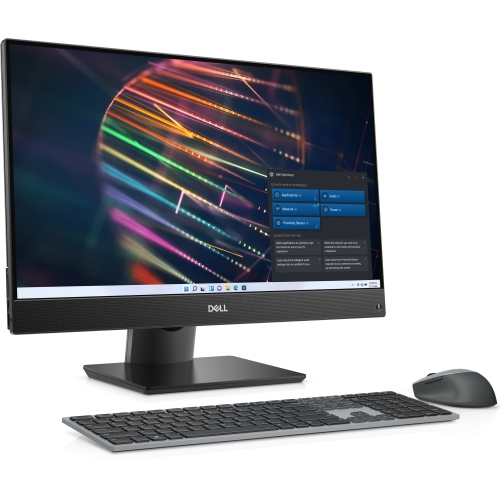
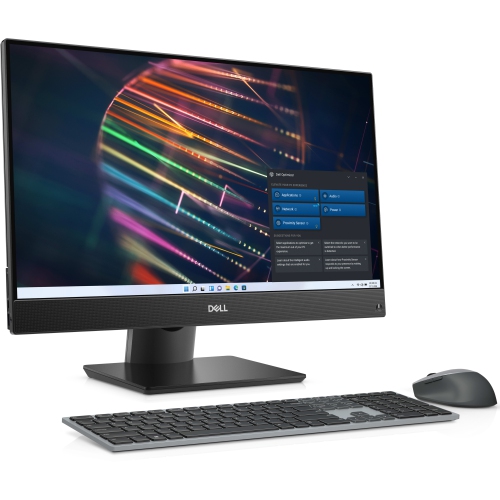
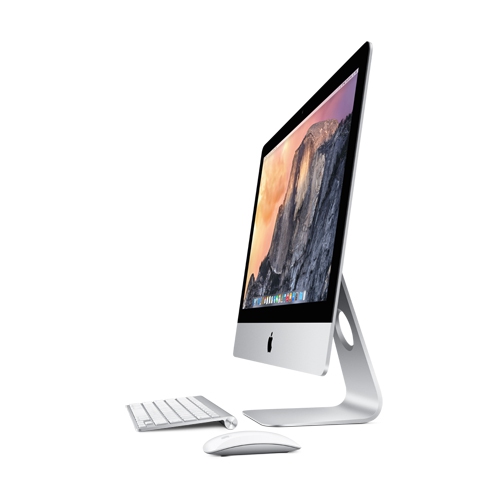
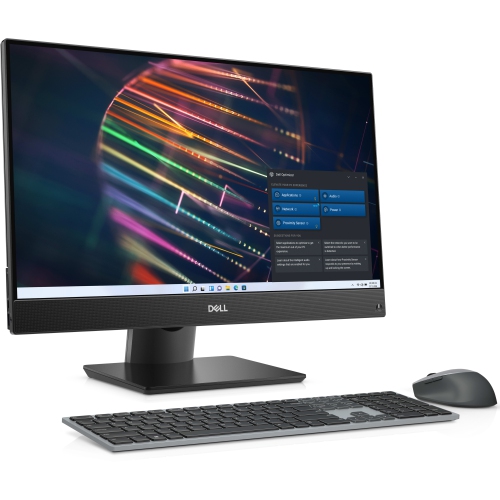

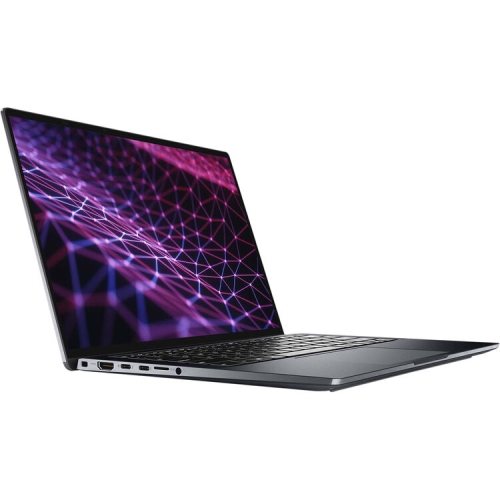
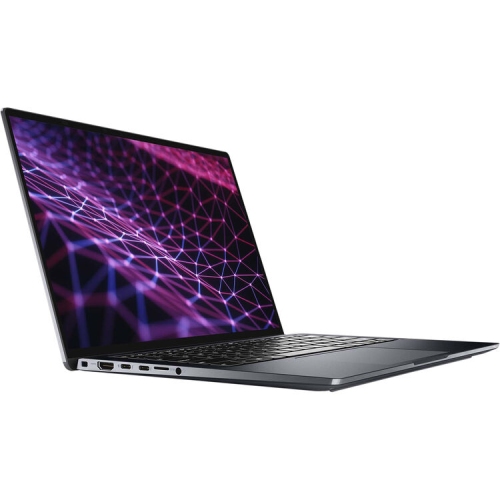

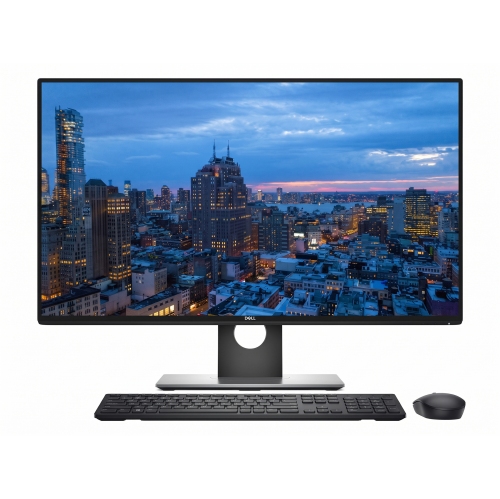

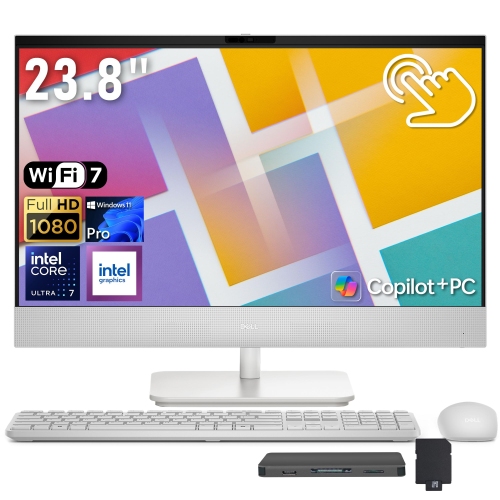




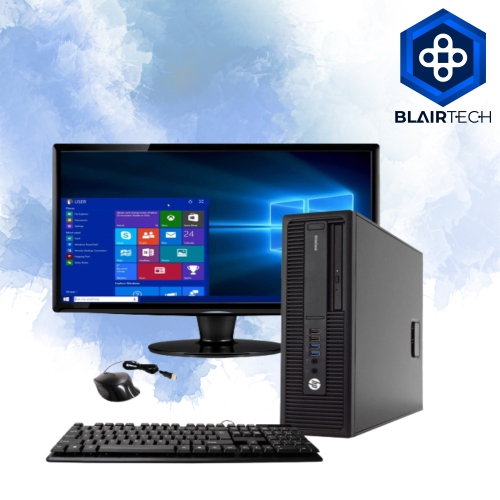


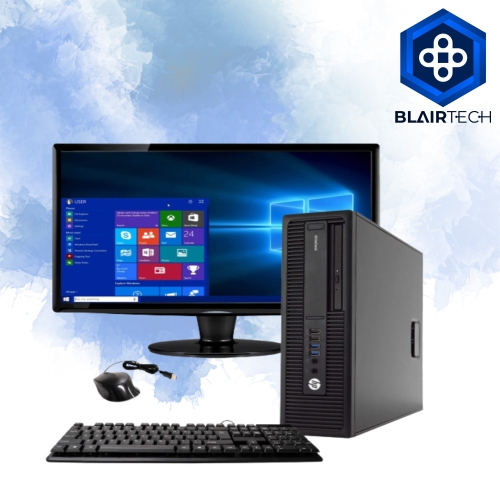
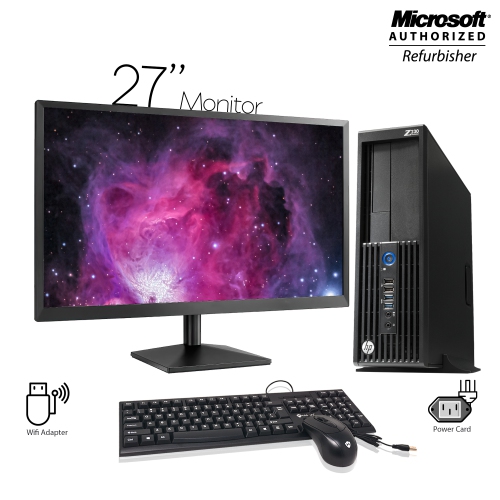
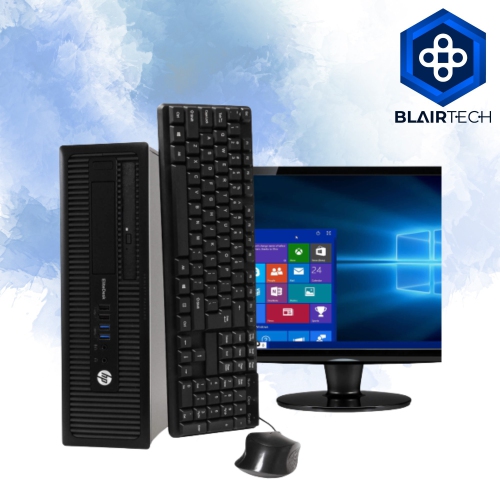

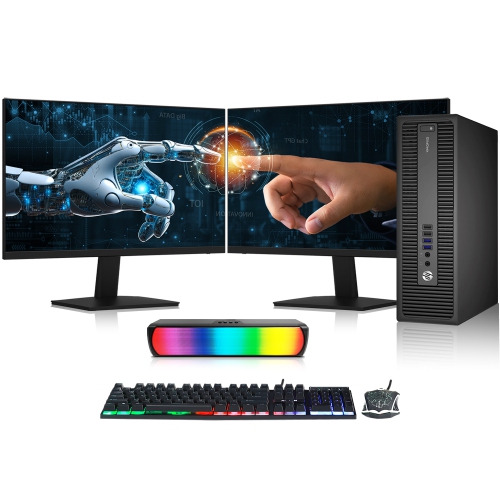
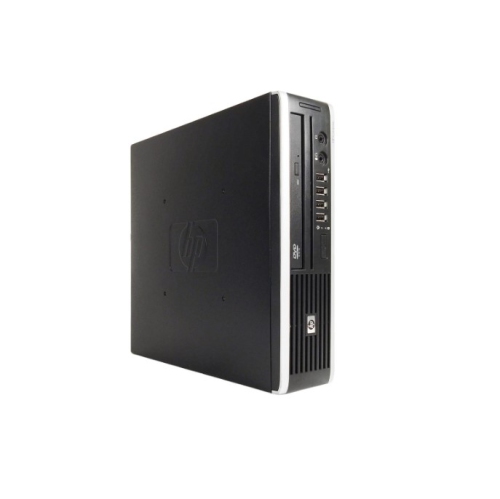
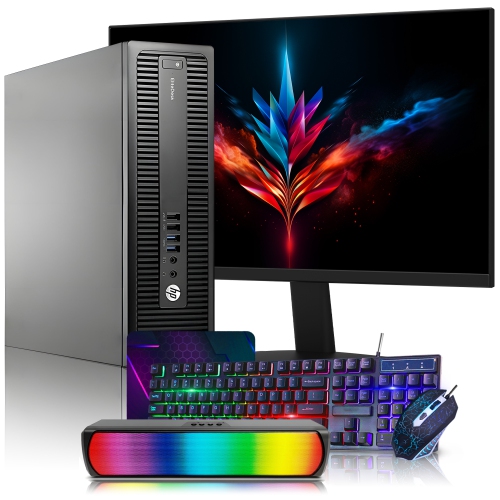
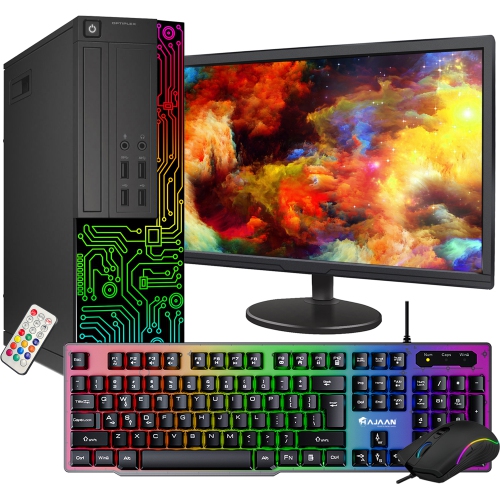
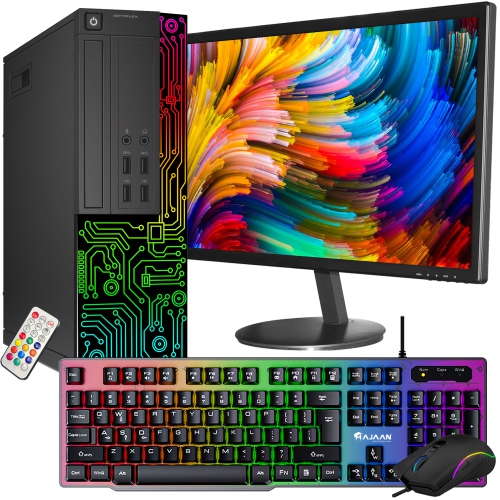
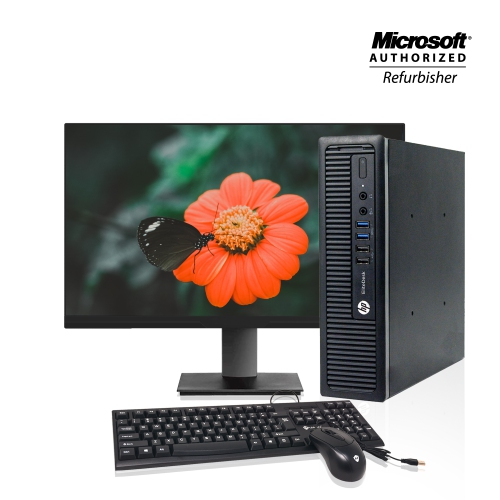
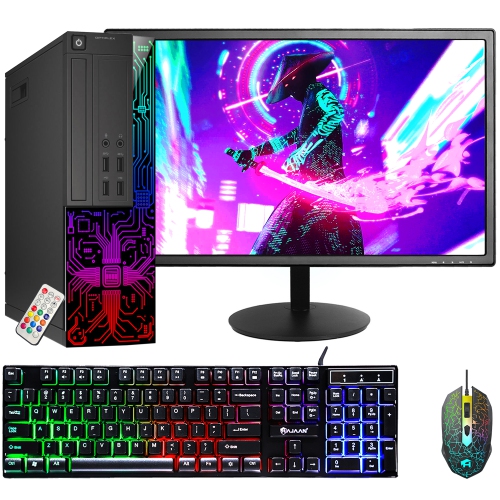

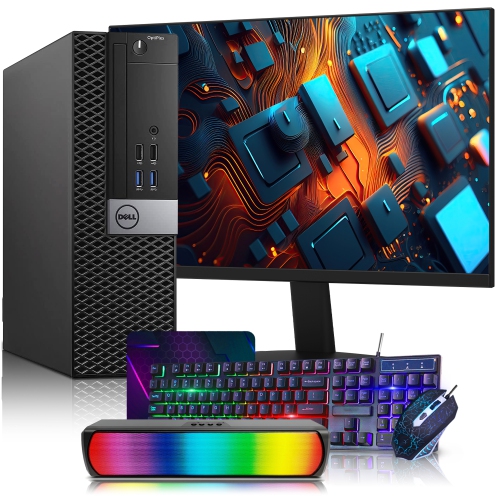

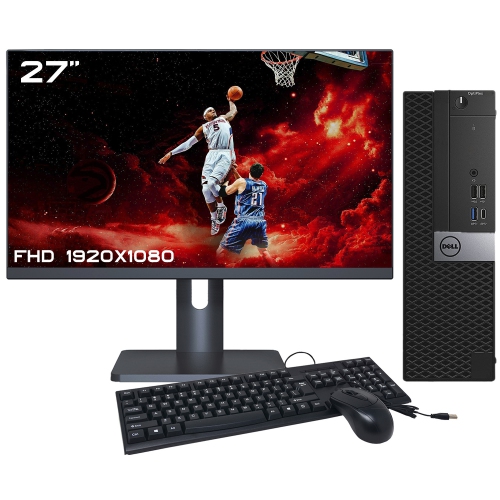
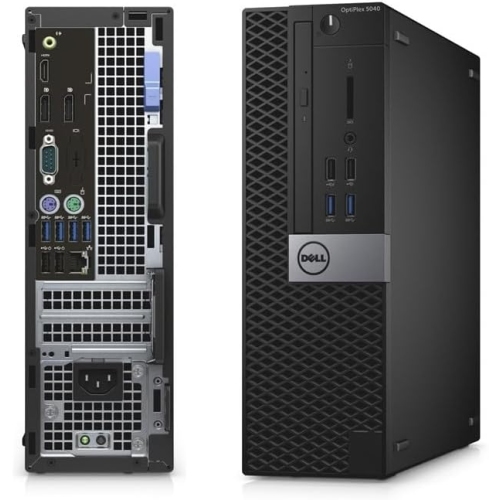

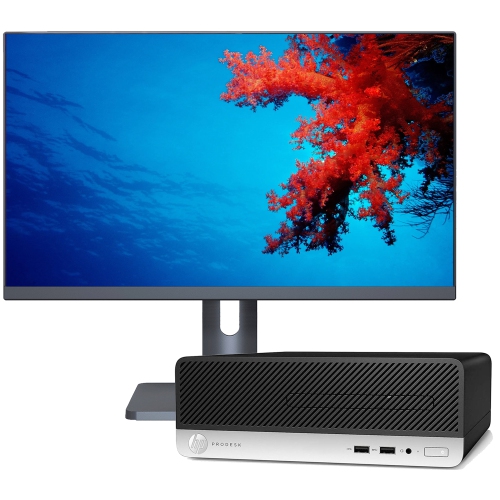
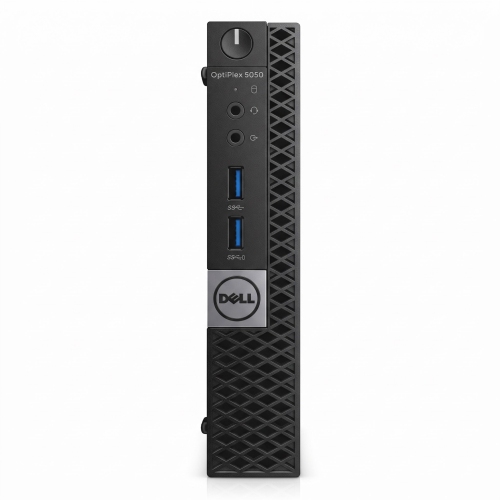
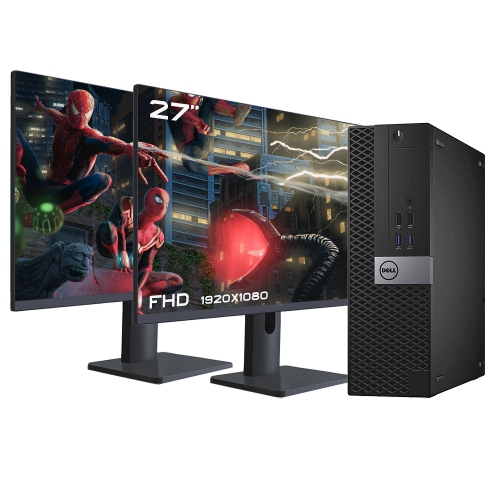
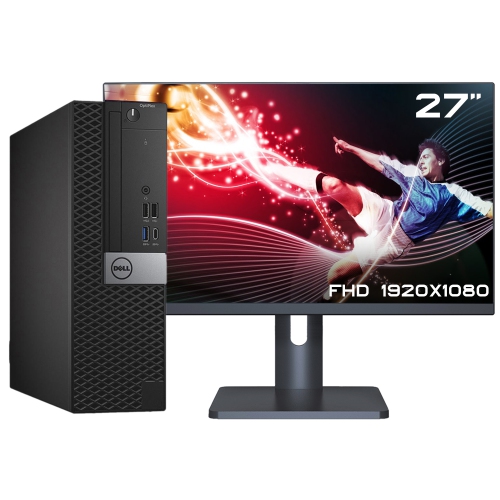


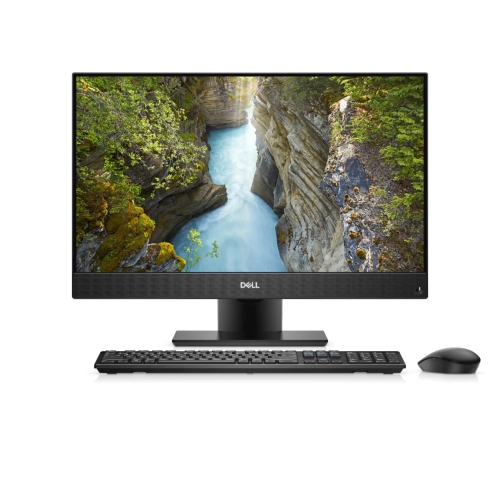


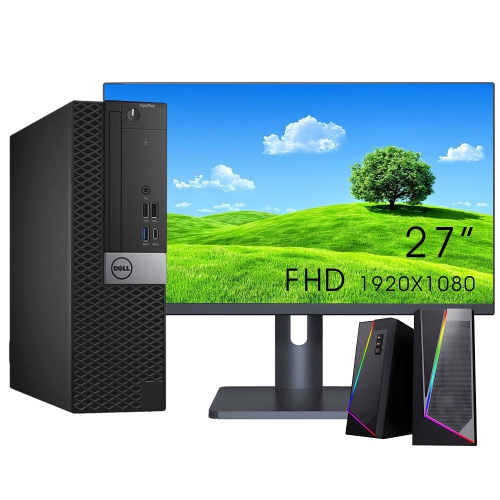


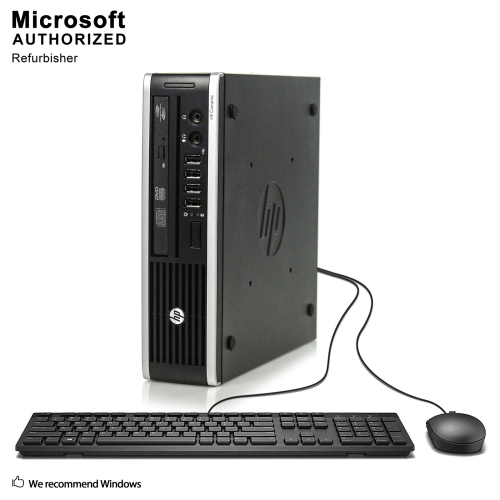


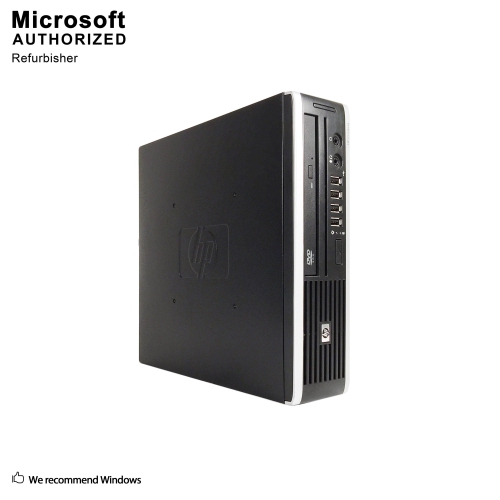

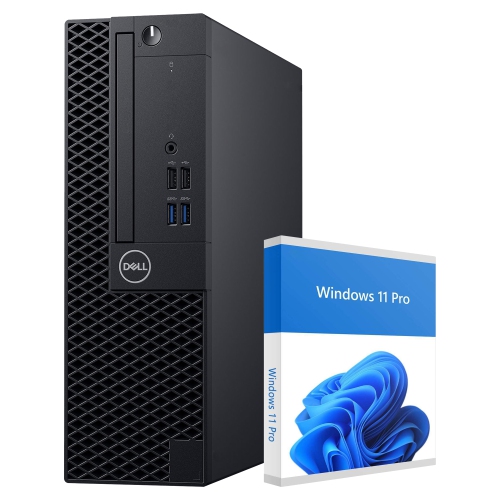
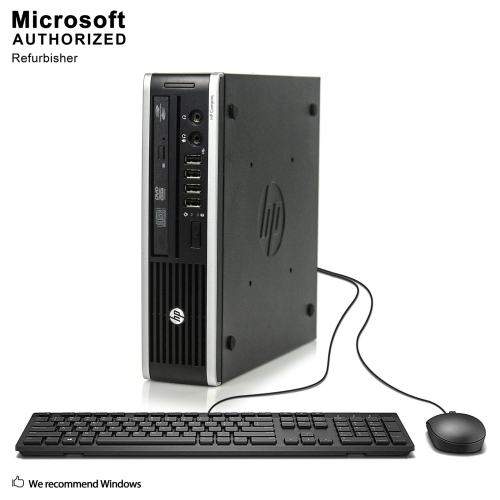
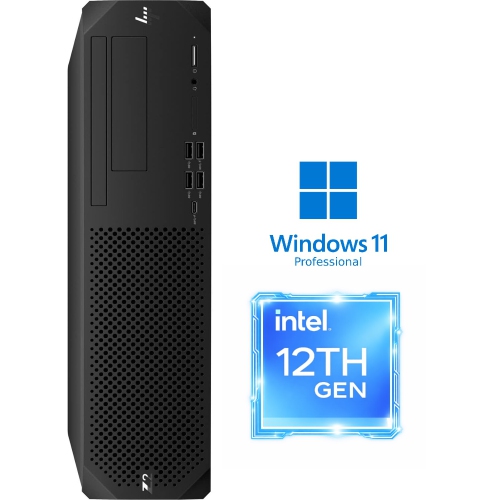
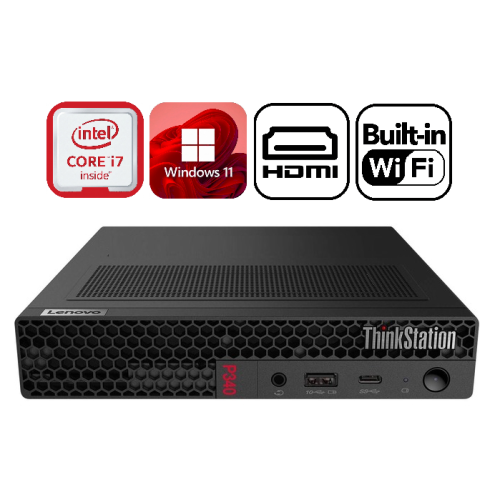

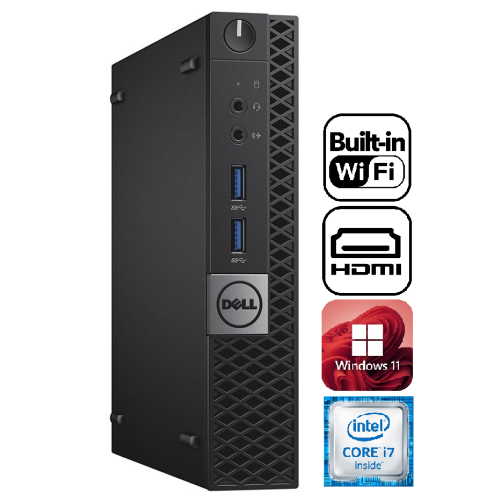






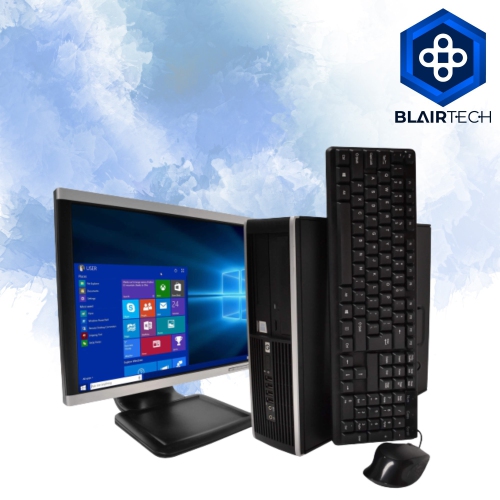


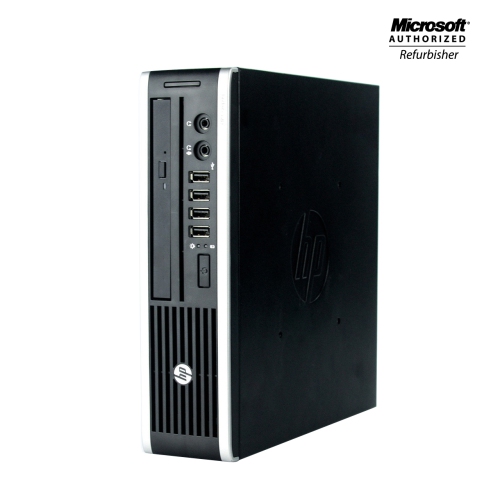
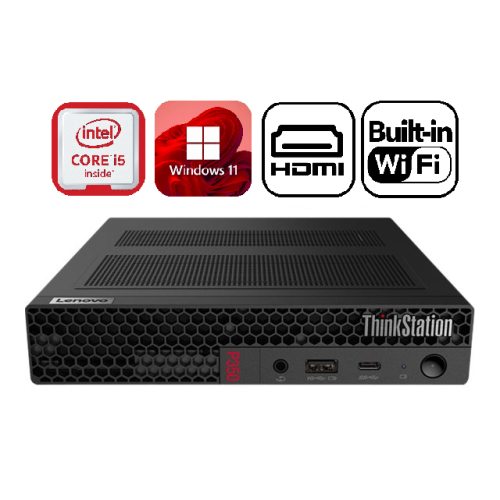
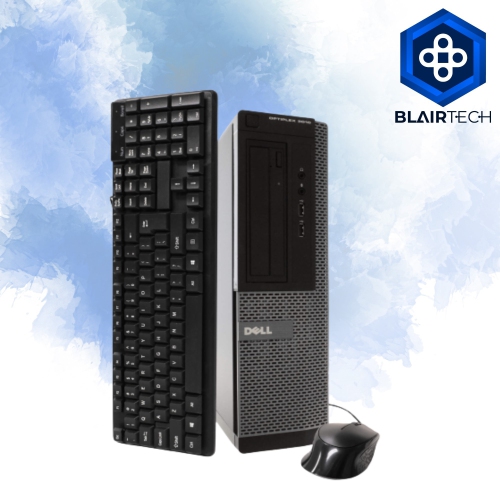

A compact desktop setup without the separate tower
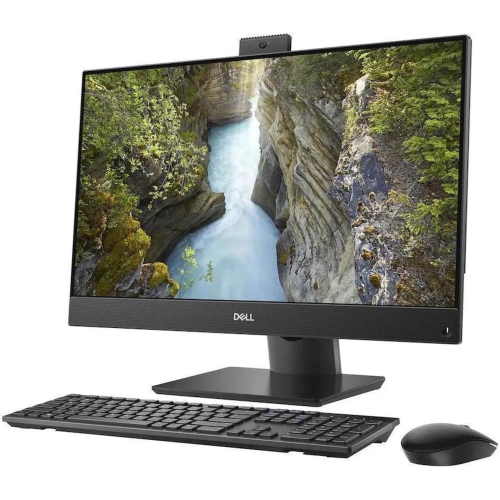
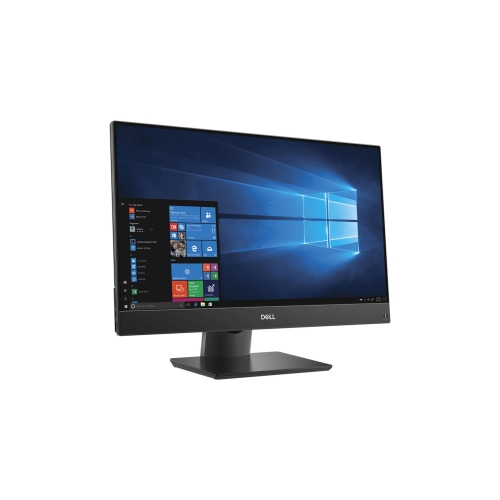
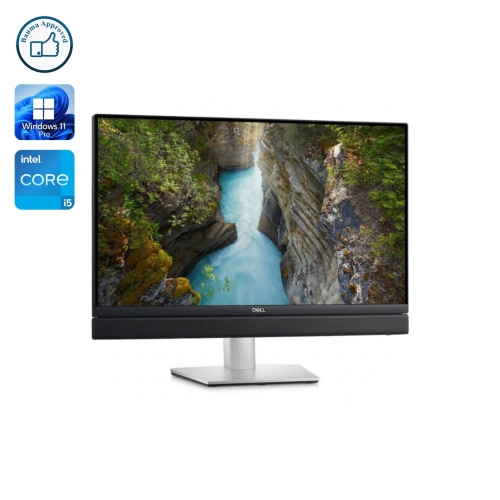
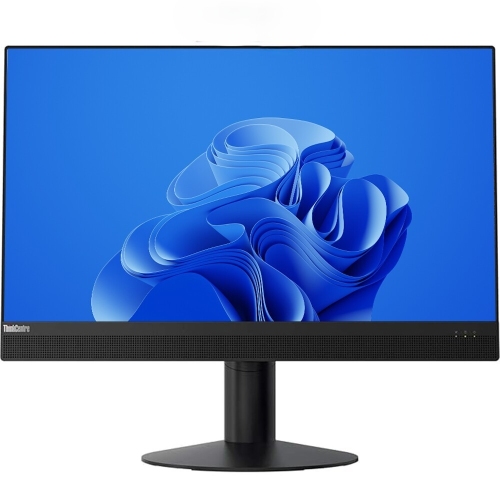
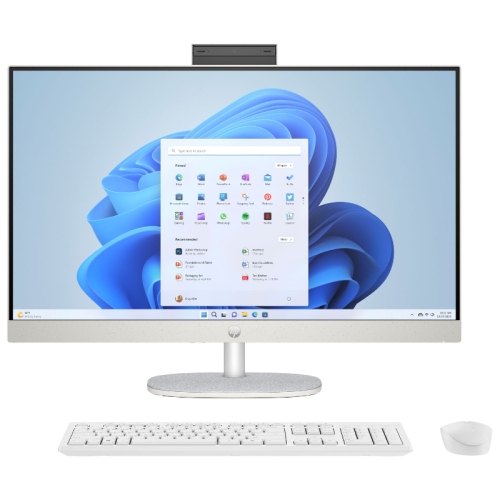
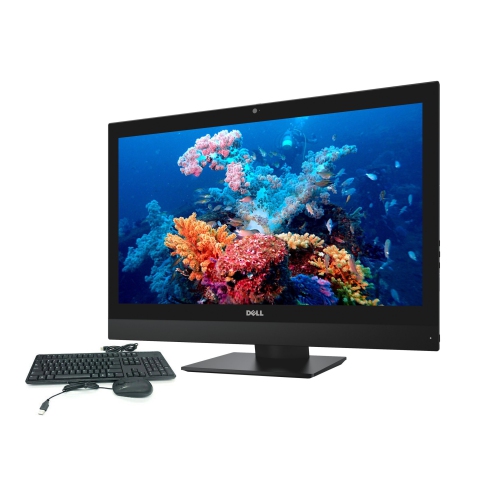
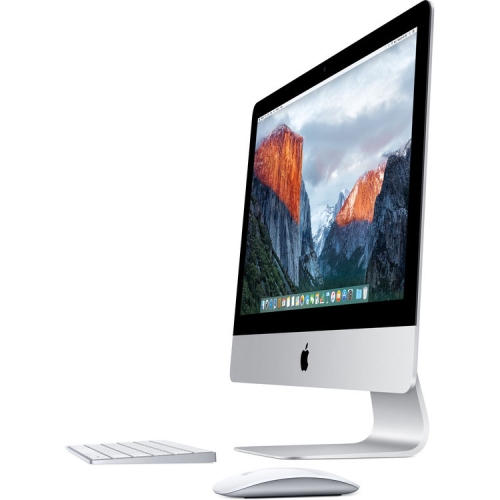
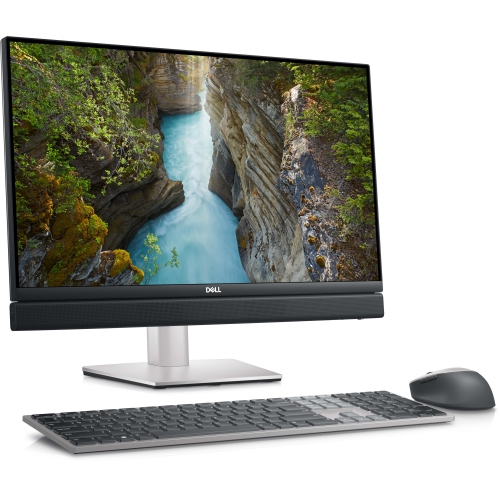
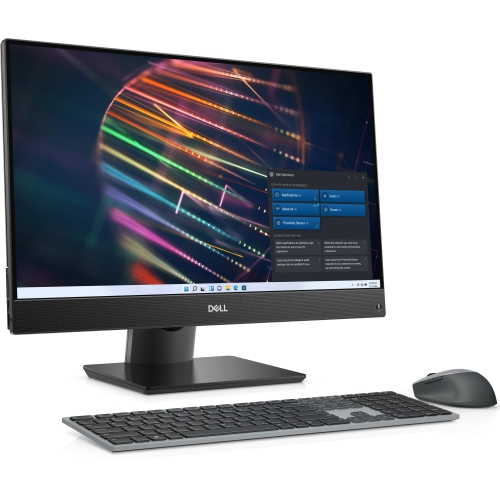
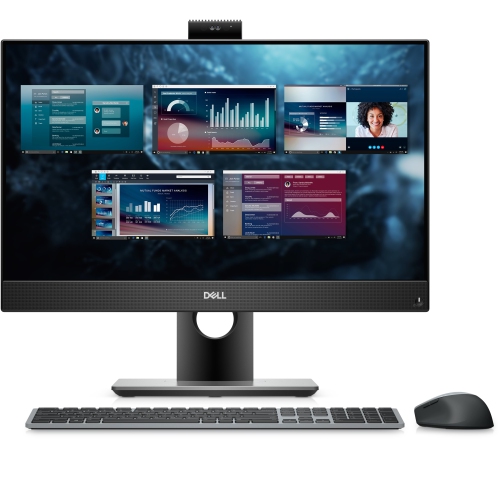
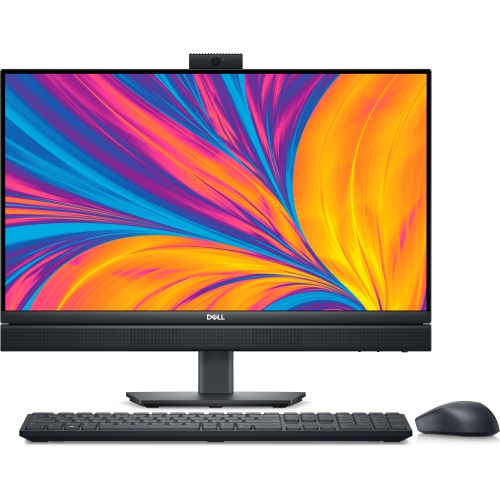
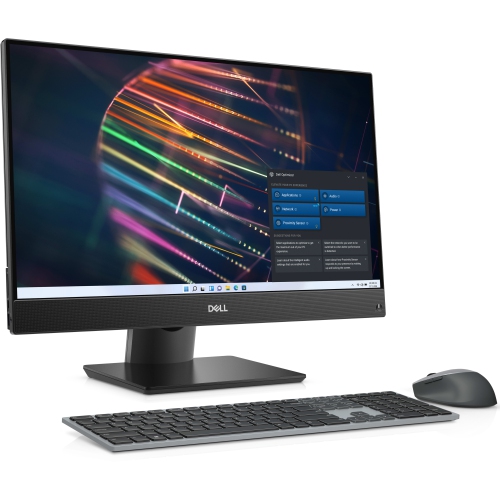
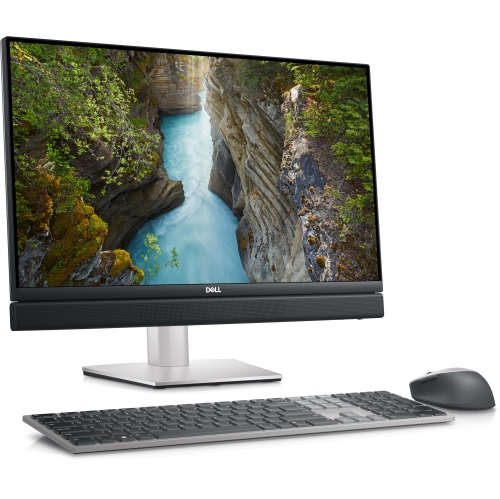
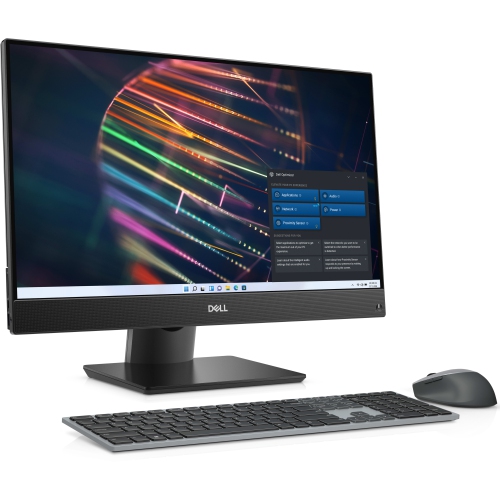
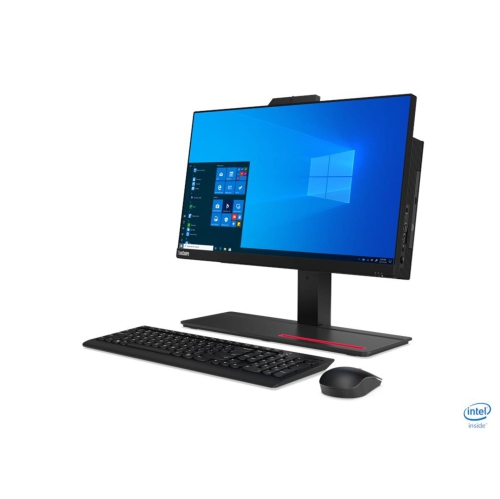
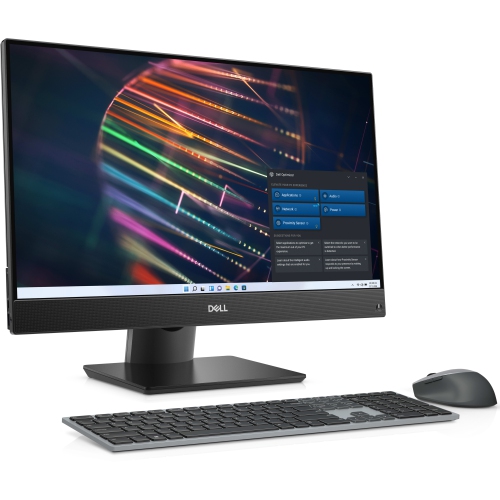
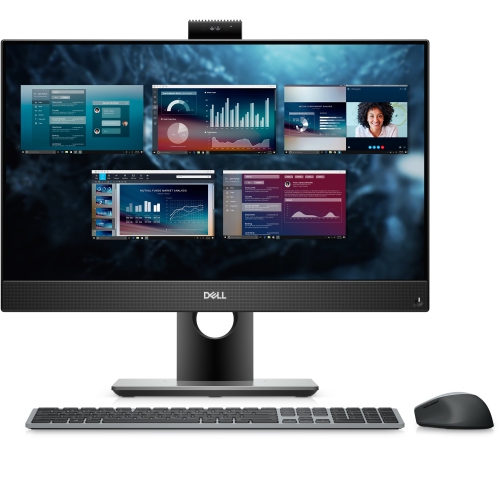
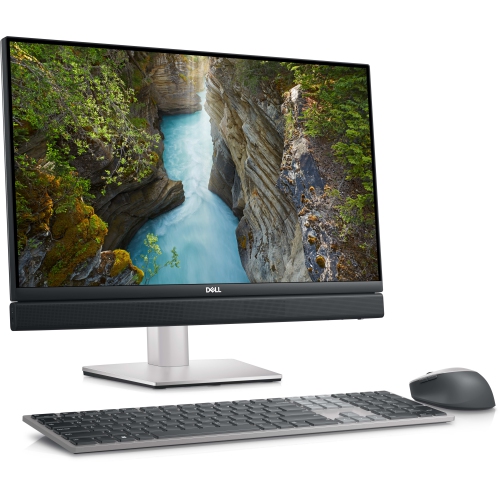
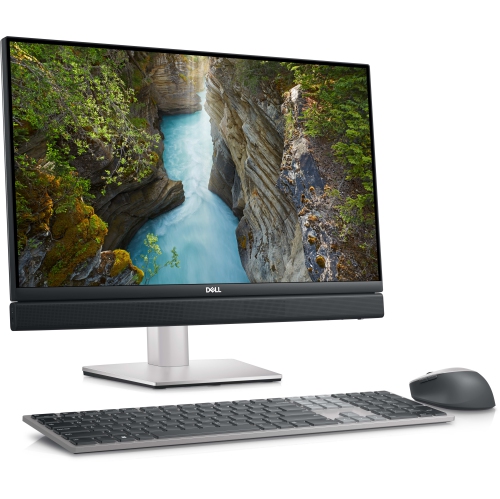
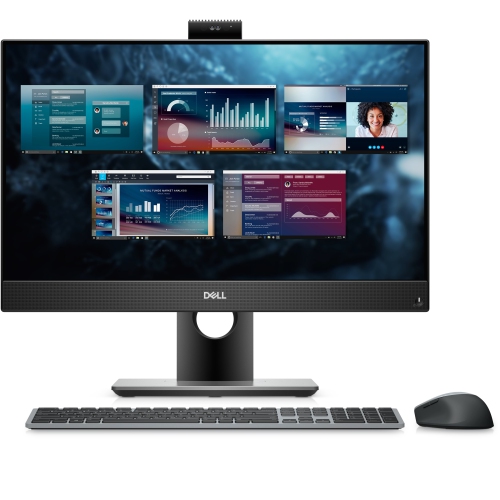
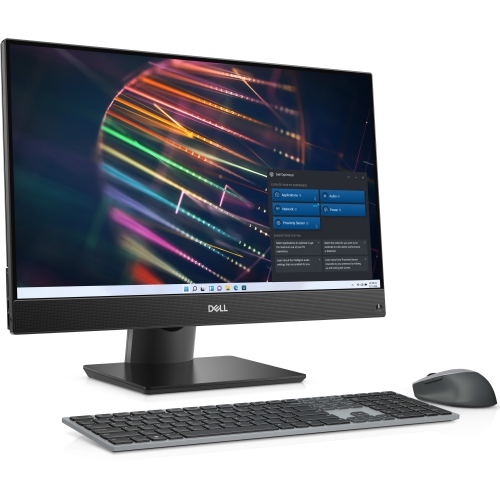
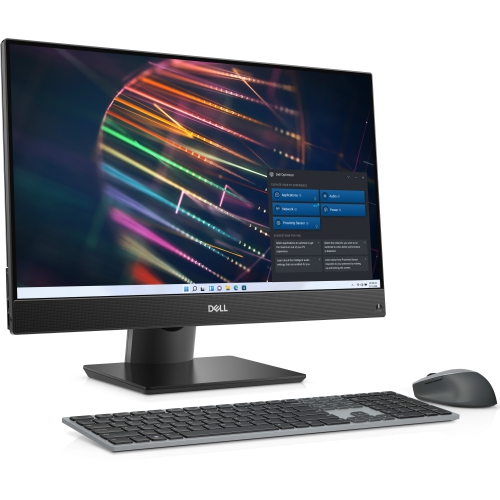
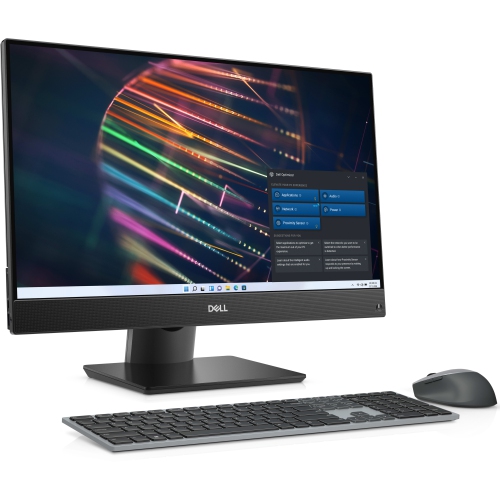
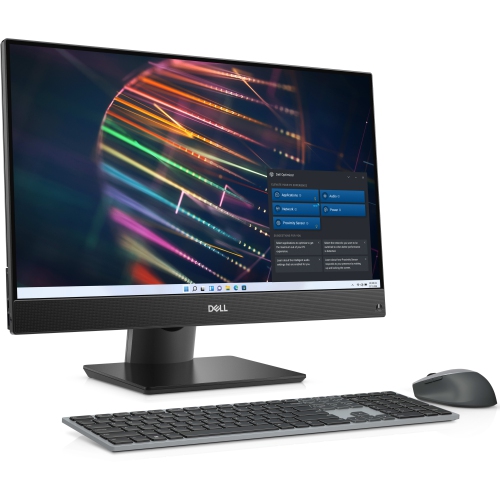
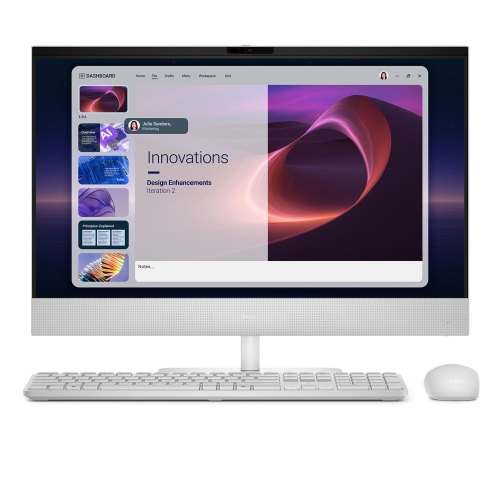
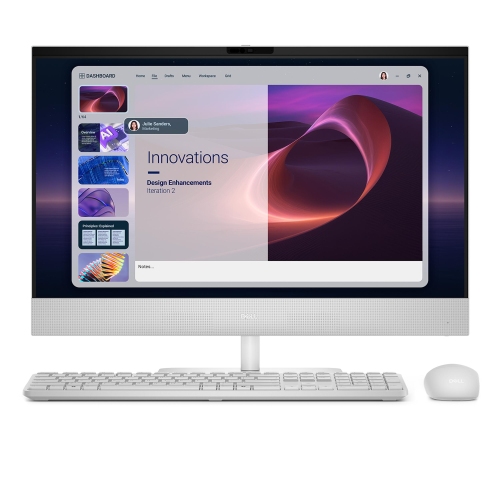
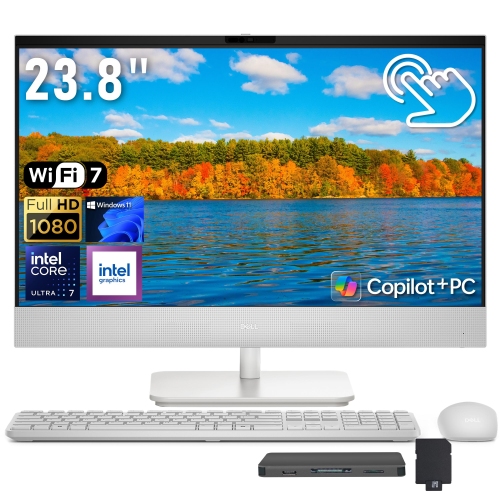
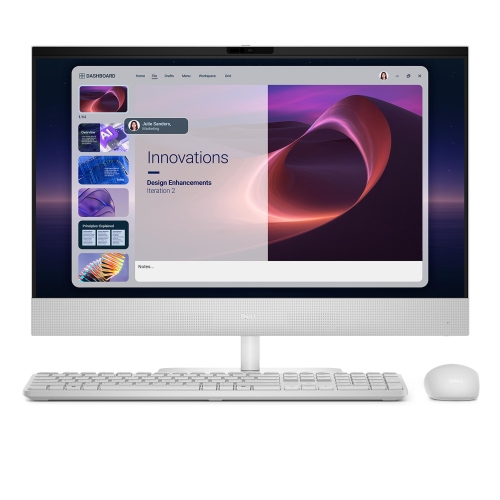
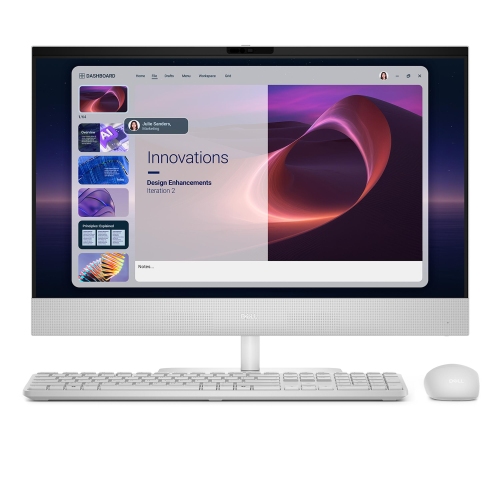
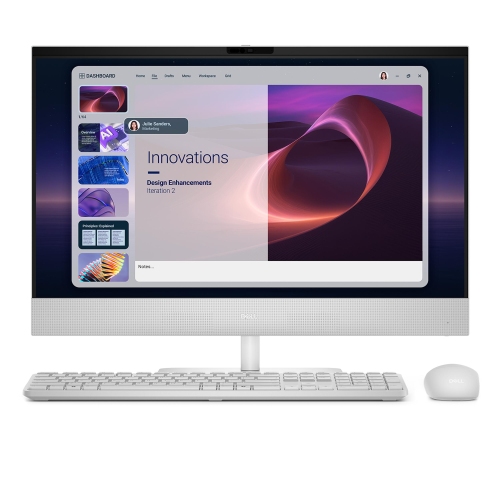
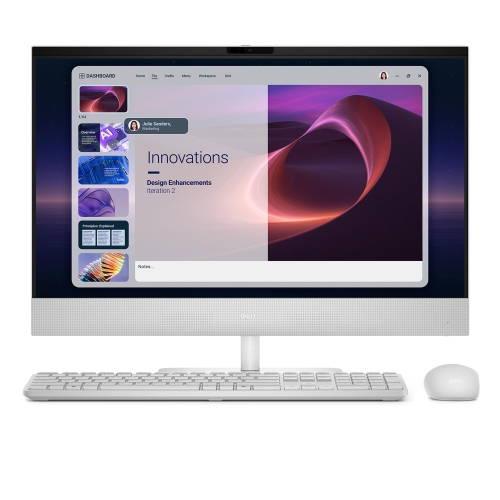
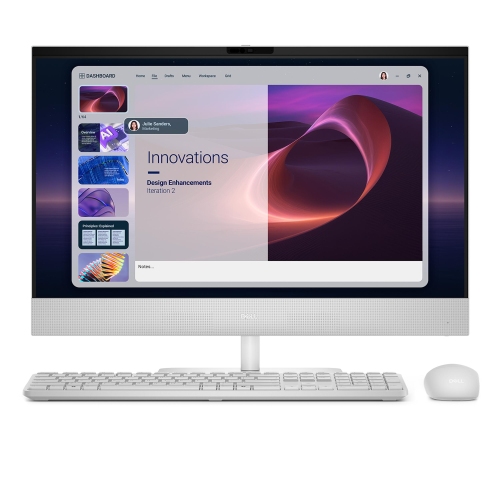
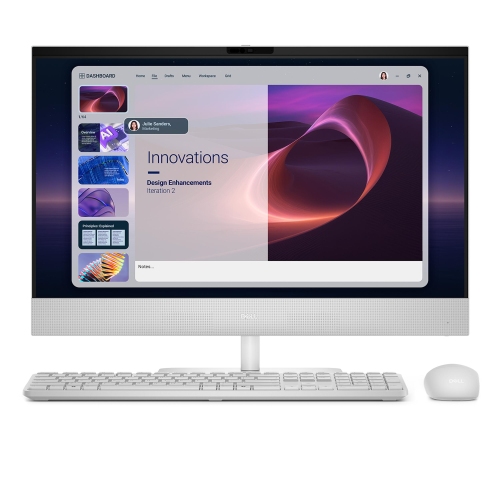
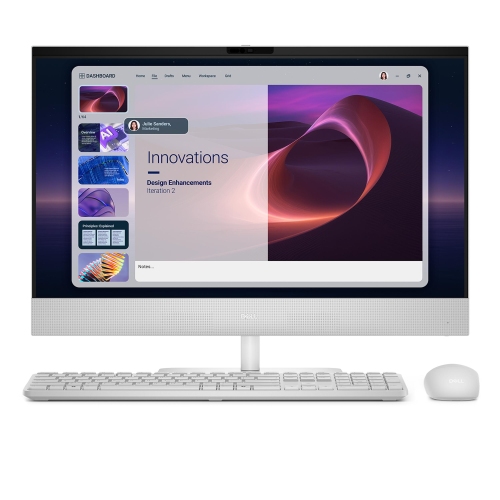
Refurbished all-in-one computers combine the display and main computing components in a single housing, creating a desktop setup without a separate tower. The result is a compact workstation with fewer separate pieces to arrange, well suited to a home office, study nook, reception desk, or shared family workspace. A keyboard and mouse complete the basic setup, while the integrated screen gives the computer a permanent place for schoolwork, household paperwork, video calls, and everyday browsing. Refurbished means the computer has previously been owned, used, or returned and has undergone an assessment before being offered for use again. Depending on the refurbishment process, that assessment may include functional testing, cleaning, repairs, replacement components, and preparation of the installed operating system. Refurbishment is not the same as a cosmetic condition grade: a computer can function properly while still showing scratches on its stand or marks on its casing. Descriptions of screen condition are particularly useful because the display is part of the computer rather than a separate accessory. Testing standards, cosmetic grading, warranty coverage, and return terms can differ by seller, so those details help establish what a refurbished designation means for a particular computer. Included accessories also affect how complete the setup will be, especially where a compatible power adapter, keyboard, mouse, or wireless receiver is needed. An all-in-one format is especially practical for someone who prefers a fixed desktop screen but does not want a tower beside their chair or underneath a narrow desk. It can also make a thoughtful gift for a student or family member when their software needs, workspace, and accessibility preferences are understood. Within the broader category of Refurbished Desktops, all-in-one computers offer a distinct balance of integrated design and everyday desktop usability.
The experience of using a refurbished all-in-one depends on its processor, memory, storage, display, and software compatibility, not simply its appearance or screen size. For email, online forms, document editing, and streaming, a responsive system helps everyday tasks feel straightforward. More demanding routines, such as keeping a video meeting open alongside a spreadsheet, browser tabs, and a shared presentation, place greater demands on memory and processing power. Processor generation matters as well as its name, since similarly labelled processors from different years can have different capabilities. A solid-state drive generally helps the computer start up and open applications more quickly than a mechanical hard drive, while storage capacity determines how much space is available for photos, downloaded files, and installed software. Memory affects how comfortably multiple applications can run together. Graphics capability deserves attention for photo editing, video work, design software, and games; an integrated desktop design does not automatically make a computer suitable for demanding creative workloads or modern gaming. Operating system compatibility and ongoing security support are also important for a computer used to access accounts, attend online classes, or handle work documents. The screen shapes much of the daily experience. A larger display can give a spreadsheet and reference document room to sit side by side, while resolution influences how clearly text and images appear. For photo work, colour accuracy may matter more than touch controls. Touchscreen functionality is model-dependent, and a glossy screen can reflect nearby windows or overhead lights. Built-in cameras, microphones, and speakers can simplify calls, although their presence and capabilities vary. Wi-Fi, Bluetooth, Ethernet, and USB connections determine how the computer works with a home network and accessories such as a printer, headset, or external drive. Connecting a second display requires compatible video output; a video port on an all-in-one may be an input instead, so the port’s function matters as much as its shape.
Physical fit is another part of what makes an all-in-one comfortable to live with. Screen size is measured diagonally and does not describe the full width of the casing, the depth of the stand, or the space needed for cables behind the computer. On a shallow desk, the stand’s footprint can determine whether there is enough room for a keyboard, notebook, and relaxed typing position. Stand adjustment varies: some screens tilt, while others also allow changes in height. A suitable screen position can make long stretches of reading or remote work more comfortable, particularly in a workspace shared by people of different heights. Wall or arm mounting depends on the computer’s mounting compatibility and weight, rather than its appearance alone. Casings may use plastic, metal, or a combination of materials, with glass or other protective surfaces over the display depending on the design. Durability depends on condition, construction, ventilation, and handling, not just the outer material. Routine care includes keeping vents clear, removing dust gently, and cleaning the screen according to the manufacturer’s directions with an appropriate cloth and cleaner. Spraying liquid directly onto the display or allowing moisture near ports can damage components. Because the computer and screen are housed together, moving the unit calls for more care than moving a standalone monitor; the casing needs support rather than being lifted by the screen edge. Access for repairs and upgrades also varies considerably. Some designs allow memory or storage replacement, while others have restricted access or components that cannot be upgraded. This makes the starting specifications important for anyone expecting their workload to grow. Regular file backups remain useful regardless of the computer’s condition, especially for family photos, school assignments, and work records. For a household that needs a dependable place to manage appointments, complete coursework, or join calls, a refurbished all-in-one can provide a tidy, dedicated desktop workspace, with its suitability grounded in the condition, capabilities, and physical design of the computer itself.
The experience of using a refurbished all-in-one depends on its processor, memory, storage, display, and software compatibility, not simply its appearance or screen size. For email, online forms, document editing, and streaming, a responsive system helps everyday tasks feel straightforward. More demanding routines, such as keeping a video meeting open alongside a spreadsheet, browser tabs, and a shared presentation, place greater demands on memory and processing power. Processor generation matters as well as its name, since similarly labelled processors from different years can have different capabilities. A solid-state drive generally helps the computer start up and open applications more quickly than a mechanical hard drive, while storage capacity determines how much space is available for photos, downloaded files, and installed software. Memory affects how comfortably multiple applications can run together. Graphics capability deserves attention for photo editing, video work, design software, and games; an integrated desktop design does not automatically make a computer suitable for demanding creative workloads or modern gaming. Operating system compatibility and ongoing security support are also important for a computer used to access accounts, attend online classes, or handle work documents. The screen shapes much of the daily experience. A larger display can give a spreadsheet and reference document room to sit side by side, while resolution influences how clearly text and images appear. For photo work, colour accuracy may matter more than touch controls. Touchscreen functionality is model-dependent, and a glossy screen can reflect nearby windows or overhead lights. Built-in cameras, microphones, and speakers can simplify calls, although their presence and capabilities vary. Wi-Fi, Bluetooth, Ethernet, and USB connections determine how the computer works with a home network and accessories such as a printer, headset, or external drive. Connecting a second display requires compatible video output; a video port on an all-in-one may be an input instead, so the port’s function matters as much as its shape.
Physical fit is another part of what makes an all-in-one comfortable to live with. Screen size is measured diagonally and does not describe the full width of the casing, the depth of the stand, or the space needed for cables behind the computer. On a shallow desk, the stand’s footprint can determine whether there is enough room for a keyboard, notebook, and relaxed typing position. Stand adjustment varies: some screens tilt, while others also allow changes in height. A suitable screen position can make long stretches of reading or remote work more comfortable, particularly in a workspace shared by people of different heights. Wall or arm mounting depends on the computer’s mounting compatibility and weight, rather than its appearance alone. Casings may use plastic, metal, or a combination of materials, with glass or other protective surfaces over the display depending on the design. Durability depends on condition, construction, ventilation, and handling, not just the outer material. Routine care includes keeping vents clear, removing dust gently, and cleaning the screen according to the manufacturer’s directions with an appropriate cloth and cleaner. Spraying liquid directly onto the display or allowing moisture near ports can damage components. Because the computer and screen are housed together, moving the unit calls for more care than moving a standalone monitor; the casing needs support rather than being lifted by the screen edge. Access for repairs and upgrades also varies considerably. Some designs allow memory or storage replacement, while others have restricted access or components that cannot be upgraded. This makes the starting specifications important for anyone expecting their workload to grow. Regular file backups remain useful regardless of the computer’s condition, especially for family photos, school assignments, and work records. For a household that needs a dependable place to manage appointments, complete coursework, or join calls, a refurbished all-in-one can provide a tidy, dedicated desktop workspace, with its suitability grounded in the condition, capabilities, and physical design of the computer itself.
Top selling and popular products
-
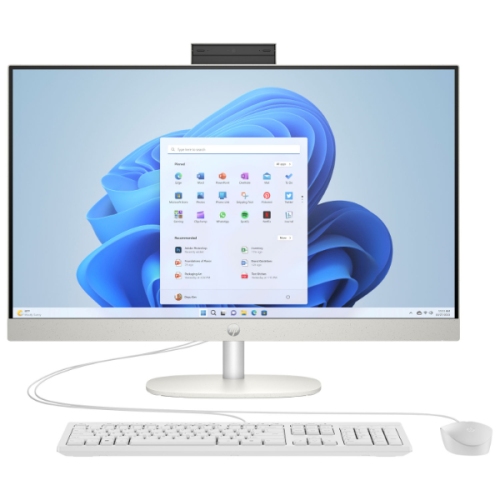 Your price for this item is $949.99
-
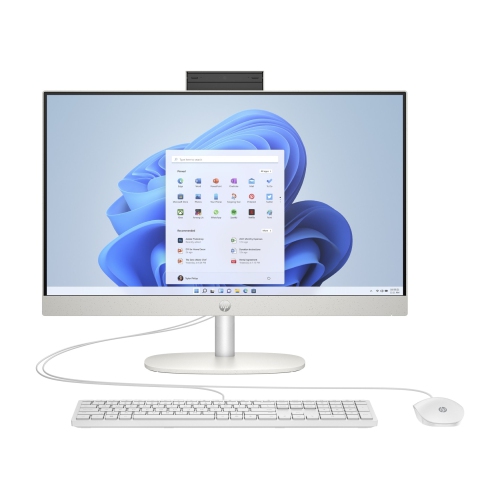 Your price for this item is $1458.99
-
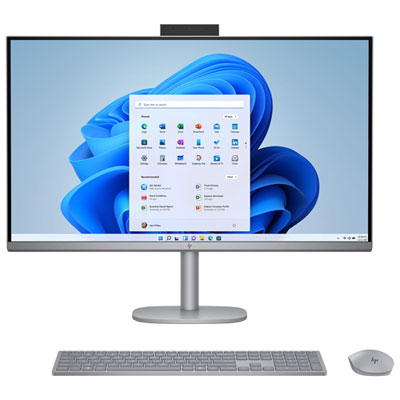 Your price for this item is $3899.99
-
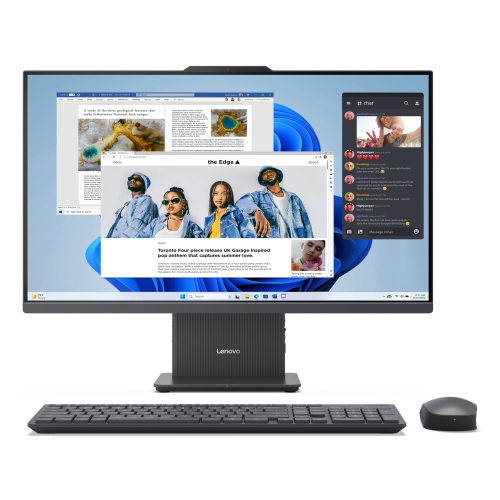 Your price for this item is $2199.99
-
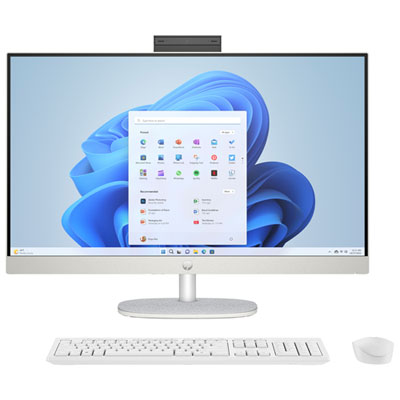 Your price for this item is $1099.97
-
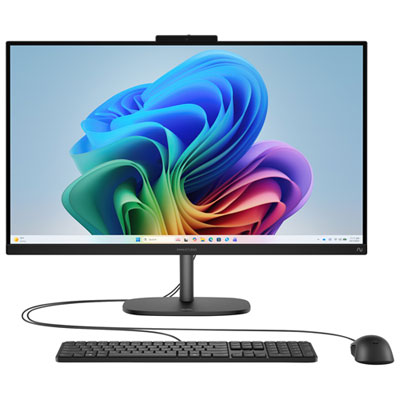 Your price for this item is $1199.99
-
 Your price for this item is $1499.99
-
 Your price for this item is $1661.55
Discover more categories related to Refurbished All In One Computers



Top Collections:
Best Black Friday Deals This Year, Best Black Friday Deals On Electronics, Kindle Devices, Pokemon Centers, Best Black Friday Deals On Apple Products, Best Cameras for Sports Photography, Dyson Airwrap, Pokémon 30th Celebration Cards, Apple iPhone 17 Pro, Canon G7X Cameras
Some products may be subject to Environmental Handling Fees
(EHF) depending on your province.
Learn more about EHFs.