Refurbished Apple Desktop Computers
Refurbished Apple desktop computers offer an affordable way to experience reliable performance and sleek design. Each unit is thoroughly tested to ensure quality, providing a smart option for those seeking value without compromising on style or functionality. Explore a wide selection of refurbished Apple desktop computers to find the perfect fit for your home office, creative projects, or everyday computing needs.
Sort


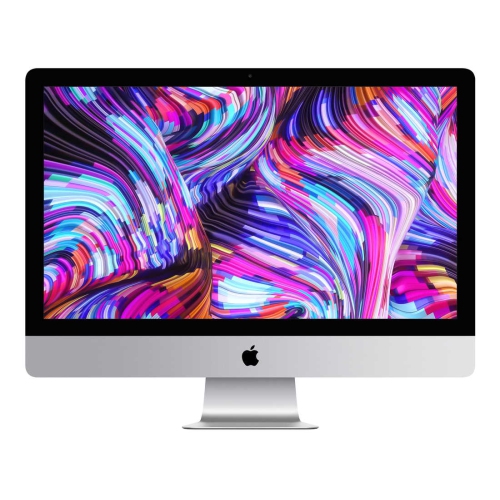
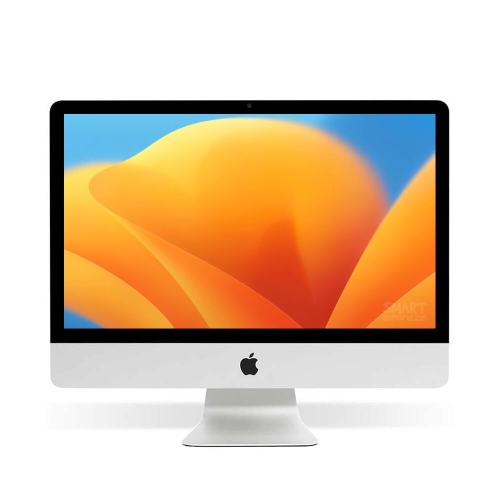


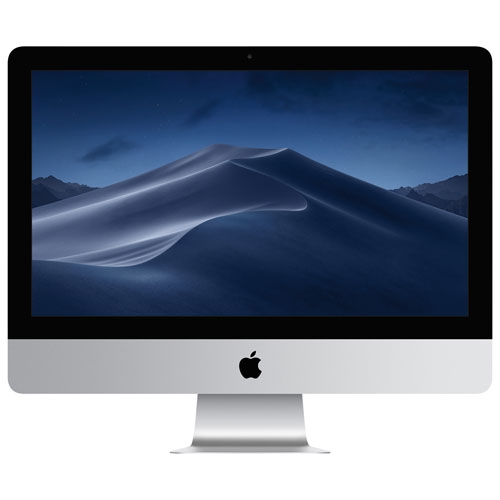
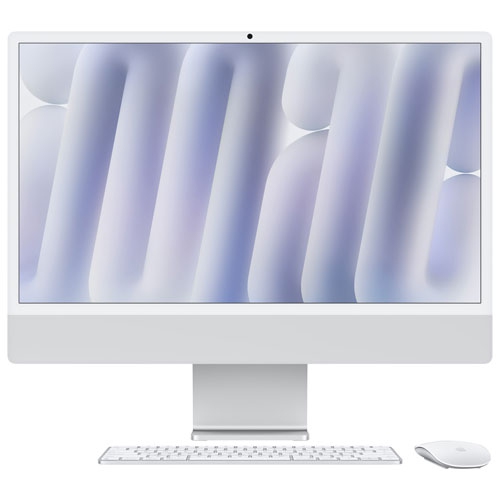


Why refurbished desktops can look alike but perform differently
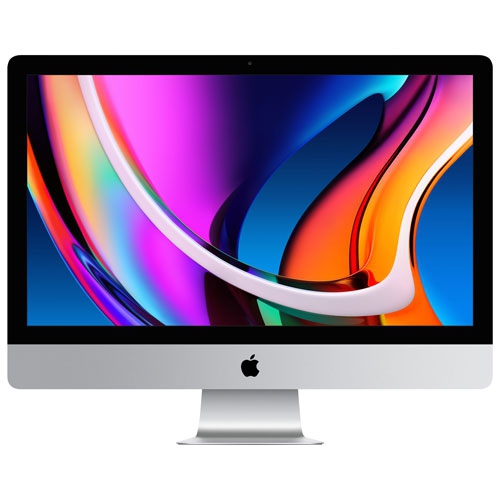
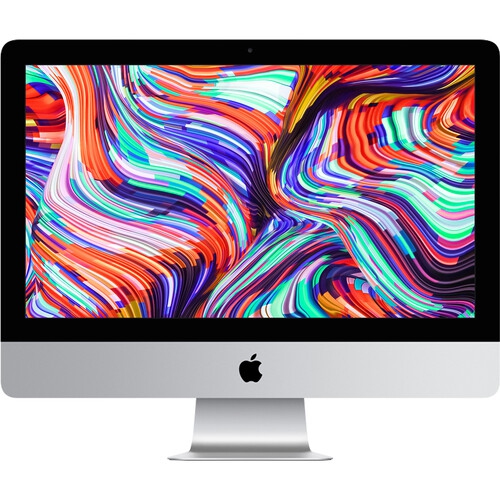
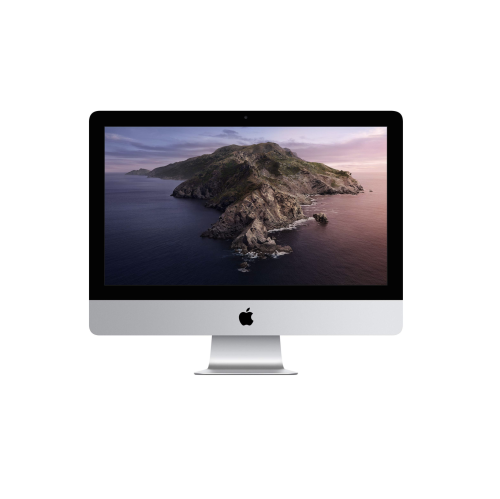
Refurbished desktop computers bring previously owned hardware back into everyday use after assessment and any servicing needed to meet the seller’s stated condition standard. The extent of testing, cleaning, repairs, and component replacement varies, so refurbished does not mean that every part is new or that every computer has the same history. These desktops can suit a dedicated home office, a student’s study space, a family workstation, or a creative workspace where a full-size keyboard and a larger screen make extended sessions more comfortable. Their stationary design provides a consistent place for documents, video calls, photo libraries, and daily tasks without the need to pack everything away between sessions. Different desktop formats also change how that space feels and functions. An all-in-one combines the computer and display in a single enclosure, keeping the work surface relatively clear and reducing the number of separate components to position. A compact desktop separates the computer from the screen, leaving more flexibility to use an existing monitor or select a display with the dimensions and resolution that suit the work. Larger workstation-style systems accommodate a different set of needs, particularly when demanding applications or specialized connections are involved, although a larger enclosure alone does not establish performance or upgrade options. For someone writing assignments, managing household paperwork, and joining online meetings, a straightforward setup with responsive everyday performance may be the right fit. A photographer sorting large image libraries or a musician arranging multitrack recordings has different requirements, including storage capacity, application compatibility, and connections for external equipment. Refurbished condition is separate from those capabilities: cosmetic wear describes appearance, while the processor, memory, storage, and supported software determine what a desktop can comfortably handle. A gift for a student, a home-based professional, or a family member is most useful when those practical details match the recipient’s routines, preferred software, and existing accessories.
Performance depends on the exact hardware configuration rather than the age or appearance of the enclosure alone. Processor generation and architecture affect application support, speed, and the operating system versions a desktop can run. Older and newer systems may look similar while supporting different software, so the requirements of an essential application matter as much as general specifications. This is particularly relevant for creative tools, audio plug-ins, specialist business software, and accessories that need their own drivers. Memory influences how comfortably the computer handles several applications at once: a browser filled with research tabs, a video meeting, and a large document can create a different workload from a single email window. Storage capacity determines how much room there is for applications and local files, while storage type affects responsiveness when starting the computer, opening programs, or moving substantial folders. Solid-state storage generally feels more responsive than a mechanical hard drive, but capacity remains important for anyone keeping extensive photo, music, or video collections on the computer itself. External storage can provide additional room and support a separate backup routine, subject to the connections and transfer speeds available. Display specifications deserve similar attention. On an all-in-one, screen size, resolution, brightness, and visible panel condition form part of the desktop experience; on a compact system, the monitor is a separate consideration. Text clarity matters during long writing sessions, while colour accuracy may be important for image editing and design. Support for multiple displays varies by configuration, as do the resolutions and refresh rates each connection can handle. Ports also influence the day-to-day setup. A keyboard, mouse, webcam, audio interface, wired network connection, and external drive can quickly occupy several connections, and an adapter does not necessarily support every feature of the original device. Wi-Fi and Bluetooth capabilities likewise differ between generations. Internal memory and storage upgrades are limited or unavailable on many configurations, making the stated specifications more important than an assumption that extra capacity can simply be added later.
Physical condition, included accessories, and after-purchase support help complete the picture of a refurbished desktop. Metal enclosures can withstand ordinary handling well, but previously owned systems may have scratches, small dents, or marks around frequently used ports. Cosmetic grades are not universal, and visible wear should be understood through the seller’s own description rather than the grade name alone. For an integrated display, scratches, uneven illumination, or other panel blemishes deserve particular attention because the screen is part of the computer rather than a separate accessory. Included components also vary: a desktop may require a compatible keyboard, pointing device, display cable, or monitor to form a complete workstation. Power adapters and other supplied accessories should be appropriate for the configuration. A comfortable setup leaves enough room for the screen at a suitable viewing distance, places the keyboard and mouse within easy reach, and keeps ventilation openings clear of papers, fabric, and tightly packed shelving. Routine care is straightforward but important. With the computer shut down and disconnected from power, a soft, lint-free cloth can remove surface dust; liquids should never be sprayed directly onto the enclosure or screen. Display coatings may require specific cleaning methods, so manufacturer care information remains relevant even when the computer has changed owners. Clear airflow, careful cable handling, and protection from spills help reduce avoidable damage, while regular backups protect files independently of the computer’s condition. Refurbishment does not reset a model’s software support timeline, and the ability to run supported operating system versions and essential applications remains an important part of its useful life. Warranty coverage, the return period, and the party responsible for service can differ between sellers and should be understood alongside the hardware description. A properly prepared refurbished system should also be ready for a new owner’s setup, without another person’s account restrictions or organizational management controls. For a broader view of desktop formats and configurations, Refurbished Desktops brings the focus to previously owned desktop systems across a wider range of computing needs. The strongest fit is a computer whose documented condition, software support, connections, and everyday capabilities suit the space and the person using it.
Performance depends on the exact hardware configuration rather than the age or appearance of the enclosure alone. Processor generation and architecture affect application support, speed, and the operating system versions a desktop can run. Older and newer systems may look similar while supporting different software, so the requirements of an essential application matter as much as general specifications. This is particularly relevant for creative tools, audio plug-ins, specialist business software, and accessories that need their own drivers. Memory influences how comfortably the computer handles several applications at once: a browser filled with research tabs, a video meeting, and a large document can create a different workload from a single email window. Storage capacity determines how much room there is for applications and local files, while storage type affects responsiveness when starting the computer, opening programs, or moving substantial folders. Solid-state storage generally feels more responsive than a mechanical hard drive, but capacity remains important for anyone keeping extensive photo, music, or video collections on the computer itself. External storage can provide additional room and support a separate backup routine, subject to the connections and transfer speeds available. Display specifications deserve similar attention. On an all-in-one, screen size, resolution, brightness, and visible panel condition form part of the desktop experience; on a compact system, the monitor is a separate consideration. Text clarity matters during long writing sessions, while colour accuracy may be important for image editing and design. Support for multiple displays varies by configuration, as do the resolutions and refresh rates each connection can handle. Ports also influence the day-to-day setup. A keyboard, mouse, webcam, audio interface, wired network connection, and external drive can quickly occupy several connections, and an adapter does not necessarily support every feature of the original device. Wi-Fi and Bluetooth capabilities likewise differ between generations. Internal memory and storage upgrades are limited or unavailable on many configurations, making the stated specifications more important than an assumption that extra capacity can simply be added later.
Physical condition, included accessories, and after-purchase support help complete the picture of a refurbished desktop. Metal enclosures can withstand ordinary handling well, but previously owned systems may have scratches, small dents, or marks around frequently used ports. Cosmetic grades are not universal, and visible wear should be understood through the seller’s own description rather than the grade name alone. For an integrated display, scratches, uneven illumination, or other panel blemishes deserve particular attention because the screen is part of the computer rather than a separate accessory. Included components also vary: a desktop may require a compatible keyboard, pointing device, display cable, or monitor to form a complete workstation. Power adapters and other supplied accessories should be appropriate for the configuration. A comfortable setup leaves enough room for the screen at a suitable viewing distance, places the keyboard and mouse within easy reach, and keeps ventilation openings clear of papers, fabric, and tightly packed shelving. Routine care is straightforward but important. With the computer shut down and disconnected from power, a soft, lint-free cloth can remove surface dust; liquids should never be sprayed directly onto the enclosure or screen. Display coatings may require specific cleaning methods, so manufacturer care information remains relevant even when the computer has changed owners. Clear airflow, careful cable handling, and protection from spills help reduce avoidable damage, while regular backups protect files independently of the computer’s condition. Refurbishment does not reset a model’s software support timeline, and the ability to run supported operating system versions and essential applications remains an important part of its useful life. Warranty coverage, the return period, and the party responsible for service can differ between sellers and should be understood alongside the hardware description. A properly prepared refurbished system should also be ready for a new owner’s setup, without another person’s account restrictions or organizational management controls. For a broader view of desktop formats and configurations, Refurbished Desktops brings the focus to previously owned desktop systems across a wider range of computing needs. The strongest fit is a computer whose documented condition, software support, connections, and everyday capabilities suit the space and the person using it.
Top selling and popular products
-
 Your price for this item is $1799.95
-
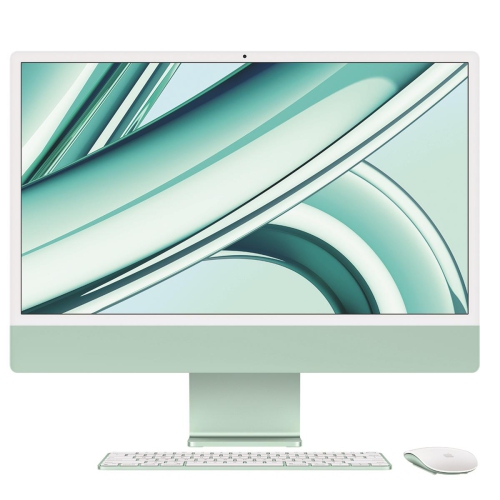 Your price for this item is $1804.05
-
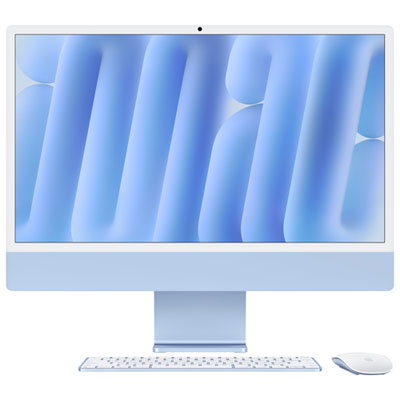 Your price for this item is $1899.95
-
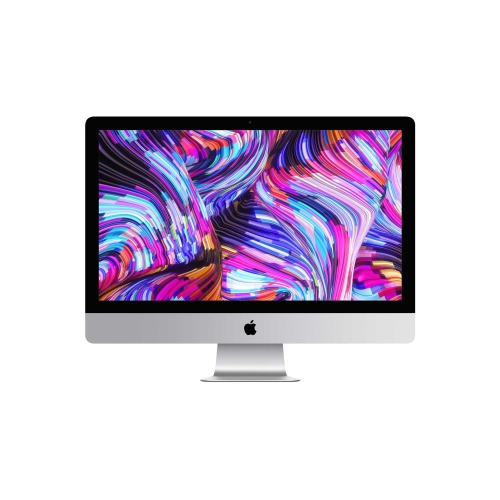 Your price for this item is $1268.77
-
 Your price for this item is $1354
-
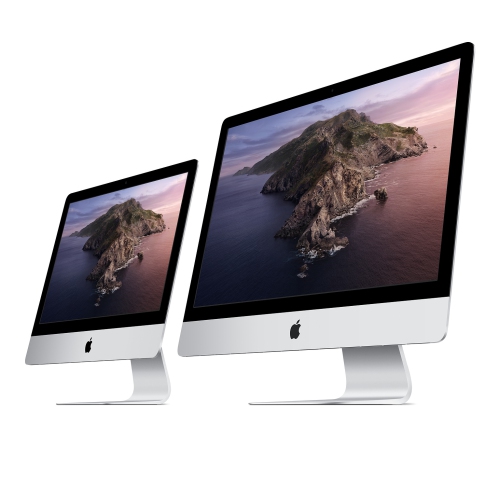 Your price for this item is $699.99
-
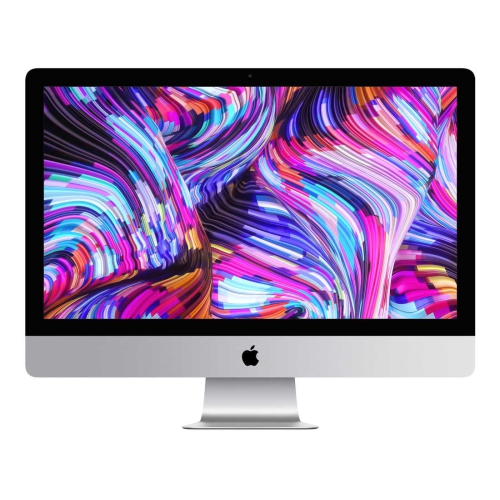 Your price for this item is $849.77
-
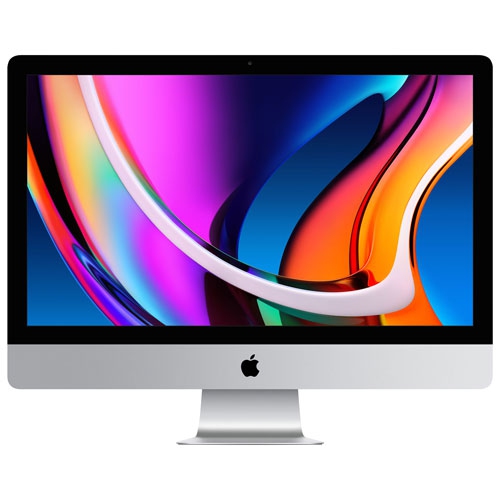 Your price for this item is $1499.99
Discover more categories related to Refurbished Apple Desktop Computers
Top Collections:
Best Black Friday Deals This Year, Best Black Friday Deals On Electronics, Kindle Devices, Pokemon Centers, Best Black Friday Deals On Apple Products, Best Cameras for Sports Photography, Dyson Airwrap, Pokémon 30th Celebration Cards, Apple iPhone 17 Pro, Canon G7X Cameras
Some products may be subject to Environmental Handling Fees
(EHF) depending on your province.
Learn more about EHFs.