Reliable Routers
Reliable routers are essential for keeping your home or office connected with strong, consistent internet access. Whether you’re streaming movies, working from home, or gaming online, the right router helps ensure smooth performance across all your devices. Explore a wide selection of reliable routers designed to support your connectivity needs and make online activities seamless every day. Find the perfect option to help maintain a stable and dependable network for everyone in your space.
Sort
Why steady home Wi-Fi takes more than speed
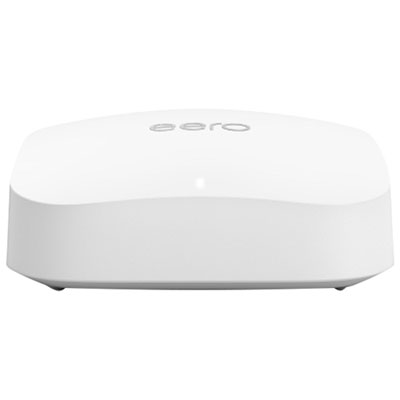
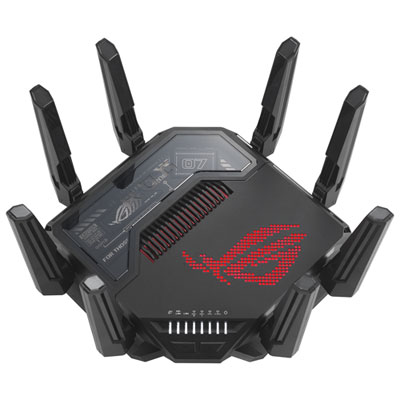
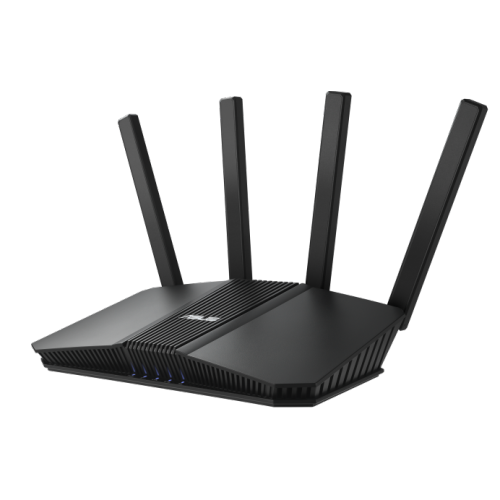
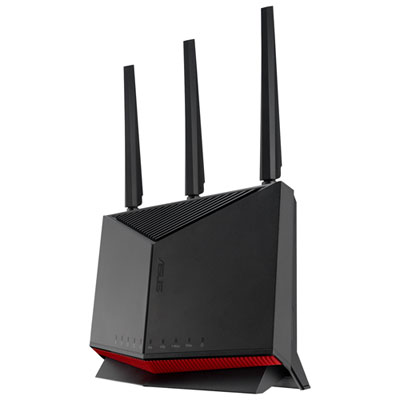
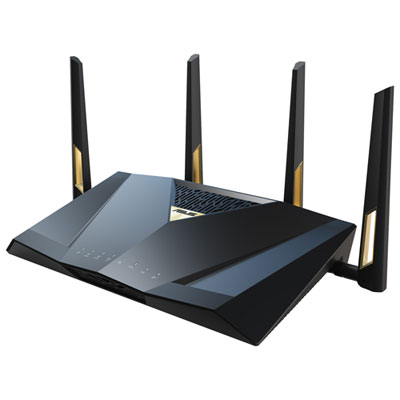
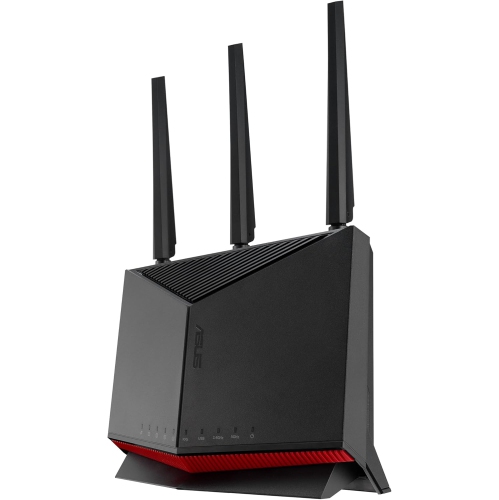
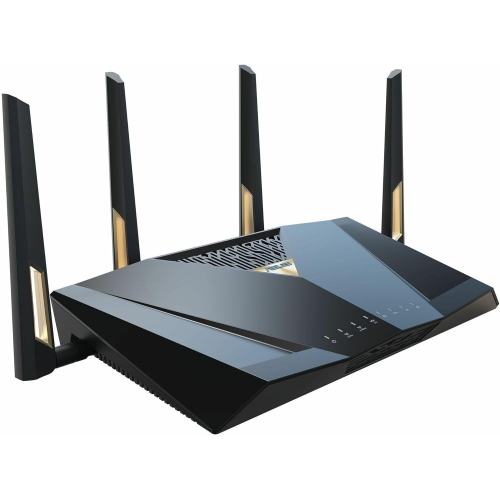
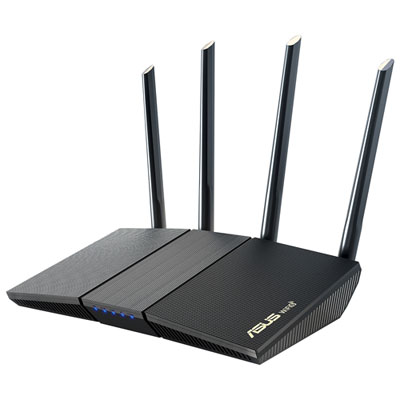
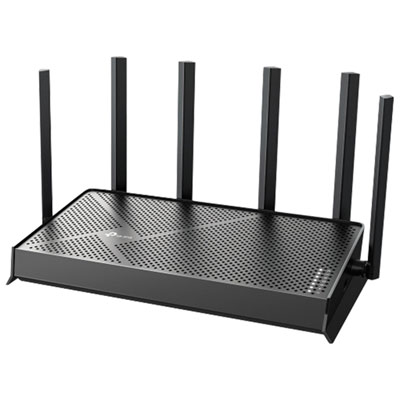
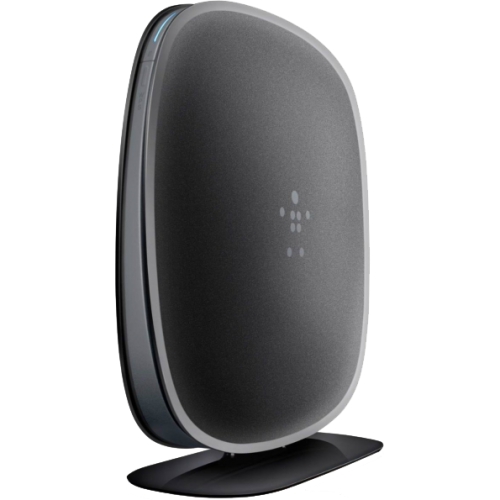
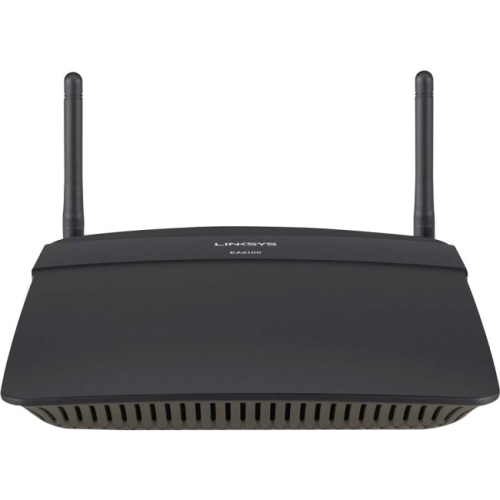
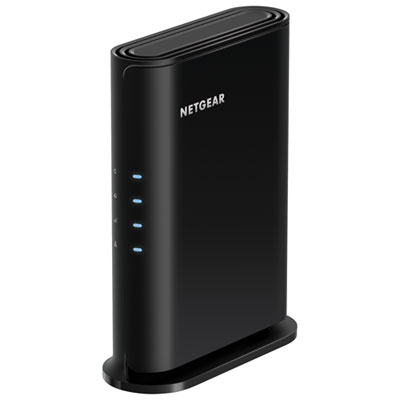
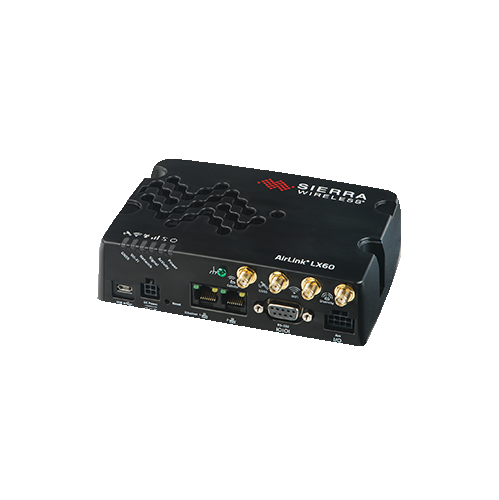
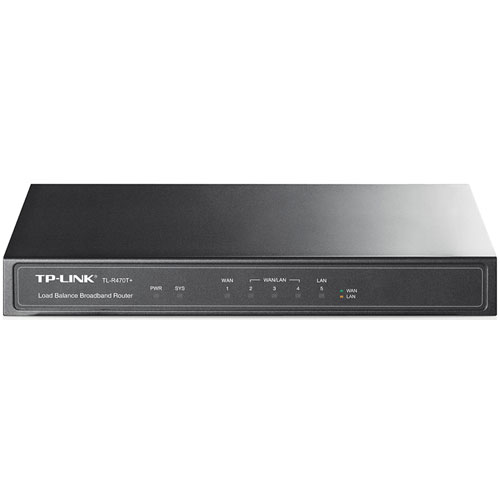
Reliable routers help keep everyday connections steady, whether a household is streaming a film, joining a video meeting, playing online, or managing connected lights and doorbells. Reliability is about more than a headline speed: it includes consistent coverage, responsive connections, stable software, and the ability to handle several devices without routine tasks becoming frustrating. A router directs traffic between devices on a local network and the internet connection supplied through a modem or fibre terminal. It cannot make an internet plan faster, but a suitable router can help devices make better use of that connection. Wi-Fi 6 supports efficient communication with compatible devices, making it relevant to busy homes where laptops, phones, televisions, and other equipment share airtime. Wi-Fi 6E adds access to the 6 GHz band, while Wi-Fi 7 introduces further performance capabilities that depend on the router, connected devices, and supported bands. Not every Wi-Fi 7 router includes 6 GHz connectivity, so the wireless standard alone does not describe the full setup. Dual-band routers typically use 2.4 GHz and 5 GHz, providing a balance between reach and capacity. The 2.4 GHz band generally travels farther through a home, while higher-frequency bands can offer more capacity at shorter distances. Actual performance depends on walls, nearby networks, device capabilities, and placement. In practical terms, a dependable connection means a video call stays clear while someone streams in another room, or a game remains responsive while a backup runs in the background. Features that manage competing traffic can help prioritize time-sensitive activities, although they do not add internet bandwidth. For households with several simultaneous users, consistent performance across those ordinary moments can matter more than the highest theoretical speed printed on a specification sheet. A router that suits the number of active devices, the internet service, and the layout of the home is better positioned to deliver that consistency than one selected on speed claims alone.
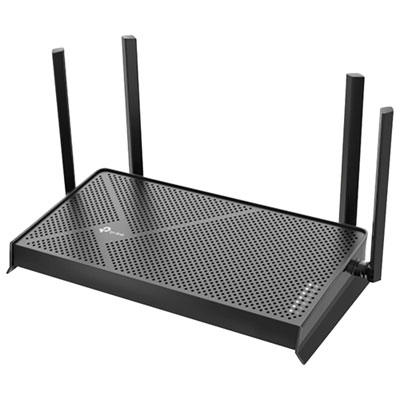
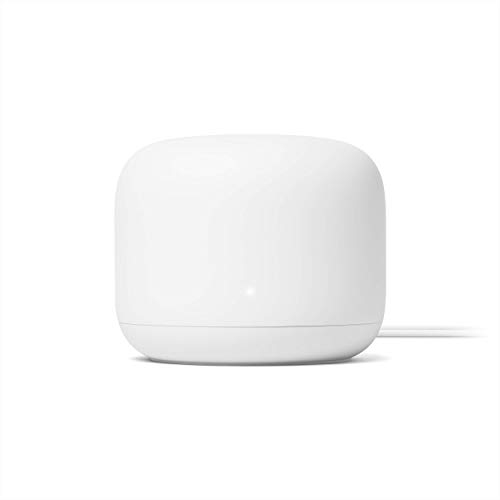
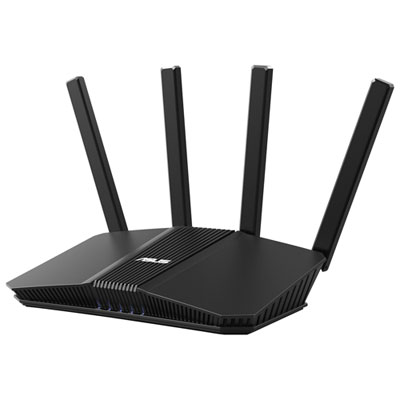
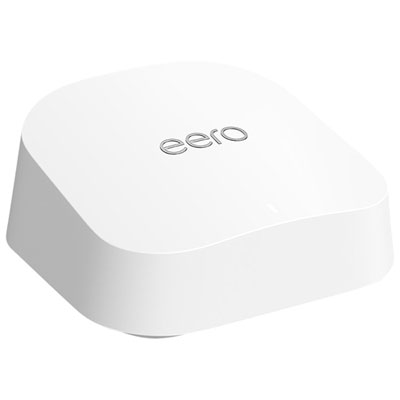
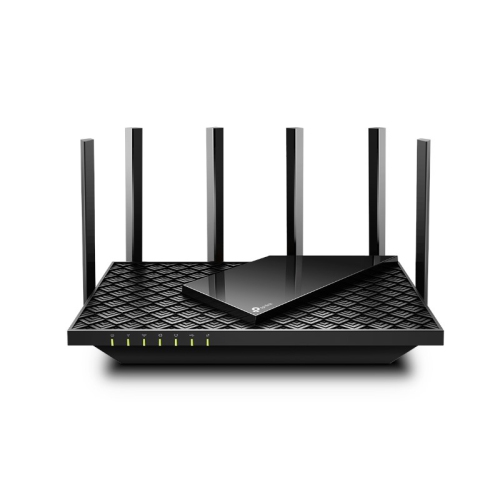
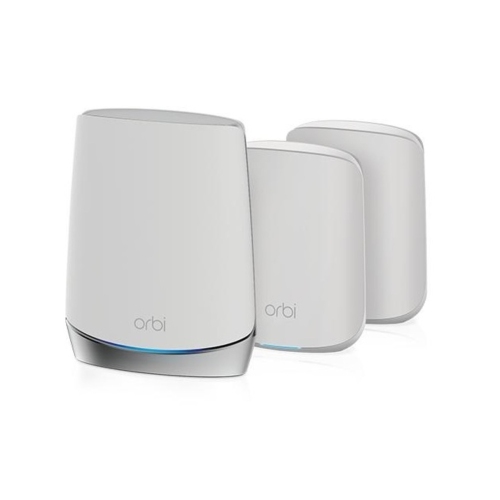
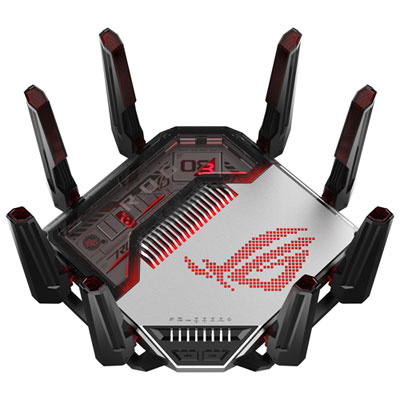
The physical fit of a router matters as much as its wireless capabilities. A compact apartment with an open layout has different coverage needs from a narrow townhouse with several floors or a detached home with a distant office. A single router may suit a smaller space, while a mesh system uses multiple units to extend a shared network across a larger or more complicated layout. Mesh coverage still depends on sensible placement: a unit tucked into an existing dead zone may struggle to communicate with the rest of the system. Where the equipment and home wiring support it, an Ethernet connection between mesh units can provide a steadier link and leave more wireless capacity for devices. Wired ports are also useful for desktop computers, game consoles, and other equipment that stays in one place. Port speeds and quantities affect how comfortably a router fits a household, especially when several wired connections or a faster internet service are involved. Routers commonly have rigid plastic housings, with ventilation openings and either internal or external antennas. Their construction is intended for stationary indoor use, so practical durability depends partly on a stable surface, protected cable connections, and room around the enclosure. A central shelf with open space around it is generally more useful than a closed cabinet behind a television. Concrete walls, metal shelving, mirrors, and large appliances can weaken or disrupt wireless signals, making advertised coverage figures an estimate rather than a promise for every address. Routine care is straightforward: ventilation openings should remain clear, cables should not be pulled tight, and cleaning should follow the manufacturer’s directions without introducing moisture into ports. A design with accessible connections and readable status indicators can make everyday ownership easier. For renters, shared households, and people working from a spare bedroom, these practical details help determine whether a router feels unobtrusive and dependable or becomes something that needs frequent attention.
Connection stability and network protection go hand in hand, and Secure Routers are especially relevant for homes where work files, personal accounts, and connected devices share the same network. Supported encryption, regular firmware updates, and clear access controls contribute to a more dependable setup over time. WPA3 provides newer wireless security for compatible devices, while older equipment may require a supported compatibility mode. Automatic firmware updates, where offered, can simplify maintenance, although the manufacturer’s support policy remains important throughout a router’s useful life. Separate guest access lets visitors connect without sharing the main network credentials, and some routers provide additional network separation for connected home devices. Those capabilities vary, so a guest network should not automatically be assumed to isolate every device or service. Straightforward management also matters. Clear device names, understandable status information, and accessible restart or recovery options can make it easier to identify an unfamiliar connection or resolve a routine interruption. For families, parental controls may provide scheduling or filtering features; for remote workers, VPN support may be relevant, depending on whether the requirement is a VPN connection from a device or functionality built into the router itself. App-based setup can be convenient, while browser-based controls may appeal to people who prefer managing network settings from a computer. Account requirements and remote-management options differ between routers and deserve attention when considering everyday use. No router can prevent every service outage or eliminate interference, but suitable coverage, maintained software, and well-matched connections can reduce avoidable disruptions inside the home. Students sharing a connection, households balancing entertainment with work, and people settling into a new home all benefit from that practical balance. The lasting value of reliable routers lies in how quietly they support those routines: a document uploads, a conversation carries on clearly, and the devices used throughout the day remain connected without demanding constant attention.
Top selling and popular products
-
 Your price for this item is $189.99
-
 Your price for this item is $189.99
-
 Your price for this item is $219
-
 Your price for this item is $899.99
-
 Your price for this item is $299.99
-
 Your price for this item is $139.99
-
 Your price for this item is $499.99
-
 Your price for this item is $349.99
Discover more categories related to Reliable Routers
Top Collections:
Best Black Friday Deals This Year, Best Black Friday Deals On Electronics, Kindle Devices, Pokemon Centers, Best Black Friday Deals On Apple Products, Best Cameras for Sports Photography, Dyson Airwrap, Pokémon 30th Celebration Cards, Apple iPhone 17 Pro, Canon G7X Cameras
Some products may be subject to Environmental Handling Fees
(EHF) depending on your province.
Learn more about EHFs.