ROG G16 4060
Discover the power and performance of the ROG G16 4060, designed for those who demand exceptional computing experiences. Whether you're tackling intensive tasks, enjoying immersive entertainment, or staying productive on the go, the ROG G16 4060 offers a blend of style and capability to meet your needs. Explore a range of options that combine advanced technology with sleek design, making it easy to find the perfect fit for your lifestyle. Elevate your setup and experience what the ROG G16 4060 has to offer.
Sort

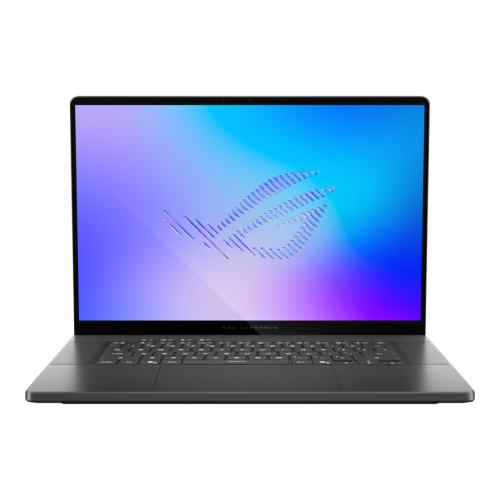
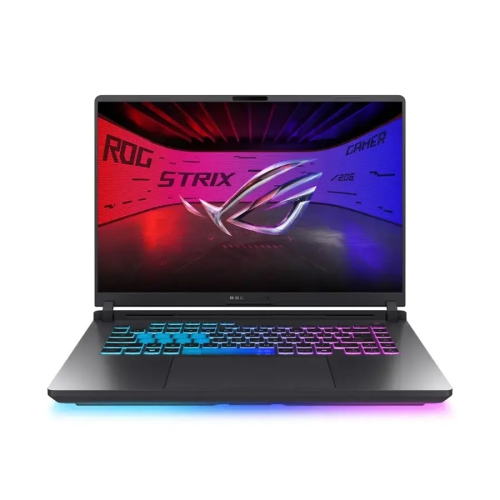
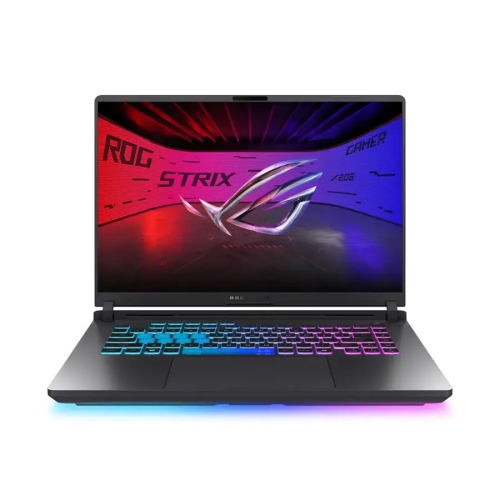
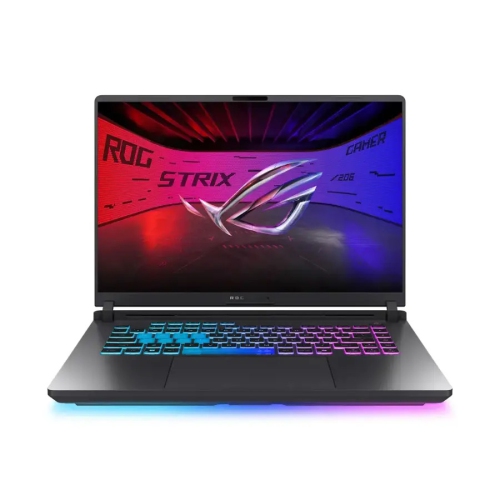
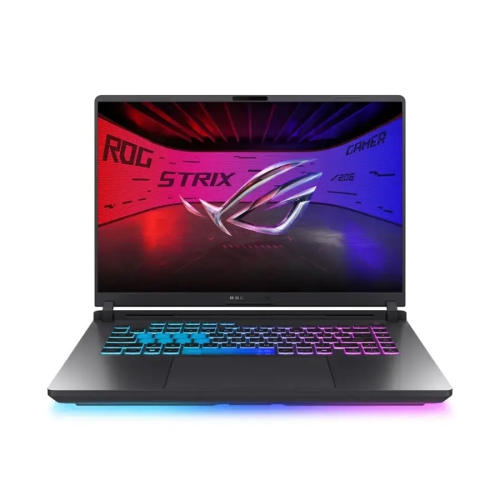
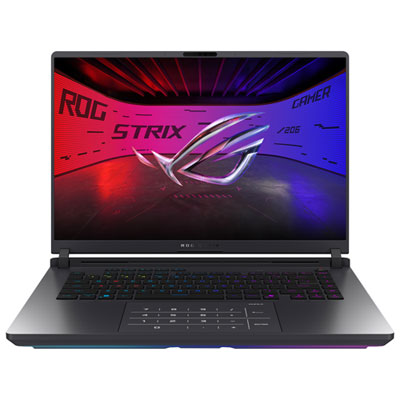
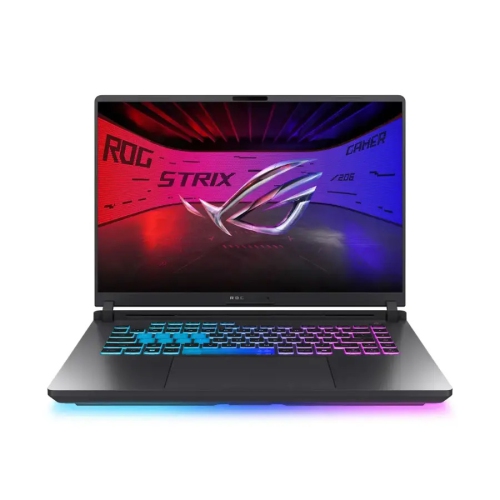
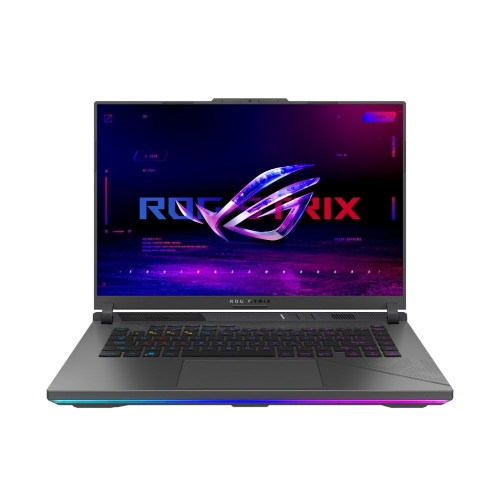
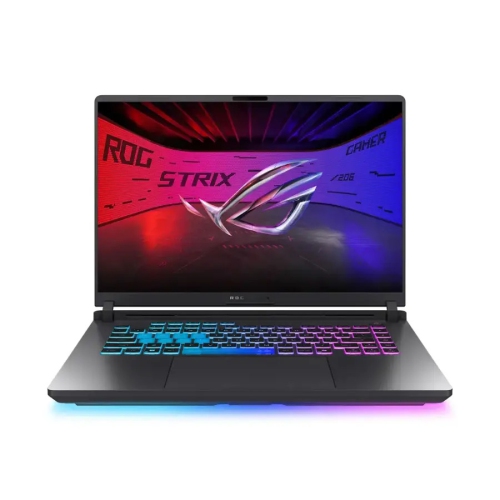
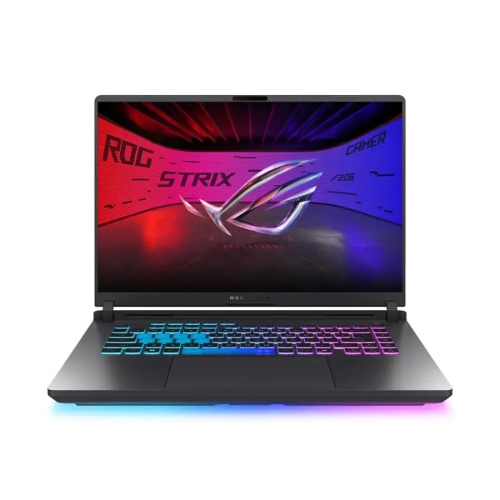
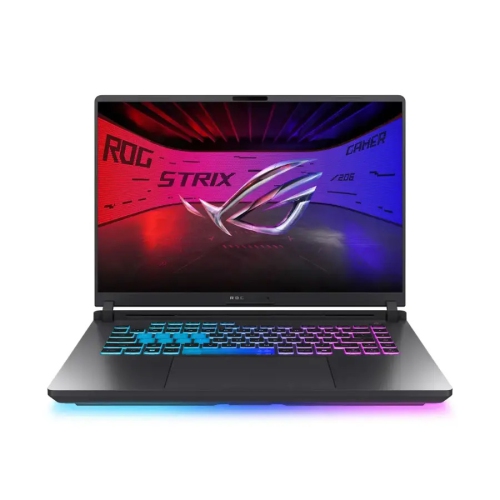
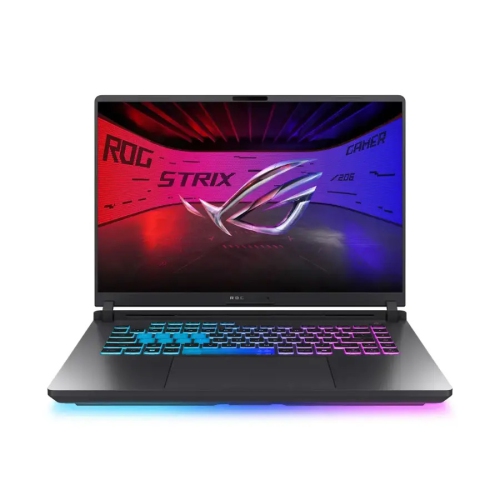
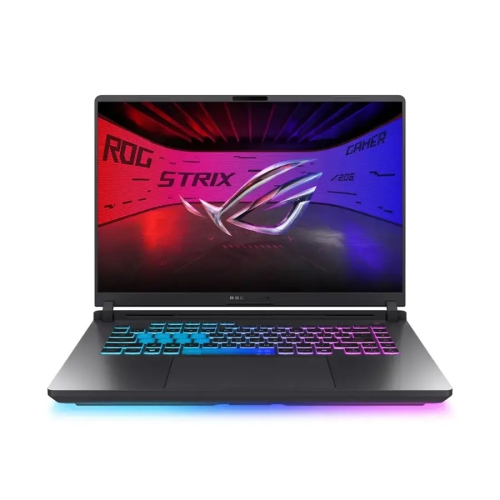
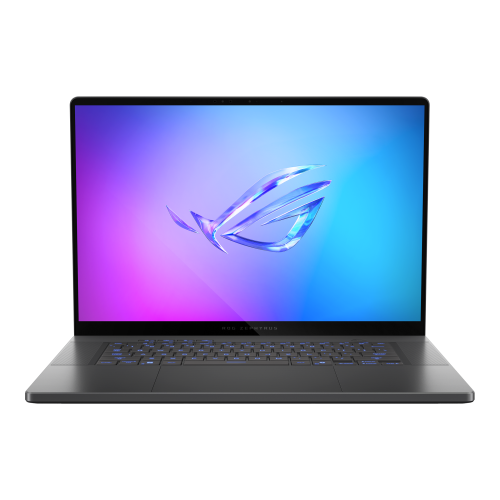
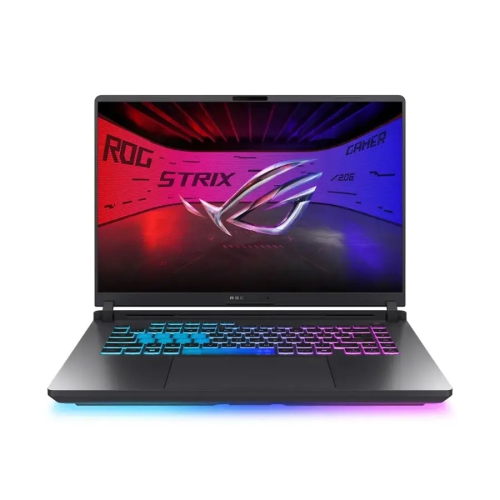
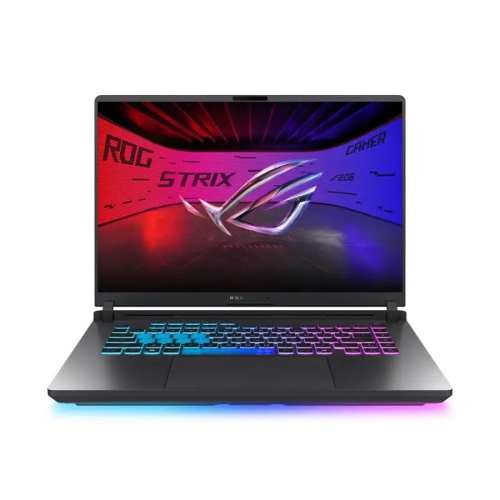
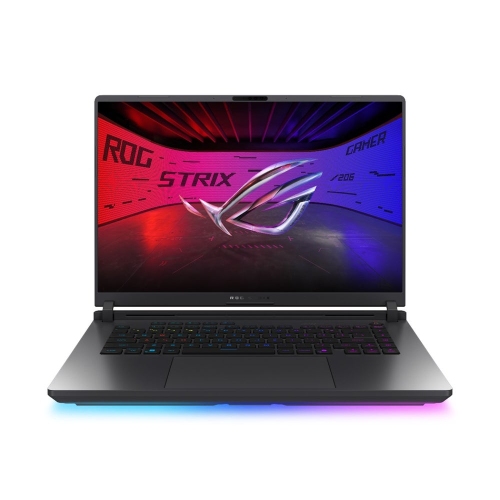
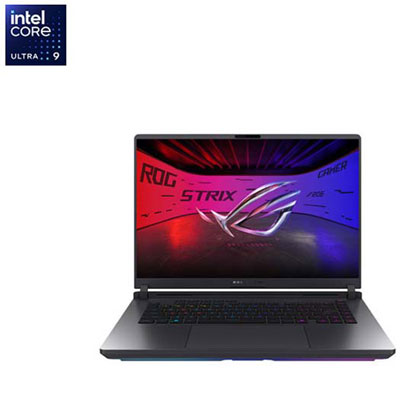
More screen space for gaming and everyday multitasking
A 16-inch gaming laptop combines a spacious screen with dedicated graphics and the flexibility to move between a desk, a study space, and a gaming setup. The ROG Strix G16 4060 category centres on gaming-focused laptops suited to fast-paced multiplayer matches, detailed single-player adventures, and everyday multitasking. This format appeals to people who want more screen space than a compact notebook offers without moving to a much larger portable computer. A 16:10 display provides extra vertical room compared with a 16:9 screen, making it comfortable to view a game interface, work through a spreadsheet, or keep more of a document visible. Screen specifications vary between configurations, but a resolution of 1920 by 1200 gives a useful balance of image detail and graphics workload for gaming on a 16-inch panel. A refresh rate such as 165Hz allows the display to update up to 165 times per second, helping motion appear smoother when the game and hardware deliver enough frames. Refresh rate is only part of the picture: response time affects how clearly moving objects appear, while brightness and colour coverage influence everything from shadow detail to the appearance of photos. Dedicated graphics handle the demanding visual work in games and compatible creative applications, leaving the main processor to manage other tasks. The result can be a versatile computer for someone who spends an afternoon editing a class presentation and an evening exploring a richly detailed game world. Students, hobbyist creators, and players sharing one computer for work and entertainment can all benefit from that flexibility. Exact processors, display panels, memory capacities, and graphics power settings differ across configurations, so the category name alone does not establish every specification. Those differences help explain why two gaming laptops with similar screen sizes can feel quite different during play, content creation, or a busy day with several applications open.
Gaming performance depends on how the processor, graphics hardware, memory, storage, and cooling system work together. A capable multi-core processor supports game logic, background applications, and tasks such as video exports, while dedicated graphics memory holds textures and other visual resources. Higher texture settings and more complex scenes can increase graphics memory demands; a laptop with 8GB of dedicated graphics memory still needs settings matched to the game, display resolution, and desired frame rate. Advanced lighting effects can also add a substantial workload, so visual quality and smooth performance often involve a balance rather than a single maximum setting. Where supported, image upscaling can improve performance by rendering at a lower internal resolution and reconstructing the displayed image. Results vary by game and setting. System memory serves a different purpose: 16GB of DDR5 memory supports many gaming and everyday workloads, while heavier editing projects or extensive multitasking may benefit from more capacity. A 1TB solid-state drive offers room for applications, documents, and a selection of games, though large installations can fill storage quickly and usable space is lower after formatting and system files. Storage speed can shorten loading and file-transfer times, but it does not replace the need for sufficient graphics performance. Power delivery matters, too. Graphics processors sharing the same designation can operate at different power limits, and the laptop’s thermal design influences how consistently it maintains performance through a long session. Fans and heatsinks move heat away from internal components, with fan noise generally becoming more noticeable under demanding workloads. Performance modes may provide a choice between quieter operation and higher output. Using the intended power adapter typically supports stronger gaming performance than running on battery alone. Everyday battery life also depends on screen brightness, background activity, and whether dedicated graphics remain active. These characteristics make a gaming laptop equally a portable computer and a machine designed to do its most demanding work while connected to power.
The physical design shapes daily comfort just as much as the specification sheet. A 16-inch screen needs a suitably sized bag, and fit depends on the computer’s outer dimensions and thickness rather than screen size alone. A padded compartment with secure corners helps protect the chassis during travel, while a separate space for the power adapter keeps hard accessories from pressing against the display lid. Gaming laptops may combine metal panels with moulded polymer sections; hinge construction, base rigidity, and careful handling all contribute to how well the computer holds up over time. Carrying it with the lid closed and avoiding pressure on the screen are sensible habits, especially when moving between classes or shared workspaces. At a desk, a firm, flat surface keeps ventilation openings clear, whereas a blanket or cushion can obstruct airflow. Routine care includes removing surface dust, keeping food and drinks away from the keyboard, and cleaning the display with a soft cloth using the manufacturer’s recommended method. Keyboard layout deserves attention for both play and typing: arrow-key placement, key spacing, and backlighting can affect comfort during long assignments or evening gaming sessions. Port selection also changes the experience. USB connections accommodate a mouse, headset, or external storage, while a compatible display output can support a larger monitor at a desk. External-screen resolution and refresh-rate support depend on the port and cable specifications. Wi-Fi performance depends partly on the wireless network, and a wired network connection can offer consistent connectivity where supported. Built-in speakers and microphones are convenient for casual use, while a headset can make voice chat easier to hear over game audio and fan noise. For a recipient who enjoys PC gaming, digital art, or video editing, this type of laptop can be a thoughtful gift when its size, software compatibility, and intended workload fit their routine. Its appeal lies in bringing gaming capability, a comfortable viewing area, and everyday computing into one portable setup.
Top selling and popular products
-
 Your price for this item is $449
-
 Your price for this item is $3099
-
 Your price for this item is $1800.68
-
 Your price for this item is $664.05
-
 Your price for this item is $869.99
-
 Your price for this item is $2960.48
-
 Your price for this item is $489.7
-
 Your price for this item is $1199
Discover more categories related to ROG G16 4060
Top Collections:
Best Black Friday Deals This Year, Best Black Friday Deals On Electronics, Kindle Devices, Best Black Friday Deals On Apple Products, Best Budget Office Chairs, Best Cameras for Sports Photography, Dyson Airwrap, Canon G7X Cameras, Best Laptops for Writers, Samsung Galaxy Phones
Some products may be subject to Environmental Handling Fees
(EHF) depending on your province.
Learn more about EHFs.