ROG Strix 16
Experience peak performance and cutting-edge design with the ROG Strix 16 collection. Perfect for gaming enthusiasts and power users alike, these devices deliver the speed and responsiveness needed for immersive entertainment and demanding tasks. Explore a range of options to find the ideal ROG Strix 16 model that matches your style and requirements, all while enjoying advanced technology and sleek aesthetics. Elevate your setup and unlock new possibilities with the ROG Strix 16 lineup available now.
Sort
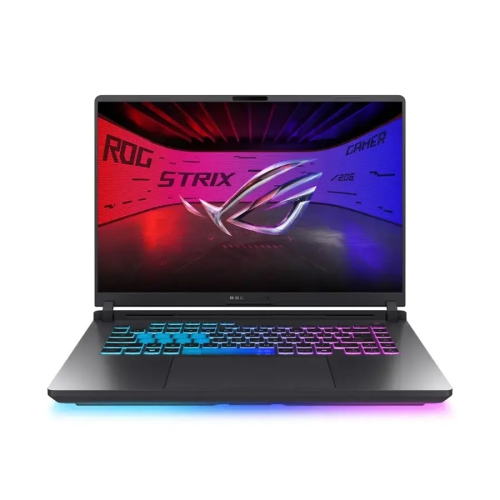
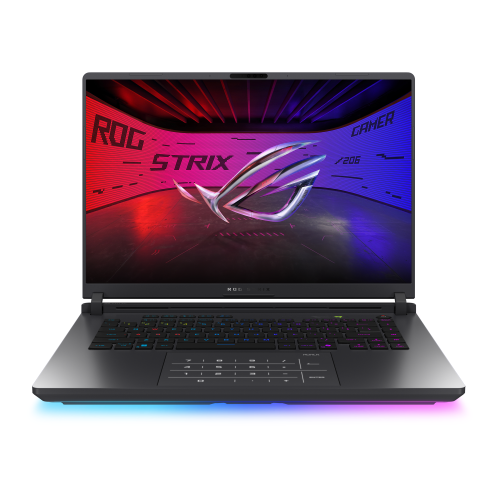
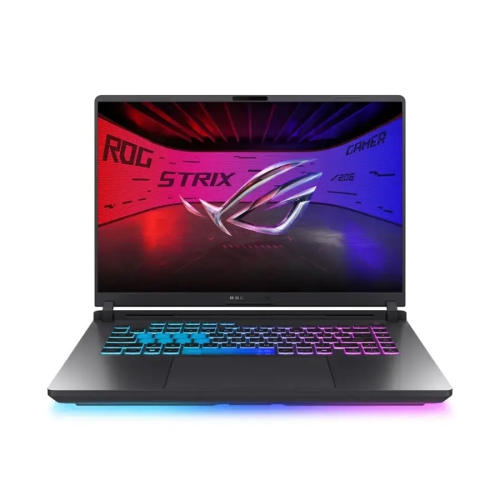
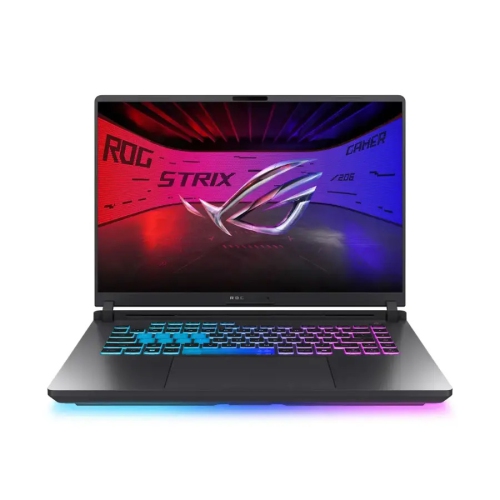
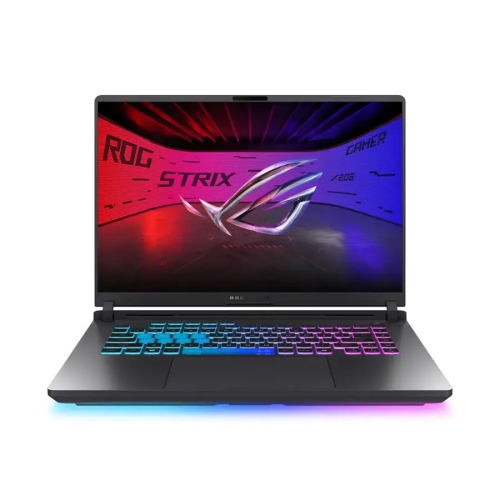
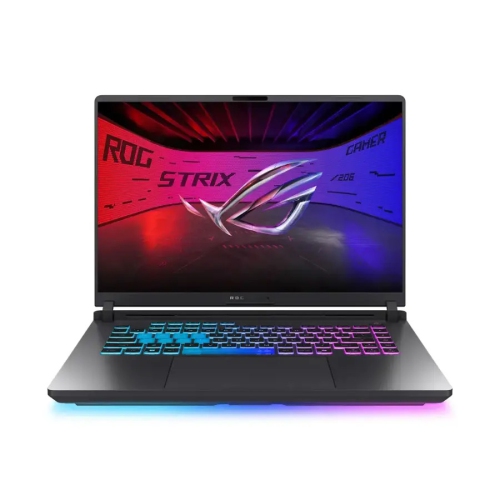
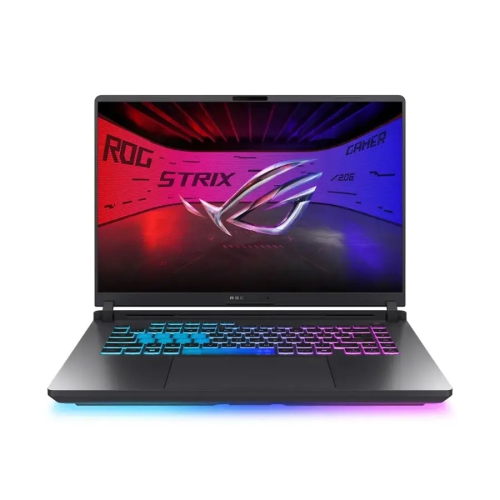
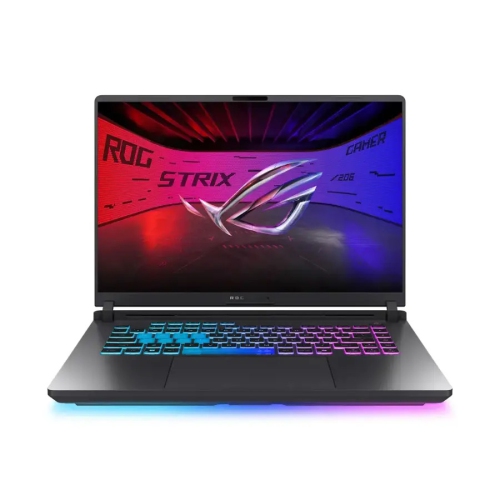
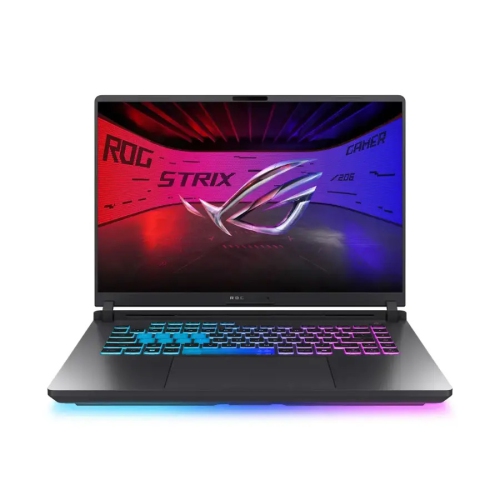
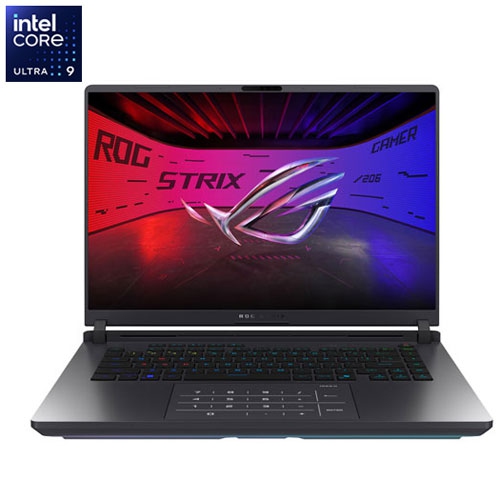
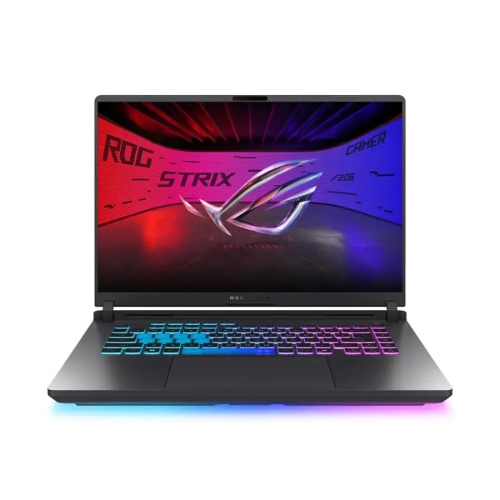
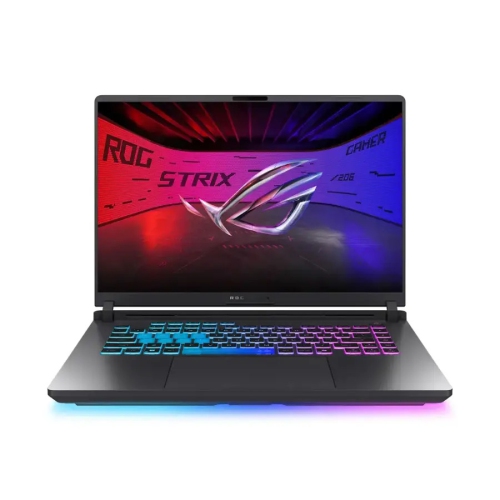
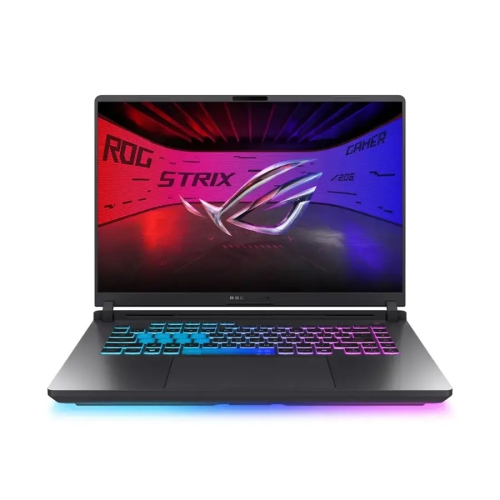
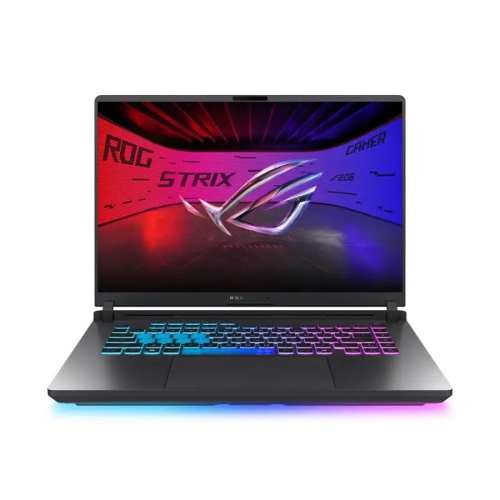
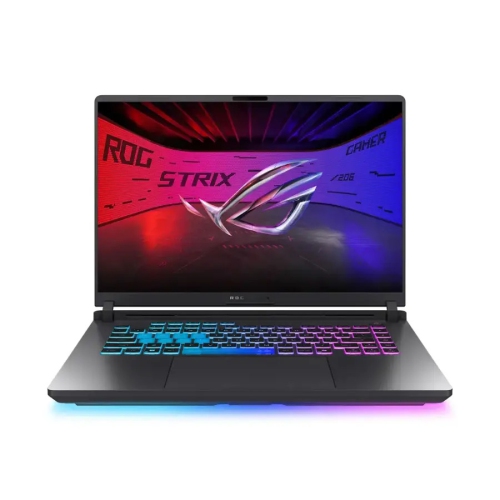
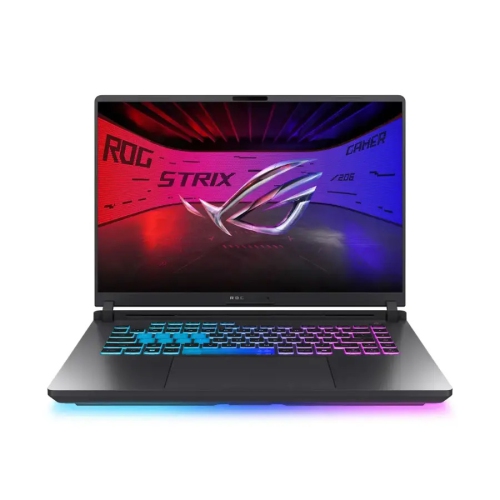
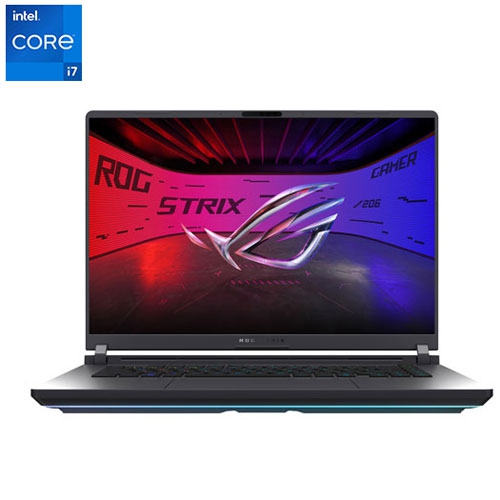
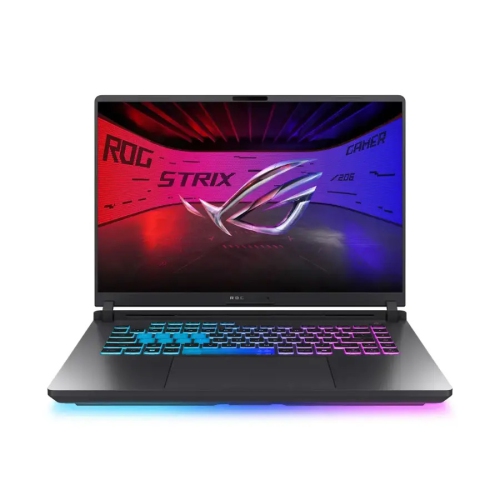
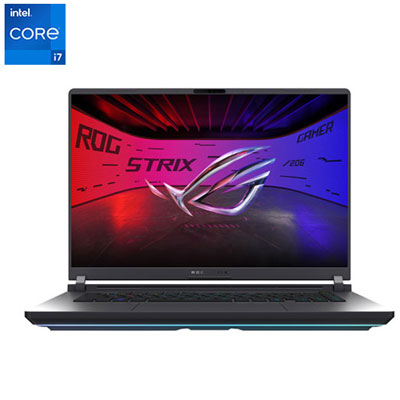

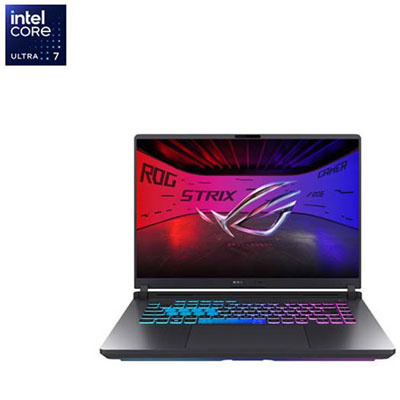
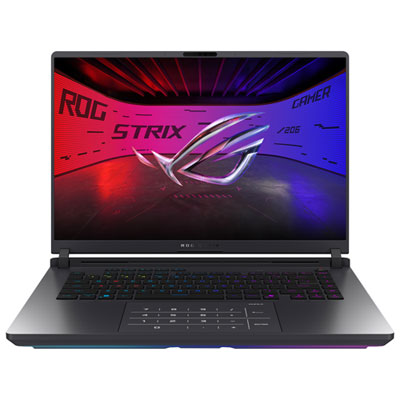
16-inch gaming laptops built for more than play
16-inch gaming laptops combine the screen space needed for immersive play with a format that can move between a desk, a classroom and a shared living space. They suit players who want one computer for demanding games, everyday work and creative projects rather than separate machines for each task. Within this category, performance depends on the complete configuration: the processor, dedicated graphics, memory, storage and cooling all contribute to how a laptop feels in use. A capable processor supports busy simulation games, compiling code and juggling several applications, while dedicated graphics handle much of the work involved in rendering detailed game worlds, editing video and displaying complex 3D scenes. Laptop graphics also have their own power limits, so a graphics designation alone does not tell the whole performance story, and a laptop graphics chip should not be assumed to match a similarly named desktop version. Memory matters when a game runs alongside voice chat, a browser and recording software. A configuration with 16GB can cover many gaming and everyday workloads, while 32GB provides more room for heavier multitasking and larger creative projects. Actual needs depend on the software involved. Solid-state storage helps games and applications load promptly, but capacity deserves equal attention: a few large game installations, recorded matches and video projects can fill a drive surprisingly quickly. Additional storage slots and replaceable memory can make a laptop more adaptable over time, although expansion options vary by design. The most meaningful specifications are those that match the intended workload, whether that means fast competitive matches, detailed single-player adventures or editing footage after a gaming session. Published game requirements provide useful context, but resolution, graphics settings and background applications also affect results. A balanced configuration can offer a more consistent experience than one impressive component paired with limited memory, restricted cooling or too little storage.
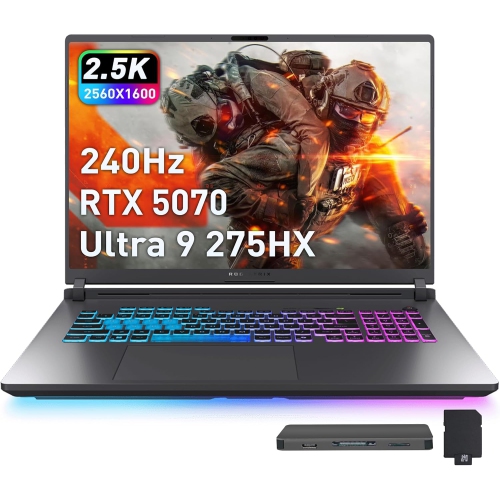
The display is a major part of the appeal of a 16-inch gaming laptop, especially when the same computer handles both entertainment and productive work. A 16:10 screen provides a little more vertical room than a 16:9 screen, leaving space for additional lines of a document, a longer view of a webpage or more of an editing workspace. A resolution of 2560 × 1600 offers finer detail than 1920 × 1200 at the same screen size, although rendering games at the higher resolution places greater demands on the graphics hardware. High refresh rates, including 240Hz on some configurations, allow the screen to show more frequent updates when the system produces enough frames. This can make fast movement easier to follow, but refresh rate and actual game frame rate are different measurements. Response time, adaptive sync support, brightness and colour coverage also influence the viewing experience. Accurate colour is particularly useful for photo and video work, while a matte finish can reduce distracting reflections from nearby lighting. Beyond the screen, everyday comfort comes from details that are easy to overlook in a specification summary. Clearly spaced keys, comfortable key travel and well-placed controls matter during a long writing session as much as during a match. Keyboard lighting can improve key visibility, with adjustable settings allowing a quieter appearance when preferred. Port placement affects how neatly a mouse, headset, external display and storage drive fit around the laptop. USB-C capabilities vary, including support for charging, display output and data transfer, so the connector shape does not guarantee every function. Wi-Fi supports flexible placement, while an Ethernet connection can offer a steady wired connection where supported. For a larger-screen comparison, Asus ROG Strix 18 offers a related direction for a desk-centred setup; a 16-inch format may be easier to accommodate in a backpack or on a smaller work surface.
Construction, cooling and care help determine how comfortably a gaming laptop fits into daily life. Chassis materials vary and may combine metal panels with reinforced plastic sections, so durability depends on the overall design rather than a single material description. A firm keyboard deck, a stable hinge and a lid that protects the display are useful qualities for a computer that travels regularly. Screen size alone does not establish portability: chassis depth, weight and the size of the power adapter all affect what goes into a bag. A padded compartment should fit the laptop’s actual dimensions, with enough separation to keep a plug or mouse from pressing against the lid. During use, gaming hardware needs clear airflow. A hard, flat surface gives underside vents room to breathe, whereas bedding or a soft cushion can obstruct them. Cooling systems may use multiple fans, heat pipes, vapour chambers or specialized thermal interface materials, depending on the configuration. Their purpose is to manage the heat produced by demanding components, but fan sound and sustained performance still vary with the workload and operating mode. High-performance gaming generally works best with the appropriate power adapter connected; unplugged operation often involves different performance limits and shorter running time under demanding loads. Routine care includes keeping liquids away from the keyboard, removing surface dust gently and following the manufacturer’s cleaning and service directions. Internal cleaning, memory changes and storage upgrades require attention to the model’s access design and warranty terms rather than an assumption that every panel is user-serviceable. These laptops can suit students whose coursework benefits from dedicated graphics, creators who edit away from a fixed workstation and players who share their desk with other activities. As a gift, a gaming laptop is most useful when its screen size, software compatibility and carrying requirements fit the recipient’s habits. The strongest match supports both the games someone enjoys and the ordinary tasks that fill the rest of the day.
Top selling and popular products
-
 Your price for this item is $449
-
 Your price for this item is $3099
-
 Your price for this item is $1800.68
-
 Your price for this item is $664.05
-
 Your price for this item is $869.99
-
 Your price for this item is $2960.48
-
 Your price for this item is $489.7
-
 Your price for this item is $1199
Discover more categories related to ROG Strix 16
Top Collections:
Best Black Friday Deals This Year, Best Black Friday Deals On Electronics, Kindle Devices, Best Black Friday Deals On Apple Products, Best Budget Office Chairs, Best Cameras for Sports Photography, Dyson Airwrap, Canon G7X Cameras, Best Laptops for Writers, Samsung Galaxy Phones
Some products may be subject to Environmental Handling Fees
(EHF) depending on your province.
Learn more about EHFs.