Smart Routers
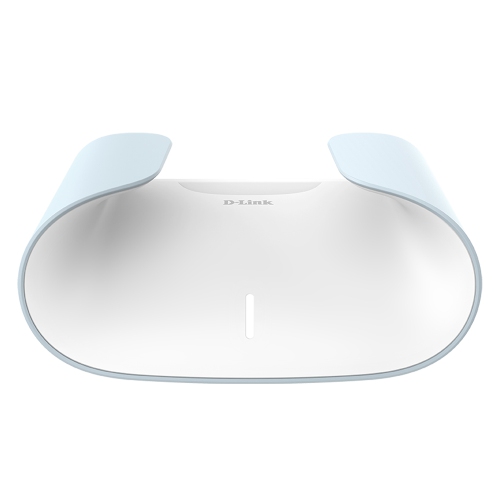
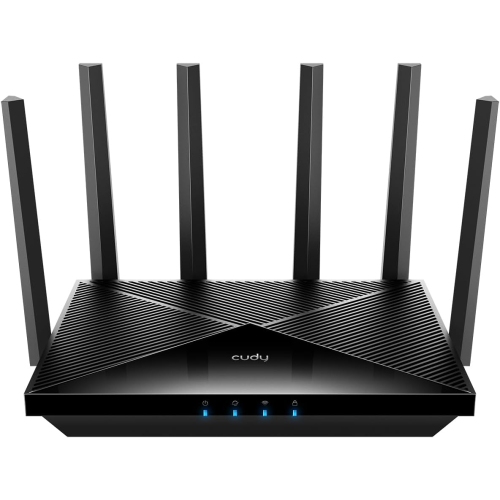
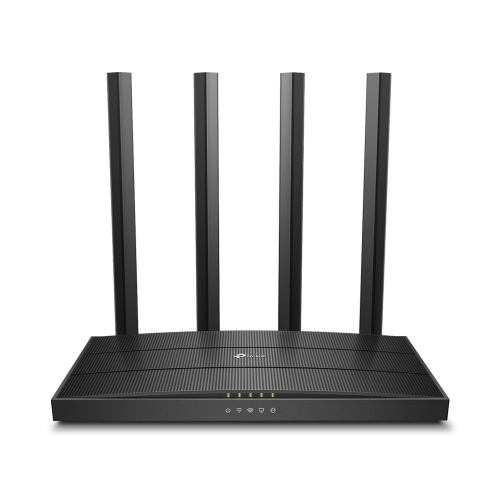
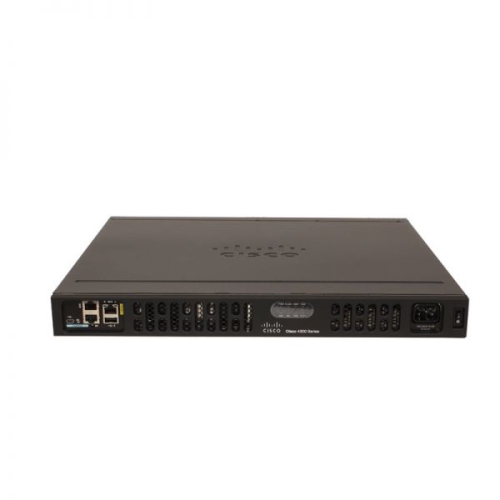
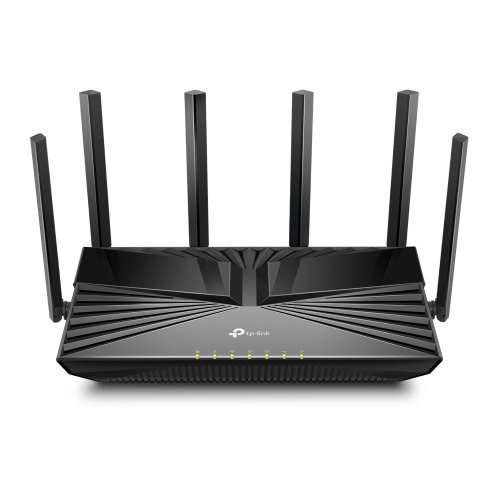
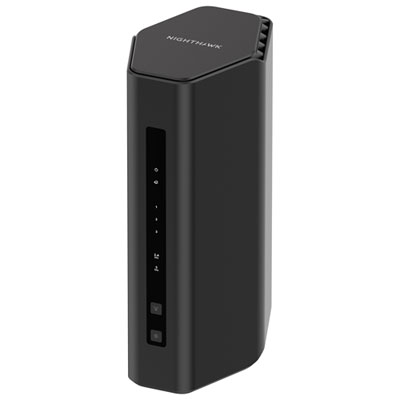
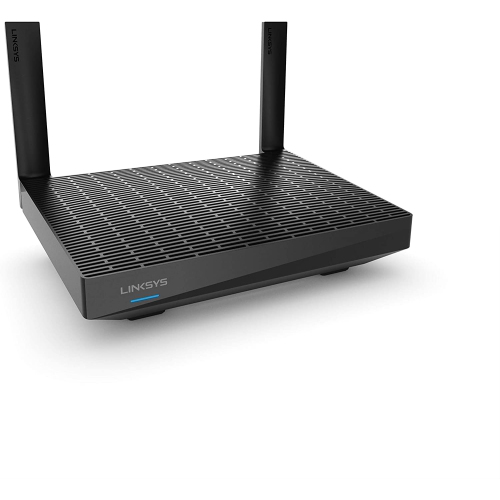
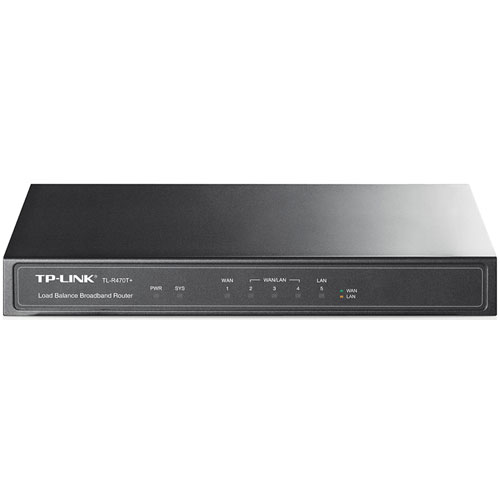
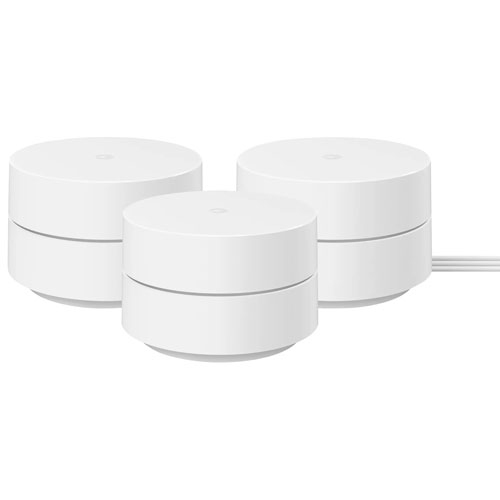
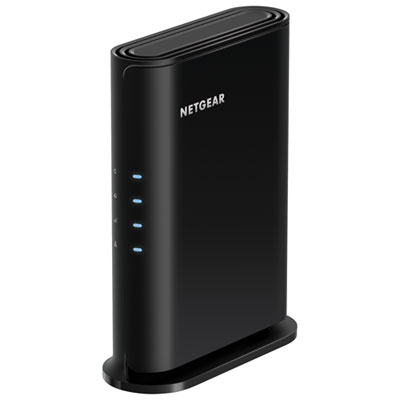
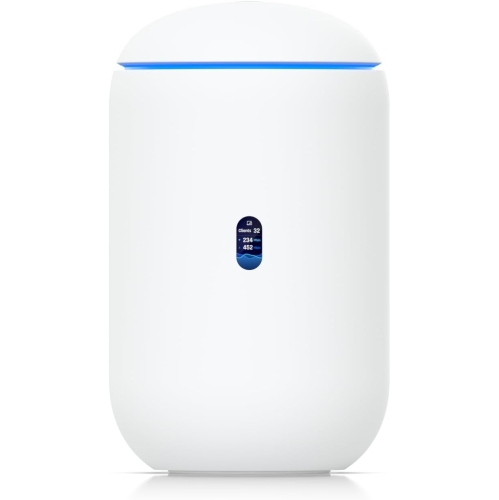
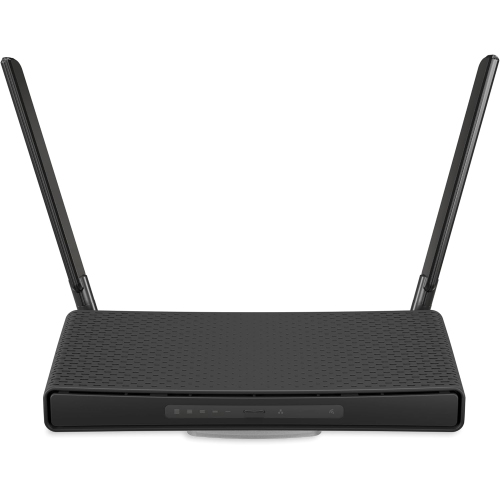
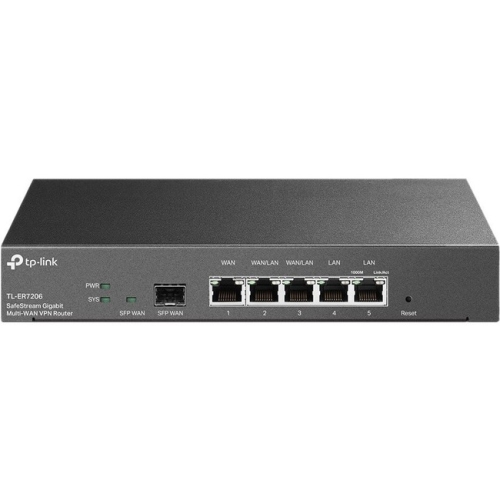
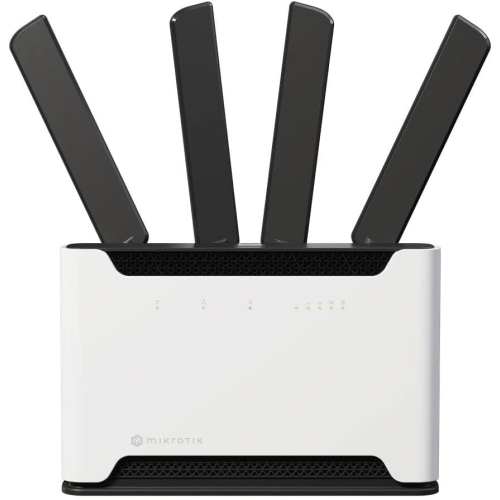
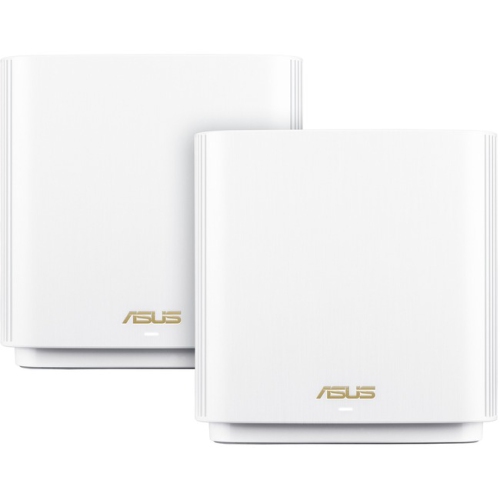
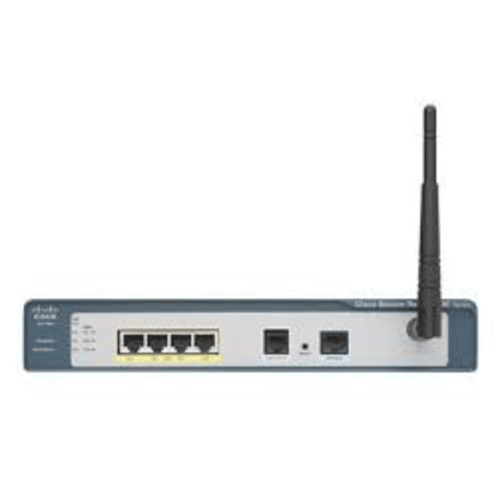
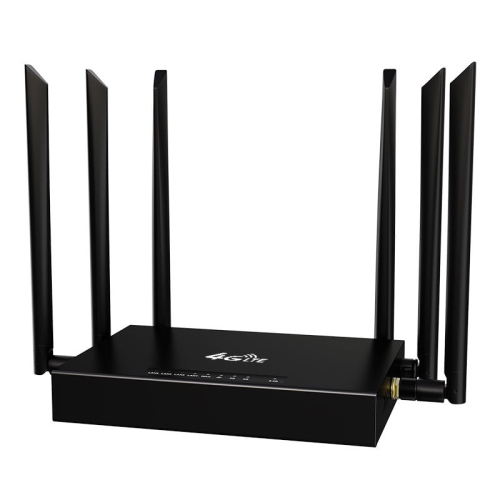
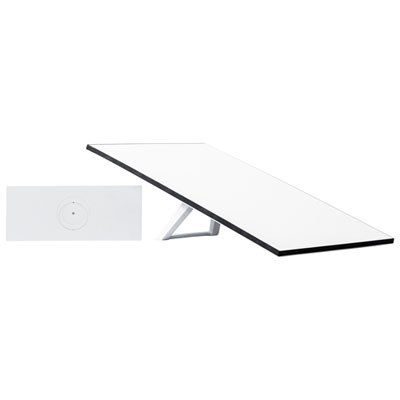
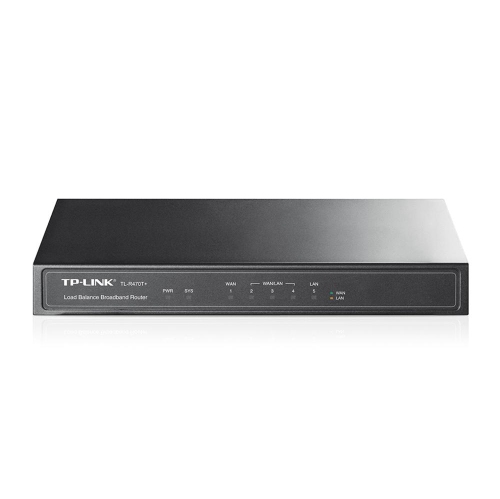
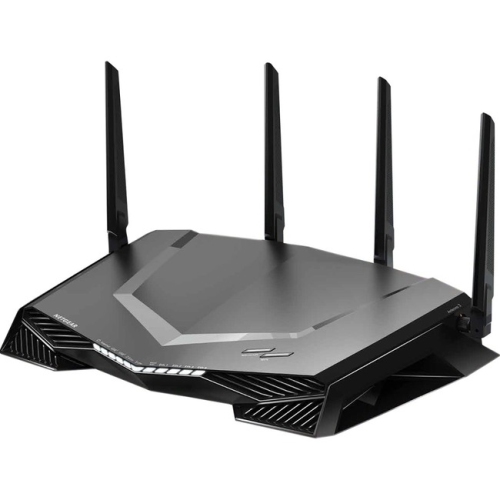
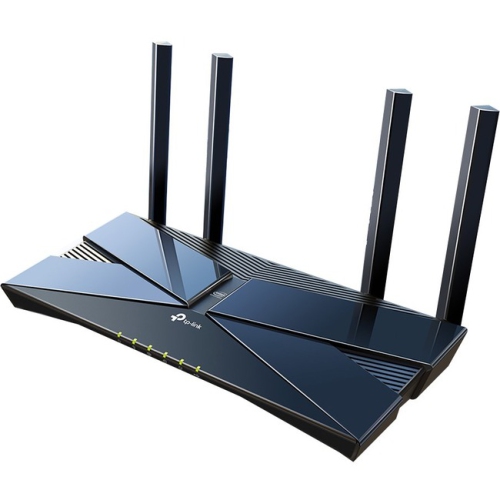
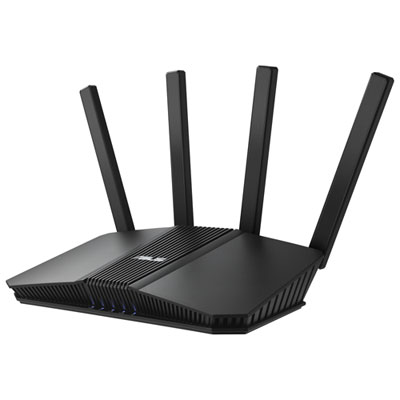
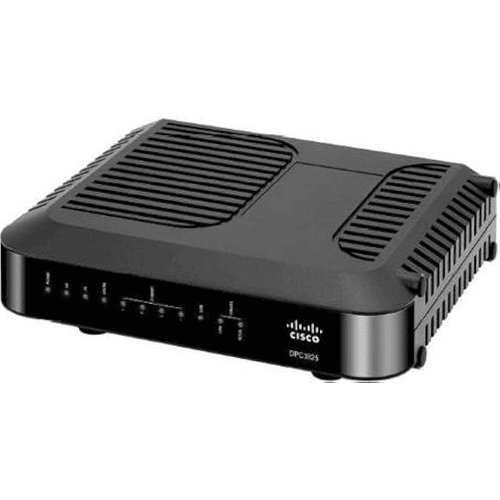
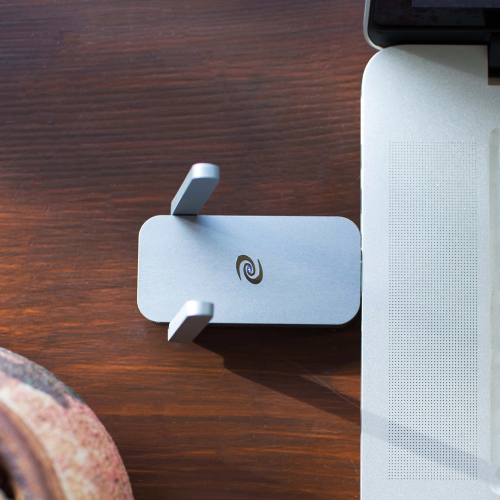
A Smart Wi-Fi router automatically scans frequencies to make sure that a stable connection is available at all times. It also ensures the internet remains undisrupted by identifying and mitigating risks. To achieve this, the router will shift your internet to a different physical connection with better internet frequency. Here are some great options for Smart Wi-Fi routers.
Sort
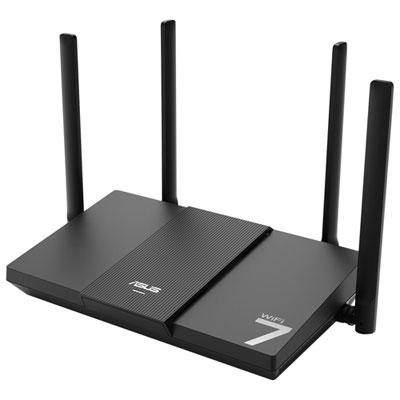
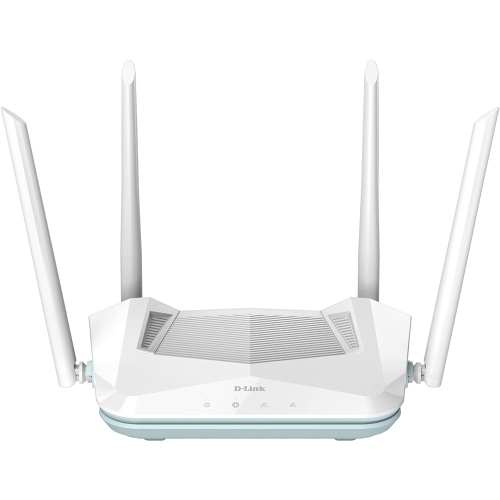
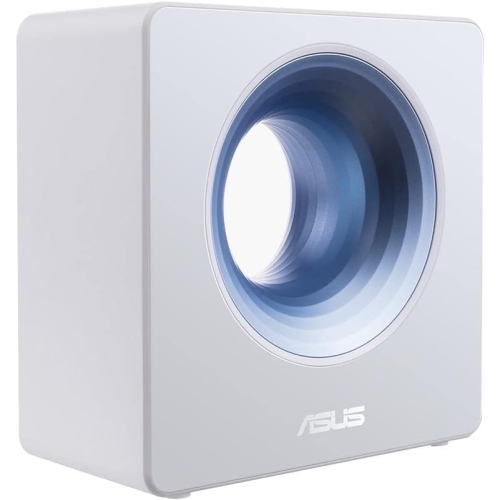
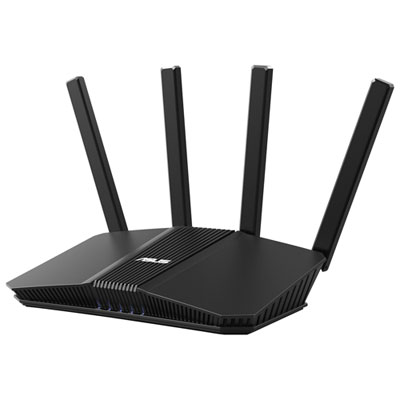
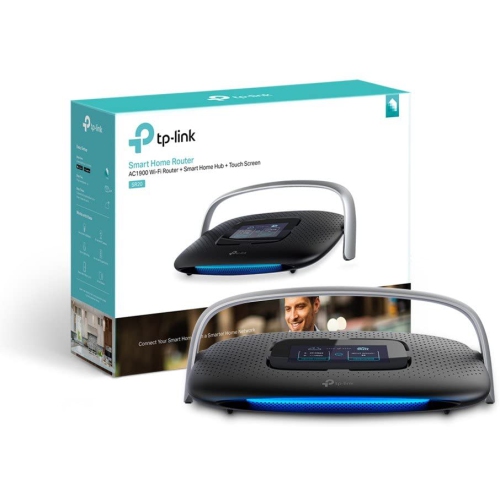
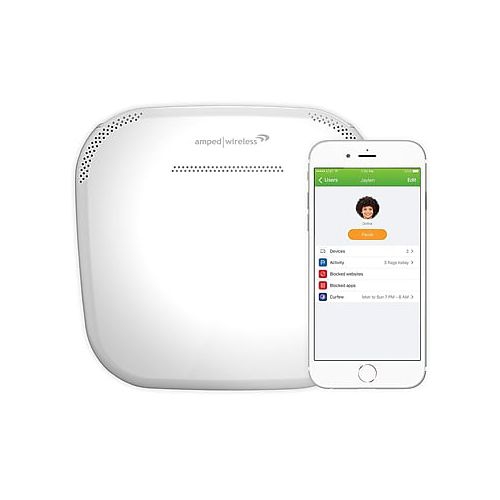

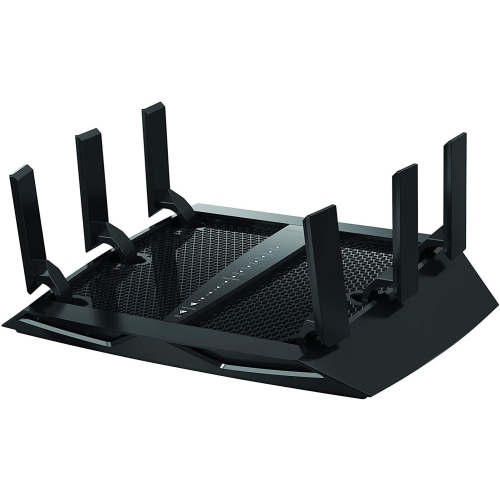
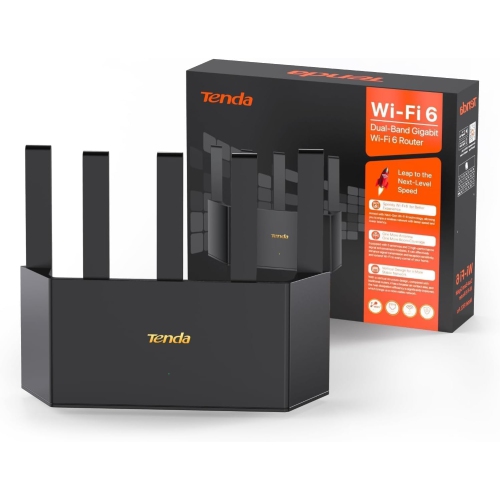
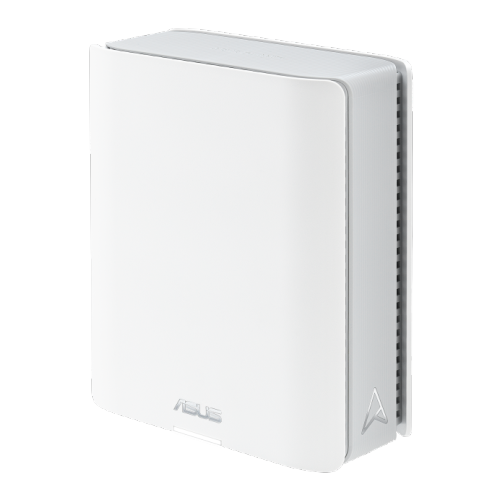
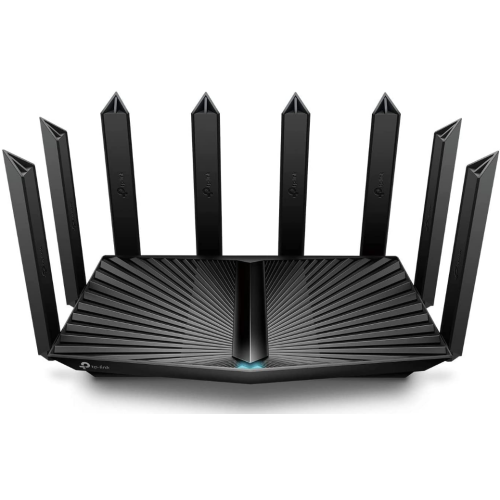
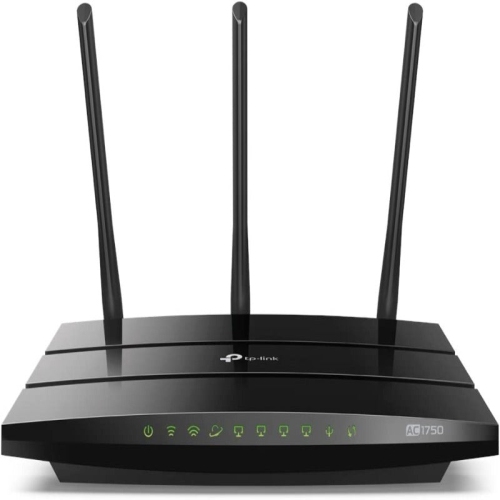
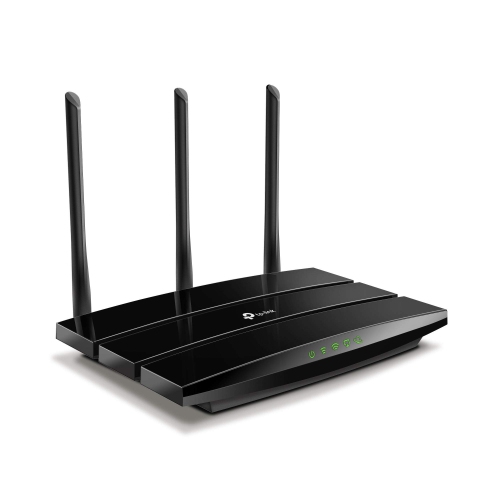
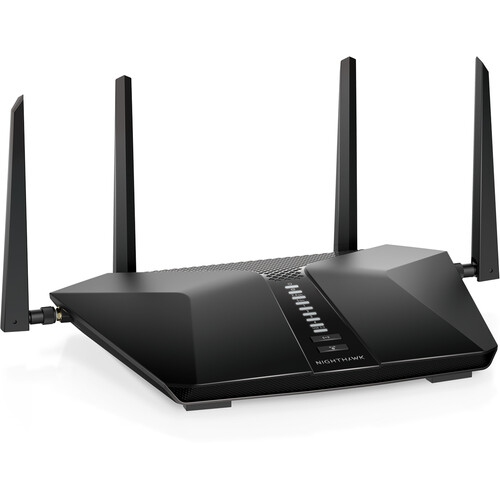

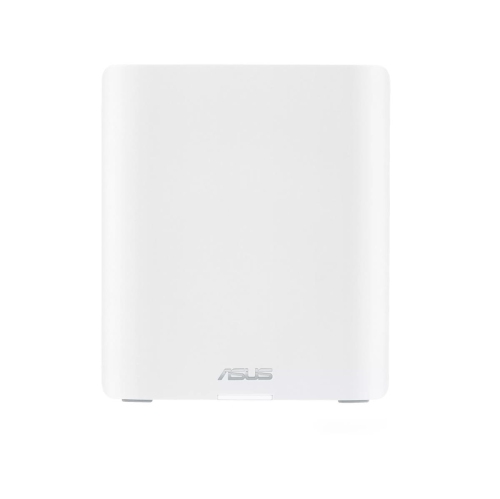
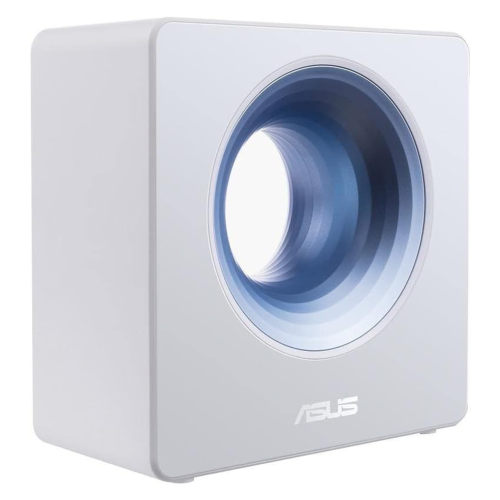
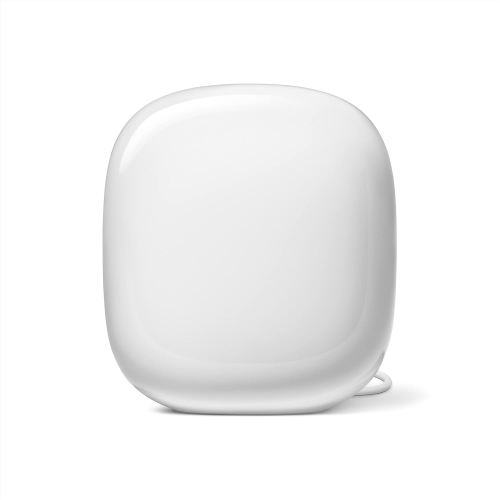
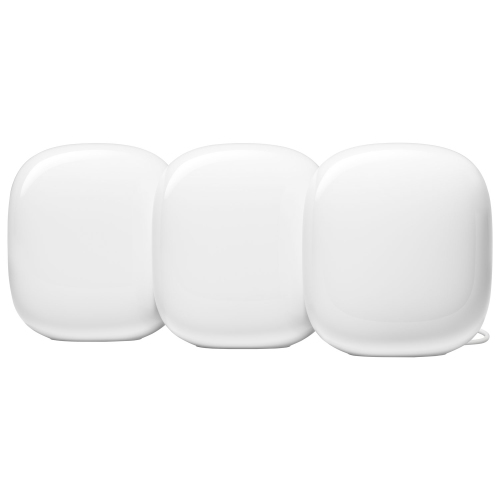
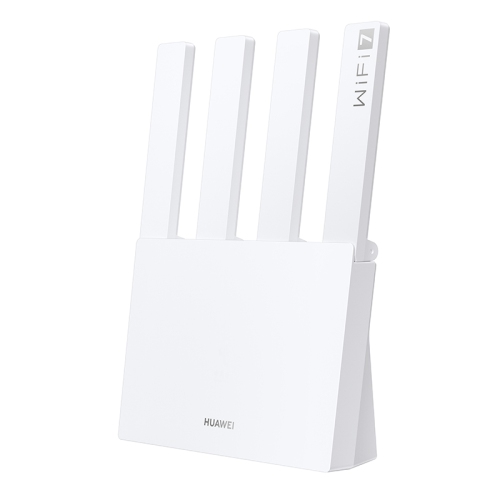
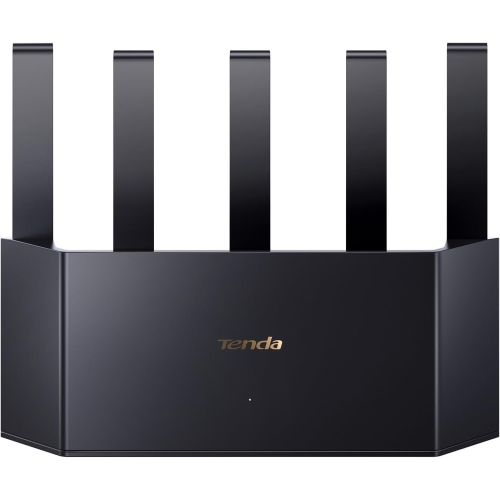
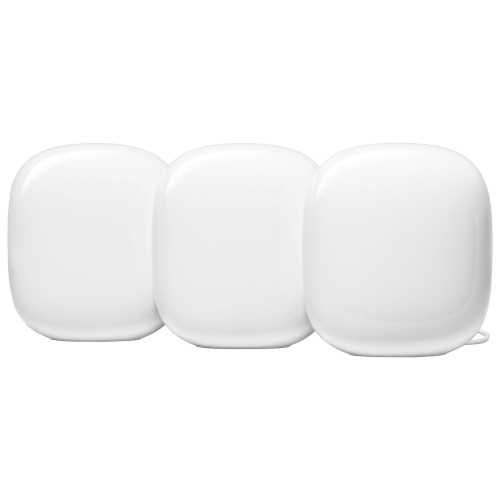
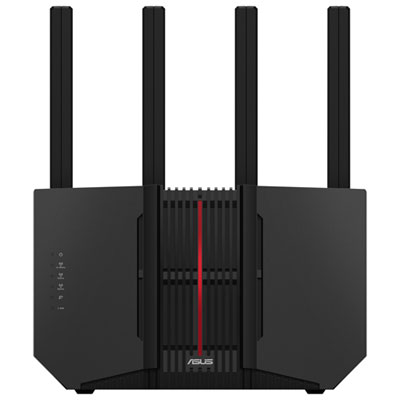
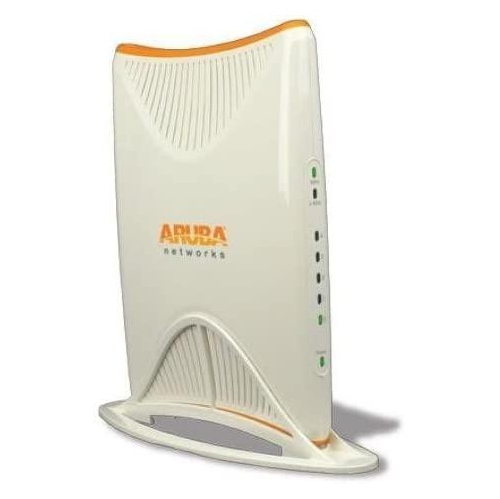
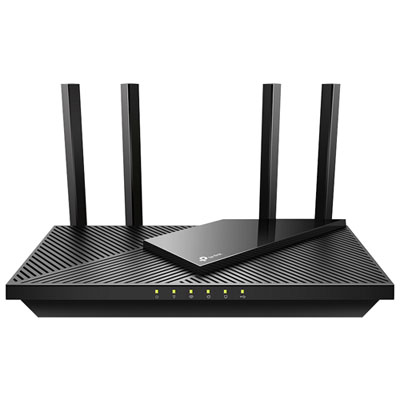
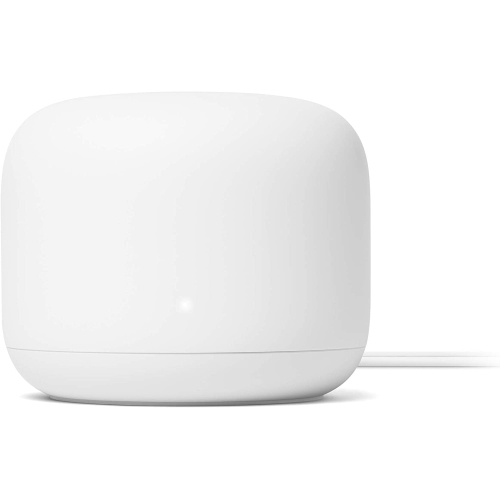
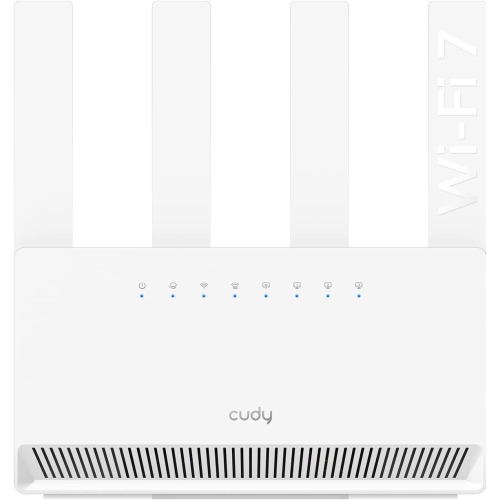
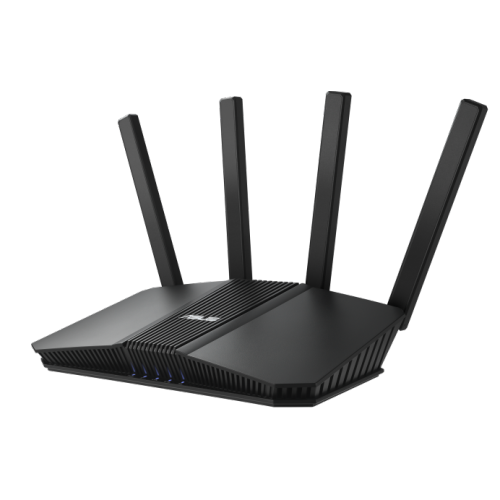
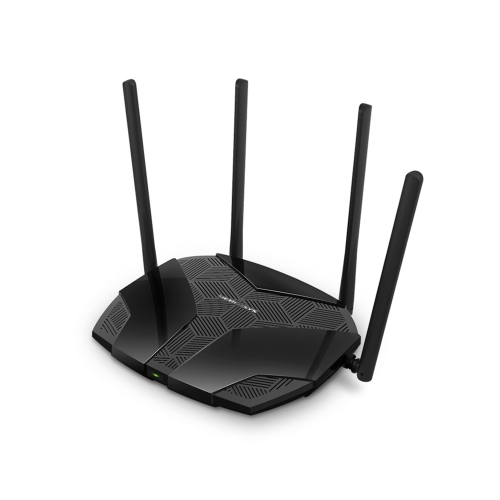
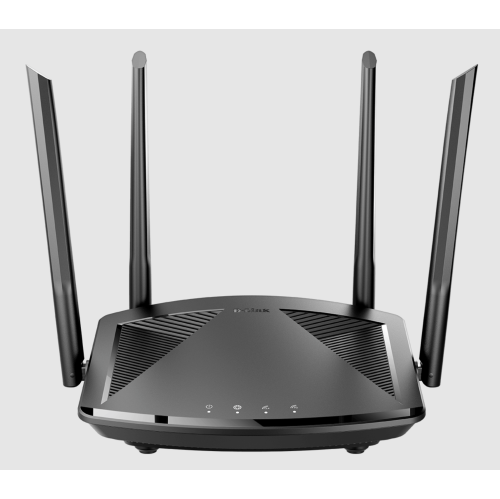
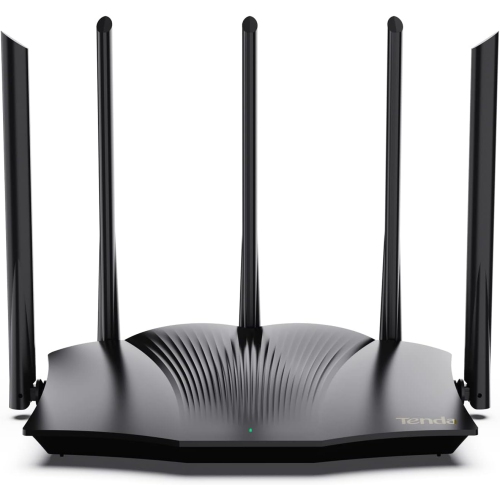
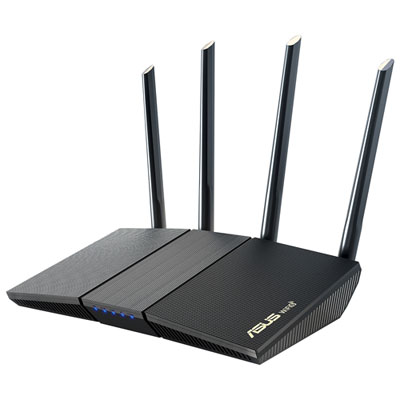
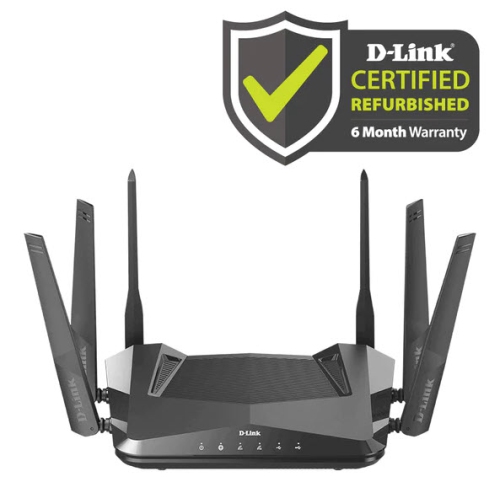
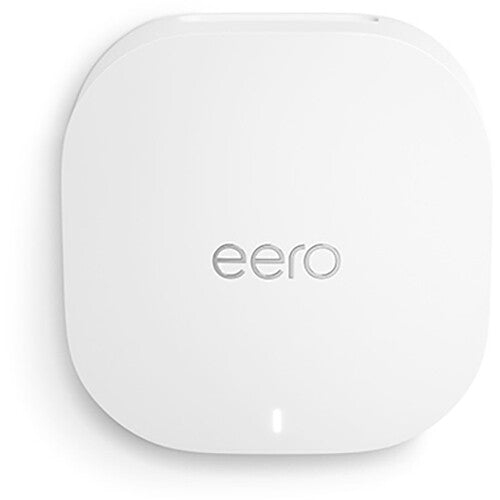
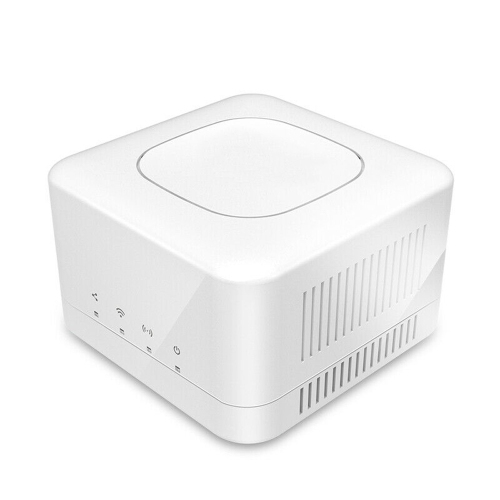
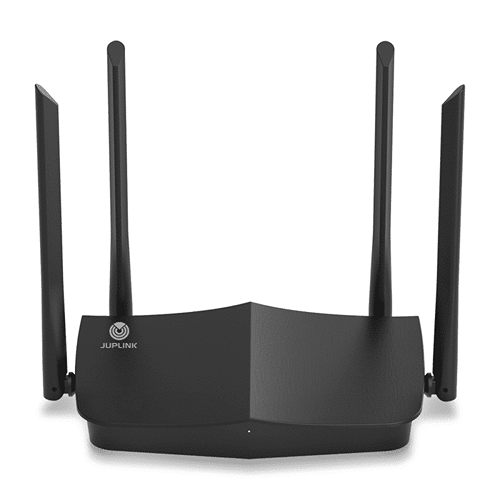
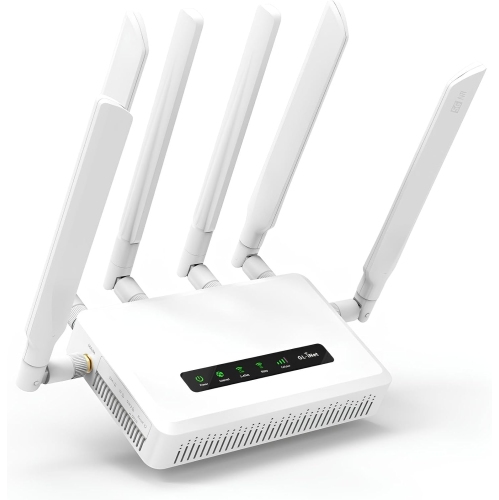
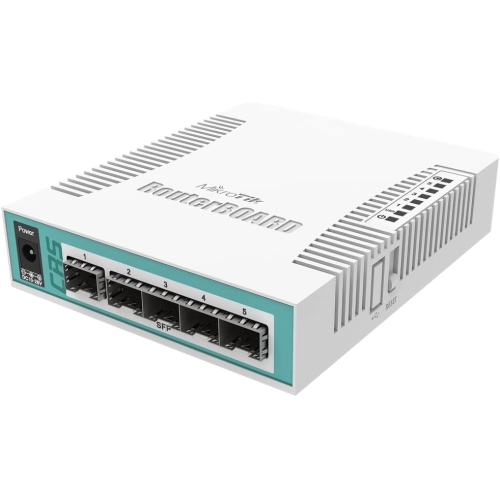
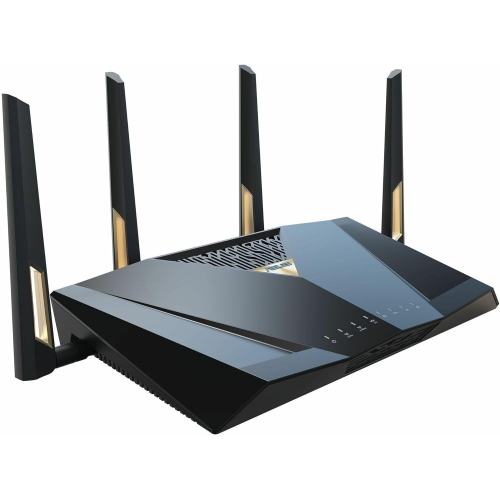

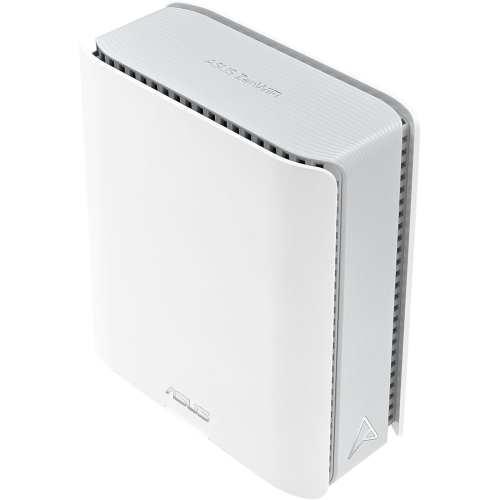
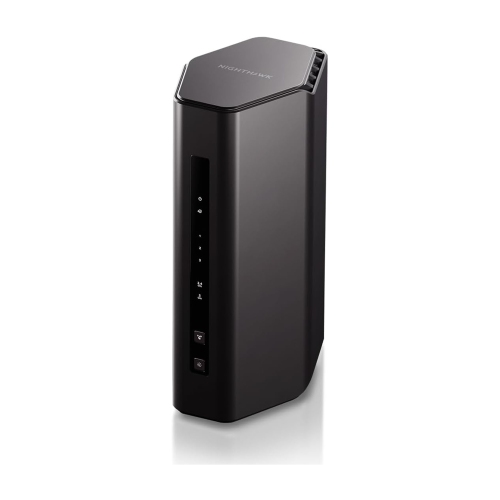

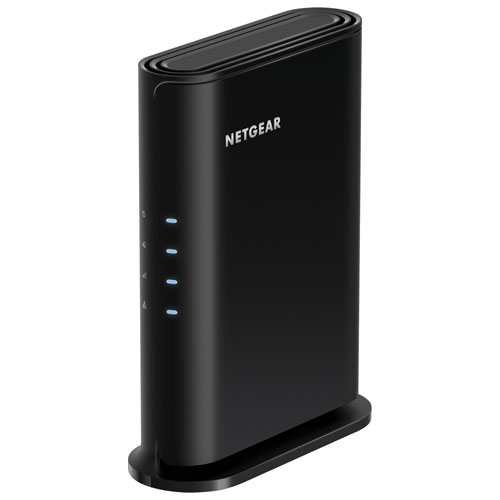
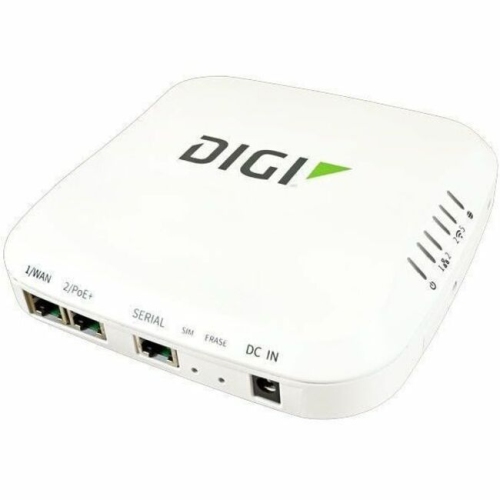
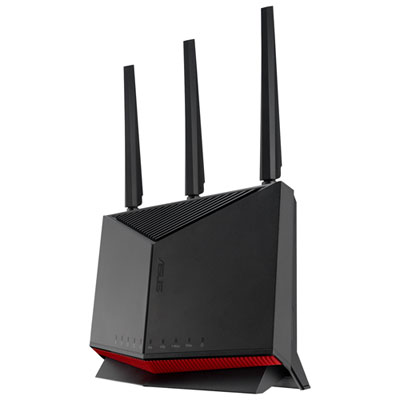
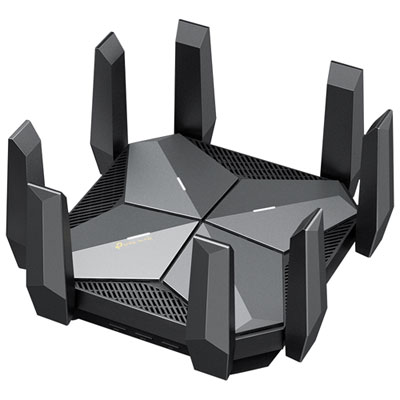
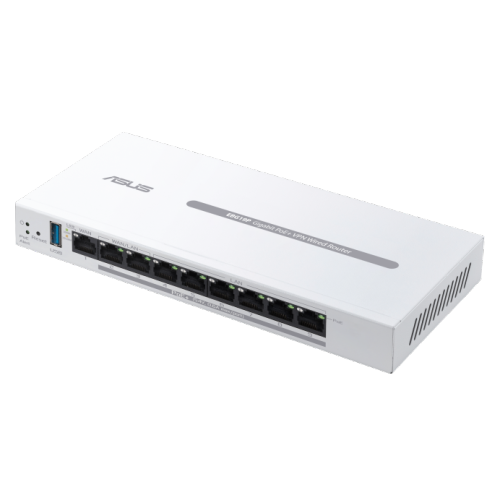
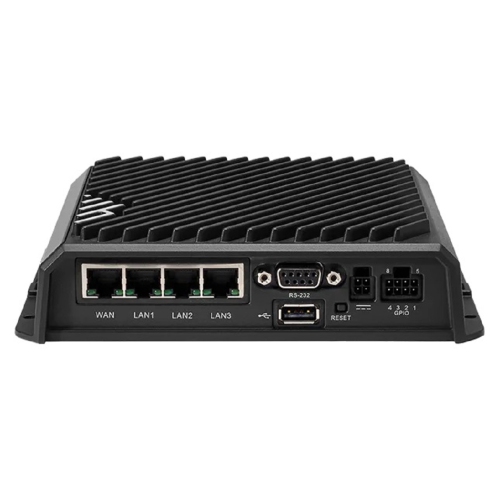
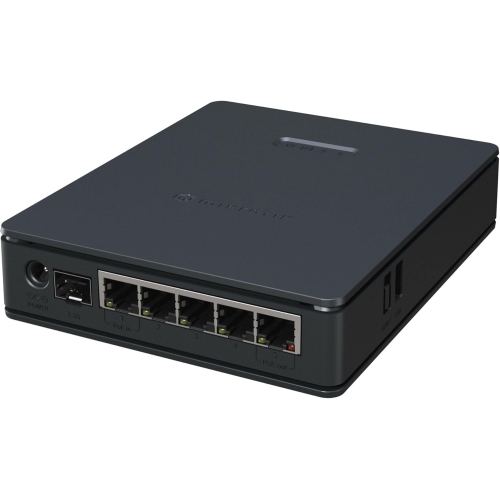
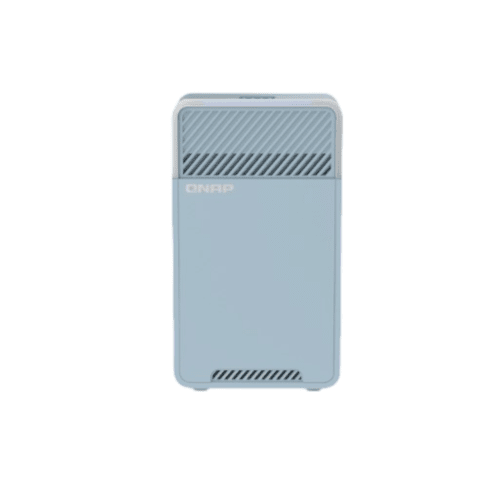
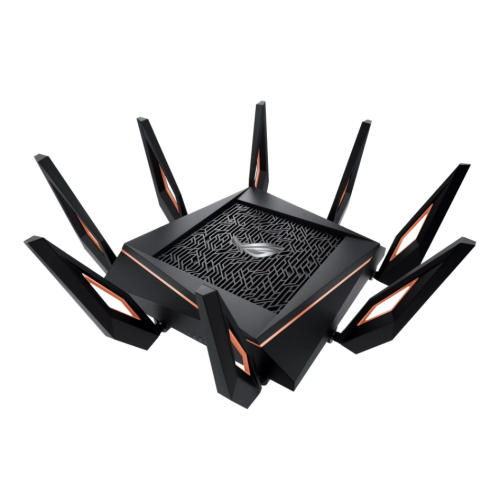
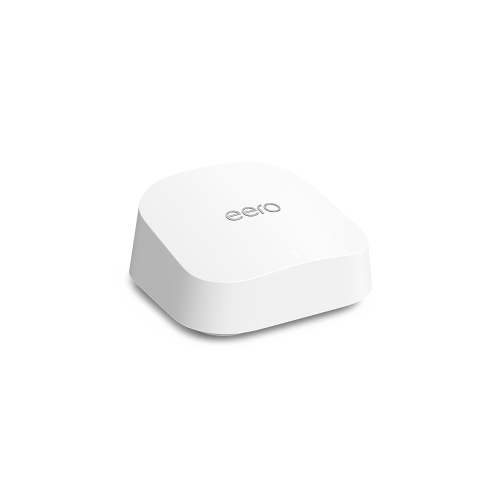
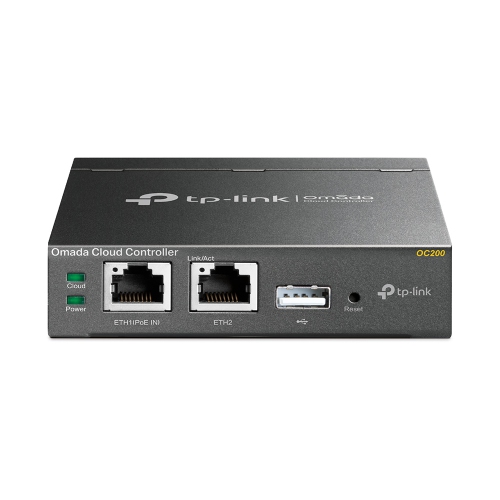
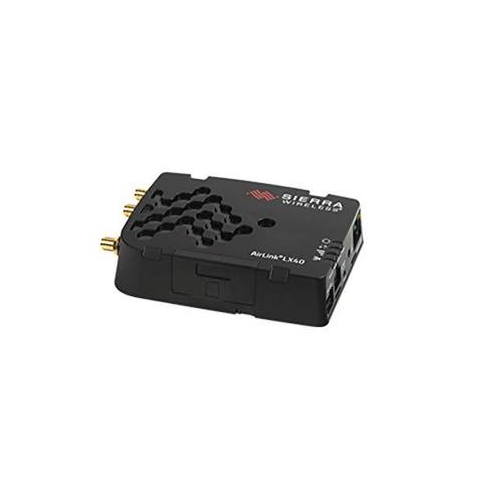
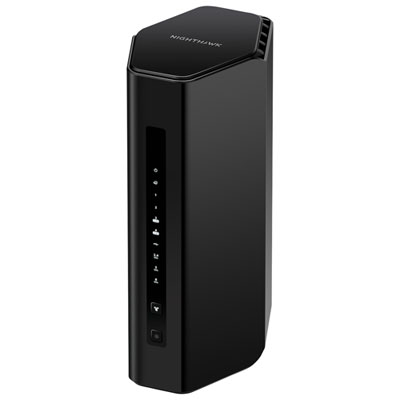
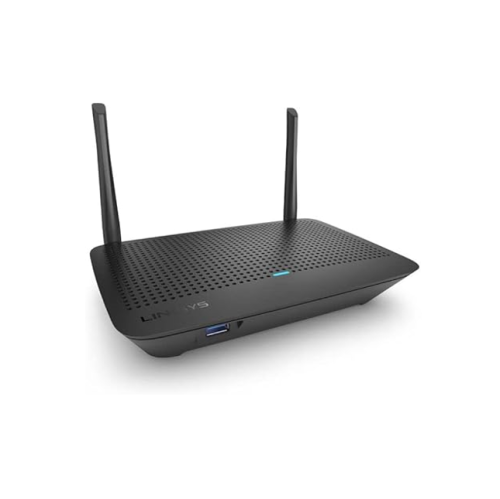
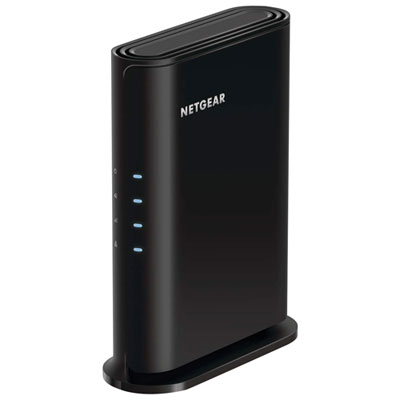
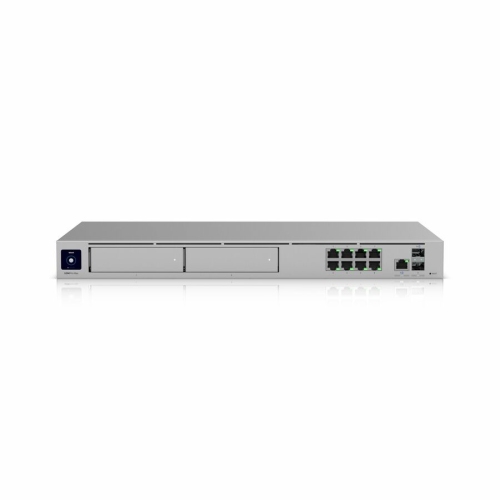
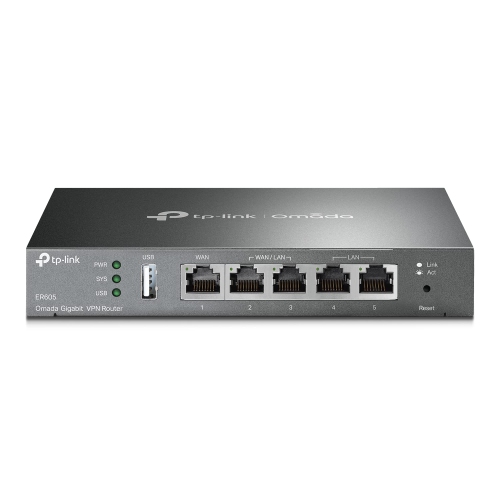
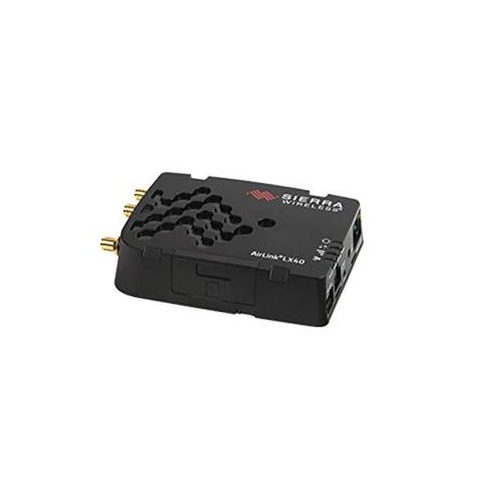
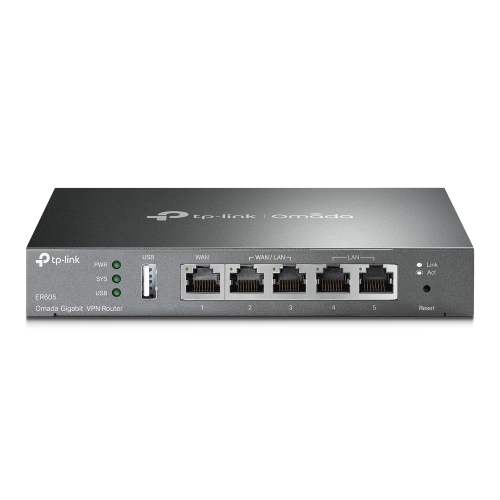
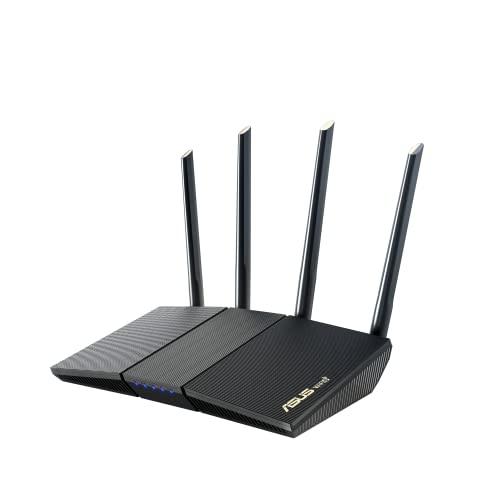
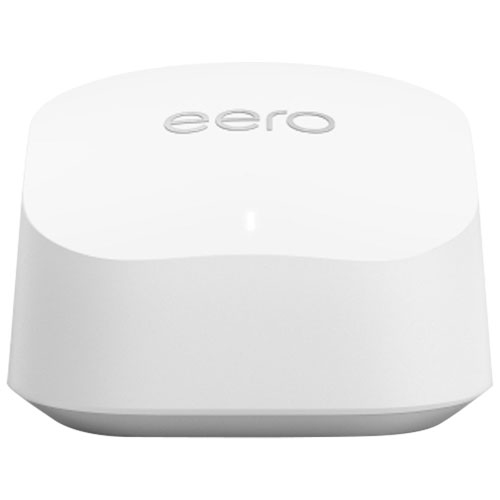
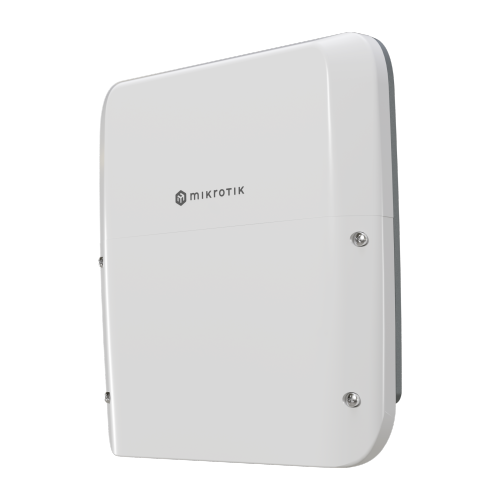
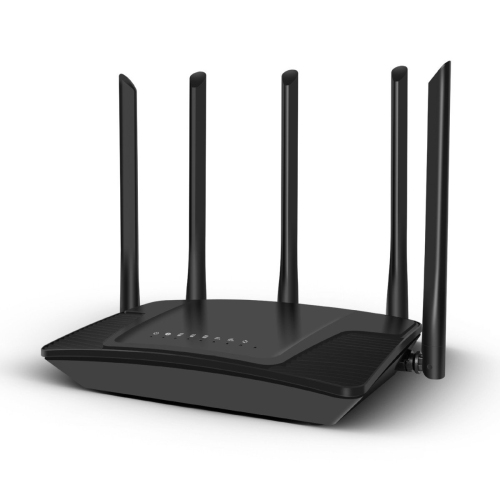
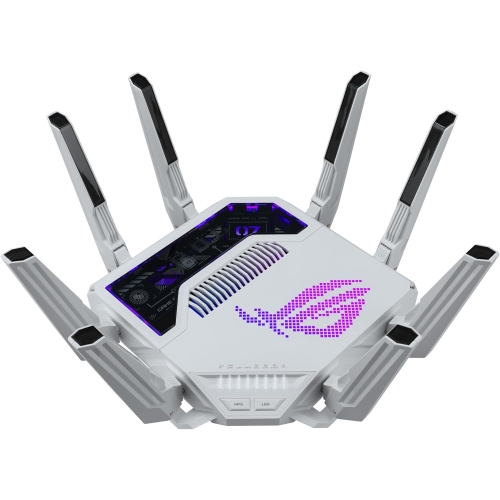



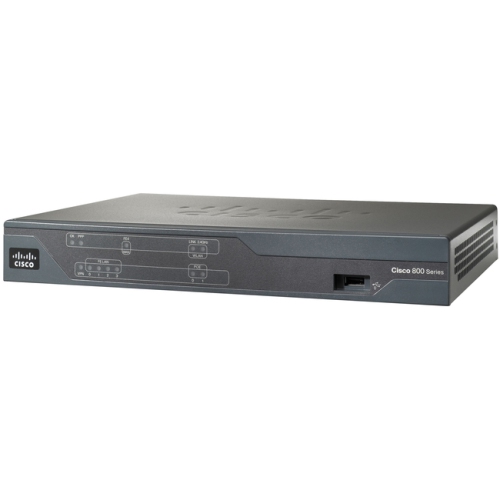
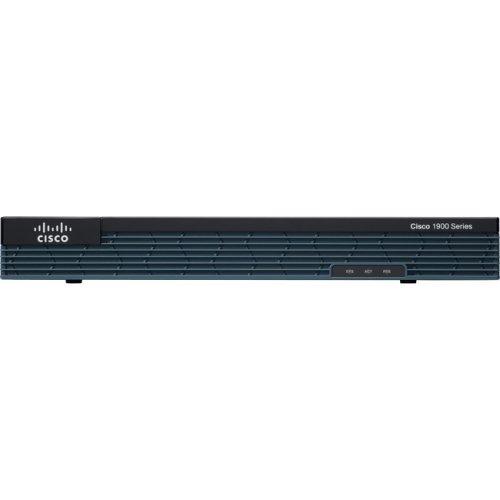
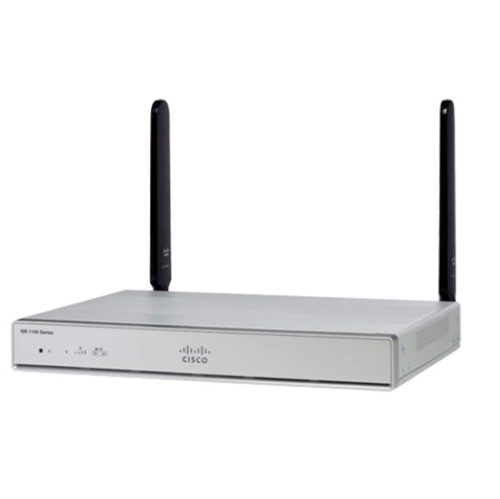
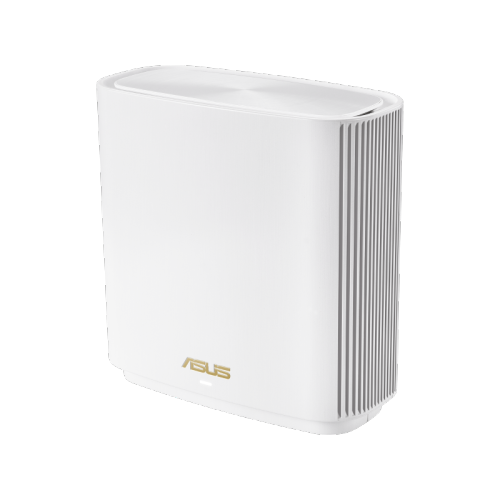
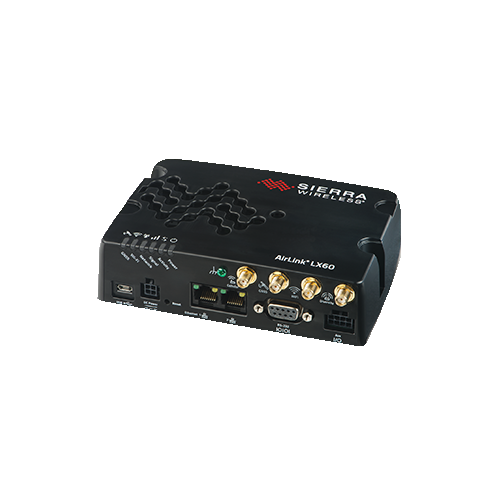
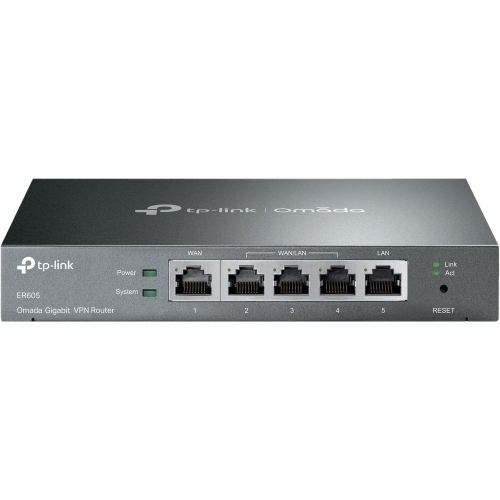
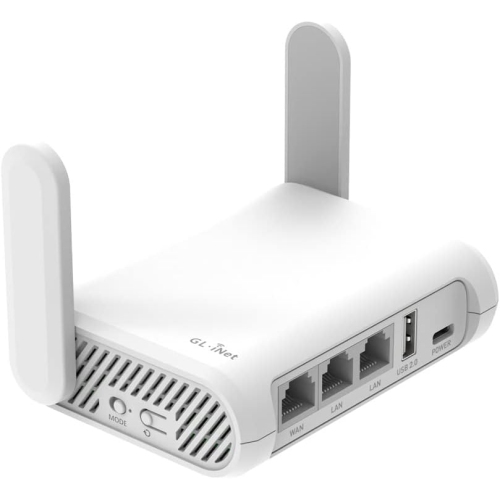

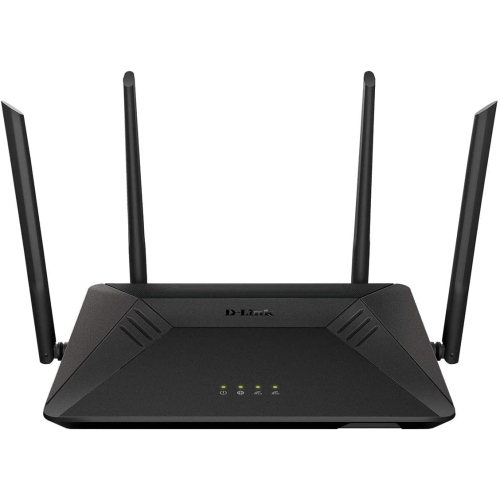
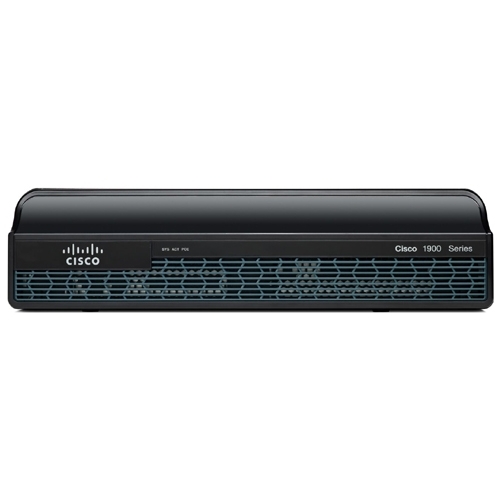
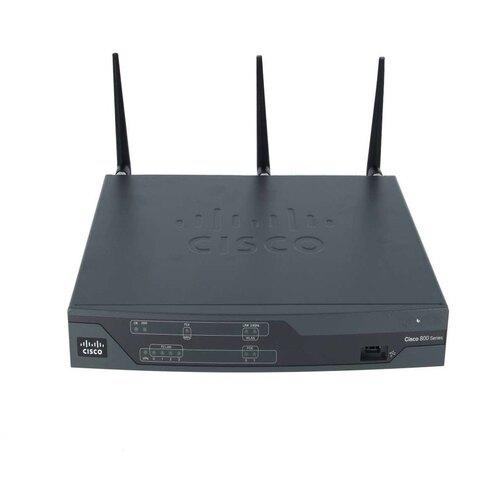
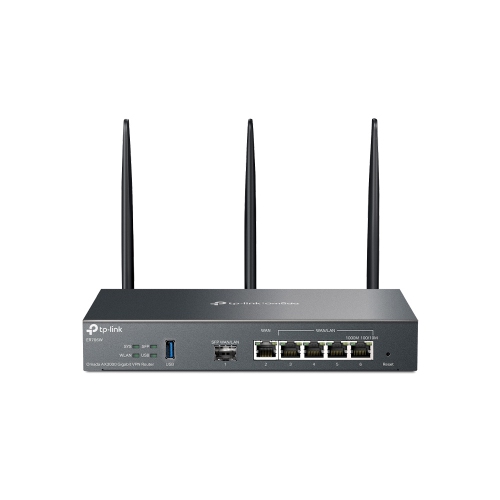

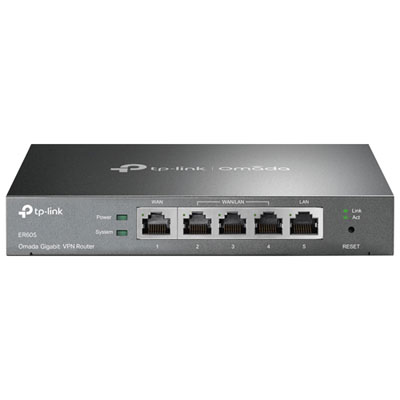
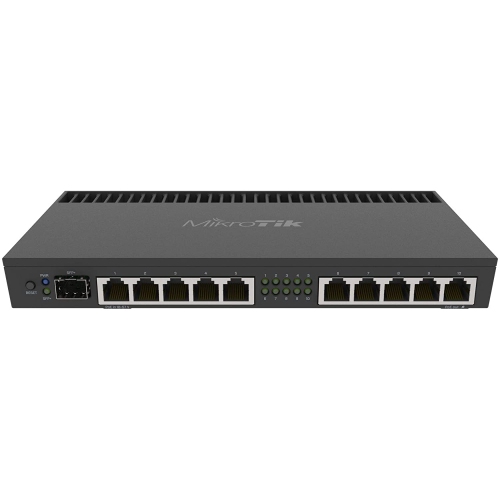
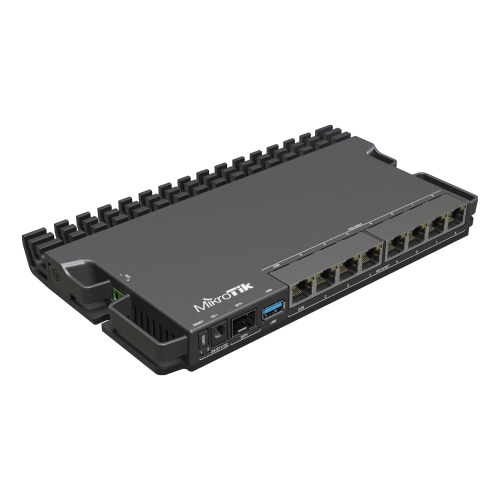
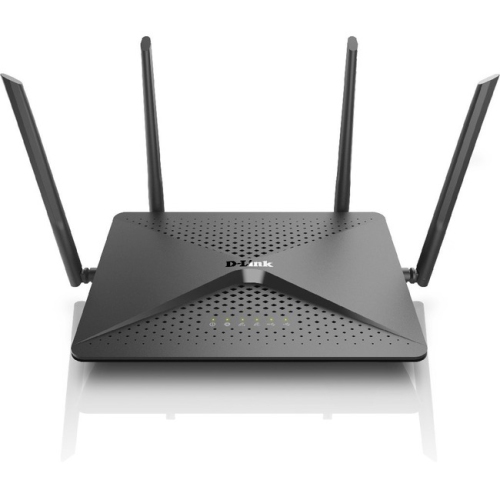
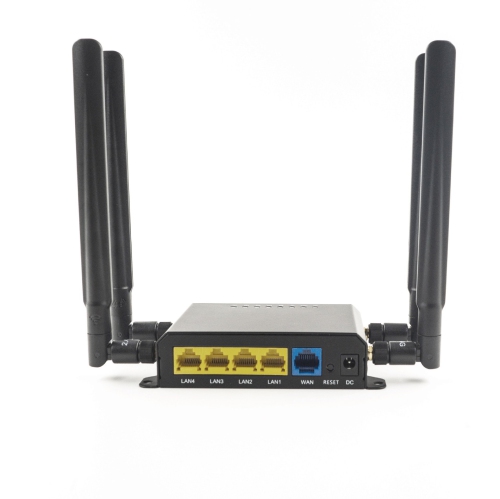
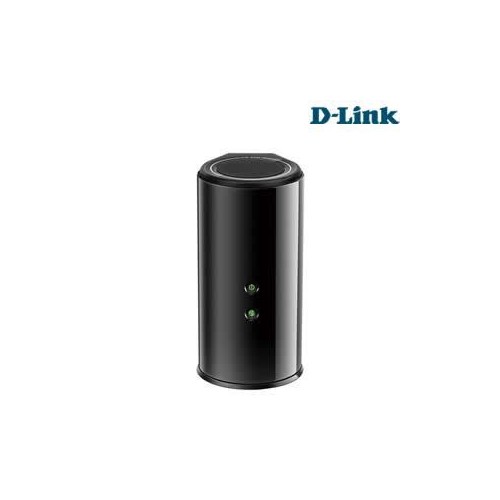

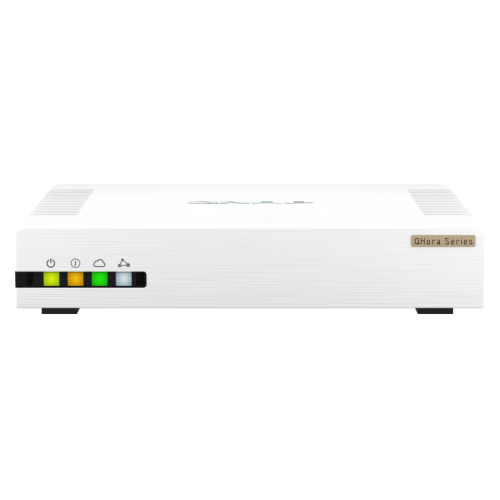
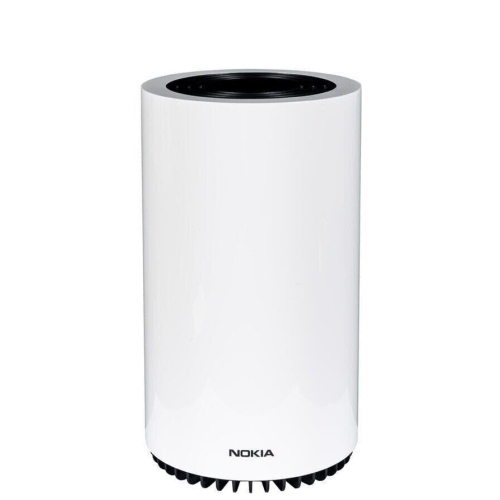
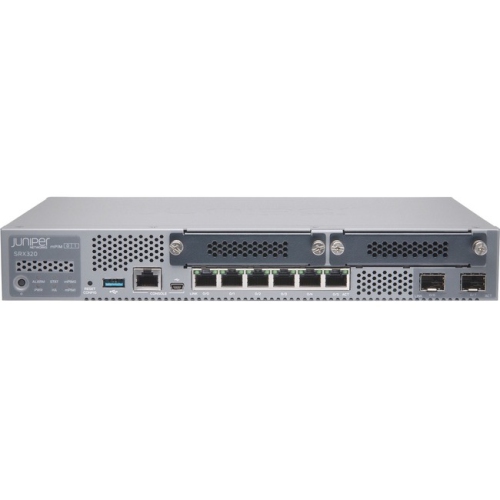
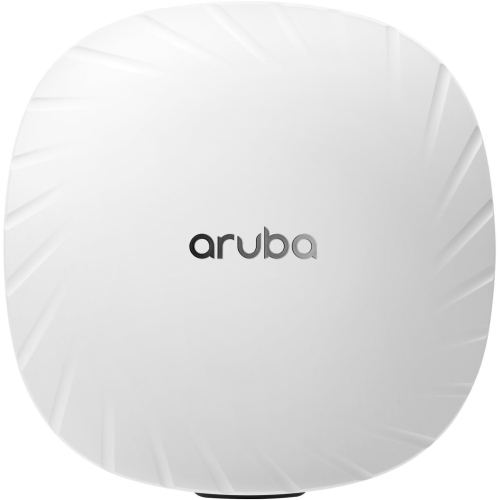
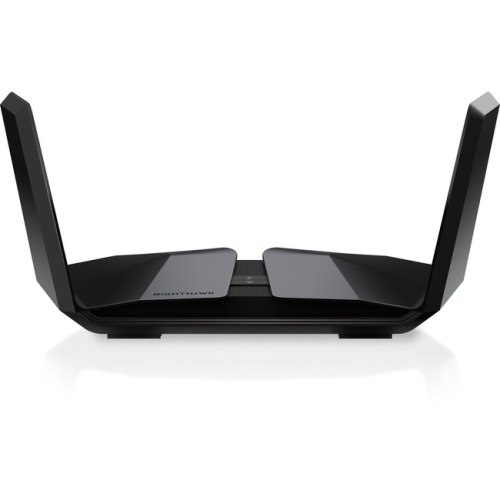
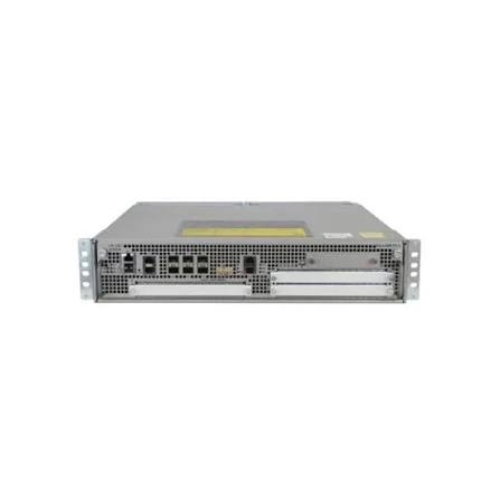
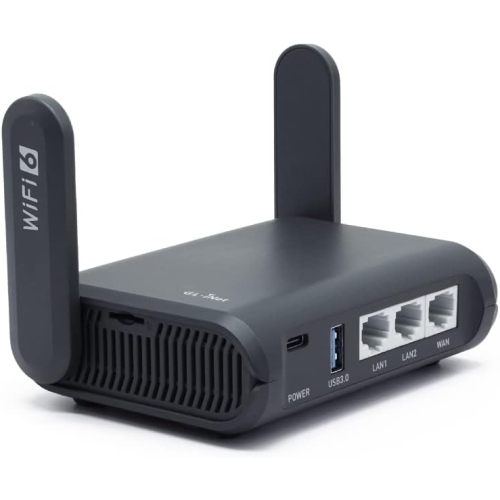
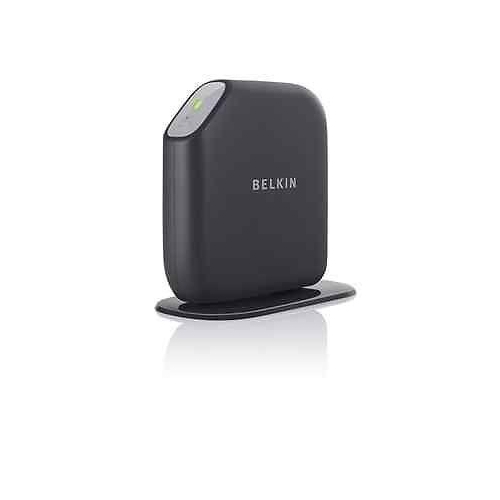
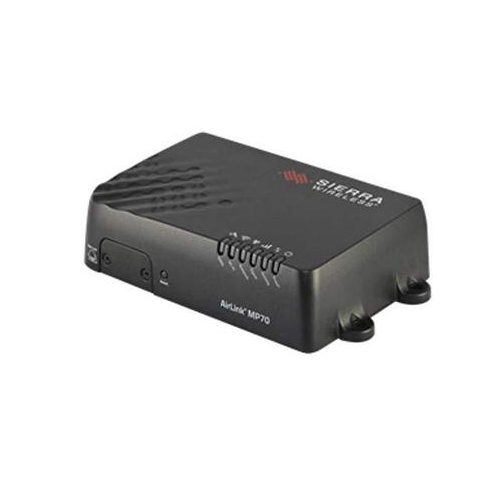

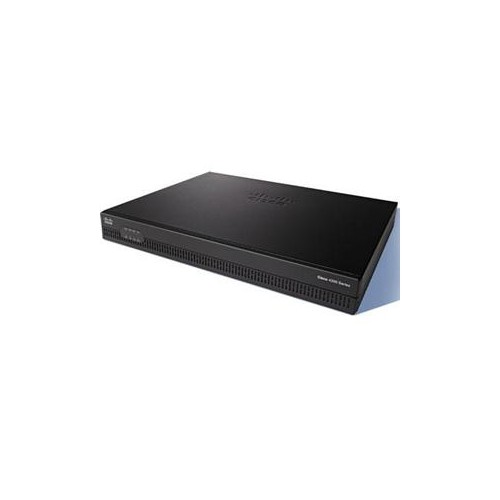
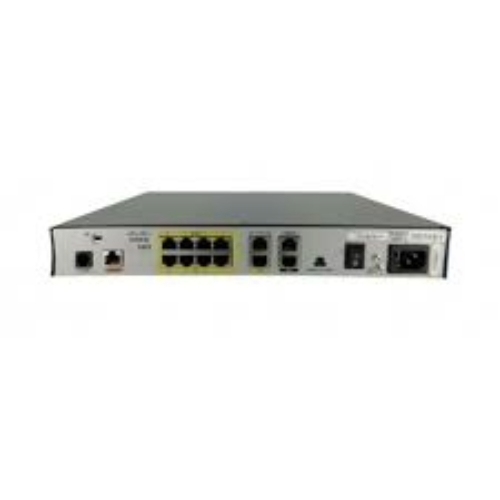
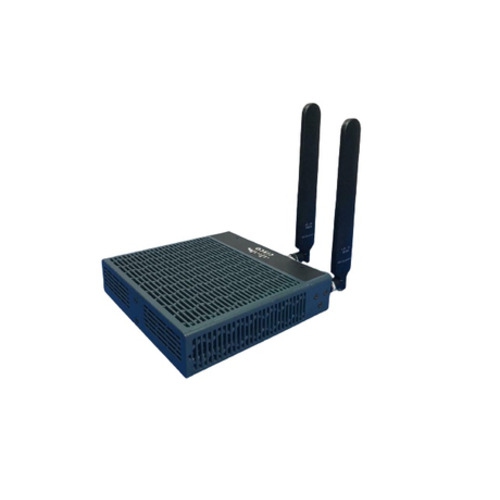
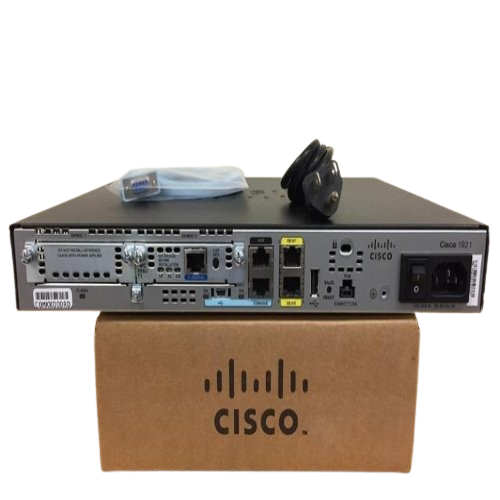
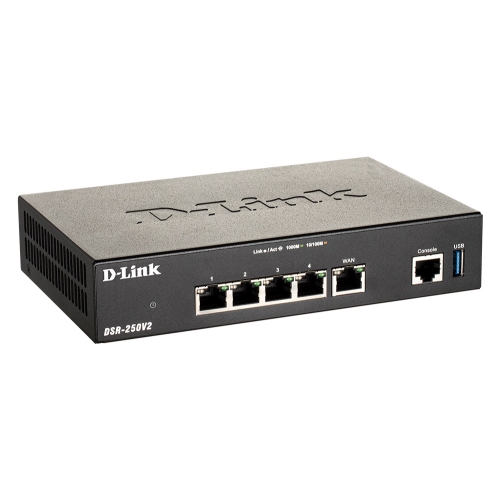
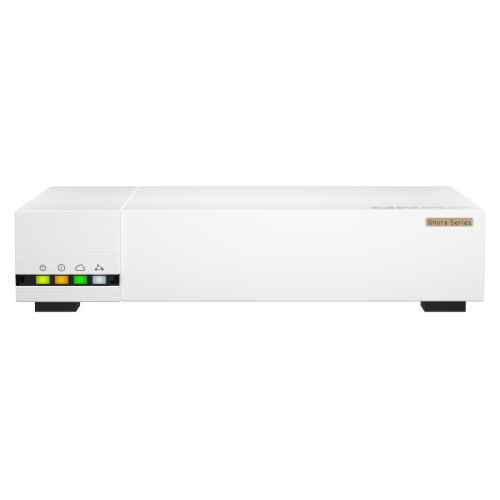
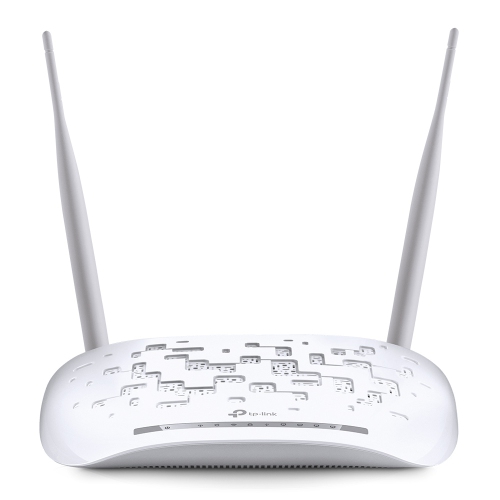
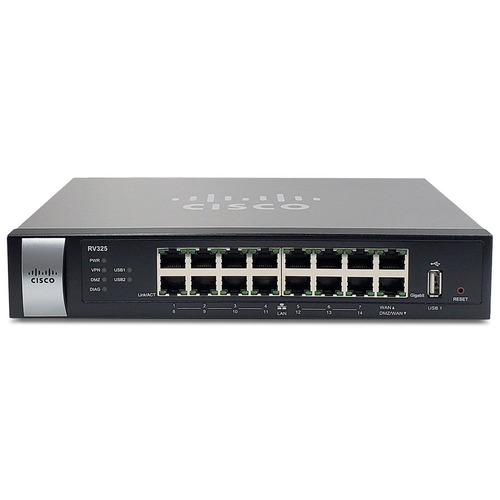
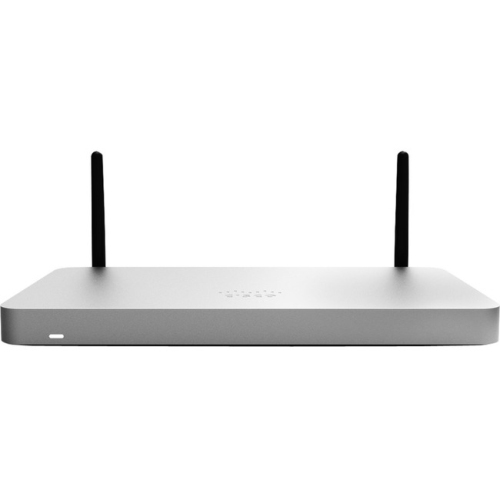
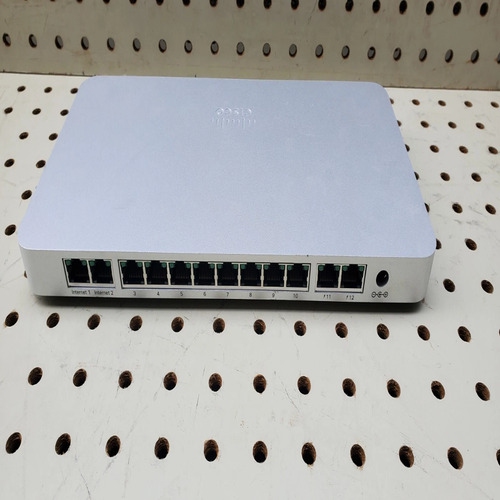
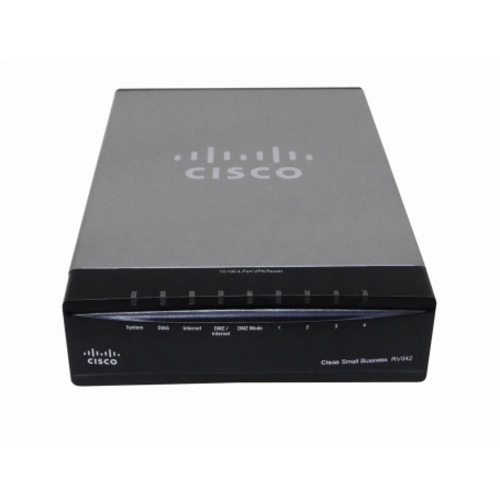
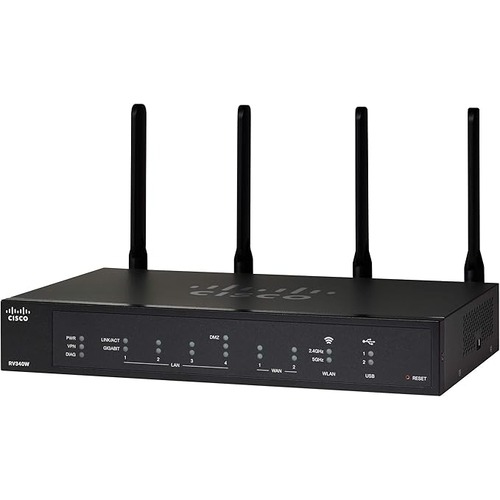

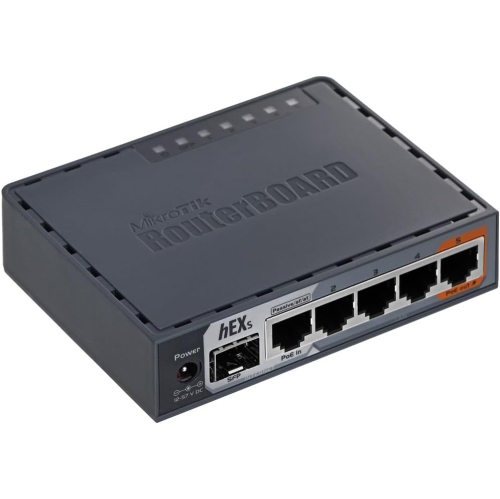
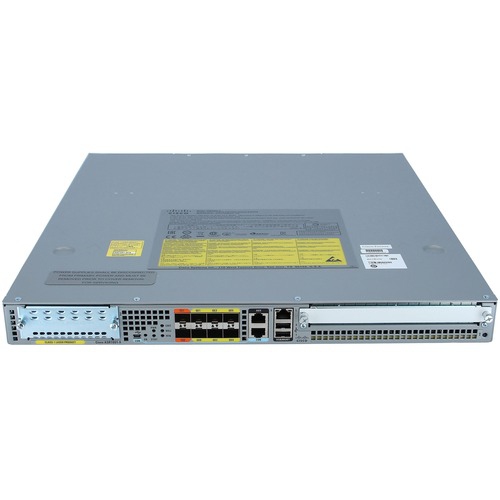
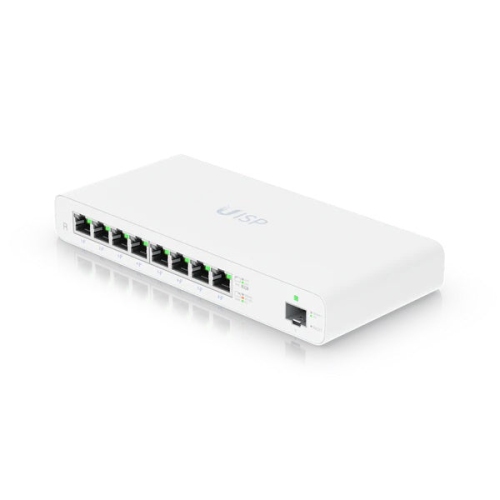
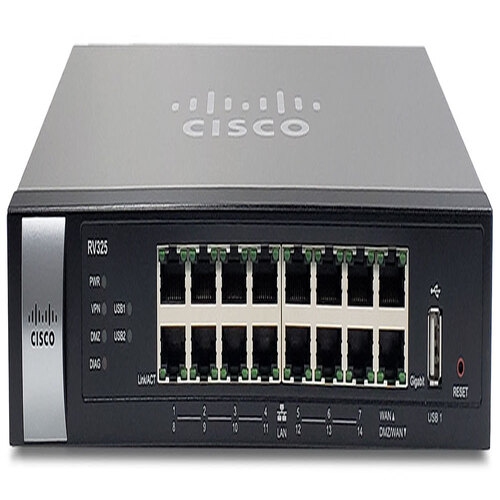

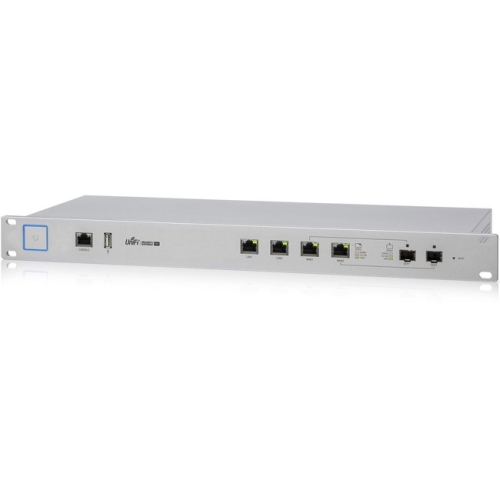
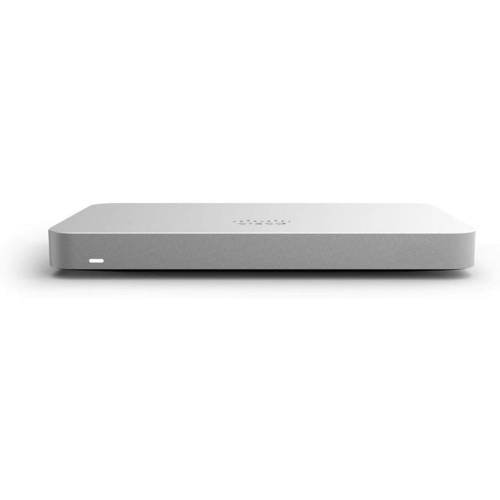
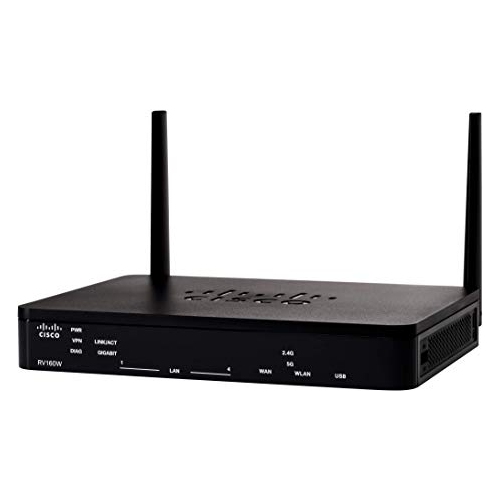

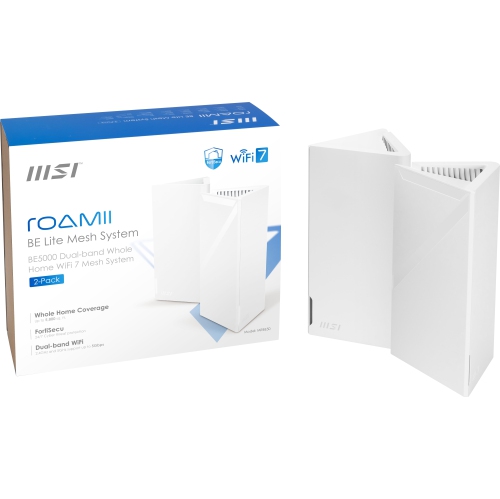

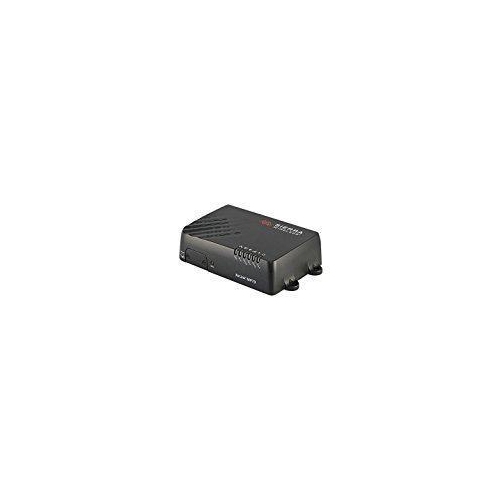

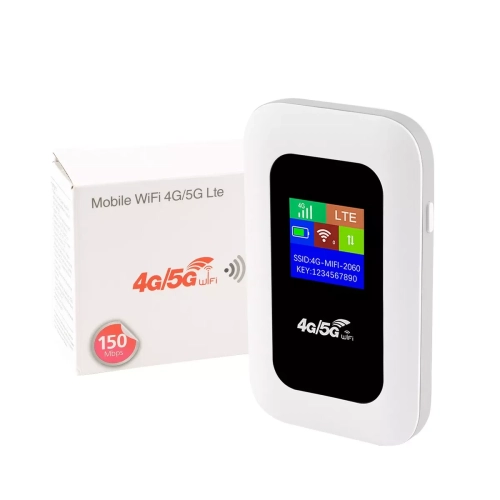


More control over your busy home network
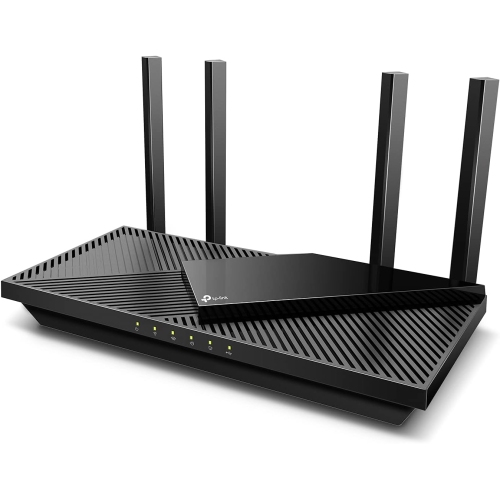
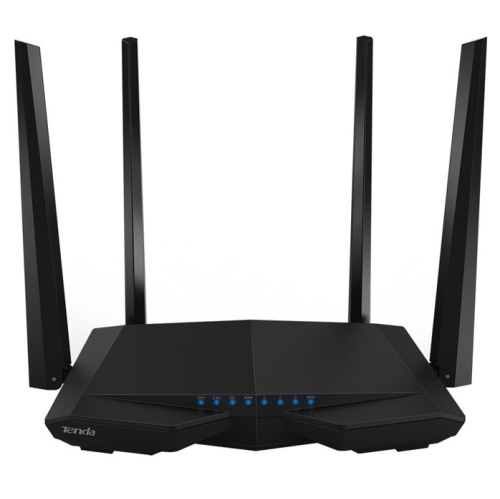
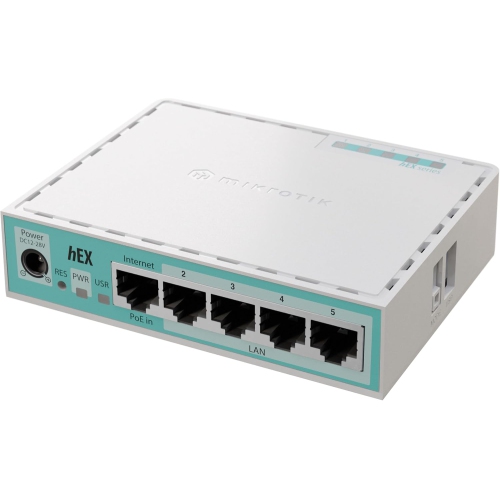
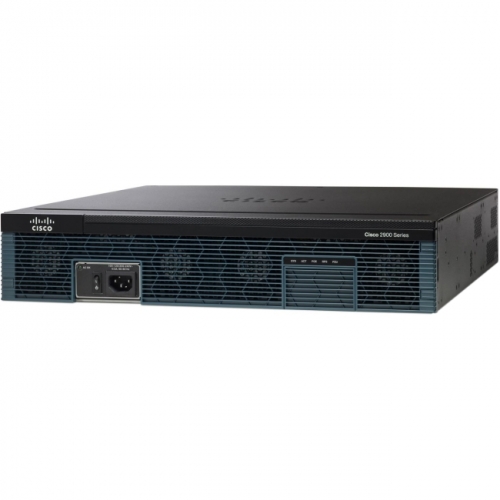
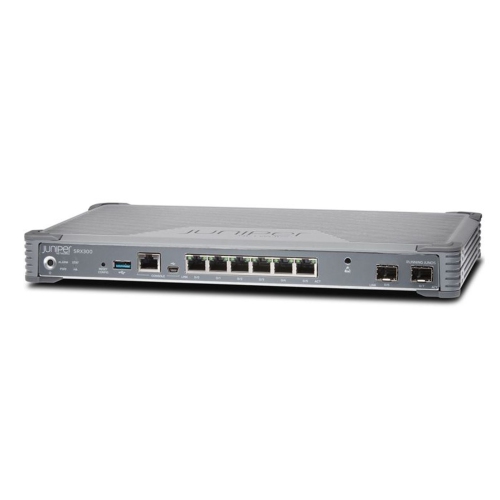
Smart routers bring home internet connections and connected devices together, with features that make a busy network easier to manage. Depending on the model, those features can include app-based setup, automatic software updates, traffic prioritization, parental controls, and tools for seeing which devices are online. Some also support voice assistants or automatically adjust wireless settings to help maintain reliable connections. The benefit is less about making every device faster and more about keeping everyday activities running smoothly together: a video meeting at the kitchen table, a film streaming in the living room, and a doorbell sending an alert to a phone. A router distributes your internet connection through Wi-Fi and wired Ethernet connections; it generally does not replace the modem or other connection equipment required by your internet provider. When choosing a smart router, your internet plan, household device count, and home layout matter more than the largest speed figure on the box. Advertised wireless speeds typically represent combined theoretical capacity across bands, rather than the speed one laptop will receive. Actual performance depends on your devices, distance, interference, and connection to your provider. Wi-Fi 6 routers offer features designed to use wireless capacity efficiently when multiple compatible devices share a network. Wi-Fi 6E adds access to the 6 GHz band, while Wi-Fi 7 can offer further improvements in capacity and responsiveness with compatible equipment. Older devices can generally still connect through supported older Wi-Fi standards, but they will not gain every benefit of the newer technology. For a household with several phones, computers, televisions, and smart home accessories, a smart router can provide useful visibility and control without requiring everyone to become a networking expert. Households with lighter needs may also find suitable options among Basic Routers, particularly when straightforward connectivity matters more than advanced management features.
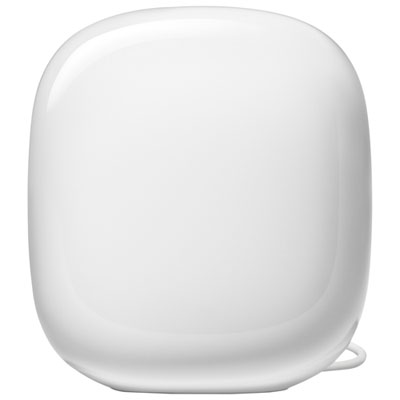
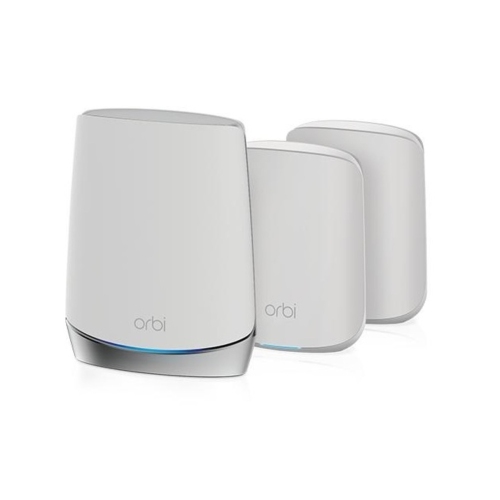
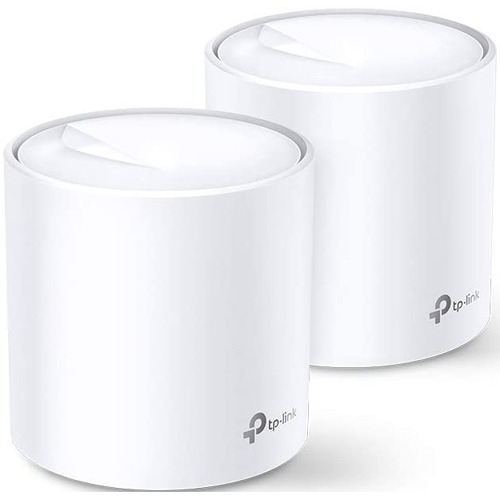
The right wireless coverage starts with the rooms where you actually use your devices. A compact apartment with an open layout presents a different challenge from a narrow townhouse with three floors, brick walls, and a home office tucked into the farthest bedroom. A single smart router may provide ample coverage for a smaller space, especially when placed centrally and away from obstructions. Larger or awkwardly shaped homes may benefit from a compatible mesh system, which uses multiple units to extend coverage under a shared network. Floor area alone is not a reliable deciding factor: wall materials, floor construction, neighbouring networks, and router placement all affect signal strength. Mesh units need a strong connection to one another, so placing an additional unit where the signal has already disappeared can limit its usefulness. Systems that support Ethernet backhaul can use wired connections between units, helping preserve wireless capacity for phones, tablets, and other devices. Wireless bands also serve different needs. The 2.4 GHz band generally reaches farther and is widely used by smart plugs, sensors, and other connected accessories. The 5 GHz band typically offers more capacity at shorter distances, while 6 GHz can give compatible devices access to additional spectrum but tends to have more limited reach through obstacles. Many smart routers offer band steering, sometimes called Smart Connect, which lets supported bands share a network name and helps direct devices to an appropriate connection. Separate band names or a dedicated connected-device network can still be useful for accessories with particular setup requirements, where supported. Wired connections deserve attention too. Ethernet ports can provide a steady link for a desktop computer, television, or gaming console, and multi-gigabit ports may be worthwhile for compatible equipment and faster internet plans. Check both the internet-facing port and local network ports, since either can limit wired speeds. For households that regularly move large files between local devices, wired capacity may matter even when the internet plan itself is modest.
Smart router features are most valuable when they match the way your household lives. In a home where work calls overlap with online games and large downloads, quality of service settings can give selected traffic priority, although they cannot create bandwidth beyond what your connection provides. Parents may appreciate scheduling tools that pause access on chosen devices at bedtime, along with age-related content filters where available. These controls are helpful supports rather than a substitute for conversations about online activity, and their effectiveness can vary by device and service. A guest network gives visitors a separate way to get online without sharing the main network password; models with suitable isolation settings can also restrict guest access to household devices. For connected locks, cameras, and thermostats, look for clear device-management tools, compatible security settings, and a stated software support policy. WPA3 security is useful when supported by both the router and connected equipment, while compatibility settings may be needed for older accessories. Automatic updates can simplify upkeep, but it is worth checking whether features such as advanced threat protection, detailed parental controls, or remote management require an account or a paid subscription. The app should make everyday tasks understandable, from changing a password to identifying an unfamiliar device. During the cooler months, when more evenings bring everyone indoors, these practical details can make the difference between an easy night of streaming and repeated trips to restart equipment. A smart router can also be a thoughtful gift for someone setting up a first home, creating a dedicated workspace, or expanding a connected household, provided it suits their internet service and existing equipment. Compatibility with an internet provider’s gateway is particularly important; some setups need bridge mode or access point mode to avoid overlapping routing functions. A well-matched smart router combines appropriate coverage, useful controls, and enough connection capacity for daily routines, with room for the devices that may join the household later.
The right wireless coverage starts with the rooms where you actually use your devices. A compact apartment with an open layout presents a different challenge from a narrow townhouse with three floors, brick walls, and a home office tucked into the farthest bedroom. A single smart router may provide ample coverage for a smaller space, especially when placed centrally and away from obstructions. Larger or awkwardly shaped homes may benefit from a compatible mesh system, which uses multiple units to extend coverage under a shared network. Floor area alone is not a reliable deciding factor: wall materials, floor construction, neighbouring networks, and router placement all affect signal strength. Mesh units need a strong connection to one another, so placing an additional unit where the signal has already disappeared can limit its usefulness. Systems that support Ethernet backhaul can use wired connections between units, helping preserve wireless capacity for phones, tablets, and other devices. Wireless bands also serve different needs. The 2.4 GHz band generally reaches farther and is widely used by smart plugs, sensors, and other connected accessories. The 5 GHz band typically offers more capacity at shorter distances, while 6 GHz can give compatible devices access to additional spectrum but tends to have more limited reach through obstacles. Many smart routers offer band steering, sometimes called Smart Connect, which lets supported bands share a network name and helps direct devices to an appropriate connection. Separate band names or a dedicated connected-device network can still be useful for accessories with particular setup requirements, where supported. Wired connections deserve attention too. Ethernet ports can provide a steady link for a desktop computer, television, or gaming console, and multi-gigabit ports may be worthwhile for compatible equipment and faster internet plans. Check both the internet-facing port and local network ports, since either can limit wired speeds. For households that regularly move large files between local devices, wired capacity may matter even when the internet plan itself is modest.
Smart router features are most valuable when they match the way your household lives. In a home where work calls overlap with online games and large downloads, quality of service settings can give selected traffic priority, although they cannot create bandwidth beyond what your connection provides. Parents may appreciate scheduling tools that pause access on chosen devices at bedtime, along with age-related content filters where available. These controls are helpful supports rather than a substitute for conversations about online activity, and their effectiveness can vary by device and service. A guest network gives visitors a separate way to get online without sharing the main network password; models with suitable isolation settings can also restrict guest access to household devices. For connected locks, cameras, and thermostats, look for clear device-management tools, compatible security settings, and a stated software support policy. WPA3 security is useful when supported by both the router and connected equipment, while compatibility settings may be needed for older accessories. Automatic updates can simplify upkeep, but it is worth checking whether features such as advanced threat protection, detailed parental controls, or remote management require an account or a paid subscription. The app should make everyday tasks understandable, from changing a password to identifying an unfamiliar device. During the cooler months, when more evenings bring everyone indoors, these practical details can make the difference between an easy night of streaming and repeated trips to restart equipment. A smart router can also be a thoughtful gift for someone setting up a first home, creating a dedicated workspace, or expanding a connected household, provided it suits their internet service and existing equipment. Compatibility with an internet provider’s gateway is particularly important; some setups need bridge mode or access point mode to avoid overlapping routing functions. A well-matched smart router combines appropriate coverage, useful controls, and enough connection capacity for daily routines, with room for the devices that may join the household later.
Top selling and popular products
-
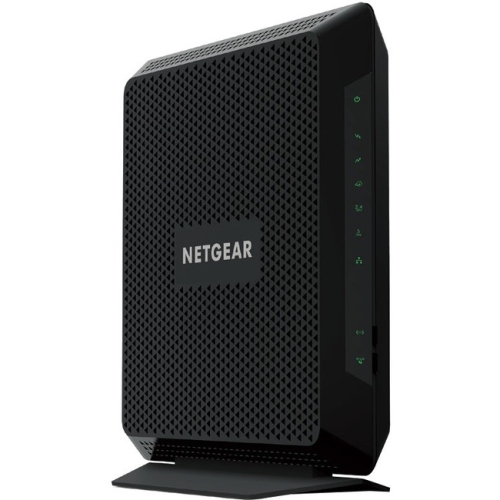 Your price for this item is $189.99
-
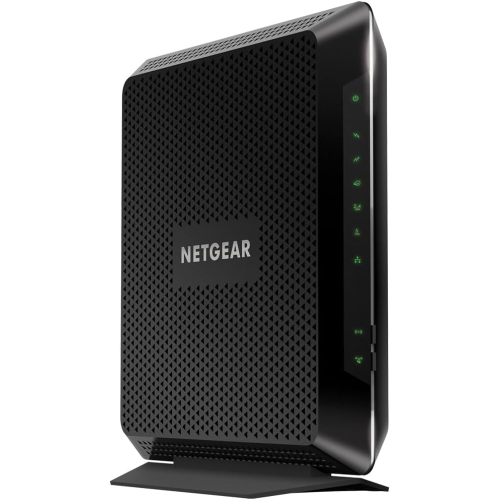 Your price for this item is $189.99
-
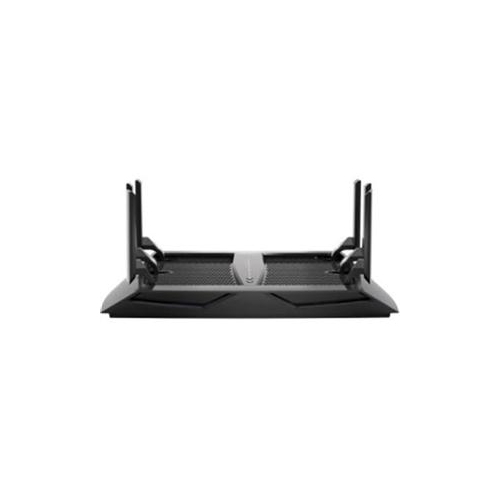 Your price for this item is $219
-
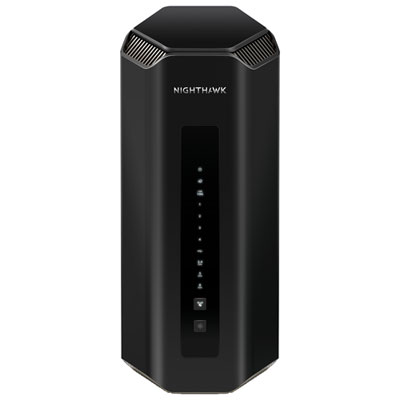 Your price for this item is $899.99
-
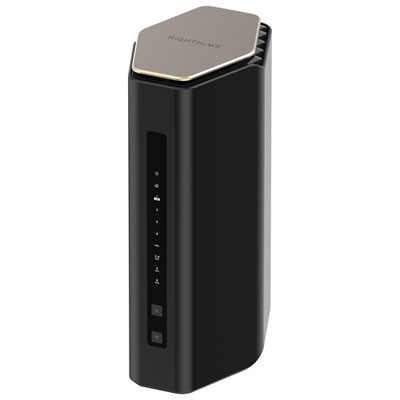 Your price for this item is $299.99
-
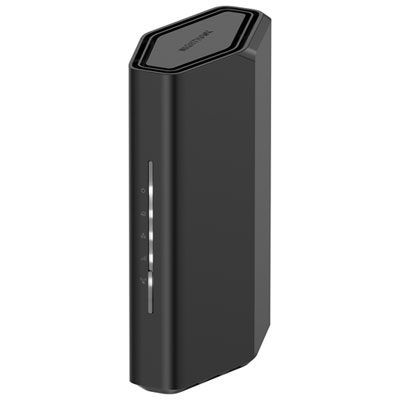 Your price for this item is $139.99
-
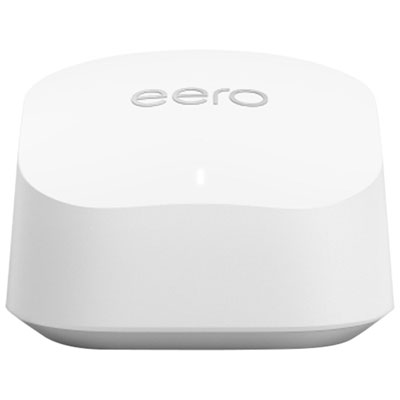 Your price for this item is $189.99
-
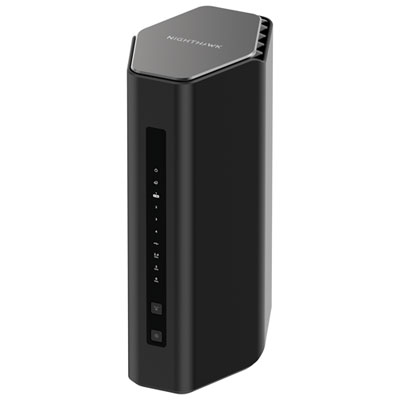 Your price for this item is $499.99
Discover more categories related to Smart Routers
Top Collections:
Pokemon Centers, Kindle Devices, Best Cameras for Sports Photography, Pokémon 30th Celebration Cards, Apple iPhones 16, Canon G7X Cameras, iPhone 15 Apple, Flip Phones, Samsung Galaxy Phones, Alarm Clock
Some products may be subject to Environmental Handling Fees
(EHF) depending on your province.
Learn more about EHFs.