Routers Under $100
Routers are the unsung heroes of your home network. They're not flashy, but they're absolutely essential. A good router can help you stream video and music without lag and connect multiple devices to the internet at once. We've rounded up some of the best routers under $100.
Sort
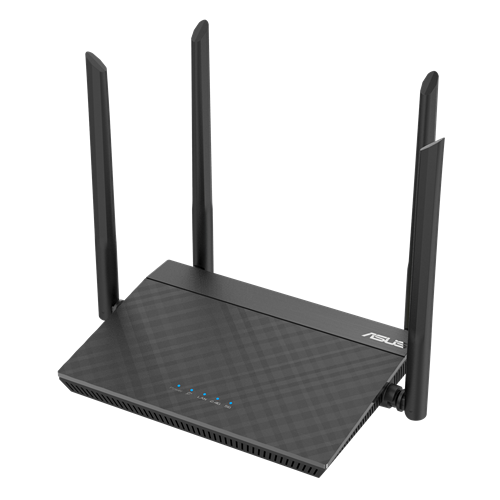
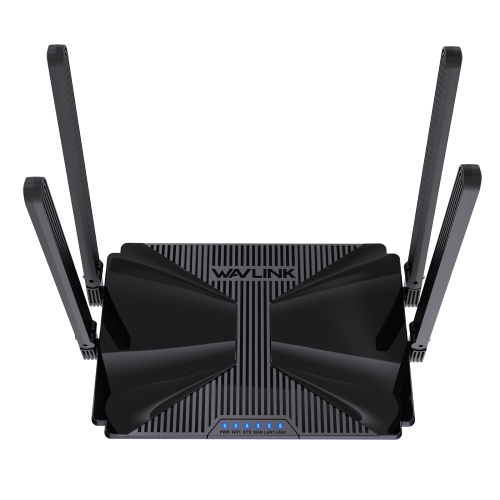
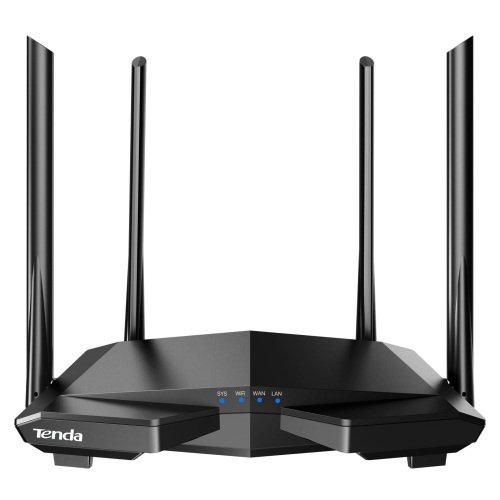
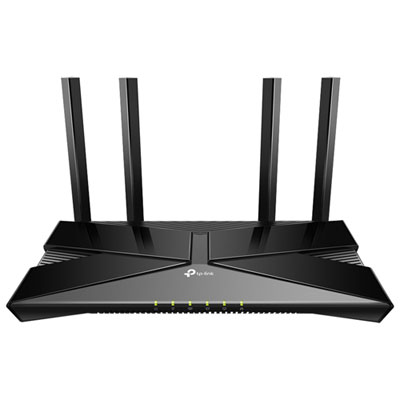

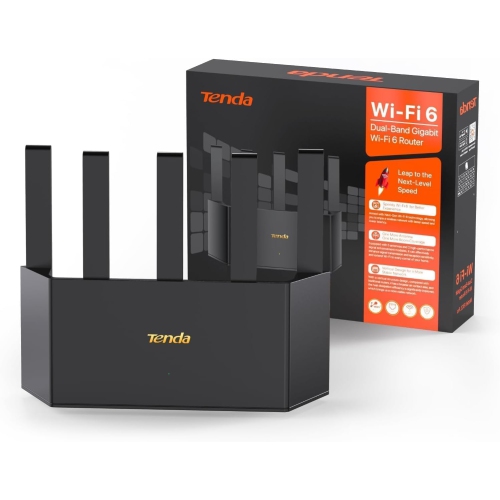
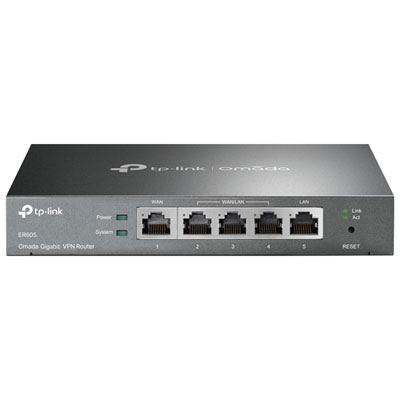
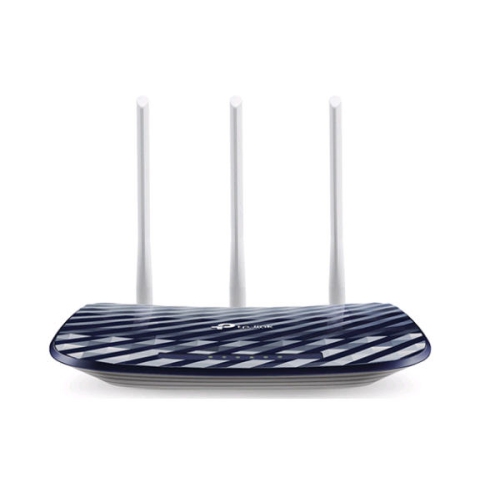
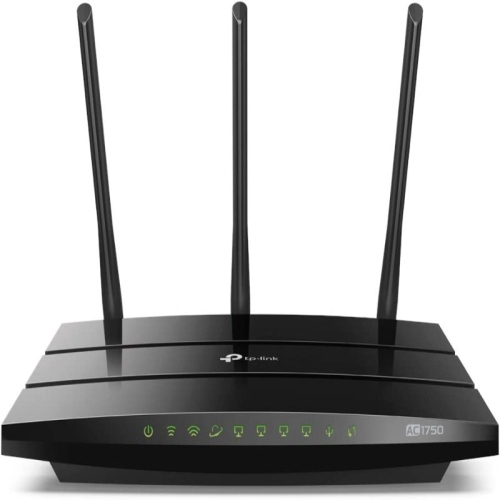
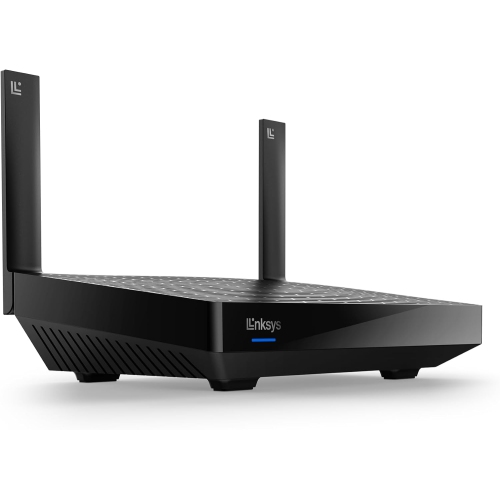
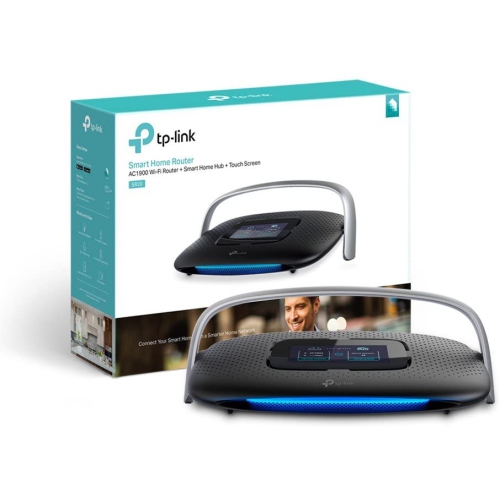
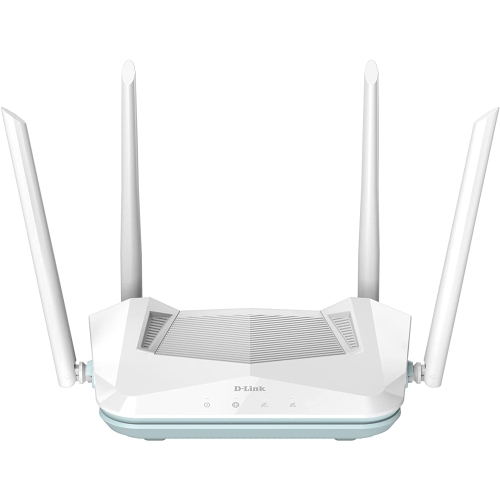

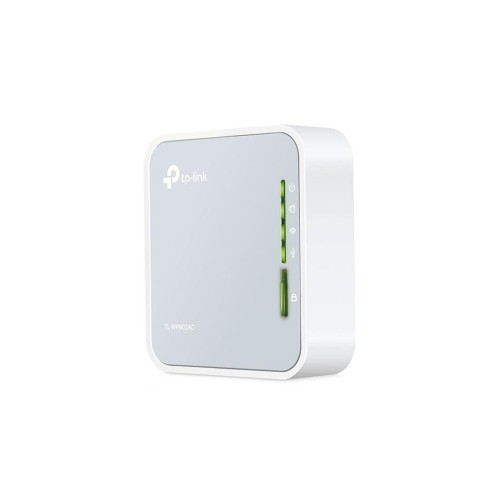
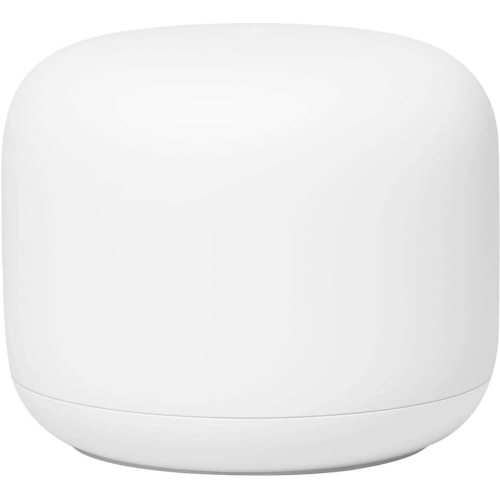
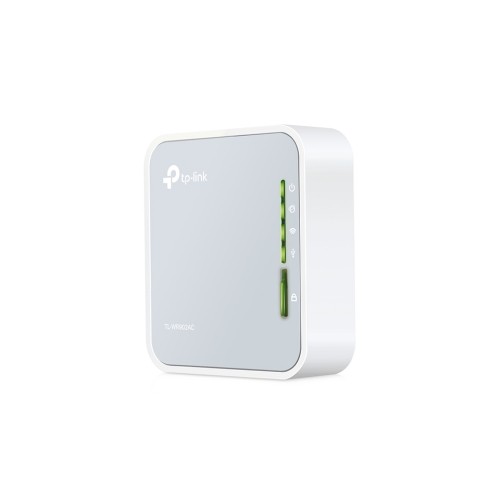
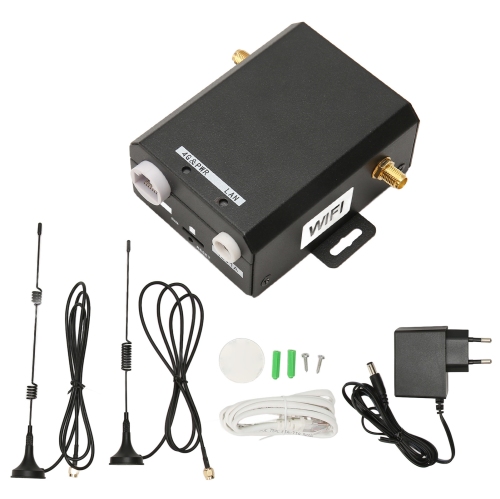

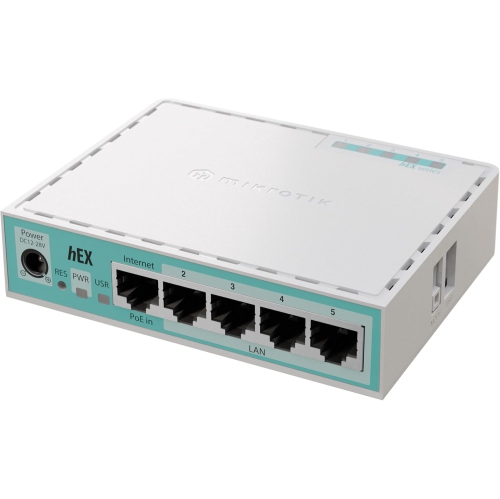
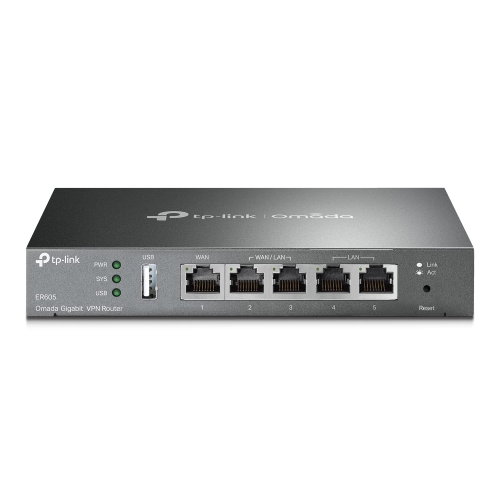
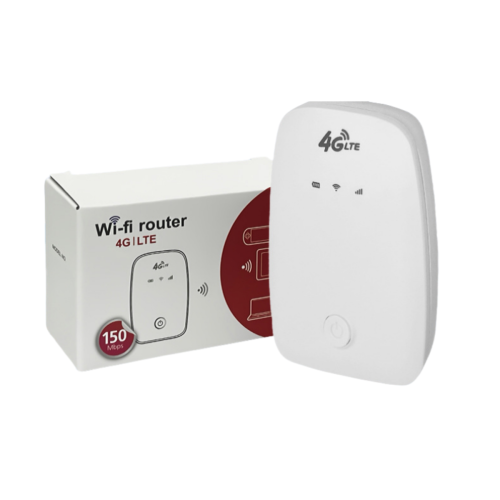
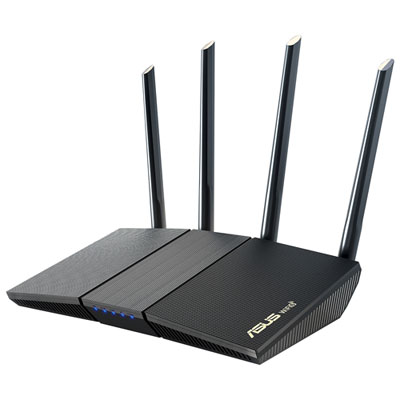
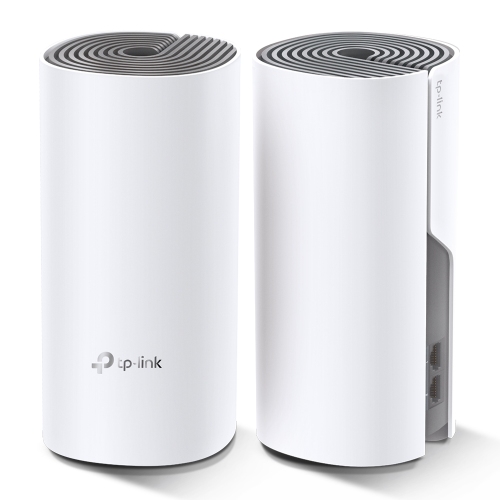
Why router fit matters more than advertised speeds
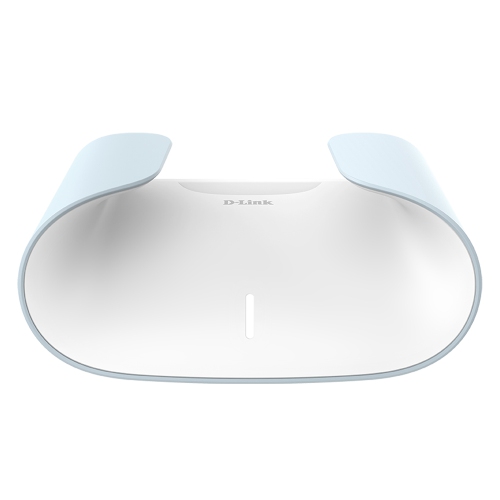
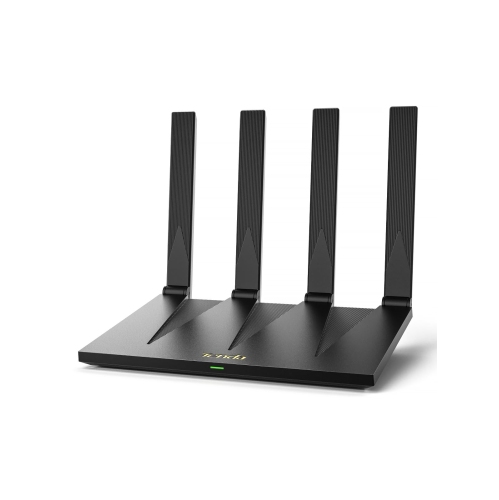
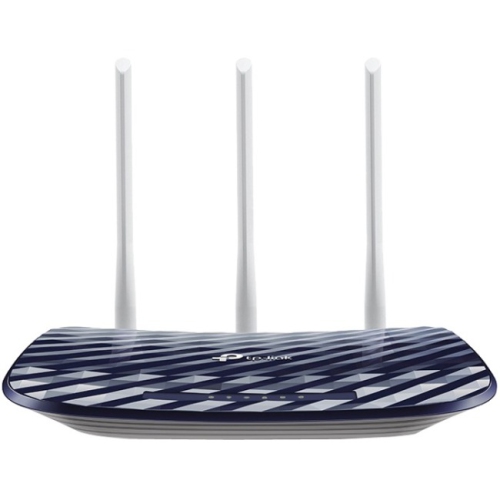
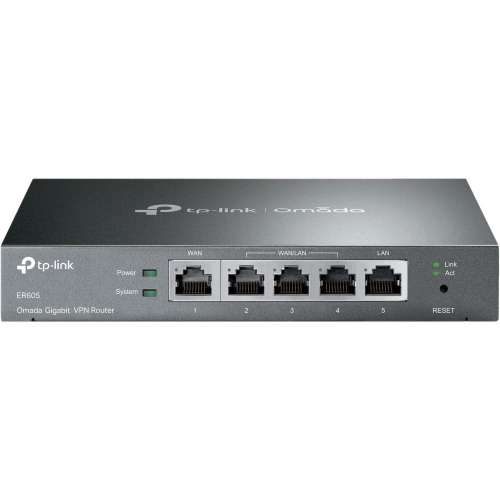
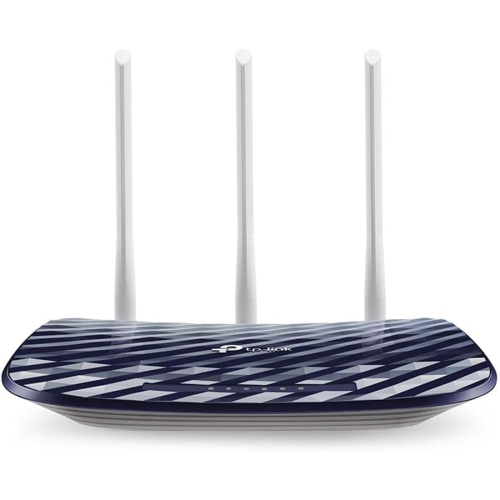
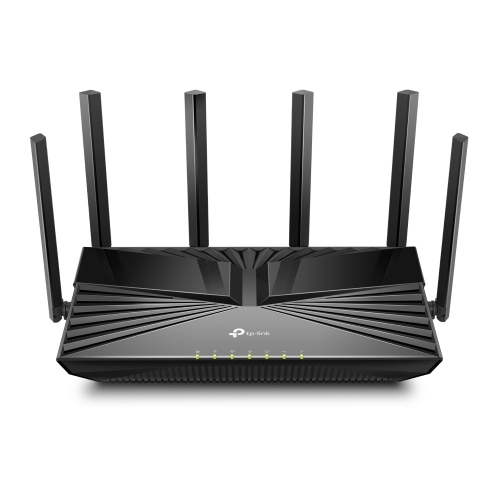
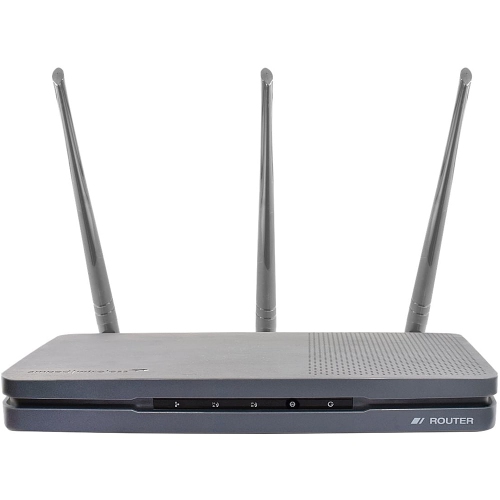
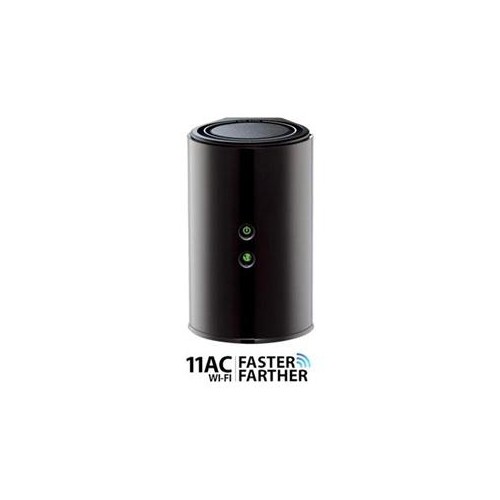
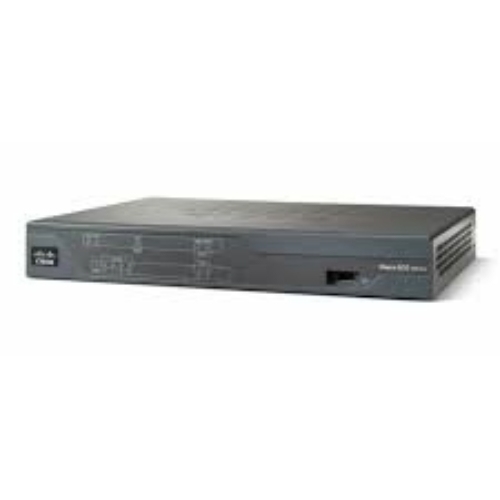
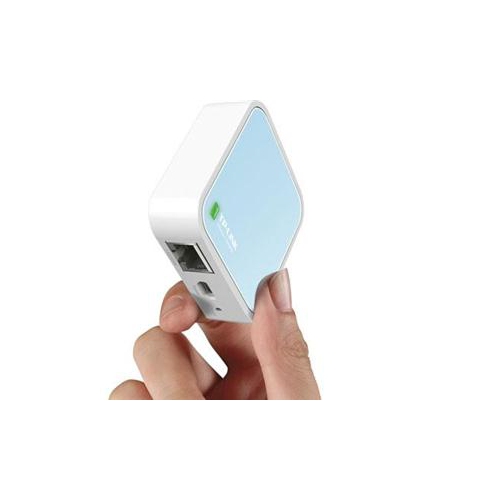
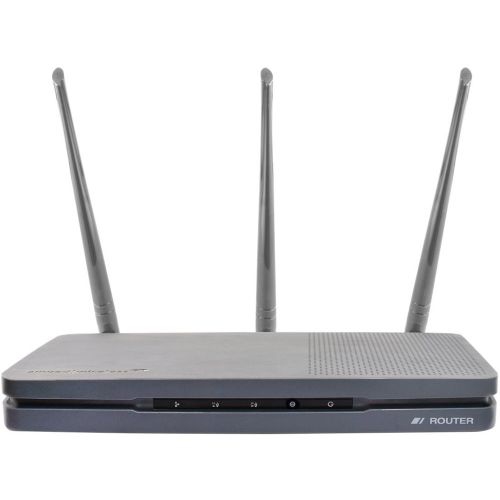
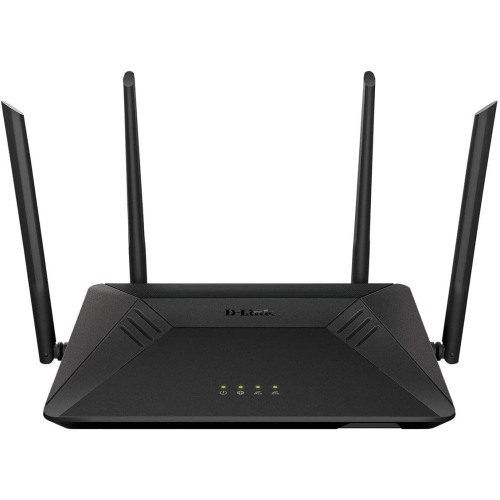
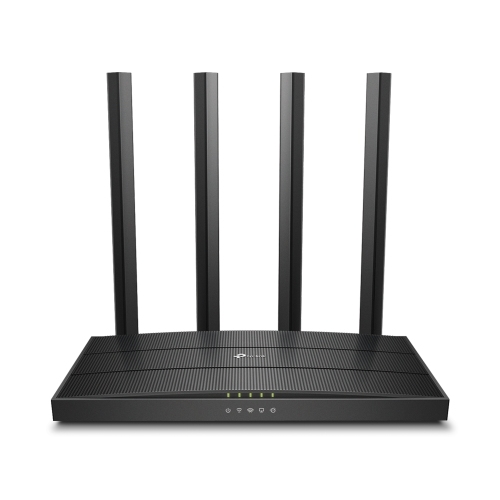
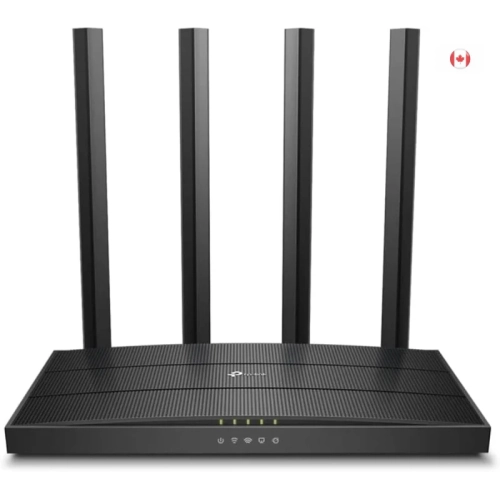
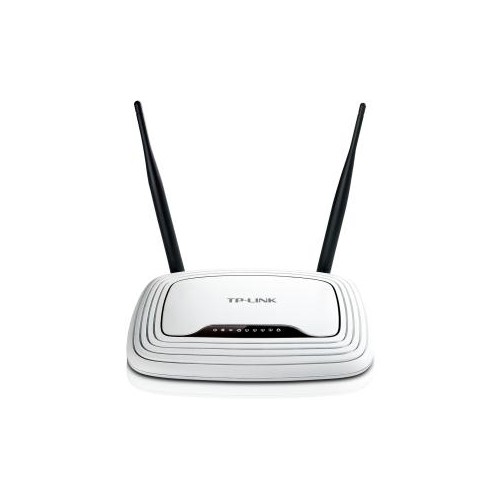
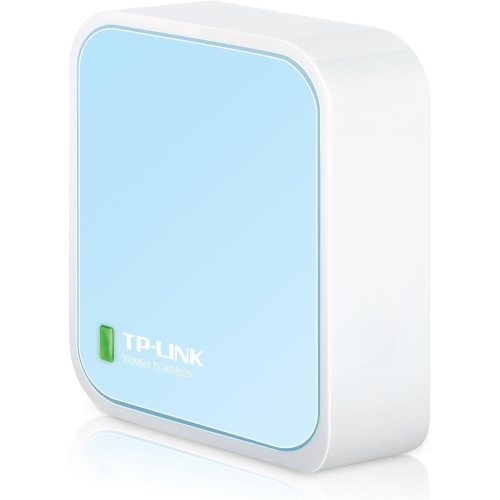
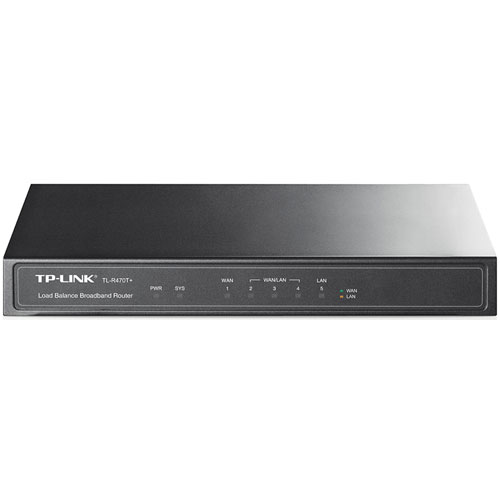
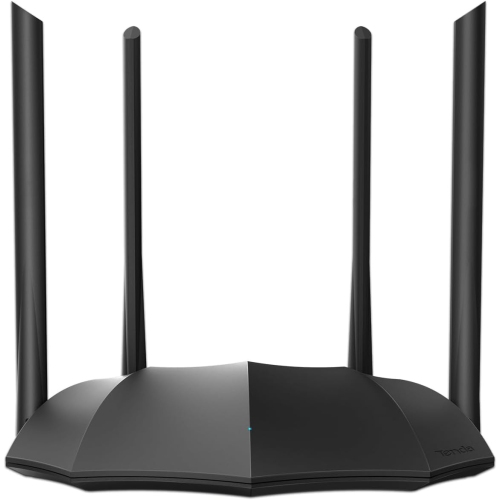
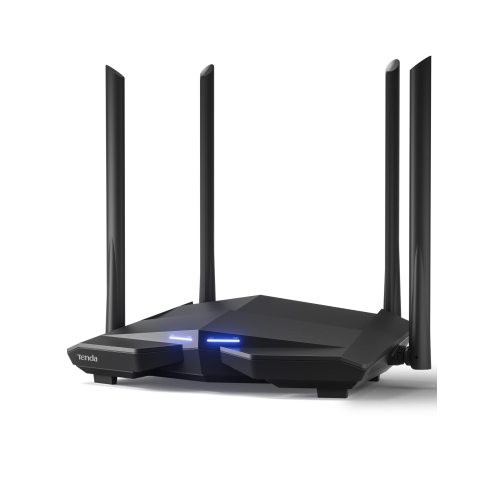
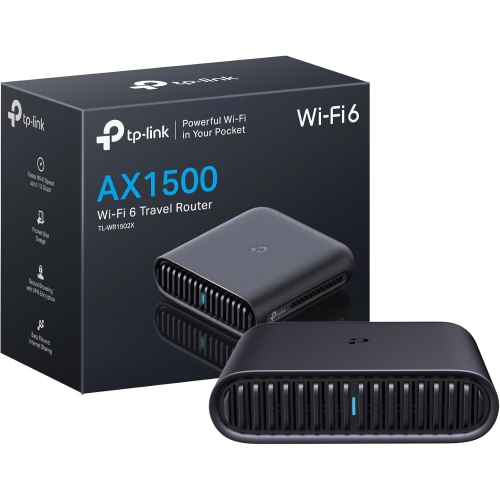
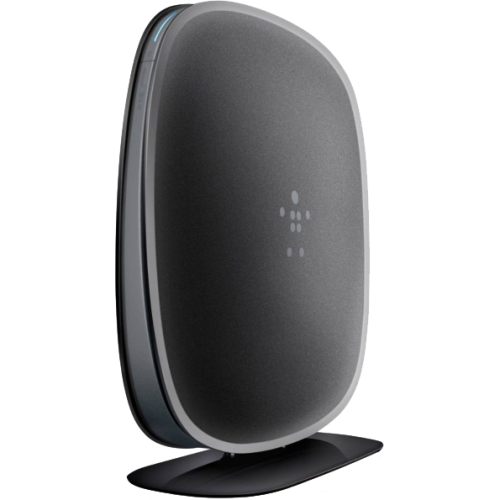
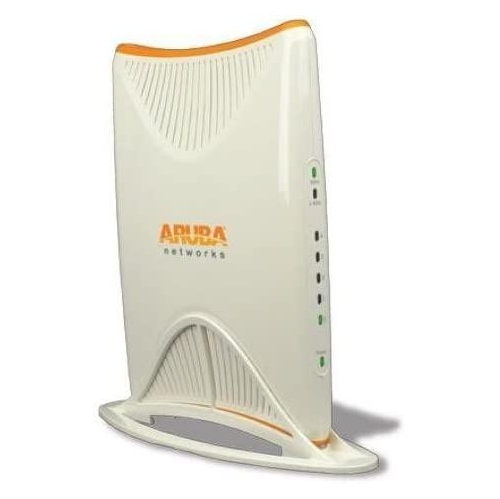
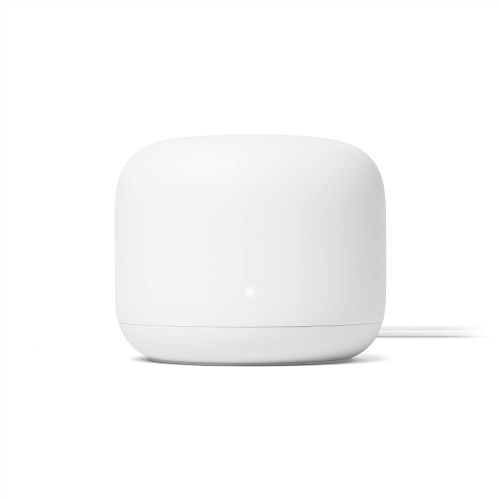
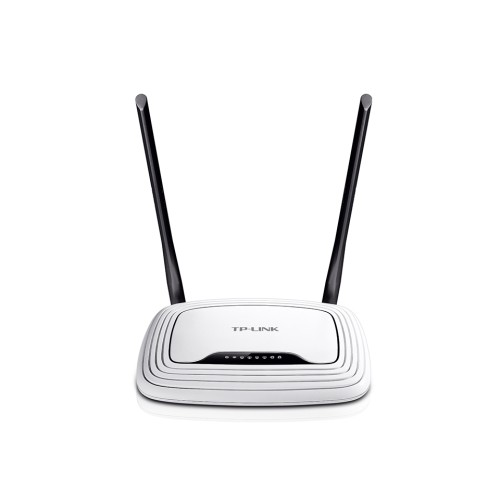
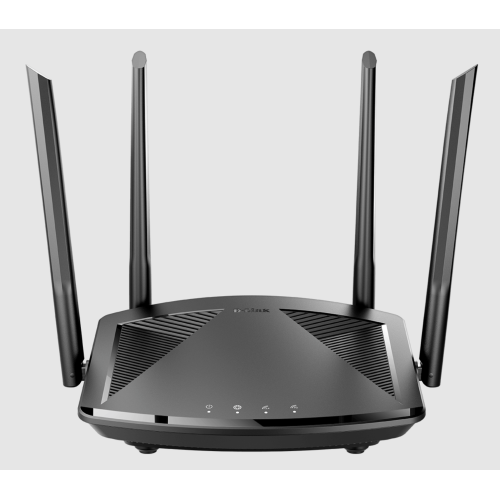
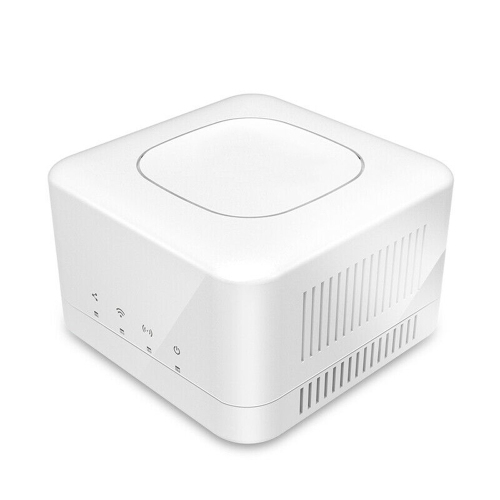
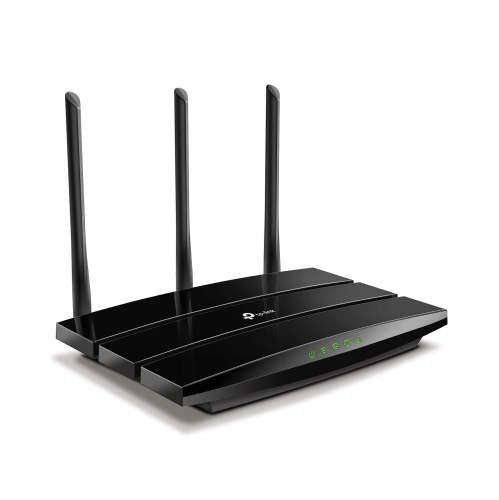
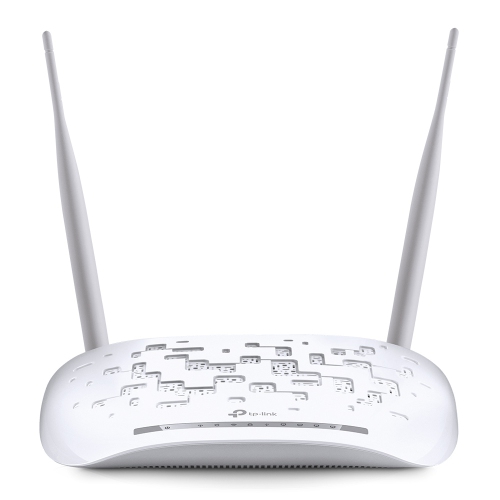
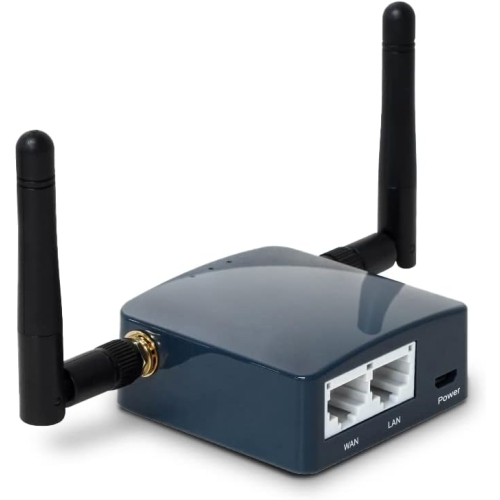
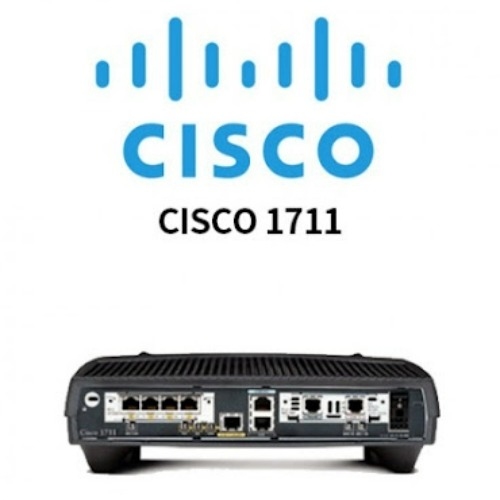
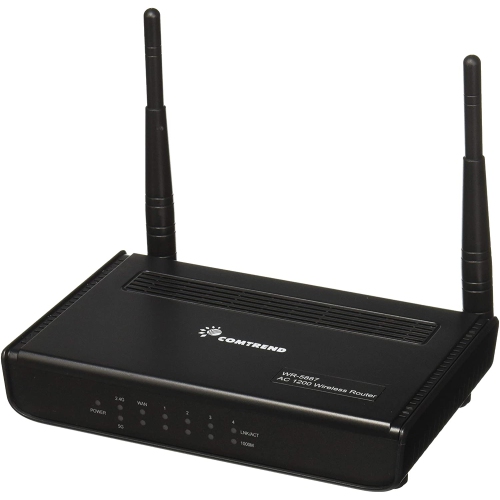
A home router connects computers, phones, smart TVs, and other devices to a shared network, directing traffic between those devices and an internet connection. For everyday browsing, video calls, streaming, and online gaming, an entry-level router can be a practical fit when its capabilities match the household’s internet plan, layout, and number of connected devices. The most useful features to compare are the Wi-Fi standard, wireless bands, Ethernet port speeds, security settings, and methods for managing the network. Wi-Fi 5 supports many everyday activities, while Wi-Fi 6 adds technologies that can help compatible devices share wireless capacity more efficiently when several connections are active. Those benefits depend on the devices being used; a newer router cannot give an older laptop every capability of a newer Wi-Fi standard. Dual-band routers provide both 2.4 GHz and 5 GHz connections. The 2.4 GHz band generally reaches farther and passes through walls more readily, making it useful for smart plugs or a printer away from the router. The 5 GHz band typically offers greater throughput at shorter distances, which suits a television streaming high-resolution video or a laptop downloading large files nearby. Neither band guarantees a particular speed throughout a home. Walls, neighbouring networks, device capabilities, and the internet service itself all affect results. Advertised wireless speed ratings often combine theoretical maximums across multiple bands, rather than describing the download speed a single device will receive. For a student in an apartment, a couple sharing a home office, or a household with a modest number of connected devices, balanced performance matters more than the largest number on the packaging. A clear picture of daily use helps put specifications into context: an evening with a video call, a streaming television, and several phones places different demands on a network than occasional email and browsing. Even devices that seem idle may download updates or sync files in the background, so the number of simultaneous connections is worth considering alongside the activities that need the most bandwidth.
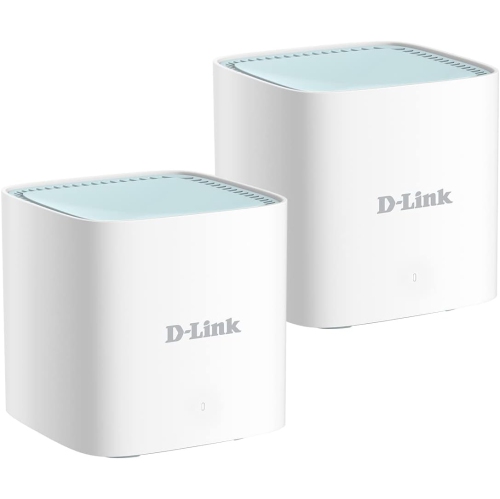
The physical fit of a router matters as much as its wireless specifications. A compact unit on an open shelf can suit a small apartment, while a home with several floors, thick masonry walls, or a distant office may need additional access points or a compatible mesh arrangement. More antennas do not automatically mean better coverage, and a single router cannot reliably overcome every obstacle in a large or unusually shaped home. A central, elevated position with open space around the casing generally gives wireless signals a better path than a closed cabinet, a spot behind a television, or a shelf crowded with metal objects. Most home routers use lightweight plastic housings with ventilation openings; those openings should remain unobstructed wherever the router sits. Dimensions, antenna clearance, power-cord reach, and cable routing all affect whether the unit fits neatly into a living room or workspace. Wall mounting can free up shelf space when the design supports it, but mounting hardware and orientation should follow the manufacturer’s directions. Wired connections are useful for devices that stay in one place. A desktop computer, game console, or streaming device connected by Ethernet avoids the wireless interference that can affect a busy room. Gigabit WAN and LAN ports are worth checking when the internet plan or local file transfers call for higher throughput, because a 100 Mbps port limits the speed of traffic passing through that connection. The number of LAN ports also matters if several stationary devices need cables. For gaming, connection stability and latency are often more important than a headline wireless speed, although the internet provider and game server still influence responsiveness. A router generally does not replace a modem or optical network terminal. Households with an internet-provider gateway may also need to check bridge mode or access point settings before adding another router, particularly when avoiding two layers of routing is important for games, remote access, or other network services.
Day-to-day usability comes down to how easily a router can be set up, maintained, and adjusted as household needs change. An app-based setup can make the initial connection straightforward, while a browser-based management page may offer more detailed control; account requirements and available settings vary by model. Useful management features can include a guest network, parental controls, device lists, and traffic-priority settings. A guest network can give visitors internet access without sharing the main network password, and supported isolation settings can help keep their devices separate from household computers and storage. Parental controls may provide schedules or filtering, but their scope differs, and some advanced functions require a separate subscription. Traffic prioritization can help a work call compete with a large download, though it cannot create bandwidth beyond the internet plan. Security deserves equal attention. WPA3 support is useful with compatible devices, while WPA2 with AES remains relevant for older equipment; a mixed security mode may help accommodate both where supported. A unique administrator password, a strong Wi-Fi password, and firmware updates help protect the network over time. Automatic updates can simplify maintenance, but the manufacturer’s support period is also worth considering for long-term use. Physical care is usually simple: keep the router dry, avoid covering its vents, and remove surface dust with a soft, dry cloth according to the care instructions. Reliable power, intact cables, and unobstructed ventilation support dependable operation, while software support remains an important part of its useful life. For someone setting up a first apartment or a straightforward study space, a router can be a practical gift when the recipient’s internet equipment and coverage needs are known. Households comparing more extensive networking capabilities can also explore Best Routers Under $2000. Whatever the setting, the strongest fit is a router with the coverage, connections, and controls the household will actually use, rather than features that add complexity without addressing a daily need.
The physical fit of a router matters as much as its wireless specifications. A compact unit on an open shelf can suit a small apartment, while a home with several floors, thick masonry walls, or a distant office may need additional access points or a compatible mesh arrangement. More antennas do not automatically mean better coverage, and a single router cannot reliably overcome every obstacle in a large or unusually shaped home. A central, elevated position with open space around the casing generally gives wireless signals a better path than a closed cabinet, a spot behind a television, or a shelf crowded with metal objects. Most home routers use lightweight plastic housings with ventilation openings; those openings should remain unobstructed wherever the router sits. Dimensions, antenna clearance, power-cord reach, and cable routing all affect whether the unit fits neatly into a living room or workspace. Wall mounting can free up shelf space when the design supports it, but mounting hardware and orientation should follow the manufacturer’s directions. Wired connections are useful for devices that stay in one place. A desktop computer, game console, or streaming device connected by Ethernet avoids the wireless interference that can affect a busy room. Gigabit WAN and LAN ports are worth checking when the internet plan or local file transfers call for higher throughput, because a 100 Mbps port limits the speed of traffic passing through that connection. The number of LAN ports also matters if several stationary devices need cables. For gaming, connection stability and latency are often more important than a headline wireless speed, although the internet provider and game server still influence responsiveness. A router generally does not replace a modem or optical network terminal. Households with an internet-provider gateway may also need to check bridge mode or access point settings before adding another router, particularly when avoiding two layers of routing is important for games, remote access, or other network services.
Day-to-day usability comes down to how easily a router can be set up, maintained, and adjusted as household needs change. An app-based setup can make the initial connection straightforward, while a browser-based management page may offer more detailed control; account requirements and available settings vary by model. Useful management features can include a guest network, parental controls, device lists, and traffic-priority settings. A guest network can give visitors internet access without sharing the main network password, and supported isolation settings can help keep their devices separate from household computers and storage. Parental controls may provide schedules or filtering, but their scope differs, and some advanced functions require a separate subscription. Traffic prioritization can help a work call compete with a large download, though it cannot create bandwidth beyond the internet plan. Security deserves equal attention. WPA3 support is useful with compatible devices, while WPA2 with AES remains relevant for older equipment; a mixed security mode may help accommodate both where supported. A unique administrator password, a strong Wi-Fi password, and firmware updates help protect the network over time. Automatic updates can simplify maintenance, but the manufacturer’s support period is also worth considering for long-term use. Physical care is usually simple: keep the router dry, avoid covering its vents, and remove surface dust with a soft, dry cloth according to the care instructions. Reliable power, intact cables, and unobstructed ventilation support dependable operation, while software support remains an important part of its useful life. For someone setting up a first apartment or a straightforward study space, a router can be a practical gift when the recipient’s internet equipment and coverage needs are known. Households comparing more extensive networking capabilities can also explore Best Routers Under $2000. Whatever the setting, the strongest fit is a router with the coverage, connections, and controls the household will actually use, rather than features that add complexity without addressing a daily need.
Top selling and popular products
-
 Your price for this item is $189.99
 -
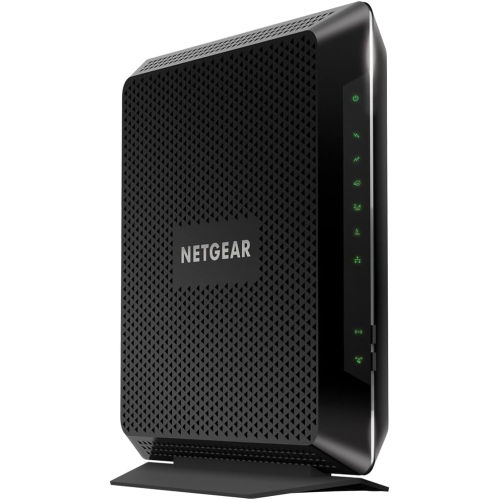 Your price for this item is $189.99
 -
 Your price for this item is $219
 -
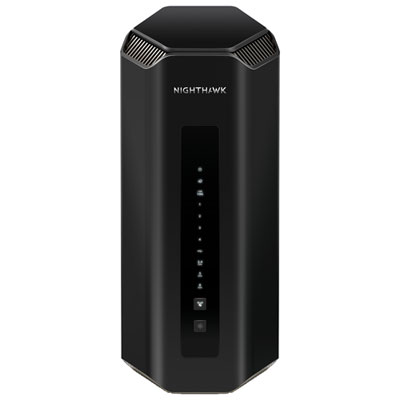 Your price for this item is $899.99
 -
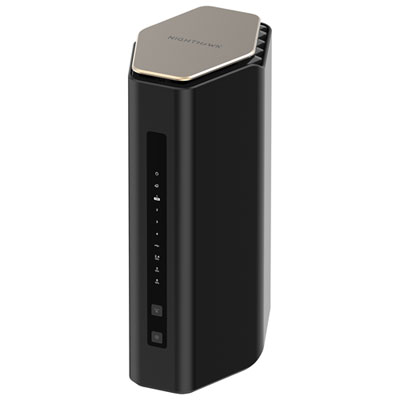 Your price for this item is $299.99
 -
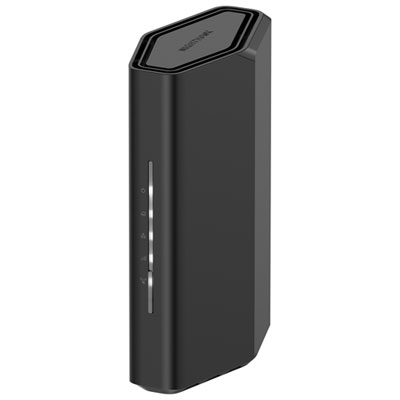 Your price for this item is $139.99
 -
 Your price for this item is $189.99
 -
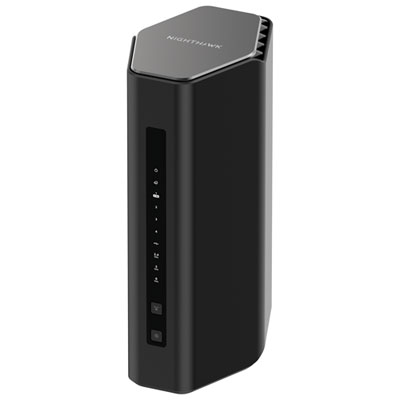 Your price for this item is $499.99
Discover more categories related to Routers Under $100
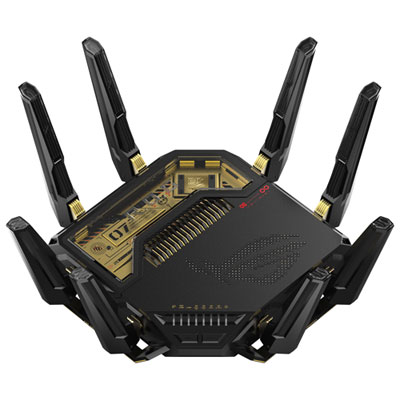
Top Collections:
Pokemon Centers, Best Cameras for Sports Photography, Kindle Devices, Samsung Galaxy Phones, Canon G7X Cameras, Pokémon 30th Celebration Cards, Refurbished Apple Laptops, iPhone 15 Apple, Laptops for Students, Budget Smartphones
Some products may be subject to Environmental Handling Fees
(EHF) depending on your province.
Learn more about EHFs.