Routers for Fiber Optic Internet
Routers for Fiber Optic Internet are designed to help you make the most of your high-speed connection at home or in the office. Whether you're streaming, gaming, or managing multiple devices, choosing the right router can enhance your online experience and keep your network running smoothly. Explore a wide selection of options to find the perfect match for your fiber optic service and enjoy reliable connectivity throughout your space.
Sort
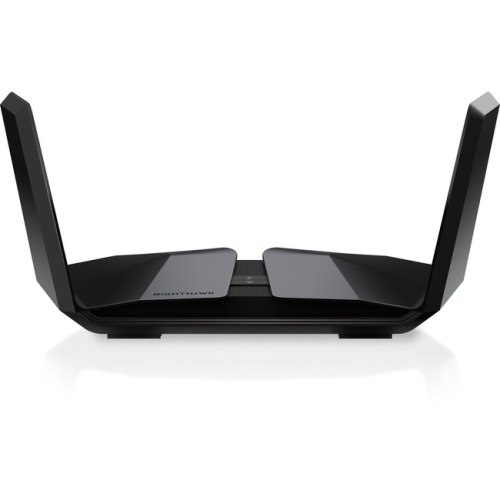
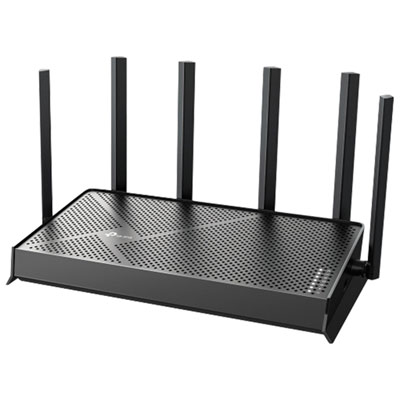
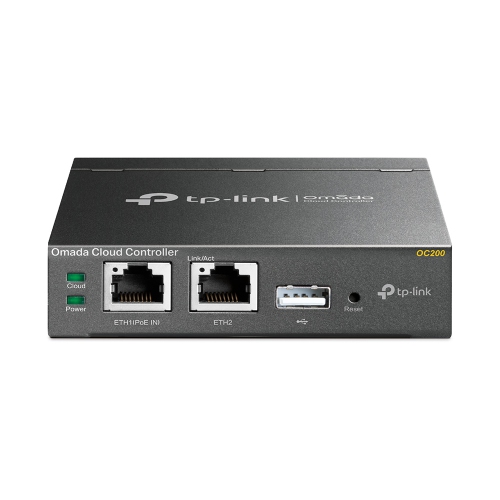
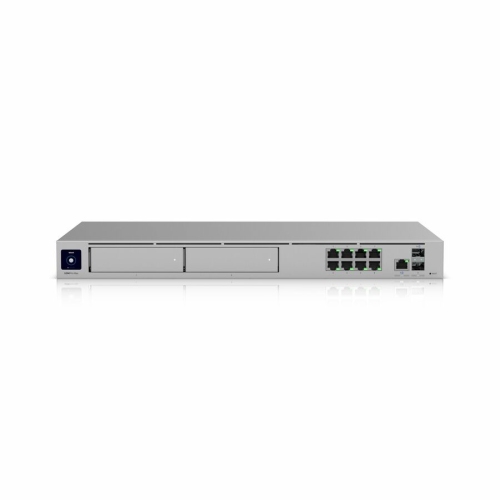
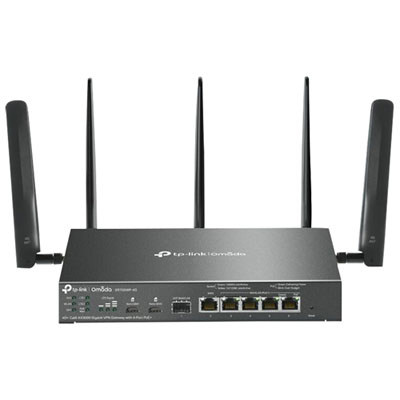
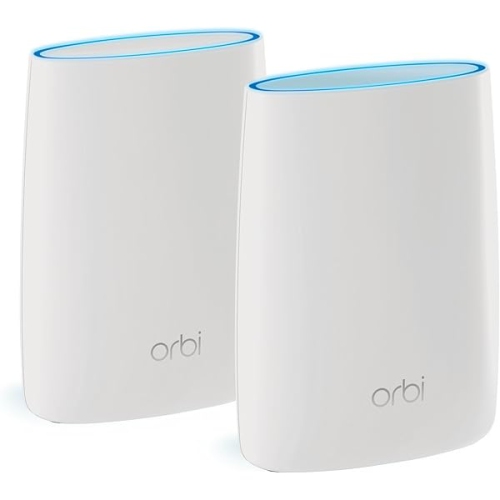
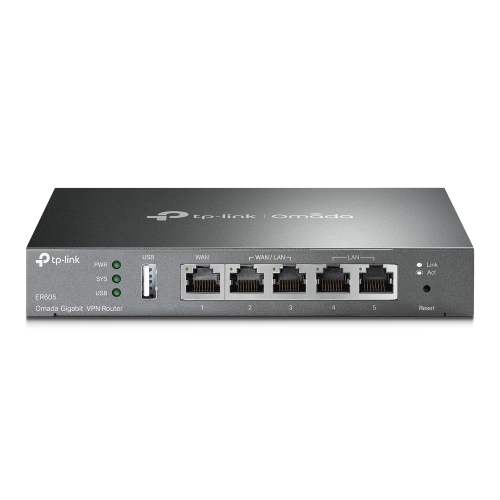
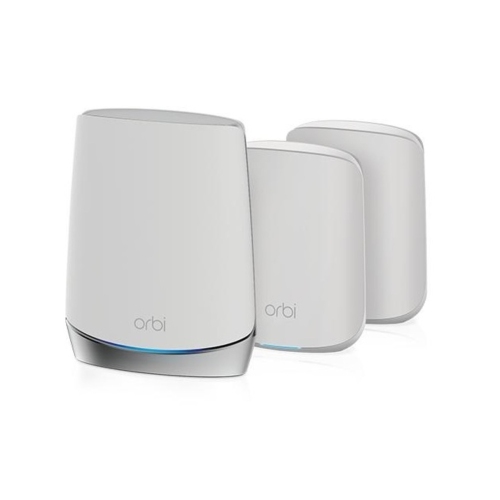

Why fibre performance depends on more than router speed
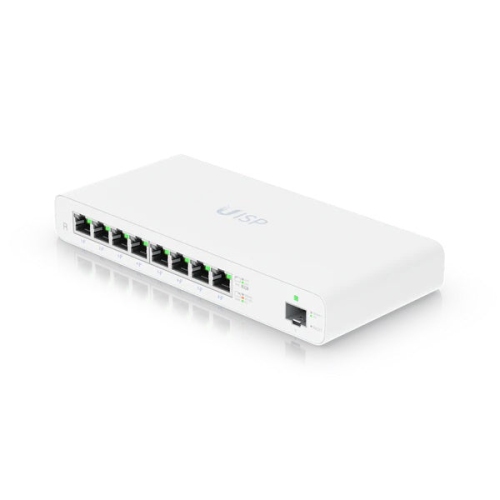
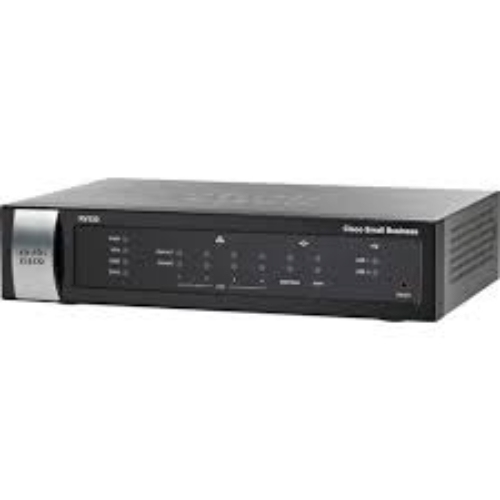
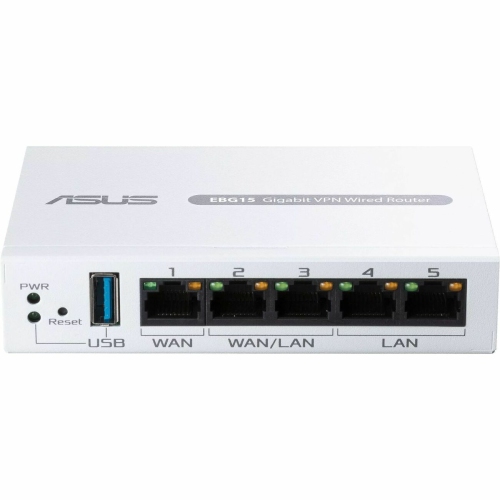
Routers for fibre optic internet distribute a fibre connection to the computers, phones, televisions and other connected devices throughout a home. The fibre service typically reaches an optical network terminal, or ONT, which converts the optical signal into a connection that networking equipment can use. A separate router usually connects to the ONT through an Ethernet cable plugged into its WAN port; a traditional cable or DSL modem is not normally required. Some internet providers combine the optical terminal, router and other functions in a single gateway, so compatibility with an existing setup matters as much as the router’s advertised speed. Provider requirements can include connection credentials, VLAN settings or continued use of supplied equipment for television and phone services. Where supported, bridge mode or IP passthrough can allow a separate router to manage the home network without creating an unnecessary second routing layer. For matching hardware to a fibre plan, Ethernet port speeds are a useful starting point. A gigabit WAN port suits many plans up to 1 Gbps, although usable throughput is lower than the port’s nominal rate because of network overhead. Plans above 1 Gbps need a faster WAN connection to make their full bandwidth accessible to the router. Multi-gigabit LAN ports also matter when a desktop computer, network storage device or wired access point needs more than a gigabit connection. A router with a fast WAN port but only gigabit LAN ports can share bandwidth among several devices, but an individual wired connection remains limited by its own port. Ethernet cables and the network adapters in connected devices must support the intended speed, too. These details are especially relevant in a household where someone uploads large work files while another person downloads games and several televisions stream video. The strongest fit is not necessarily the router with the largest headline number, but one whose wired connections, wireless capabilities and provider compatibility suit the way the household uses its fibre service.
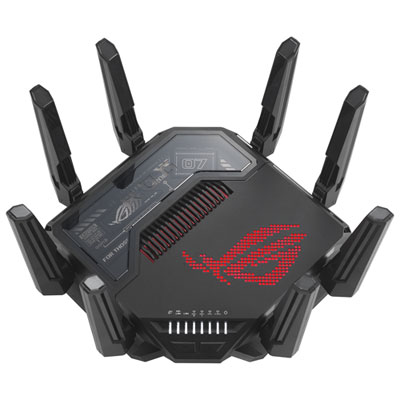
Wireless performance depends on the router, the receiving device and the layout of the home. Wi-Fi 6 routers can serve households with numerous connected devices, while Wi-Fi 6E adds access to the 6 GHz band for compatible equipment. Wi-Fi 7 introduces further capabilities, including multi-link operation on supported hardware, but older phones and laptops still connect using the standards they support. The combined wireless speed advertised for a router represents theoretical capacity across its bands, not a guaranteed download speed for one device. Actual results depend on signal strength, interference, channel settings and the device’s own radio capabilities. The 2.4 GHz band generally reaches farther and supports many smart-home accessories, while 5 GHz and 6 GHz can provide greater capacity over shorter distances. Higher-frequency signals are more readily weakened by walls and floors, making the floor plan an important part of the fit. A centrally placed standalone router may be sufficient for a condo or a compact home, whereas a long townhouse, finished basement or detached home with several storeys may benefit from a mesh system. Mesh routers use multiple units to extend a shared network, helping connected devices maintain access as people move between rooms. Their performance still depends on the connection between those units, known as backhaul. Ethernet backhaul provides a wired link where cabling is practical, while wireless backhaul needs suitable placement and enough signal between nodes. A node tucked into the farthest room, where the original signal barely reaches, may not deliver the improvement expected. For a home office handling video meetings, a games console used for online play or a television streaming high-resolution video, a direct Ethernet connection can reduce reliance on wireless conditions. Meanwhile, wireless coverage remains important for the tablet on the kitchen countertop, the laptop at the dining table and the phone moving between floors. Coverage claims based on floor area are useful reference points, but construction materials and room arrangement can make two similarly sized homes behave very differently.
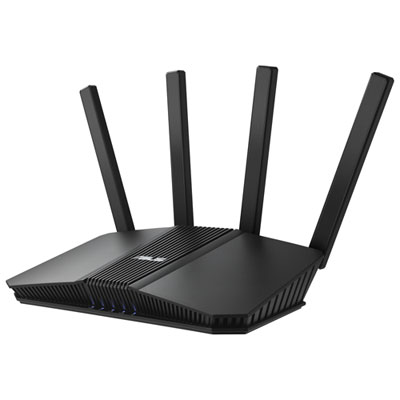
As with other Fast Internet Routers, everyday usefulness extends beyond peak speed to security, network management and physical design. Automatic firmware updates can simplify maintenance, while clear information about security support helps establish how a router will be maintained over time. WPA3 security is useful for compatible devices, although some older accessories may require settings that also allow WPA2 connections. A separate guest network can provide visitors with internet access without sharing the main network password, and supported device-isolation features can add separation for smart-home equipment. Parental controls, scheduled access and device profiles may suit families managing homework and entertainment across several screens; the exact functions and any account or subscription requirements vary. Traffic-prioritization features can also help manage a busy connection, particularly when uploads compete with calls or interactive applications, but they cannot remove delays elsewhere on the internet or increase the speed supplied by the provider. Physical fit deserves similar attention. Routers with external antennas need room for their intended positioning, and compact mesh units still need access to power and adequate ventilation. Plastic or metal housings should be kept clear of stacked equipment, soft furnishings and enclosed cupboards that restrict airflow. An open shelf away from large metal objects is generally more suitable than a cabinet behind a television, especially when that cabinet sits at one end of the home. Stable placement, accessible ports and enough space for Ethernet connectors make the equipment easier to live with and maintain. Routine care is straightforward: keep vents free of dust, follow the manufacturer’s cleaning directions and avoid exposing the router to spills. For households planning additional wired devices, spare LAN ports or support for an Ethernet switch can make expansion simpler. A router that balances dependable coverage, suitable port speeds and manageable settings can support everyday fibre internet use without making the network unnecessarily complicated, whether the household centres on remote work, shared entertainment or a growing collection of connected devices.
Top selling and popular products
-
 Your price for this item is $189.99
-
 Your price for this item is $189.99
-
 Your price for this item is $219
-
 Your price for this item is $899.99
-
 Your price for this item is $299.99
-
 Your price for this item is $139.99
-
 Your price for this item is $499.99
-
 Your price for this item is $349.99
Discover more categories related to Routers for Fiber Optic Internet
Top Collections:
Best Black Friday Deals This Year, Best Black Friday Deals On Electronics, Kindle Devices, Pokemon Centers, Best Black Friday Deals On Apple Products, Best Cameras for Sports Photography, Dyson Airwrap, Pokémon 30th Celebration Cards, Apple iPhone 17 Pro, Canon G7X Cameras
Some products may be subject to Environmental Handling Fees
(EHF) depending on your province.
Learn more about EHFs.