Modem for Fiber Optic Internet
Modem For Fiber Optic Internet solutions are designed to help you make the most of your high-speed connection. Whether you're streaming, gaming, working from home, or managing smart devices, finding the right modem is essential for a seamless online experience. Explore a variety of options that support reliable and fast fiber optic internet performance, making it easy to enjoy smooth connectivity throughout your home or office. Discover the perfect Modem For Fiber Optic Internet to match your needs and keep your network running efficiently.
Sort

Why your fibre connection may not need a modem
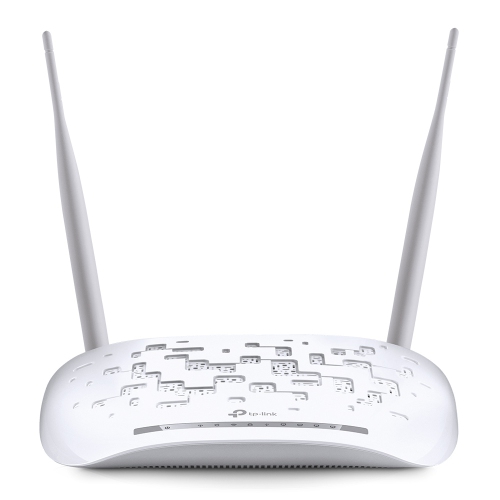
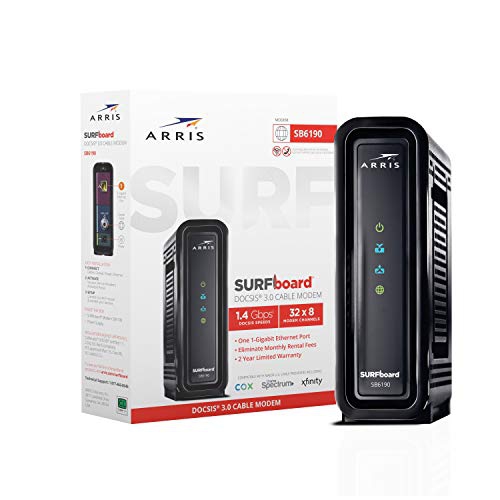
Equipment for fibre optic internet connects a household’s incoming service to the computers, phones, televisions and other devices that depend on it. Although modem is often used as a general name for the box beside an internet connection, fibre-to-the-home service typically uses an optical network terminal, or ONT, to convert light signals into a connection that networking equipment can use. A router then shares that connection through Ethernet ports and Wi-Fi. Some internet providers supply separate devices, while others use a gateway that combines several functions in one enclosure. This distinction matters when comparing equipment: a cable modem designed for a coaxial connection cannot simply replace a fibre ONT. The appropriate setup depends on how the service enters the home, what equipment the provider requires and whether customer-owned hardware is supported. Even services advertised as fibre may use a different connection for the final stretch into a building or suite, so the actual connection type matters more than the plan name alone. For many households, the useful addition is a compatible router or mesh Wi-Fi system that works alongside the provider’s existing terminal rather than a replacement modem. A home office with frequent video meetings, a family streaming on several screens and a shared apartment full of connected devices can all benefit from equipment matched to their particular demands. Compatibility also includes the handoff between devices: an Ethernet connection from an ONT is different from an optical connection that requires provider-approved hardware and provisioning. Where telephone or television services share the same gateway, retaining certain provider equipment may be necessary for those services to function properly. Understanding the role of each box helps distinguish equipment that brings the service into the home from equipment that distributes it throughout the rooms. It also helps avoid duplicating functions that are already handled by an existing gateway. The most suitable arrangement is one that supports the subscribed service, works with the provider’s requirements and offers the connections the household actually uses.
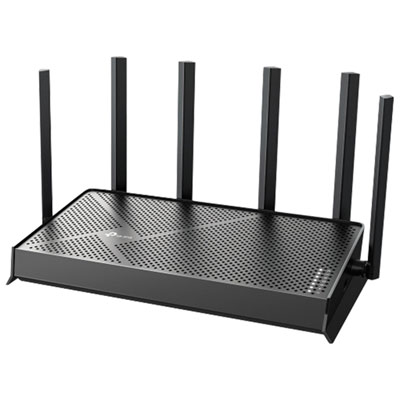
Connection speed is only one part of how fibre internet feels in everyday use. The router’s internet-facing port, its wired network ports and its wireless capabilities all influence how much of the incoming connection reaches a particular device. A router with a gigabit internet port can become a limiting factor on a plan that exceeds gigabit speeds, while faster ports are useful only when the connected equipment and cabling can also support them. Advertised Wi-Fi speeds describe theoretical wireless capabilities rather than a guaranteed internet speed at every seat in the house. Distance, walls, neighbouring networks and the capabilities of a phone or laptop affect actual performance. Wi-Fi 6, Wi-Fi 6E and Wi-Fi 7 equipment offer different capabilities, but their benefits depend partly on compatible devices; a newer router does not give an older laptop every feature of a newer wireless standard. For a desktop used for large file transfers or a gaming system beside the television, Ethernet can provide a more consistent connection without relying on wireless signal strength. Wireless coverage remains important for tablets, phones, doorbells and devices that move between rooms. A centrally positioned router may suit a compact apartment, while a long floor plan or a home with several storeys may benefit from mesh equipment that extends coverage through additional nodes. Those nodes still need a dependable connection to the main router, whether through suitable wireless placement or wired backhaul. A node placed inside an existing dead zone may have too little signal to relay effectively. Practical features can make an equally noticeable difference: enough Ethernet ports for nearby equipment, a guest network for visitors, clear device-management controls and security updates that help keep the network protected. Traffic-management features may help prioritize a video call when other devices are busy, although they cannot create bandwidth beyond the service plan. For households with several people online at once, balanced coverage and dependable connections often matter more than the largest speed figure on the packaging. A quiet study at the back of the home needs a usable signal just as much as the room beside the incoming connection.
Physical fit and everyday care also influence how comfortably networking equipment becomes part of a home. Routers and gateways commonly have rigid plastic or metal enclosures, with ventilation openings that allow heat to escape. An upright unit needs enough shelf height, while a wider desktop design needs a stable surface and room for cables to bend naturally behind it. External antennas, where fitted, add to the space required. A ventilated position away from spills is more suitable than a tightly packed cabinet, and stacking other electronics directly on top can obstruct airflow. Large metal objects and enclosed utility panels may also interfere with wireless coverage, even when they offer a convenient place to hide cables. Fibre connections deserve particular care: optical cables should not be sharply bent, pinched beneath furniture or pulled by their connectors. Provider-installed fibre fittings are best left undisturbed unless the provider directs otherwise. Ethernet cables and power leads can be organized so they are not stretched across walkways or strained at the ports, with a little slack available for moving equipment during cleaning. For routine care, follow the manufacturer’s instructions, keep vents clear and avoid spraying cleaner directly onto the enclosure. Long-term usefulness depends not just on the housing but also on continued software support, compatible connections and enough capacity for changing household needs. A router that suits one laptop and a television may have different demands placed on it when a home office, additional occupants or connected home devices are added. When a separate router is used with a provider gateway, supported bridge or passthrough settings may help avoid having two devices performing overlapping routing functions; the appropriate arrangement depends on the service. For a different provider-specific equipment category, explore Modem for WOW Internet, keeping that provider’s compatibility requirements separate from those of a fibre connection. Across these setups, the aim is straightforward: equipment that fits the available space, connects correctly to the incoming service and delivers dependable access wherever it is needed.
Top selling and popular products
-
 Your price for this item is $126.68
-
 Your price for this item is $71.99
-
 Your price for this item is $70.68
-
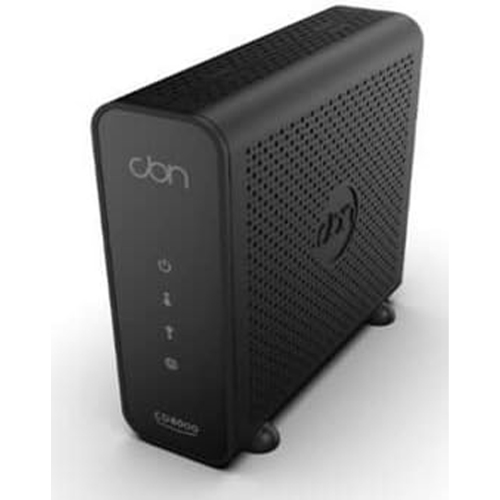 Your price for this item is $219.89
-
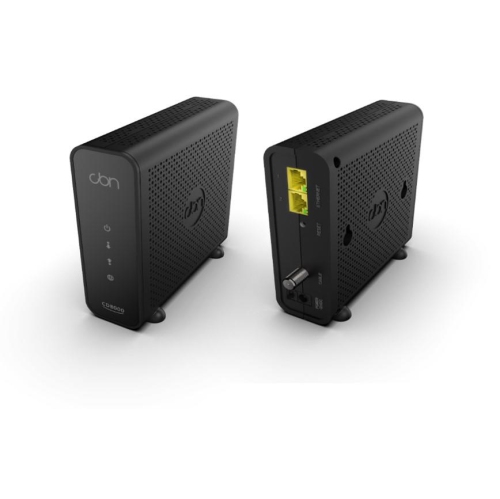 Your price for this item is $222.99
-
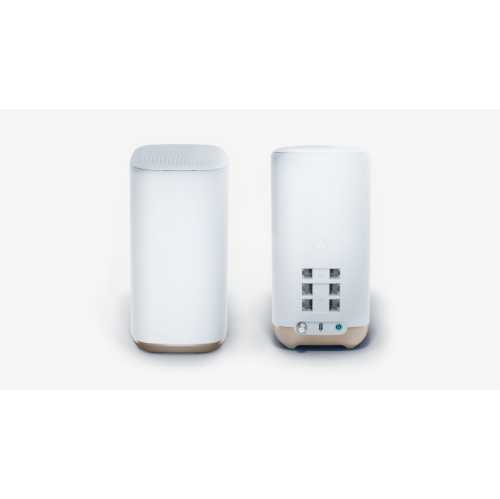 Your price for this item is $229.96
-
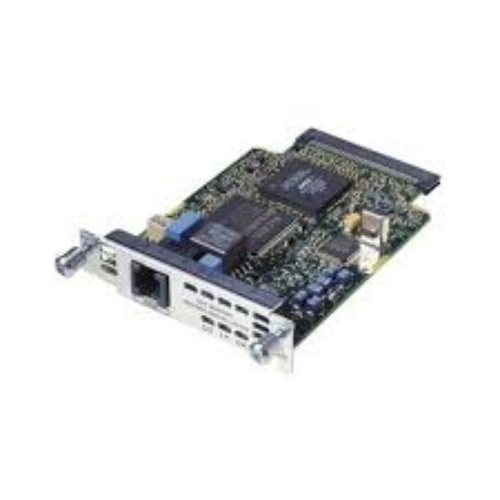 Your price for this item is $10
-
 Your price for this item is $150
Discover more categories related to Modem for Fiber Optic Internet
Top Collections:
Best Black Friday Deals This Year, Best Black Friday Deals On Electronics, Kindle Devices, Pokemon Centers, Best Black Friday Deals On Apple Products, Best Cameras for Sports Photography, Dyson Airwrap, Pokémon 30th Celebration Cards, Apple iPhone 17 Pro, Canon G7X Cameras
Some products may be subject to Environmental Handling Fees
(EHF) depending on your province.
Learn more about EHFs.