Routers With Multiple Ethernet Ports
Routers With Multiple Ethernet Ports offer a convenient solution for homes and offices that require reliable wired connections for multiple devices. Whether you're setting up a workstation, gaming hub, or streaming center, these routers provide the flexibility to connect PCs, smart TVs, consoles, and more—all at once. Explore a range of options designed to support seamless connectivity and help you get the most out of your internet experience.
Sort

Why Ethernet port counts tell only part of the story
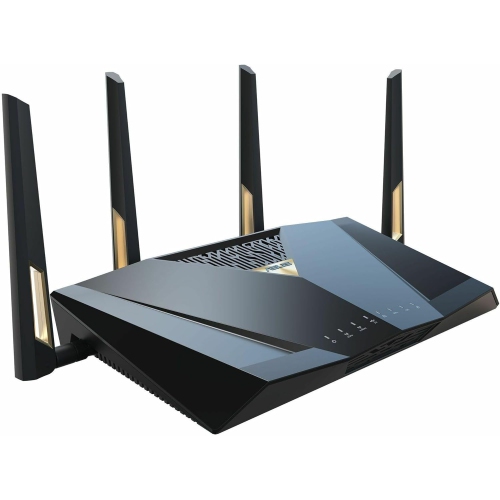
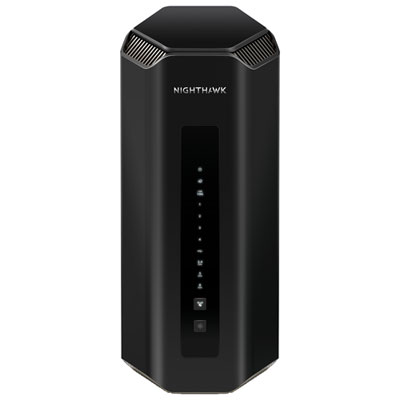
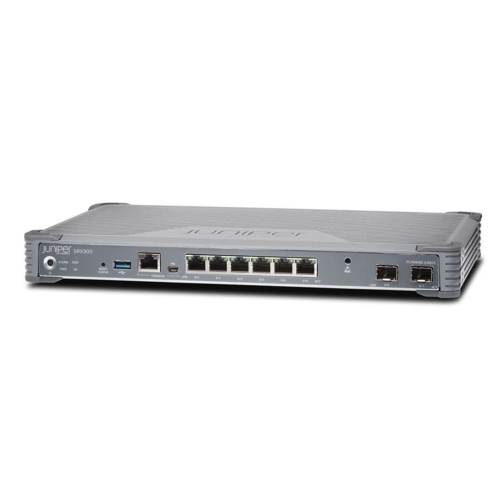
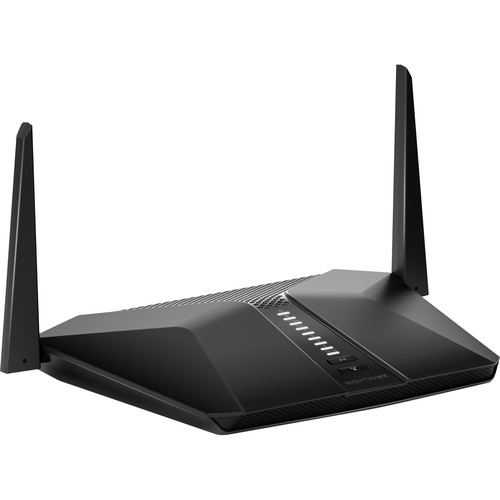
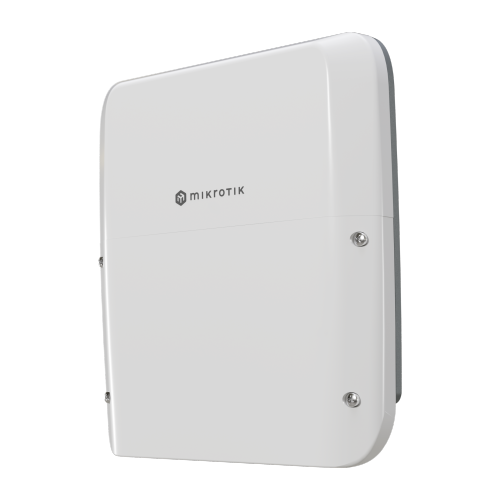
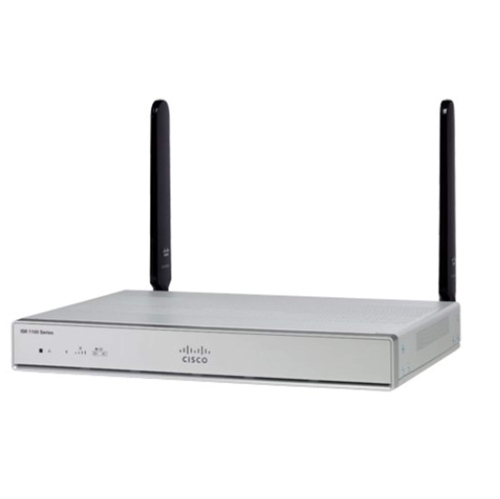
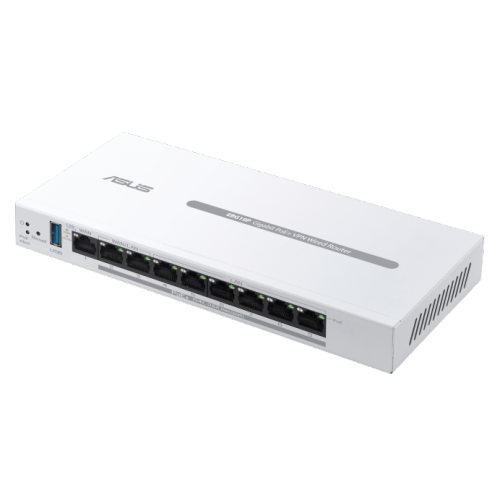
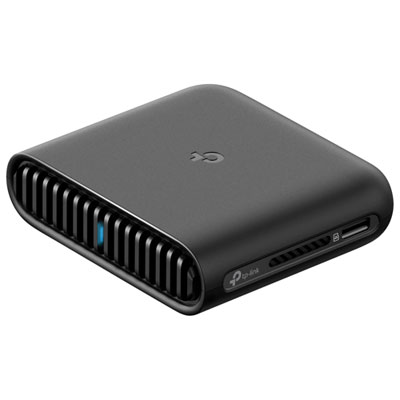
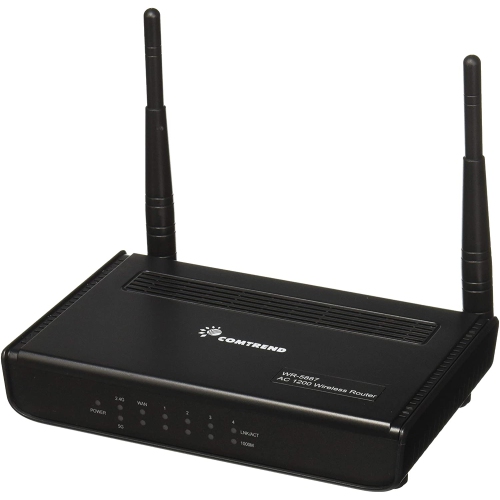
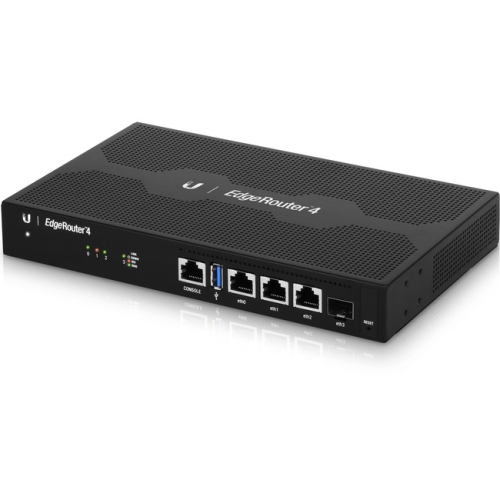
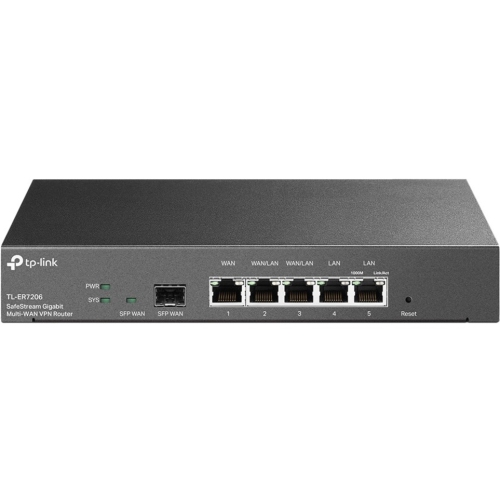
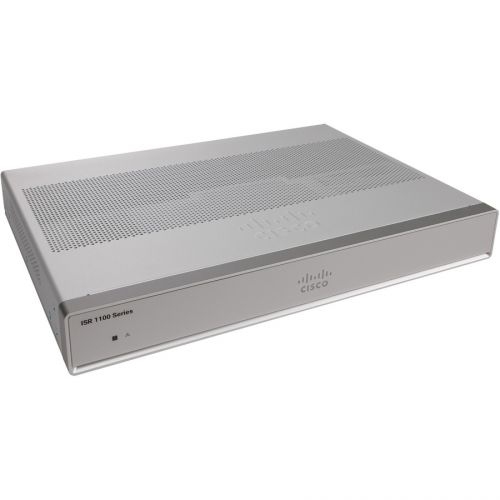
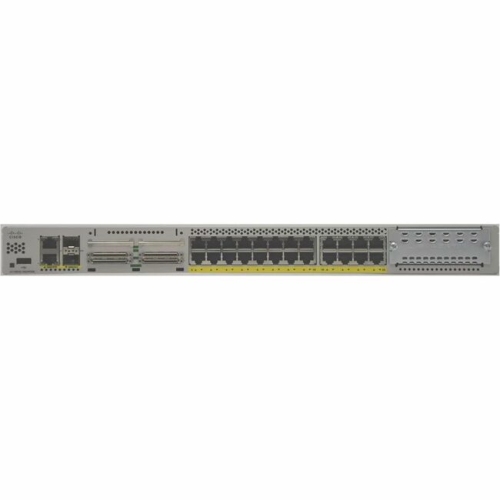
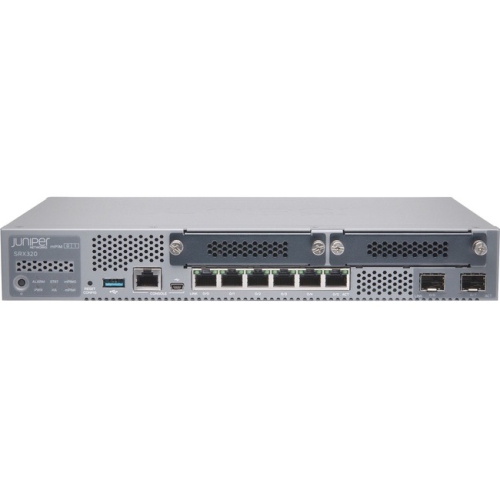
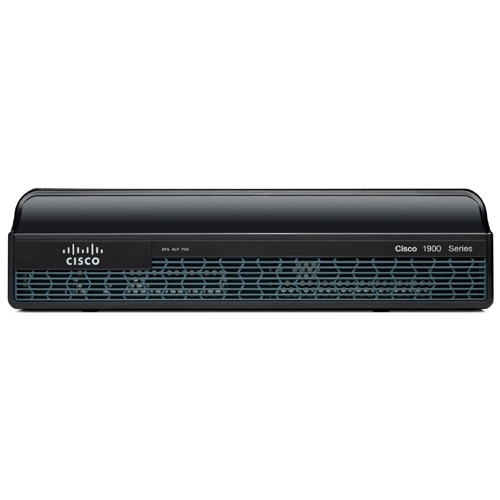
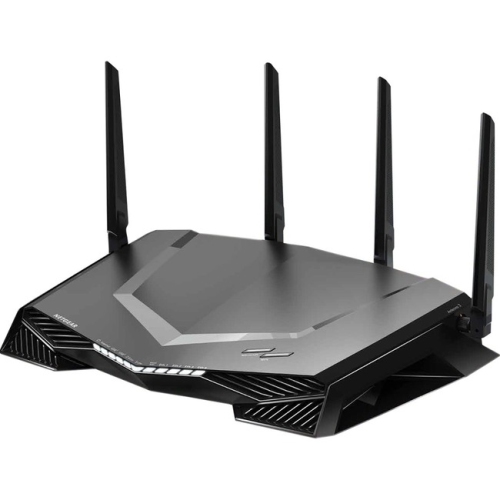
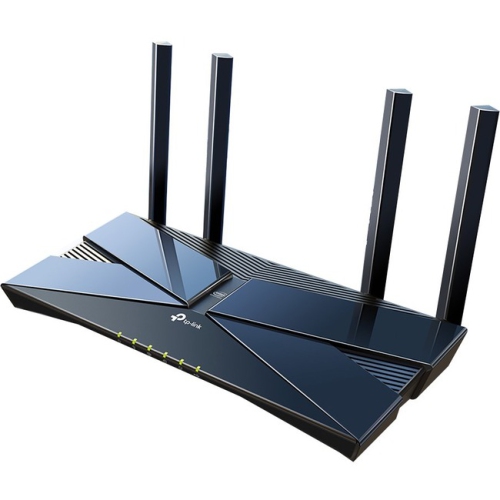
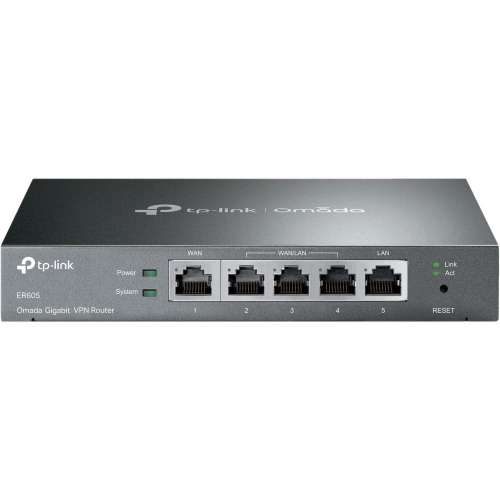
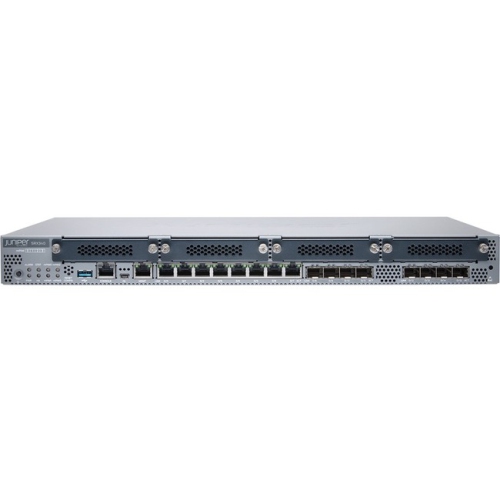
Routers with multiple Ethernet ports combine wireless connectivity with direct cable connections for devices that benefit from a steady link. A typical home router includes a WAN, or wide area network, port for the connection to a modem or other internet service equipment, plus several LAN, or local area network, ports for connected devices. Four LAN ports are common, although the number and configuration vary. The distinction matters: a router described as having five Ethernet ports may provide one WAN port and four LAN ports, rather than five connections for computers and other equipment. Some designs also have configurable WAN/LAN ports, so the number available for wired devices depends on how the router is set up. Multiple LAN ports are useful in homes where a desktop computer, gaming console, smart TV, and network-attached storage device all need direct connections. In a home office, they can accommodate a work computer, compatible network printer, and other equipment without making every device depend on Wi-Fi. Ethernet connections can reduce exposure to wireless interference and help deliver consistent performance for video meetings, online gaming, large downloads, and streaming. They do not eliminate delays caused by an internet provider or a distant server, but they remove the wireless link as one possible source of disruption. This balance suits households with several people online at once: stationary devices can use cables while phones, tablets, and laptops retain the flexibility of Wi-Fi. A router near an entertainment centre might connect a television and console directly, while a centrally positioned router can serve wired wall outlets that lead to different rooms. The most useful port count reflects the equipment that will actually be connected, with room for additions such as another computer or a storage device. Ethernet backhaul for a compatible mesh system can also occupy a port, making spare connections valuable even when only a few computers need cables.
Port speed is just as important as port quantity. Gigabit Ethernet supports a nominal link rate of 1 Gbps and is a common match for everyday home networking. Multi-gigabit Ethernet ports, including 2.5 Gbps, 5 Gbps, and 10 Gbps connections, can support faster links when the equipment at both ends and the cabling support those speeds. A router may combine several gigabit LAN ports with a single faster port, or provide multiple multi-gigabit connections. Those arrangements serve different needs. A faster WAN port can accommodate an internet service connection above gigabit speed, while faster LAN ports can help with transfers between compatible computers and network storage. A photographer moving large image libraries or a household sharing high-resolution video files may benefit from local network capacity even when internet access is slower. Conversely, connecting a gigabit-only computer to a faster port does not make that computer operate at multi-gigabit speeds. Real transfer rates also depend on storage performance, network adapters, cable quality, router capabilities, and other traffic. More ports do not increase the bandwidth supplied by an internet plan; they provide more places to connect devices and share that connection. Wireless capabilities remain relevant because a multi-port router often serves as the centre of both the wired and wireless network. Wi-Fi generation, supported frequency bands, coverage, and device compatibility all contribute to that role, but additional Ethernet ports do not automatically mean stronger wireless coverage. Traffic-prioritization features can help manage competing activities when supported and configured, although they cannot create extra bandwidth. For households interested in connecting compatible storage directly to a router, routers with USB ports offer a related feature worth considering alongside Ethernet connectivity. USB functions vary by router: support for file sharing, printer sharing, or another accessory should be confirmed in the specifications rather than assumed from the presence of a USB socket.
Physical design makes a difference once several network cables are connected. Rear-facing ports can keep wiring out of sight on an open shelf, while clearly labelled sockets and readable status lights make individual connections easier to identify. Ethernet plugs need enough clearance for their locking tabs, and tightly bent cables or heavy bundles pulling against the sockets can make a compact installation awkward. Routers commonly use plastic housings, while some designs incorporate metal construction or additional heat-management features; enclosure material alone does not determine connection quality or service life. A stable position, unobstructed ventilation, and protection from spills and accidental knocks are practical considerations for equipment expected to run continuously. A closed cupboard crowded with power adapters and tangled cables can restrict airflow and weaken wireless coverage, even if the wired connections remain accessible. Routine care generally involves keeping ventilation openings clear and cleaning the exterior according to the manufacturer's directions, without spraying liquid into ports or openings. Wall-mounting options, footprint, antenna placement, and power-cord reach can all affect how neatly a router fits into an office, living room, or utility area. Existing Ethernet cabling also matters: its category, condition, length, and installation quality influence the speeds a connection can reliably support. Beyond the hardware, clear setup tools, supported firmware updates, and suitable security controls contribute to everyday usability. Separate guest Wi-Fi access can be helpful for visitors, while household controls and device-management features vary between routers. For a growing wired network, an Ethernet switch can add connections through an existing LAN port, although devices on that switch share its uplink when communicating with the rest of the network. A router with enough built-in ports can keep a modest setup simpler, with fewer separate boxes and power adapters. Whether supporting a shared workspace, a media-focused living room, or several connected bedrooms, the right combination of LAN ports, connection speeds, wireless coverage, and manageable cable routing helps the network fit the way the household uses it.
Port speed is just as important as port quantity. Gigabit Ethernet supports a nominal link rate of 1 Gbps and is a common match for everyday home networking. Multi-gigabit Ethernet ports, including 2.5 Gbps, 5 Gbps, and 10 Gbps connections, can support faster links when the equipment at both ends and the cabling support those speeds. A router may combine several gigabit LAN ports with a single faster port, or provide multiple multi-gigabit connections. Those arrangements serve different needs. A faster WAN port can accommodate an internet service connection above gigabit speed, while faster LAN ports can help with transfers between compatible computers and network storage. A photographer moving large image libraries or a household sharing high-resolution video files may benefit from local network capacity even when internet access is slower. Conversely, connecting a gigabit-only computer to a faster port does not make that computer operate at multi-gigabit speeds. Real transfer rates also depend on storage performance, network adapters, cable quality, router capabilities, and other traffic. More ports do not increase the bandwidth supplied by an internet plan; they provide more places to connect devices and share that connection. Wireless capabilities remain relevant because a multi-port router often serves as the centre of both the wired and wireless network. Wi-Fi generation, supported frequency bands, coverage, and device compatibility all contribute to that role, but additional Ethernet ports do not automatically mean stronger wireless coverage. Traffic-prioritization features can help manage competing activities when supported and configured, although they cannot create extra bandwidth. For households interested in connecting compatible storage directly to a router, routers with USB ports offer a related feature worth considering alongside Ethernet connectivity. USB functions vary by router: support for file sharing, printer sharing, or another accessory should be confirmed in the specifications rather than assumed from the presence of a USB socket.
Physical design makes a difference once several network cables are connected. Rear-facing ports can keep wiring out of sight on an open shelf, while clearly labelled sockets and readable status lights make individual connections easier to identify. Ethernet plugs need enough clearance for their locking tabs, and tightly bent cables or heavy bundles pulling against the sockets can make a compact installation awkward. Routers commonly use plastic housings, while some designs incorporate metal construction or additional heat-management features; enclosure material alone does not determine connection quality or service life. A stable position, unobstructed ventilation, and protection from spills and accidental knocks are practical considerations for equipment expected to run continuously. A closed cupboard crowded with power adapters and tangled cables can restrict airflow and weaken wireless coverage, even if the wired connections remain accessible. Routine care generally involves keeping ventilation openings clear and cleaning the exterior according to the manufacturer's directions, without spraying liquid into ports or openings. Wall-mounting options, footprint, antenna placement, and power-cord reach can all affect how neatly a router fits into an office, living room, or utility area. Existing Ethernet cabling also matters: its category, condition, length, and installation quality influence the speeds a connection can reliably support. Beyond the hardware, clear setup tools, supported firmware updates, and suitable security controls contribute to everyday usability. Separate guest Wi-Fi access can be helpful for visitors, while household controls and device-management features vary between routers. For a growing wired network, an Ethernet switch can add connections through an existing LAN port, although devices on that switch share its uplink when communicating with the rest of the network. A router with enough built-in ports can keep a modest setup simpler, with fewer separate boxes and power adapters. Whether supporting a shared workspace, a media-focused living room, or several connected bedrooms, the right combination of LAN ports, connection speeds, wireless coverage, and manageable cable routing helps the network fit the way the household uses it.
Top selling and popular products
-
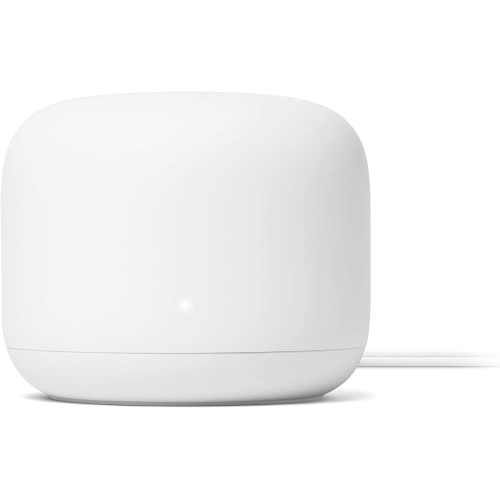 Your price for this item is $99
 -
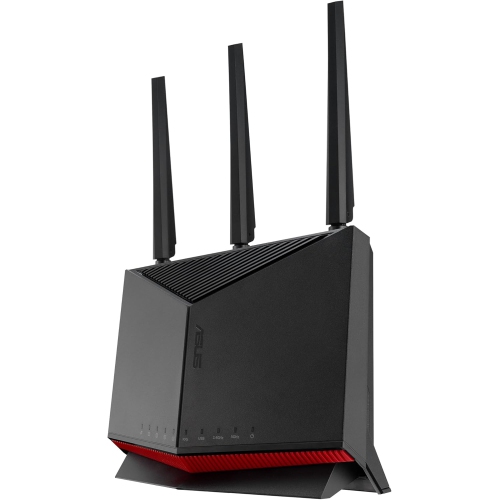 Your price for this item is $490.72
 -
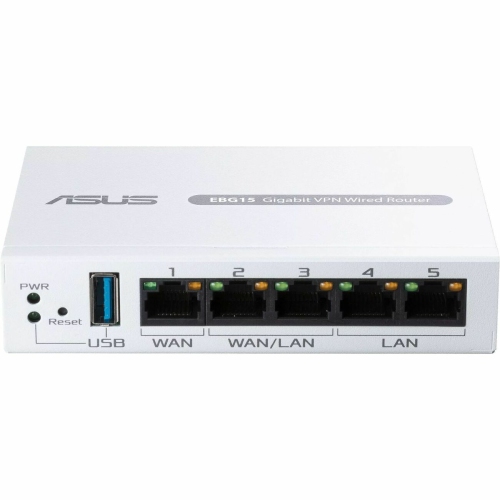 Your price for this item is $128.99
 -
 Your price for this item is $629.99
 -
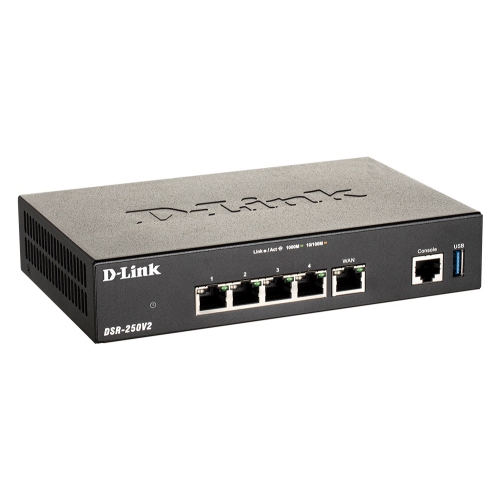 Your price for this item is $308.68
 -
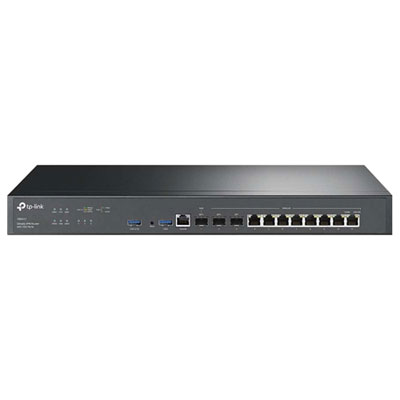 Your price for this item is $899.99
 -
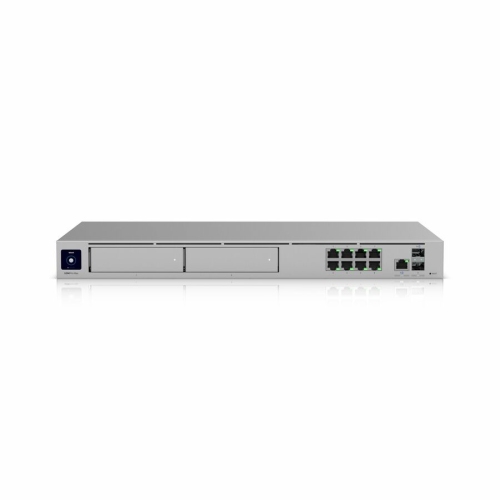 Your price for this item is $971.99
 -
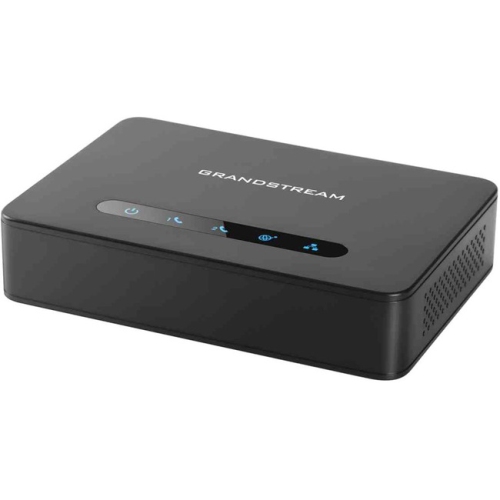 Your price for this item is $79.75
Discover more categories related to Routers With Multiple Ethernet Ports

Top Collections:
Pokemon Centers, Best Cameras for Sports Photography, Kindle Devices, Samsung Galaxy Phones, Canon G7X Cameras, Pokémon 30th Celebration Cards, Refurbished Apple Laptops, iPhone 15 Apple, Laptops for Students, Budget Smartphones
Some products may be subject to Environmental Handling Fees
(EHF) depending on your province.
Learn more about EHFs.