Routers for Network Segmentation
Routers for Network Segmentation offer a reliable way to organize and manage your digital traffic, making it easier to separate different devices or departments within your home or business network. By using routers designed for network segmentation, you can enhance control over data flow and optimize performance for various applications. Explore a wide range of options to find the ideal solution that meets your connectivity needs and supports efficient network management.
Sort
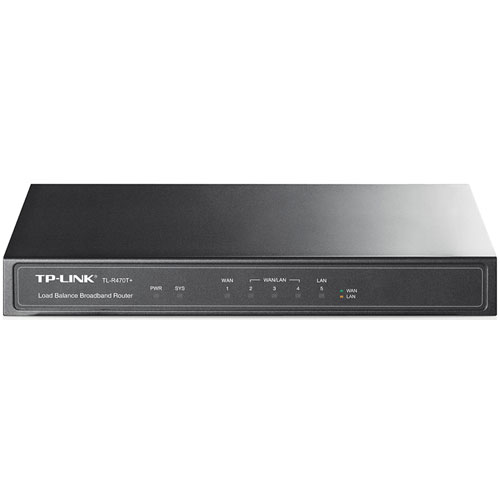
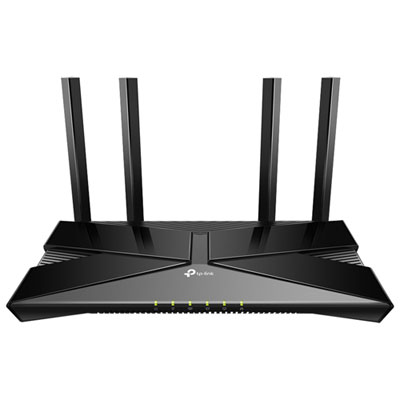
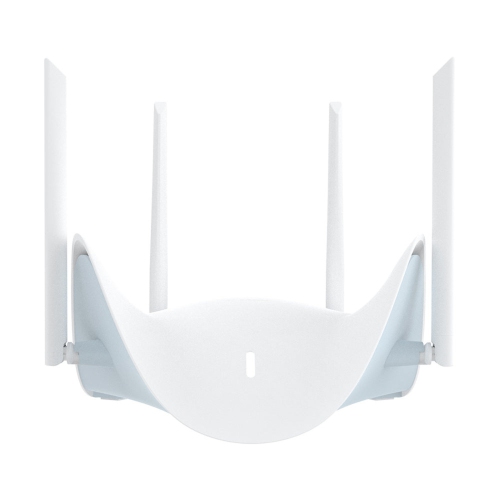
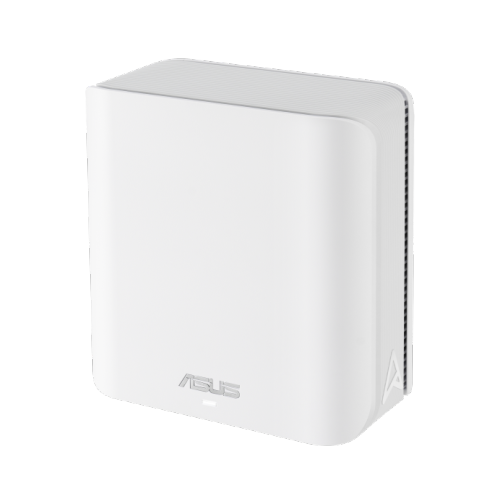
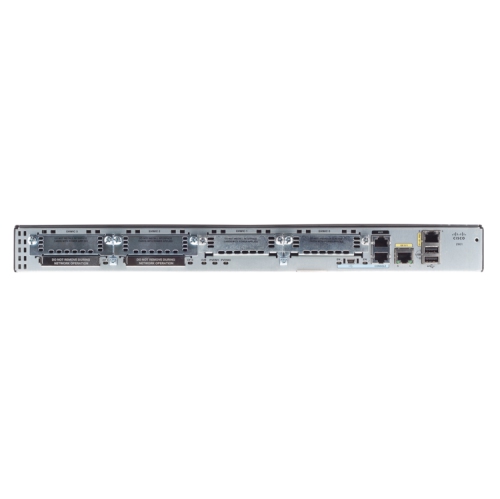
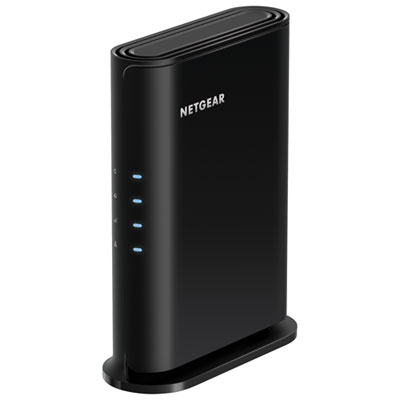
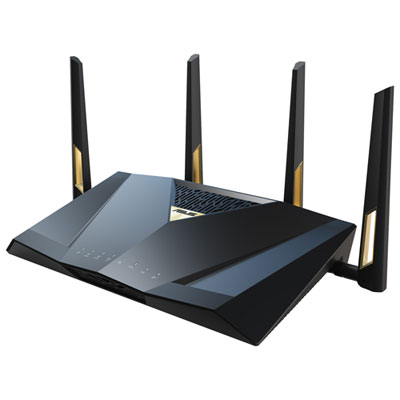
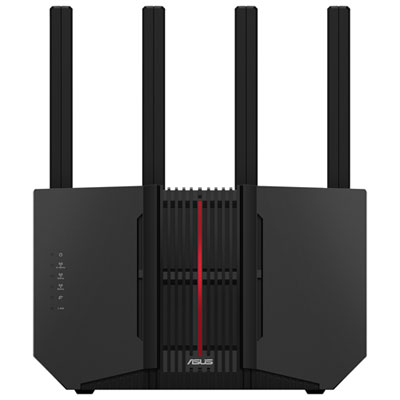
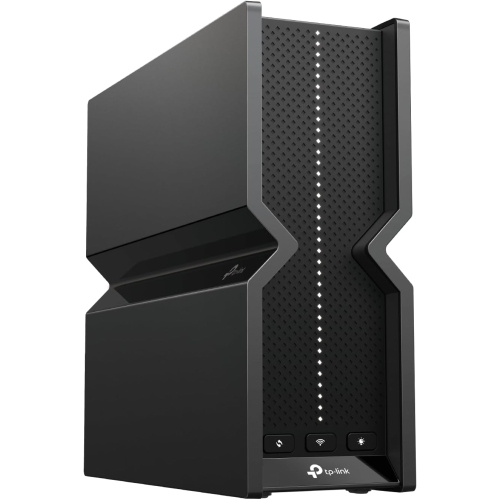
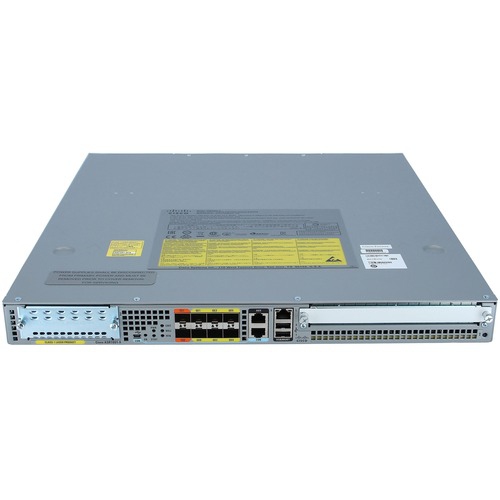
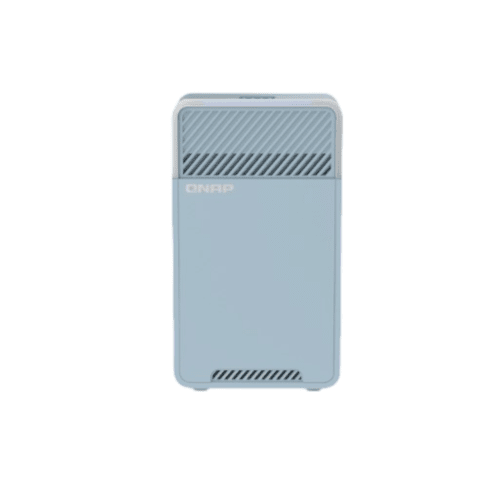

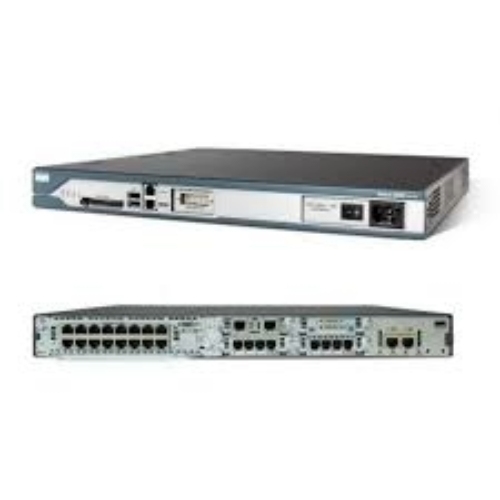
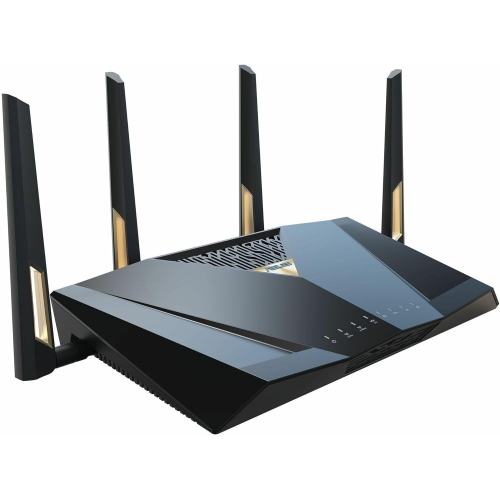
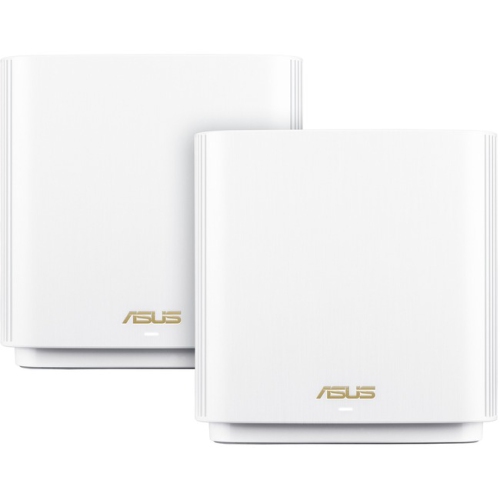
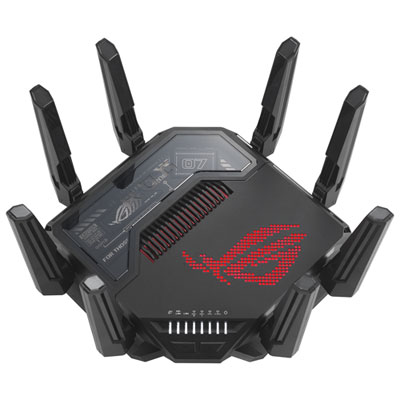
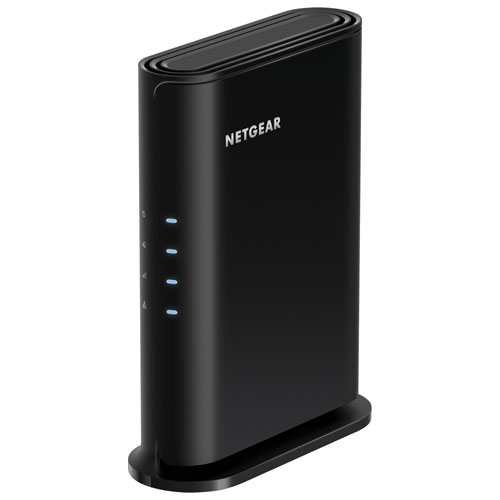
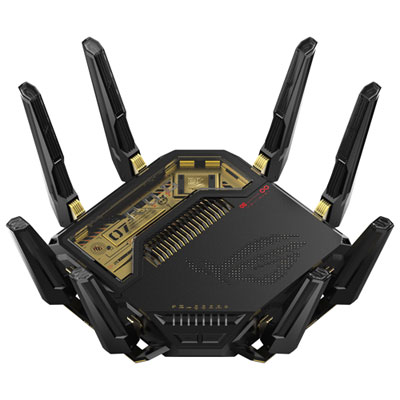
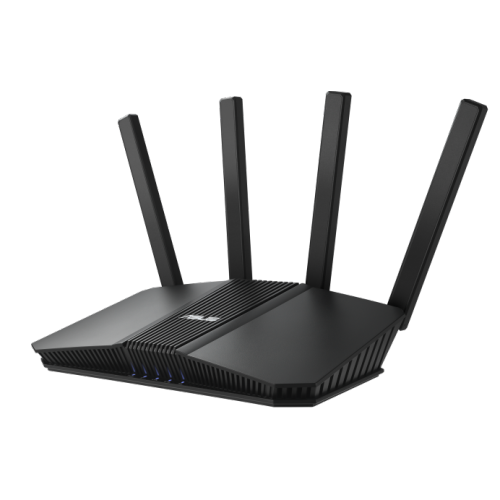
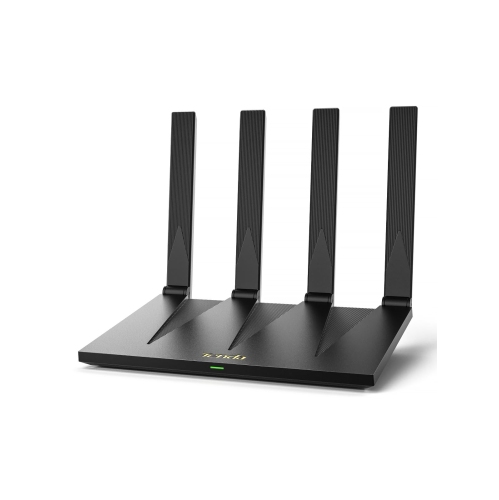
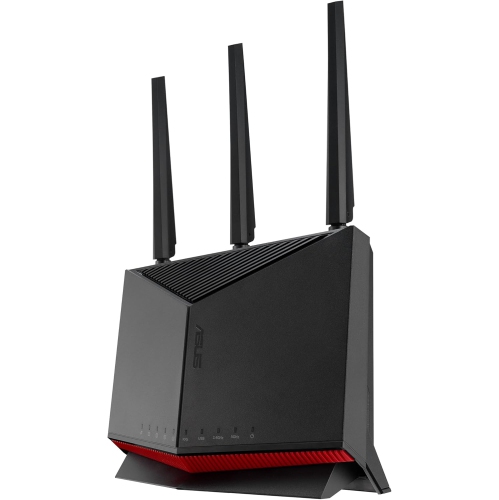
One internet connection with clearer boundaries between devices
Routers for network segmentation help divide a shared network into separate zones, with rules governing how devices in each zone communicate. Depending on their capabilities, these routers use virtual local area networks, or VLANs, separate IP subnets, and firewall policies to keep different types of traffic apart. This separation is useful when work computers, connected household devices, visitors, and shared equipment all use the same internet connection but do not need the same access. In a home office, a work laptop can occupy a different network from smart speakers and streaming devices. In a small business, staff computers, guest Wi-Fi, and connected cameras can have distinct network assignments. The purpose is controlled access rather than complete disconnection: an authorized computer might still reach a shared printer, while a visitor’s phone receives internet access without reaching business files. Segmentation can help limit lateral movement if a device is compromised, although its effectiveness depends on the access rules and ongoing security maintenance. It does not replace software updates, strong passwords, or protection on individual devices. VLANs also separate broadcast traffic, which can make a busy network easier to organize and troubleshoot, but they do not automatically increase internet speed. For households with many connected devices, the appeal is often clearer boundaries between personal computing and connected appliances. For small offices, studios, and shops, it may be the ability to separate daily operations from customer access. Home lab users may value dedicated spaces for testing software without giving every experimental device access to personal storage. A guest network can provide basic separation, but it is not always equivalent to configurable VLANs and firewall rules. Some guest features apply only to wireless devices or offer limited control over shared resources. Routers suited to more detailed segmentation provide ways to define those boundaries across the relevant wired and wireless connections, with the exact options varying by model.
The most relevant specifications concern how a router creates network zones, connects them to other equipment, and controls traffic between them. Support for IEEE 802.1Q VLAN tagging is important when multiple networks need to travel over a shared Ethernet connection to a managed switch or compatible wireless access point. Port-based network assignments can also be useful where particular wired connections need their own role. Separate subnet and DHCP settings allow each zone to have its own address range, making device organization and troubleshooting more straightforward. Firewall controls determine which connections may cross those boundaries; VLAN support alone does not establish every necessary access restriction. For example, a camera network may need permission to reach a recording system while remaining unable to initiate connections to staff computers. A shared printer may require carefully limited access from more than one zone. Service discovery can also matter, because devices on different subnets may not automatically find printers, speakers, or casting receivers even when some traffic is permitted. Compatibility across the full network is therefore as important as the router’s feature list. An unmanaged switch generally cannot provide the same VLAN assignments and controls as a suitably configured managed switch, while an access point needs appropriate support to map separate wireless network names to separate VLANs. Multiple Wi-Fi names by themselves do not prove that traffic is isolated. Performance deserves similar attention. Advertised wireless speeds and Ethernet port speeds do not necessarily describe the throughput available with firewall inspection, VPN connections, or other processing features enabled. A busy office transferring large files between permitted zones may place different demands on the router than a household mainly separating visitors from personal devices. Gigabit or multi-gigabit connections, the number of LAN ports, and support for additional access points all influence the fit. Traffic prioritization may help manage competing demands, but it serves a different purpose from segmentation: one manages how traffic is handled, while the other defines where it may go.
Physical design and day-to-day administration also influence how well a segmentation router fits its intended use. Compact desktop housings suit a shelf beside a modem, while rack-mountable designs can keep an office installation organized alongside switches and patch panels. Metal and plastic casings are both common; sturdy construction, secure connectors, and a suitable mounting arrangement matter more than treating either material as a guarantee of longevity. Cable clearance, access to ports, and room around ventilation openings are practical considerations in a crowded cabinet. Fanless designs can be appealing near a desk or in a shared workspace, while equipment with active cooling may need a less noise-sensitive location. Wireless capability is another distinction: some segmentation routers include Wi-Fi, while others act as wired gateways and rely on separate access points for coverage. Neither arrangement is inherently more suitable for every space. A combined unit can simplify a smaller setup, whereas separate components allow the gateway and wireless access points to occupy different locations. Within the wider category of Web Routers, segmentation-focused features place greater emphasis on network policies and administration rather than coverage alone. A clear management interface, readable connection logs, configuration backups, and supported firmware updates can make those controls easier to maintain. Local administration and cloud-based management offer different approaches, and any account, subscription, or internet-access requirements deserve attention alongside the hardware specifications. Remote access features are particularly relevant for owners managing more than one location, provided administrative access is properly secured. Routine care is straightforward: clear ventilation openings, supported cables, and protection from accidental knocks help preserve a tidy installation. Longer-term usefulness depends on software support as well as physical durability. For a technically confident household, a growing business, or a dedicated home lab, the strongest fit is a router whose network controls match real access needs without making everyday management unnecessarily complicated. Practical segmentation leaves approved activities working normally while keeping unrelated devices and sensitive resources on clearly defined paths.
Top selling and popular products
-
 Your price for this item is $189.99
-
 Your price for this item is $189.99
-
 Your price for this item is $219
-
 Your price for this item is $899.99
-
 Your price for this item is $299.99
-
 Your price for this item is $139.99
-
 Your price for this item is $499.99
-
 Your price for this item is $349.99
Discover more categories related to Routers for Network Segmentation
Top Collections:
Best Black Friday Deals This Year, Best Black Friday Deals On Electronics, Kindle Devices, Pokemon Centers, Best Black Friday Deals On Apple Products, Best Cameras for Sports Photography, Dyson Airwrap, Pokémon 30th Celebration Cards, Apple iPhone 17 Pro, Canon G7X Cameras
Some products may be subject to Environmental Handling Fees
(EHF) depending on your province.
Learn more about EHFs.