Samsung 24 Inch
Discover the perfect blend of style and functionality with the Samsung 24 Inch selection. Whether you're upgrading your home office, enhancing your entertainment setup, or looking for a versatile display solution, these options provide an ideal fit for a variety of spaces. Explore the range of Samsung 24 Inch models to find the right match for your needs, all designed to deliver reliable performance and modern appeal.
Sort
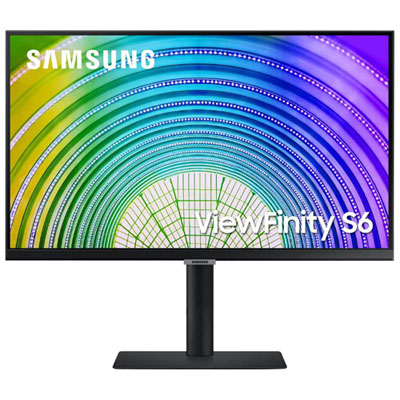
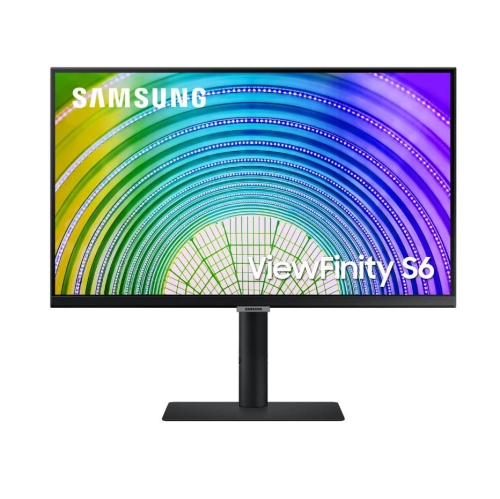
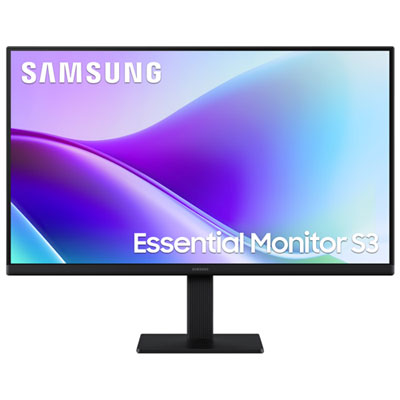

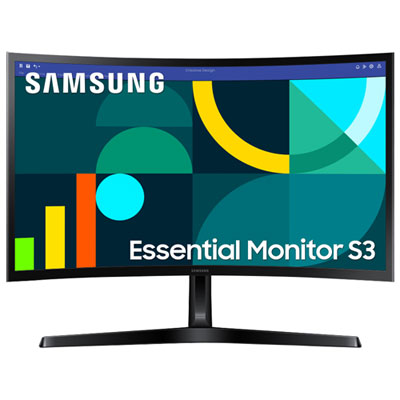
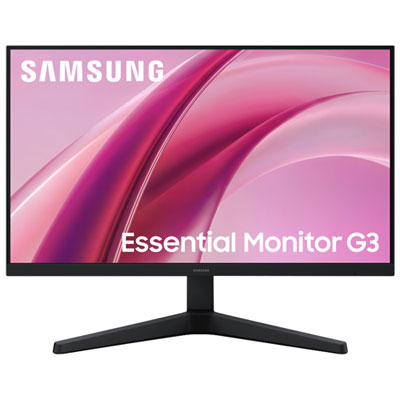
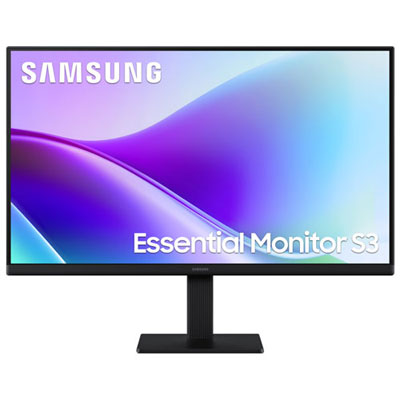
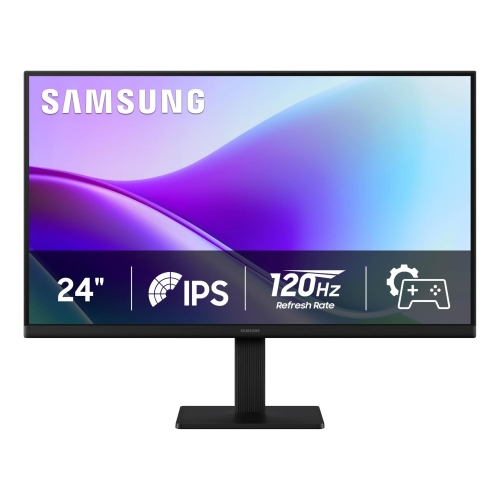
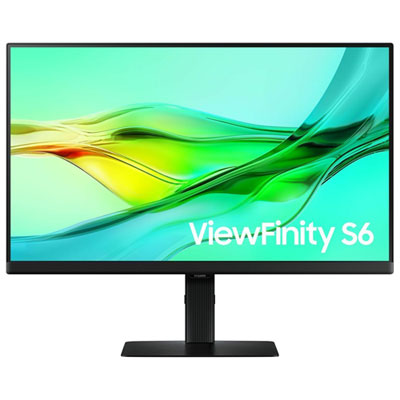
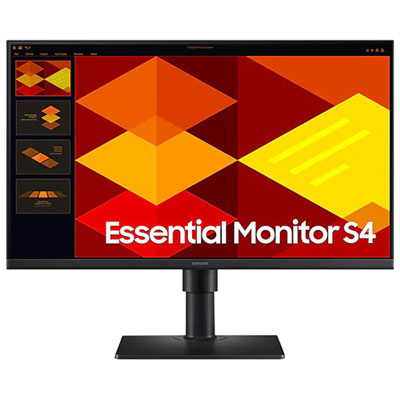
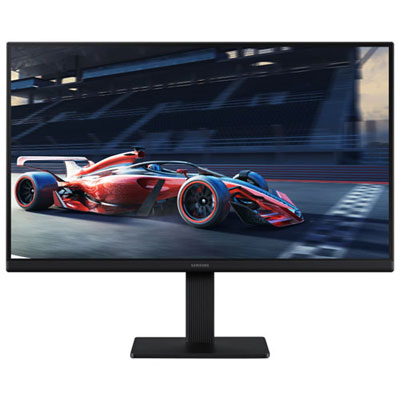
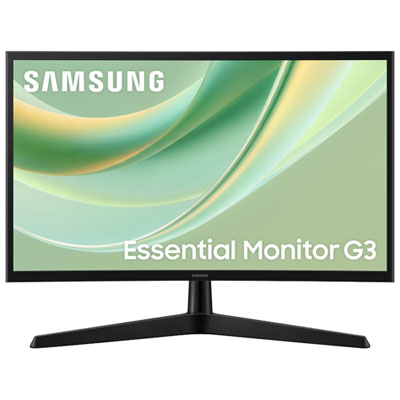
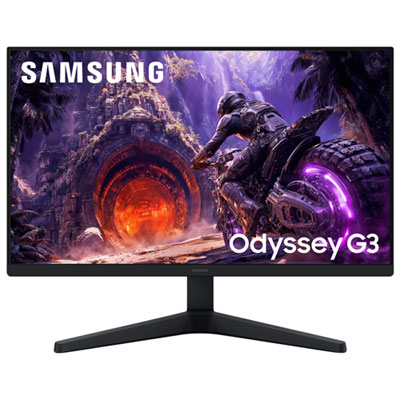

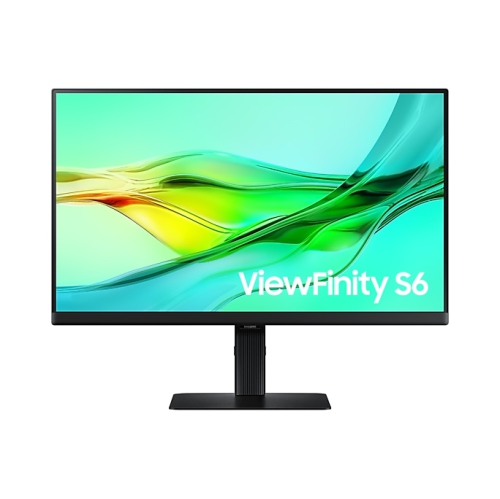
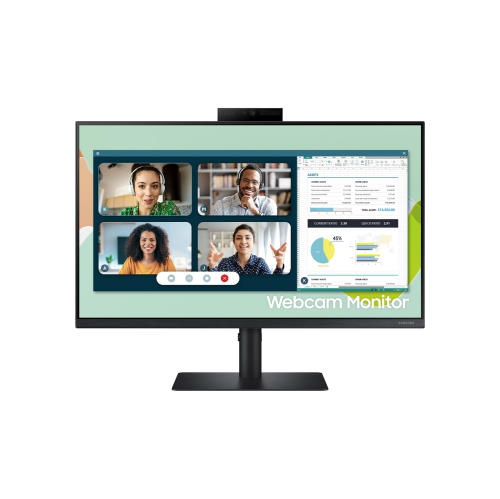
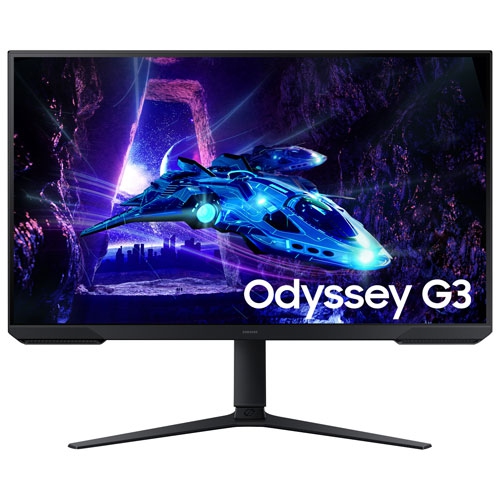
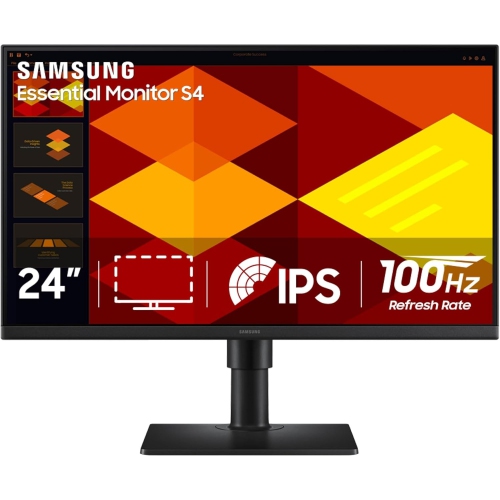
More screen space without taking over your desk
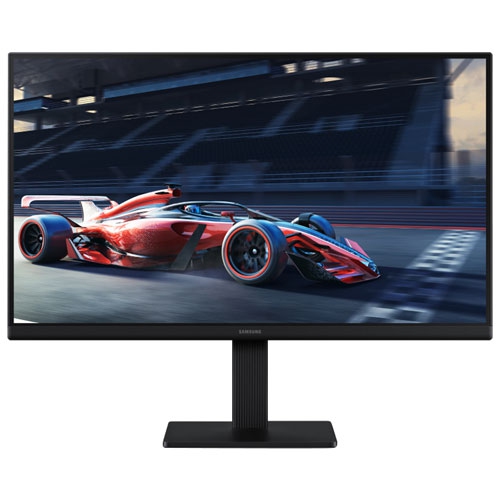
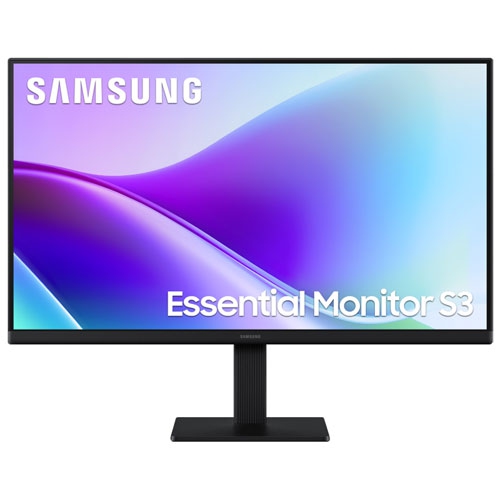
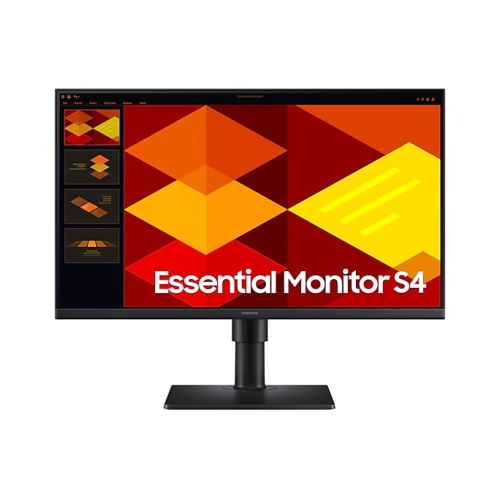
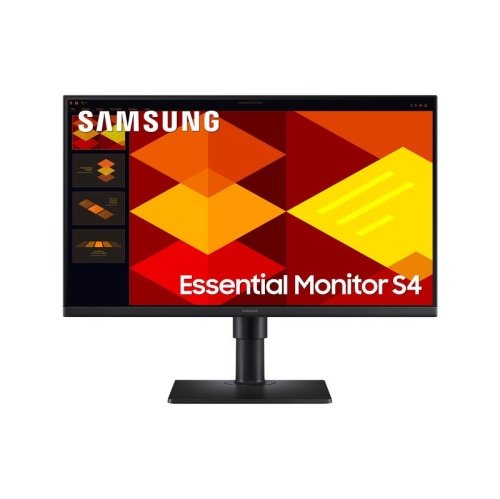
24-inch monitors offer a practical balance between usable screen space and a compact desktop footprint, making them a natural fit for home offices, student workstations, gaming desks, and shared household computers. The size refers to the diagonal measurement of the display rather than its width, so the overall fit also depends on the bezel, stand, and depth of the base. A screen in this size range can sit comfortably beside a notebook, keyboard, and mouse without taking over the entire work surface. Full HD resolution, which measures 1920 x 1080 pixels, is a common match for a 24-inch display and provides a useful workspace for documents, web browsing, video calls, and everyday entertainment. At a comfortable viewing distance, it can keep text readable while leaving room for a spreadsheet beside an email window or a reference document beside an assignment. For someone moving from a small laptop screen, an external monitor can make longer work sessions feel less cramped and allow the laptop display to hold chat messages or meeting controls. Two matching screens can also suit tasks that involve frequent cross-referencing, such as comparing invoices, reviewing research, or keeping a calendar visible while organizing appointments. Panel type helps shape the viewing experience: IPS panels generally maintain more consistent colour and image appearance when viewed from an angle, while VA panels often provide stronger contrast between light and dark areas. These differences matter when a screen is shared during a presentation, used for casual photo editing, or placed where the viewer does not always sit directly in front of it. A flat screen works well for documents and straightforward multi-monitor arrangements, while a curved screen offers a different viewing feel for someone seated centrally. Neither shape replaces the need for suitable positioning, and the best fit depends as much on desk layout and daily habits as on the screen itself.
Display performance becomes more noticeable when the workday gives way to games, videos, or other fast-moving content. Refresh rate describes how many times the screen updates each second, while response time relates to how quickly pixels change between colours. A higher refresh rate can make scrolling and movement look smoother, but the computer, connection, and display settings all need to support the intended rate. For gaming, adaptive sync can help reduce visible tearing when a compatible graphics source and monitor work together; support varies, so the listed compatibility details matter. Competitive players may place more emphasis on motion clarity, while someone playing slower-paced games may care more about contrast, colour, and a comfortable screen position. Full HD can also be a practical resolution for gaming because it generally requires less graphics processing power than higher resolutions, although actual performance depends on the game and computer. Connectivity determines how easily a monitor fits into an existing setup. HDMI and DisplayPort are common video connections, while USB-C features differ between displays: a USB-C socket does not automatically mean it supports video input or can charge a laptop. Checking the supported functions helps avoid a desk full of unexpected adapters. A USB hub can keep a keyboard or mouse connected at the desk, and an audio output may simplify the use of headphones or external speakers. Built-in speakers are convenient for short videos and calls, though separate speakers or headphones may be preferable for richer sound or greater privacy. Some 24-inch smart displays add supported streaming apps, wireless connections, and remote-control operation, allowing certain entertainment features to work without a connected computer. These capabilities are model-dependent and may require an internet connection and account sign-in. A smart display is not automatically equivalent to a television with a broadcast tuner, so the distinction is important when the intended use includes watching channels through an antenna rather than streaming.
The details around the screen can make a substantial difference to how comfortably a 24-inch monitor fits into daily life. An adjustable stand can help bring the display to a suitable height, with the upper portion of the screen near eye level and the keyboard positioned so that shoulders remain relaxed. Tilt adjustment is useful for reducing awkward viewing angles, while swivel and pivot functions can support shared viewing or a portrait layout for long documents and code. Not every stand offers these movements, and a monitor arm requires compatible mounting holes, an appropriate weight rating, and a desk that can safely support the mount. For a shallow desk, the stand’s depth can matter just as much as the display’s width. Slim bezels help two screens sit closer together, although the active viewing areas still remain separate. Typical construction combines a plastic housing with metal support components, but stability depends on the complete stand design rather than appearance alone. A solid base, secure cable connections, and enough clearance behind the display help protect the setup from accidental knocks and cable strain. Screens benefit from gentle care: switch the monitor off before cleaning, use a clean, soft microfibre cloth, and follow the manufacturer’s instructions for any cleaning solution. Spraying liquid directly onto the panel, pressing hard on the surface, or using abrasive materials can damage the finish. Leaving ventilation openings clear and routing cables away from chair wheels also supports reliable everyday use. As a gift, this size can suit a student building a study space, someone setting up a home office, or a gamer who needs a manageable screen for a smaller desk, provided the connections and stand arrangement match their equipment. Where a deeper desk and larger viewing area are priorities, Samsung 32 Inch Monitors offer a larger-size comparison; resolution remains important because a bigger screen alone does not necessarily provide more digital workspace. For compact setups, a well-matched 24-inch display keeps the focus on comfortable viewing, dependable connections, and the tasks that happen at the desk each day.
Display performance becomes more noticeable when the workday gives way to games, videos, or other fast-moving content. Refresh rate describes how many times the screen updates each second, while response time relates to how quickly pixels change between colours. A higher refresh rate can make scrolling and movement look smoother, but the computer, connection, and display settings all need to support the intended rate. For gaming, adaptive sync can help reduce visible tearing when a compatible graphics source and monitor work together; support varies, so the listed compatibility details matter. Competitive players may place more emphasis on motion clarity, while someone playing slower-paced games may care more about contrast, colour, and a comfortable screen position. Full HD can also be a practical resolution for gaming because it generally requires less graphics processing power than higher resolutions, although actual performance depends on the game and computer. Connectivity determines how easily a monitor fits into an existing setup. HDMI and DisplayPort are common video connections, while USB-C features differ between displays: a USB-C socket does not automatically mean it supports video input or can charge a laptop. Checking the supported functions helps avoid a desk full of unexpected adapters. A USB hub can keep a keyboard or mouse connected at the desk, and an audio output may simplify the use of headphones or external speakers. Built-in speakers are convenient for short videos and calls, though separate speakers or headphones may be preferable for richer sound or greater privacy. Some 24-inch smart displays add supported streaming apps, wireless connections, and remote-control operation, allowing certain entertainment features to work without a connected computer. These capabilities are model-dependent and may require an internet connection and account sign-in. A smart display is not automatically equivalent to a television with a broadcast tuner, so the distinction is important when the intended use includes watching channels through an antenna rather than streaming.
The details around the screen can make a substantial difference to how comfortably a 24-inch monitor fits into daily life. An adjustable stand can help bring the display to a suitable height, with the upper portion of the screen near eye level and the keyboard positioned so that shoulders remain relaxed. Tilt adjustment is useful for reducing awkward viewing angles, while swivel and pivot functions can support shared viewing or a portrait layout for long documents and code. Not every stand offers these movements, and a monitor arm requires compatible mounting holes, an appropriate weight rating, and a desk that can safely support the mount. For a shallow desk, the stand’s depth can matter just as much as the display’s width. Slim bezels help two screens sit closer together, although the active viewing areas still remain separate. Typical construction combines a plastic housing with metal support components, but stability depends on the complete stand design rather than appearance alone. A solid base, secure cable connections, and enough clearance behind the display help protect the setup from accidental knocks and cable strain. Screens benefit from gentle care: switch the monitor off before cleaning, use a clean, soft microfibre cloth, and follow the manufacturer’s instructions for any cleaning solution. Spraying liquid directly onto the panel, pressing hard on the surface, or using abrasive materials can damage the finish. Leaving ventilation openings clear and routing cables away from chair wheels also supports reliable everyday use. As a gift, this size can suit a student building a study space, someone setting up a home office, or a gamer who needs a manageable screen for a smaller desk, provided the connections and stand arrangement match their equipment. Where a deeper desk and larger viewing area are priorities, Samsung 32 Inch Monitors offer a larger-size comparison; resolution remains important because a bigger screen alone does not necessarily provide more digital workspace. For compact setups, a well-matched 24-inch display keeps the focus on comfortable viewing, dependable connections, and the tasks that happen at the desk each day.
Top selling and popular products
-
 Your price for this item is $299
 -
 Your price for this item is $469
 -
 Your price for this item is $149.99
 -
 Your price for this item is $329.99
 -
 Your price for this item is $499
 -
 Your price for this item is $199.99
 -
 Your price for this item is $249.99
 -
 Your price for this item is $569.99
Discover more categories related to Samsung 24 Inch
Top Collections:
Pokemon Centers, Best Cameras for Sports Photography, Kindle Devices, Samsung Galaxy Phones, Canon G7X Cameras, Pokémon 30th Celebration Cards, Refurbished Apple Laptops, iPhone 15 Apple, Laptops for Students, Budget Smartphones
Some products may be subject to Environmental Handling Fees
(EHF) depending on your province.
Learn more about EHFs.