Samsung 32 Inch Monitors
If you're looking for a new monitor, you've come to the right place. These 32-inch monitors from Samsung are a great choice for almost any workspace. With a sleek design and a wide range of features, these monitors are sure to make almost any workspace more efficient and enjoyable. These monitors come with a range of features, such as an ultra-wide viewing angle, a high-resolution display, and a fast refresh rate. Here are some of the best options available on the market today.
Sort

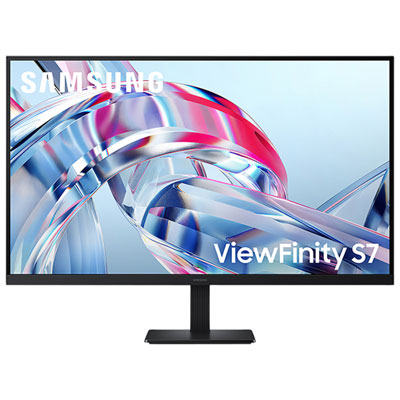
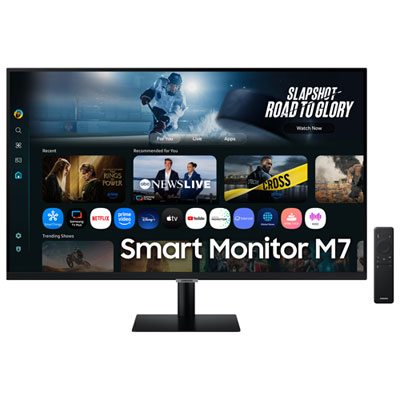
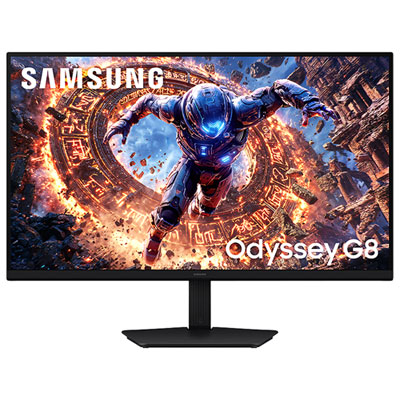
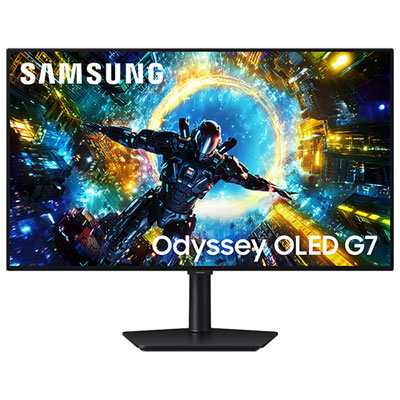
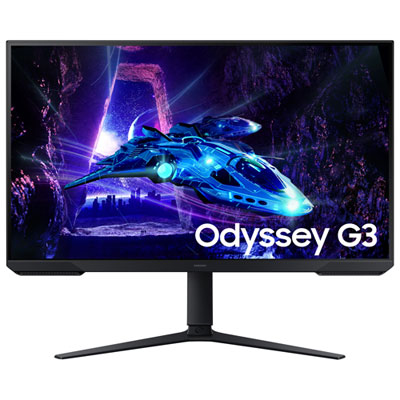
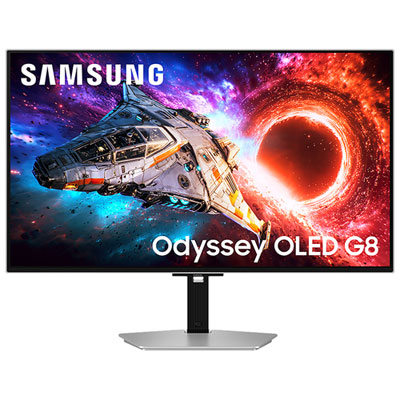
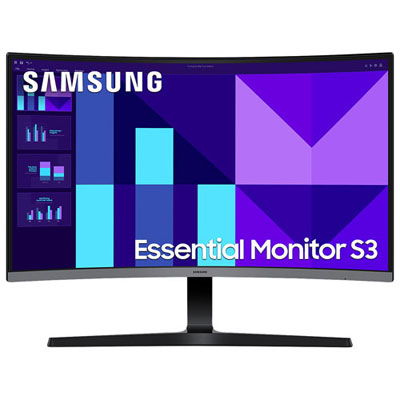
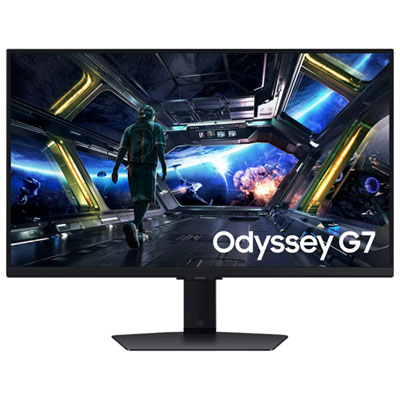
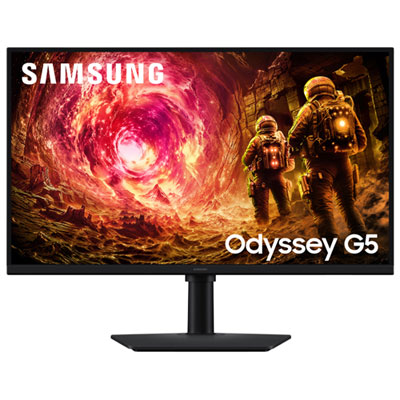
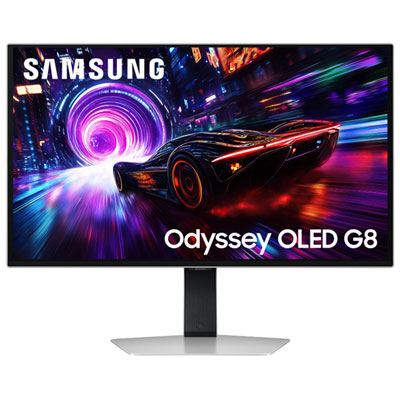
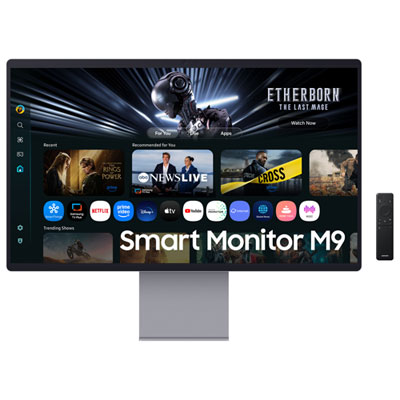
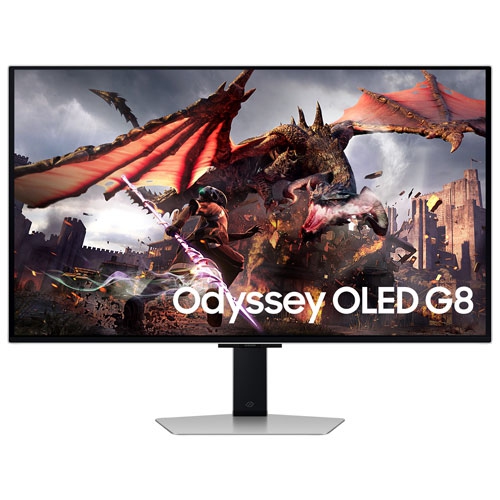
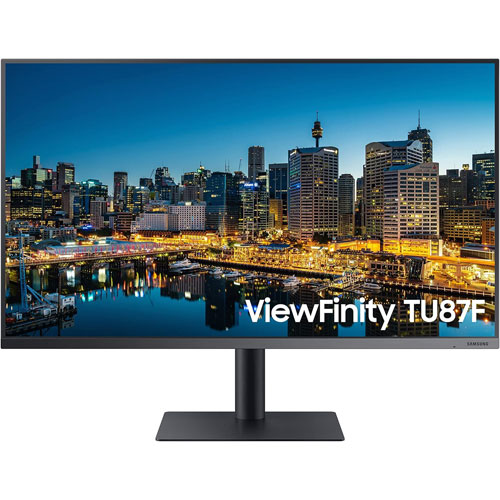
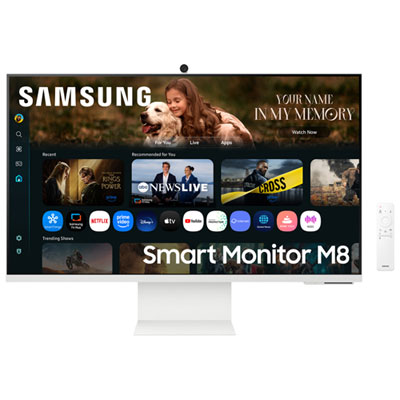
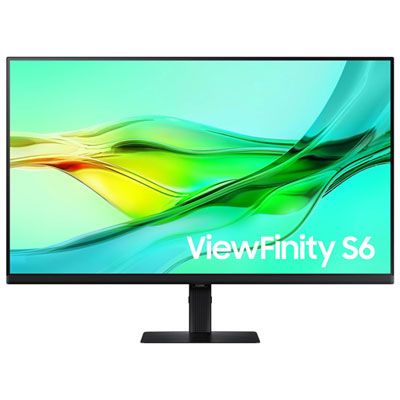
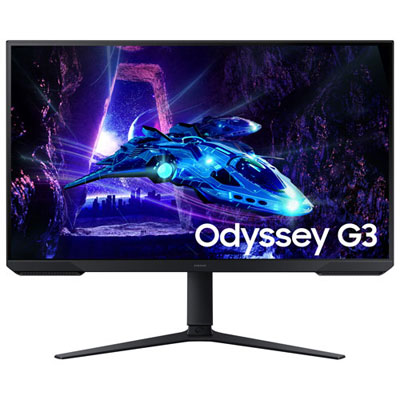
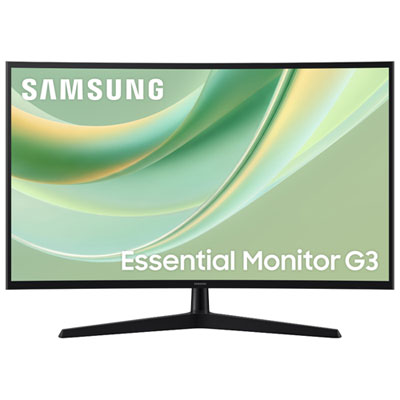
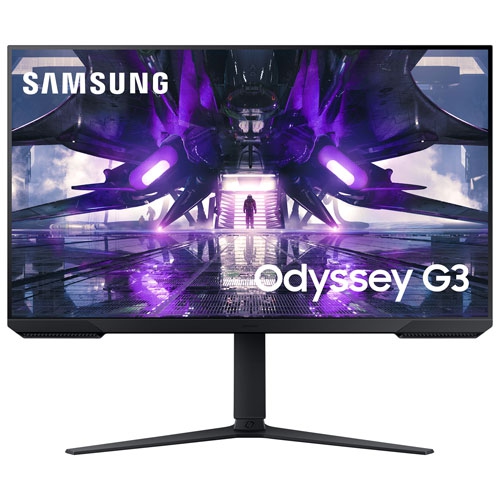
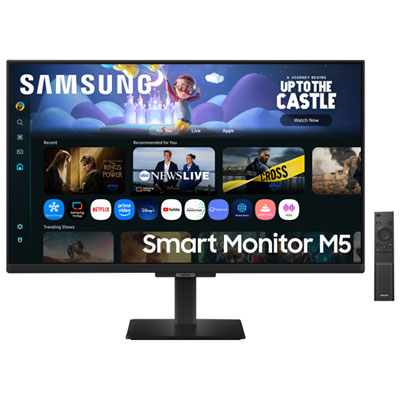
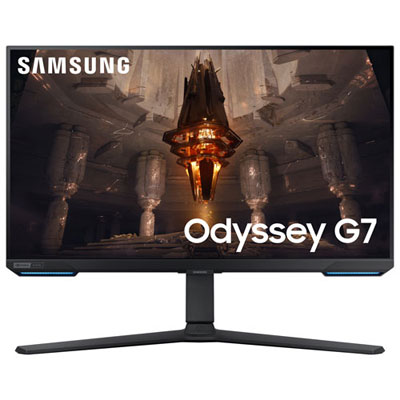
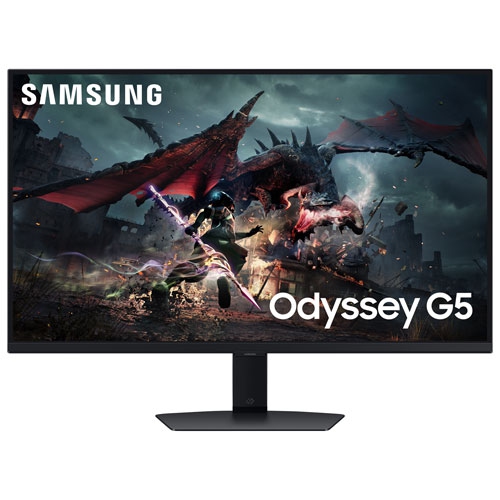
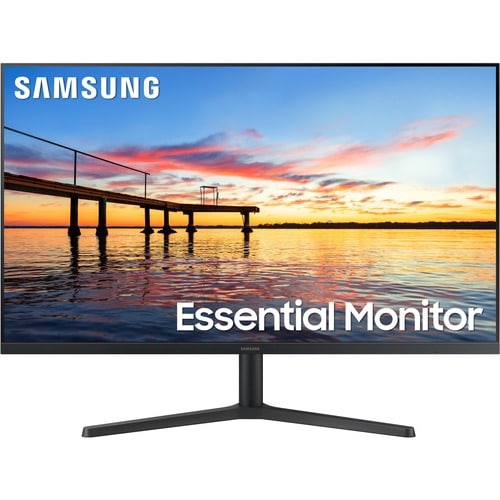
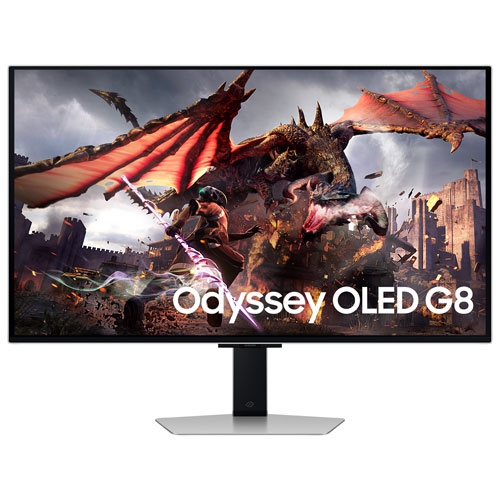
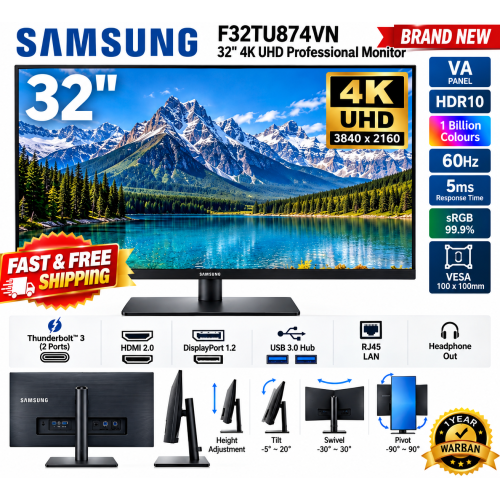
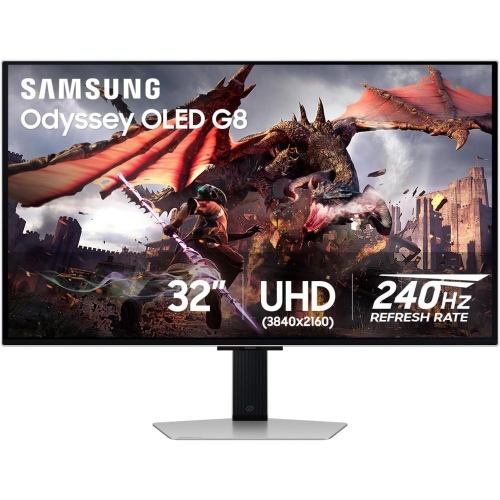
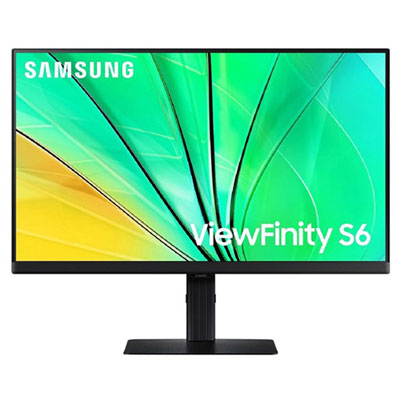
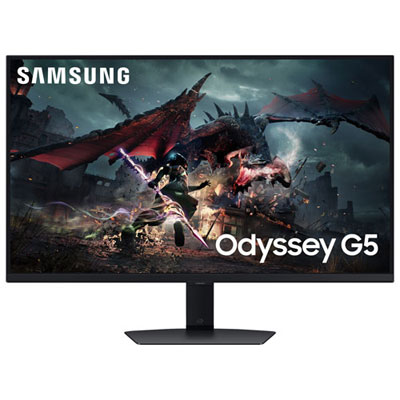
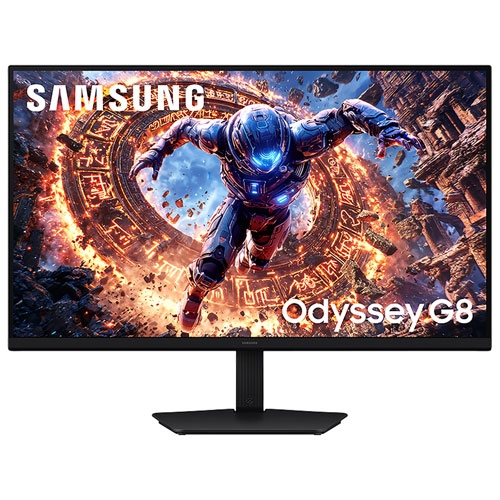
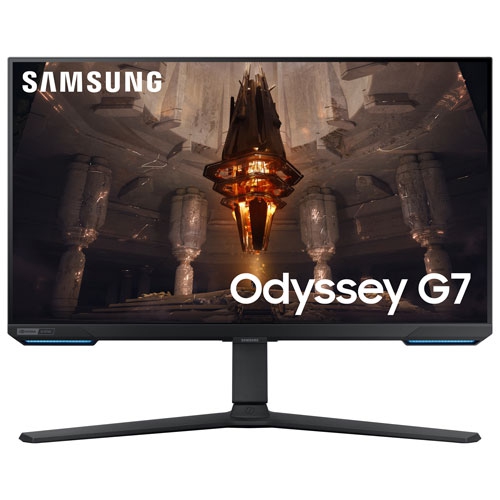
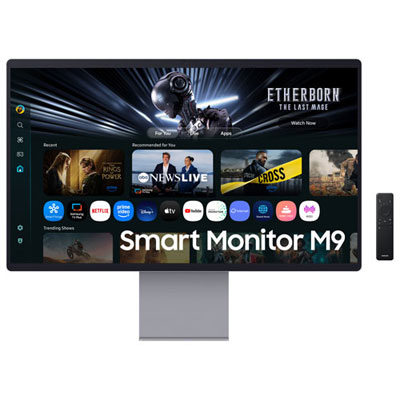
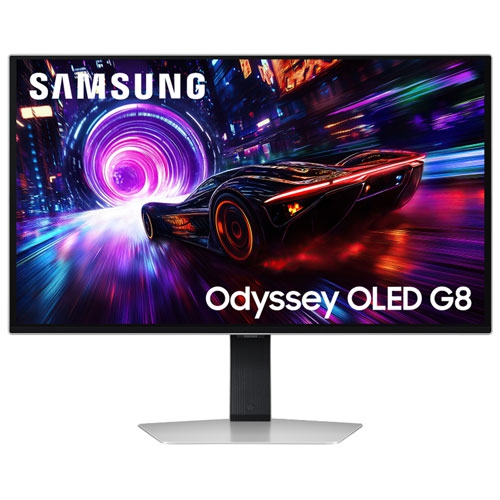
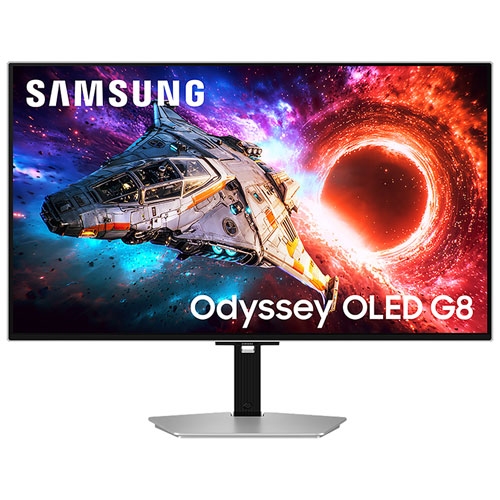
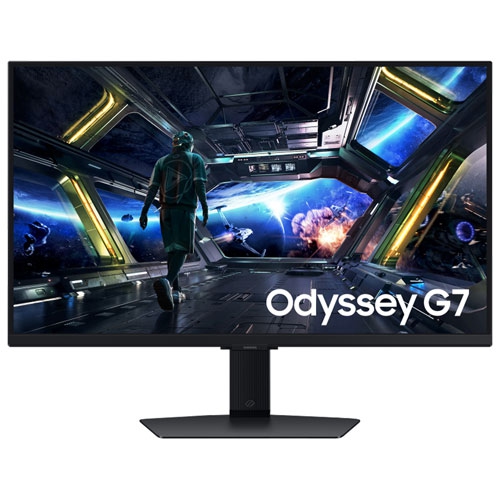

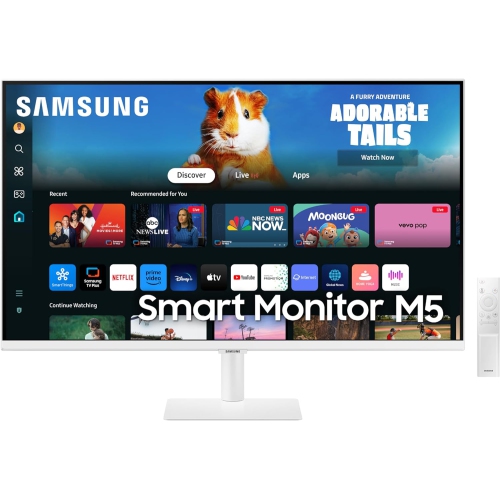
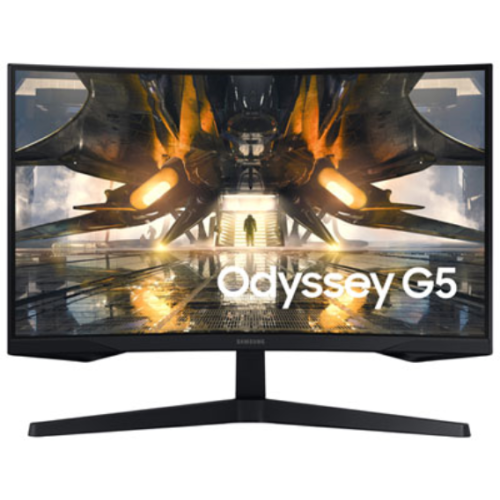

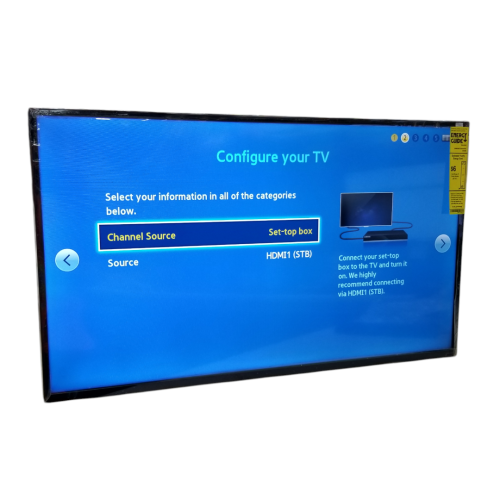
Explore sharper workspaces, smoother motion, and flexible monitor setups
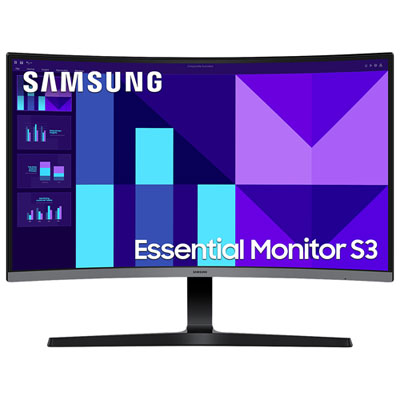
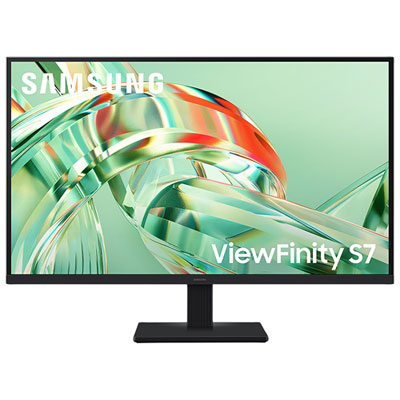
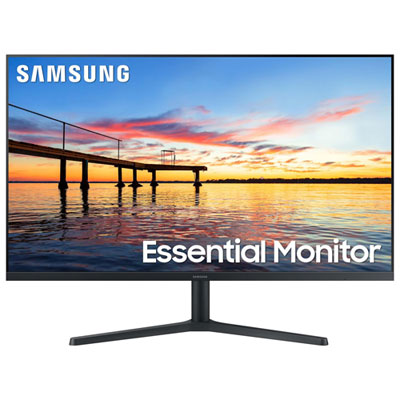
Samsung 32 inch monitors offer a generous viewing area for work, entertainment, gaming, and everyday computing without taking up the footprint of a television. A 32-inch screen gives documents, spreadsheets, web pages, timelines, and creative projects more room to breathe, which can make a desk feel less crowded even when several windows are open. For office tasks, schoolwork, household administration, and remote work, a Full HD display can provide clear text and comfortable viewing for email, video calls, research, and productivity software. Higher-resolution options, including 4K, create a sharper workspace with more detail and extra screen real estate, making them well suited to photo and video editing, design applications, large spreadsheets, and split-screen multitasking. When comparing displays, look at resolution alongside your viewing distance and computer capabilities. A 32-inch Full HD monitor may be a practical choice for straightforward daily use, while a 4K monitor can be especially useful for detailed visuals, fine text, and content created for modern high-resolution screens. Features such as Eye Saver modes, reduced blue light settings, flicker control, and an adjustable stand can also make long sessions more comfortable, particularly for people who spend much of the day reading or working at a desk.
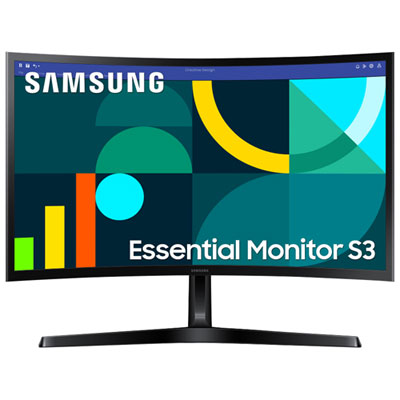
The shape and purpose of a monitor can make just as much difference as its size. Flat displays have a familiar profile that works well in shared workspaces, multi-monitor arrangements, and desks positioned close to a wall. Curved displays can create a more enveloping field of view, with a gentle wrap-around effect that helps keep more of the screen within a natural line of sight. They can suit people who enjoy immersive games, films, photo projects, or wide spreadsheets, although desk depth and seating position are worth considering before choosing one. Refresh rate is another important specification. Standard refresh rates are well suited to office work, browsing, streaming, and general home use, while higher refresh rates can make fast movement appear smoother in compatible games and applications. Gaming-focused displays may also include quick response times, adaptive synchronization, and gaming presets to help reduce visible tearing or distracting motion blur. Check that the computer, graphics card, and connection type can support the selected resolution and refresh rate; HDMI and DisplayPort capabilities can vary, and the cable included with a monitor may not support every available setting. Built-in speakers, headphone connections, USB ports, and a height-adjustable stand can simplify a setup, while VESA compatibility may provide more flexibility for a monitor arm or wall mount.
A Samsung 32 inch monitor can be a thoughtful choice for a home office upgrade, a student setting up a study area, a family member who enjoys streaming from a desk, or a gamer looking for a larger screen than a typical laptop display. Smart monitor configurations can add built-in access to streaming and other entertainment services, allowing the screen to function with less reliance on a connected computer, while mobile connectivity can make it easier to display content from a compatible phone or tablet. For someone who moves between work and relaxation, this flexibility can turn one carefully arranged corner of a room into a practical workstation by day and a personal entertainment area during the cooler months. A creative user may value high resolution, accurate colour, and a wide workspace for editing photos, video, illustrations, or music projects. A competitive gamer may place greater emphasis on refresh rate, response time, adaptive synchronization, and a stand that supports comfortable positioning over extended sessions. Before buying, measure the desk width and depth, account for the stand’s footprint, and consider how far you normally sit from the screen. Confirm the available ports on your computer and any other devices, then decide whether built-in audio, a curved panel, smart functions, or an adjustable stand will genuinely improve the way the monitor is used. If a slightly wider display better suits a broad workspace or cinematic viewing, explore Samsung 34 Monitors as another screen-size option.
The shape and purpose of a monitor can make just as much difference as its size. Flat displays have a familiar profile that works well in shared workspaces, multi-monitor arrangements, and desks positioned close to a wall. Curved displays can create a more enveloping field of view, with a gentle wrap-around effect that helps keep more of the screen within a natural line of sight. They can suit people who enjoy immersive games, films, photo projects, or wide spreadsheets, although desk depth and seating position are worth considering before choosing one. Refresh rate is another important specification. Standard refresh rates are well suited to office work, browsing, streaming, and general home use, while higher refresh rates can make fast movement appear smoother in compatible games and applications. Gaming-focused displays may also include quick response times, adaptive synchronization, and gaming presets to help reduce visible tearing or distracting motion blur. Check that the computer, graphics card, and connection type can support the selected resolution and refresh rate; HDMI and DisplayPort capabilities can vary, and the cable included with a monitor may not support every available setting. Built-in speakers, headphone connections, USB ports, and a height-adjustable stand can simplify a setup, while VESA compatibility may provide more flexibility for a monitor arm or wall mount.
A Samsung 32 inch monitor can be a thoughtful choice for a home office upgrade, a student setting up a study area, a family member who enjoys streaming from a desk, or a gamer looking for a larger screen than a typical laptop display. Smart monitor configurations can add built-in access to streaming and other entertainment services, allowing the screen to function with less reliance on a connected computer, while mobile connectivity can make it easier to display content from a compatible phone or tablet. For someone who moves between work and relaxation, this flexibility can turn one carefully arranged corner of a room into a practical workstation by day and a personal entertainment area during the cooler months. A creative user may value high resolution, accurate colour, and a wide workspace for editing photos, video, illustrations, or music projects. A competitive gamer may place greater emphasis on refresh rate, response time, adaptive synchronization, and a stand that supports comfortable positioning over extended sessions. Before buying, measure the desk width and depth, account for the stand’s footprint, and consider how far you normally sit from the screen. Confirm the available ports on your computer and any other devices, then decide whether built-in audio, a curved panel, smart functions, or an adjustable stand will genuinely improve the way the monitor is used. If a slightly wider display better suits a broad workspace or cinematic viewing, explore Samsung 34 Monitors as another screen-size option.
Top selling and popular products
-
 Your price for this item is $299
 -
 Your price for this item is $469
 -
 Your price for this item is $149.99
 -
 Your price for this item is $329.99
 -
 Your price for this item is $499
 -
 Your price for this item is $199.99
 -
 Your price for this item is $249.99
 -
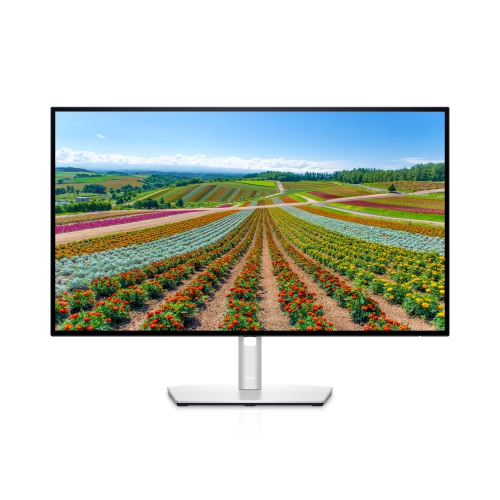 Your price for this item is $569.99
Discover more categories related to Samsung 32 Inch Monitors
Top Collections:
Pokemon Centers, Best Cameras for Sports Photography, Kindle Devices, Samsung Galaxy Phones, Canon G7X Cameras, Pokémon 30th Celebration Cards, Refurbished Apple Laptops, iPhone 15 Apple, Laptops for Students, Budget Smartphones
Some products may be subject to Environmental Handling Fees
(EHF) depending on your province.
Learn more about EHFs.