Samsung 990 Pro 1TB
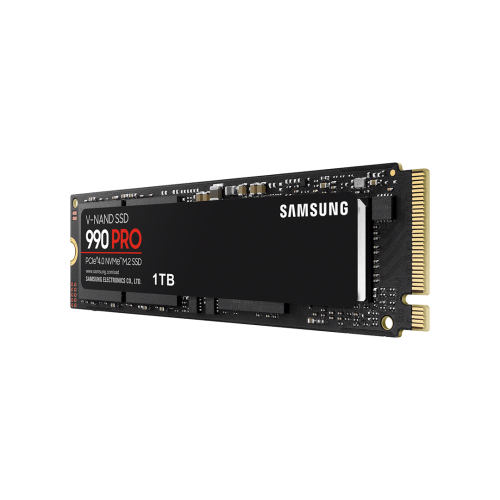
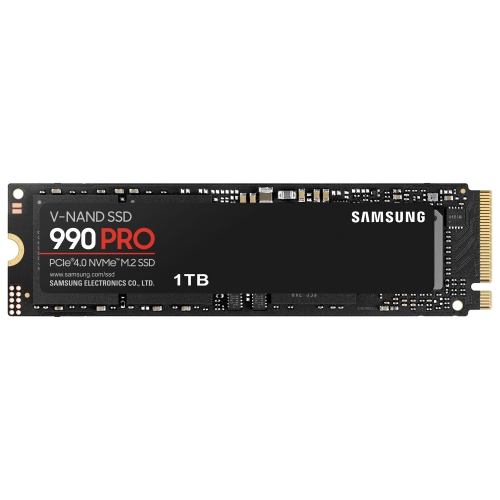
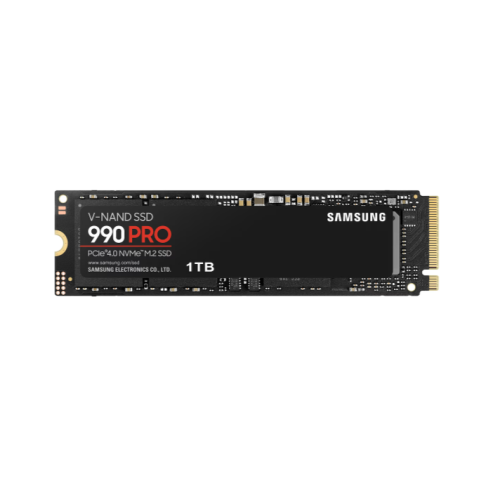
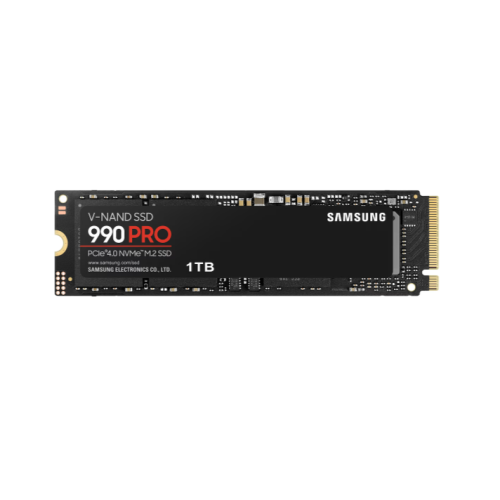
Upgrade your storage experience with the Samsung 990 Pro 1TB, designed for those who demand speed and reliability from their devices. Perfect for gaming, creative projects, or everyday computing, the Samsung 990 Pro 1TB offers ample space to keep your files, applications, and media organized. Discover how this high-capacity storage solution can help streamline your workflow and enhance overall performance.
Sort
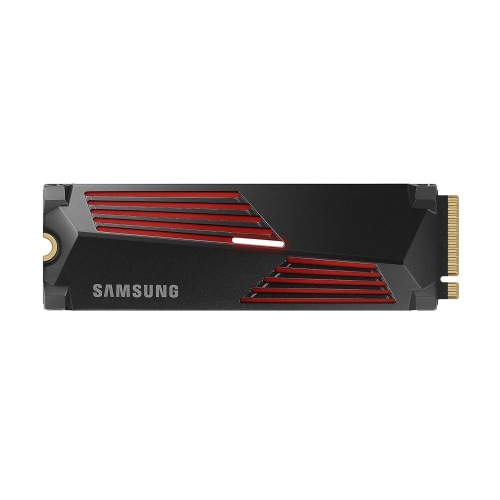
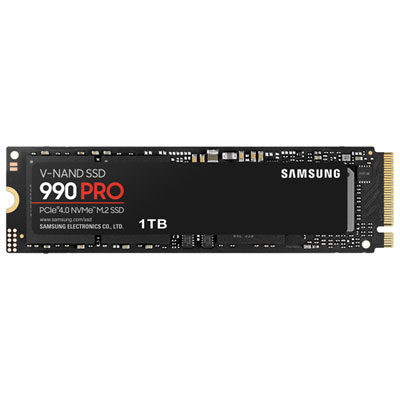
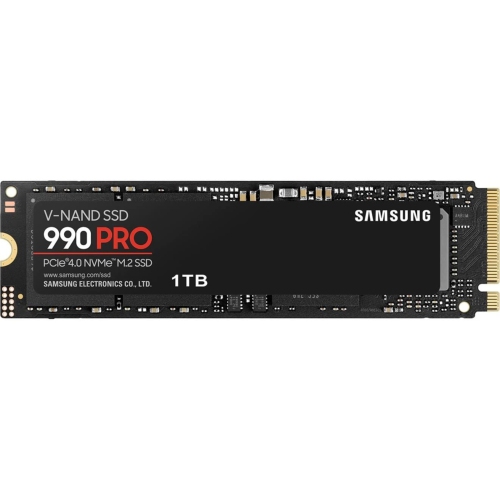
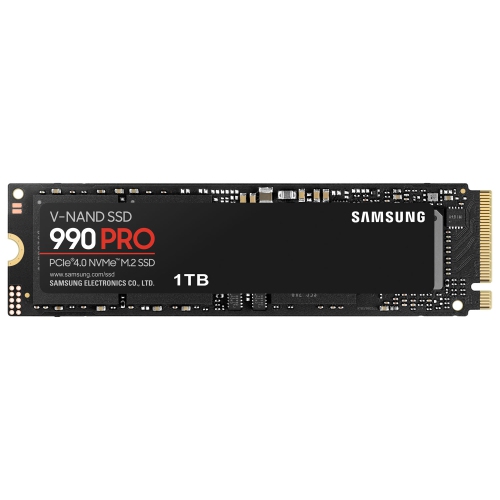

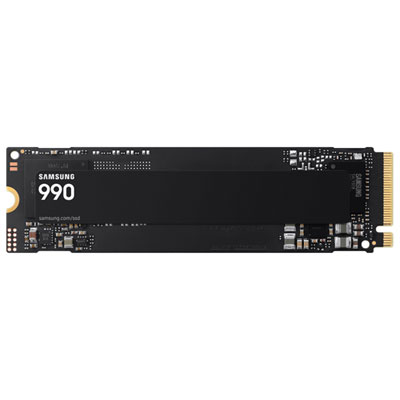
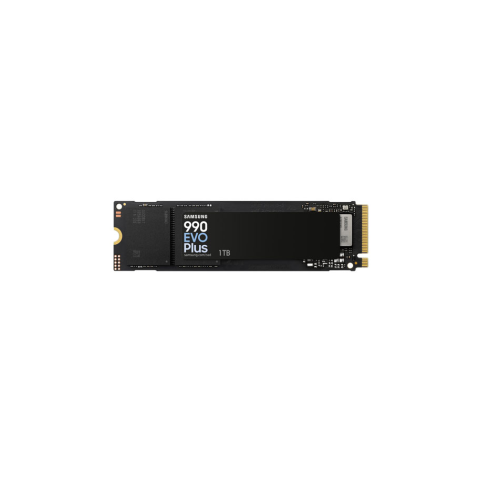
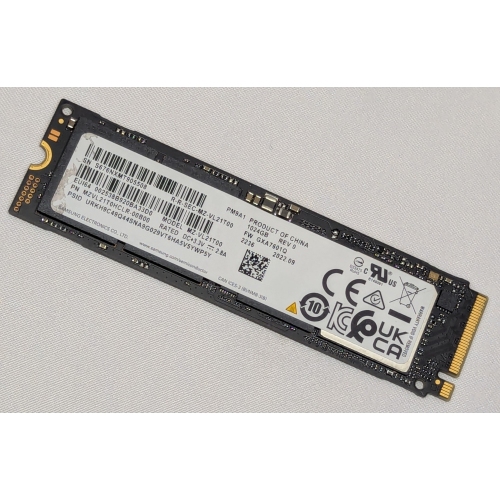
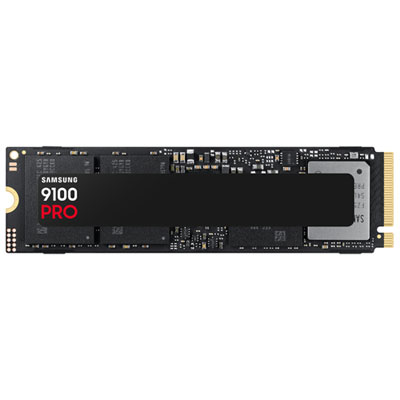
Why SSD upgrades depend on more than speed
A 1TB PCIe 4.0 NVMe solid-state drive is internal storage designed for fast access to applications, games, operating system files, and creative projects. Unlike a mechanical hard drive, an SSD stores data in flash memory without spinning platters or a moving read head, allowing it to work quietly and respond quickly when opening files or switching between tasks. The M.2 2280 format commonly used by high-performance desktop and laptop SSDs measures 22 mm wide by 80 mm long, with the drive connecting directly to a compatible motherboard slot. PCIe 4.0 x4 describes the connection generation and number of data lanes, while NVMe is the storage protocol that lets the drive communicate efficiently with the system. These details matter because two drives that look similar can have different connection requirements and performance capabilities. High-performance PCIe 4.0 storage can deliver sequential read speeds above 7,000 MB/s under suitable test conditions, but that headline figure tells only part of the story. Sequential transfers involve large, continuous files, such as copying video footage or moving a project archive. Everyday responsiveness also depends on random access performance, latency, the processor, available memory, and the software involved. For someone replacing an older hard drive, the difference can be obvious from startup through everyday use. Moving from an existing NVMe SSD to a faster one may produce a smaller change in ordinary browsing or document work. Gaming benefits often appear as shorter loading screens, quicker installations, and smoother access to game assets rather than a substantial increase in frame rates. Video editors, photographers, software developers, and people working with large design files may also appreciate fast storage when importing footage, generating previews, compiling projects, or handling several applications at once. A 1TB drive offers useful space for a primary operating system, frequently used software, and a selection of substantial files, although the right capacity depends on how much content needs to stay close at hand.
Physical fit and system compatibility are just as important as speed ratings. An M.2 slot must support PCIe NVMe storage; the connector shape alone does not confirm that a drive will work, since some systems use M.2 slots intended for SATA storage or other components. The computer’s specifications should identify supported drive lengths, connection generations, and any restrictions on which slots can be used together. A PCIe 4.0 drive can generally operate in a compatible PCIe 3.0 slot, but its transfer speeds will be limited by that older connection. In desktop systems, certain slots may share bandwidth with other devices, making the motherboard documentation worth checking before installation. Laptop upgrades need closer attention to available clearance, mounting hardware, and whether storage is replaceable at all. A slim circuit board may fit where a drive with a tall heatsink cannot. Heatsinks, often made from aluminium, help move heat away from the controller during sustained activity, while some computers provide their own metal cover and thermal pad for the same purpose. A factory-fitted heatsink should not be assumed to fit beneath an existing motherboard cover, and removing one may damage the drive or affect warranty coverage. Compatible gaming consoles can have their own requirements for drive dimensions, performance, and cooling, so an M.2 label by itself is not enough to establish suitability. Installation also calls for careful handling: shut the device down, disconnect power as directed by its manufacturer, avoid touching the exposed contacts, and secure the drive with the specified screw or retention clip without overtightening it. Follow the system’s service instructions, including any battery-disconnection steps for a laptop. Once installed, a new secondary drive may need to be initialized and formatted before it appears as usable storage. Replacing a startup drive may instead involve cloning the existing installation or installing the operating system again. A separate backup before either process protects important documents, photos, and saved projects if something goes wrong.
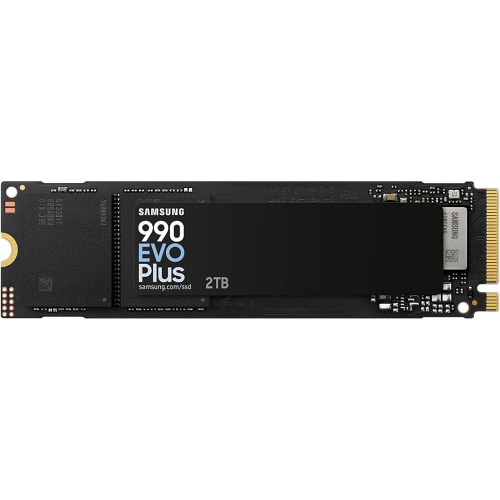
Capacity, endurance, and sustained performance help distinguish storage that suits a particular workload from storage chosen only for its peak speed. A capacity of 1TB represents one trillion bytes; some operating systems display that as approximately 931GiB before formatting and other allocations, so the number shown on screen may be lower than the capacity on the packaging. Large game installations, high-resolution footage, and local photo libraries can fill that space quickly. Leaving some capacity unused gives the drive room for temporary files, updates, and internal data management, rather than forcing every new installation to become a decision about what to delete. For larger libraries or several active creative projects, Samsung 2TB offers a related capacity category to consider alongside 1TB storage. Flash memory type, controller design, dedicated DRAM, and caching behaviour also influence how a drive handles demanding work. A cache can make a transfer begin very quickly, while a long write that exceeds the available cache may continue at a lower speed. That distinction matters more when moving hundreds of gigabytes of footage than when saving a spreadsheet. Endurance ratings, commonly expressed as terabytes written, indicate the amount of data covered by a specified write limit; they are not a countdown to a guaranteed failure date. Warranty terms may include both a time period and a write limit, with coverage ending when either is reached. For ongoing care, keep important files backed up separately, use supported firmware updates when appropriate, and maintain the airflow and cooling arrangement recommended for the computer. An SSD has no mechanical heads to protect from ordinary movement, but its exposed board and connectors still need protection from impact, static discharge, and liquids during handling. As a gift for a PC builder, gamer, or creative professional, internal storage is most useful when the recipient’s device compatibility and capacity needs are already known. A well-matched drive can then serve as a practical foundation for everyday computing, a dedicated workspace for active projects, or additional room for an expanding game library.
Top selling and popular products
-
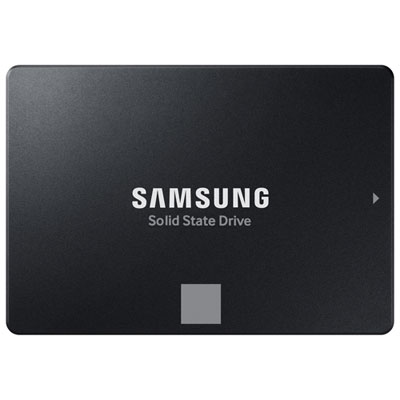 Your price for this item is $469.99
-
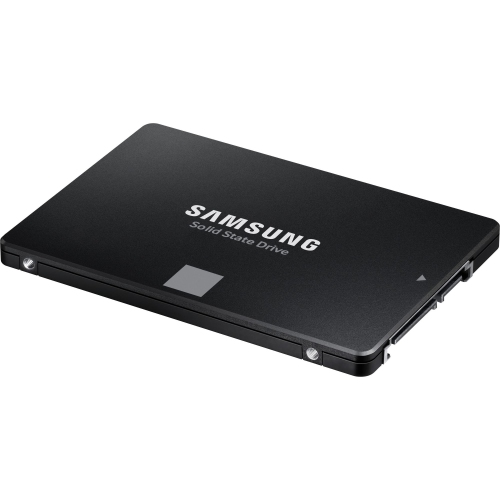 Your price for this item is $394.99
-
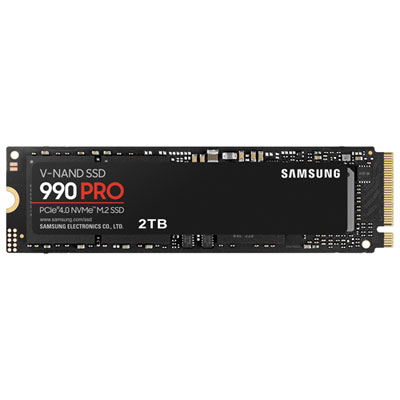 Your price for this item is $874.99
-
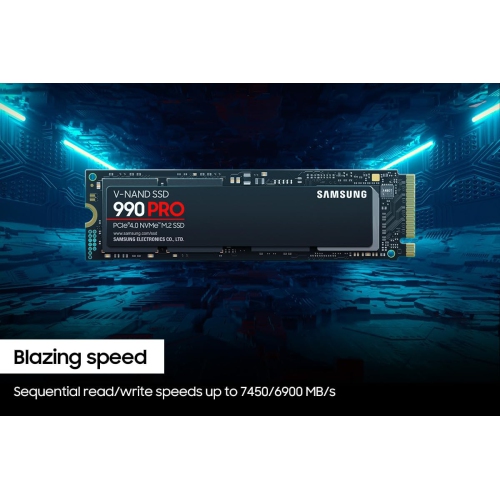 Your price for this item is $1471.99
-
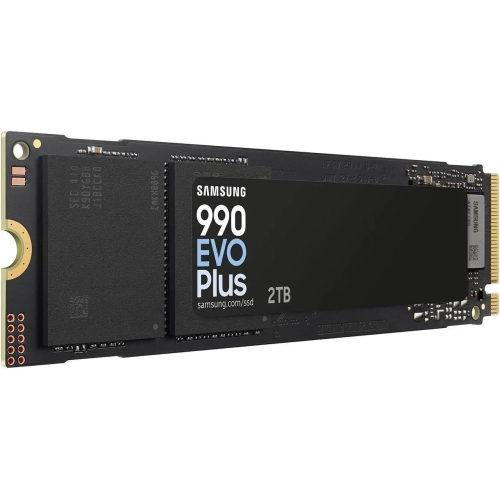 Your price for this item is $639.99
-
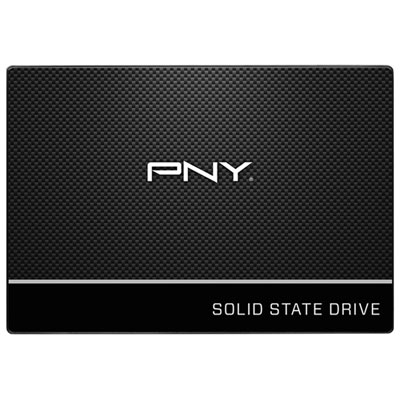 Your price for this item is $124.99
-
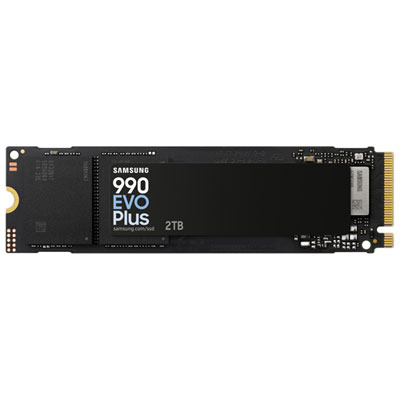 Your price for this item is $789.95
-
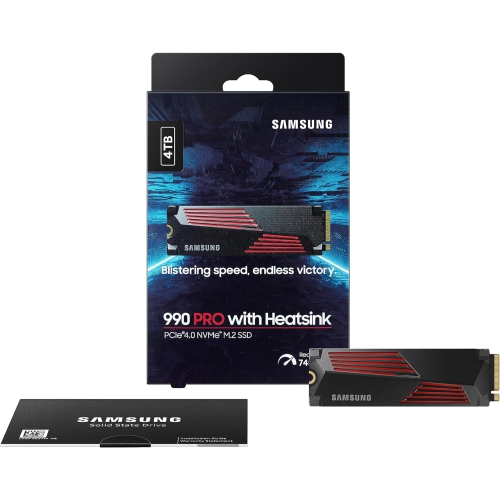 Your price for this item is $1449.99
Discover more categories related to Samsung 990 Pro 1TB
Top Collections:
Best Black Friday Deals This Year, Best Black Friday Deals On Electronics, Kindle Devices, Pokemon Centers, Best Black Friday Deals On Apple Products, Best Cameras for Sports Photography, Dyson Airwrap, Pokémon 30th Celebration Cards, Apple iPhone 17 Pro, Canon G7X Cameras
Some products may be subject to Environmental Handling Fees
(EHF) depending on your province.
Learn more about EHFs.