Samsung Ereader Tablets
Explore a new way to enjoy your favorite books, magazines, and digital content with the Samsung Ereader Tablet. Designed for convenience and versatility, this tablet is perfect for readers on the go or anyone looking to streamline their digital library. Whether you're at home or traveling, the Samsung Ereader Tablet offers a seamless reading experience that keeps you connected to your literary world. Discover how easy it is to access and organize all your reading materials in one sleek device.
Sort









What a colour screen adds to reading
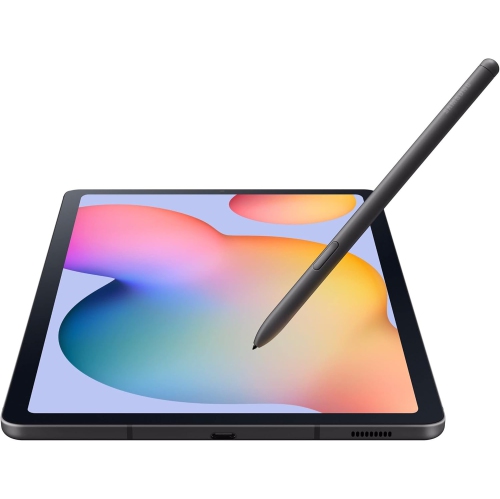
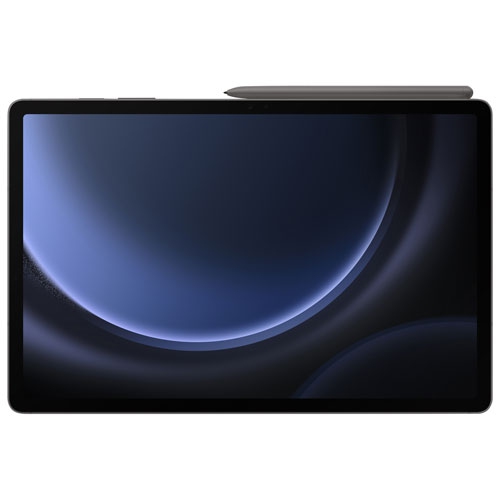
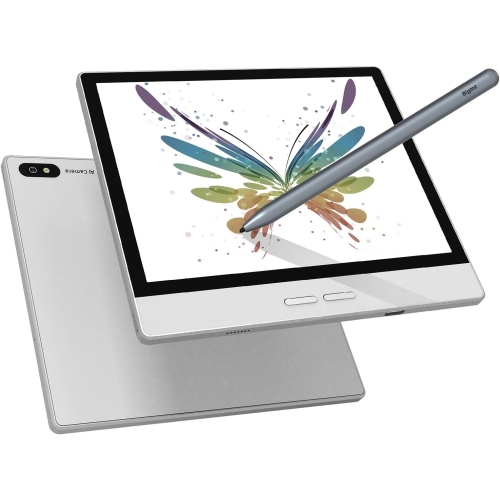
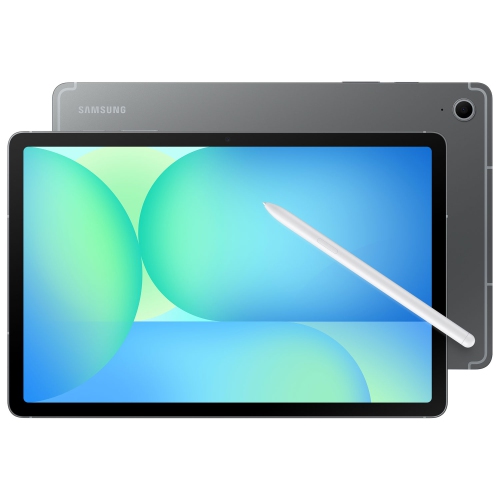
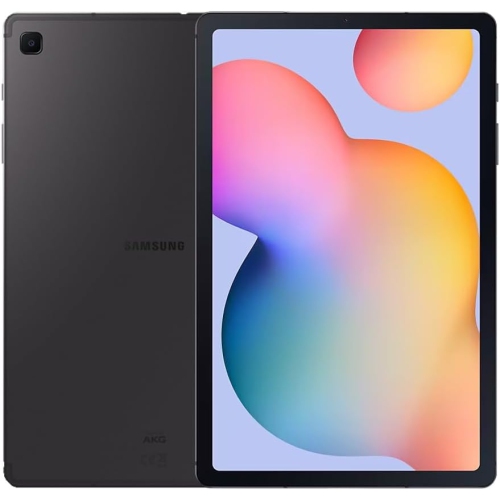
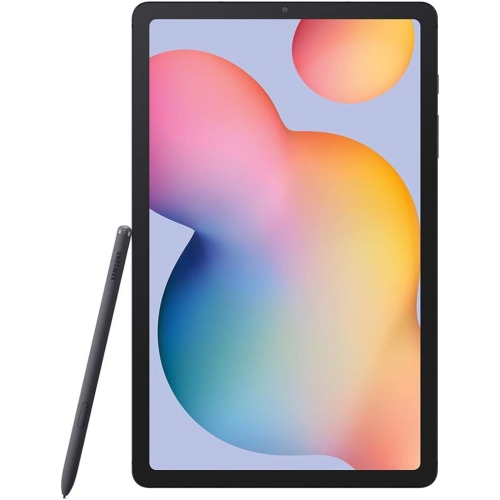
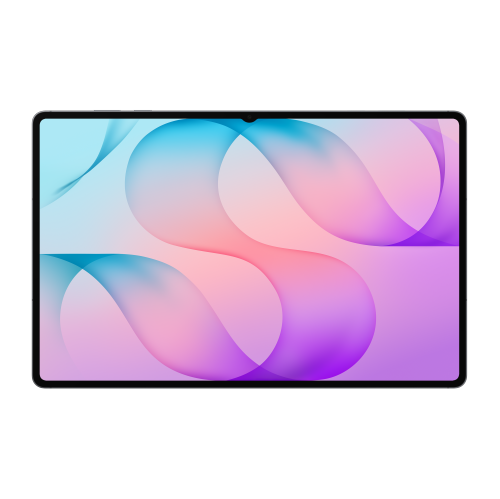
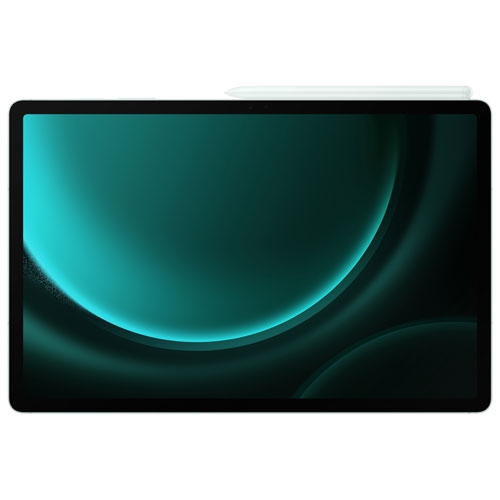
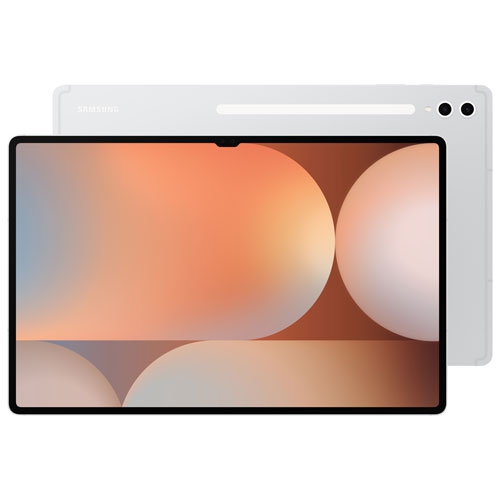
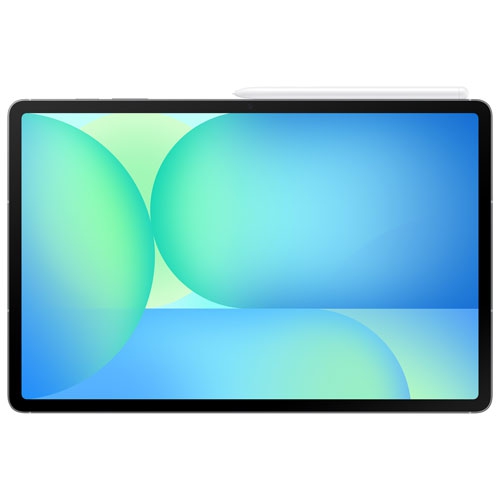
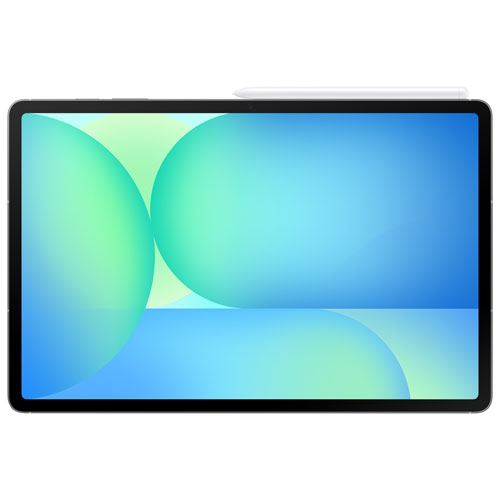
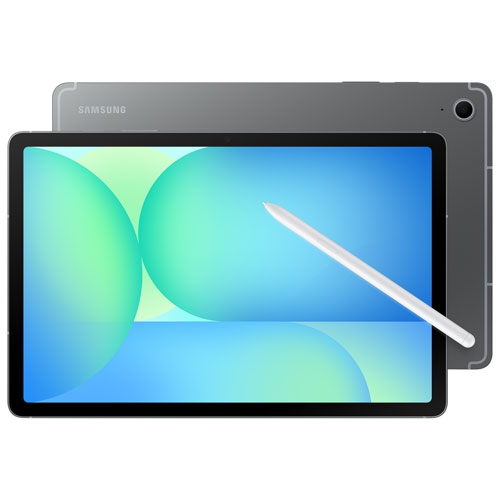
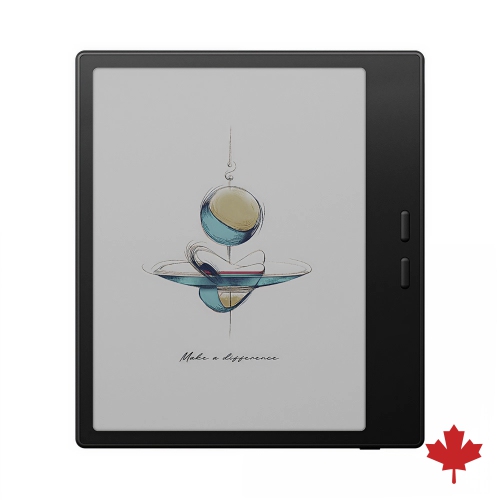
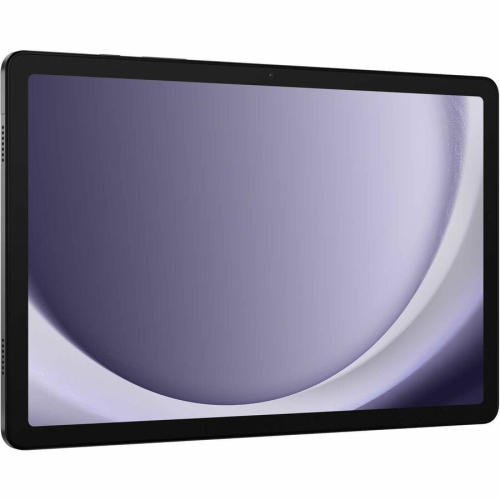
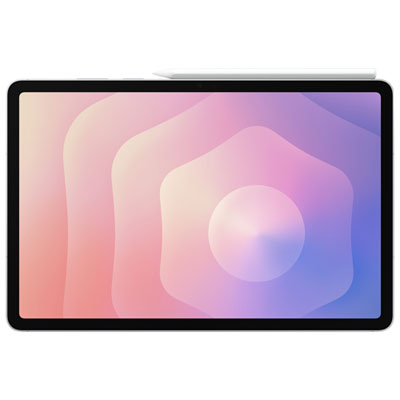
These tablets double as e-readers without being dedicated electronic-paper devices. They use full-colour LCD or OLED screens and run reading apps alongside everyday tools for browsing, note-taking and watching video. That versatility makes a difference when the reading goes beyond plain text. A cookbook can keep its step-by-step photos beside the recipe, a digital magazine can retain the layout of its print edition, and the coloured lines on a transit map or wiring diagram remain easy to tell apart. For someone who mostly reads novels, a tablet in the 8- to 9-inch range can feel closer to holding a paperback, especially on a bus or in a chair without an armrest. On an 11-inch or larger screen, a textbook page has more room for its captions and diagrams, and a graphic novel can show more of a two-page spread without constant zooming. That extra screen area also means more weight to support, particularly once a case is fitted. It matters less on a desk stand than it does when reading one-handed. The display itself accounts for another difference: electronic paper reflects surrounding light much like a printed page, while a tablet display produces its own light and can show reflections from windows or overhead fixtures. A tablet is well suited to reading in a dim room, where adjustable brightness and a warm display setting can make a white page feel less stark. For long stretches away from an outlet, battery life depends on screen brightness and what else the tablet is doing; a dedicated electronic-paper reader generally lasts longer between charges. Readers who want one device for books and other daily tasks can compare screen sizes and features in the Computer Tablet Samsung collection.
A tablet can hold several kinds of reading material at once: novels from a preferred bookstore, audiobooks and e-books borrowed through a public library, and PDFs saved from a course or work folder. The reading experience depends partly on the app and partly on how the material is formatted. In an e-book with reflowable text, increasing the font size or widening the line spacing makes the text wrap to fit the screen. With a fixed-layout PDF, enlarging the type usually means zooming into the whole page and sliding it from side to side. That distinction can be easy to overlook until a recipe calls for a quantity printed in a narrow margin or a course handout puts the explanation for a chart in tiny type underneath it. Landscape orientation gives wider pages more room, and split-screen viewing on compatible tablets can keep a document beside a notes app. A compatible stylus adds another option for anyone who likes to underline a passage, work through an equation or mark up a proof by hand. Pen support and PDF annotation vary by tablet and app; some notes stay inside the app, while others can be exported with the marked-up document. The same care applies to accessibility features. A reader who alternates between looking at the page and listening to it may find text-to-speech useful, but support depends on the app and the book. Downloading books and checking that they open offline before leaving Wi-Fi coverage is handy for a flight or a long commute. Text-heavy books generally take up little space compared with audiobooks, illustrated comics and scanned reference manuals, so storage matters more for a reader who keeps a large collection of those files ready to open. Where an app supports syncing, a bookmark or reading position can also carry over to a phone, making it easier to pick up a chapter without the tablet in hand.
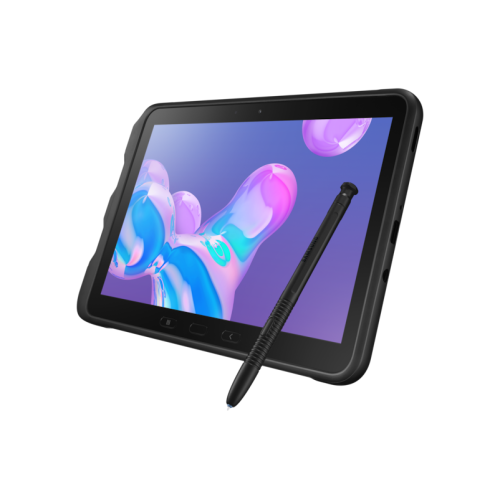
The way a tablet is carried and held often matters as much as the display. A slim body with a glass front slips neatly into a bag, but a folio cover can protect the screen from loose keys and fold into a stand for a countertop recipe or a study session at a desk. A cover with textured edges can make a wide tablet easier to grip. For someone who reads with one hand while holding a rail on transit, a hand strap may be more useful than a heavy case with several stand positions. For a student who moves between classrooms, a case with reinforced corners offers added protection against bumps, while a pen loop helps keep a compatible stylus from disappearing into the bottom of a backpack. Some tablets are designed for more demanding settings, such as fieldwork, but resistance to drops, dust and water varies; a rugged-looking cover on its own does not make a tablet water-resistant. A soft microfibre cloth is usually enough to lift fingerprints from the glass. Cleaning products should be used only as directed by the manufacturer, and moisture should be kept away from ports. The most useful fit for a gift depends on the recipient’s reading habits. A compact tablet can suit a commuter who reads mysteries between stops, while a larger screen can be a better match for someone who follows sewing patterns, reads sheet music or regularly enlarges the text on full-page documents. For a student, the appeal may be carrying course readings and handwritten notes in one device instead of juggling a stack of printouts. For a book club regular, it may be something simpler: a readable screen, a familiar library app and the ability to find a highlighted passage without leafing through the whole book.
A tablet can hold several kinds of reading material at once: novels from a preferred bookstore, audiobooks and e-books borrowed through a public library, and PDFs saved from a course or work folder. The reading experience depends partly on the app and partly on how the material is formatted. In an e-book with reflowable text, increasing the font size or widening the line spacing makes the text wrap to fit the screen. With a fixed-layout PDF, enlarging the type usually means zooming into the whole page and sliding it from side to side. That distinction can be easy to overlook until a recipe calls for a quantity printed in a narrow margin or a course handout puts the explanation for a chart in tiny type underneath it. Landscape orientation gives wider pages more room, and split-screen viewing on compatible tablets can keep a document beside a notes app. A compatible stylus adds another option for anyone who likes to underline a passage, work through an equation or mark up a proof by hand. Pen support and PDF annotation vary by tablet and app; some notes stay inside the app, while others can be exported with the marked-up document. The same care applies to accessibility features. A reader who alternates between looking at the page and listening to it may find text-to-speech useful, but support depends on the app and the book. Downloading books and checking that they open offline before leaving Wi-Fi coverage is handy for a flight or a long commute. Text-heavy books generally take up little space compared with audiobooks, illustrated comics and scanned reference manuals, so storage matters more for a reader who keeps a large collection of those files ready to open. Where an app supports syncing, a bookmark or reading position can also carry over to a phone, making it easier to pick up a chapter without the tablet in hand.
The way a tablet is carried and held often matters as much as the display. A slim body with a glass front slips neatly into a bag, but a folio cover can protect the screen from loose keys and fold into a stand for a countertop recipe or a study session at a desk. A cover with textured edges can make a wide tablet easier to grip. For someone who reads with one hand while holding a rail on transit, a hand strap may be more useful than a heavy case with several stand positions. For a student who moves between classrooms, a case with reinforced corners offers added protection against bumps, while a pen loop helps keep a compatible stylus from disappearing into the bottom of a backpack. Some tablets are designed for more demanding settings, such as fieldwork, but resistance to drops, dust and water varies; a rugged-looking cover on its own does not make a tablet water-resistant. A soft microfibre cloth is usually enough to lift fingerprints from the glass. Cleaning products should be used only as directed by the manufacturer, and moisture should be kept away from ports. The most useful fit for a gift depends on the recipient’s reading habits. A compact tablet can suit a commuter who reads mysteries between stops, while a larger screen can be a better match for someone who follows sewing patterns, reads sheet music or regularly enlarges the text on full-page documents. For a student, the appeal may be carrying course readings and handwritten notes in one device instead of juggling a stack of printouts. For a book club regular, it may be something simpler: a readable screen, a familiar library app and the ability to find a highlighted passage without leafing through the whole book.
Top selling and popular products
-
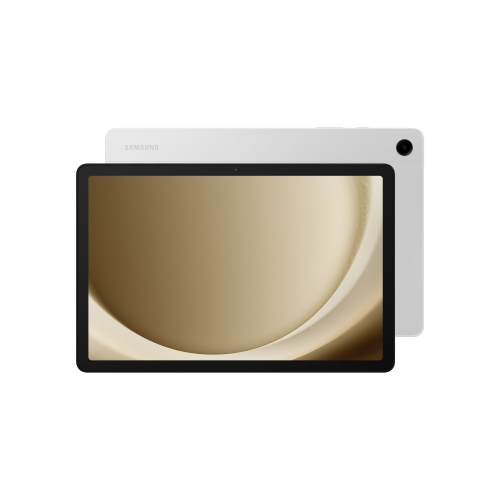 Your price for this item is $499.99
-
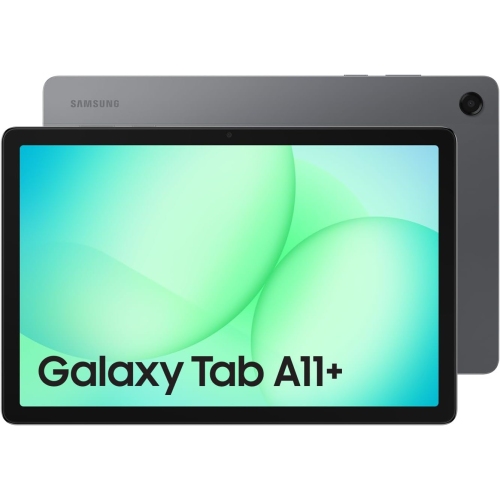 Your price for this item is $350
-
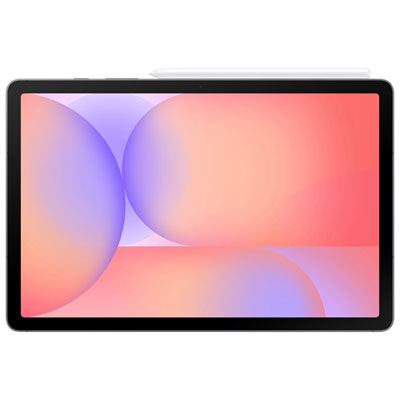 Your price for this item is $399.99
-
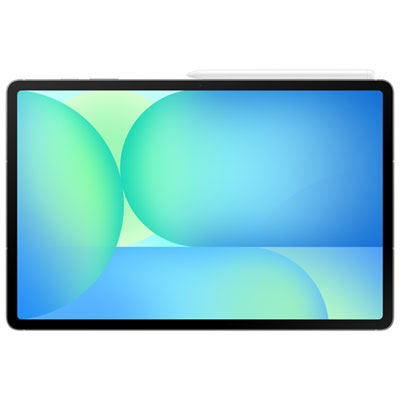 Your price for this item is $979.99
-
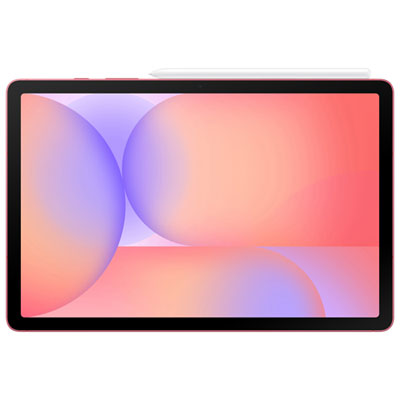 Your price for this item is $399.99
-
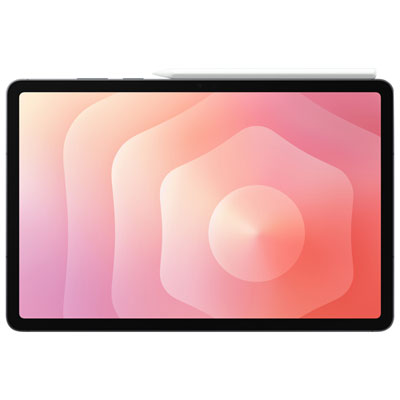 Your price for this item is $1399.99
-
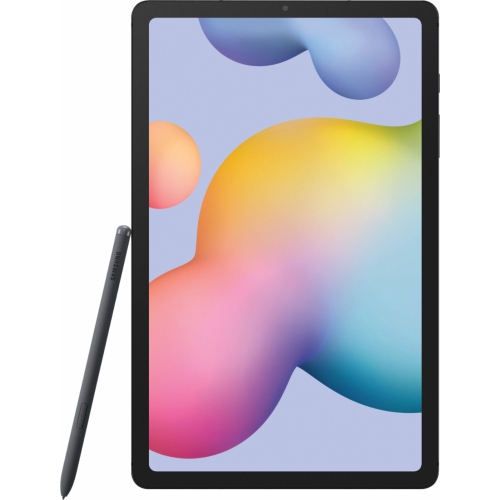 Your price for this item is $699.99
-
 Your price for this item is $664.95
Discover more categories related to Samsung Ereader Tablets

Top Collections:
Best Black Friday Deals This Year, Best Black Friday Deals On Electronics, Kindle Devices, Pokemon Centers, Best Black Friday Deals On Apple Products, Best Cameras for Sports Photography, Dyson Airwrap, Pokémon 30th Celebration Cards, Apple iPhone 17 Pro, Canon G7X Cameras
Some products may be subject to Environmental Handling Fees
(EHF) depending on your province.
Learn more about EHFs.