Android Ereader Tablets
Discover a versatile selection of Android Ereader Tablet options designed to elevate your digital reading experience. Whether you enjoy novels, magazines, or documents on the go, these tablets offer the convenience and flexibility you need. Browse a range of models that combine portability with user-friendly interfaces, making it easy to access your favorite content anytime. Find the perfect Android Ereader Tablet to suit your lifestyle and enjoy seamless reading wherever you are.
Sort








How screen technology and app support shape reading
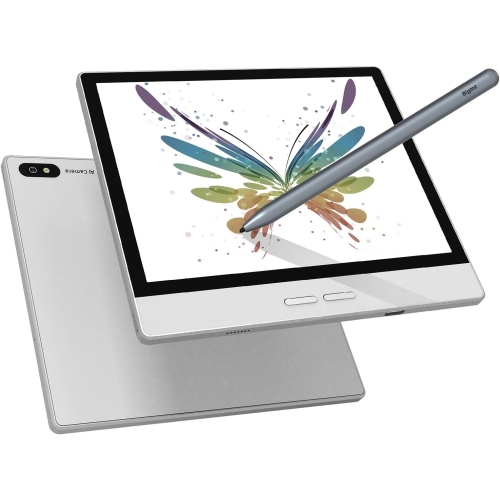
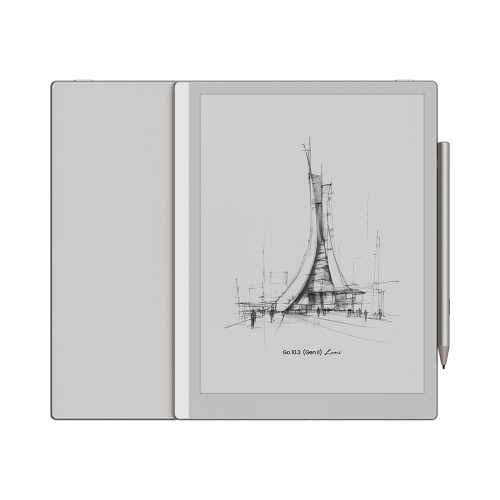
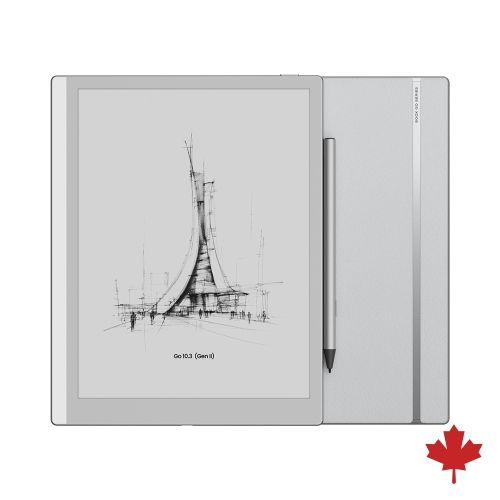
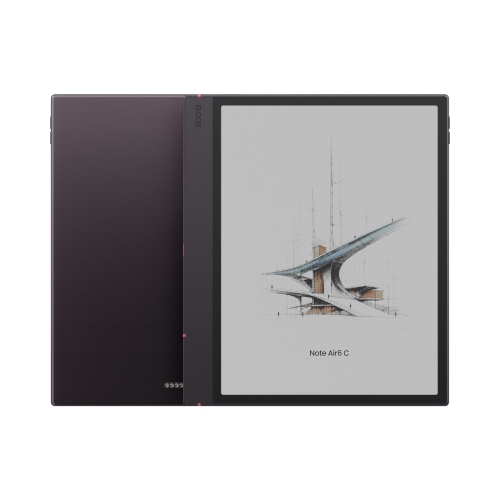
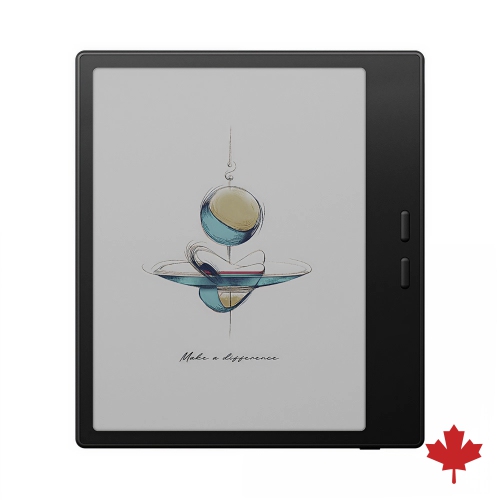
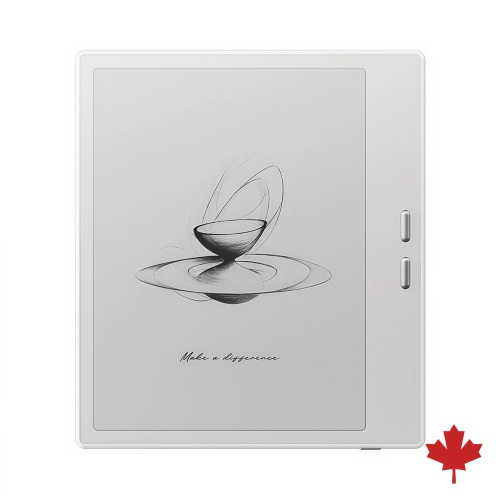
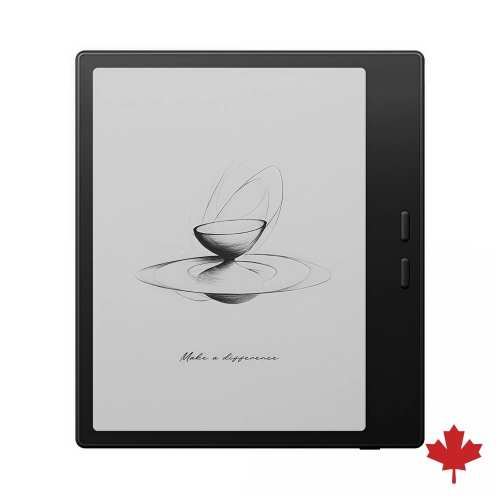
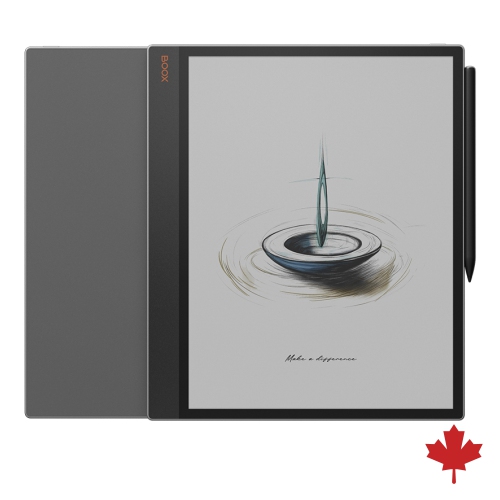
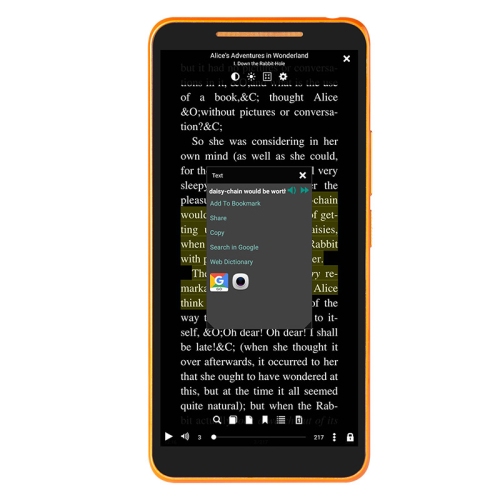
Android e-reader tablets bring together a reading-focused display and the flexibility of the Android operating system. Unlike a dedicated reader limited to a small set of built-in services, a compatible Android device can support several reading apps, document tools, and content sources in one place. Many use electronic-paper screens, which reflect surrounding light rather than illuminating the image in the same way as a conventional tablet display. This creates a paper-like appearance suited to novels, essays, and other mostly static pages. A built-in front light, where included, makes text visible when room lighting is limited, while adjustable brightness and light tone can help create a comfortable reading setup. Android alone does not indicate the screen type, so the distinction between an electronic-paper reader and a general-purpose tablet matters. Electronic paper typically refreshes more slowly, making it better suited to turning pages than watching video or scrolling through fast-moving content. Conventional tablets offer smoother motion and richer colour, which may better suit illustrated magazines, interactive textbooks, and reading alongside other media. Readers exploring that broader category can also browse Samsung Ereader Tablets, keeping the differences in display technology in mind. Within electronic-paper designs, monochrome screens emphasize text, while colour-capable screens add useful distinctions to charts, illustrations, and highlighted passages. Colour on electronic paper generally looks more muted than it does on a conventional tablet screen. Screen size also shapes the experience: a compact device is easier to hold on a commute, while a larger reading surface gives technical documents, sheet music, and graphic novels more room. Weight, bezel width, and the placement of physical page-turn buttons can matter as much as screen dimensions during a long chapter. A balanced device that rests comfortably in one hand serves a different purpose from a larger reader used mainly on a desk or supported by a stand.
App compatibility is a defining consideration for Android e-reader tablets, but it varies between devices. Access to an app store, the supported Android version, and the requirements of each reading service all influence what can be installed and used reliably. Some devices include access to a broad app catalogue; others rely on a more limited selection or separate installation methods. An app designed for a phone or conventional tablet may also behave differently on an electronic-paper screen, particularly when it uses animated menus, continuous scrolling, or frequent background updates. Reading modes and refresh settings, where offered, can help balance cleaner text against faster navigation, although occasional screen flashes or faint remnants of previous content are normal characteristics of many electronic-paper displays. File support deserves similar attention. EPUB is commonly associated with adjustable text layouts, while PDFs often preserve a fixed page design that can become cramped on a smaller screen. Actual support depends on the device and the app, and protected purchases or library loans may require authorization through a compatible service. For Canadian library users, borrowing access depends on the local library’s digital services as well as the device’s software support. Downloaded books can often be read without a continuous connection, making offline access useful on a train ride or during travel, provided the app and borrowing terms permit it. Wi-Fi supports downloads and account synchronization, while Bluetooth on compatible devices may connect headphones for audiobooks or spoken content. Storage needs grow with illustrated books, audio files, and scanned documents, so expansion options can be useful where supported. Students and frequent annotators may appreciate compatible pen input, handwritten notes, bookmarks, and export tools, but pen support and included accessories differ. Adjustable font sizes, margins, line spacing, and contrast settings can make dense pages easier to navigate. Text-to-speech and other accessibility features also depend on the hardware, software, and individual app rather than being guaranteed by Android alone.
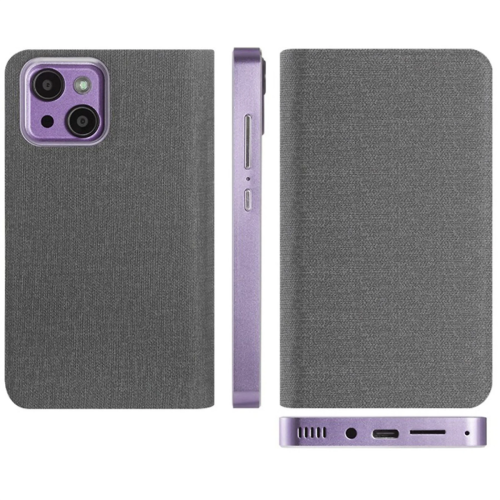
The physical design of an Android e-reader tablet affects how naturally it fits into everyday reading. Housings may use plastic, metal, or a combination of materials, with different balances of weight, rigidity, and grip. A textured back or fitted cover can make a slim device easier to hold, while a folding stand supports hands-free reading at a kitchen table or desktop. Case fit needs to match the exact device dimensions and leave charging ports, buttons, microphones, and speakers unobstructed. Despite their book-like purpose, electronic readers contain delicate display components; a rigid cover and a separate bag compartment can help protect against pressure from keys, chargers, or tightly packed belongings. Water resistance is a model-specific feature, not a general property of e-readers, and its stated limits still apply. Routine care usually involves a clean, soft cloth and the manufacturer’s cleaning directions, with liquids kept away from openings unless explicitly permitted. Charging connections, battery capacity, and software settings also influence daily convenience. Electronic-paper devices can use very little display power while a page remains unchanged, but lighting, wireless connections, audio playback, app activity, and frequent refreshes all affect battery life. Software support and security updates matter for devices connected to personal accounts, particularly when they hold purchased books, private notes, or work documents. For a student, the appeal may be a portable place for assigned reading and annotations; for a commuter, it may be a lightweight library that opens to the last page read. A larger device can suit someone reviewing reports beside a laptop, while a compact reader may appeal to a frequent traveller. As a gift, an Android e-reader tablet is most useful when it fits the recipient’s existing reading services, preferred book formats, and comfort with managing apps. The strongest fit comes from matching the screen, controls, and software to the reading that person actually enjoys, whether that means an uninterrupted novel, a carefully marked-up article, or an illustrated reference kept close at hand.
App compatibility is a defining consideration for Android e-reader tablets, but it varies between devices. Access to an app store, the supported Android version, and the requirements of each reading service all influence what can be installed and used reliably. Some devices include access to a broad app catalogue; others rely on a more limited selection or separate installation methods. An app designed for a phone or conventional tablet may also behave differently on an electronic-paper screen, particularly when it uses animated menus, continuous scrolling, or frequent background updates. Reading modes and refresh settings, where offered, can help balance cleaner text against faster navigation, although occasional screen flashes or faint remnants of previous content are normal characteristics of many electronic-paper displays. File support deserves similar attention. EPUB is commonly associated with adjustable text layouts, while PDFs often preserve a fixed page design that can become cramped on a smaller screen. Actual support depends on the device and the app, and protected purchases or library loans may require authorization through a compatible service. For Canadian library users, borrowing access depends on the local library’s digital services as well as the device’s software support. Downloaded books can often be read without a continuous connection, making offline access useful on a train ride or during travel, provided the app and borrowing terms permit it. Wi-Fi supports downloads and account synchronization, while Bluetooth on compatible devices may connect headphones for audiobooks or spoken content. Storage needs grow with illustrated books, audio files, and scanned documents, so expansion options can be useful where supported. Students and frequent annotators may appreciate compatible pen input, handwritten notes, bookmarks, and export tools, but pen support and included accessories differ. Adjustable font sizes, margins, line spacing, and contrast settings can make dense pages easier to navigate. Text-to-speech and other accessibility features also depend on the hardware, software, and individual app rather than being guaranteed by Android alone.
The physical design of an Android e-reader tablet affects how naturally it fits into everyday reading. Housings may use plastic, metal, or a combination of materials, with different balances of weight, rigidity, and grip. A textured back or fitted cover can make a slim device easier to hold, while a folding stand supports hands-free reading at a kitchen table or desktop. Case fit needs to match the exact device dimensions and leave charging ports, buttons, microphones, and speakers unobstructed. Despite their book-like purpose, electronic readers contain delicate display components; a rigid cover and a separate bag compartment can help protect against pressure from keys, chargers, or tightly packed belongings. Water resistance is a model-specific feature, not a general property of e-readers, and its stated limits still apply. Routine care usually involves a clean, soft cloth and the manufacturer’s cleaning directions, with liquids kept away from openings unless explicitly permitted. Charging connections, battery capacity, and software settings also influence daily convenience. Electronic-paper devices can use very little display power while a page remains unchanged, but lighting, wireless connections, audio playback, app activity, and frequent refreshes all affect battery life. Software support and security updates matter for devices connected to personal accounts, particularly when they hold purchased books, private notes, or work documents. For a student, the appeal may be a portable place for assigned reading and annotations; for a commuter, it may be a lightweight library that opens to the last page read. A larger device can suit someone reviewing reports beside a laptop, while a compact reader may appeal to a frequent traveller. As a gift, an Android e-reader tablet is most useful when it fits the recipient’s existing reading services, preferred book formats, and comfort with managing apps. The strongest fit comes from matching the screen, controls, and software to the reading that person actually enjoys, whether that means an uninterrupted novel, a carefully marked-up article, or an illustrated reference kept close at hand.
Top selling and popular products
-
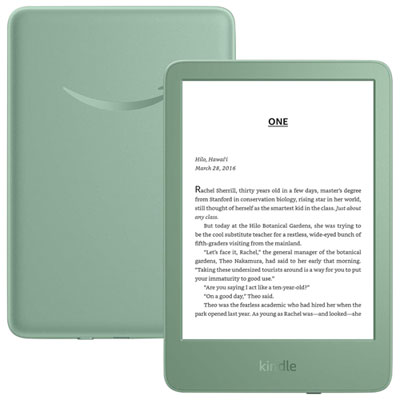 Your price for this item is $189.99
-
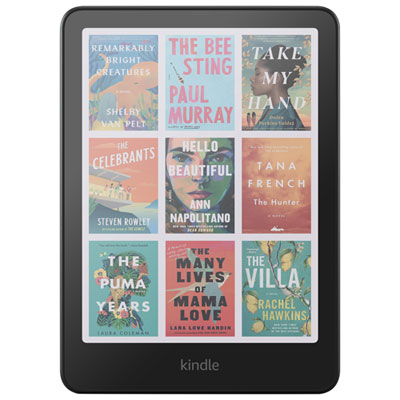 Your price for this item is $399.99
-
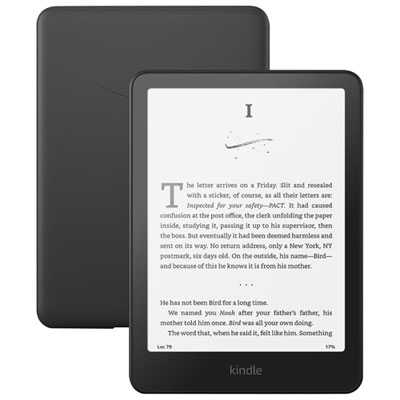 Your price for this item is $279.99
-
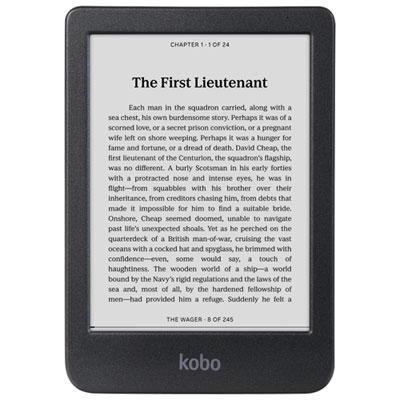 Your price for this item is $179.99
-
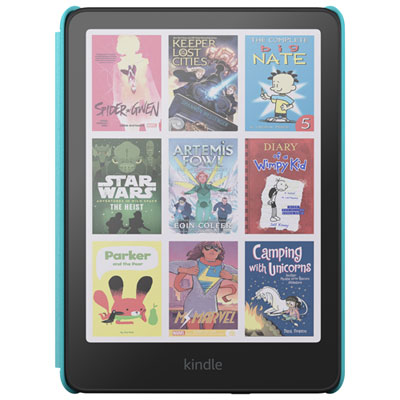 Your price for this item is $349.99
-
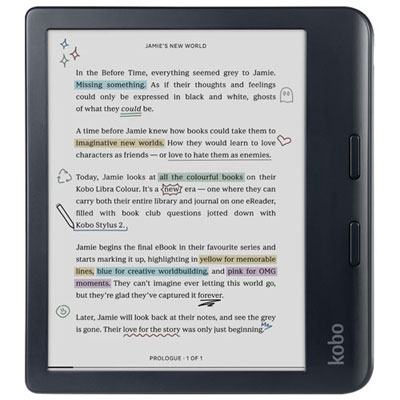 Your price for this item is $289.99
-
 Your price for this item is $329.99
-
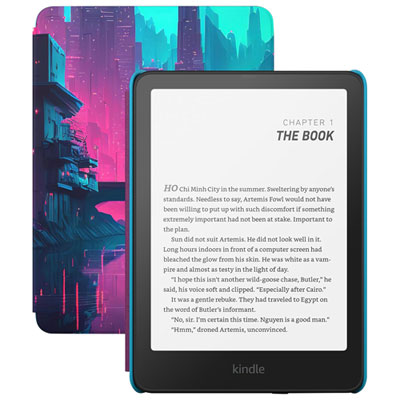 Your price for this item is $299.99
Discover more categories related to Android Ereader Tablets

Top Collections:
Best Black Friday Deals This Year, Best Black Friday Deals On Electronics, Kindle Devices, Pokemon Centers, Best Black Friday Deals On Apple Products, Best Cameras for Sports Photography, Dyson Airwrap, Pokémon 30th Celebration Cards, Apple iPhone 17 Pro, Canon G7X Cameras
Some products may be subject to Environmental Handling Fees
(EHF) depending on your province.
Learn more about EHFs.