Samsung Galaxy Tab With Stylus Pen
Discover the perfect blend of creativity and productivity with a Samsung Galaxy Tab with stylus pen. Whether you’re jotting down notes, sketching ideas, or navigating your favourite apps, these versatile tablets offer an intuitive experience for work, study, or entertainment. Explore a range of options designed to fit your lifestyle and unleash your potential with the convenience and precision of a stylus pen on your Samsung Galaxy Tab.
Sort

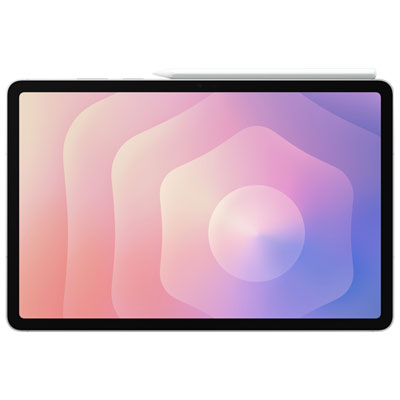

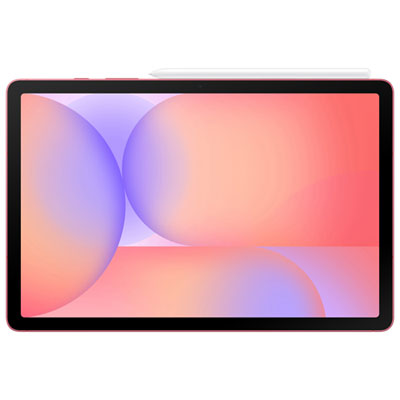
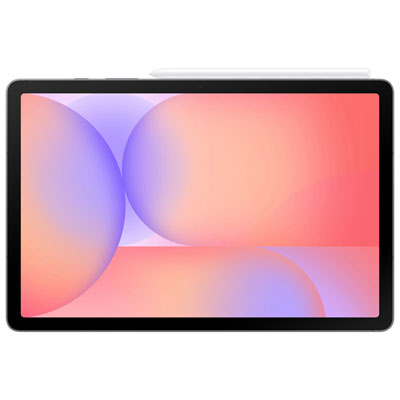
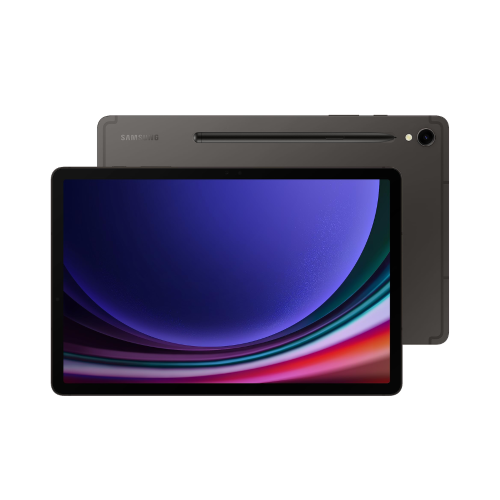
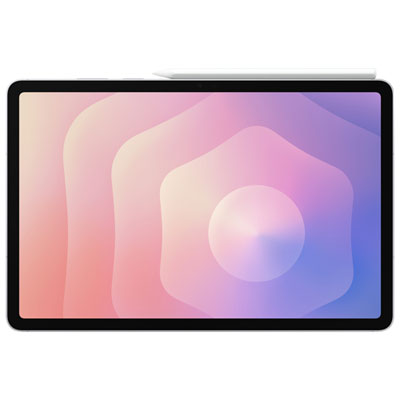
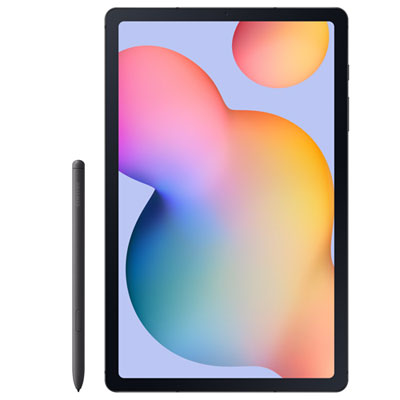
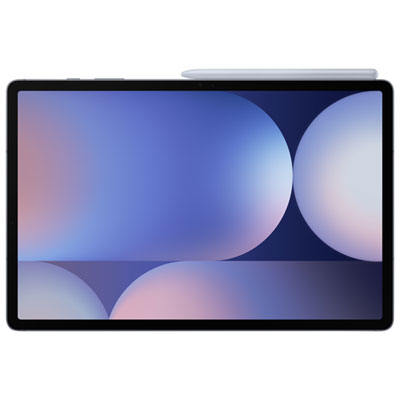
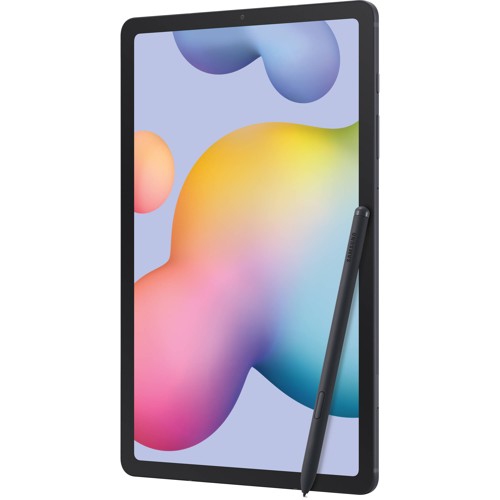
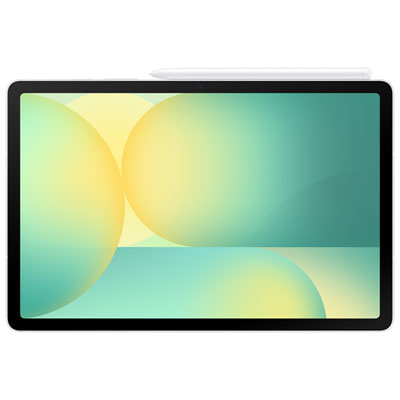
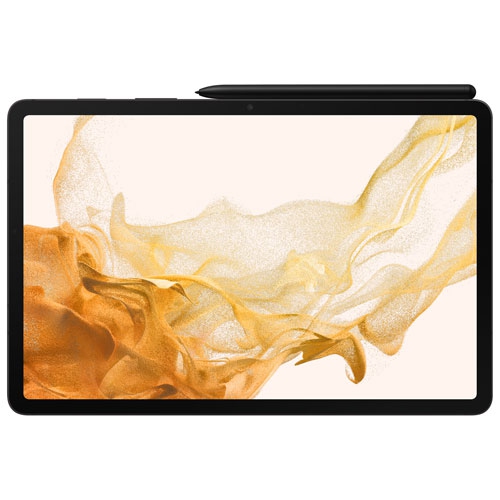
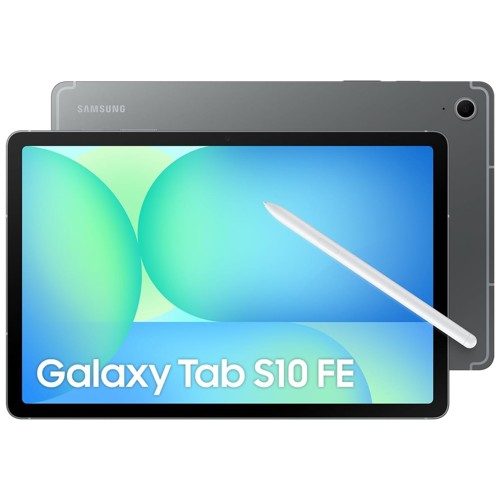
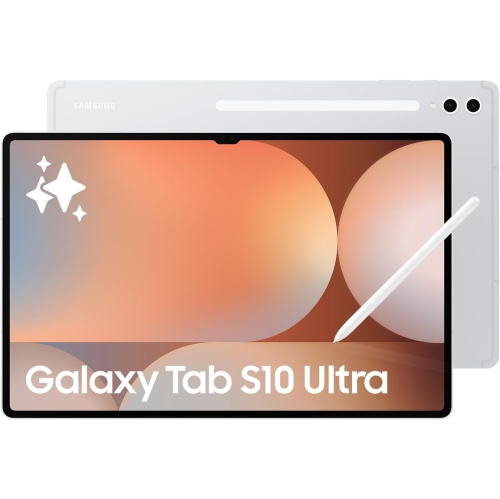
Why pen compatibility matters for notes and sketches
A tablet with a stylus pen combines a touchscreen workspace with the familiar motion of writing and drawing by hand. It can serve as a digital notebook for lectures, a sketchbook for visual ideas, or a place to annotate documents without carrying a separate stack of paper. The most important distinction is between a tablet designed to support a compatible active pen and one that simply responds to a basic capacitive stylus. A capacitive tip generally works like a fingertip, while a supported active pen can offer more precise input and features such as pressure sensitivity, palm rejection, and hover feedback, depending on the tablet and application. Pressure sensitivity lets a drawing app translate changes in hand pressure into lighter marks or heavier strokes. Palm rejection helps prevent unintended marks when a hand rests on the screen, making long stretches of handwriting feel more natural. Neither feature should be assumed across every device or app. The exact tablet configuration also determines whether a pen is included, how it attaches, and which pen functions are supported. Some compatible pens support writing without a charged battery, while additional wireless controls may have separate charging requirements. Screen size shapes the experience just as much as the pen itself. A smaller tablet fits more easily into a shoulder bag and is comfortable to hold while reviewing notes on a train. A larger display leaves more room for a full page, drawing tools, or a document beside a notes window, although it takes up more space on a desk and adds weight to a daily carry. Display resolution affects how crisp small handwriting and fine lines appear, while refresh rate and pen responsiveness can influence how closely an on-screen stroke follows the tip. Screen brightness and reflections also affect comfort when reading or drawing near a window. For extended writing sessions, the balance between usable screen area, portability, and a comfortable pen grip often matters more than a single specification.
Stylus-enabled tablets suit a wide range of routines because handwritten input can sit alongside typed text, photographs, voice recordings, and reference material. A student might draw a diagram during a lecture, highlight a reading, and keep related notes together in subject folders. Searchable handwriting and conversion to typed text can make those notes easier to revisit when supported by the chosen app and language, though results vary with writing clarity. In a meeting, a pen makes it easy to circle a detail on a shared document or sketch the layout of a proposed project. Artists and design students may value pressure response, tilt support, adjustable brushes, and enough processing power to keep larger canvases responsive. Those capabilities depend on both the hardware and the drawing software, so pen compatibility alone does not describe the whole creative experience. For everyday household use, a tablet can hold handwritten recipes, planning pages, puzzle apps, and reading material in one portable format. Multitasking support becomes useful when a reference image needs to remain visible beside a drawing or a lesson plays alongside a notebook. The amount of memory, the processor, and the operating system all influence how comfortably those tasks run together. Storage needs also vary: handwritten notes usually require less space than a growing library of downloaded videos, detailed artwork, and high-resolution photographs. Expandable storage, where supported, can provide room for files, but it does not necessarily replace internal storage for every app or function. Wi-Fi supports access to online lessons, shared files, and cloud services, while mobile connectivity requires a compatible configuration and a separate service plan. Battery life depends on brightness, wireless activity, and workload rather than the advertised figure alone. Long drawing sessions and video calls can place different demands on a device than reading saved notes. The Best Tablets With Stylus collection provides a broader view of pen-enabled tablets for handwriting, sketching, and everyday tasks.
Materials, fit, and care make a noticeable difference when a tablet travels between a classroom, workplace, and home. A metal body can feel firm and substantial, while plastic construction may offer a lighter feel; neither material alone establishes resistance to drops or water. Any stated durability rating applies only under its specified conditions, and a tablet’s rating should not be assumed to cover the pen or an attached keyboard. A well-fitting case helps protect the corners and screen during everyday handling, but it needs to match the exact tablet dimensions, camera placement, and button layout. A pen holder or secure storage channel can be especially useful in a crowded backpack, since magnetic attachment is not always enough to prevent a pen from being knocked loose. Magnetic attachment also does not necessarily mean that a pen charges in that position. For desk use, a stable stand with a comfortable writing angle can reduce the need to hold the tablet upright while taking notes. A keyboard may make longer assignments or emails more practical, leaving the pen for diagrams, annotations, and handwritten working. Screen protectors deserve consideration: textured surfaces can add friction for writing, but they may alter image clarity and increase nib wear. Compatibility with the tablet, pen, and any case matters more than a generic size description. Routine care is straightforward: a clean, soft microfibre cloth helps remove fingerprints, and grit should be kept away from the screen and pen tip. Cleaning methods and replacement nibs should follow the device manufacturer’s recommendations. These tablets can make thoughtful gifts for students, keen sketchers, teachers, and people who prefer handwritten planning to typing everything on a keyboard. A good match reflects the recipient’s habits, including their preferred screen size, favourite apps, comfort with digital file organization, and need to share work with other devices. A comfortable pen and a practical carrying setup help make the tablet useful well beyond its first few sessions.
Stylus-enabled tablets suit a wide range of routines because handwritten input can sit alongside typed text, photographs, voice recordings, and reference material. A student might draw a diagram during a lecture, highlight a reading, and keep related notes together in subject folders. Searchable handwriting and conversion to typed text can make those notes easier to revisit when supported by the chosen app and language, though results vary with writing clarity. In a meeting, a pen makes it easy to circle a detail on a shared document or sketch the layout of a proposed project. Artists and design students may value pressure response, tilt support, adjustable brushes, and enough processing power to keep larger canvases responsive. Those capabilities depend on both the hardware and the drawing software, so pen compatibility alone does not describe the whole creative experience. For everyday household use, a tablet can hold handwritten recipes, planning pages, puzzle apps, and reading material in one portable format. Multitasking support becomes useful when a reference image needs to remain visible beside a drawing or a lesson plays alongside a notebook. The amount of memory, the processor, and the operating system all influence how comfortably those tasks run together. Storage needs also vary: handwritten notes usually require less space than a growing library of downloaded videos, detailed artwork, and high-resolution photographs. Expandable storage, where supported, can provide room for files, but it does not necessarily replace internal storage for every app or function. Wi-Fi supports access to online lessons, shared files, and cloud services, while mobile connectivity requires a compatible configuration and a separate service plan. Battery life depends on brightness, wireless activity, and workload rather than the advertised figure alone. Long drawing sessions and video calls can place different demands on a device than reading saved notes. The Best Tablets With Stylus collection provides a broader view of pen-enabled tablets for handwriting, sketching, and everyday tasks.
Materials, fit, and care make a noticeable difference when a tablet travels between a classroom, workplace, and home. A metal body can feel firm and substantial, while plastic construction may offer a lighter feel; neither material alone establishes resistance to drops or water. Any stated durability rating applies only under its specified conditions, and a tablet’s rating should not be assumed to cover the pen or an attached keyboard. A well-fitting case helps protect the corners and screen during everyday handling, but it needs to match the exact tablet dimensions, camera placement, and button layout. A pen holder or secure storage channel can be especially useful in a crowded backpack, since magnetic attachment is not always enough to prevent a pen from being knocked loose. Magnetic attachment also does not necessarily mean that a pen charges in that position. For desk use, a stable stand with a comfortable writing angle can reduce the need to hold the tablet upright while taking notes. A keyboard may make longer assignments or emails more practical, leaving the pen for diagrams, annotations, and handwritten working. Screen protectors deserve consideration: textured surfaces can add friction for writing, but they may alter image clarity and increase nib wear. Compatibility with the tablet, pen, and any case matters more than a generic size description. Routine care is straightforward: a clean, soft microfibre cloth helps remove fingerprints, and grit should be kept away from the screen and pen tip. Cleaning methods and replacement nibs should follow the device manufacturer’s recommendations. These tablets can make thoughtful gifts for students, keen sketchers, teachers, and people who prefer handwritten planning to typing everything on a keyboard. A good match reflects the recipient’s habits, including their preferred screen size, favourite apps, comfort with digital file organization, and need to share work with other devices. A comfortable pen and a practical carrying setup help make the tablet useful well beyond its first few sessions.
Top selling and popular products
-
 Your price for this item is $499.99
 -
 Your price for this item is $199.95
 -
 Your price for this item is $293.94
 -
 Your price for this item is $579.99
 -
 Your price for this item is $139.99
 -
 Your price for this item is $119.99
 -
 Your price for this item is $979.99
 -
 Your price for this item is $579.99
Discover more categories related to Samsung Galaxy Tab With Stylus Pen

Top Collections:
Pokemon Centers, Best Cameras for Sports Photography, Kindle Devices, Samsung Galaxy Phones, Canon G7X Cameras, Pokémon 30th Celebration Cards, Refurbished Apple Laptops, iPhone 15 Apple, Laptops for Students, Budget Smartphones
Some products may be subject to Environmental Handling Fees
(EHF) depending on your province.
Learn more about EHFs.