Android Tablet Stylus Pen
A stylus pen for your tablet is a great way to get the most out of your device. It can help you navigate the interface more easily and efficiently, and it can also help you sketch, draw, or take notes in class. If you're looking for a stylus pen for your tablet, we've got you covered.
Sort

![HLD Stylus Pen [20 Pack], Universal Capacitive Touch Screen Stylus Compatible With Iphone, Android & Other Touch Screen Devices](https://multimedia.bbycastatic.ca/multimedia/products/500x500/132/13231/13231264.jpg)
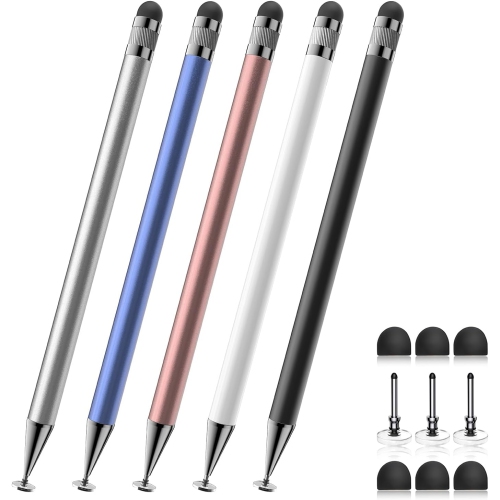
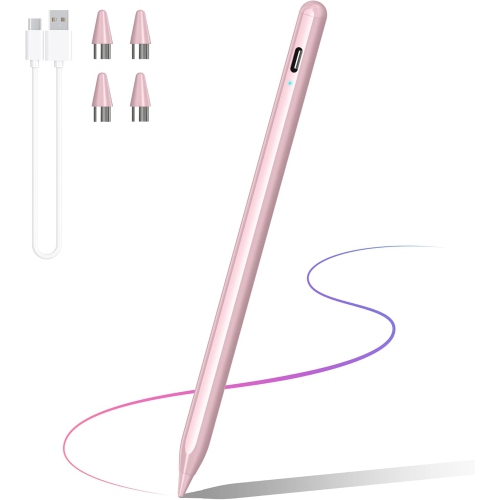
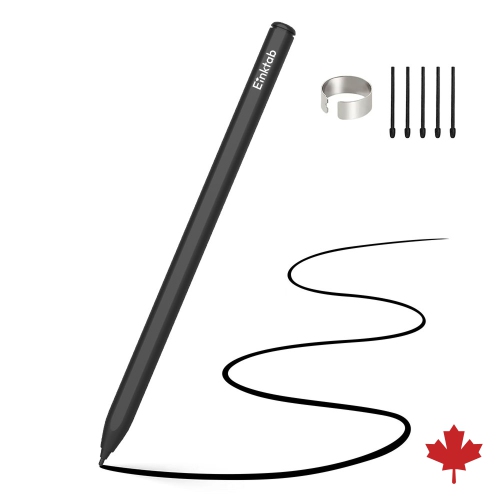
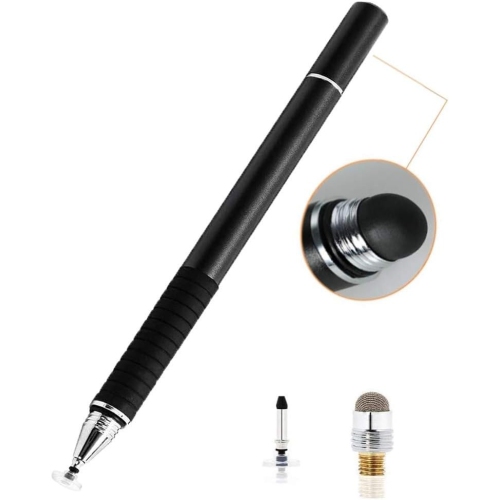


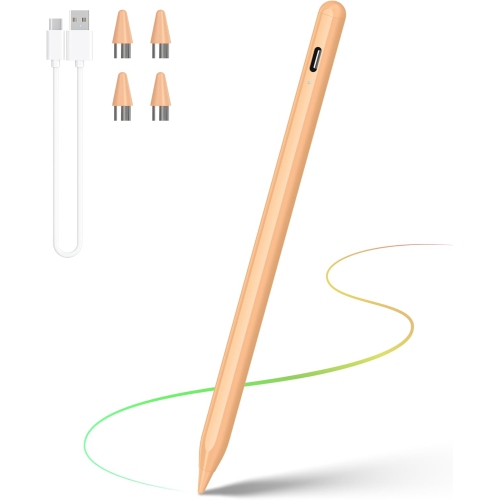
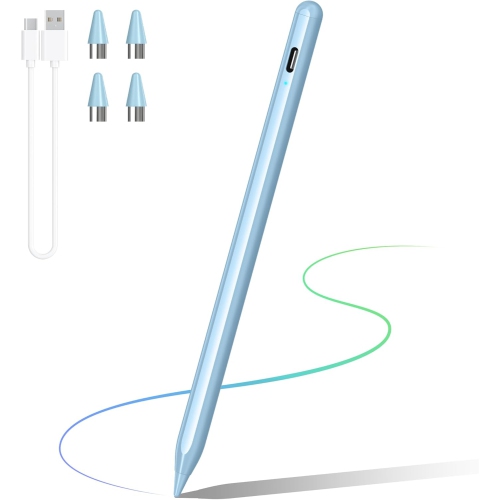
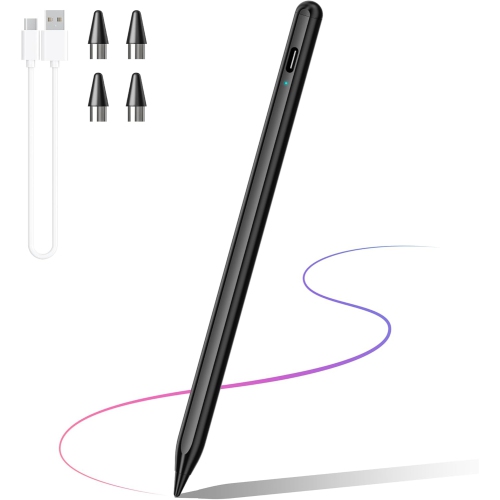
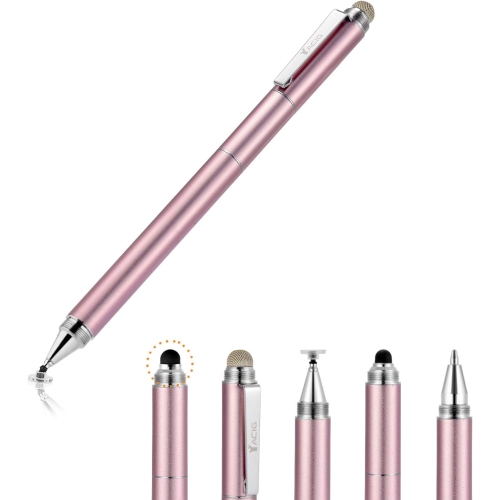
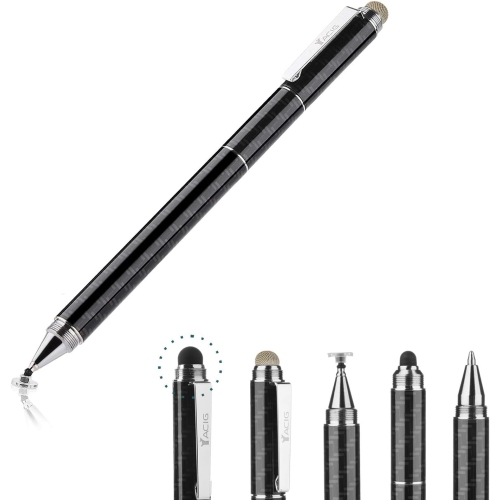
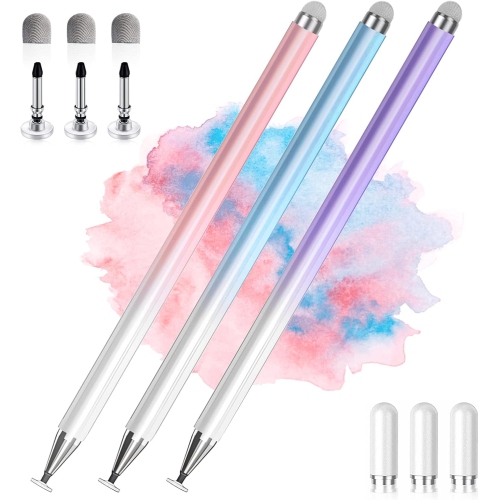
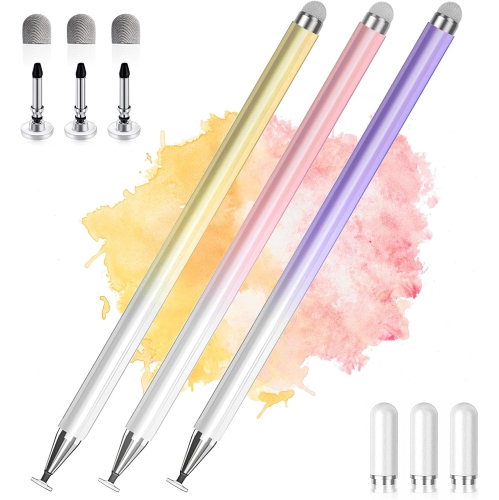
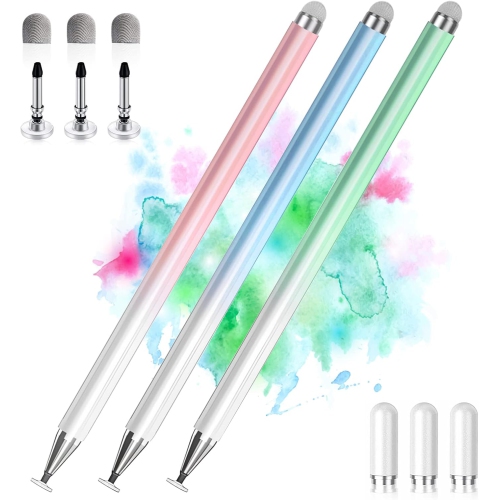

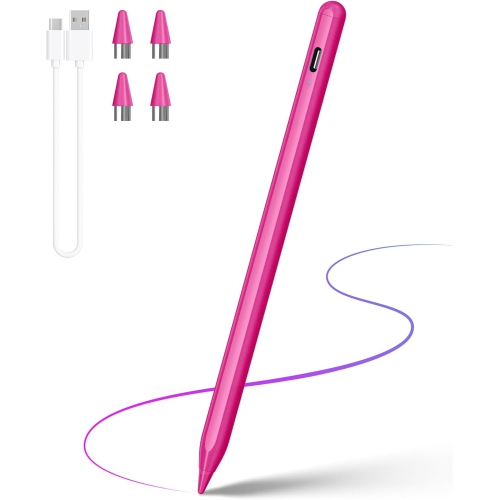
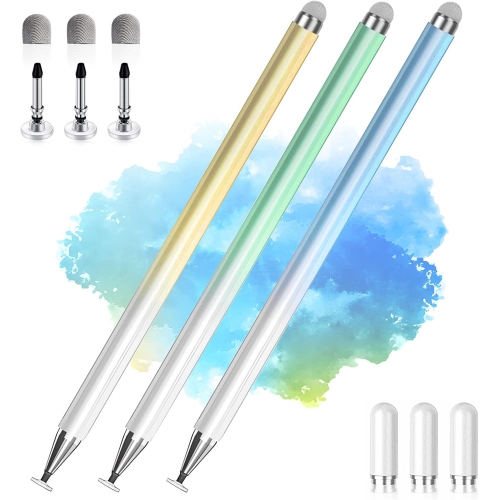
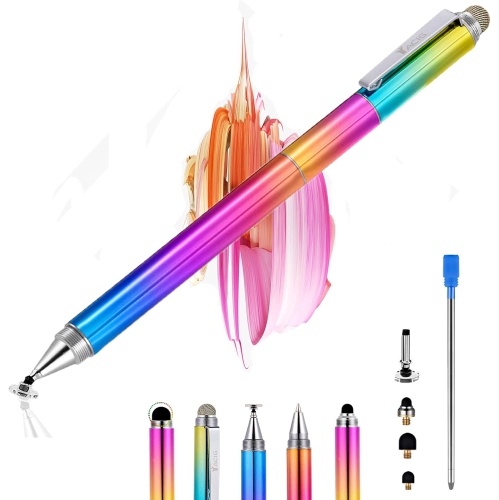
Screen technology and daily tasks determine stylus performance
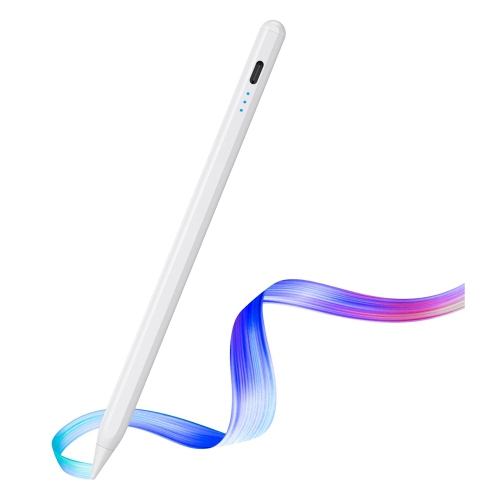
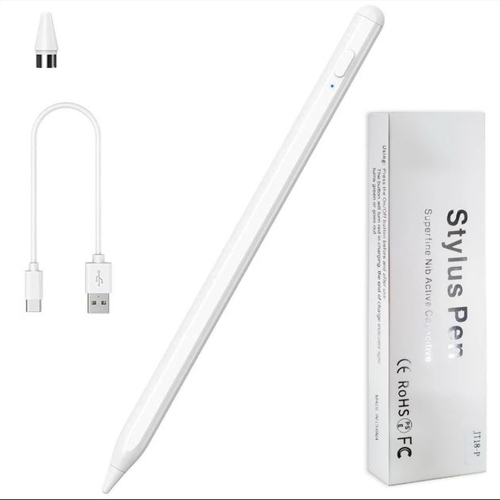
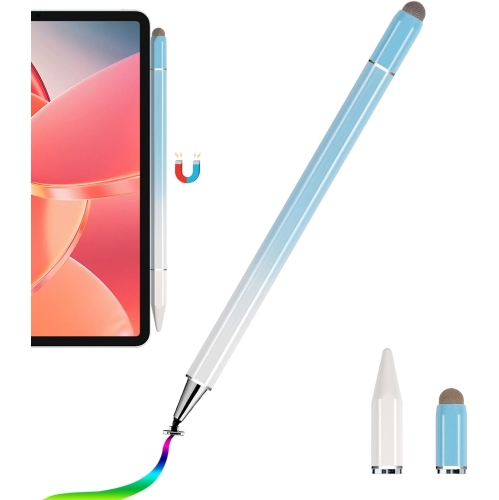
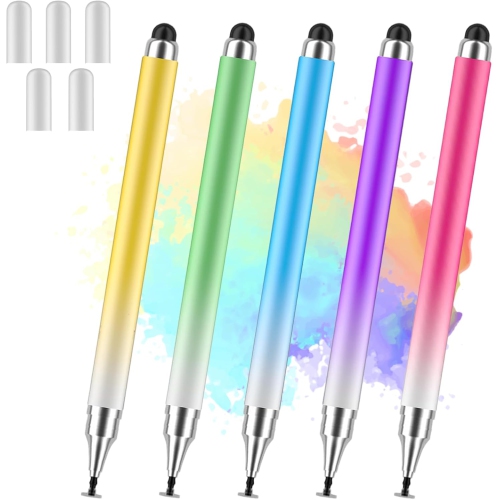
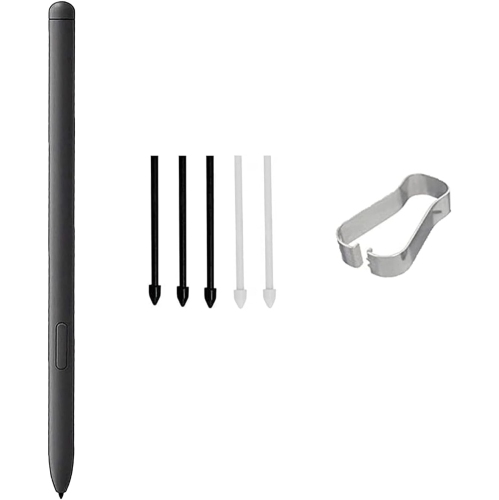
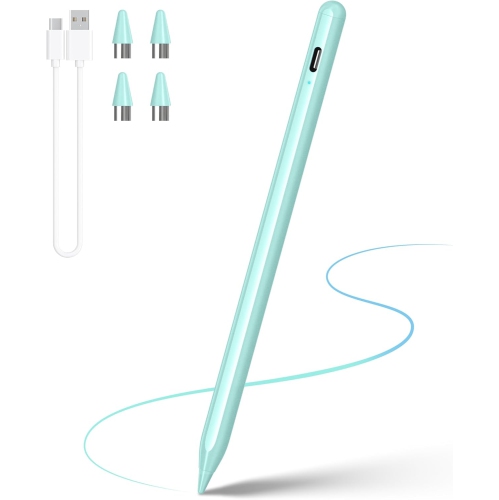
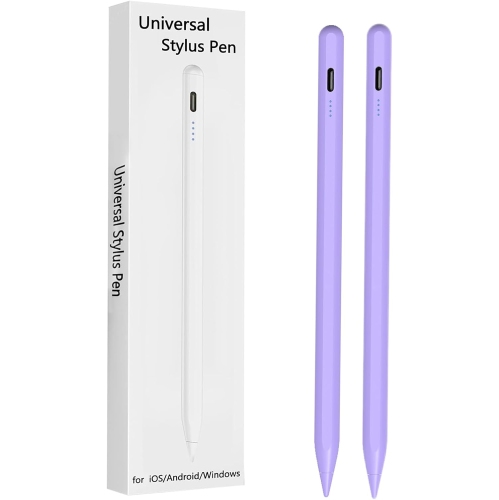
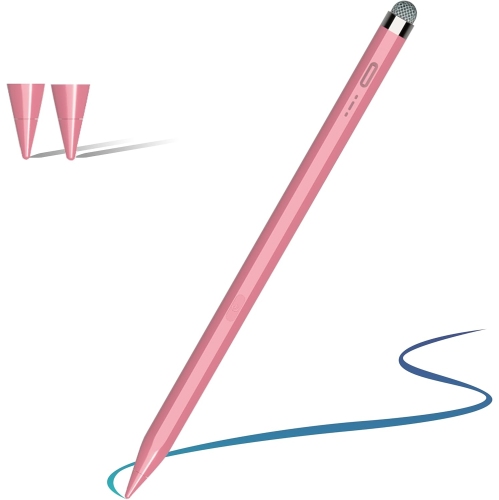
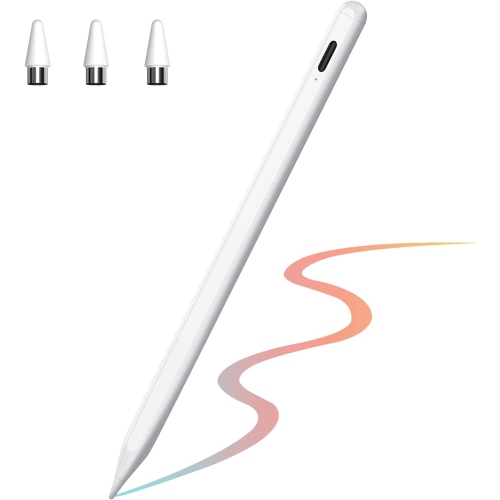
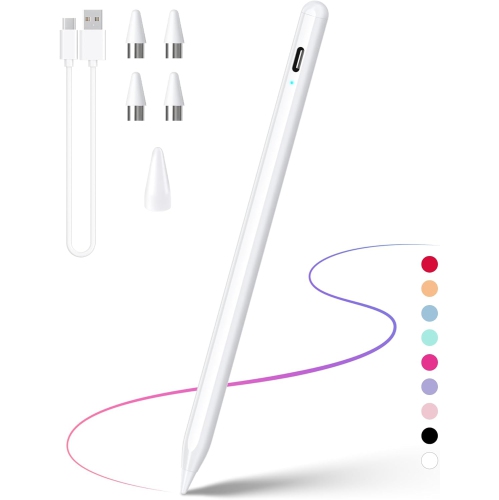
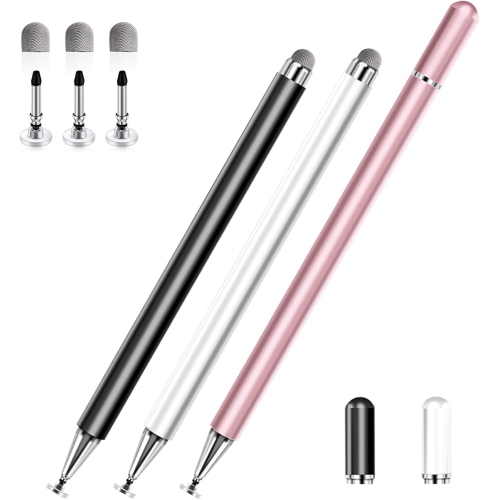
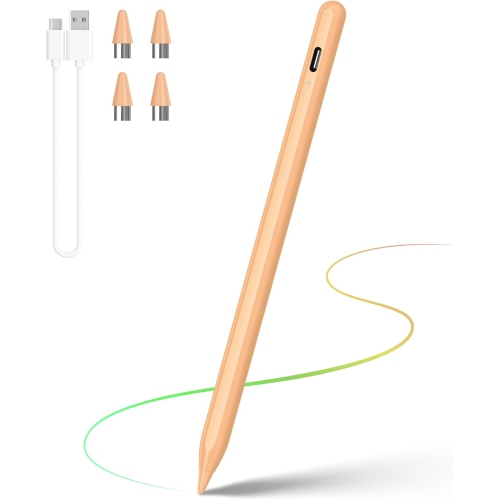
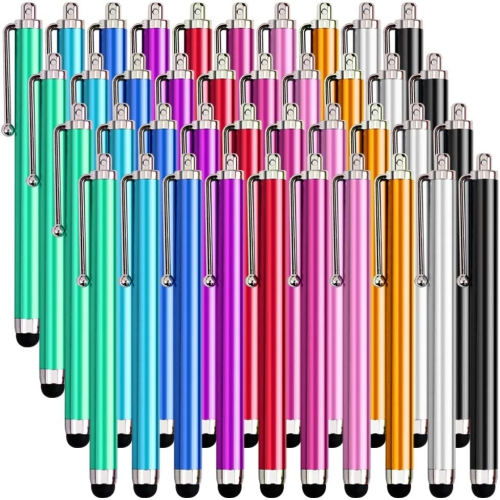
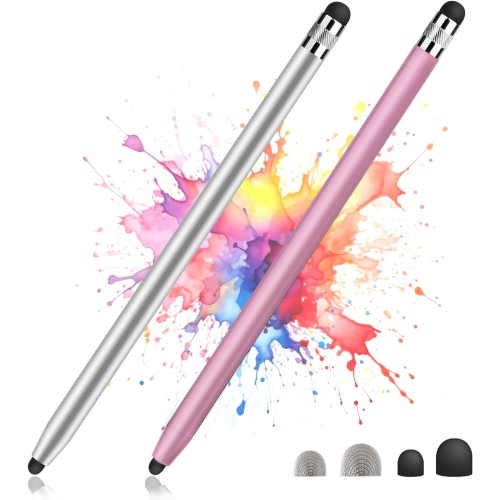
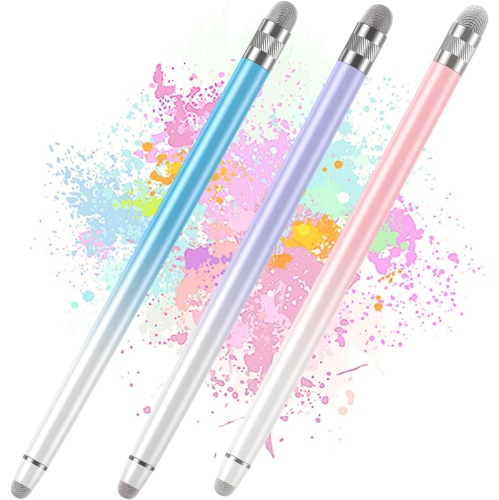
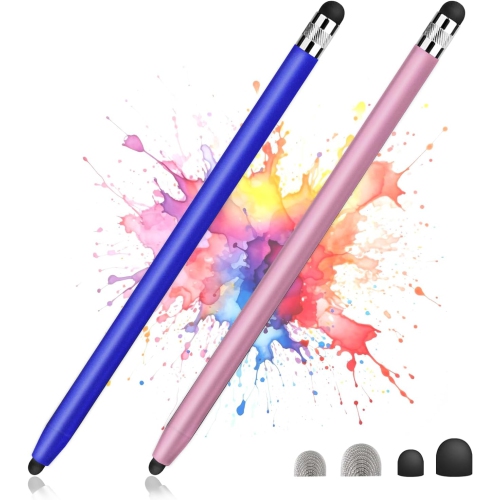
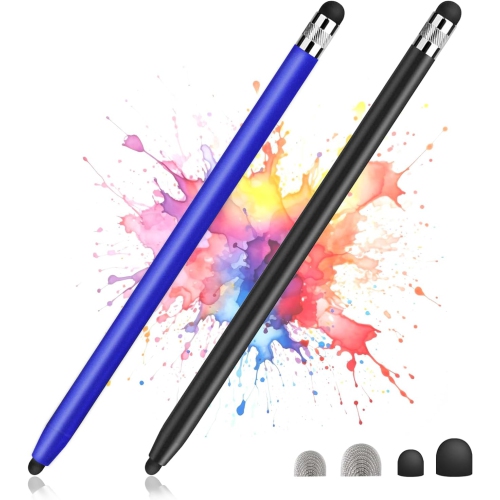
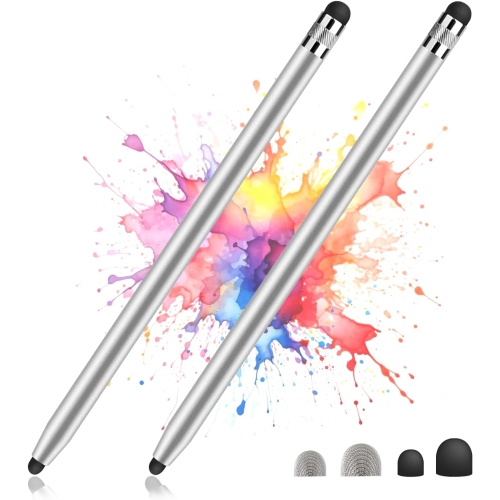
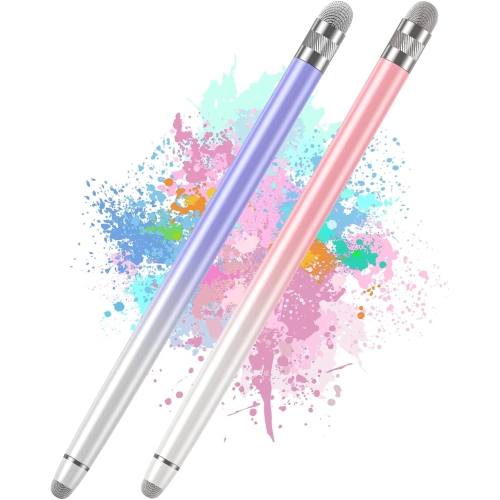
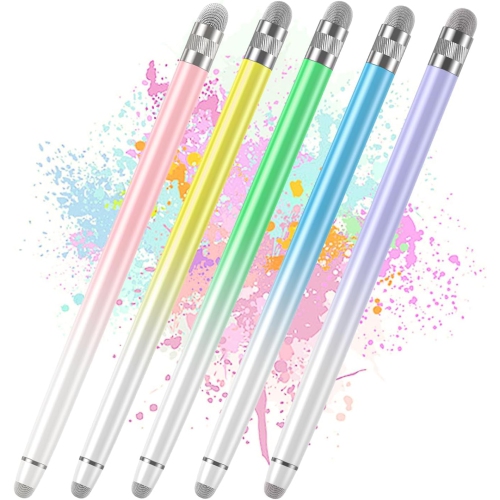
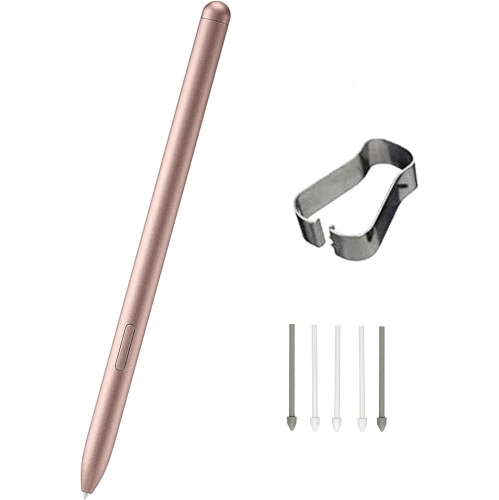
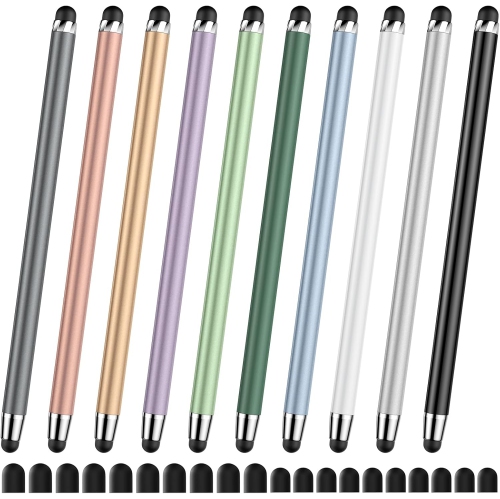
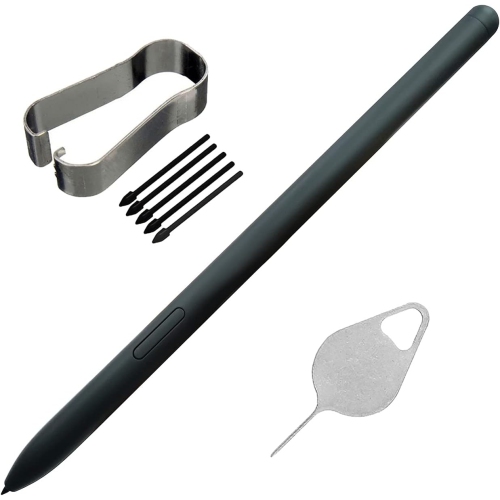
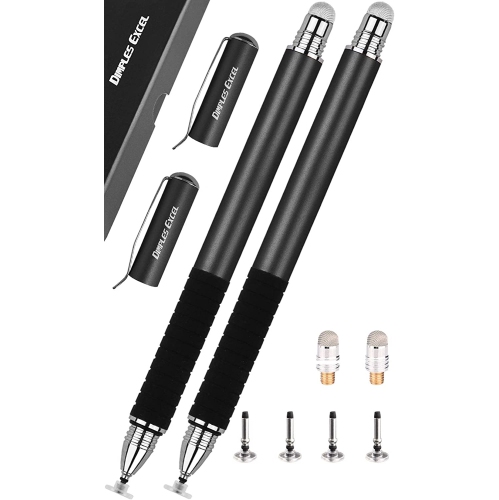
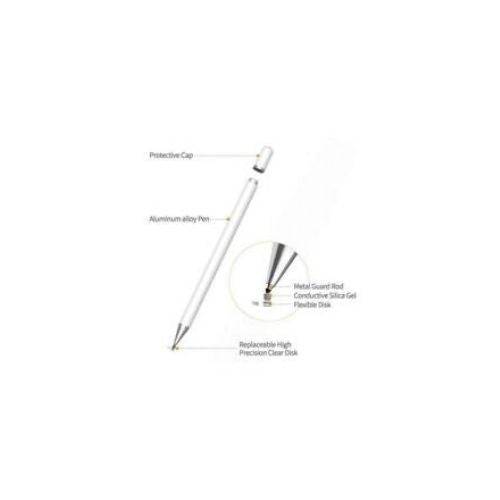
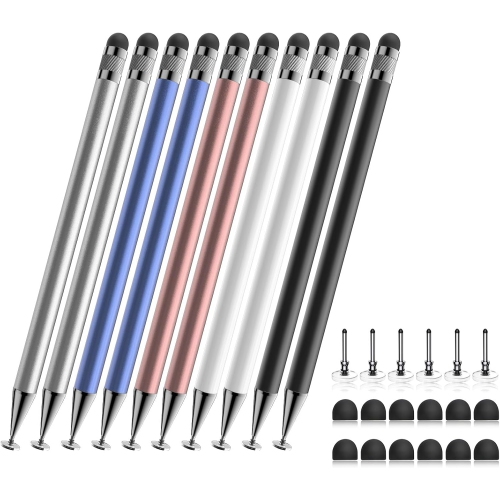
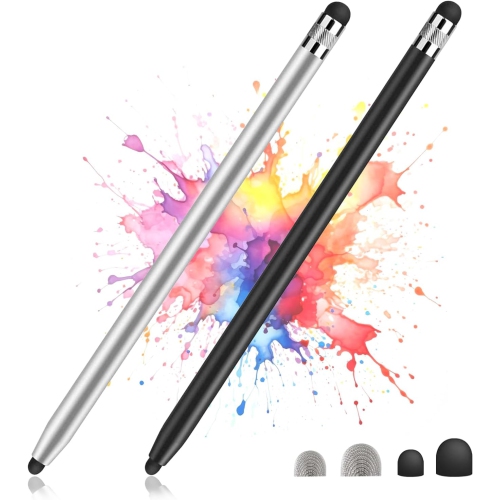
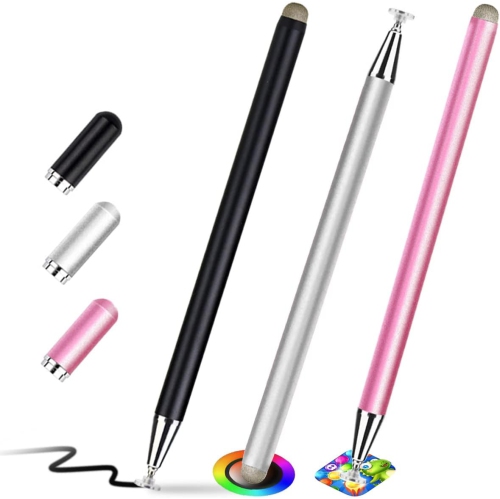
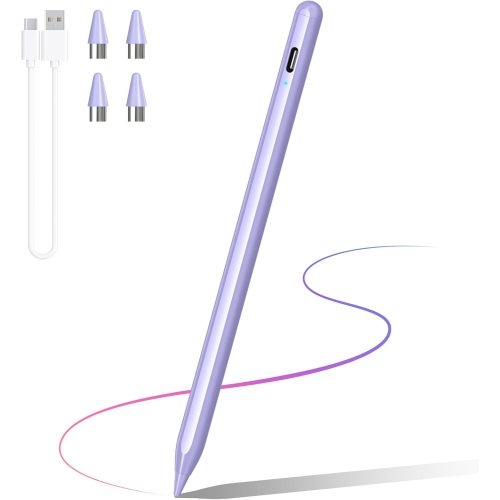
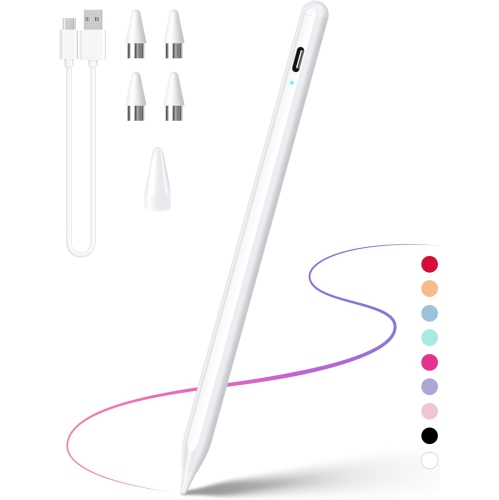
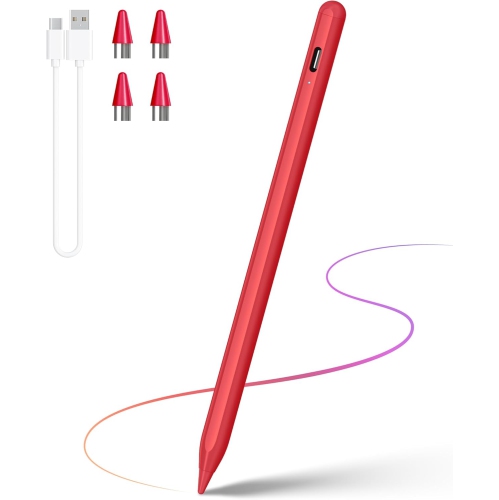
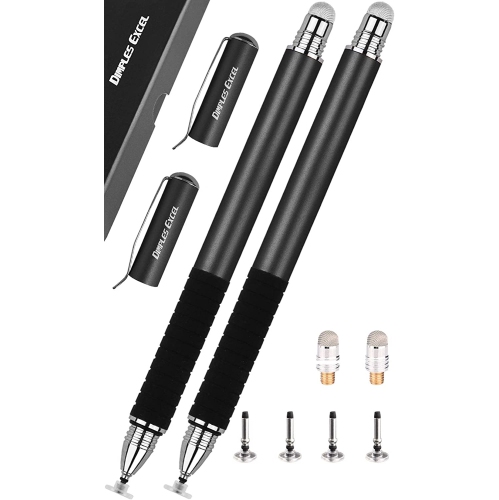
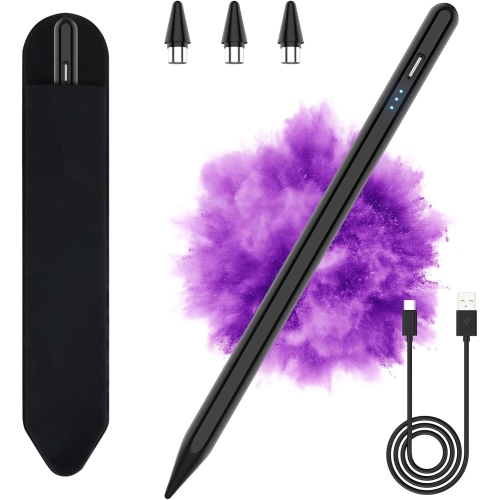
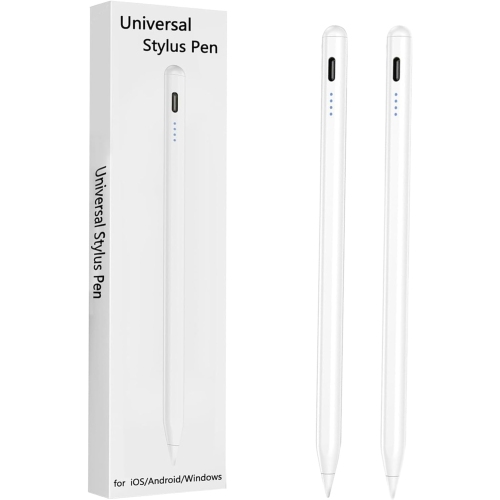
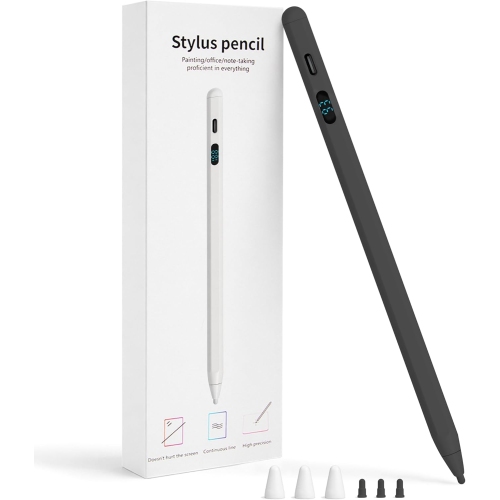
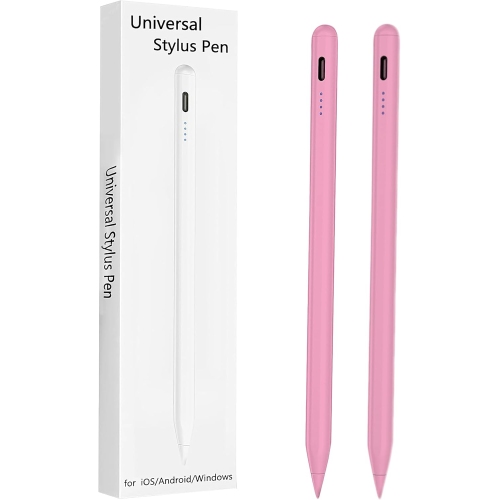
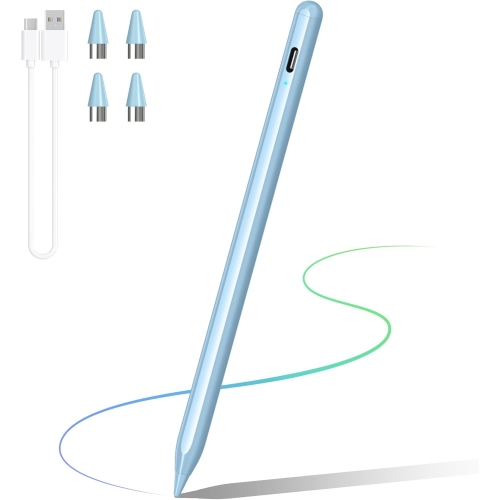
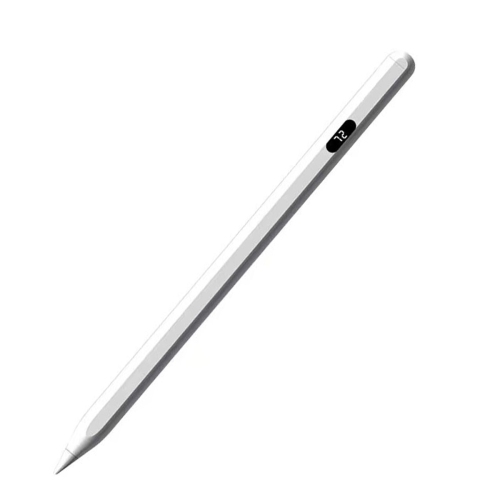
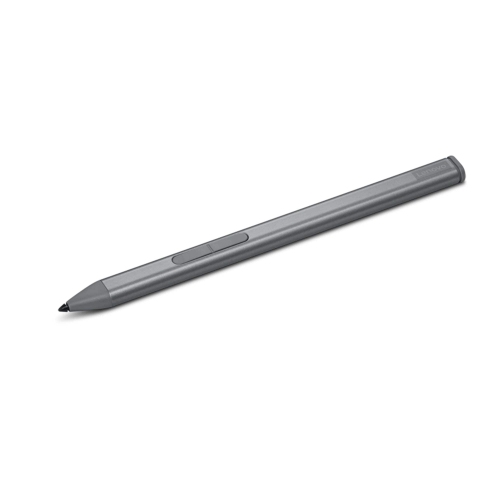
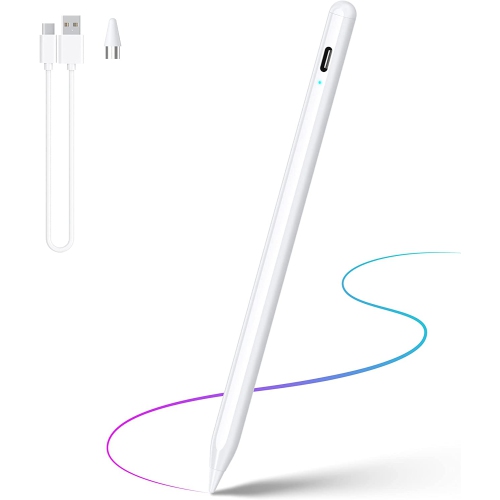
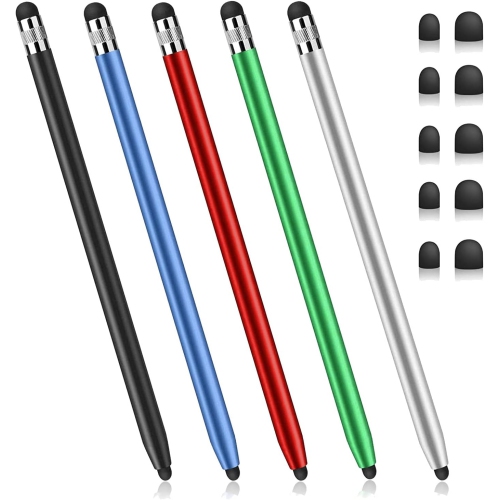
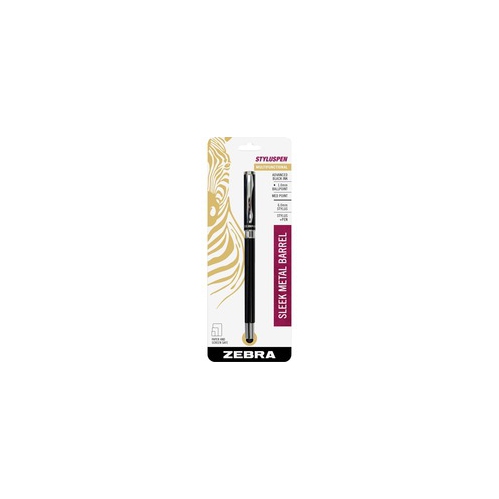
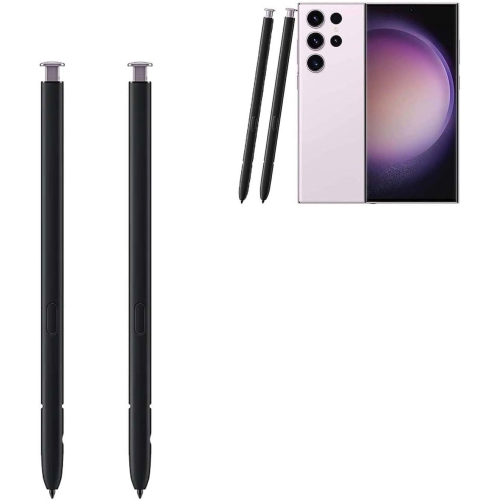
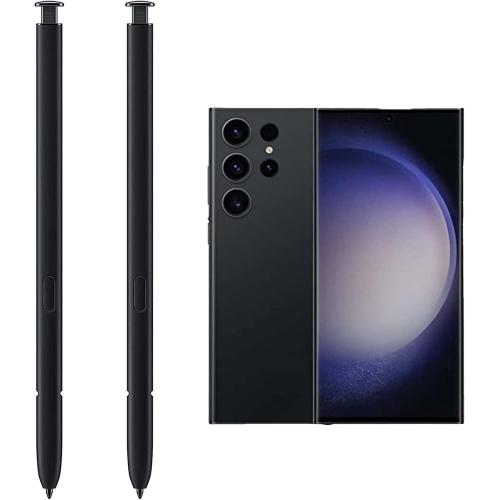
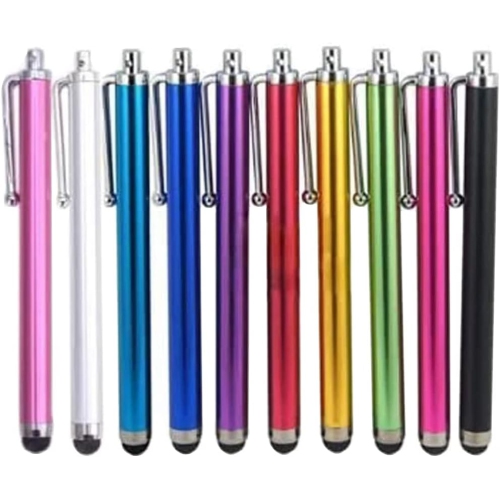
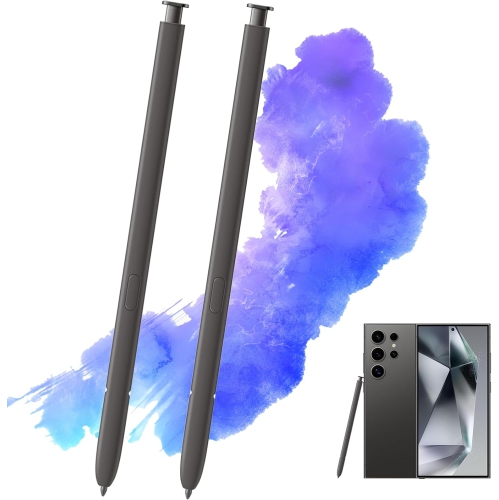
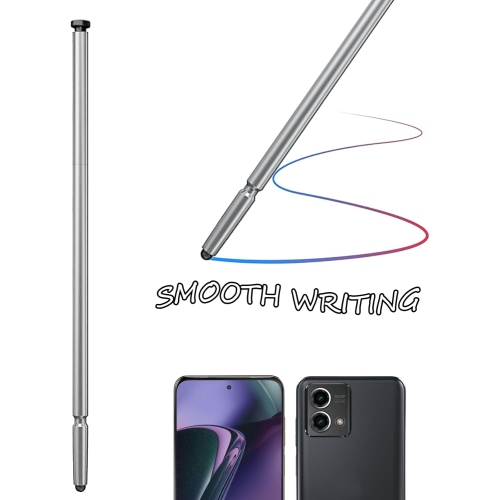
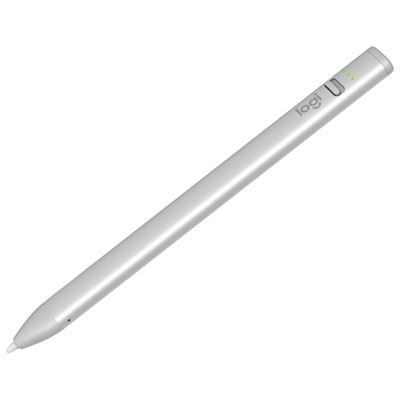
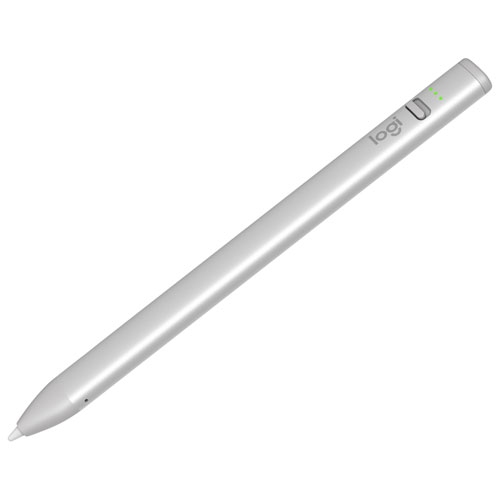
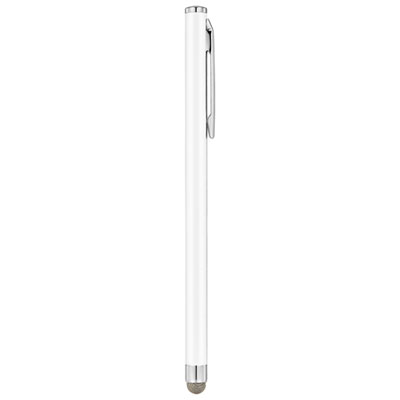
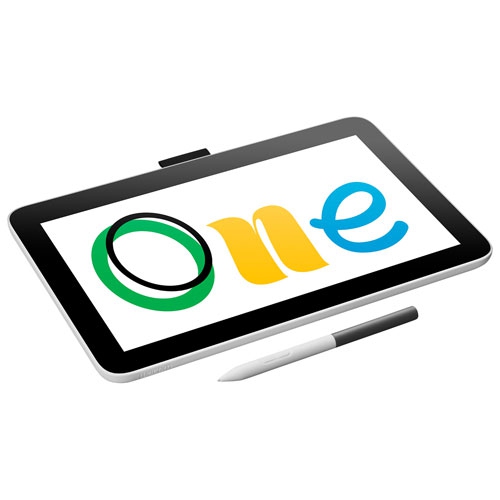
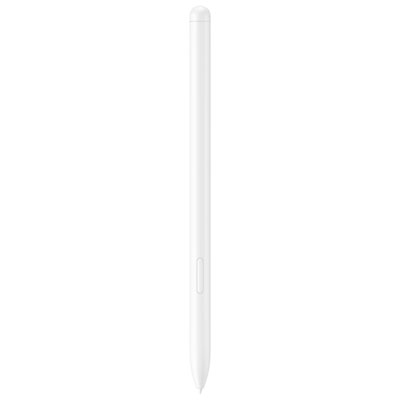
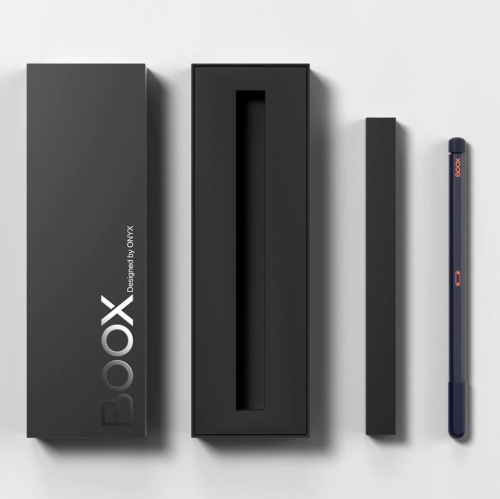
Choosing an Android tablet stylus pen starts with confirming compatibility between the pen and the tablet’s screen technology. Android tablets do not all recognize the same type of stylus, and a pen that works beautifully on one model may behave like an ordinary fingertip on another. Check the tablet’s exact brand, model number, generation, and technical specifications before purchasing, paying particular attention to whether it supports an active digitizer, electromagnetic resonance (EMR), Bluetooth input, or only standard capacitive touch. Some premium Android tablets have a dedicated digitizer built into the display, allowing a compatible active pen to deliver more precise tracking, pressure sensitivity, palm rejection, and tilt recognition. These features can make a noticeable difference when sketching a fine outline, shading a digital painting, writing neatly in a small space, or editing a document without accidentally moving the page with your hand. EMR-compatible pens are especially convenient because they can draw power from the tablet’s screen and may not require charging or Bluetooth pairing, although compatibility remains specific to the tablet’s internal technology. Other Android tablets, including many entry-level and mid-range models, may not include a built-in digitizer for pressure-sensitive pen input. For these screens, a universal active capacitive stylus can be a practical choice for taking notes, tapping small controls, signing forms, browsing websites, and navigating apps with more accuracy than a finger. These pens often use a fine conductive tip and activate with a button, making them straightforward for everyday tasks. They may not provide true pressure sensitivity, tilt support, or full palm rejection, but they can still make an Android tablet feel more comfortable and controlled for routine use. A basic rubber-tipped or disc-tipped capacitive stylus is another option for casual navigation. Its wider, softer contact point is suitable for scrolling through recipes, selecting icons, playing simple games, or helping someone who finds small touch targets difficult to use. It is generally less suited to detailed artwork or long handwriting sessions because the tip can obscure more of the screen and offer less precision. Reviewing the selection of Stylus Pens Compatible With Android Tablets can help narrow the options by intended use, connection type, and compatibility details before adding a pen to your tablet setup.
The best Android tablet stylus pen also depends on how and where it will be used. Students may prefer a responsive, comfortable pen for lecture notes, highlighting digital textbooks, marking up PDFs, and organizing handwritten ideas without carrying several notebooks. A fine tip and balanced weight can help during a full day of classes, while a pen that clips securely to a case or includes a replacement tip is useful when moving between a desk, classroom, library, and home. For artists and hobbyists, pressure sensitivity is one of the most important considerations because it can allow lighter and heavier strokes to appear naturally on screen. Tilt support may add more expressive shading, but only when it is supported by both the tablet and the drawing application. Palm rejection is valuable for anyone who rests their hand on the display while writing or drawing, though it may require the correct app settings or a compatible active pen. People who use a tablet for work may appreciate quick, accurate control for signing documents, annotating presentations, selecting spreadsheet cells, or making handwritten reminders during a video meeting. A pen with Bluetooth functions may add shortcuts, remote controls, or application-specific features, but it may also need charging and pairing. Pens that do not require Bluetooth can be simpler for occasional use, particularly in shared households or when a tablet is used by children for schoolwork and entertainment. Battery life, charging method, standby behaviour, tip durability, and replacement nib availability are worth checking alongside sensitivity specifications. Comfort matters as well: a slim pen can feel familiar to someone accustomed to a traditional ballpoint, while a slightly broader barrel may be easier to hold during extended drawing or note-taking. An Android tablet stylus pen can be a thoughtful gift for a student, artist, planner, remote worker, traveller, or family member who enjoys using a tablet for recipes, puzzles, journaling, or photo editing. It can also be a useful companion for someone with limited dexterity, since the added length and defined tip may provide more control than direct touch. During the warmer part of the year and throughout the cooler months, a compact stylus can travel easily in a tablet sleeve for use at a café, on a commute, in a study area, or at home. Before choosing, compare the tablet’s model information with the pen’s listed compatibility, decide whether the priority is drawing precision or everyday navigation, and select the features that match the way the tablet is actually used.
The best Android tablet stylus pen also depends on how and where it will be used. Students may prefer a responsive, comfortable pen for lecture notes, highlighting digital textbooks, marking up PDFs, and organizing handwritten ideas without carrying several notebooks. A fine tip and balanced weight can help during a full day of classes, while a pen that clips securely to a case or includes a replacement tip is useful when moving between a desk, classroom, library, and home. For artists and hobbyists, pressure sensitivity is one of the most important considerations because it can allow lighter and heavier strokes to appear naturally on screen. Tilt support may add more expressive shading, but only when it is supported by both the tablet and the drawing application. Palm rejection is valuable for anyone who rests their hand on the display while writing or drawing, though it may require the correct app settings or a compatible active pen. People who use a tablet for work may appreciate quick, accurate control for signing documents, annotating presentations, selecting spreadsheet cells, or making handwritten reminders during a video meeting. A pen with Bluetooth functions may add shortcuts, remote controls, or application-specific features, but it may also need charging and pairing. Pens that do not require Bluetooth can be simpler for occasional use, particularly in shared households or when a tablet is used by children for schoolwork and entertainment. Battery life, charging method, standby behaviour, tip durability, and replacement nib availability are worth checking alongside sensitivity specifications. Comfort matters as well: a slim pen can feel familiar to someone accustomed to a traditional ballpoint, while a slightly broader barrel may be easier to hold during extended drawing or note-taking. An Android tablet stylus pen can be a thoughtful gift for a student, artist, planner, remote worker, traveller, or family member who enjoys using a tablet for recipes, puzzles, journaling, or photo editing. It can also be a useful companion for someone with limited dexterity, since the added length and defined tip may provide more control than direct touch. During the warmer part of the year and throughout the cooler months, a compact stylus can travel easily in a tablet sleeve for use at a café, on a commute, in a study area, or at home. Before choosing, compare the tablet’s model information with the pen’s listed compatibility, decide whether the priority is drawing precision or everyday navigation, and select the features that match the way the tablet is actually used.
Top selling and popular products
-
 Your price for this item is $168.68
 -
 Your price for this item is $148.98
 -
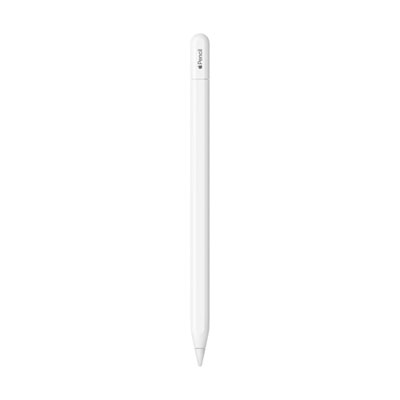 Your price for this item is $93.98
 -
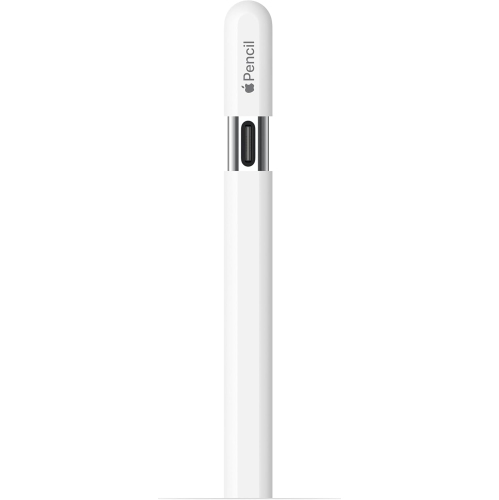 Your price for this item is $94.99
 -
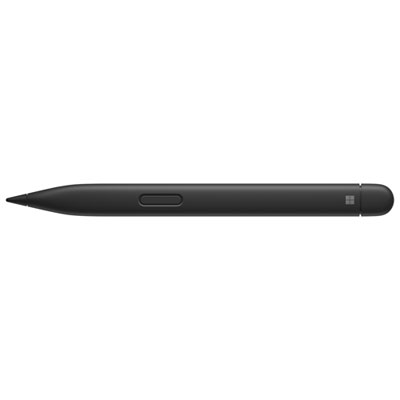 Your price for this item is $189.99
 -
 Your price for this item is $88.97
 -
 Your price for this item is $118.51
 -
 Your price for this item is $9.99
Discover more categories related to Android Tablet Stylus Pen

Top Collections:
Pokemon Centers, Kindle Devices, Best Budget Office Chairs, Apple iPhones 16, Best Laptops for Writers, iPhone 15 Apple, Canon G7X Cameras, Refurbished Apple Laptops, Alarm Clock, Motorola Razr Phones
Some products may be subject to Environmental Handling Fees
(EHF) depending on your province.
Learn more about EHFs.