Samsung Tablet Screen Protectors
Protect your investment with quality screen protectors for your Samsung tablets. These essential accessories shield your device's screen from scratches, smudges, and fingerprints, ensuring a crystal-clear display every time you use it. Whether you're a student, a professional, or simply enjoy browsing the web or watching movies on your tablet, these screen protectors provide an extra layer of defense against daily wear and tear. With easy installation and a precise fit, they offer peace of mind without compromising the touch sensitivity or clarity of your Samsung tablet's screen. Shop from our selection of screen protectors today and keep your tablet looking brand new for years to come.
Sort
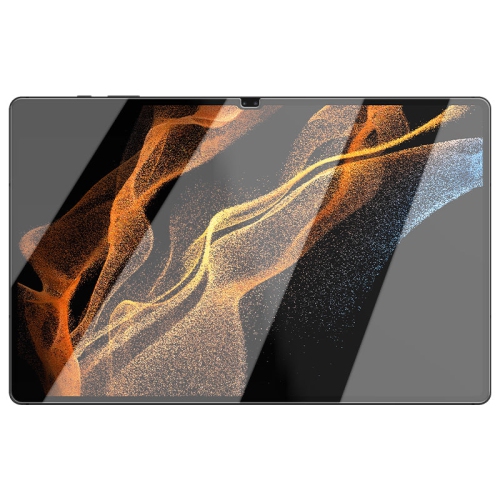
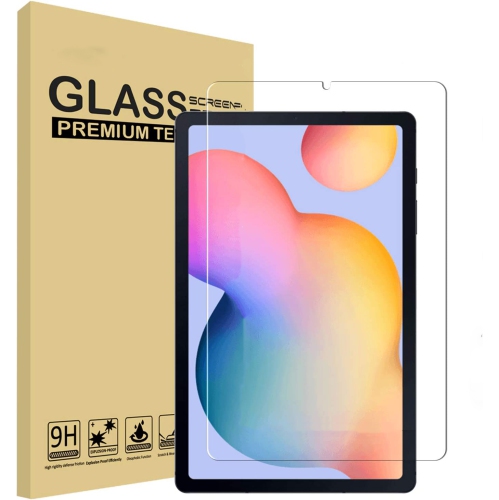
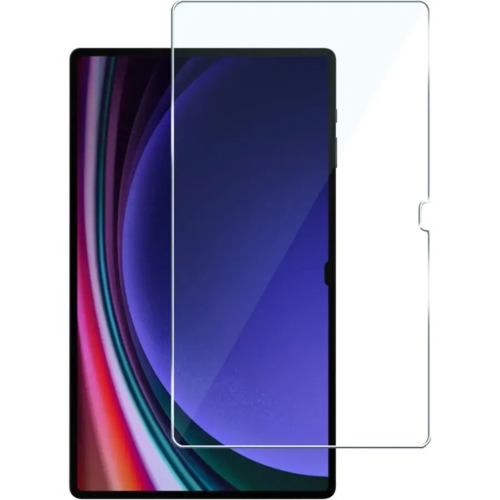
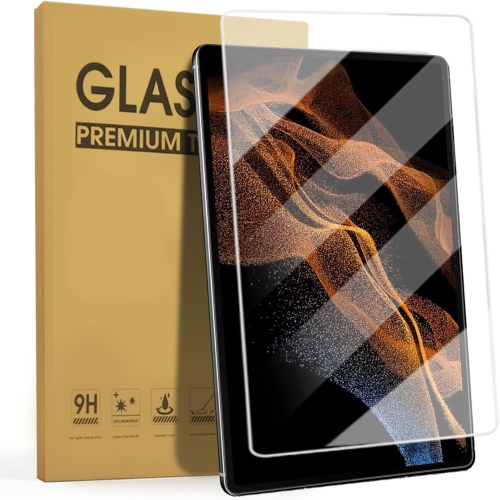
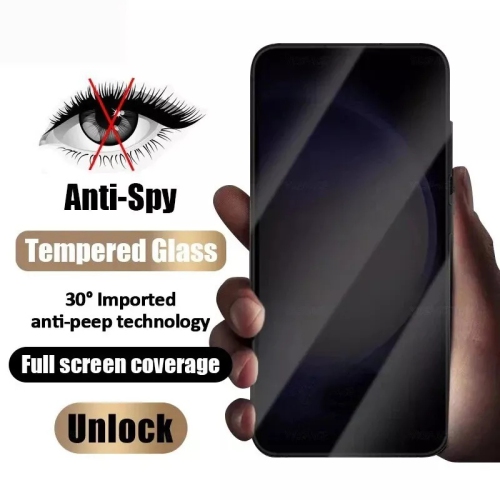
![XCRS [2 Pack] Tempered Glass Screen Protector for Samsung Galaxy Tab S10 Fe+ Plus Sm-X620 Tablet, Case Friendly & Bubble Free](https://multimedia.bbycastatic.ca/multimedia/products/500x500/193/19352/19352039.jpeg)
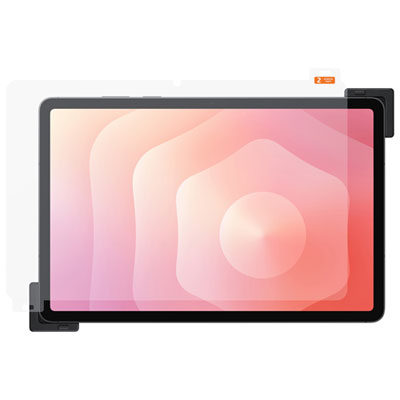
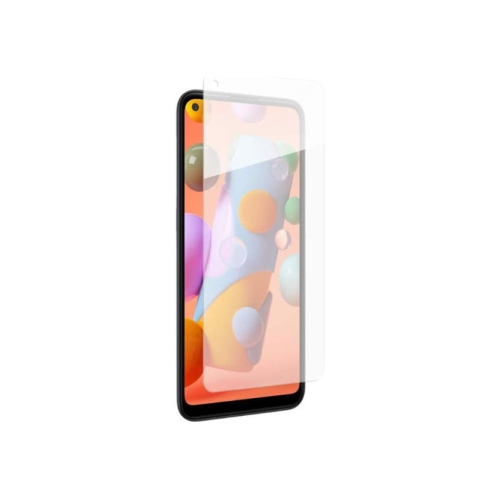
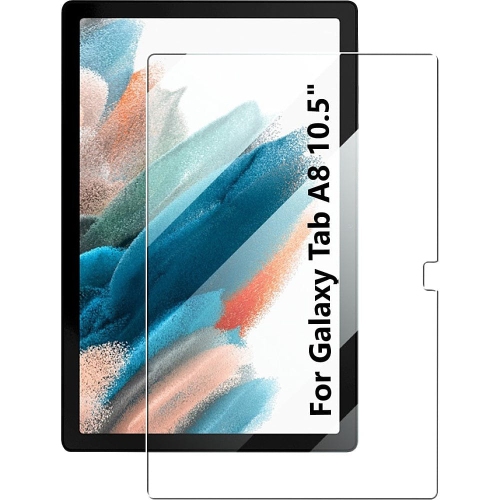
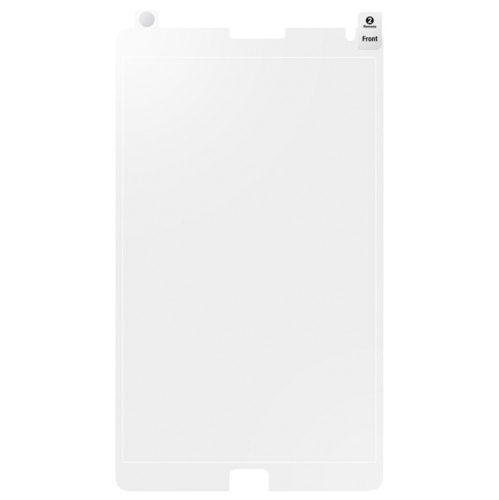
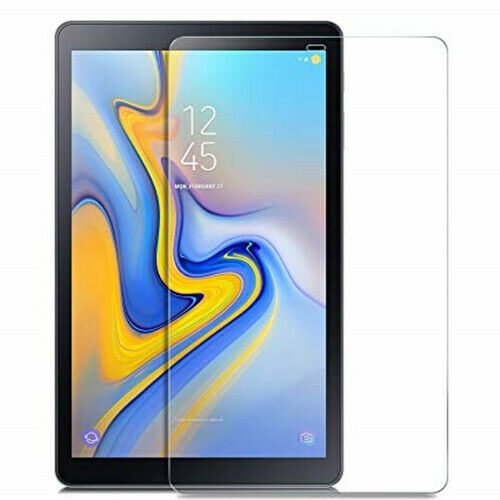
![SUPERSHIELD [2 Pack] Samsung Galaxy A54 Screen Protector Tempered Glass Screen Protector Guard - Case Friendly](https://multimedia.bbycastatic.ca/multimedia/products/500x500/172/17277/17277134.jpeg)
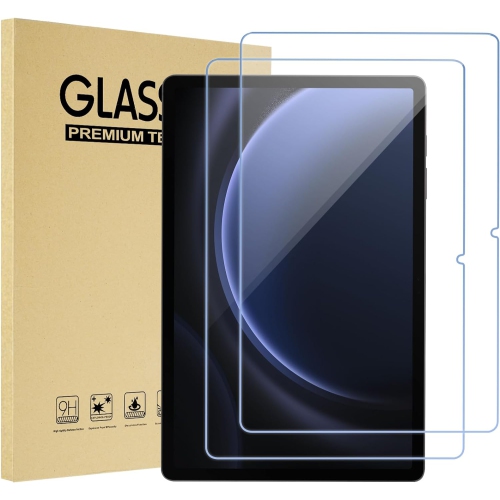
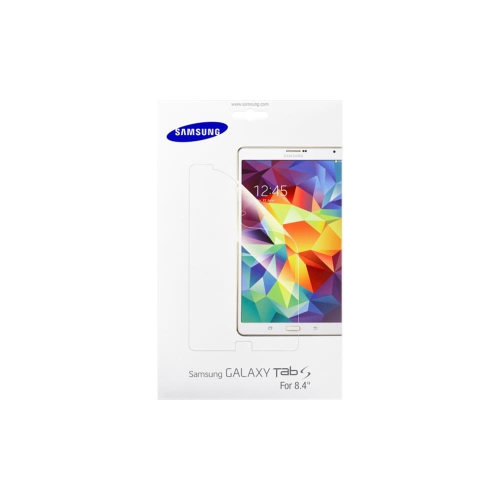
![CSMART [Cs] Tempered Glass Screen Protector for Samsung Tab S7 / S8 / S9 / S9 Fe 11", T870 / X700 / X710 / X510, Case Friendly & Bubble Free](https://multimedia.bbycastatic.ca/multimedia/products/500x500/149/14970/14970031.jpeg)

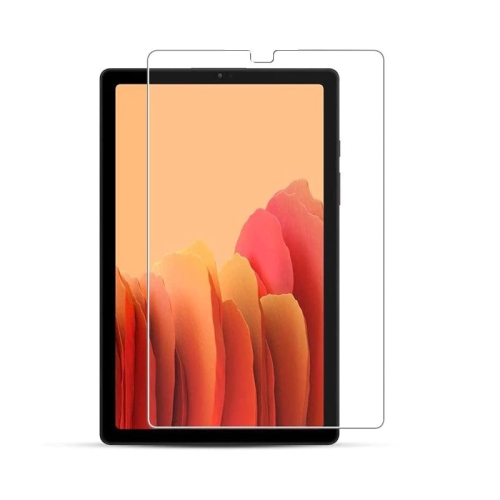
![SUPERSHIELD [1 Pack] Samsung Galaxy Tab S7 Sm-T870/t875 Tempered Glass Lcd Screen Protector Film Guard](https://multimedia.bbycastatic.ca/multimedia/products/500x500/162/16282/16282860.jpeg)
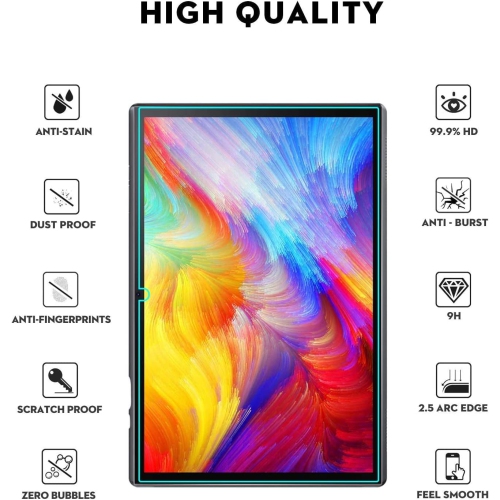
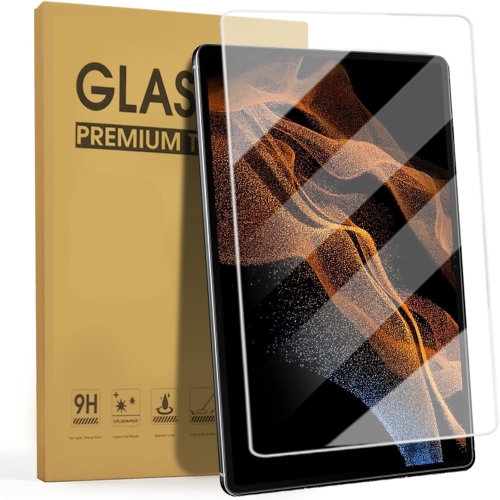
![GENERIC [2 Pack] Screen Protector for Samsung Galaxy Tab A 8.0 2018 [T387], Tempered Glass Film Tablet Cover](https://multimedia.bbycastatic.ca/multimedia/products/500x500/196/19603/19603115.jpeg)
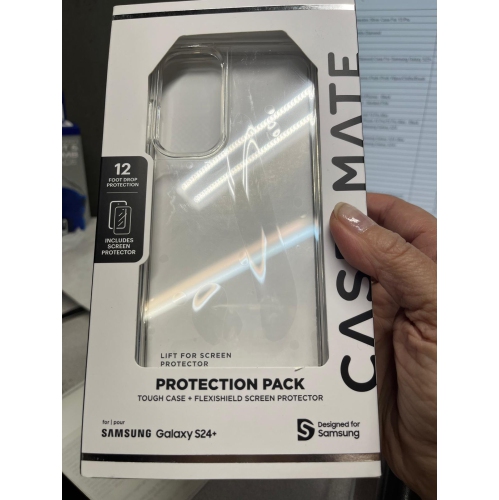
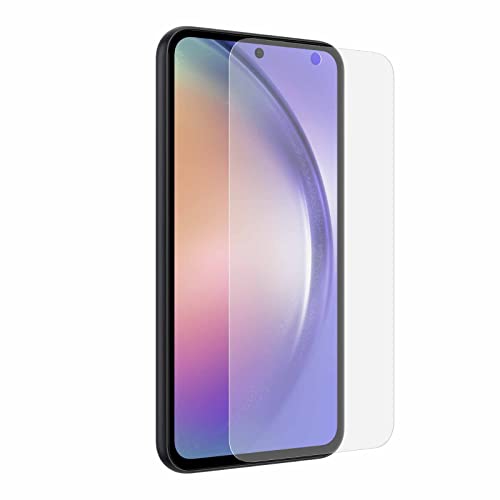
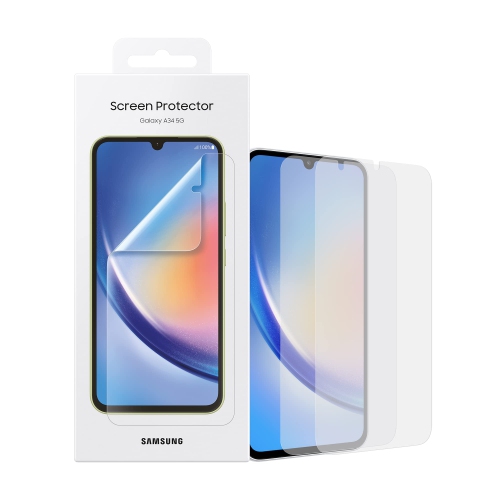
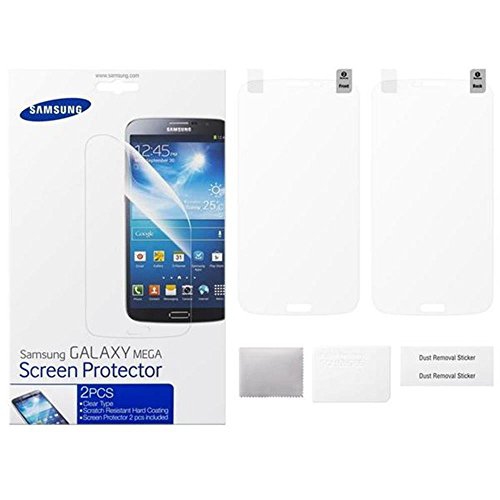
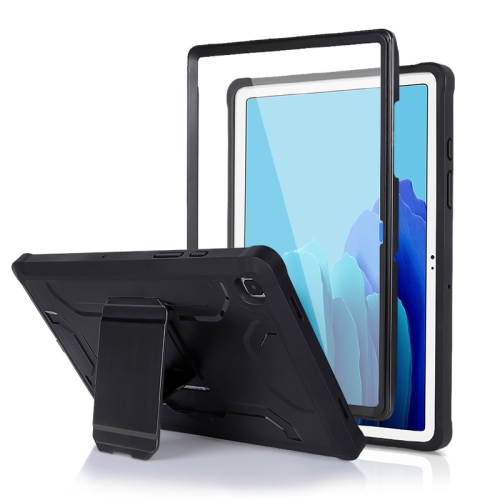
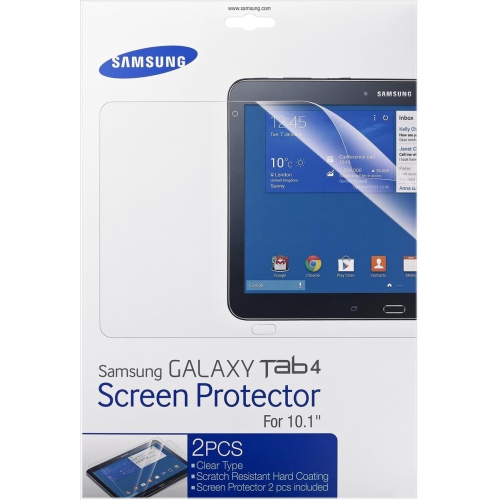
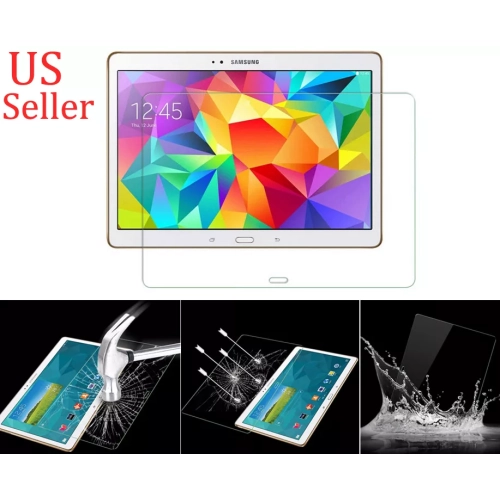
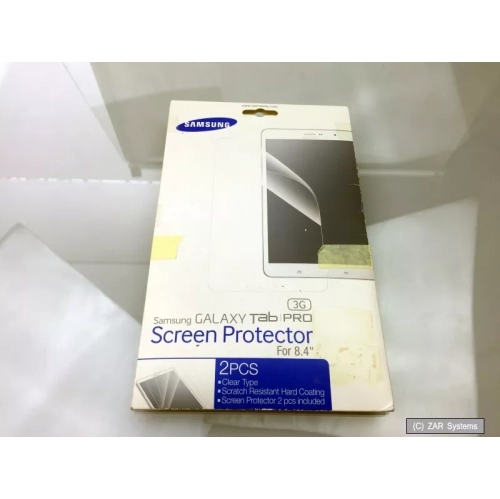
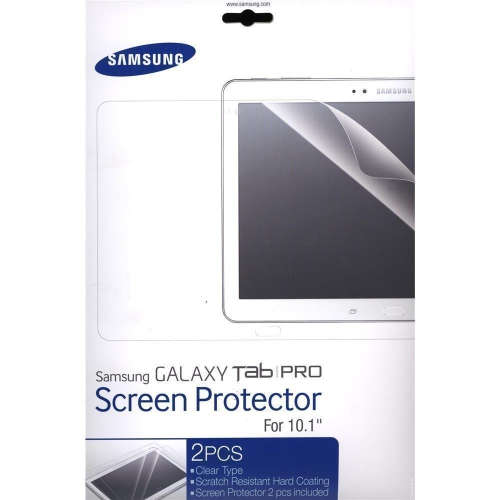
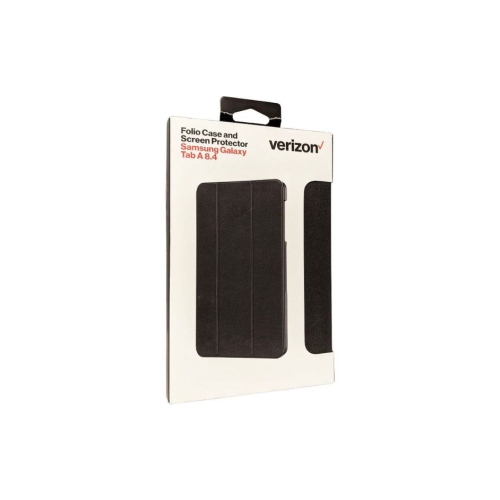
![CC Topsave [1Piece] Tempered Glass Screen Protector for Samsung Tablet A9 8.7" Sm-X110/x115, Tablet A11 8.7" Sm-X133, Sm-X135](https://multimedia.bbycastatic.ca/multimedia/products/500x500/177/17729/17729421.jpeg)
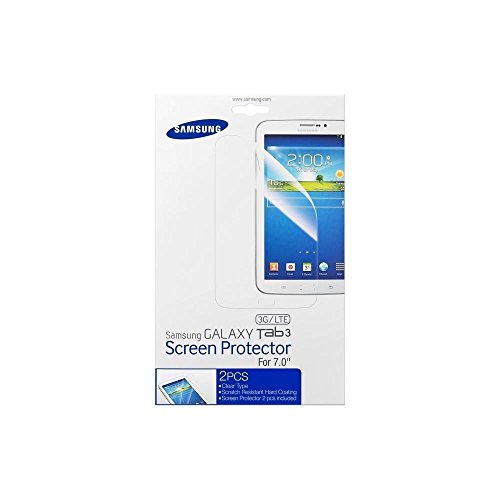
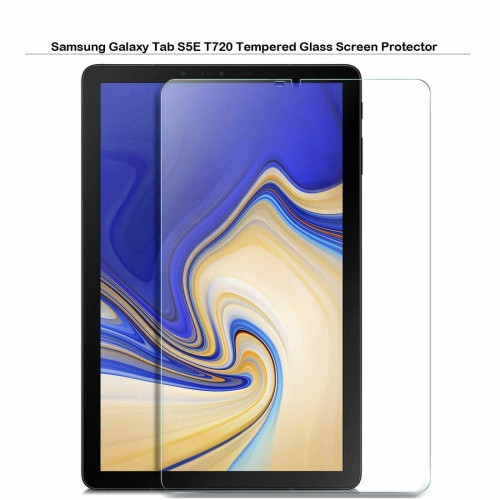
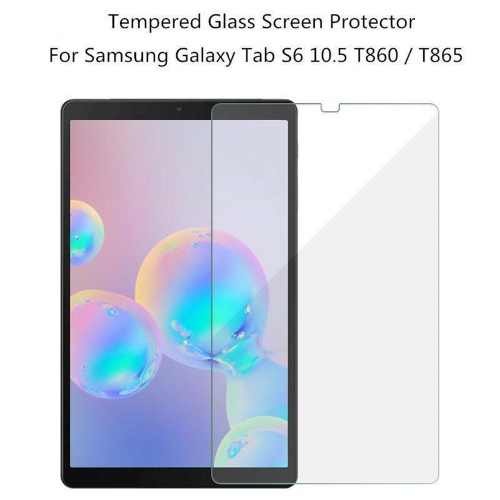
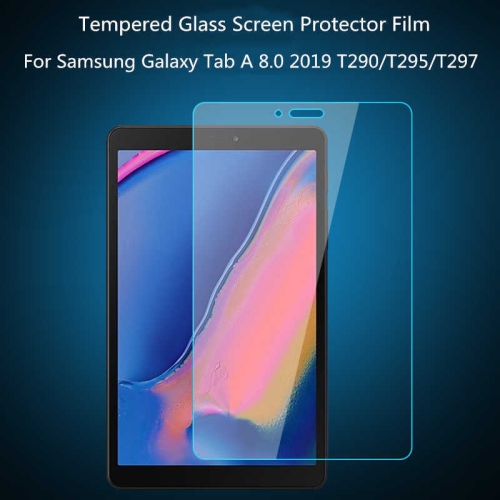
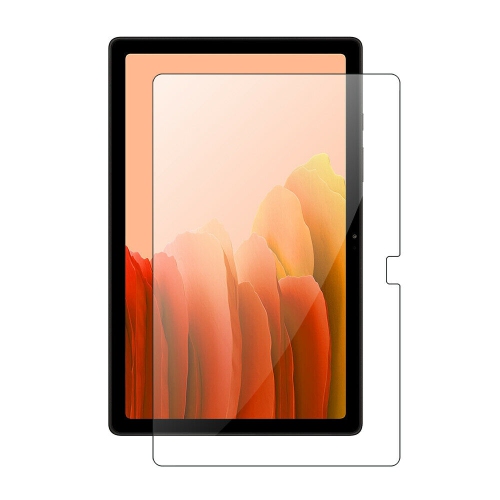
![CC Topsave [1Piece] Tempered Glass Screen Protector for Samsung Tab S7+ (2020) T970](https://multimedia.bbycastatic.ca/multimedia/products/500x500/152/15232/15232842.jpg)
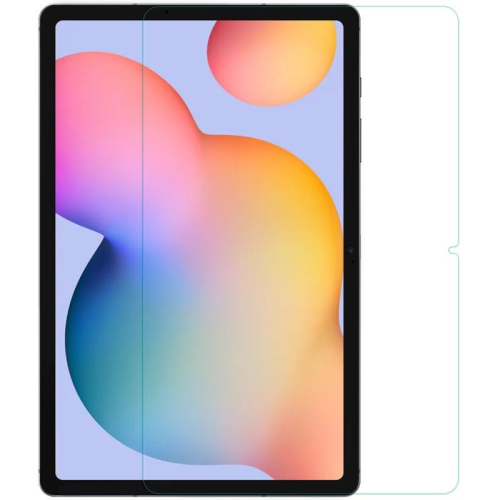
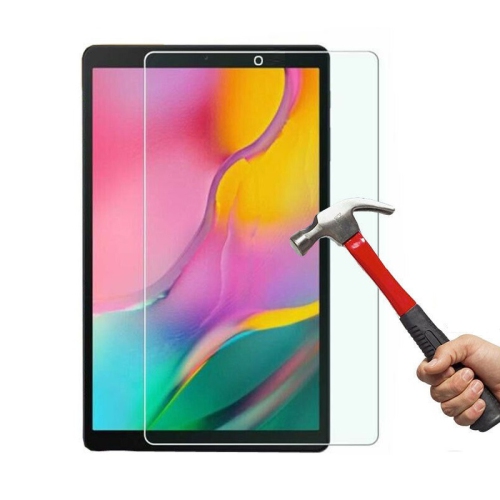
![CSMART [Cs] Tempered Glass Screen Protector for Samsung Tab S7+ Fe S8+ S9+ Fe S10+ Plus 12.4", T970 T730 X800 X810 X610 X820, Case Friendly & Bubble](https://multimedia.bbycastatic.ca/multimedia/products/500x500/149/14970/14970030.jpeg)
![CC Topsave [1Piece] Tempered Glass Screen Protector for Samsung Tab S4 10.5" T835](https://multimedia.bbycastatic.ca/multimedia/products/500x500/150/15050/15050410.jpeg)
![CC Topsave [1Piece] Tempered Glass Screen Protector for Samsung Tab S2 9.7" T810](https://multimedia.bbycastatic.ca/multimedia/products/500x500/150/15050/15050412.jpeg)
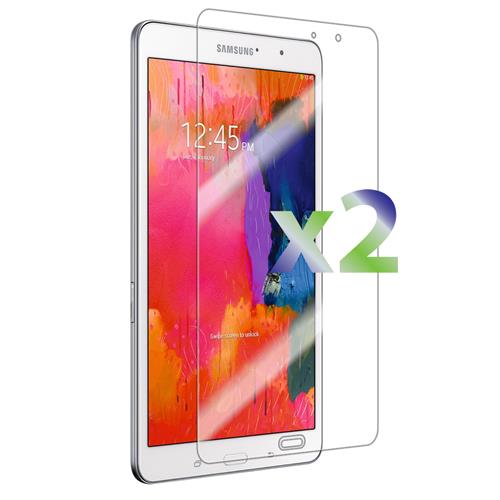
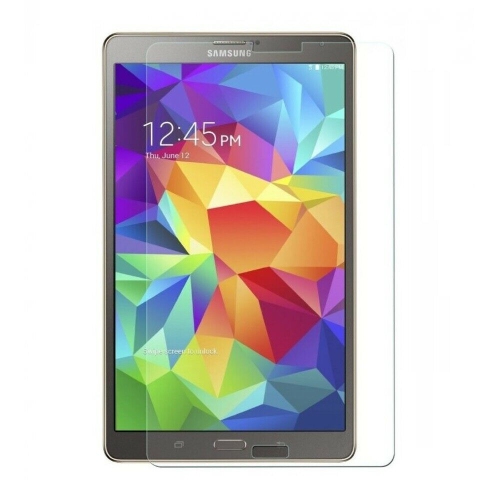
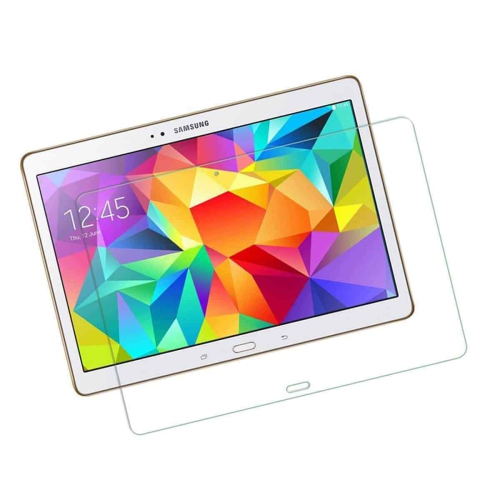
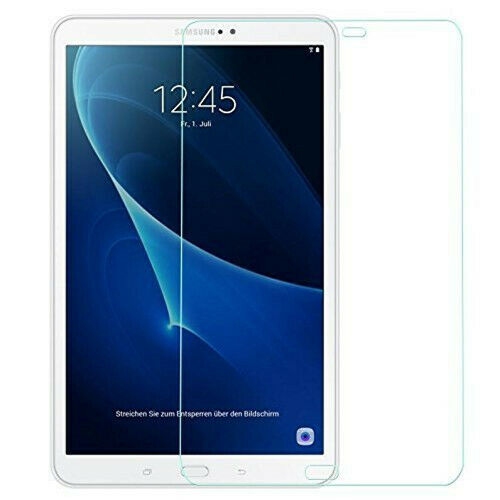
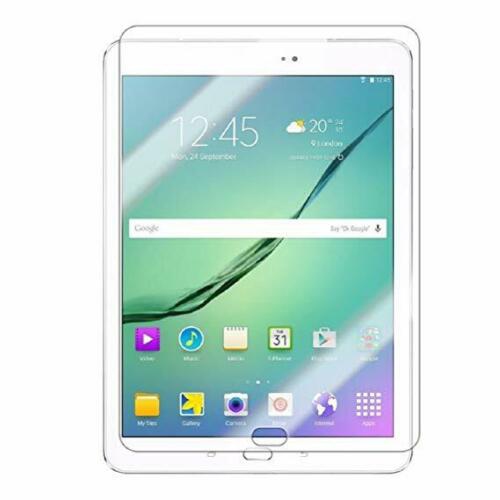
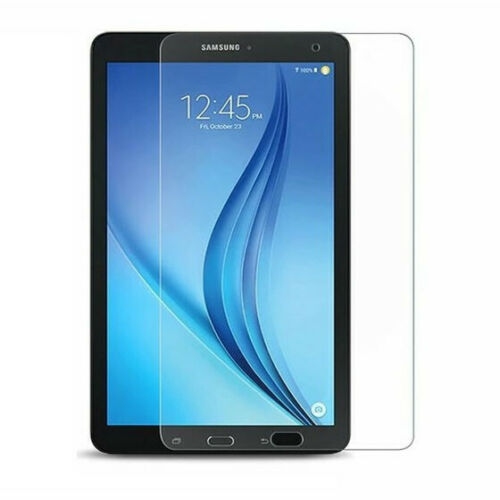
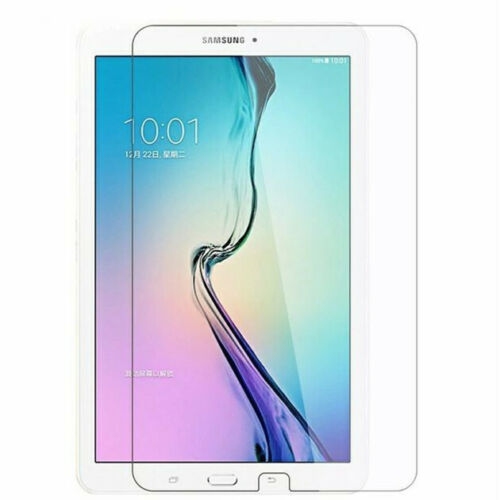
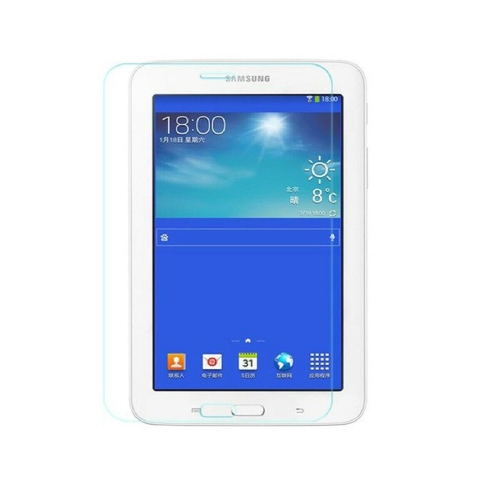
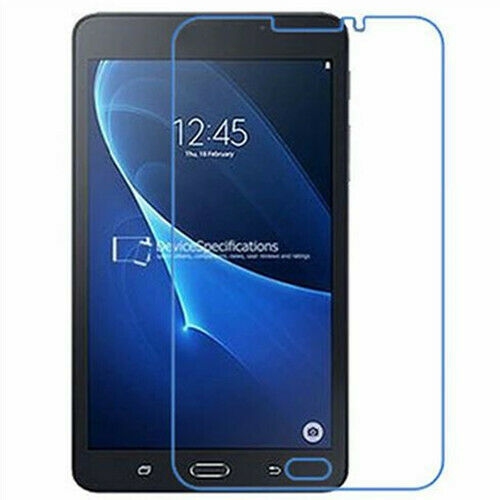
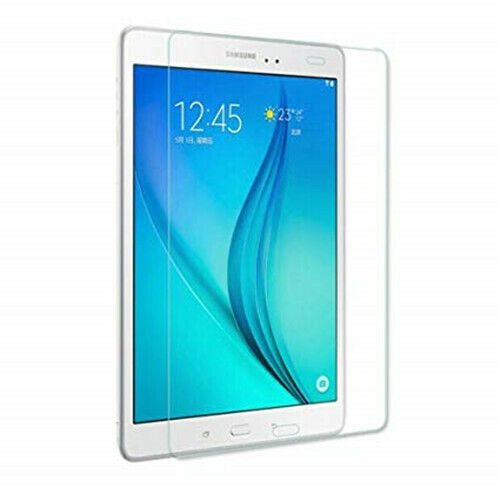
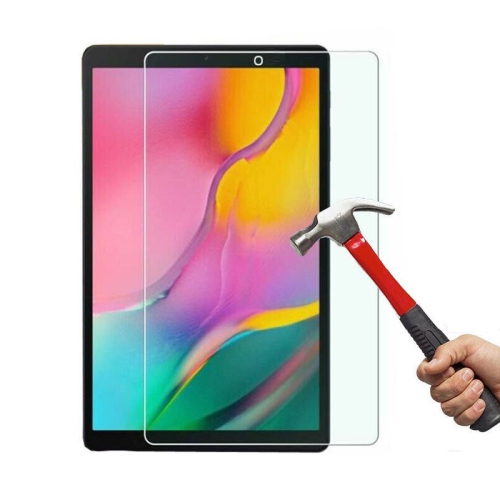
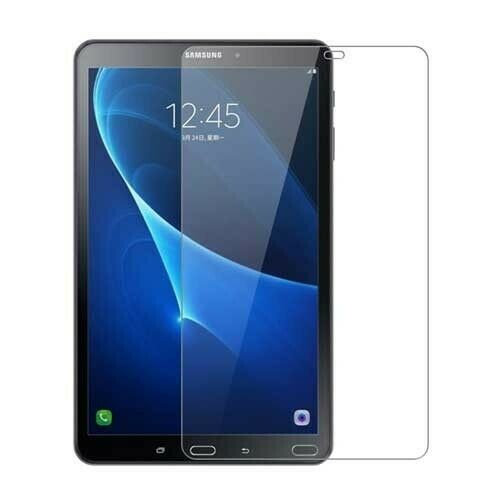
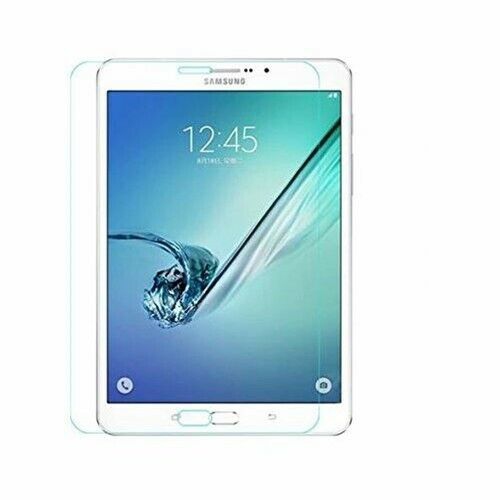
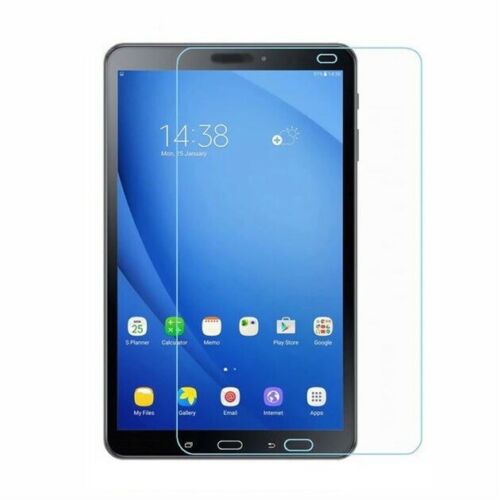
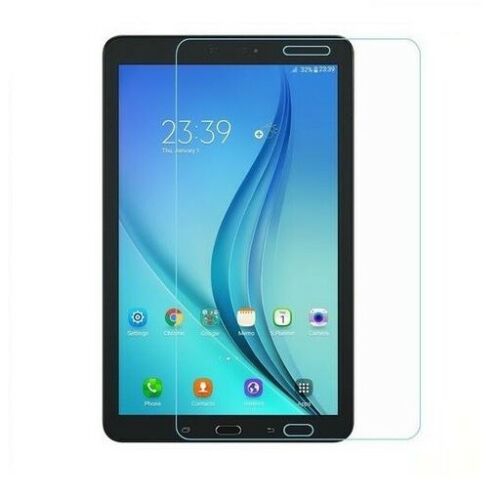

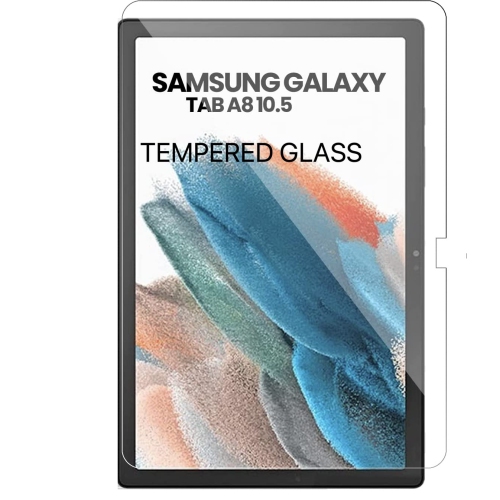
![CSMART [Cs] Tempered Glass Screen Protector for Samsung Tablet Tab S8 Ultra / S9 Ultra / S10 Ultra 14.6", X900 X910 X920, Case Friendly & Bubble Free](https://multimedia.bbycastatic.ca/multimedia/products/500x500/160/16068/16068899.jpeg)
![CSMART [Cs] Tempered Glass Screen Protector for Samsung Galaxy Tab S10 Fe+ Plus Sm-X620 Tablet, Case Friendly & Bubble Free](https://multimedia.bbycastatic.ca/multimedia/products/500x500/193/19350/19350388.jpeg)
![XCRS [2 Pack] Samsung Galaxy Tab S11 Ultra / S10 Ultra / S9 Ultra, Galaxy Tab S8 Ultra 14.6 Inch Tempered Glass Screen Protector, 9H High Definition](https://multimedia.bbycastatic.ca/multimedia/products/500x500/193/19352/19352034.jpeg)
![SUPERSHIELD [2 Pack] Samsung Galaxy A13 Screen Protector Tempered Glass Screen Protector Guard - Case Friendly](https://multimedia.bbycastatic.ca/multimedia/products/500x500/161/16179/16179583.jpeg)
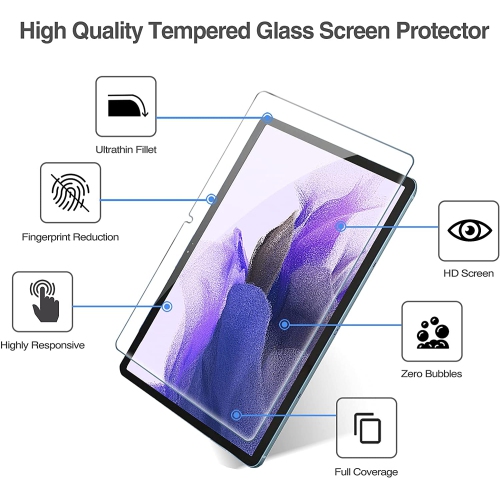
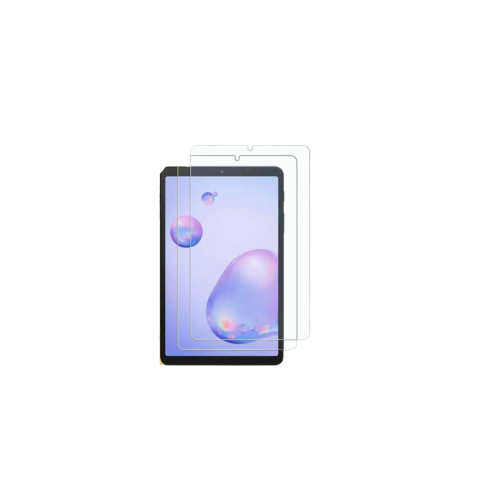
![SUPERSHIELD [2 Pack] Samsung Galaxy A31 Clear Screen Protector Full Cover Tempered Glass Screen Protector Guard](https://multimedia.bbycastatic.ca/multimedia/products/500x500/162/16283/16283079.jpeg)
![SUPERSHIELD [2 Pack] Samsung Galaxy A12 Screen Protector Tempered Glass Screen Protector Guard - Case Friendly](https://multimedia.bbycastatic.ca/multimedia/products/500x500/162/16283/16283095.jpeg)
![SUPERSHIELD [2 Pack] Samsung Galaxy A10E Screen Protector Tempered Glass Screen Protector Guard - Case Friendly](https://multimedia.bbycastatic.ca/multimedia/products/500x500/162/16283/16283184.jpeg)
![SUPERSHIELD [2 Pack] Samsung Galaxy A51 Clear Screen Protector Full Cover Tempered Glass Screen Protector Guard](https://multimedia.bbycastatic.ca/multimedia/products/500x500/162/16283/16283104.jpeg)
![SUPERSHIELD [1 Pack] Samsung Galaxy Tab A 10.1 2019 Sm-T510/t515 Tempered Glass Lcd Screen Protector Film Guard](https://multimedia.bbycastatic.ca/multimedia/products/500x500/162/16282/16282864.jpeg)
![SUPERSHIELD [2 Pack] Samsung Galaxy Tab A7 10.4 2020 Sm-T505/t500 Tempered Glass Lcd Screen Protector Film Guard](https://multimedia.bbycastatic.ca/multimedia/products/500x500/162/16282/16282863.jpeg)
![SUPERSHIELD [2 Pack] Samsung Galaxy Tab A 10.1 2019 Sm-T510/t515 Tempered Glass Lcd Screen Protector Film Guard](https://multimedia.bbycastatic.ca/multimedia/products/500x500/162/16282/16282859.jpeg)
![SUPERSHIELD [2 Pack] Samsung Galaxy Tab S7 Sm-T870/t875 Tempered Glass Lcd Screen Protector Film Guard](https://multimedia.bbycastatic.ca/multimedia/products/500x500/162/16282/16282884.jpeg)
![SUPERSHIELD [1 Pack] Samsung Galaxy Tab A 8" 2019 Sm-T290/t295 Tempered Glass Lcd Screen Protector Film Guard](https://multimedia.bbycastatic.ca/multimedia/products/500x500/162/16282/16282883.jpeg)
![SUPERSHIELD [2 Pack] Samsung Galaxy Tab A 8" 2019 Sm-T290/t295 Tempered Glass Lcd Screen Protector Film Guard](https://multimedia.bbycastatic.ca/multimedia/products/500x500/162/16282/16282890.jpeg)
![SUPERSHIELD [1 Pack] Samsung Galaxy Tab A7 10.4 2020 Sm-T505/t500 Tempered Glass Lcd Screen Protector Film Guard](https://multimedia.bbycastatic.ca/multimedia/products/500x500/162/16282/16282892.jpeg)
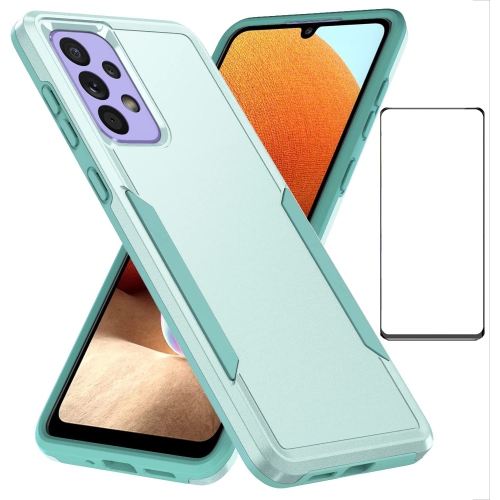
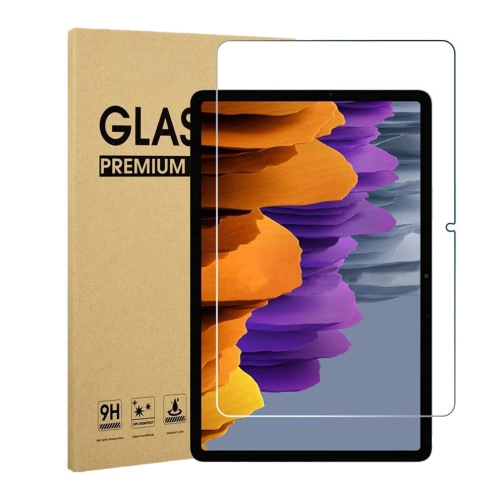
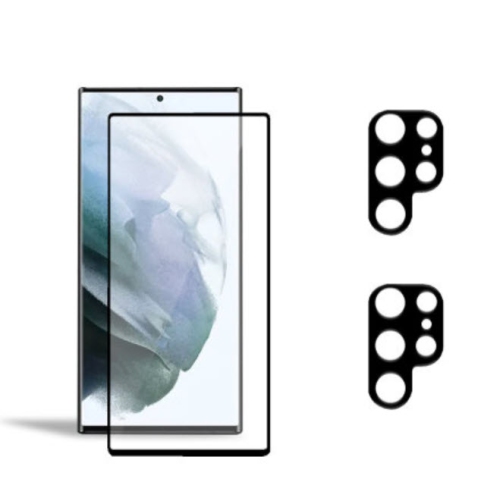

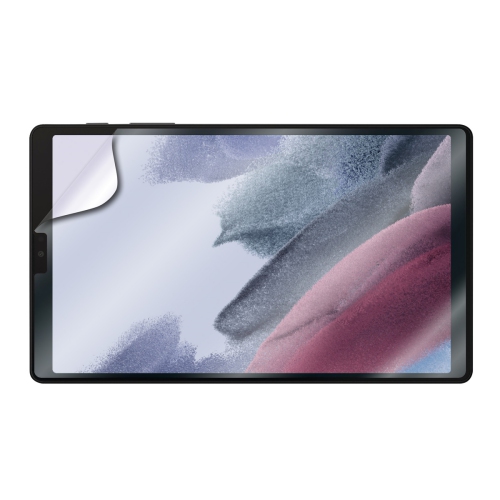
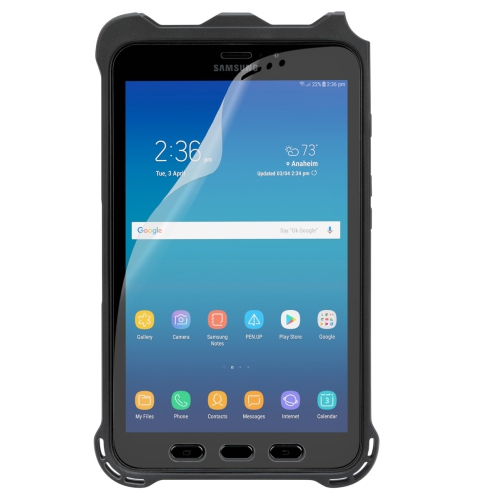
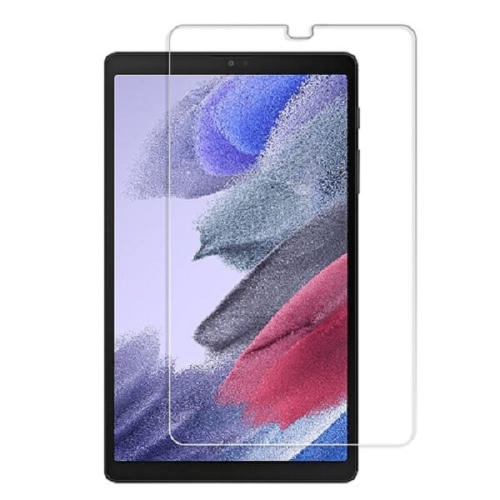
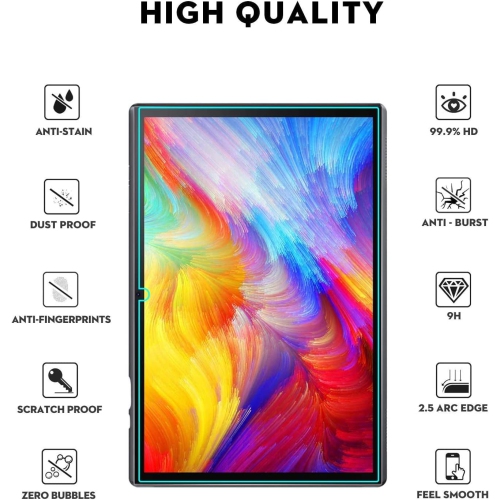
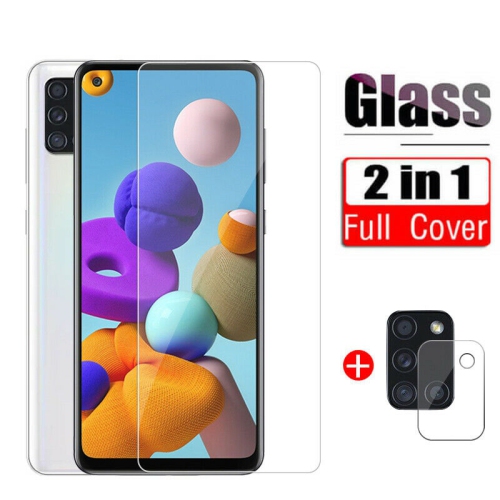
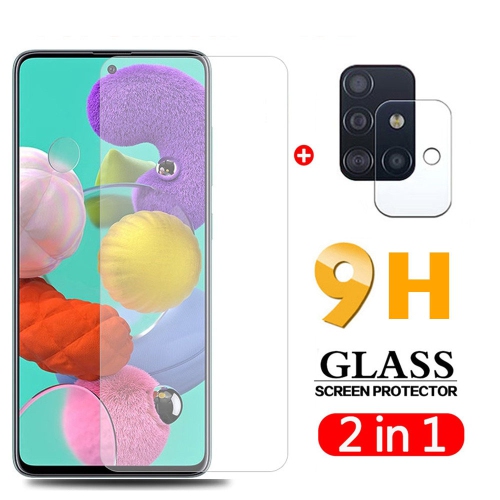
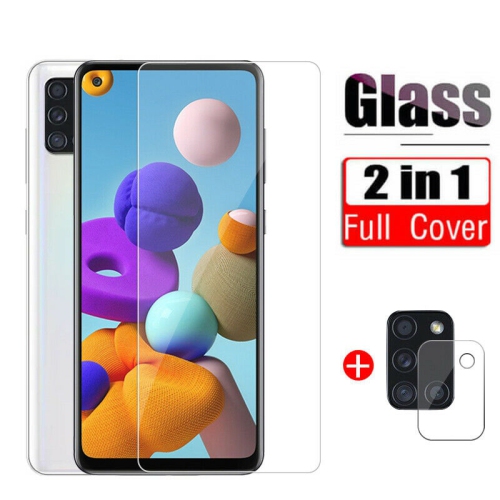
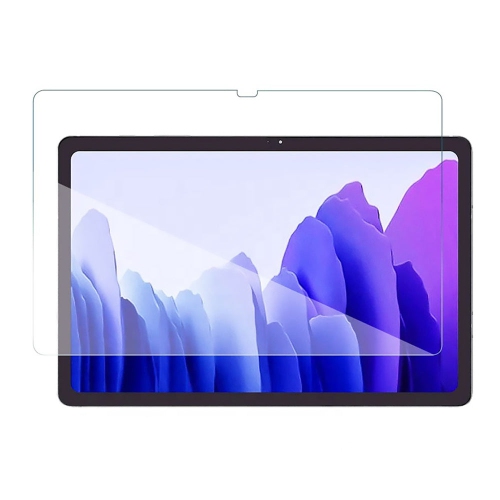
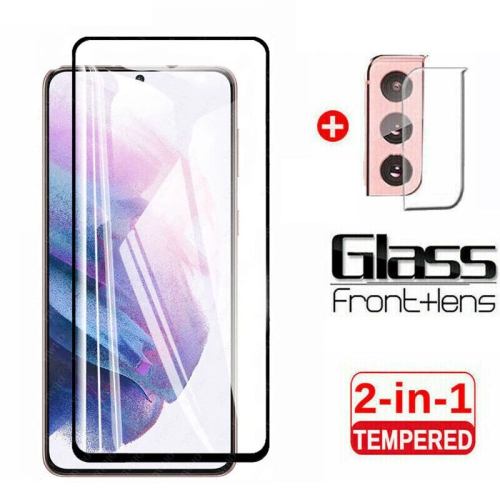
![CSMART [] Tempered Glass Screen Protector for Samsung Tablet Tab A9 / A11 8.7", X110 / X133, Case Friendly & Bubble Free](https://multimedia.bbycastatic.ca/multimedia/products/500x500/177/17701/17701561.jpeg)
![CSMART [] Tempered Glass Screen Protector for Samsung Tablet Tab A9+ Plus / A11+ Plus 11", X210 / X230, Case Friendly & Bubble Free](https://multimedia.bbycastatic.ca/multimedia/products/500x500/177/17701/17701562.jpeg)
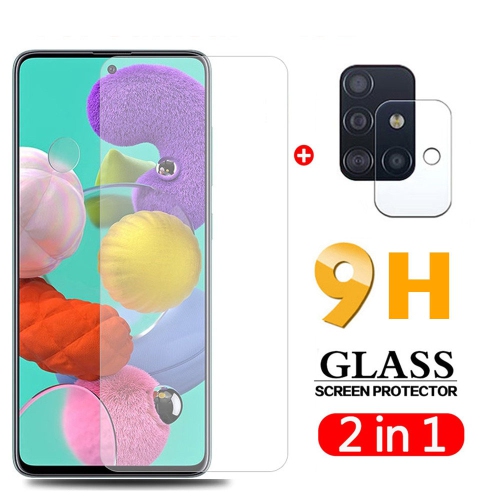
![TASNIM Screen Protector [2 Pack] for Samsung Galaxy Tab A 10.1 2019 [T510/t515], Tempered Glass Film Tablet Cover](https://multimedia.bbycastatic.ca/multimedia/products/500x500/194/19460/19460806.jpeg)
![TASNIM Screen Protector for Samsung Galaxy Tab A 8.0 2018 [T387], Tempered Glass Film Tablet Cover](https://multimedia.bbycastatic.ca/multimedia/products/500x500/194/19460/19460805.jpeg)
![GENERIC Samsung Galaxy Tab A 10.1 2019 Screen Protector Tempered Glass [T510/t515] Tablet Film Cover for Samsung Galaxy](https://multimedia.bbycastatic.ca/multimedia/products/500x500/198/19878/19878242.jpeg)
![GENERIC [2 Pack] Screen Protector for Samsung Galaxy Tab E 9.6 2015, Tempered Glass Film Tablet Cover](https://multimedia.bbycastatic.ca/multimedia/products/500x500/198/19878/19878366.jpeg)
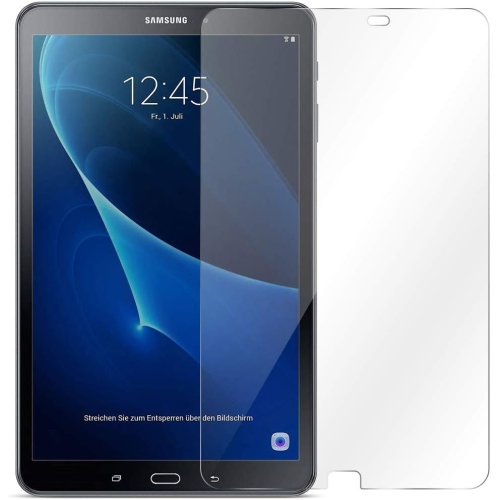
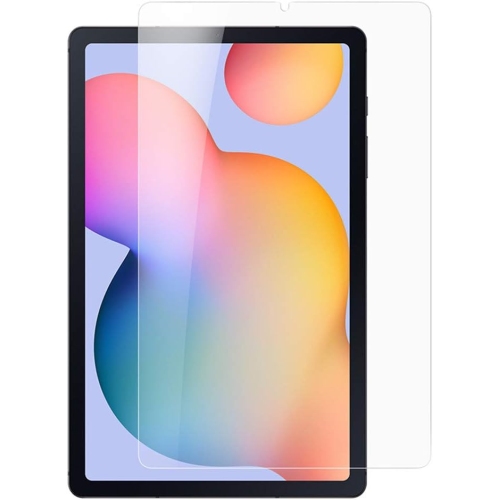
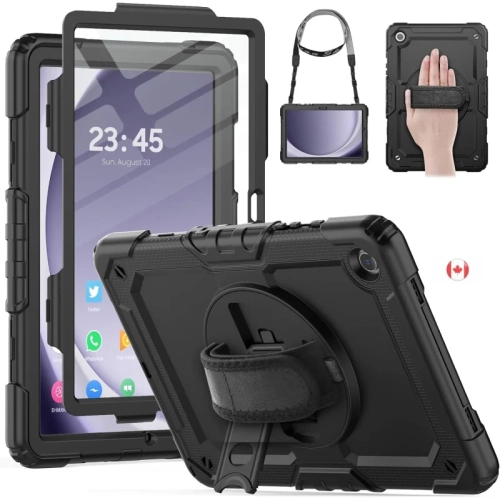
![DOLAER Samsung Galaxy Tab E 9.6 Case, Sm-T560 / T561 / T567 Case, Galaxy Tab E 9.6 Case w HD Screen Protector, L [3 In 1] Three Layer Heavy Duty](https://multimedia.bbycastatic.ca/multimedia/products/500x500/166/16694/16694198.jpeg)
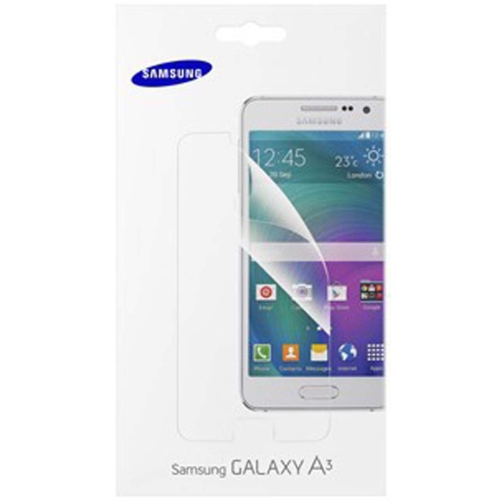
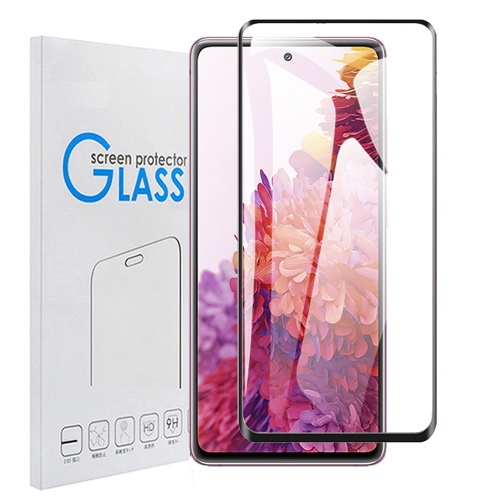
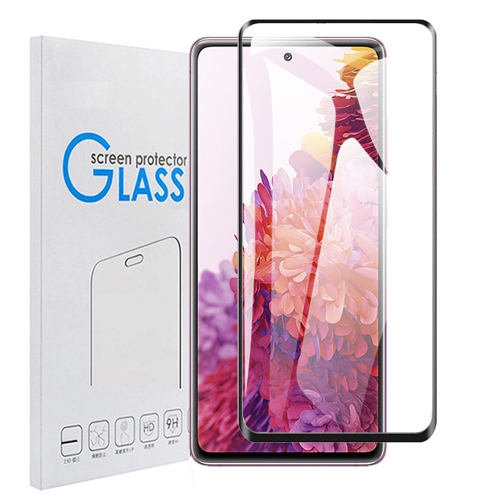
The right screen protection suits every Samsung tablet routine
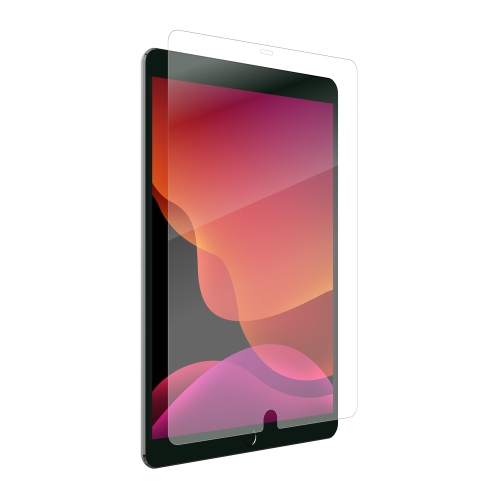
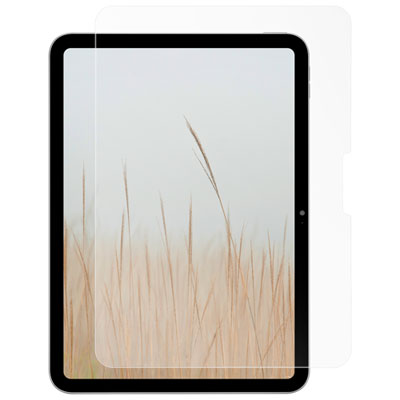
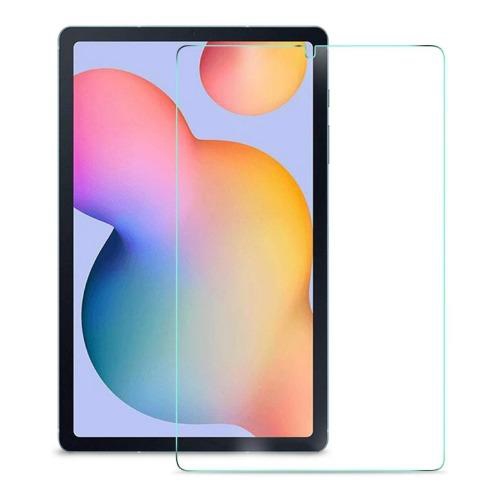
Samsung tablet screen protectors add a practical layer of defence between a Galaxy Tab display and the everyday marks that build up through regular use. Tablets travel from kitchen counters to backpacks, coffee tables, classrooms, bedrooms and outdoor patios, making their screens vulnerable to scratches, fingerprints, scuffs and occasional bumps. A protector can help preserve the smooth feel and clear appearance of the original display while making your tablet easier to enjoy for reading, streaming, browsing, gaming, video calls and schoolwork. When choosing a protector, begin by confirming the exact Samsung tablet model and screen size. Galaxy Tab devices can look similar while having different dimensions, camera cut-outs, speaker openings and button placements, so a protector designed for one model may not fit another correctly. Check the tablet’s model number in its settings or on the original packaging, then compare it with the compatibility information listed for the protector. A precise fit helps the edges stay in place, keeps important sensors and cameras unobstructed, and reduces the chance of dust collecting around misaligned corners. Those shopping for general Screen Protection for Tablets can also compare materials and features across different tablet sizes before selecting a style suited to their device and routine.
Tempered glass is a popular choice for Samsung tablet owners who want a firm, clear barrier with a smooth surface that feels close to the original screen. Many glass protectors are described with a 9H hardness rating, which refers to resistance against scratches from common objects rather than a guarantee that the glass cannot break. Tempered glass can help absorb some of the wear caused by keys, pens, crumbs and other items sharing space in a bag, while its transparent finish is well suited to films, photos, games and detailed on-screen content. Some models include an oleophobic coating that helps fingerprints and skin oils wipe away more easily, a small convenience that becomes noticeable after a long day of tapping and swiping. Film protectors are thinner and lighter, making them a discreet option for people who want scratch protection without adding much thickness. Anti-reflective film can be especially useful near bright windows, under strong office lighting or outside during warmer weather, when glare can make a screen difficult to see. Matte and paper-feel protectors have a lightly textured surface that adds friction for writing, sketching and marking up documents with an S Pen or another compatible stylus. That subtle resistance can feel more controlled than a slick glass surface, much like writing on paper instead of sliding a pen across polished plastic. The trade-off is that matte finishes may soften the appearance of fine details slightly, reduce the intensity of reflections and cause stylus tips to experience more friction over time. A clear protector generally favours sharpness and colour, while a matte finish favours control and reduced glare; the best choice depends on whether the tablet is mainly used for entertainment, productivity, creative work or a mixture of all three.
Installation is another important consideration, particularly for larger tablet screens where a small alignment error can be more noticeable. Before applying a protector, wash and dry your hands, remove the tablet case, and choose a clean, dust-free surface away from fans, open windows and busy work areas. Turn off the tablet and clean the display with the supplied cloth, taking extra care around the edges where fine dust can hide. Use an alignment frame if one is included, or line up the speaker and camera openings before allowing the protector to settle onto the screen. Applying gentle, even pressure from the centre outward can help reduce bubbles; small bubbles caused by trapped air may disappear, while those containing dust usually require lifting the protector carefully and removing the particle. A case-friendly design can leave a narrow border around the display so the case does not press against the protector and lift its edges. Consider how the tablet is carried and handled as well. A child using a tablet in the back seat, a student moving between classes, a commuter reading on public transit and a professional taking notes in meetings may all benefit from added screen protection, even though their preferred finish can differ. A clear glass protector makes a thoughtful gift for someone receiving a tablet, while a matte option may suit an artist, student or note-taker who uses a stylus frequently. For a family tablet, smudge resistance and easy cleaning can be particularly helpful; for a shared household device, a protector may make routine handling feel less stressful. During the cooler months, tablets often move between heated indoor spaces and coat pockets or bags, where they can be surrounded by keys, chargers and other hard objects, so a properly fitted protector remains useful throughout changing routines. Keep in mind that a screen protector is not a substitute for a protective case or careful handling. It is one part of a broader approach that can help keep a Samsung tablet’s display looking and feeling its best through workdays, travel, study sessions and relaxed evenings at home.
Tempered glass is a popular choice for Samsung tablet owners who want a firm, clear barrier with a smooth surface that feels close to the original screen. Many glass protectors are described with a 9H hardness rating, which refers to resistance against scratches from common objects rather than a guarantee that the glass cannot break. Tempered glass can help absorb some of the wear caused by keys, pens, crumbs and other items sharing space in a bag, while its transparent finish is well suited to films, photos, games and detailed on-screen content. Some models include an oleophobic coating that helps fingerprints and skin oils wipe away more easily, a small convenience that becomes noticeable after a long day of tapping and swiping. Film protectors are thinner and lighter, making them a discreet option for people who want scratch protection without adding much thickness. Anti-reflective film can be especially useful near bright windows, under strong office lighting or outside during warmer weather, when glare can make a screen difficult to see. Matte and paper-feel protectors have a lightly textured surface that adds friction for writing, sketching and marking up documents with an S Pen or another compatible stylus. That subtle resistance can feel more controlled than a slick glass surface, much like writing on paper instead of sliding a pen across polished plastic. The trade-off is that matte finishes may soften the appearance of fine details slightly, reduce the intensity of reflections and cause stylus tips to experience more friction over time. A clear protector generally favours sharpness and colour, while a matte finish favours control and reduced glare; the best choice depends on whether the tablet is mainly used for entertainment, productivity, creative work or a mixture of all three.
Installation is another important consideration, particularly for larger tablet screens where a small alignment error can be more noticeable. Before applying a protector, wash and dry your hands, remove the tablet case, and choose a clean, dust-free surface away from fans, open windows and busy work areas. Turn off the tablet and clean the display with the supplied cloth, taking extra care around the edges where fine dust can hide. Use an alignment frame if one is included, or line up the speaker and camera openings before allowing the protector to settle onto the screen. Applying gentle, even pressure from the centre outward can help reduce bubbles; small bubbles caused by trapped air may disappear, while those containing dust usually require lifting the protector carefully and removing the particle. A case-friendly design can leave a narrow border around the display so the case does not press against the protector and lift its edges. Consider how the tablet is carried and handled as well. A child using a tablet in the back seat, a student moving between classes, a commuter reading on public transit and a professional taking notes in meetings may all benefit from added screen protection, even though their preferred finish can differ. A clear glass protector makes a thoughtful gift for someone receiving a tablet, while a matte option may suit an artist, student or note-taker who uses a stylus frequently. For a family tablet, smudge resistance and easy cleaning can be particularly helpful; for a shared household device, a protector may make routine handling feel less stressful. During the cooler months, tablets often move between heated indoor spaces and coat pockets or bags, where they can be surrounded by keys, chargers and other hard objects, so a properly fitted protector remains useful throughout changing routines. Keep in mind that a screen protector is not a substitute for a protective case or careful handling. It is one part of a broader approach that can help keep a Samsung tablet’s display looking and feeling its best through workdays, travel, study sessions and relaxed evenings at home.
Top selling and popular products
-
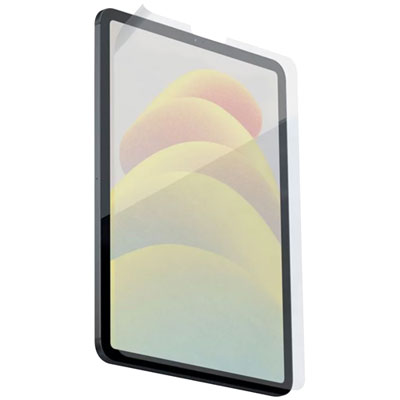 Your price for this item is $58.97
 -
 Your price for this item is $68.49
 -
 Your price for this item is $20.79
 -
 Your price for this item is $38.97
 -
 Your price for this item is $66
 -
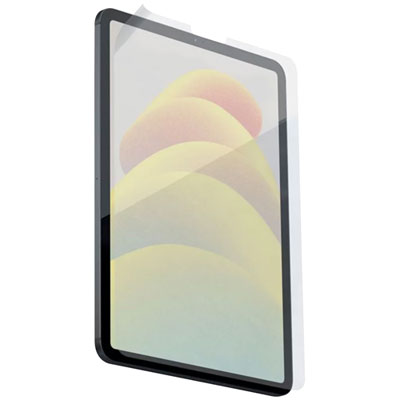 Your price for this item is $58.97
 -
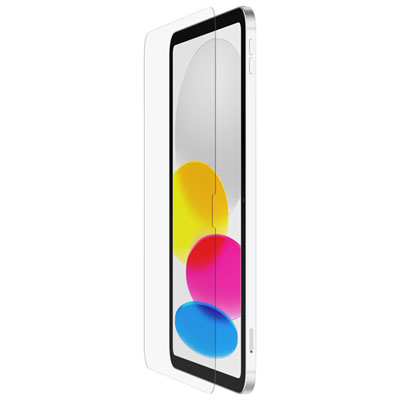 Your price for this item is $59.99
 -
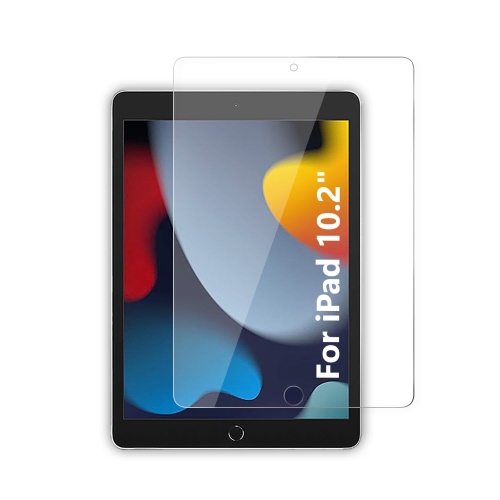 Your price for this item is $73
Discover more categories related to Samsung Tablet Screen Protectors
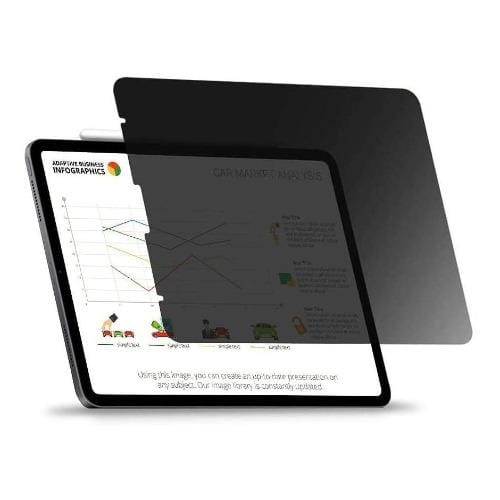
Top Collections:
Pokemon Centers, Kindle Devices, Best Budget Office Chairs, Apple iPhones 16, Best Laptops for Writers, iPhone 15 Apple, Canon G7X Cameras, Refurbished Apple Laptops, Alarm Clock, Motorola Razr Phones
Some products may be subject to Environmental Handling Fees
(EHF) depending on your province.
Learn more about EHFs.