Screen Protectors for School Tablets
Screen protectors for school tablets help keep devices looking their best throughout the school year. Whether students are using tablets in the classroom, at home, or on the go, these accessories are designed to provide a reliable layer of protection against everyday use. Browse a wide selection of screen protectors for school tablets to find options that fit various models and sizes, making it easy to support learning and technology needs.
Sort


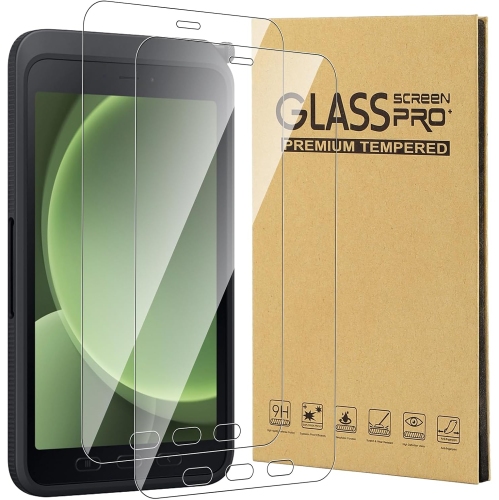


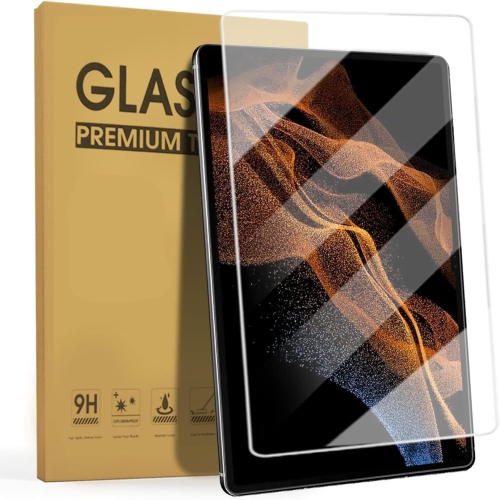
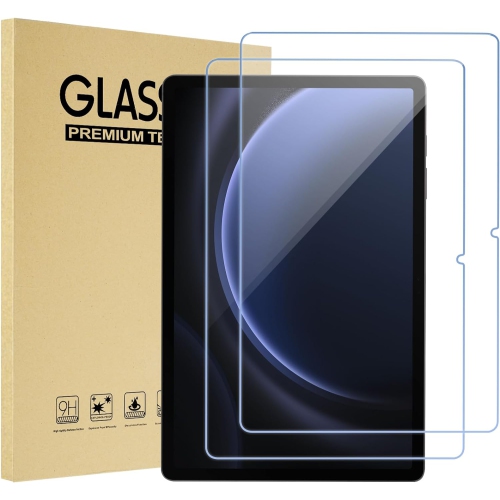
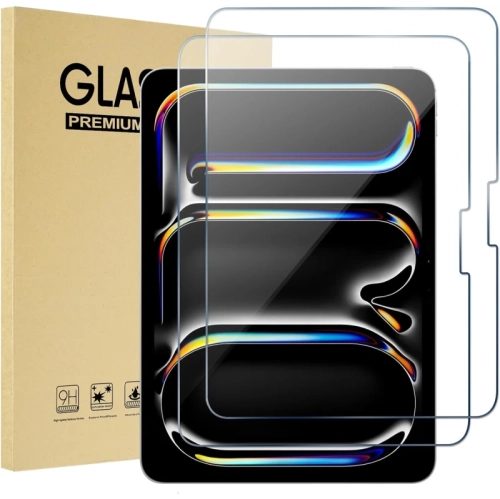








How screen protectors affect handwriting and survive backpack wear
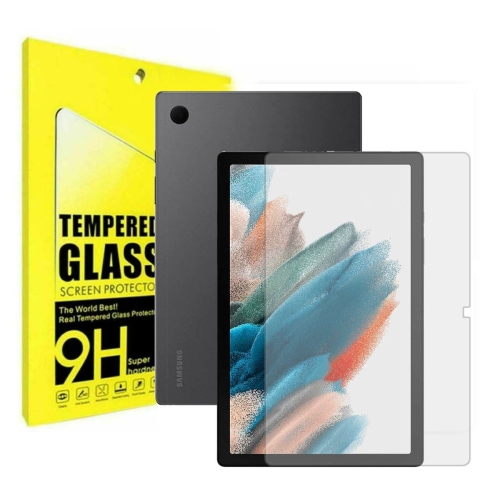
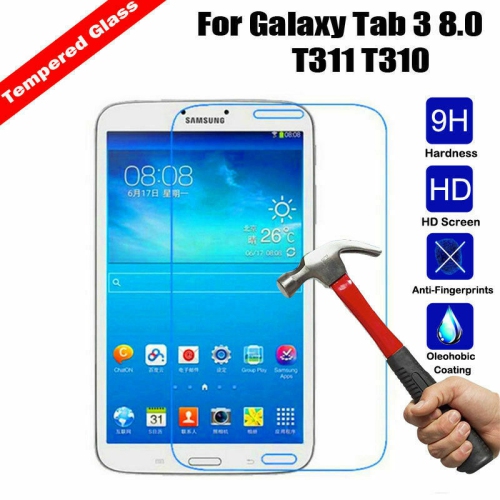
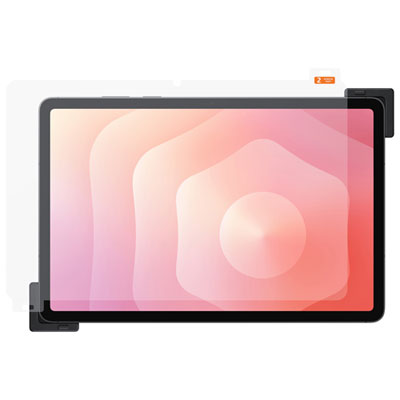
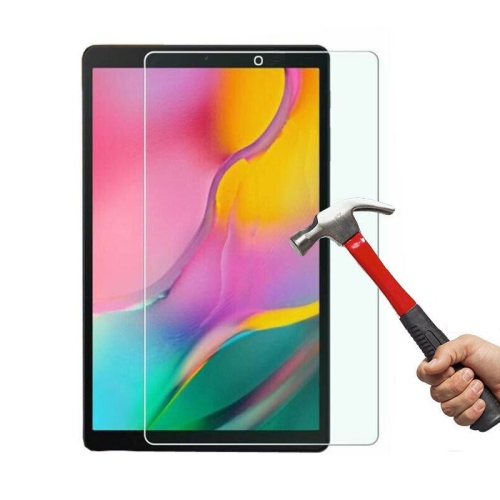
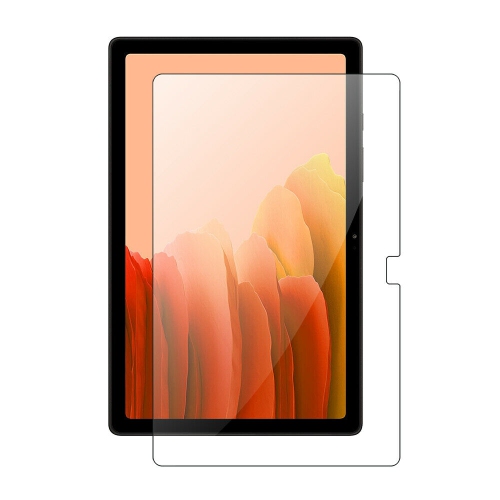
For a tablet that goes from a classroom desk to a backpack every day, a clear tempered glass screen protector with a 9H pencil hardness rating and an oleophobic coating is a durable all-around choice. The 9H rating describes how well the surface resists scratching in a pencil hardness test. It isn’t a rating for drop protection. An oleophobic coating helps keep oils from fingers from clinging to the surface, so it’s easier to wipe away the smudges left after a morning of tapping through assignments. Tempered glass tends to feel smooth under a fingertip or stylus, and a clear finish keeps small text, diagrams and colours easy to see. The protector can take some of the wear that would otherwise mark the display, though the glass layer itself can still chip or crack. Thin plastic film is another option when the main concern is scuffing or when a snug case leaves little space around the edge of the screen. PET film is typically thin and firm, while flexible TPU film can have a slightly softer feel under the finger. Finish matters as much as material for some schoolwork. A matte protector can soften the reflection from overhead lights, which is useful when a tablet has to lie flat on a desk. A textured matte surface also gives a stylus more drag, closer to the feel of writing on paper. The trade-off is that fine print or pale grid lines can look slightly less crisp through some matte finishes. For a student who mostly reads digital textbooks, marks up diagrams with fine lines or zooms in on sheet music, a clear, smooth surface may suit the work better. A student who spends most of a lesson writing equations by hand may prefer the extra feedback of a textured finish. Either way, how the surface feels over a full page of notes matters more than how it feels during a quick swipe.
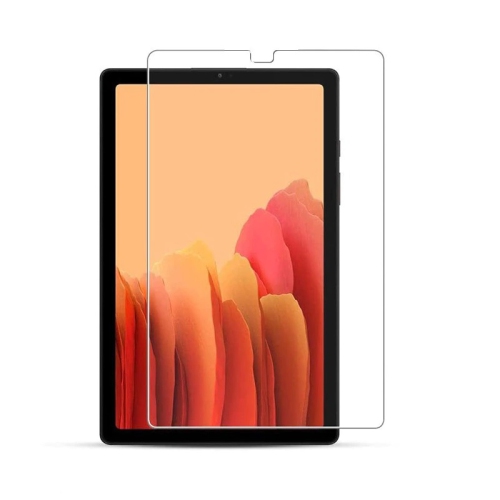
Fit starts with the exact tablet model and generation, not just the diagonal screen measurement. Two school tablets with the same screen size can have different corner shapes, bezel widths or front camera positions. That difference might not be obvious when both are zipped into identical cases, but it matters once the protector is lined up with the display. The model number in the tablet’s settings or on its device label is a better reference than screen size alone. A properly fitted protector covers the active display without blocking the front camera or sensors, and leaves enough space for the raised lip of the case. If that lip presses against the protector, a corner can lift each time the case flexes, giving dust a place to collect. A case-friendly fit is especially useful on school tablets with thick, easy-grip cases. Students who use a stylus for calculations, drawing or handwriting should also check that the protector is intended for stylus use on that tablet. The feel can vary with the thickness and finish, and writing close to the edge of a worksheet is a good test of whether the fit is comfortable. For a school-issued tablet, it’s worth checking with the school before applying an adhesive protector, particularly if the device is shared or returned at the end of a term. When installation is permitted, starting on a clean, well-lit work surface makes it easier to spot a fibre before it gets trapped under the protector. An alignment frame can help keep the protector from landing too close to one side. Once it’s in place, a few taps across the onscreen keyboard, a line drawn near each edge and a quick front camera check can reveal any trouble with fit before the tablet goes back into its case.
Day-to-day care makes a difference even with a scratch-resistant surface. A soft microfibre cloth is usually enough to remove fingerprints and the dusty marks left by a tablet sleeve. For residue that doesn’t wipe away easily, follow the tablet and protector makers’ cleaning directions rather than reaching for an abrasive cleaner or spraying liquid directly onto the screen. An oleophobic finish can wear with use, especially in spots that get tapped repeatedly, so a well-used protector may start to show fingerprints more readily without losing its fit. The way the tablet is packed matters, too. A zippered sleeve or separate backpack pocket keeps the display away from loose pencil leads, gritty eraser crumbs and metal binder rings. A case with a raised edge can help keep the screen off a tabletop, while the protector takes the wear from direct contact with the display. Neither can guarantee that the tablet will survive a fall. A glass protector with a chipped edge or a crack that catches a fingertip should be replaced rather than kept in use, and a flexible film that repeatedly peels at the corners can be worth replacing once it starts trapping debris. Multipacks can make sense for households with more than one tablet of the same model or for classrooms with matching devices, where an identical spare can save another round of checking dimensions. A screen protector can also be a practical gift for a student setting up a tablet for school, particularly if the model and case are known. For students who carry a phone between classes as well, Screen Protectors for Student Smartphones covers the other screen that often spends the day in a pocket or bag. On the tablet itself, the best fit is one that stays flat in its case, keeps schoolwork easy to read and feels comfortable whether the student is turning a page, typing a response or filling the screen with handwritten notes.
Fit starts with the exact tablet model and generation, not just the diagonal screen measurement. Two school tablets with the same screen size can have different corner shapes, bezel widths or front camera positions. That difference might not be obvious when both are zipped into identical cases, but it matters once the protector is lined up with the display. The model number in the tablet’s settings or on its device label is a better reference than screen size alone. A properly fitted protector covers the active display without blocking the front camera or sensors, and leaves enough space for the raised lip of the case. If that lip presses against the protector, a corner can lift each time the case flexes, giving dust a place to collect. A case-friendly fit is especially useful on school tablets with thick, easy-grip cases. Students who use a stylus for calculations, drawing or handwriting should also check that the protector is intended for stylus use on that tablet. The feel can vary with the thickness and finish, and writing close to the edge of a worksheet is a good test of whether the fit is comfortable. For a school-issued tablet, it’s worth checking with the school before applying an adhesive protector, particularly if the device is shared or returned at the end of a term. When installation is permitted, starting on a clean, well-lit work surface makes it easier to spot a fibre before it gets trapped under the protector. An alignment frame can help keep the protector from landing too close to one side. Once it’s in place, a few taps across the onscreen keyboard, a line drawn near each edge and a quick front camera check can reveal any trouble with fit before the tablet goes back into its case.
Day-to-day care makes a difference even with a scratch-resistant surface. A soft microfibre cloth is usually enough to remove fingerprints and the dusty marks left by a tablet sleeve. For residue that doesn’t wipe away easily, follow the tablet and protector makers’ cleaning directions rather than reaching for an abrasive cleaner or spraying liquid directly onto the screen. An oleophobic finish can wear with use, especially in spots that get tapped repeatedly, so a well-used protector may start to show fingerprints more readily without losing its fit. The way the tablet is packed matters, too. A zippered sleeve or separate backpack pocket keeps the display away from loose pencil leads, gritty eraser crumbs and metal binder rings. A case with a raised edge can help keep the screen off a tabletop, while the protector takes the wear from direct contact with the display. Neither can guarantee that the tablet will survive a fall. A glass protector with a chipped edge or a crack that catches a fingertip should be replaced rather than kept in use, and a flexible film that repeatedly peels at the corners can be worth replacing once it starts trapping debris. Multipacks can make sense for households with more than one tablet of the same model or for classrooms with matching devices, where an identical spare can save another round of checking dimensions. A screen protector can also be a practical gift for a student setting up a tablet for school, particularly if the model and case are known. For students who carry a phone between classes as well, Screen Protectors for Student Smartphones covers the other screen that often spends the day in a pocket or bag. On the tablet itself, the best fit is one that stays flat in its case, keeps schoolwork easy to read and feels comfortable whether the student is turning a page, typing a response or filling the screen with handwritten notes.
Top selling and popular products
-
 Your price for this item is $20.79
-
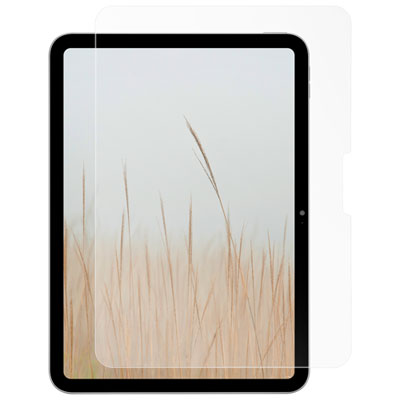 Your price for this item is $38.97
-
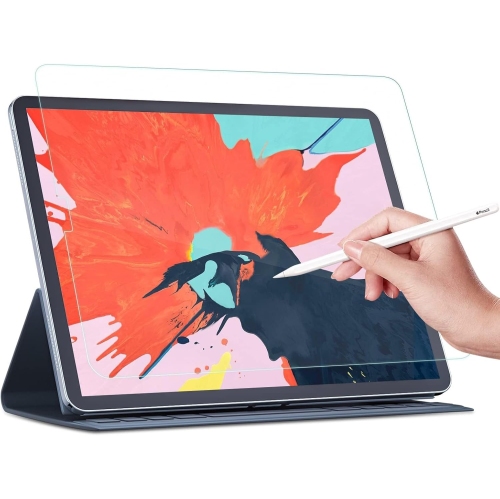 Your price for this item is $45
-
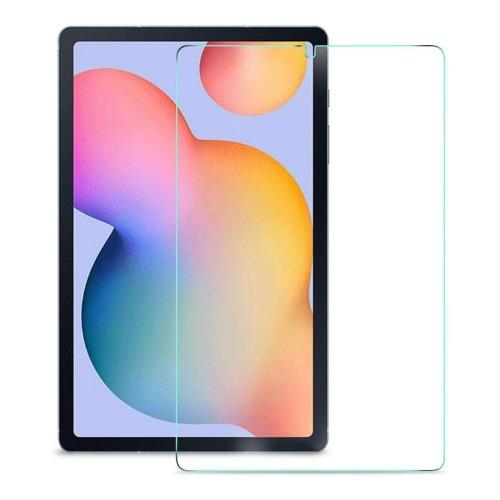 Your price for this item is $66
-
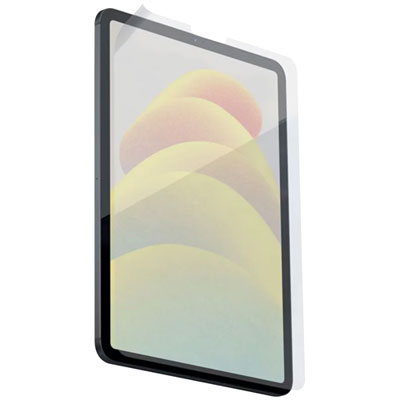 Your price for this item is $58.97
-
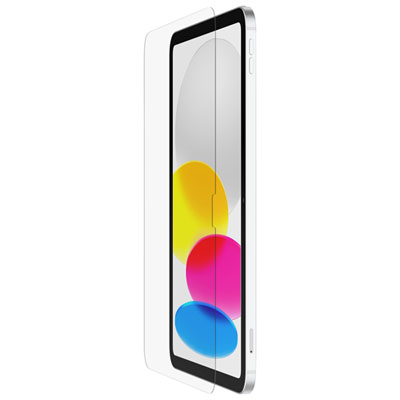 Your price for this item is $59.99
-
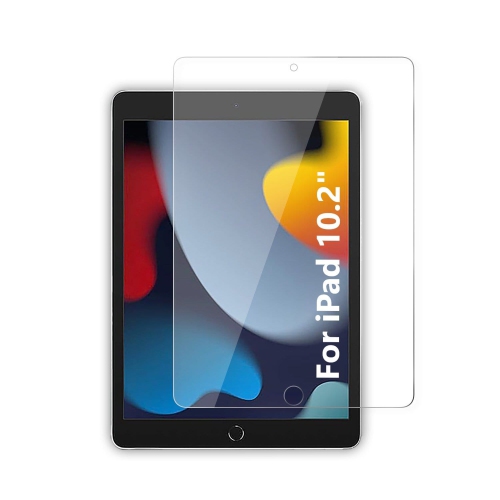 Your price for this item is $73
-
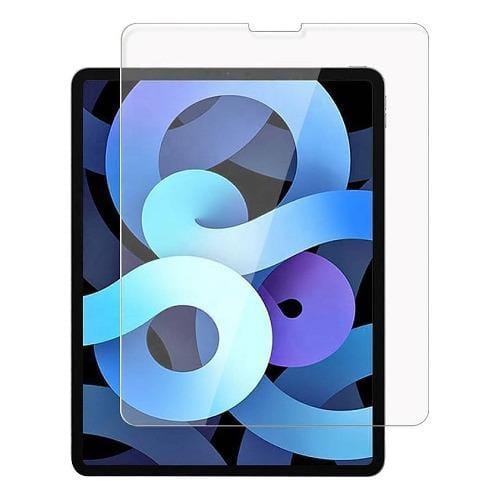 Your price for this item is $66
Discover more categories related to Screen Protectors for School Tablets

Top Collections:
Best Black Friday Deals This Year, Best Black Friday Deals On Electronics, Kindle Devices, Pokemon Centers, Best Black Friday Deals On Apple Products, Best Cameras for Sports Photography, Dyson Airwrap, Pokémon 30th Celebration Cards, Apple iPhone 17 Pro, Canon G7X Cameras
Some products may be subject to Environmental Handling Fees
(EHF) depending on your province.
Learn more about EHFs.