SanDisk 2TB
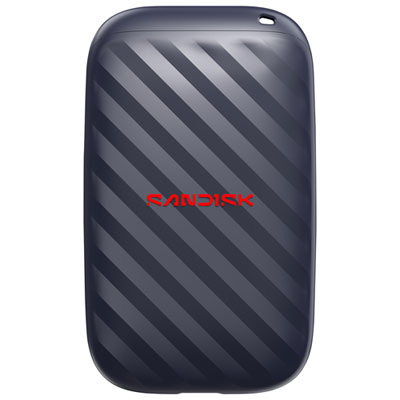
SanDisk 2TB storage solutions offer a convenient way to expand your digital capacity for work, school, or entertainment. Perfect for storing photos, videos, documents, and more, these high-capacity devices help keep your important files organized and accessible. Whether you need extra space for creative projects or reliable backup for your data, SanDisk 2TB options provide versatile storage to fit a variety of needs. Explore the selection to find the right match for your devices and lifestyle.
Sort
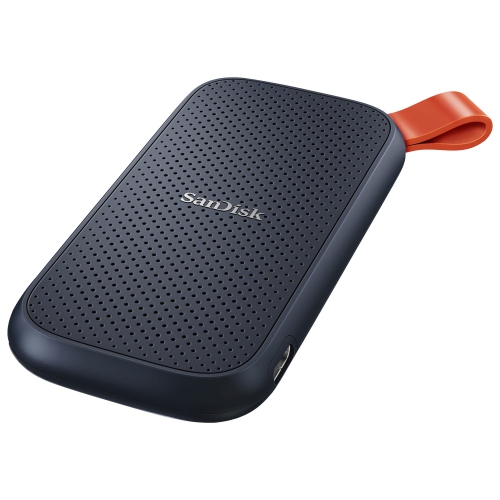
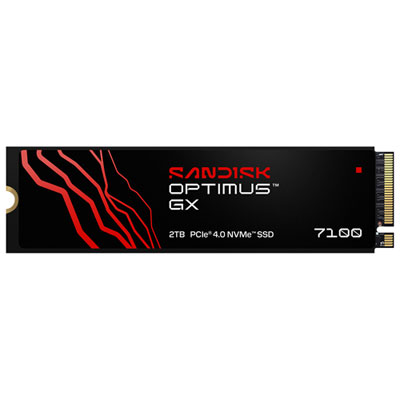
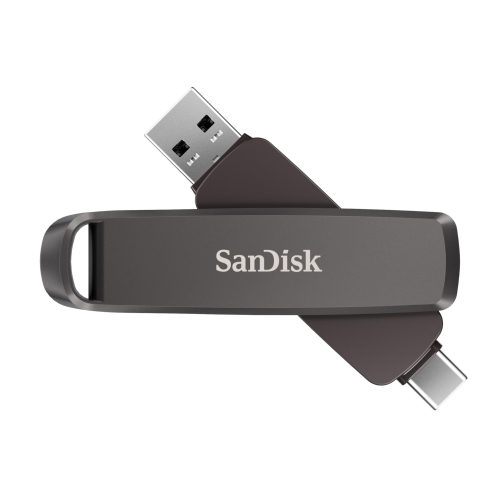
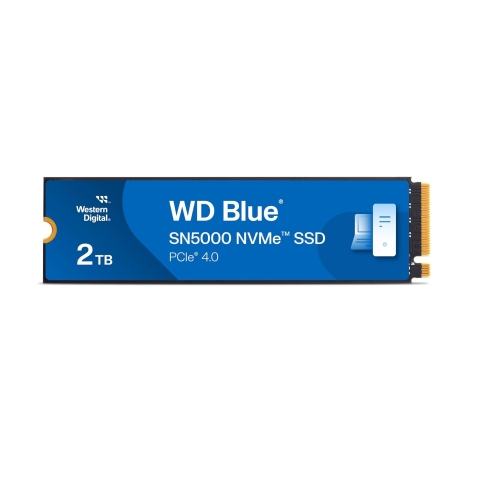
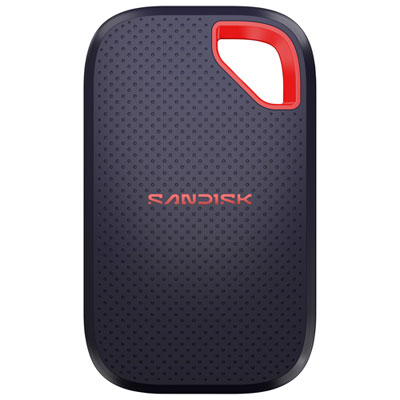
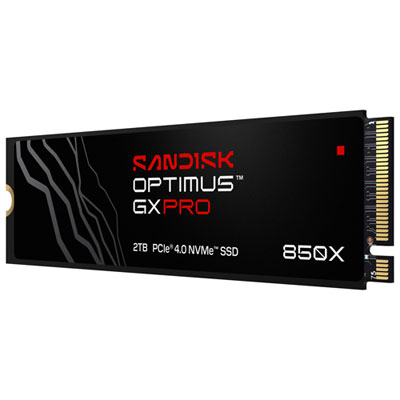
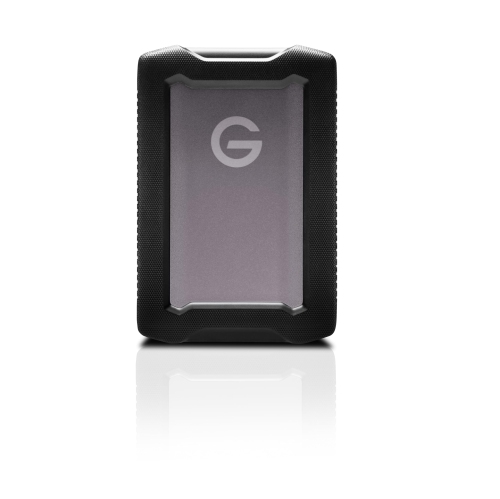
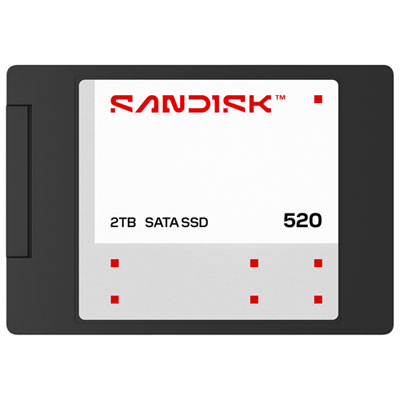
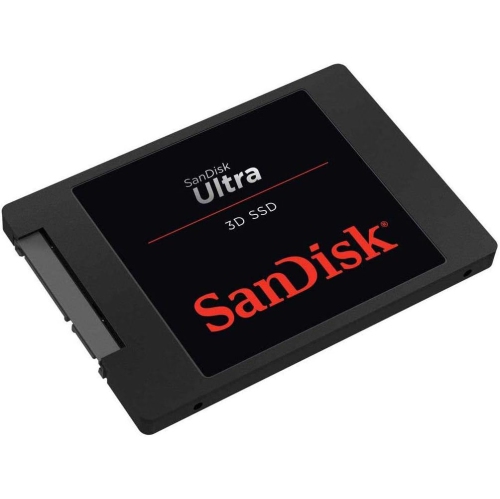
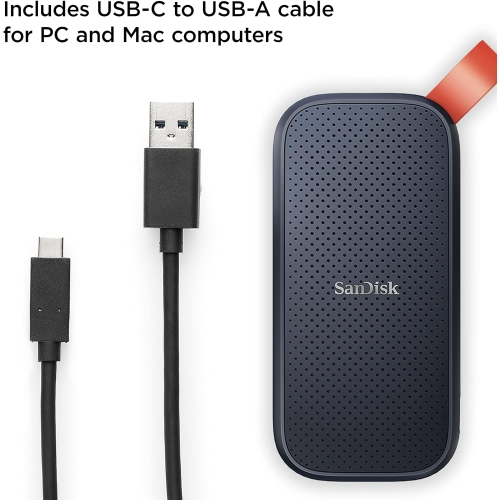
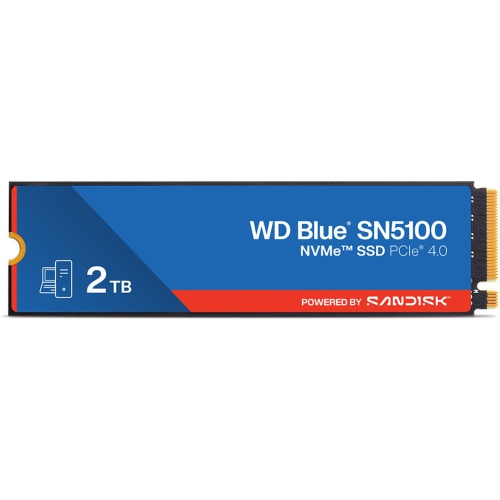
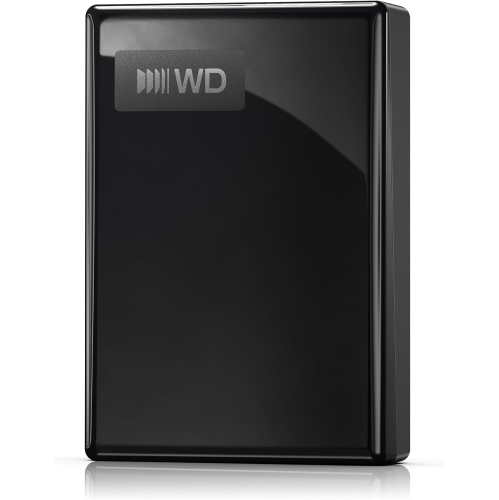
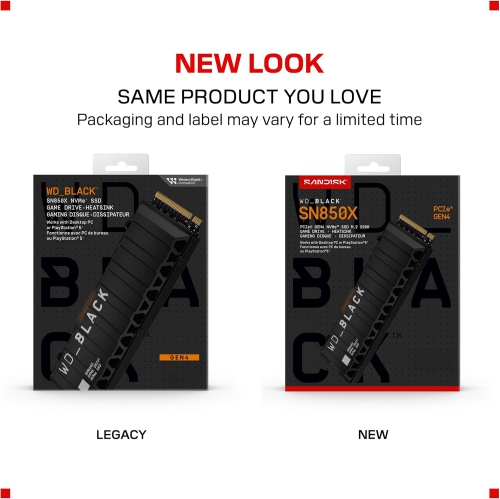
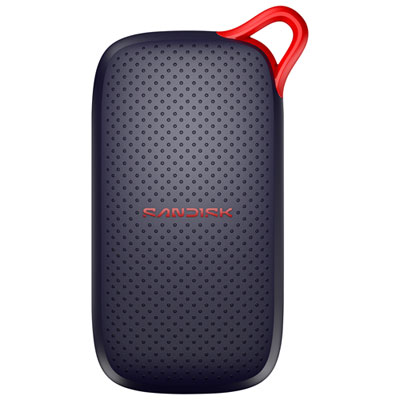
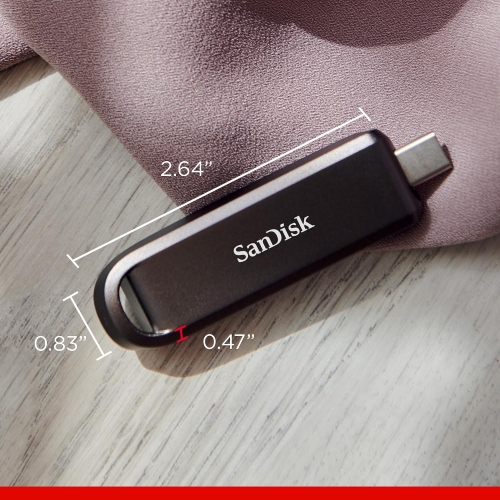
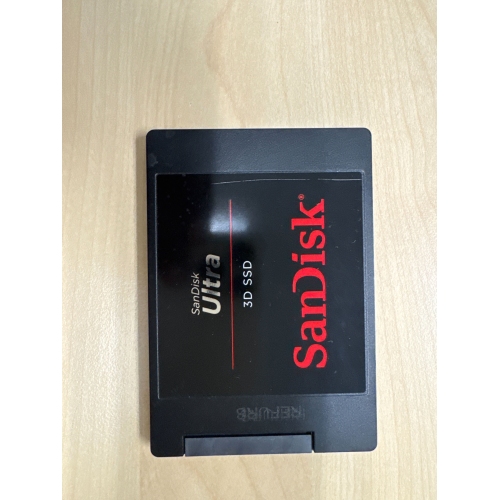
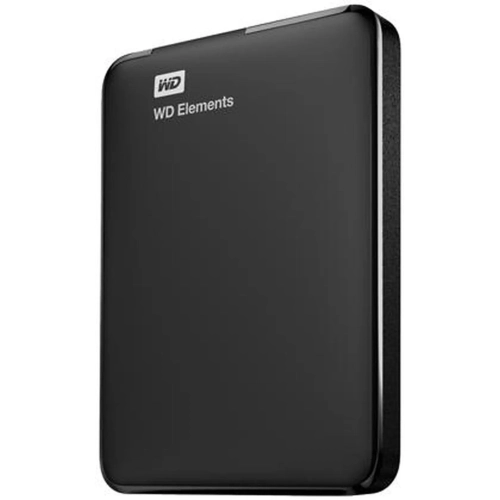
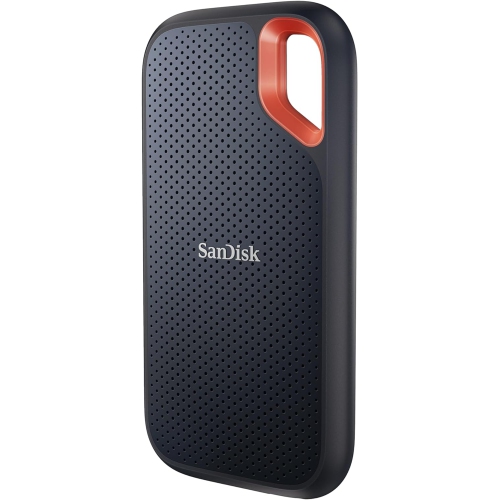
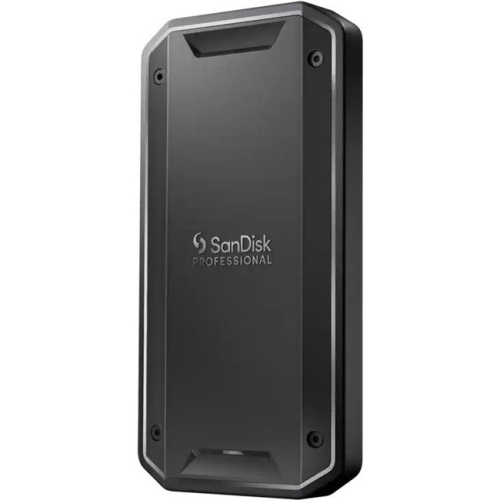
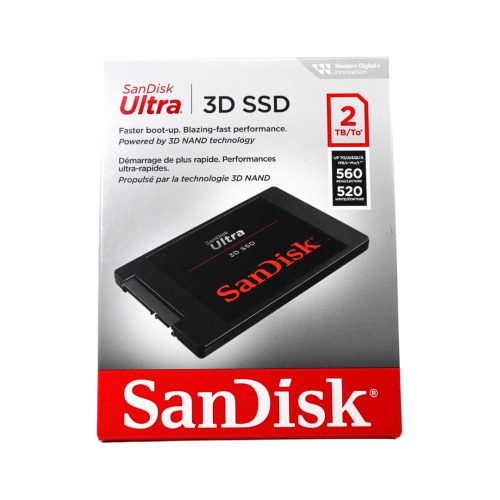
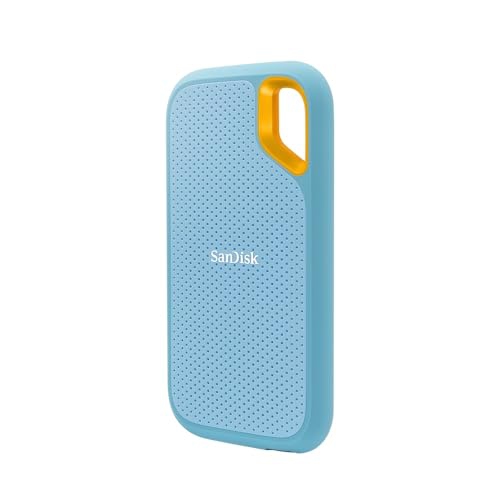
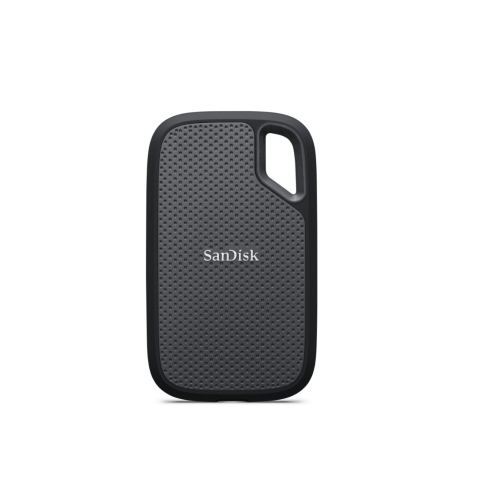
Room for photo libraries and projects on the move
A 2TB solid-state drive (SSD) provides high-capacity storage for documents, photos, videos, games, and creative projects without the moving parts found in a mechanical hard drive. That combination makes SSD storage useful for both everyday file management and more demanding work, such as carrying a photo library between computers or keeping video footage separate from a laptop’s built-in drive. Portable models connect externally and are designed to move with their owner, while internal models become part of a compatible computer’s storage. Two terabytes represents 2,000 gigabytes in the decimal system used to label storage capacity, although the usable space displayed by a device will be lower because of formatting and differences in how operating systems report capacity. The number of files that fit depends on their size: text documents take relatively little room, while high-resolution images, lengthy video clips, and large game installations can use it quickly. For a photographer returning from a shoot, that space can hold original images, edited versions, and exported albums together. For a student, it can keep course materials, recorded presentations, and personal files separate from a shared computer. For someone working across a home desktop and a laptop, portable storage can make large folders easier to carry without relying on an internet connection for every transfer. An SSD’s lack of spinning platters also means quiet operation, though overall transfer performance still depends on the drive and the connected device. Capacity and speed serve different purposes: capacity determines how much can be stored, while read and write speeds affect how quickly files open, copy, or save. A larger drive does not automatically make every task faster, but additional free space can make it easier to organize active work alongside completed projects. Keeping those roles distinct helps set realistic expectations, whether the drive is intended for a family photo archive, a media collection, or files that need to travel between locations. A portable drive can also serve several compatible devices over time, provided its connection and file format suit each one.
For portable SSDs, the connection matters as much as the compact enclosure. USB-C describes a connector shape, not a guaranteed transfer speed, so matching ports do not necessarily deliver the same performance. The drive, cable, and host device must support compatible standards to approach the drive’s advertised speeds, and a slower connection can limit an otherwise fast SSD. Transfer ratings are generally stated in megabytes per second, or MB/s, and describe performance under specified test conditions rather than a promise for every file transfer. Copying one large video file can behave differently from moving thousands of small photos and documents. Hubs, adapters, background tasks, and the destination drive can also affect results. A short, suitable cable makes for a tidy laptop setup, while a longer cable may be more practical when a desktop’s ports sit beneath a desk. Smartphone and tablet use adds another consideration: the device must support external storage, supply sufficient power, and work with the drive’s file system. Direct video recording to external storage requires support from the phone or camera as well as adequate sustained write performance; simply connecting an SSD does not enable that feature on every device. Physical construction matters when storage is carried daily. Enclosures may use metal, plastic, or rubberized surfaces, each affecting grip, weight, and how the drive feels in a bag or hand. A textured finish can be easier to handle beside a camera, while a slim shape can fit neatly into a laptop sleeve’s accessory pocket. Any stated resistance to water, dust, or drops applies only under the manufacturer’s specified conditions and should not be treated as protection against every accident. Keeping connectors clean and dry, avoiding strain on the cable, and storing the drive in a protective pouch can help prevent unnecessary wear. Internal SSDs require a different kind of fit: the computer must support the drive’s physical dimensions, interface, and connection type. An M.2 slot, for example, does not by itself confirm compatibility with every M.2 drive, so the system’s specifications remain important.
How storage is used day to day often determines whether 2TB feels generous or essential. A video editor may keep active footage and project files on a portable SSD while retaining finished work elsewhere. A musician may use one for sample libraries and recorded sessions, subject to the requirements of the computer and audio software. A household with years of photos may value enough room to gather scattered folders into a more consistent structure, with dates and descriptive names that make individual moments easier to find. Gaming use depends on the console or computer: an external SSD may support storing games, running compatible titles, or moving installations, but not every system allows every game to launch directly from external storage. File-system compatibility also affects sharing. A format suited to moving files between different operating systems may have different features from a format intended mainly for one platform, and reformatting normally erases existing contents. Important files belong in more than one place, regardless of the drive’s construction or capacity. A portable SSD can form part of a backup routine, but a file stored only on that SSD is still a single copy. Keeping another copy on a separate device or a suitable online service helps protect against loss, accidental deletion, or hardware failure. Password protection and encryption, where supported, can add privacy for work documents or personal records, though access depends on retaining the necessary credentials and using compatible software. Ejecting the drive before unplugging it helps avoid interrupting file operations. As a practical gift, portable storage can suit a student, photographer, gamer, or family member organizing a growing digital collection, provided its connections match their devices. Smaller libraries may be well served by SanDisk SSD 1TB, while 2TB storage leaves additional room for larger projects, duplicate working files, and collections that continue to grow.
Top selling and popular products
-
 Your price for this item is $374.99
-
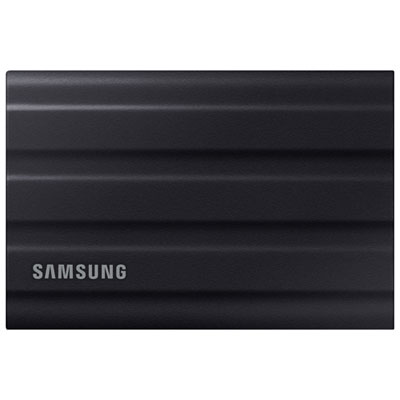 Your price for this item is $669.99
-
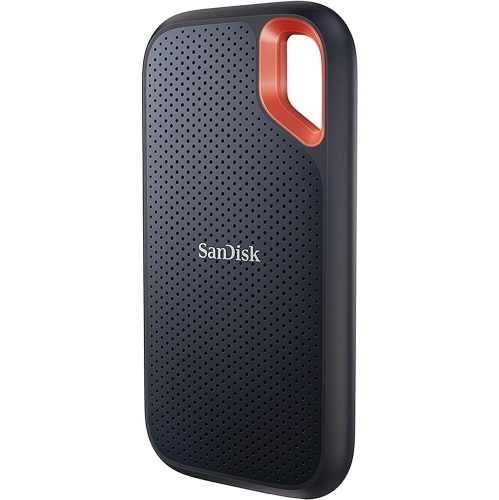 Your price for this item is $347.91
-
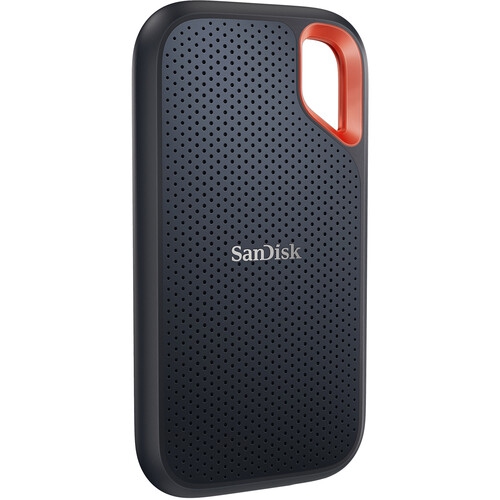 Your price for this item is $508.91
-
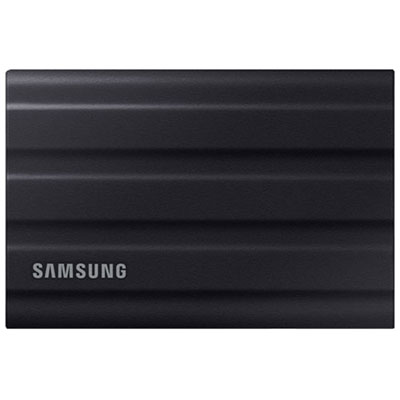 Your price for this item is $1559.95
-
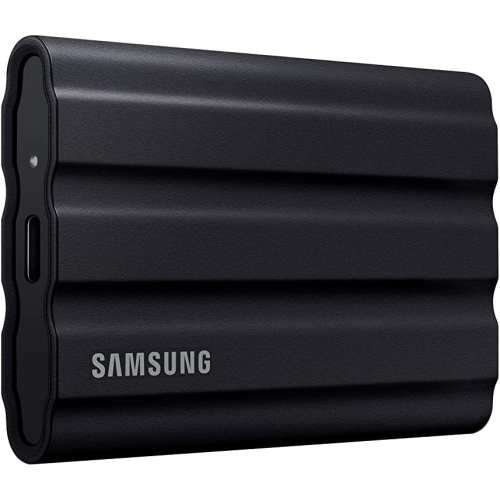 Your price for this item is $1499
-
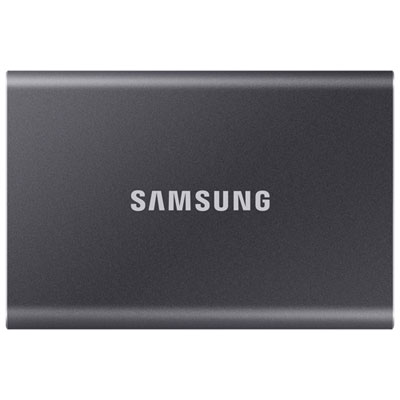 Your price for this item is $1489.97
-
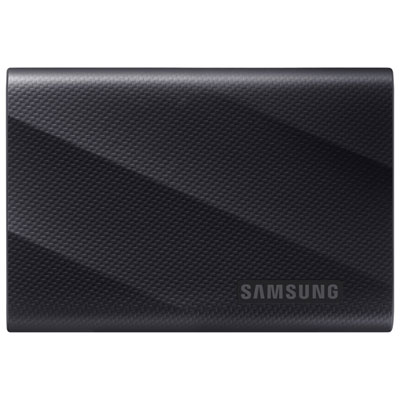 Your price for this item is $389.99
Discover more categories related to SanDisk 2TB

Top Collections:
Best Black Friday Deals This Year, Best Black Friday Deals On Electronics, Kindle Devices, Pokemon Centers, Best Black Friday Deals On Apple Products, Best Cameras for Sports Photography, Dyson Airwrap, Pokémon 30th Celebration Cards, Apple iPhone 17 Pro, Canon G7X Cameras
Some products may be subject to Environmental Handling Fees
(EHF) depending on your province.
Learn more about EHFs.