SanDisk Hard Disks 1TB

Compare SanDisk 1TB storage drives for extra space to keep documents, photos, videos, and backups. Check each listing for drive type, connection requirements, and device compatibility to find an option that fits your setup.
Read More

Sort

More room for files that move between computers

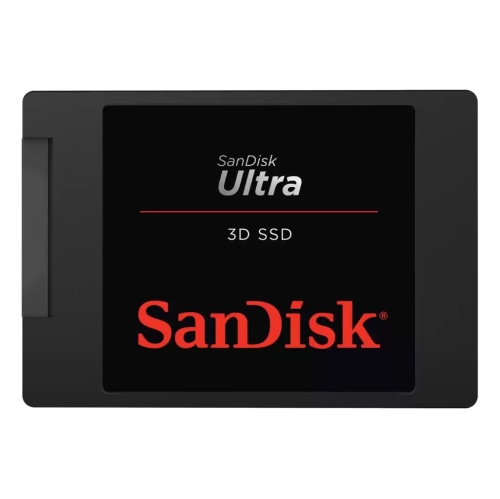
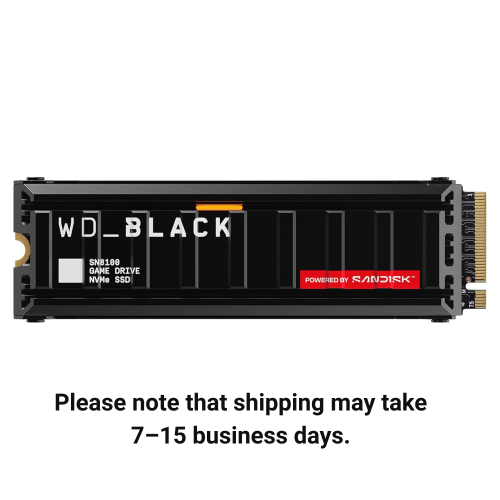
A 1TB external drive adds room for documents, photos, videos and working files without requiring a computer’s internal storage to hold everything. For a student, that might mean keeping assignments, research notes and recorded lectures together; for a photographer, it could mean carrying image libraries between a home workstation and a laptop. One terabyte is a manufacturer-rated capacity of one trillion bytes, although the space shown by a computer can be lower because of how its operating system reports capacity and how the drive is formatted. The amount it holds depends on the files: text documents take relatively little room, while high-resolution video, uncompressed audio and large creative projects can fill storage much faster. The SanDisk SSD 1TB category centres on solid-state storage, which differs from a traditional hard disk in more than its name. A hard disk reads and writes data on spinning magnetic platters, while an SSD stores data in flash memory and has no moving mechanical parts. That distinction matters when a drive travels in a laptop bag or supports frequent file transfers. Solid-state storage can provide faster access to files and better tolerance of everyday movement, though actual performance and protection depend on the drive’s specifications and how it is used. External storage is particularly convenient for people who alternate between computers, maintain separate personal and work files, or want to keep completed projects off their main machine. A compact enclosure can sit beside a laptop during a video edit, then slip into a dedicated pocket once the work is finished. For someone with a growing collection of family photos or scanned records, a separate drive also creates a clearly defined place for an additional copy. Capacity alone does not determine whether a drive suits that role; the connection, software compatibility and approach to backups are equally important. A folder of finished photographs has different demands from an active editing project, even when both occupy the same amount of space.

Connections shape the everyday experience of using a 1TB external SSD. A USB-C connector describes the shape of the plug, not a guaranteed transfer speed, and two computers with similar-looking ports may support different data rates. The drive, cable and computer port work together, with the slowest part of that connection limiting performance. A cable intended only for charging will not provide a working data connection, while a data cable with a lower supported speed can prevent a faster drive from reaching its potential. Older USB-A ports may still be suitable when the drive supports them and the correct cable or adapter is used. For someone transferring a few office documents, the difference may be barely noticeable; for someone moving a large folder of video footage, it can affect how long the transfer takes. Published maximum speeds generally describe particular test conditions rather than every workload. Thousands of small files, longer transfers, background activity and the computer’s own storage can all change results. Most portable external SSDs draw power through their data connection, which keeps a desk setup simple, but a hub or dock still needs to support the connection and power requirements. File-system compatibility is another part of the fit. Some formats are convenient for sharing files between different desktop operating systems, while others are better suited to a particular computer or backup application. Formatting a drive erases its contents, so existing files need a separate copy before any change. Uses such as console storage, television playback or direct connection to a camera have their own requirements; capacity and a matching plug do not establish compatibility on their own. For a drive that will move between a home computer and a workplace laptop, device permissions and workplace security rules may also affect access. Included utilities, password features and backup tools vary, so their supported operating systems matter just as much as the storage connection. A straightforward connection on the devices used most often can be more valuable than a headline speed those devices cannot support.

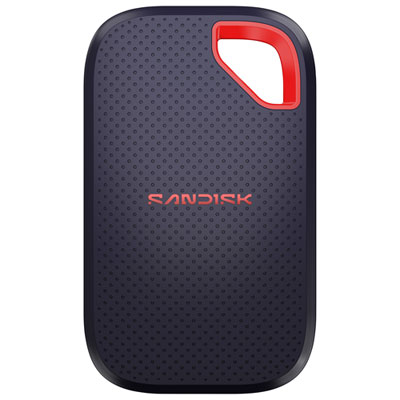
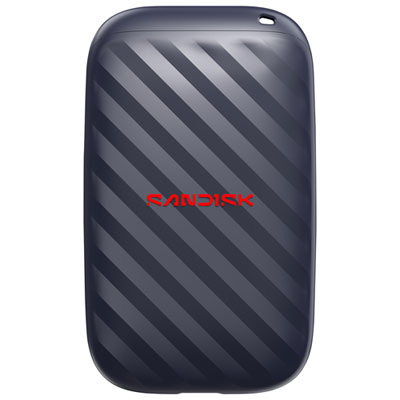
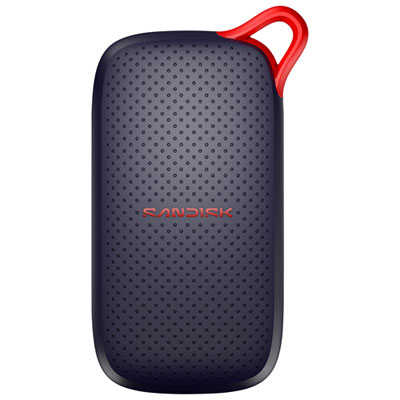
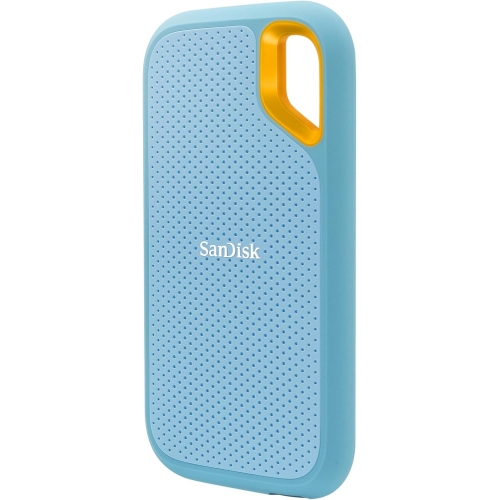
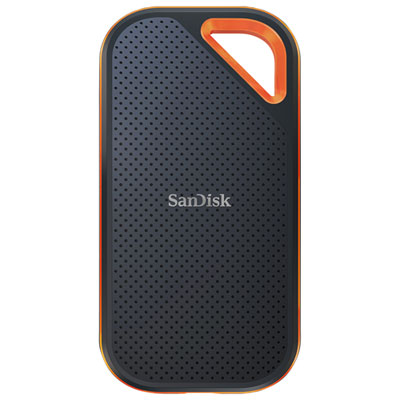
The enclosure and carrying habits matter when storage leaves the desk. Portable drives may use plastic, metal or a combination of materials, with shapes ranging from slim rectangular housings to designs with textured surfaces that are easier to grip. A smaller body takes up less bag space, but connector access and cable placement still affect how comfortably it fits beside a laptop. Metal construction does not automatically mean a drive is waterproof or protected against a fall, and a protective outer layer is not a substitute for a stated durability rating. Any resistance claim applies within the manufacturer’s test limits and conditions. A padded compartment helps keep a drive away from loose keys, while a separate space for its cable reduces pressure on the connector. Keeping ports clean and dry, avoiding sharply bent cables and disconnecting through the computer’s eject function help prevent avoidable problems. Moving a drive by its body rather than pulling on the cable also reduces strain at the connection. For travel, study or freelance work, these small habits make portable storage easier to manage over time. Data care deserves the same attention as physical care. Moving the only copy of a photo library from a computer onto an external drive frees internal space, but it does not create a backup. A backup means keeping an additional copy, preferably with another copy stored separately for files that cannot be replaced. Password protection or hardware encryption can help protect private material when supported, although passwords and recovery details need secure storage away from the drive itself. Clear folder names, consistent dates and occasional checks that saved files open properly make a large collection easier to use. For a student, family archivist or someone starting a creative hobby, a 1TB drive can be a thoughtful gift when its connection suits their equipment. Its lasting usefulness comes from matching capacity, compatibility and protection to the files it will carry.
Read More

FAQ

Some products may be subject to Environmental Handling Fees (EHF) depending on your province. Learn more about EHFs.