Security Cameras
Security Cameras provide peace of mind by helping you keep an eye on your home or business, whether you’re nearby or away. With a wide range of options available, finding the right security solution is simple and convenient. Explore our selection of Security Cameras to discover models designed to fit various spaces and needs, making it easier to monitor what matters most. Shop today and take the next step in protecting your property with reliable surveillance technology.
Sort
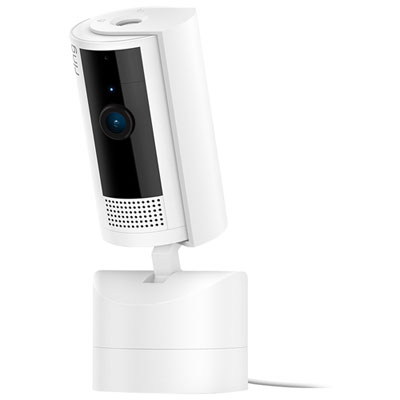
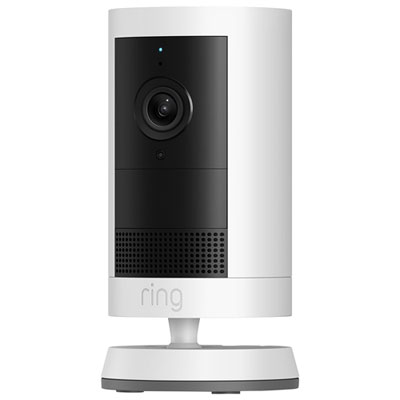
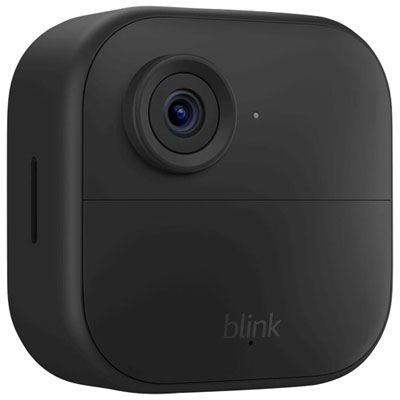
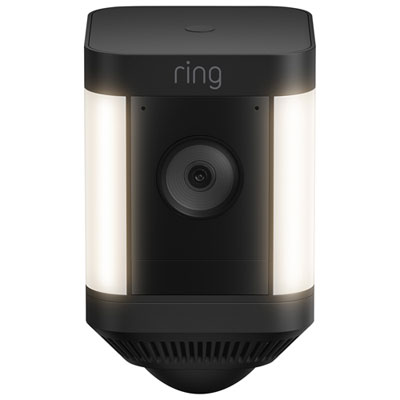
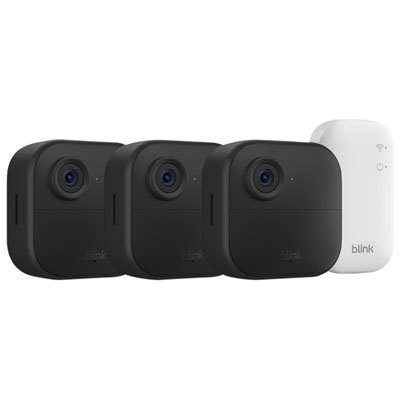
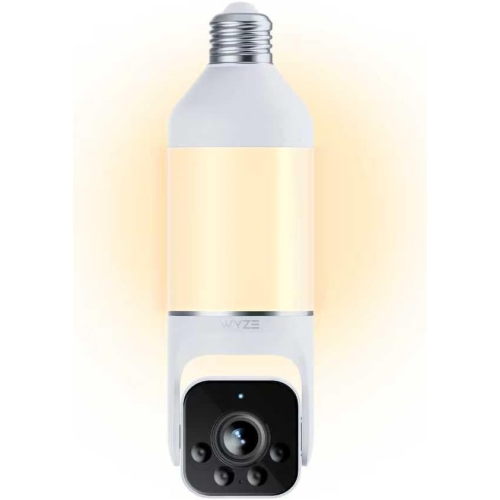
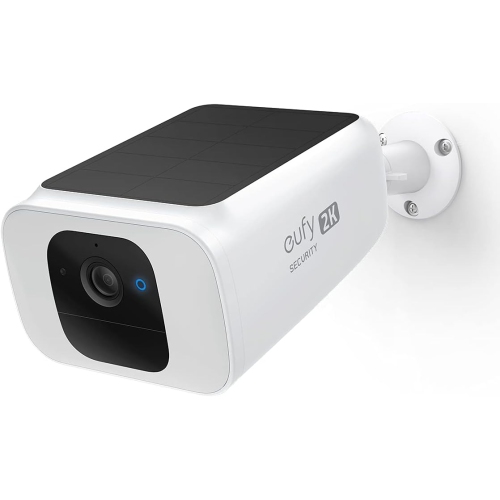
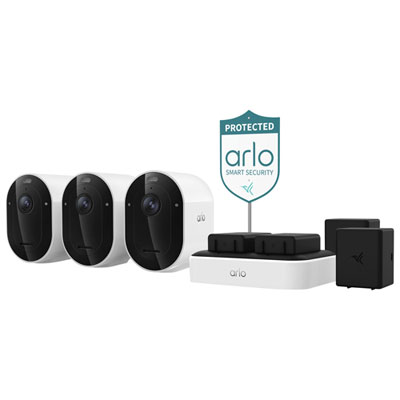

Useful footage depends on more than resolution
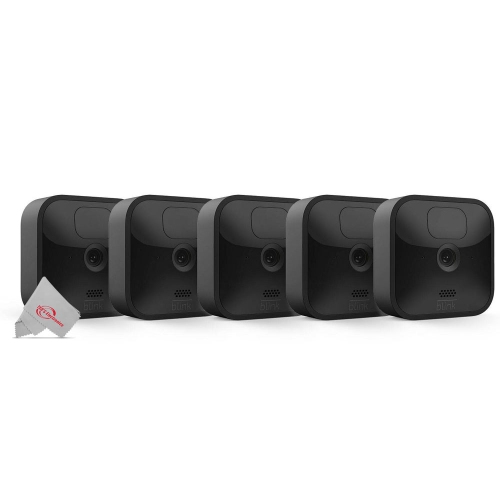
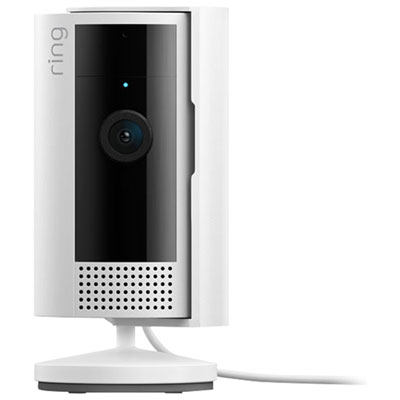
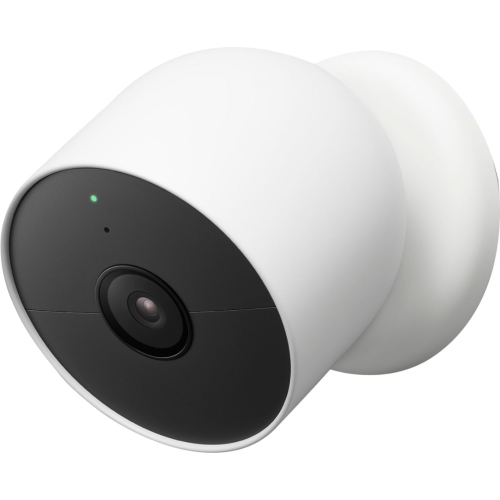
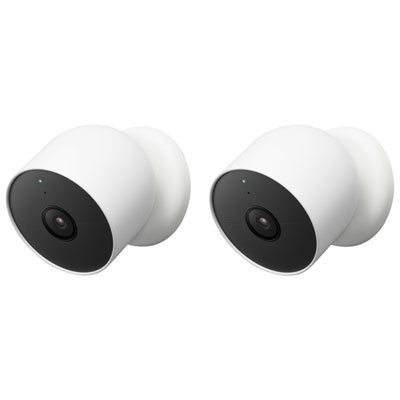
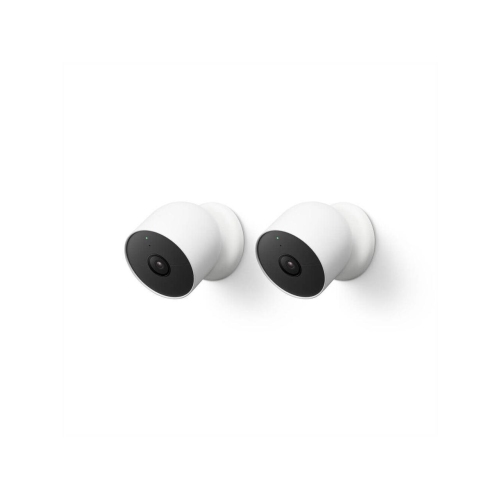
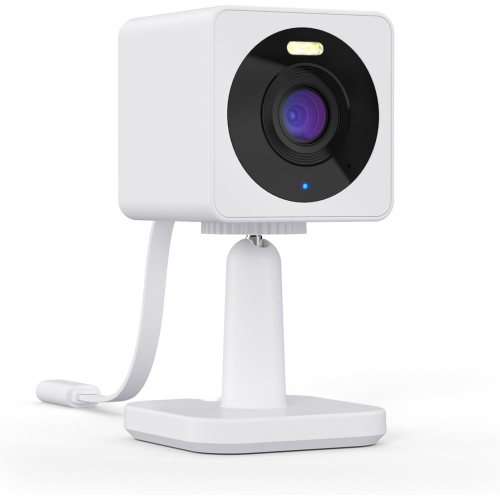
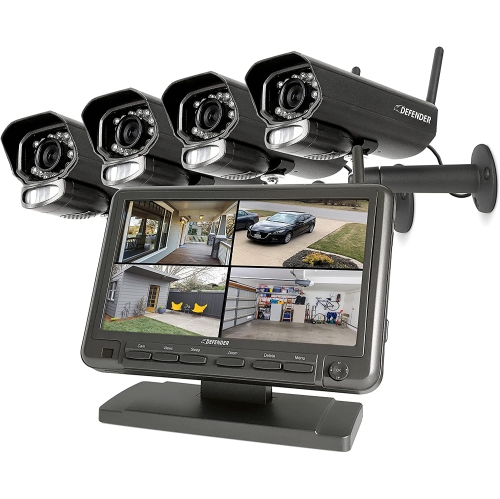
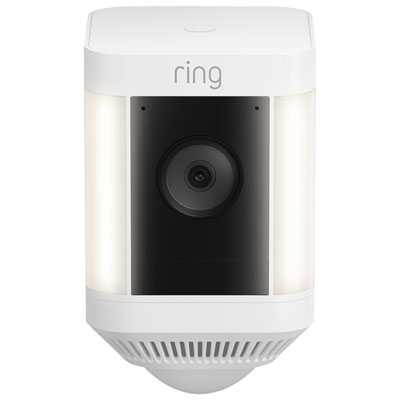
Security cameras provide a view of entrances, rooms, and other areas where knowing what happened can be just as useful as seeing what is happening live. They can help homeowners check a front door, renters keep an eye on an apartment entrance, and small business owners review activity near a reception desk or service counter. Indoor cameras are suited to spaces such as hallways and living rooms, while outdoor cameras have housings and mounting arrangements intended for exterior installation. Doorbell cameras combine an entrance-level view with visitor notifications, and adjustable cameras can cover different parts of a room without being physically repositioned. A compact camera on a shelf may be enough to check whether a dog has settled down, while an entrance overlooking a walkway may benefit from a fixed camera with a carefully framed view. Image resolution is one consideration, with Full HD, 2K, and 4K options offering different levels of detail, but resolution alone does not determine whether footage will be useful. Lens quality, lighting, subject distance, and video compression also affect how clearly faces and objects appear. A wide field of view can show more of a room or driveway, although people near the edge or far from the lens may appear smaller. A narrower view can be more useful when the priority is a particular doorway rather than the whole surrounding area. Night vision supports visibility in low light, with infrared recording commonly producing black-and-white footage and some cameras supporting colour images when sufficient light is present. Built-in lighting can improve visibility at an entrance, but its placement matters around neighbouring windows and shared walkways. The strongest match is a camera whose viewing angle, image quality, and installation position suit the actual space, rather than one chosen on resolution alone.
Power and connectivity influence where security cameras fit and how much ongoing attention they need. Plug-in cameras work well near a suitable outlet and avoid battery charging, although the cable needs a safe route that does not cross a walking area or become pinched behind furniture. Battery-powered cameras offer more flexibility where a power connection is inconvenient, but recording activity, live viewing, and notification settings can affect how often charging is needed. Wireless does not always mean cable-free: a Wi-Fi camera may still require a power cord. Wired network cameras use a physical connection for data, and compatible Power over Ethernet equipment can supply both data and power through one Ethernet cable. For Wi-Fi models, the connection at the installation spot matters more than the signal beside the router. A camera beyond several walls or at the far end of a property may need a different network arrangement from one sitting near the living room television. Compatibility with the household network, mobile devices, and any existing smart home setup also helps determine how smoothly everyday access will work. Motion notifications are useful when they draw attention to meaningful activity rather than every movement in view. Adjustable activity zones can focus detection on a doorway or gate, while supported person, vehicle, or package detection can help distinguish different events. Detection accuracy varies with placement and the scene, so these features are best treated as useful filters rather than guarantees. Two-way audio lets someone speak with a visitor or respond to activity through the camera, with microphone and speaker performance affecting how clearly the exchange can be heard. For households with several users, shared access and individual permissions can make it easier to check an entrance without sharing a single account password. Accessible controls, clear notifications, and a straightforward live view can matter as much as an extensive feature list, particularly when several family members will use the same camera.
Recording and storage determine what remains available after an alert has passed. Event-based recording saves clips when activity is detected, while supported continuous recording provides a broader timeline that can include the moments before and after an incident. Local storage may use a compatible memory card or a separate recorder; cloud storage keeps supported recordings remotely through an internet connection. Storage capacity, video quality, and recording frequency affect how much history can be retained, and some setups replace older footage automatically as space fills. Remote access, recording history, and advanced detection features can depend on the camera’s service requirements, so those details are worth considering alongside the hardware. For coordinated coverage of several entrances or rooms, Home Security Camera Systems bring multiple cameras and compatible recording components into a more unified setup. Expandability matters when another view may be needed later, since cameras and recorders are not universally interchangeable. Physical construction deserves attention too: plastic and metal housings differ in weight and finish, and mounts need to suit both the camera and the installation surface. Secure positioning reduces unwanted movement and helps keep the intended area in frame. Renters may need permission before attaching hardware, while exterior installations benefit from equipment explicitly rated for that use and appropriately protected connections. Routine care is generally straightforward, with gentle lens cleaning according to the manufacturer’s directions and occasional checks that mounts and cables remain secure. Privacy is part of a useful setup, especially in shared homes and closely spaced properties. Privacy zones, recording schedules, and lens covers, where supported, offer different ways to limit capture. Framing should respect neighbouring spaces, and audio recording requires attention to applicable privacy rules. Strong account credentials, two-factor authentication where supported, and software updates help protect access to footage. Together, suitable coverage, dependable recording, and manageable day-to-day controls make security cameras more useful for the people and places they are intended to support.
Power and connectivity influence where security cameras fit and how much ongoing attention they need. Plug-in cameras work well near a suitable outlet and avoid battery charging, although the cable needs a safe route that does not cross a walking area or become pinched behind furniture. Battery-powered cameras offer more flexibility where a power connection is inconvenient, but recording activity, live viewing, and notification settings can affect how often charging is needed. Wireless does not always mean cable-free: a Wi-Fi camera may still require a power cord. Wired network cameras use a physical connection for data, and compatible Power over Ethernet equipment can supply both data and power through one Ethernet cable. For Wi-Fi models, the connection at the installation spot matters more than the signal beside the router. A camera beyond several walls or at the far end of a property may need a different network arrangement from one sitting near the living room television. Compatibility with the household network, mobile devices, and any existing smart home setup also helps determine how smoothly everyday access will work. Motion notifications are useful when they draw attention to meaningful activity rather than every movement in view. Adjustable activity zones can focus detection on a doorway or gate, while supported person, vehicle, or package detection can help distinguish different events. Detection accuracy varies with placement and the scene, so these features are best treated as useful filters rather than guarantees. Two-way audio lets someone speak with a visitor or respond to activity through the camera, with microphone and speaker performance affecting how clearly the exchange can be heard. For households with several users, shared access and individual permissions can make it easier to check an entrance without sharing a single account password. Accessible controls, clear notifications, and a straightforward live view can matter as much as an extensive feature list, particularly when several family members will use the same camera.
Recording and storage determine what remains available after an alert has passed. Event-based recording saves clips when activity is detected, while supported continuous recording provides a broader timeline that can include the moments before and after an incident. Local storage may use a compatible memory card or a separate recorder; cloud storage keeps supported recordings remotely through an internet connection. Storage capacity, video quality, and recording frequency affect how much history can be retained, and some setups replace older footage automatically as space fills. Remote access, recording history, and advanced detection features can depend on the camera’s service requirements, so those details are worth considering alongside the hardware. For coordinated coverage of several entrances or rooms, Home Security Camera Systems bring multiple cameras and compatible recording components into a more unified setup. Expandability matters when another view may be needed later, since cameras and recorders are not universally interchangeable. Physical construction deserves attention too: plastic and metal housings differ in weight and finish, and mounts need to suit both the camera and the installation surface. Secure positioning reduces unwanted movement and helps keep the intended area in frame. Renters may need permission before attaching hardware, while exterior installations benefit from equipment explicitly rated for that use and appropriately protected connections. Routine care is generally straightforward, with gentle lens cleaning according to the manufacturer’s directions and occasional checks that mounts and cables remain secure. Privacy is part of a useful setup, especially in shared homes and closely spaced properties. Privacy zones, recording schedules, and lens covers, where supported, offer different ways to limit capture. Framing should respect neighbouring spaces, and audio recording requires attention to applicable privacy rules. Strong account credentials, two-factor authentication where supported, and software updates help protect access to footage. Together, suitable coverage, dependable recording, and manageable day-to-day controls make security cameras more useful for the people and places they are intended to support.
Top selling and popular products
-
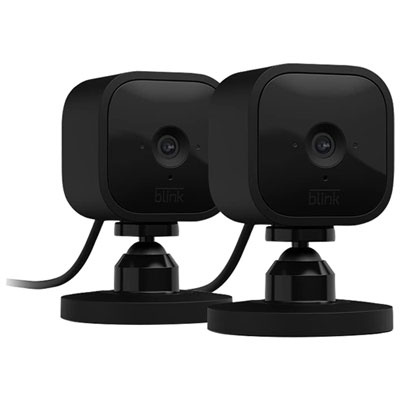 Your price for this item is $59.99
-
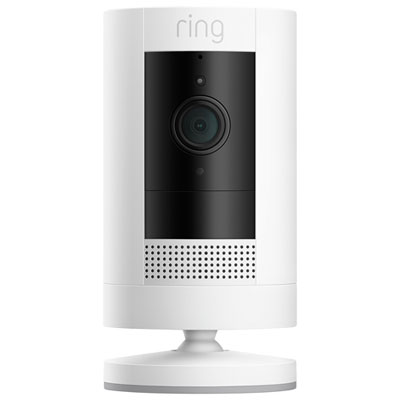 Your price for this item is $109.99
-
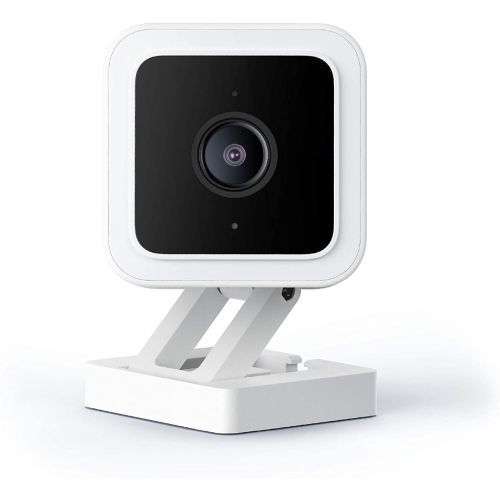 Your price for this item is $95.99
-
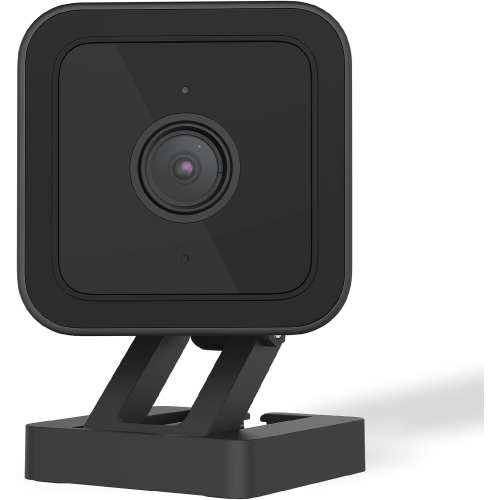 Your price for this item is $89.49
-
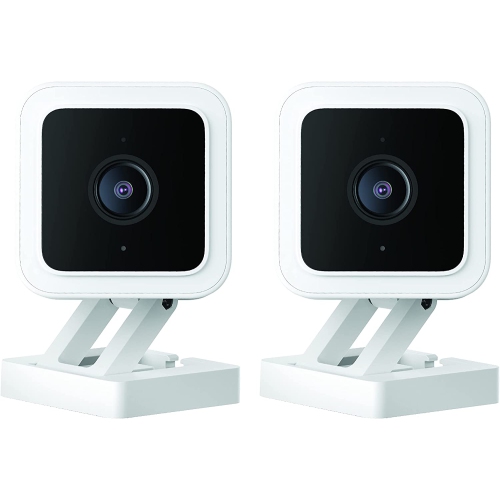 Your price for this item is $97.99
-
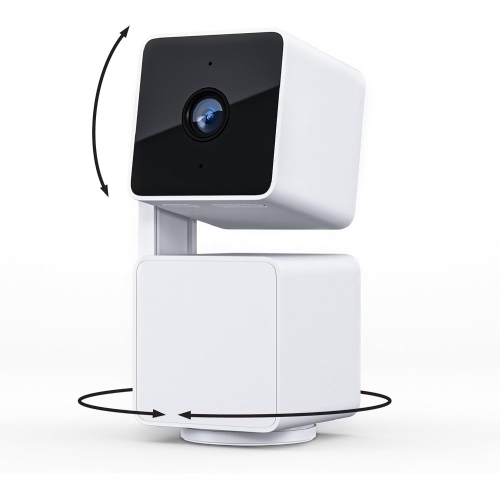 Your price for this item is $107.49
-
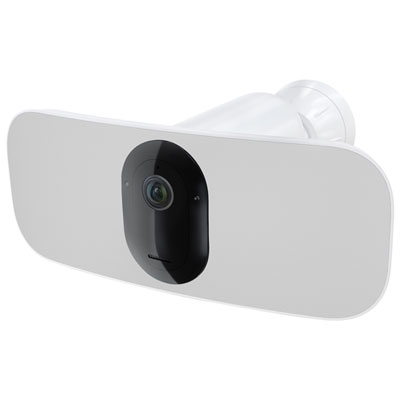 Your price for this item is $329.95
-
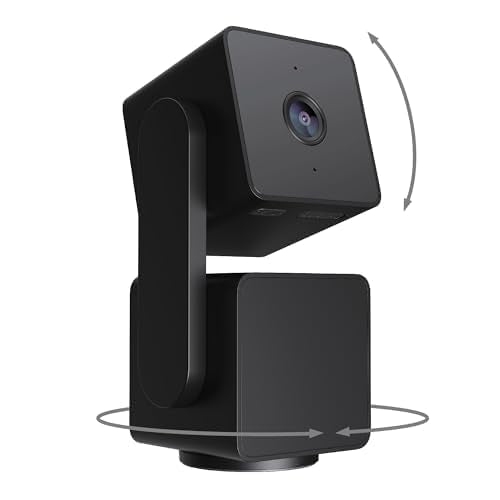 Your price for this item is $96.49
Discover more categories related to Security Cameras

Top Collections:
Best Black Friday Deals This Year, Best Black Friday Deals On Electronics, Kindle Devices, Pokemon Centers, Best Black Friday Deals On Apple Products, Best Cameras for Sports Photography, Dyson Airwrap, Pokémon 30th Celebration Cards, Apple iPhone 17 Pro, Canon G7X Cameras
Some products may be subject to Environmental Handling Fees
(EHF) depending on your province.
Learn more about EHFs.