SFP Cables
If you're looking to connect your devices with high-speed data transfer capabilities, look no further than this selection of SFP cables. These versatile cables are essential for networking and can be used in a variety of settings, from small businesses to large enterprises. Whether you need to connect switches, routers, or other network equipment, this range of SFP cables has got you covered. With their reliable performance and durability, you can trust these cables to deliver fast and secure data transmission. Explore this collection and find the perfect SFP cable to meet your networking needs today.
Sort



Compatibility and distance shape every reliable network connection
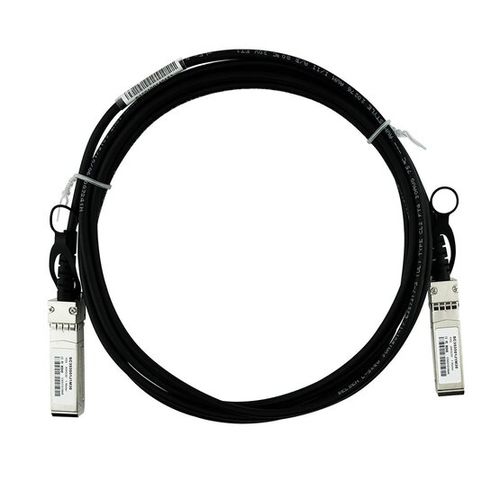
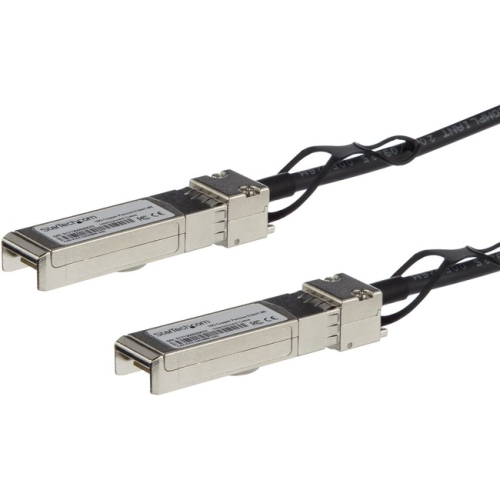
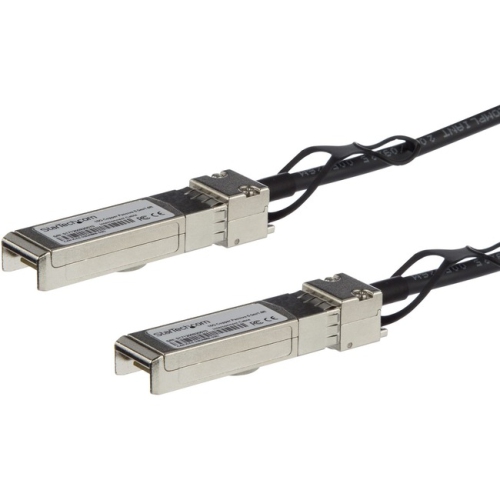
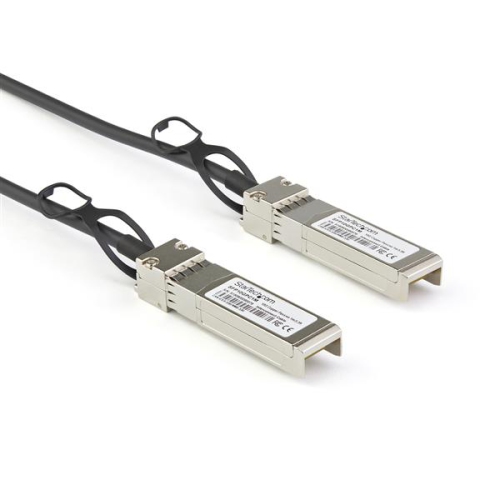
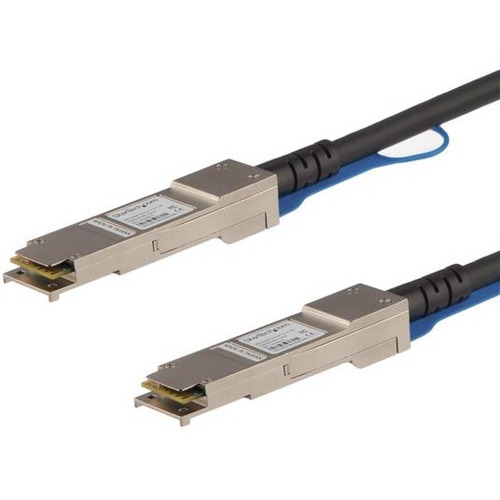
SFP cables are compact, pre-terminated network cables designed to connect compatible switches, servers, routers, storage systems, and other networking equipment through SFP or SFP+ ports. Unlike a conventional Ethernet cable that plugs directly into an RJ-45 port, an SFP cable has a small pluggable transceiver built into each end, allowing it to seat directly into the matching port on network hardware. They are commonly used in equipment racks, server rooms, home labs, small businesses, and high-performance workspaces where dependable links between nearby devices are important. SFP generally refers to Small Form-factor Pluggable connectivity and is often associated with speeds up to 1 Gbps, while SFP+ is a related format commonly used for links up to 10 Gbps. The ports can look very similar, so checking the speed rating and specifications of both connected devices is essential before making a purchase. These cables are especially useful when a switch needs to communicate with a server, when a storage unit must transfer large files quickly, or when several pieces of network equipment are mounted close together in the same rack. A properly matched cable can help keep the installation tidy, reduce excess cable around equipment, and create a direct connection that is well suited to demanding file transfers, backups, virtual machines, surveillance footage, and other data-heavy tasks. For anyone building a home lab, upgrading a small office network, or giving a technology enthusiast a practical addition to their setup, SFP cables can be a thoughtful choice when the recipient already has compatible equipment and an available port.
The main types of SFP cables are passive Direct Attach Copper, active Direct Attach Copper, and Active Optical Cable. Passive copper cables use twinax copper wiring without signal-boosting electronics and are generally best for short connections within the same rack or between equipment positioned close together. For many installations, passive cables are most suitable at distances under 5 metres, where their straightforward design and low power requirements fit the job well. Active copper cables include electronic components that help maintain the signal over a longer run, often reaching approximately 10 metres depending on the cable and equipment specifications. Active Optical Cables use fibre optic technology and built-in transceivers to support longer connections, with many options designed for runs of roughly 30 metres or more. They can also be lighter and thinner than comparable copper assemblies, which can make routing easier when a rack is crowded or equipment is installed in separate cabinets. Cable length deserves careful attention: a cable that is too short may place strain on ports or make rack servicing difficult, while an unnecessarily long cable can leave loops that obstruct airflow and complicate troubleshooting. Measure the actual path between the ports, including the route along a rack or cable-management arm, and leave enough slack for normal maintenance without creating a large coil. It is also important to confirm connector orientation, supported data rate, and whether the cable is passive copper, active copper, or optical before ordering. A cable intended for a short same-rack connection is not automatically the right choice for a run across a room, and a higher-rated cable cannot make an incompatible port operate beyond its designed capability. When a longer connection is required, separate modular transceivers and fibre patch cables may offer greater flexibility than a fixed SFP cable, particularly in installations that may be rearranged later. For additional options when a modular approach is more appropriate, browse Sfp+ Transceivers and compare the requirements of the connected devices.
Compatibility is one of the most important considerations when selecting SFP cables. Network equipment can check the coding and identification information stored in a cable’s transceivers, and some switches, routers, and servers may accept only approved coding or may display a warning when the coding does not match their requirements. Before buying, review the manufacturer’s compatibility list for each device, confirm whether the port is SFP or SFP+, and check the supported speed, cable type, maximum distance, and operating conditions. It is also worth verifying whether the equipment requires a particular vendor-coded assembly, especially in managed business networks where a link may be disabled if the transceiver is not recognized. The two devices being connected should support the same standard and a compatible speed; a 1 Gbps SFP port and a 10 Gbps SFP+ port may share a similar physical shape but are not interchangeable in every application. Think of the cable as part of a complete link rather than an isolated accessory: the switch, server or storage device, port configuration, transceiver coding, distance, and cable construction all need to work together. In a quiet home office, an SFP cable may provide a fast connection between a compact switch and a network-attached storage unit, making large photo libraries or video projects easier to access. In a business setting, it can connect rack-mounted equipment while keeping the network layout organised and easy to service. During cooler months, when indoor workspaces and home projects often become more active, it can also be a useful addition for someone refining a home lab or learning network administration. Check the specifications carefully, choose the shortest suitable length, and select passive copper, active copper, or active optical construction according to the distance and layout of the installation.
The main types of SFP cables are passive Direct Attach Copper, active Direct Attach Copper, and Active Optical Cable. Passive copper cables use twinax copper wiring without signal-boosting electronics and are generally best for short connections within the same rack or between equipment positioned close together. For many installations, passive cables are most suitable at distances under 5 metres, where their straightforward design and low power requirements fit the job well. Active copper cables include electronic components that help maintain the signal over a longer run, often reaching approximately 10 metres depending on the cable and equipment specifications. Active Optical Cables use fibre optic technology and built-in transceivers to support longer connections, with many options designed for runs of roughly 30 metres or more. They can also be lighter and thinner than comparable copper assemblies, which can make routing easier when a rack is crowded or equipment is installed in separate cabinets. Cable length deserves careful attention: a cable that is too short may place strain on ports or make rack servicing difficult, while an unnecessarily long cable can leave loops that obstruct airflow and complicate troubleshooting. Measure the actual path between the ports, including the route along a rack or cable-management arm, and leave enough slack for normal maintenance without creating a large coil. It is also important to confirm connector orientation, supported data rate, and whether the cable is passive copper, active copper, or optical before ordering. A cable intended for a short same-rack connection is not automatically the right choice for a run across a room, and a higher-rated cable cannot make an incompatible port operate beyond its designed capability. When a longer connection is required, separate modular transceivers and fibre patch cables may offer greater flexibility than a fixed SFP cable, particularly in installations that may be rearranged later. For additional options when a modular approach is more appropriate, browse Sfp+ Transceivers and compare the requirements of the connected devices.
Compatibility is one of the most important considerations when selecting SFP cables. Network equipment can check the coding and identification information stored in a cable’s transceivers, and some switches, routers, and servers may accept only approved coding or may display a warning when the coding does not match their requirements. Before buying, review the manufacturer’s compatibility list for each device, confirm whether the port is SFP or SFP+, and check the supported speed, cable type, maximum distance, and operating conditions. It is also worth verifying whether the equipment requires a particular vendor-coded assembly, especially in managed business networks where a link may be disabled if the transceiver is not recognized. The two devices being connected should support the same standard and a compatible speed; a 1 Gbps SFP port and a 10 Gbps SFP+ port may share a similar physical shape but are not interchangeable in every application. Think of the cable as part of a complete link rather than an isolated accessory: the switch, server or storage device, port configuration, transceiver coding, distance, and cable construction all need to work together. In a quiet home office, an SFP cable may provide a fast connection between a compact switch and a network-attached storage unit, making large photo libraries or video projects easier to access. In a business setting, it can connect rack-mounted equipment while keeping the network layout organised and easy to service. During cooler months, when indoor workspaces and home projects often become more active, it can also be a useful addition for someone refining a home lab or learning network administration. Check the specifications carefully, choose the shortest suitable length, and select passive copper, active copper, or active optical construction according to the distance and layout of the installation.
Top selling and popular products
-
 Your price for this item is $137.68
 -
 Your price for this item is $24.95
 -
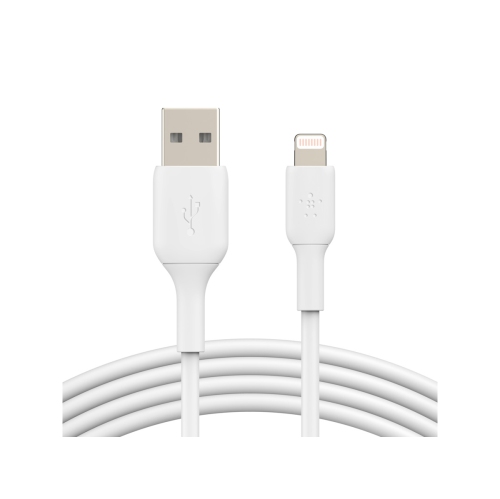 Your price for this item is $33.99
 -
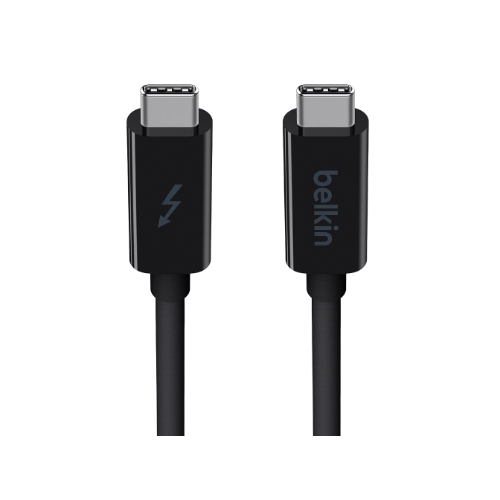 Your price for this item is $48.99
 -
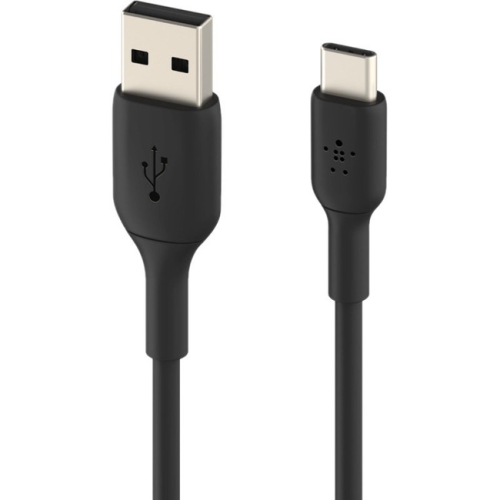 Your price for this item is $29.37
 -
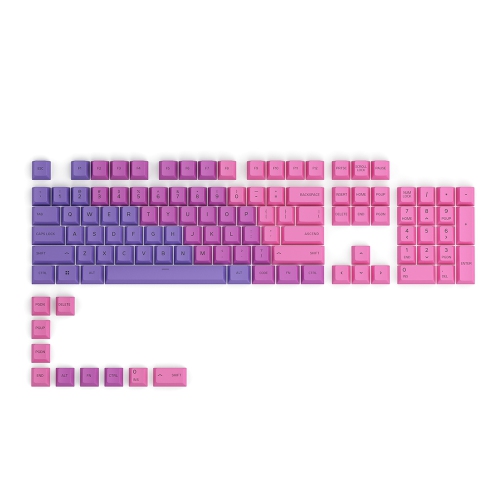 Your price for this item is $42.68
 -
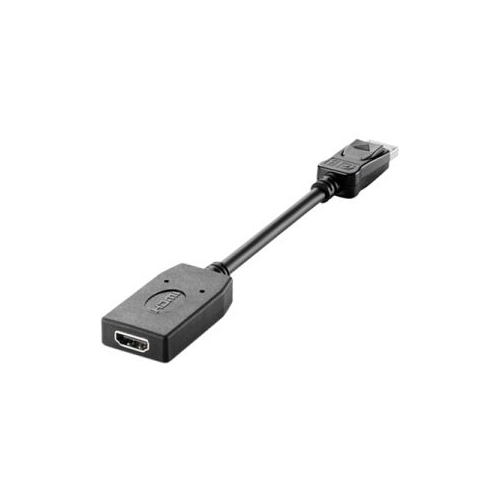 Your price for this item is $41.68
 -
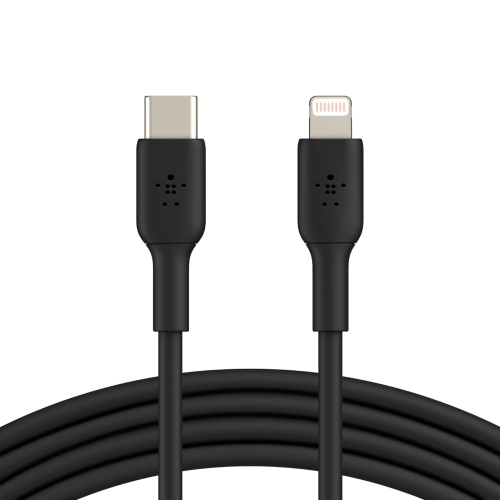 Your price for this item is $32.99
Discover more categories related to SFP Cables
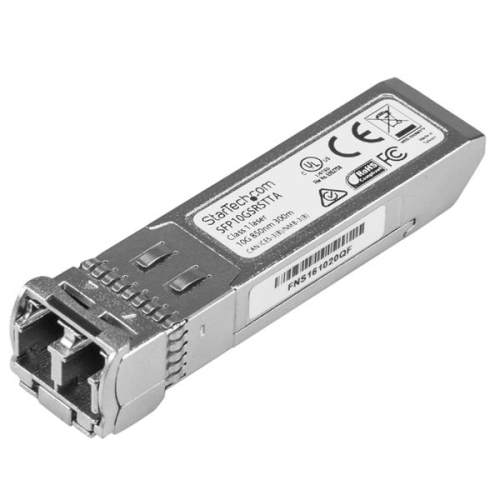

Top Collections:
Pokemon Centers, Best Camera Tripods Under $100, Vlogging Cameras for Beginners, Kindle Devices, Best Electric Toothbrushes Under $100, Portable Solar Power Stations for Emergency, Best Wrist Fitness Trackers, Samsung Z Fold, Back To School Wireless Presentation Clickers, Canon G7X Cameras
Some products may be subject to Environmental Handling Fees
(EHF) depending on your province.
Learn more about EHFs.