Silent Switch Keyboards
Looking for a quieter typing experience? Silent switch keyboards are the perfect solution for those seeking a more discreet and noise-free option. These keyboards utilize advanced technology to minimize key noise while still providing a satisfying typing feel. Whether you're working in a shared space, attending virtual meetings, or simply prefer a quieter environment, silent switch keyboards offer the ideal blend of performance and tranquility. Discover a range of options designed to enhance your typing experience without disrupting those around you.
Sort
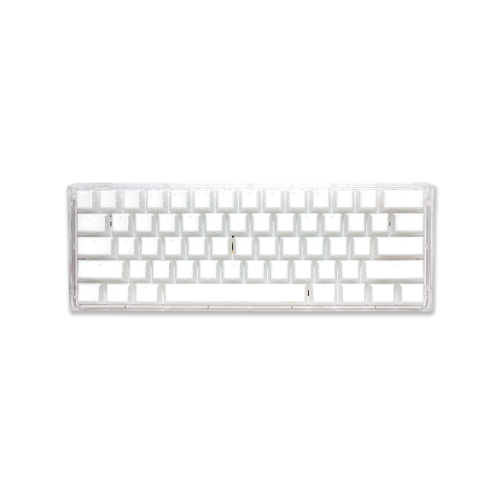
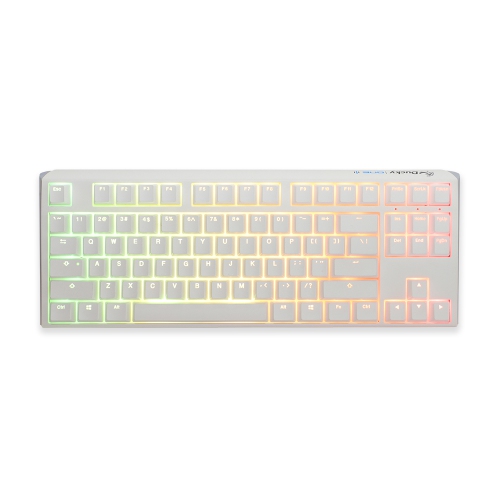
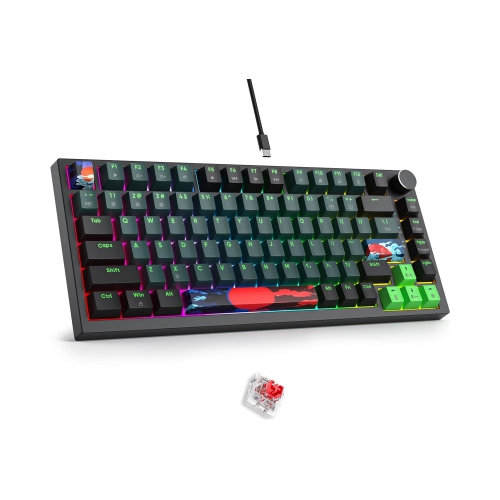

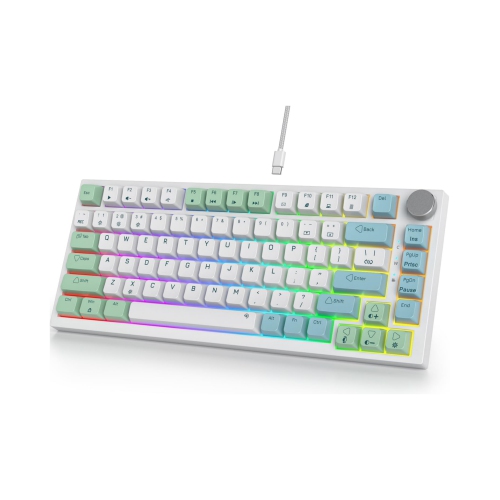

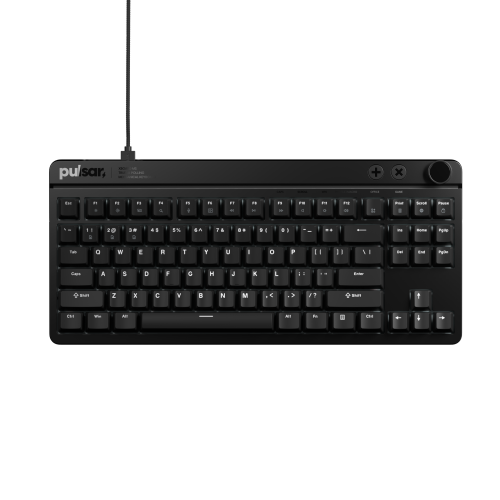
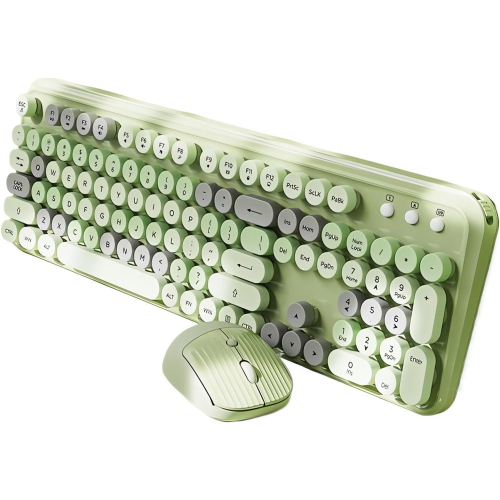
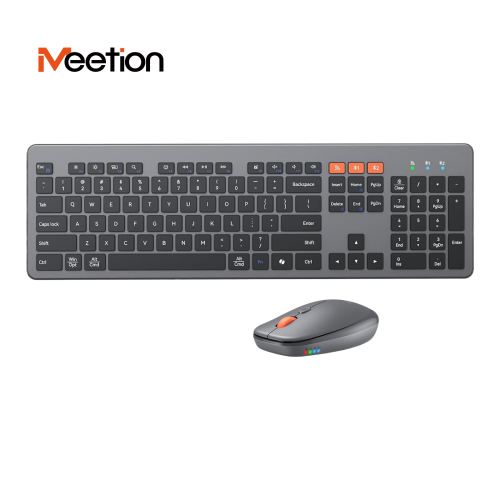
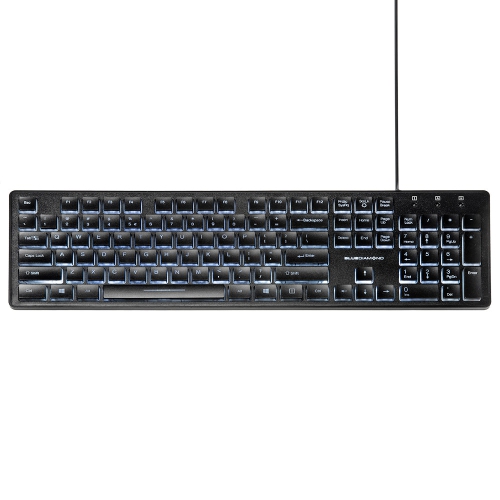

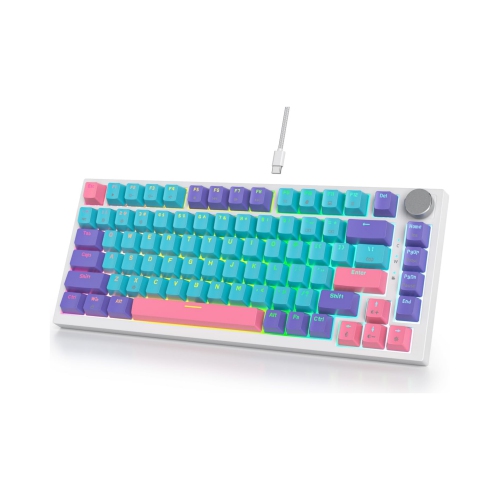

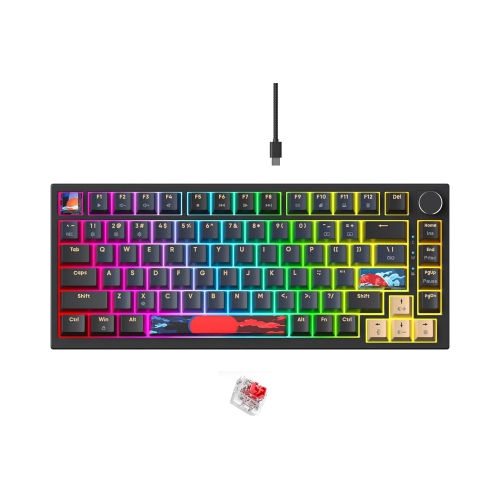
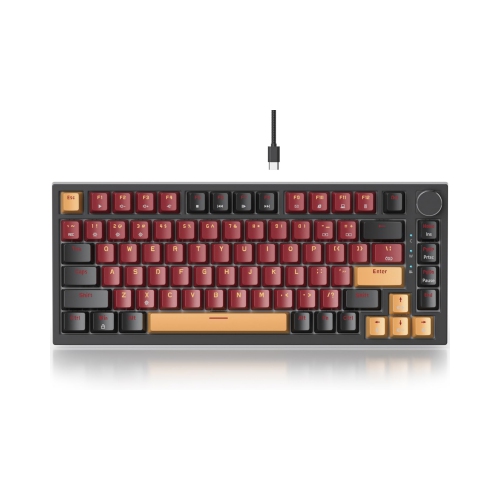
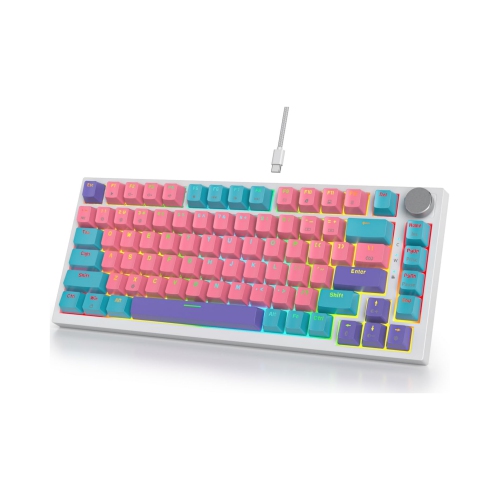
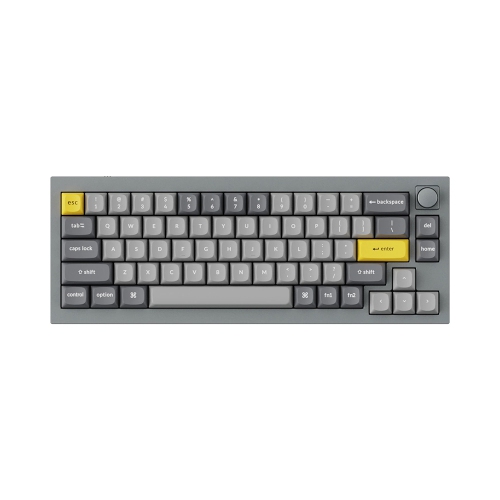
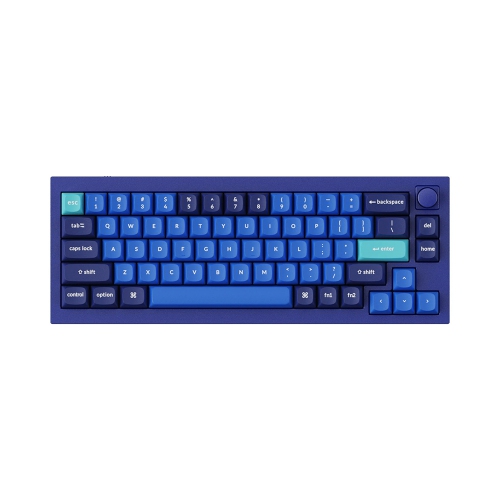
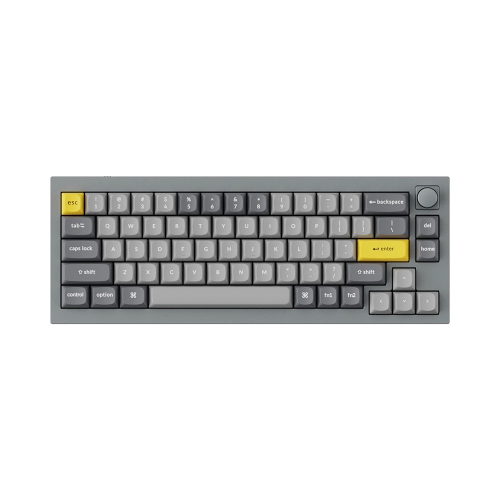
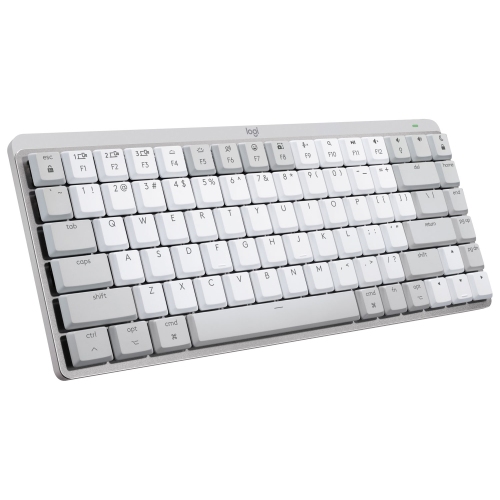
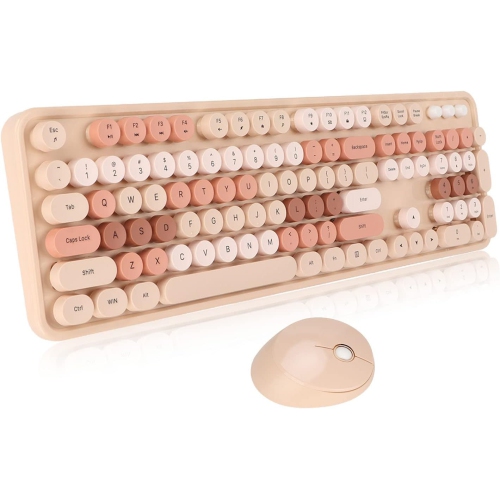
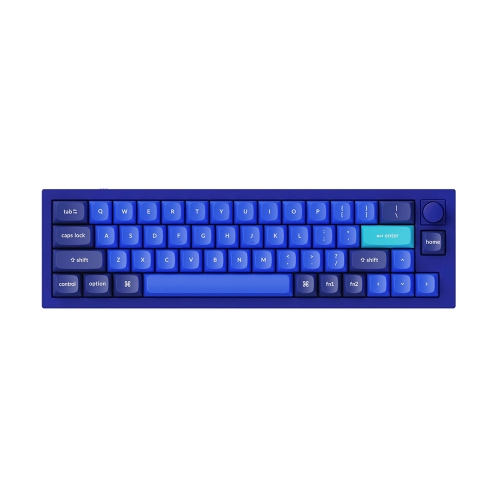
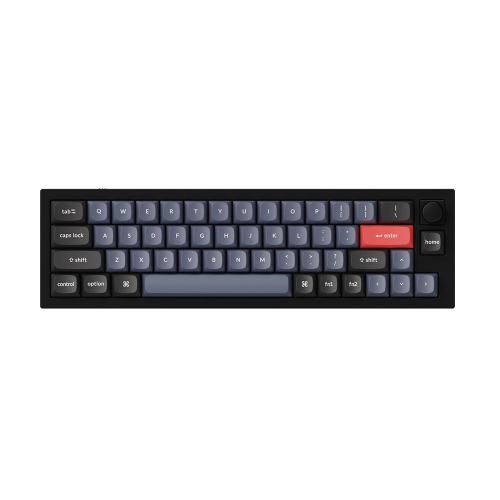
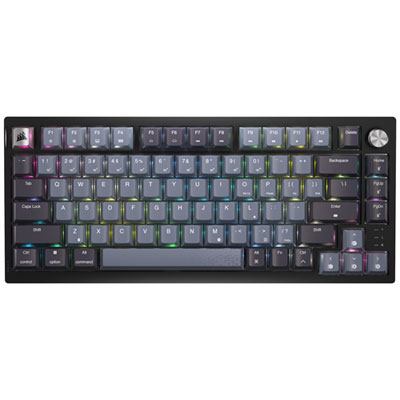

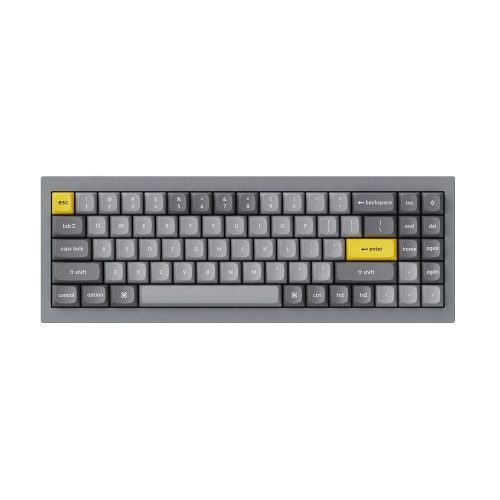
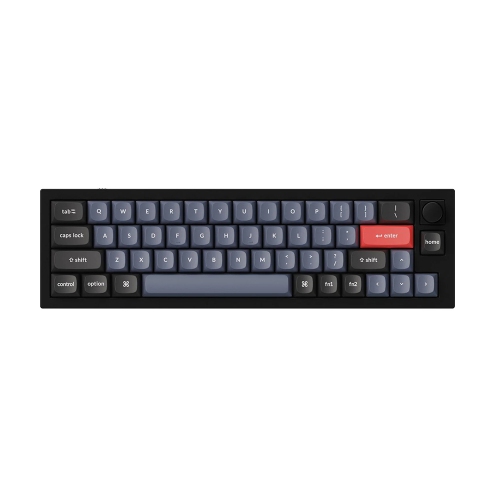
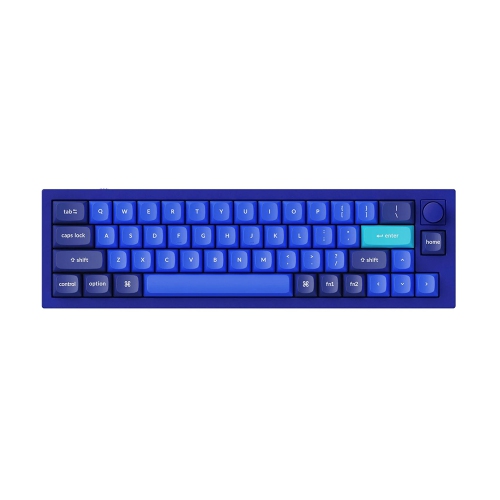
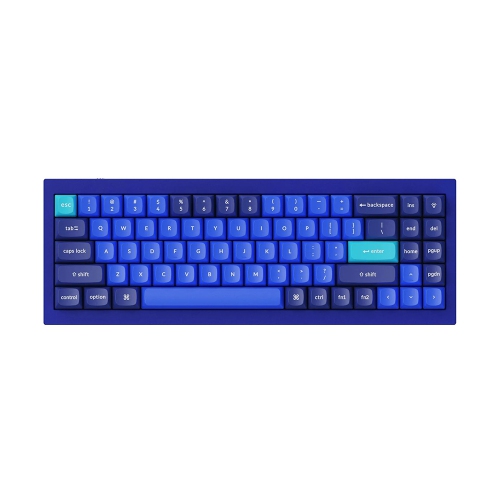
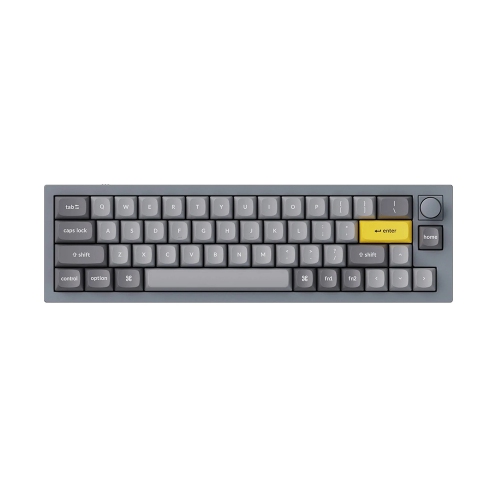
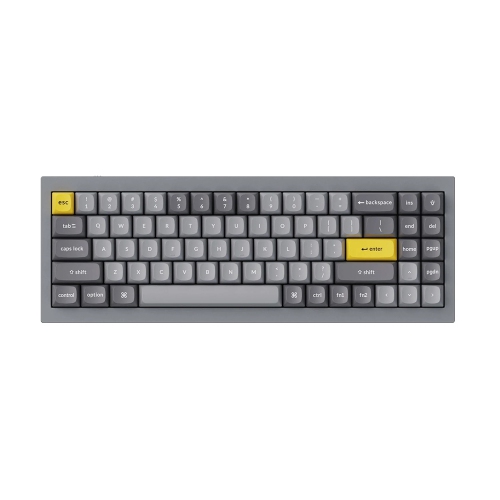
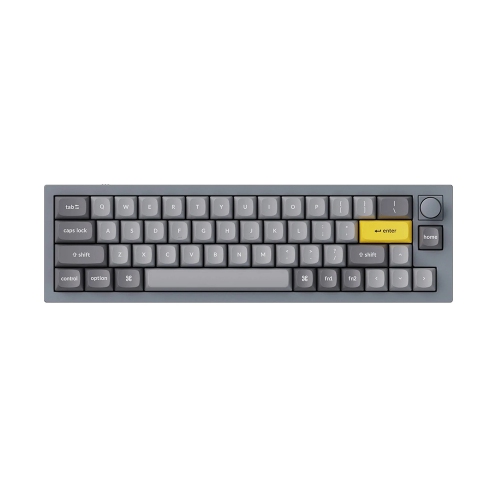
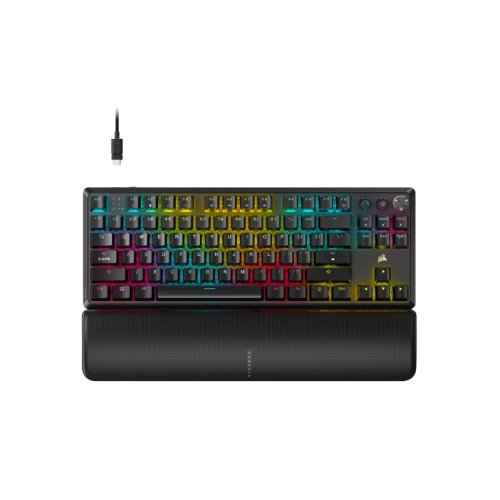
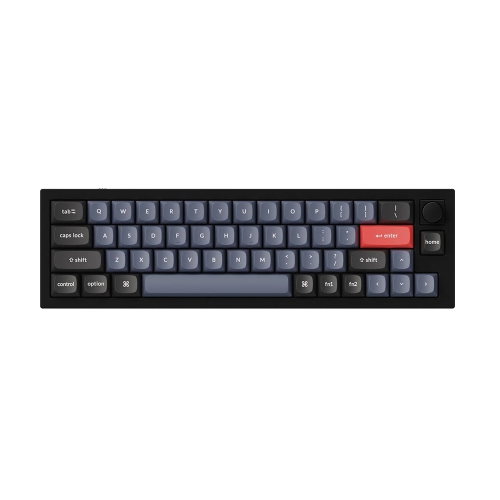
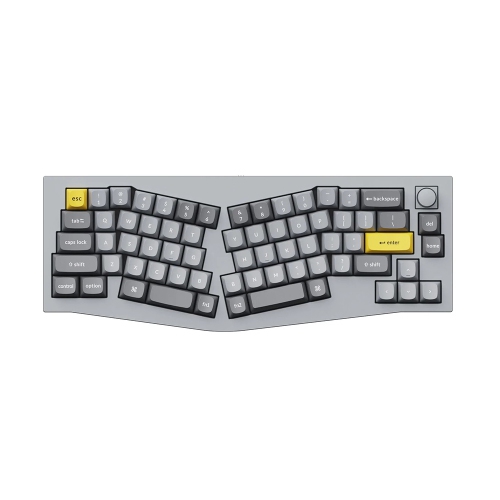
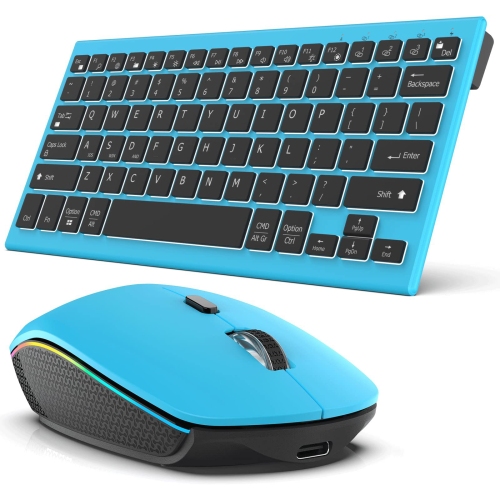
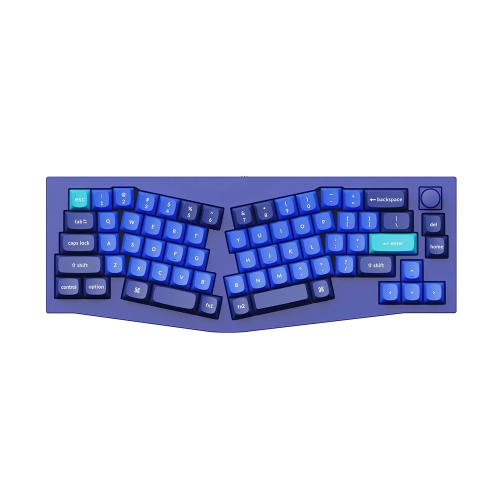
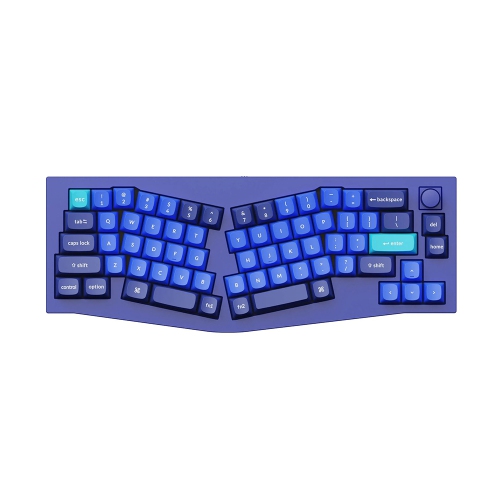
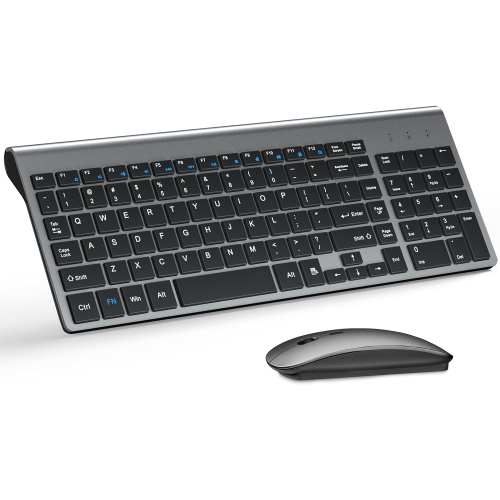
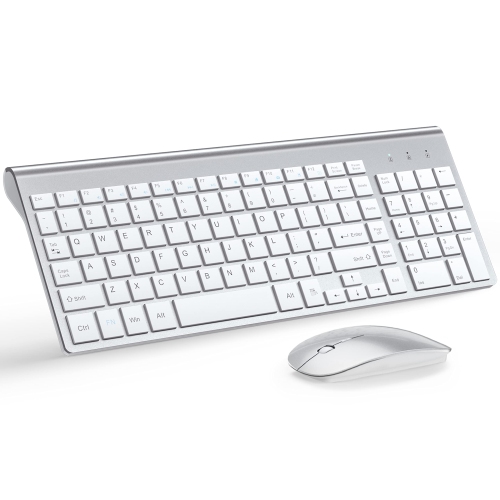
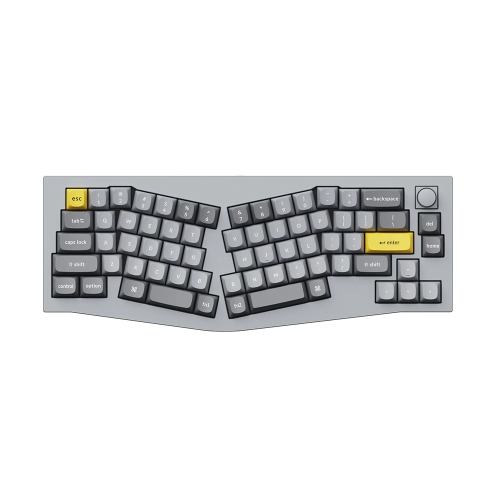

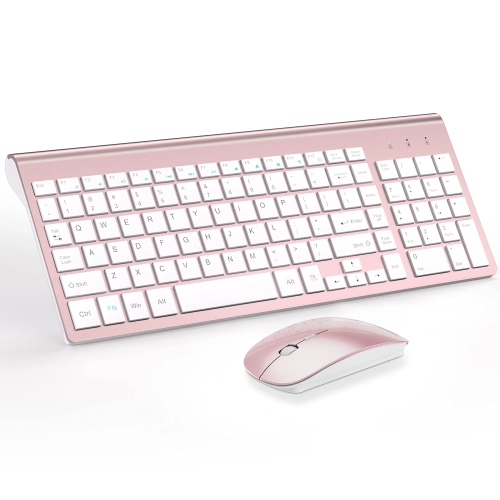
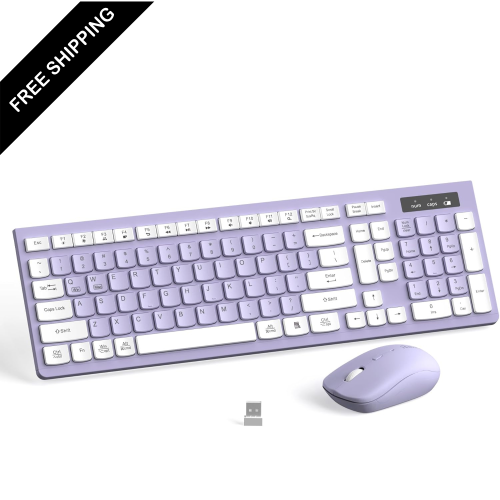
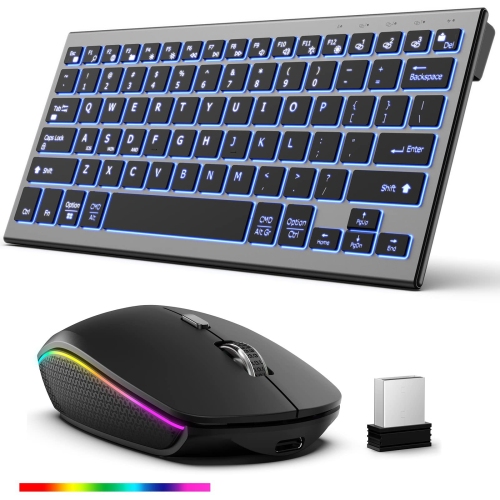
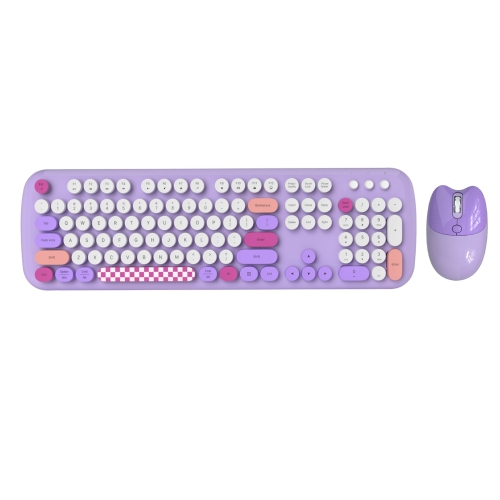



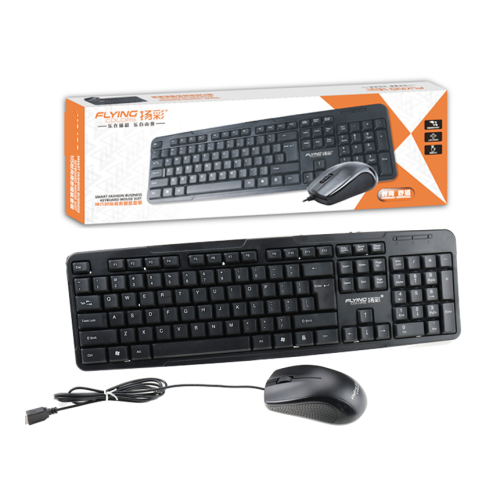

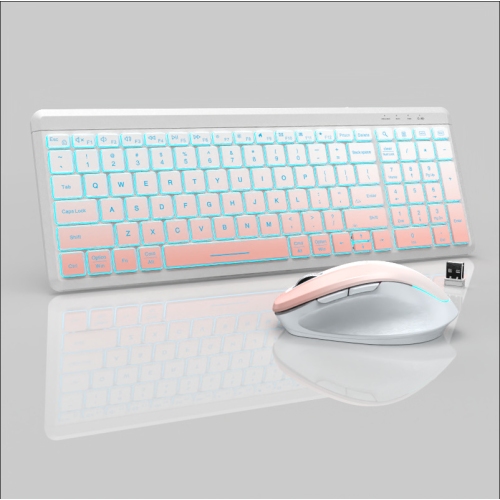

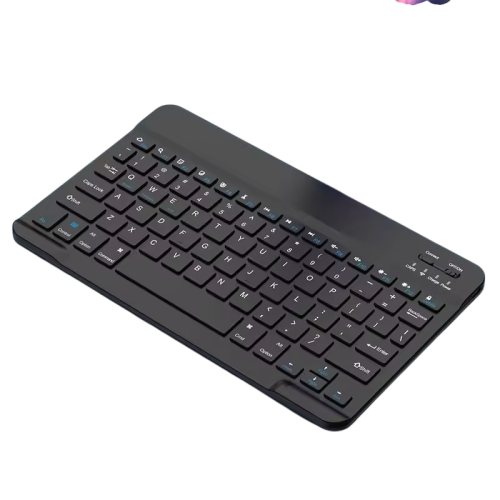
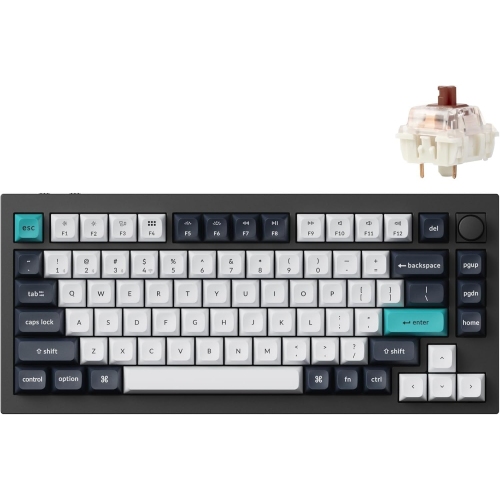
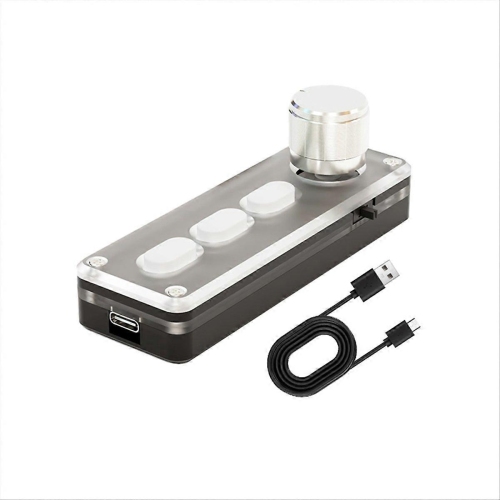
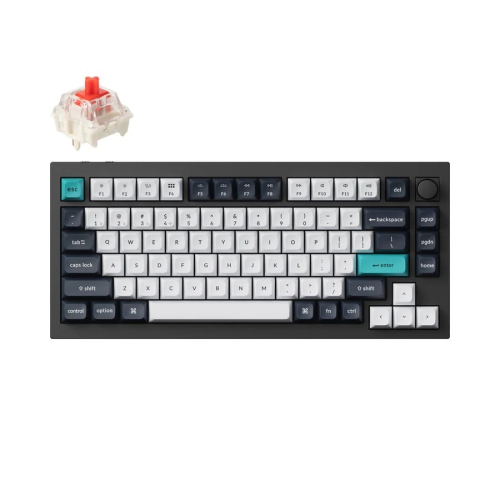
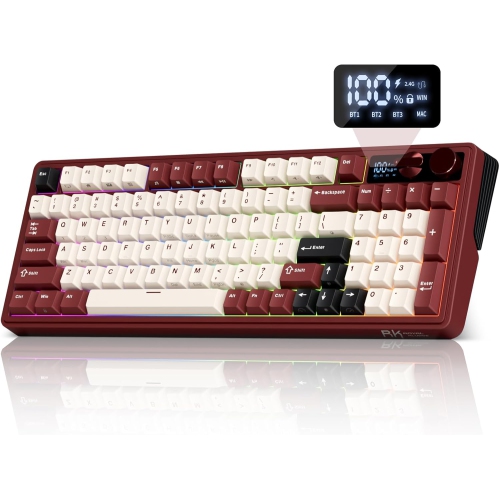
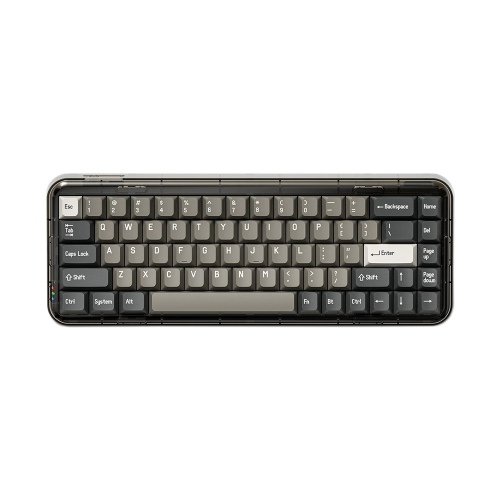
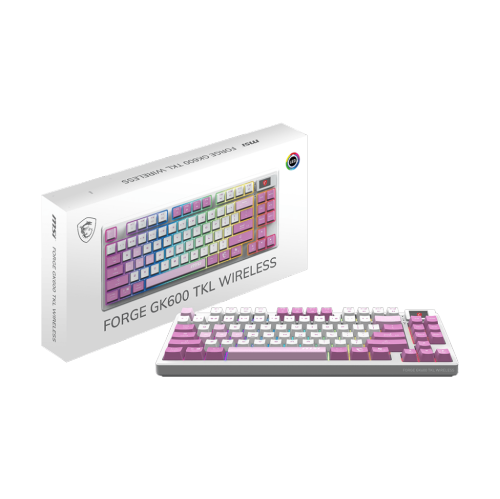
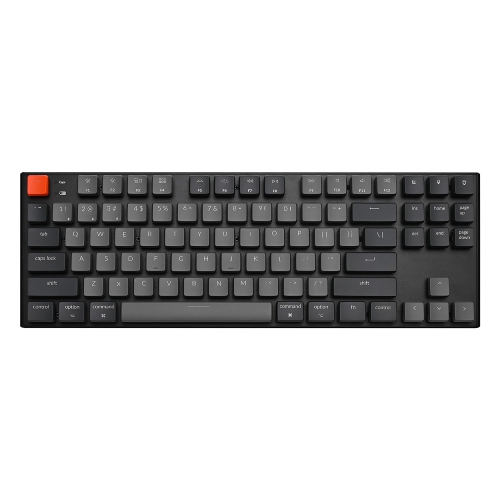
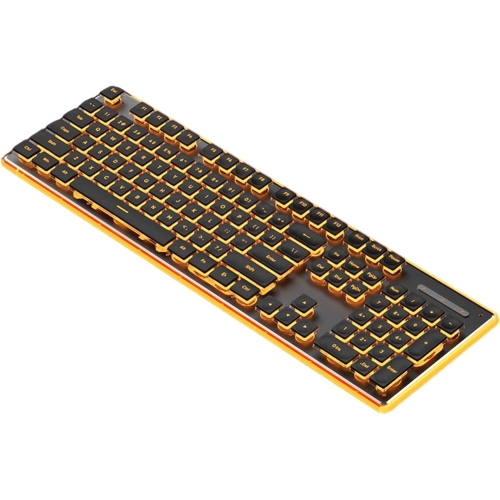
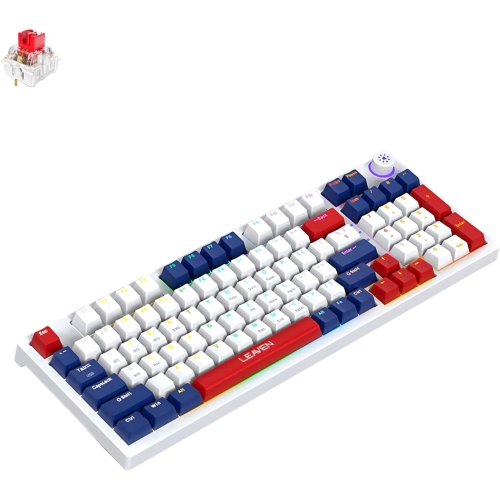
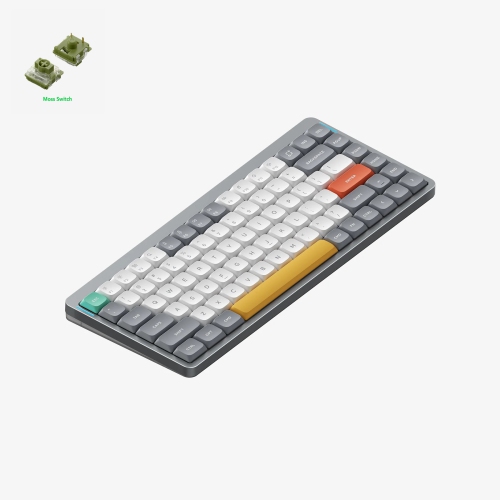
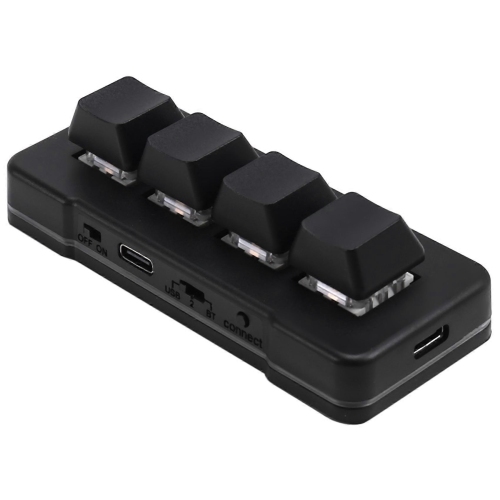
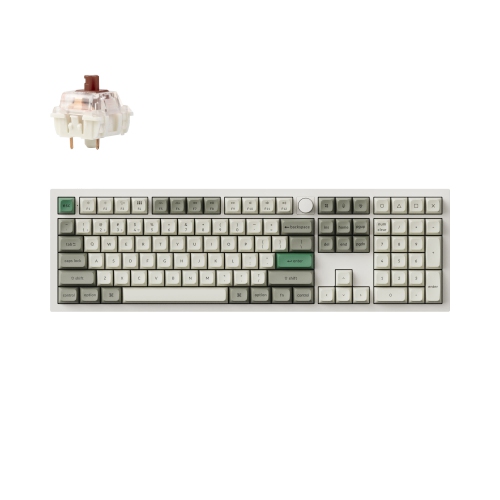
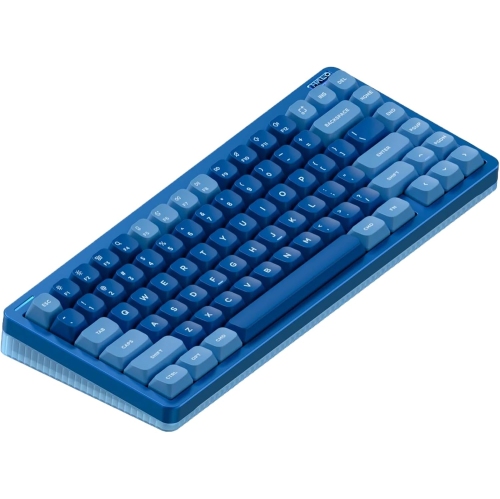



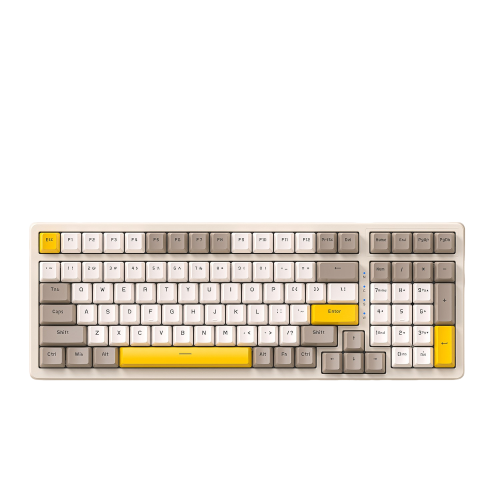
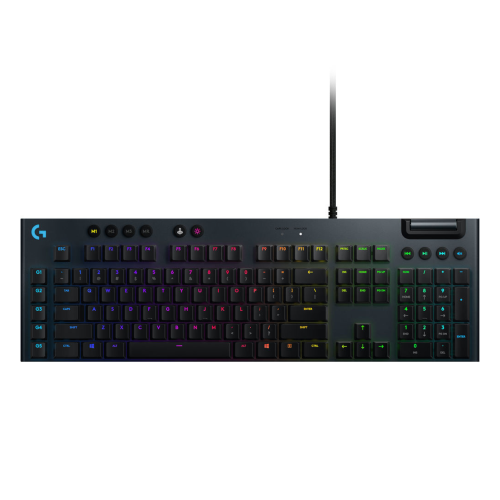
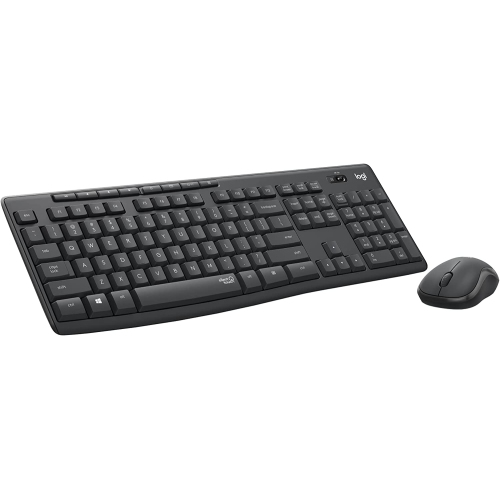
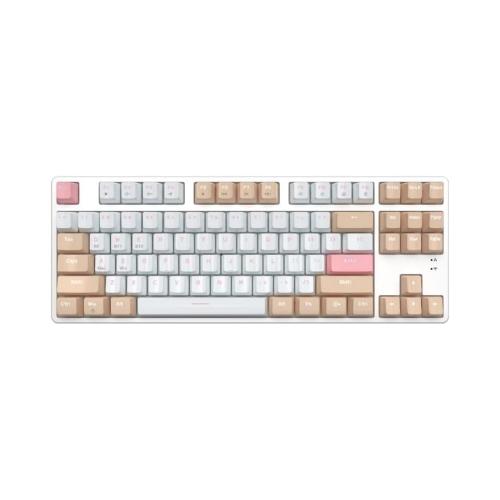
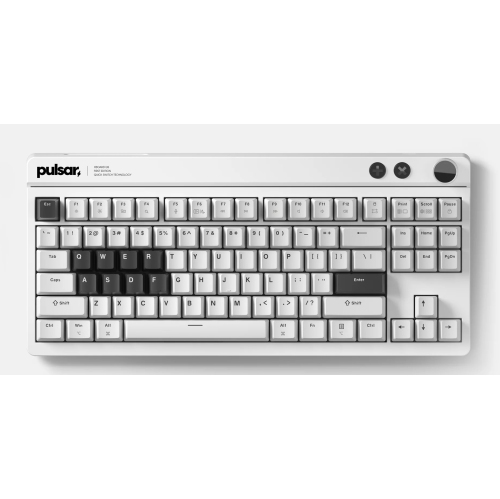
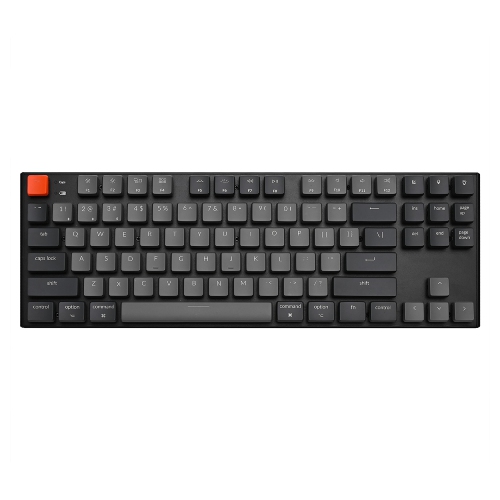
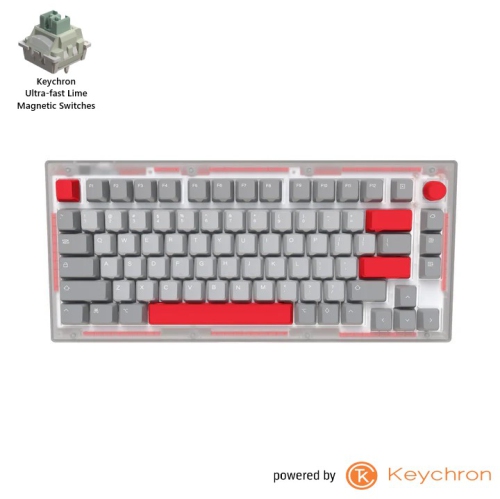
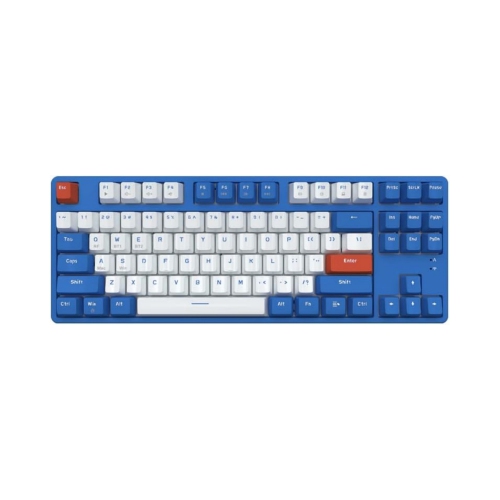
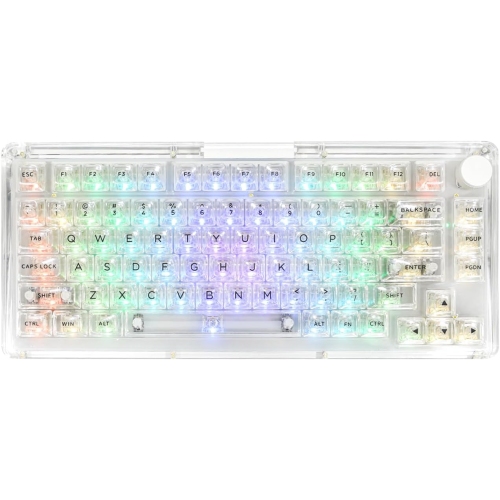
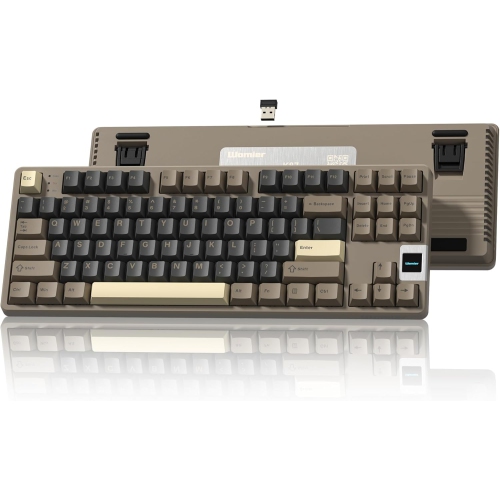
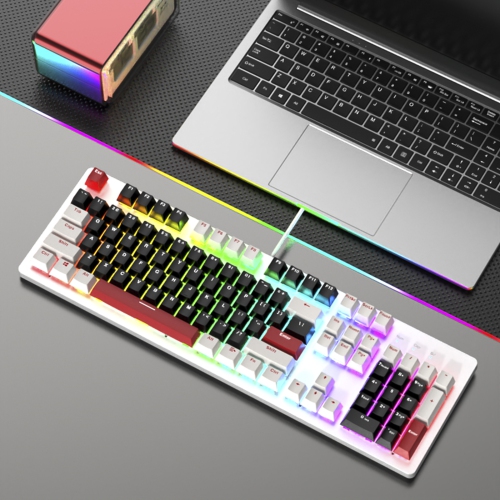
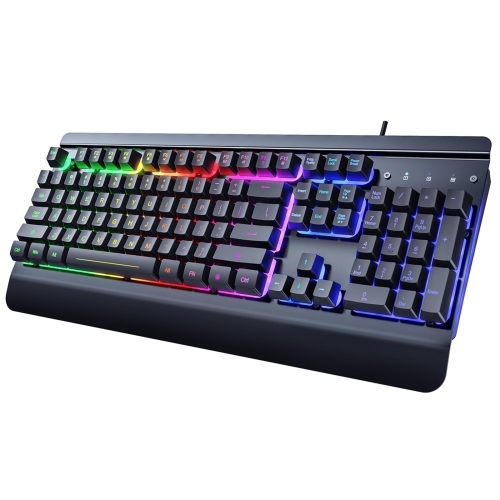
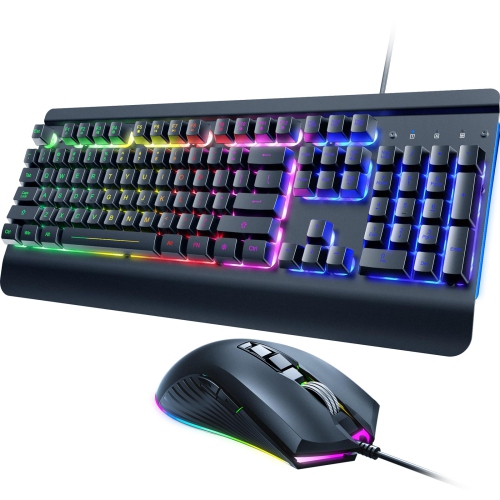
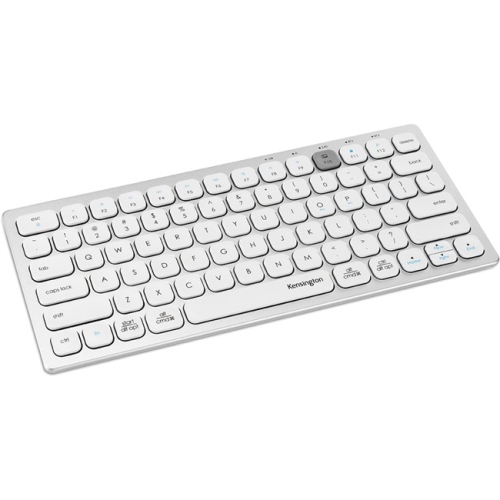
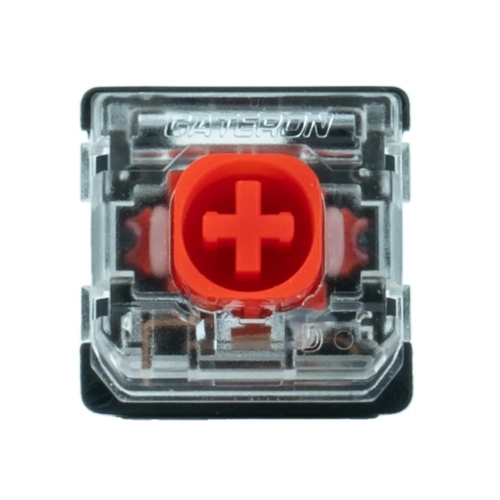
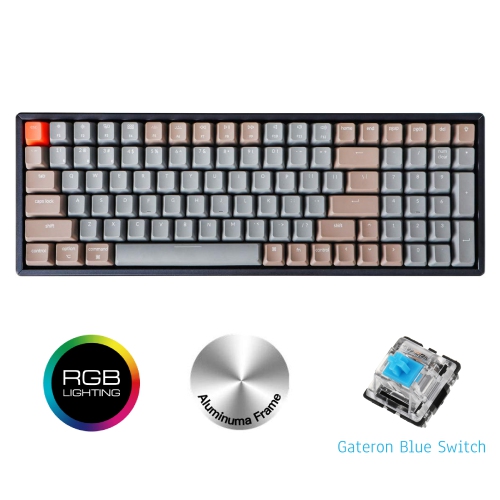
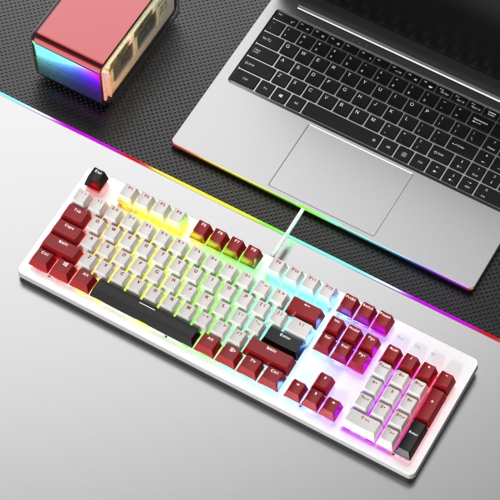
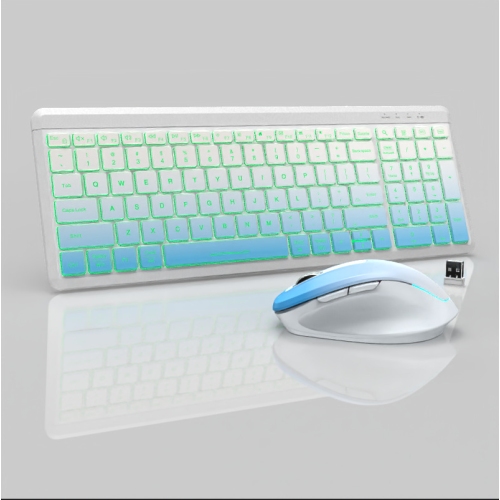
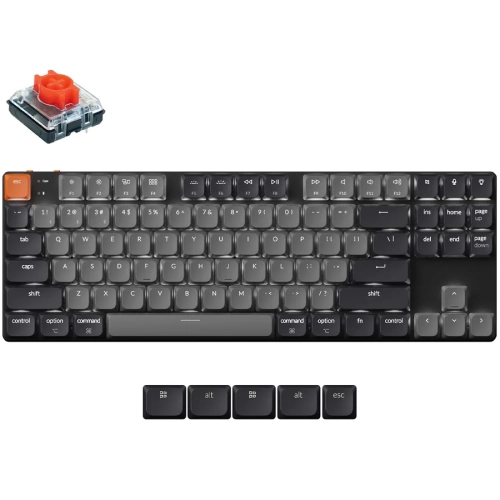
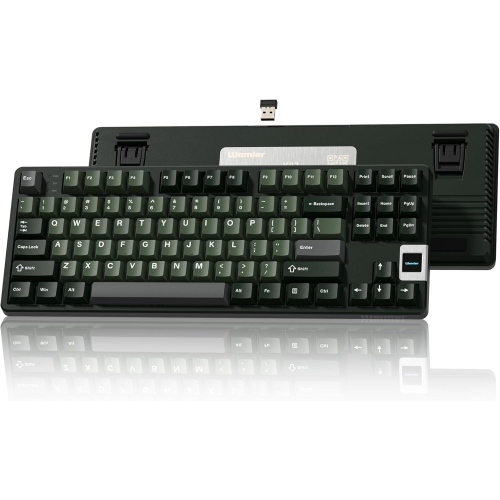
Less typing noise with a familiar mechanical feel
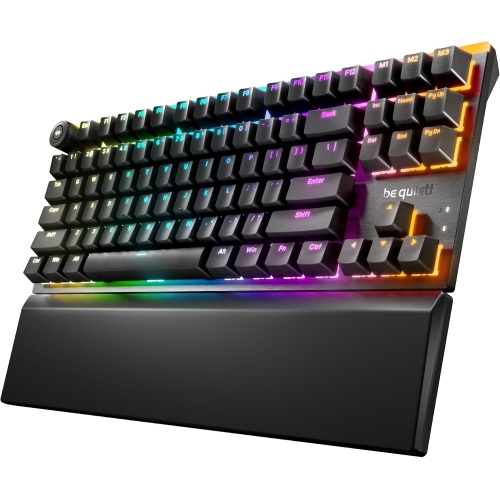
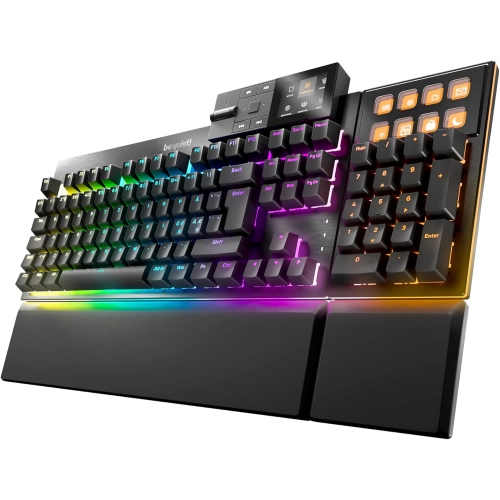
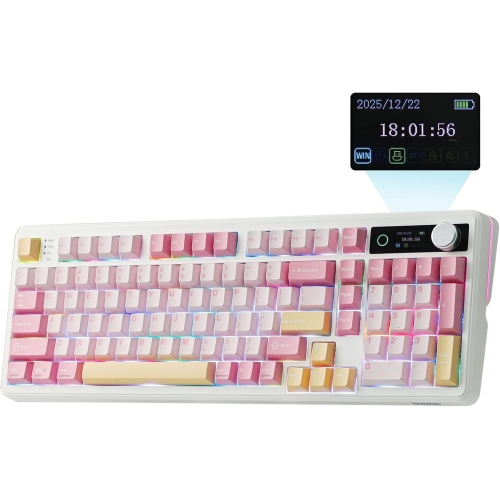
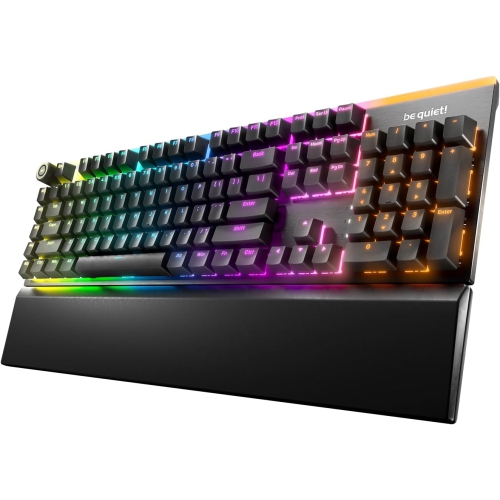
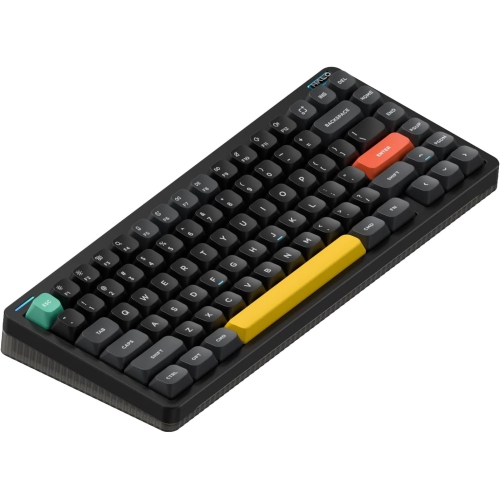
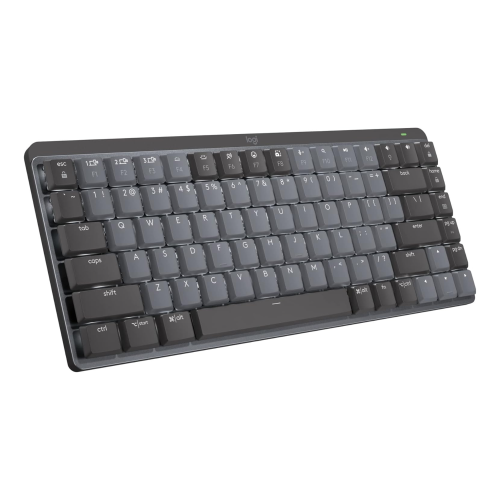
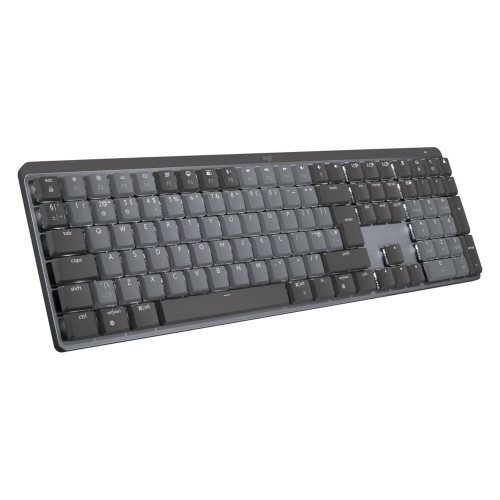
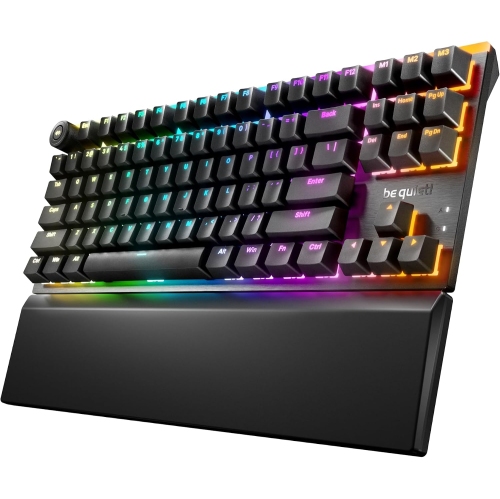
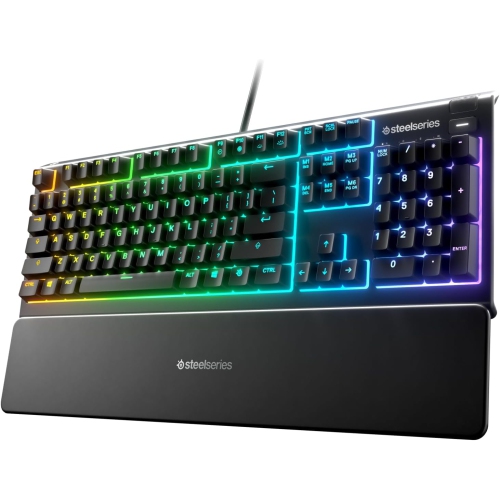
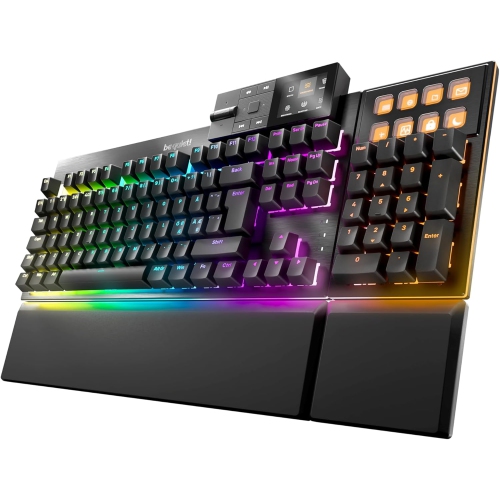
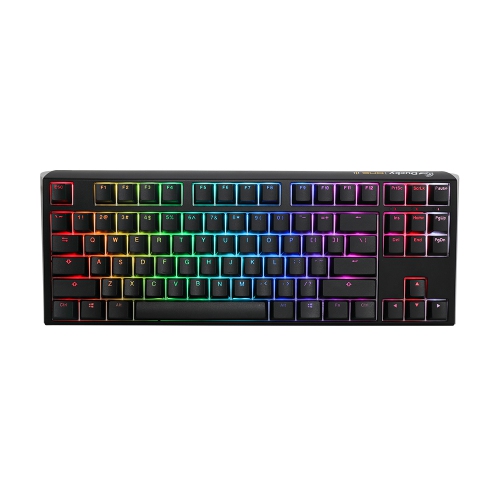
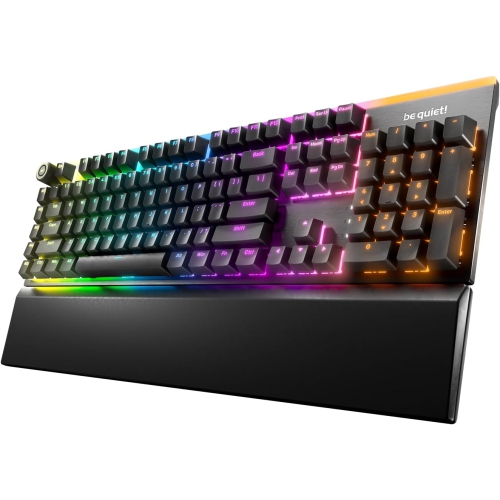
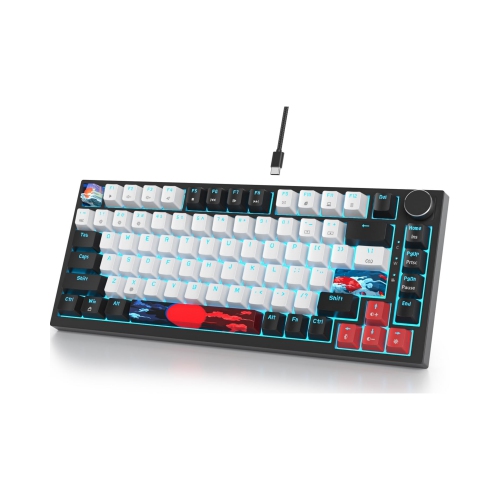
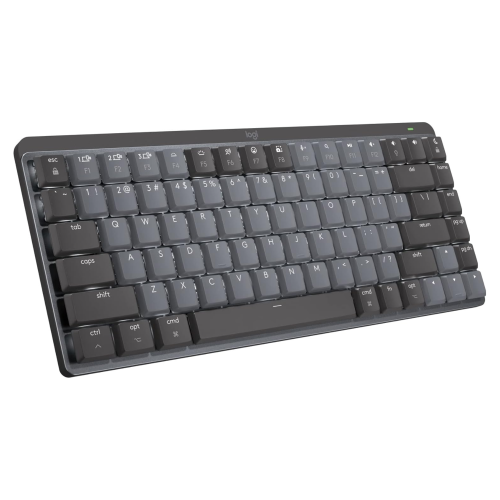
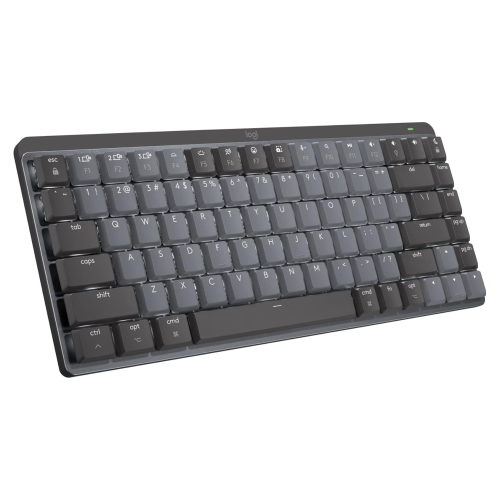
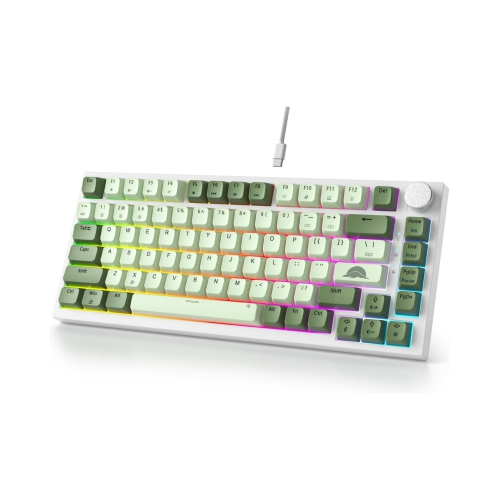
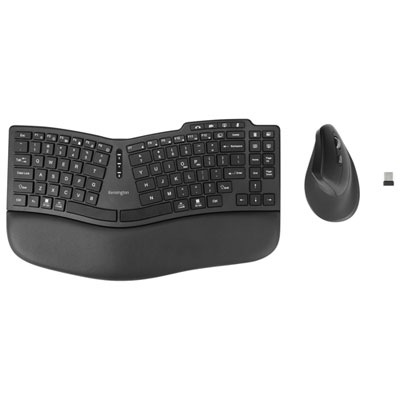
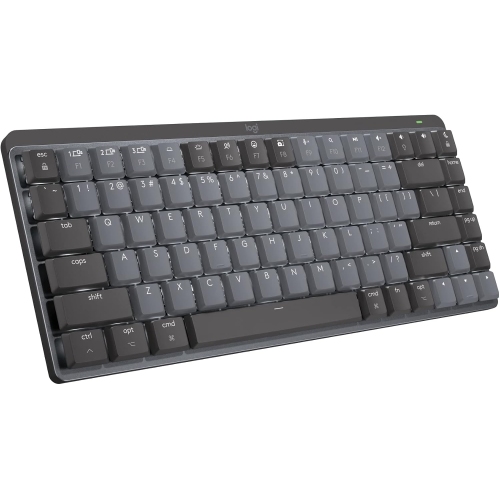
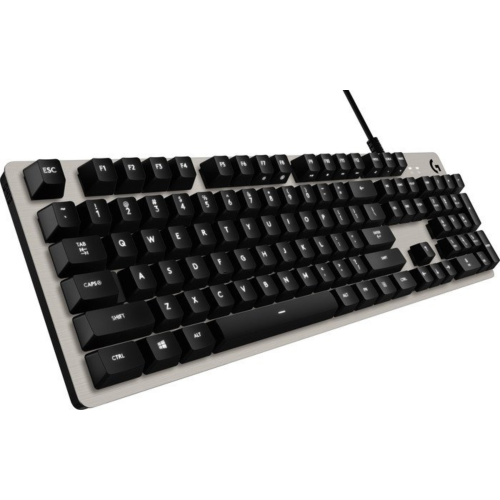
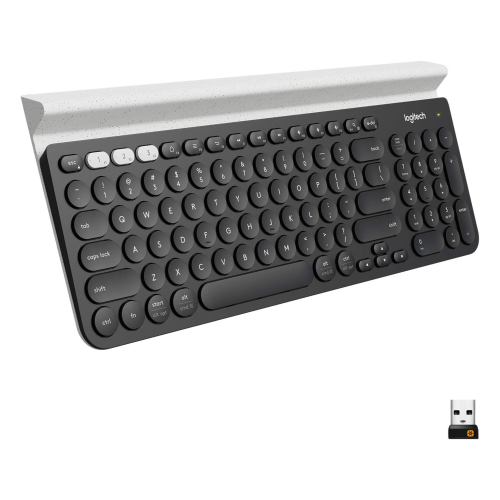
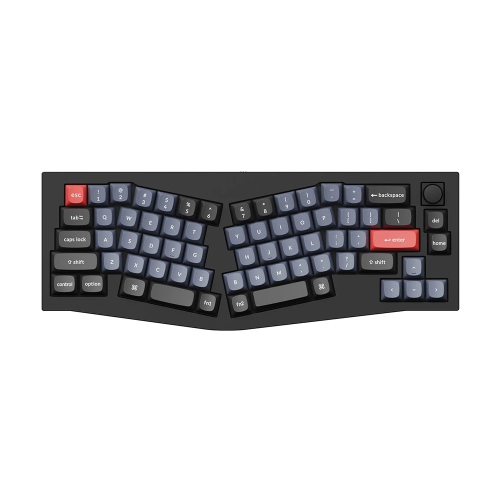
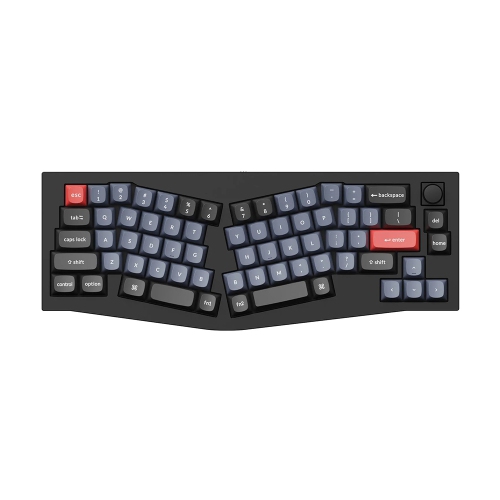
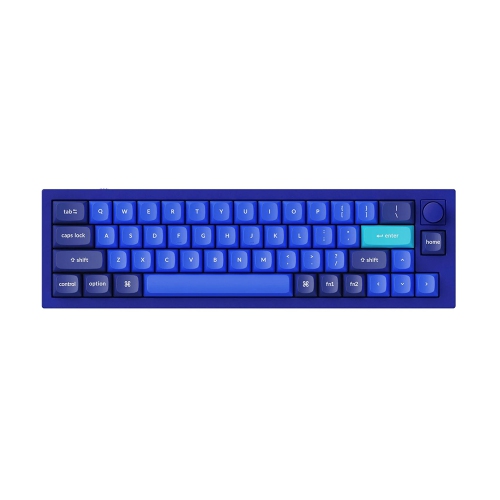
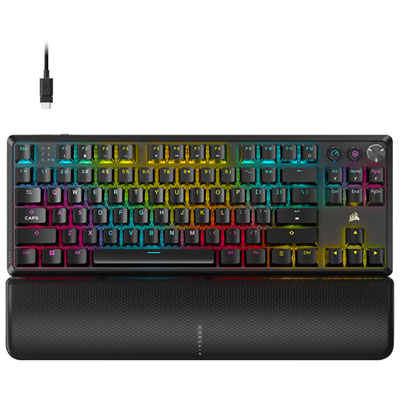
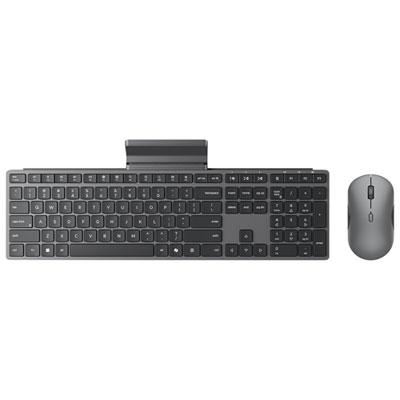
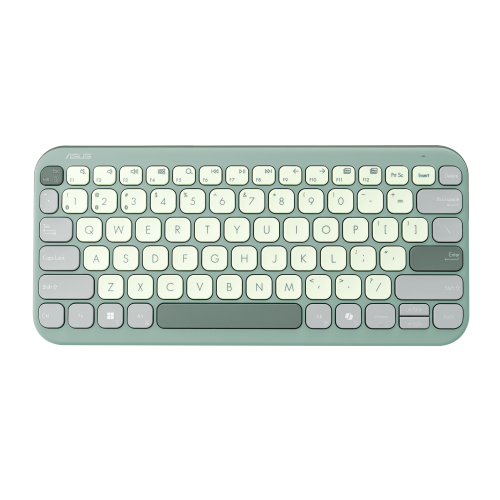
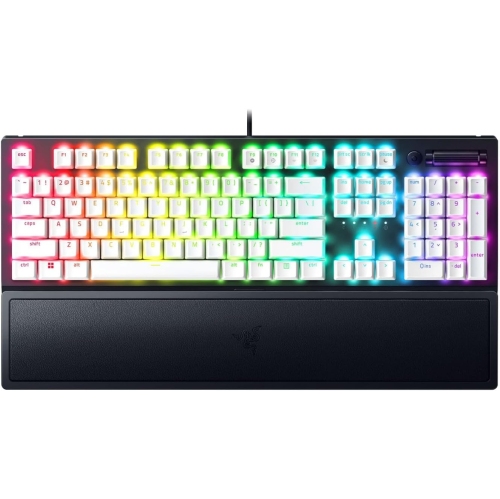
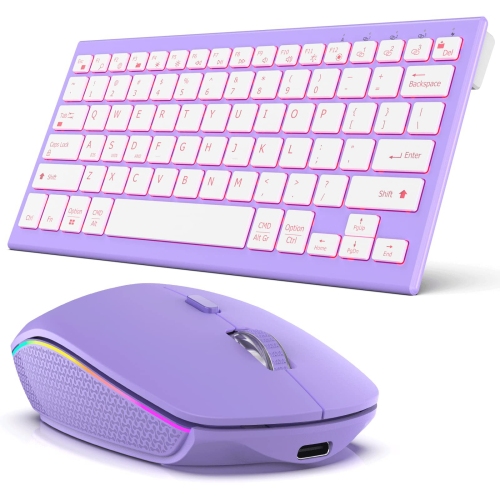
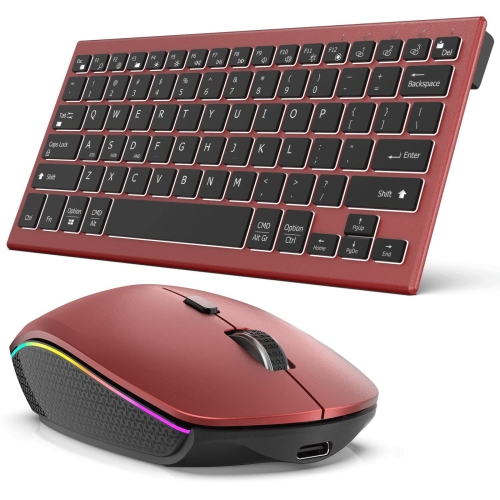
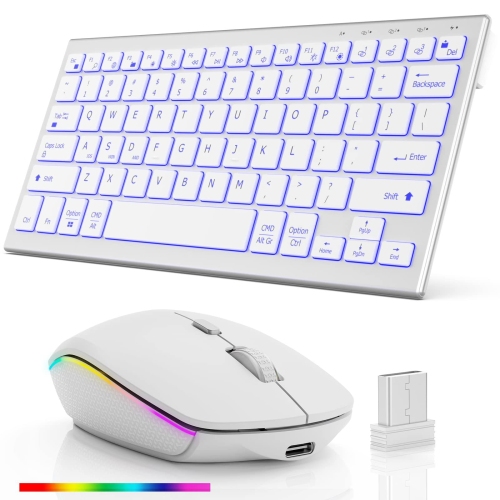
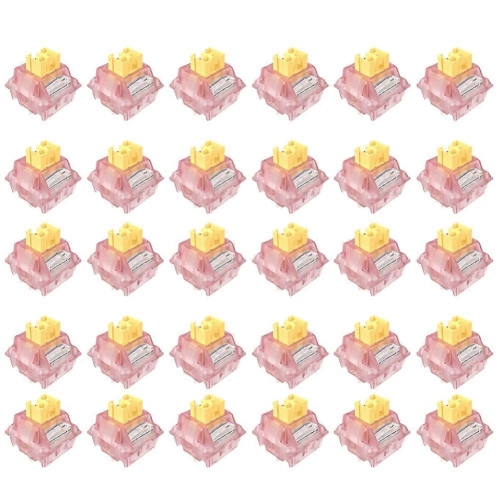
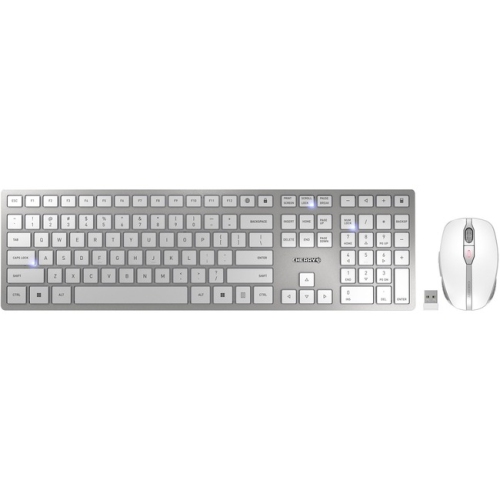
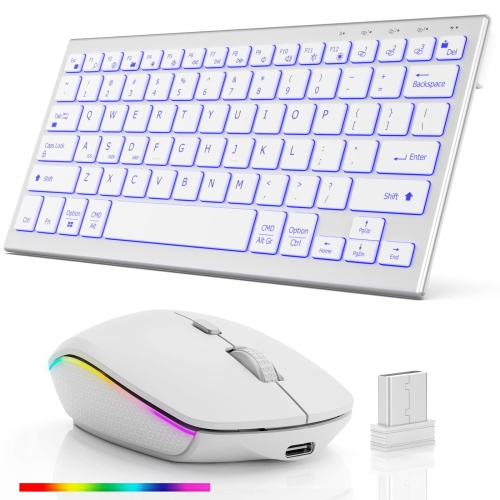
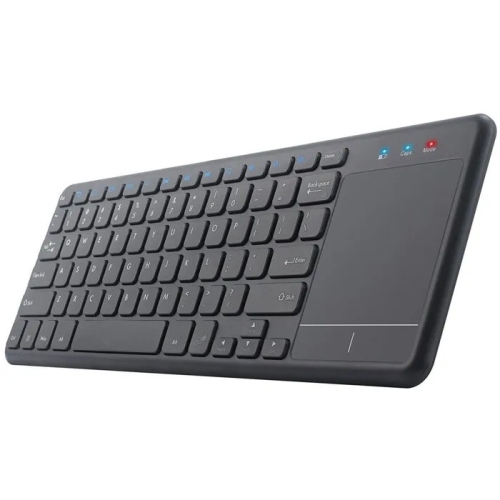
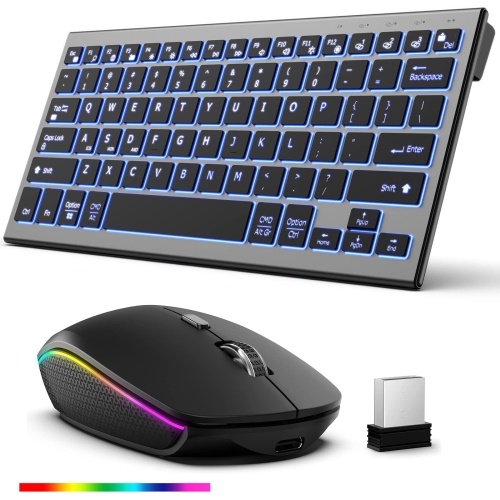
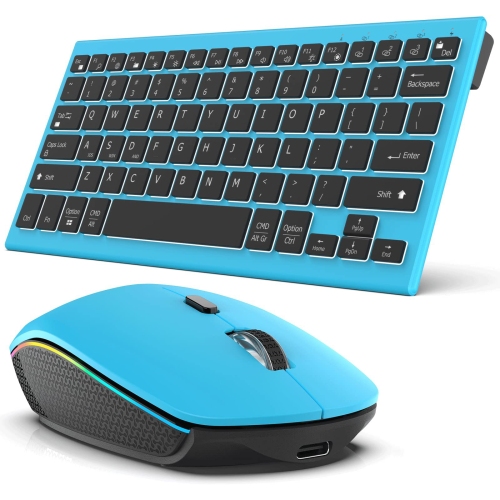
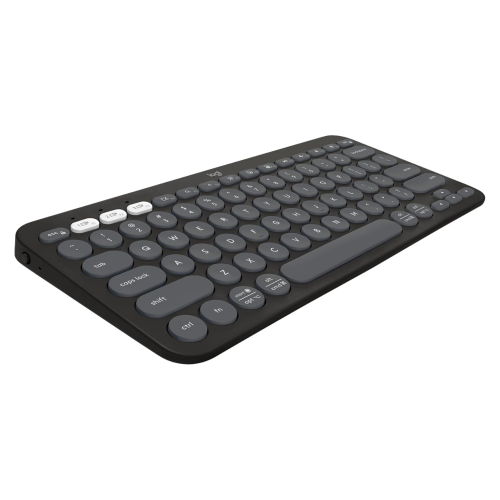
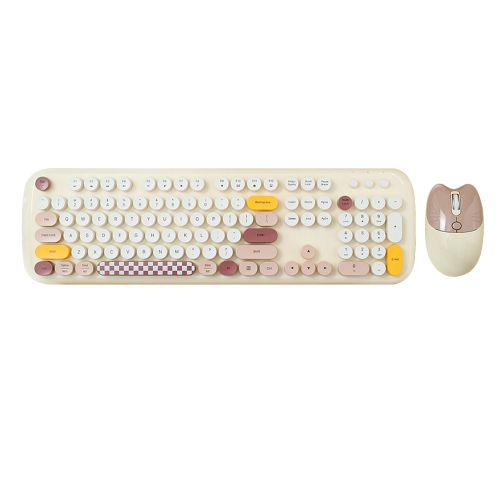
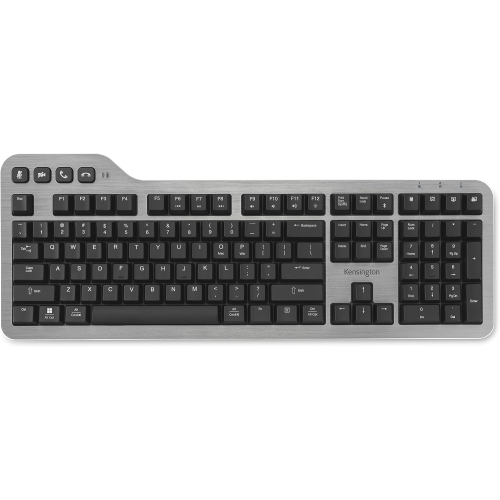
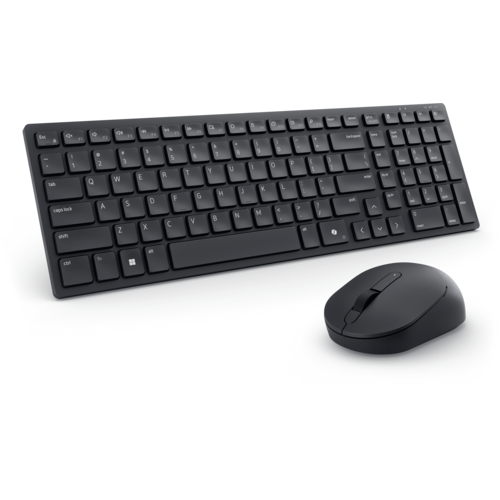
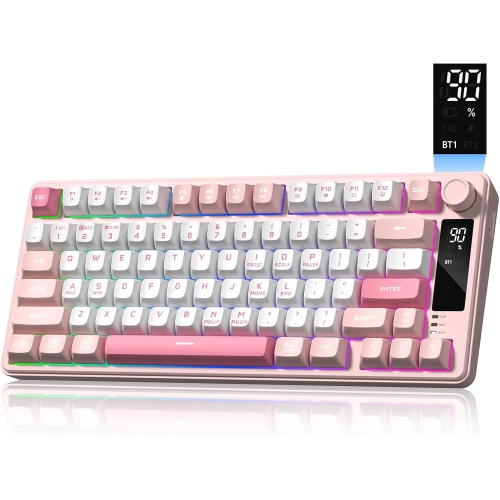
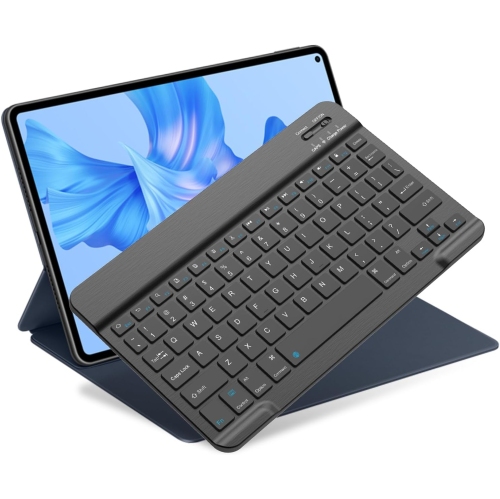
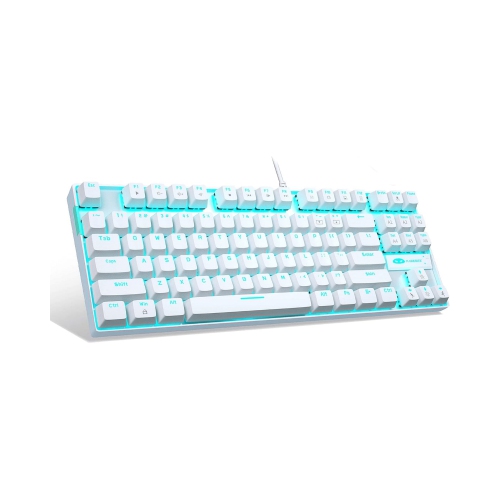
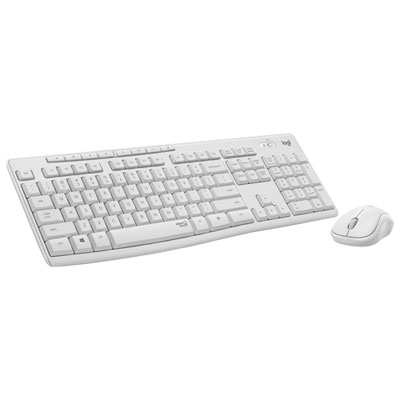
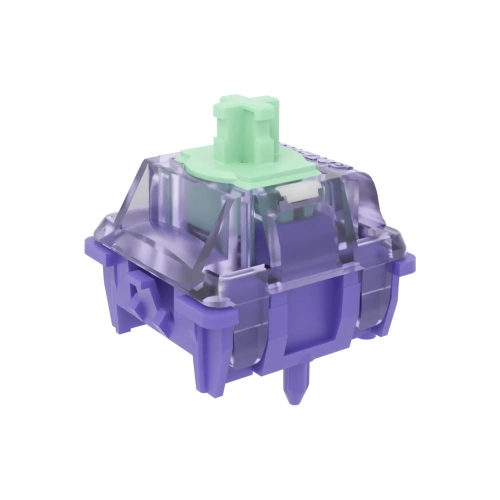
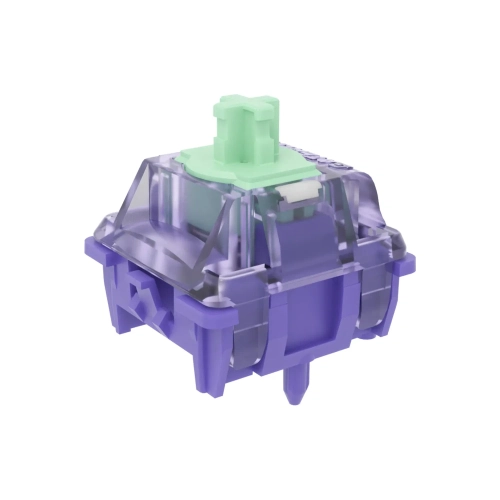
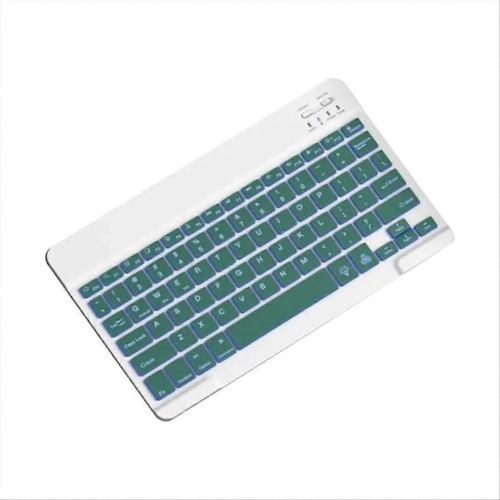
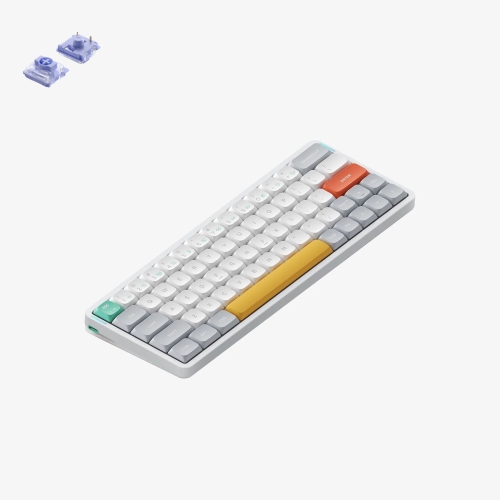
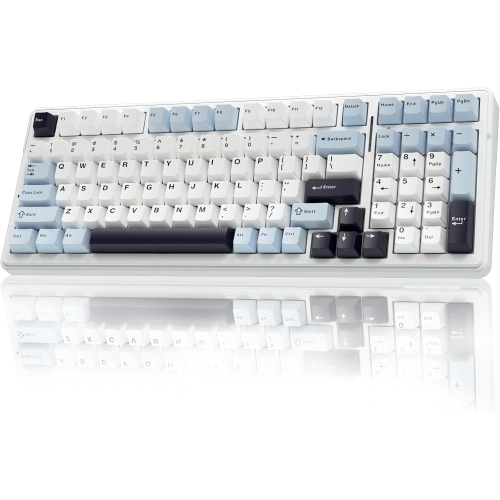
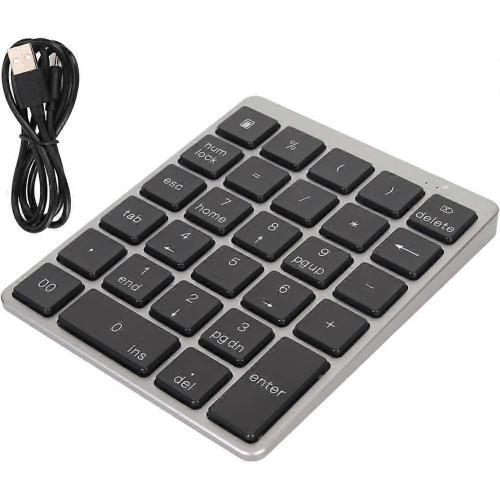
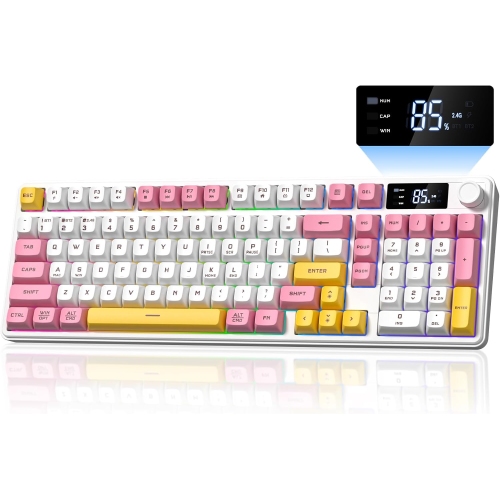
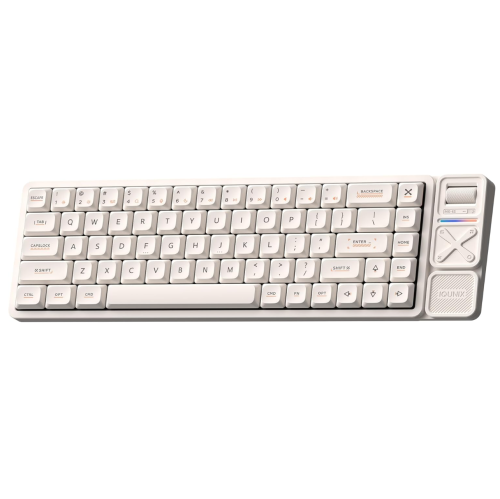
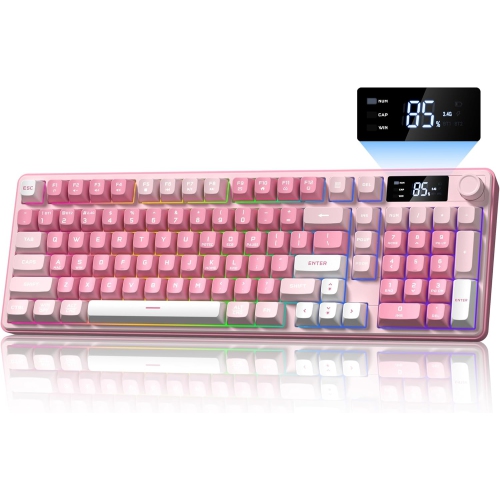
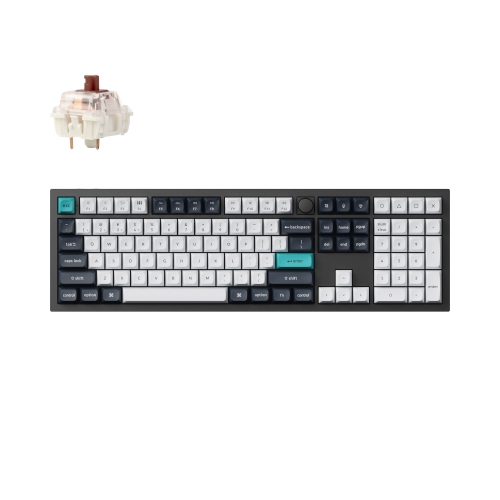
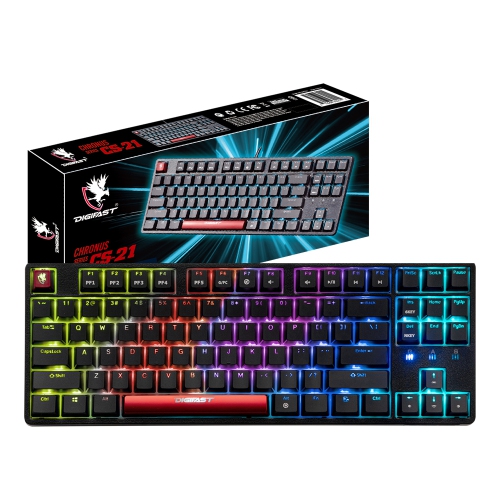
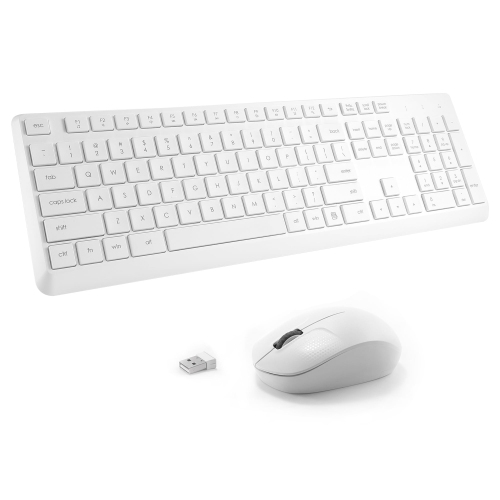
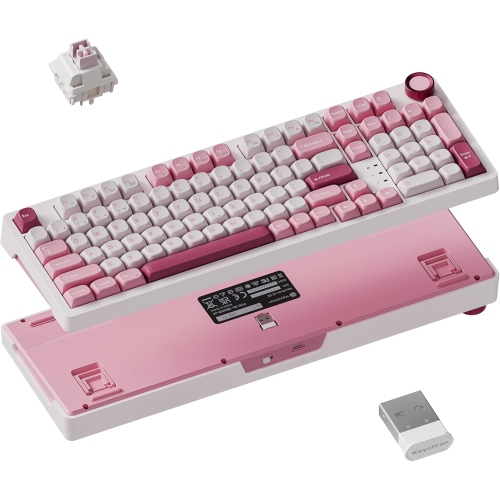
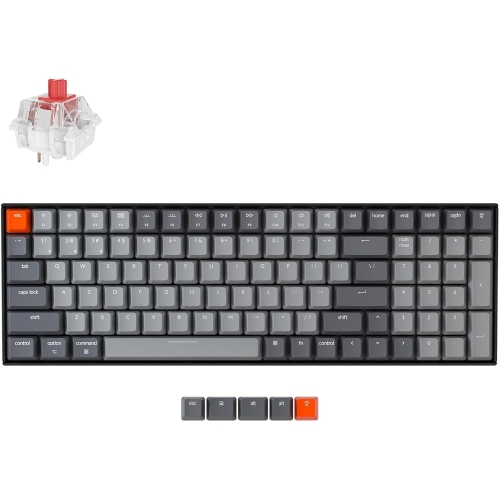
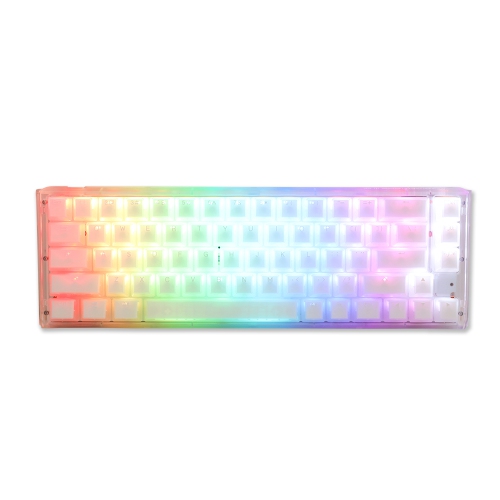
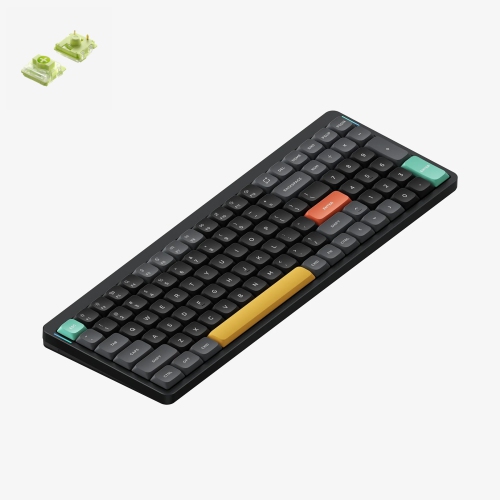
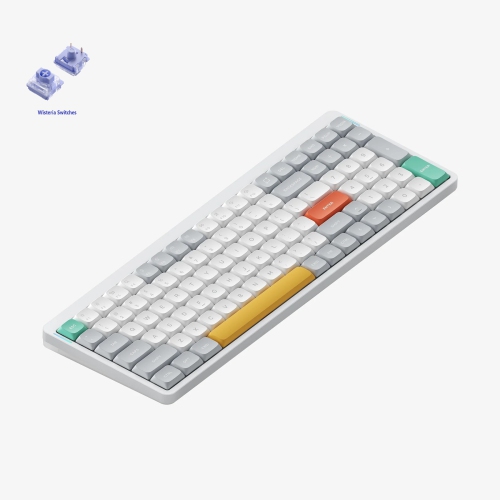
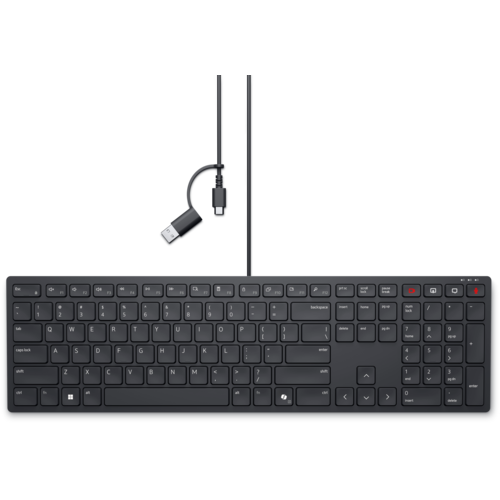
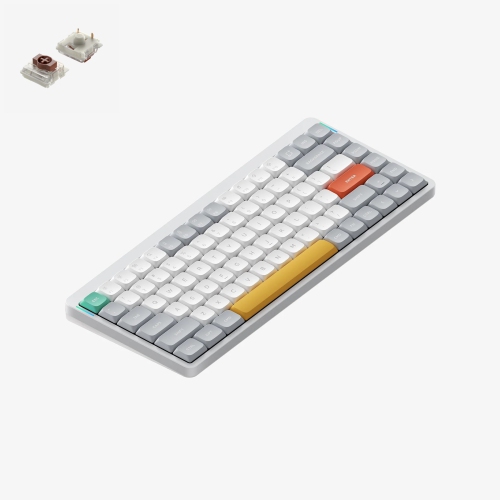
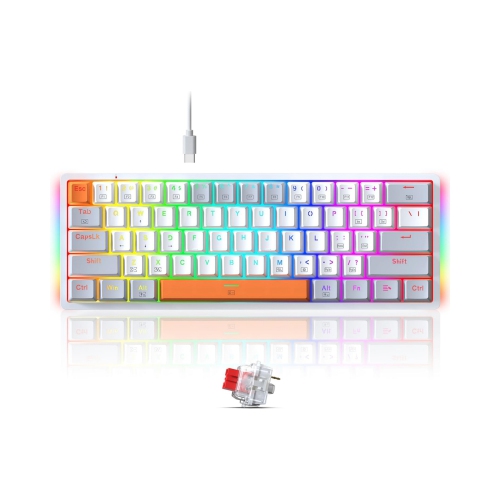
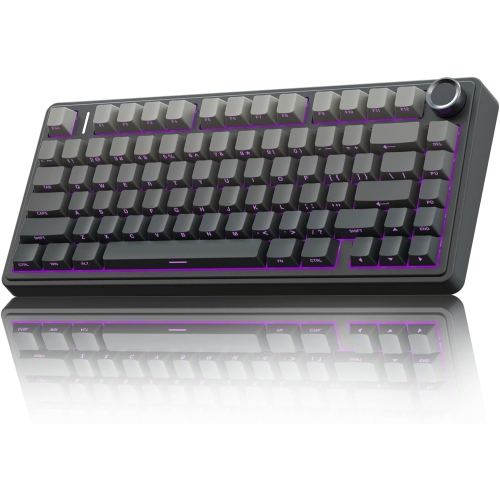
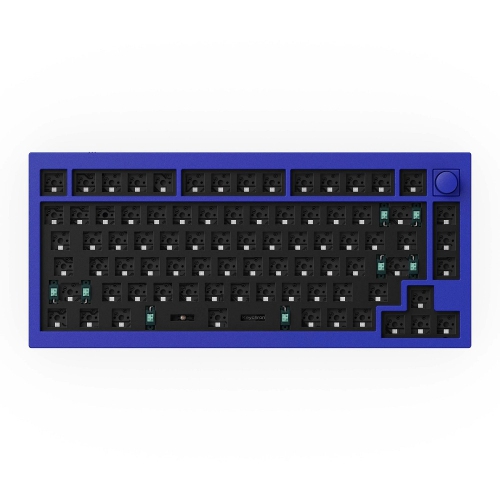
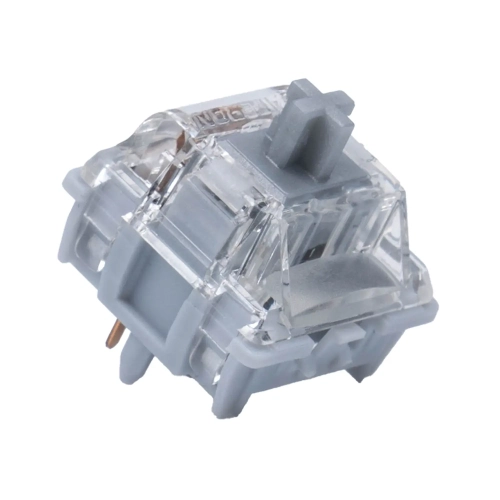
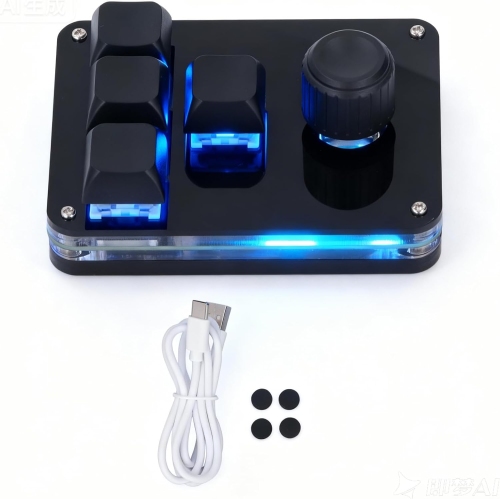
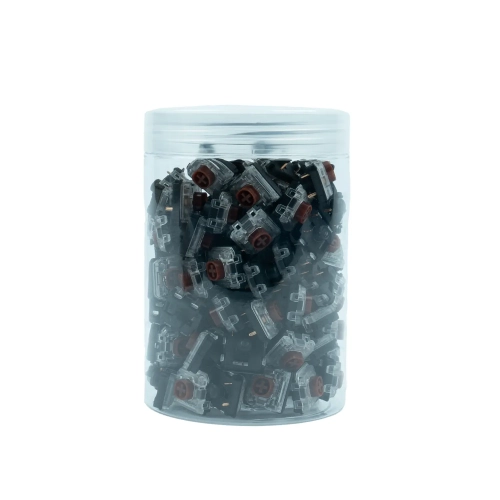
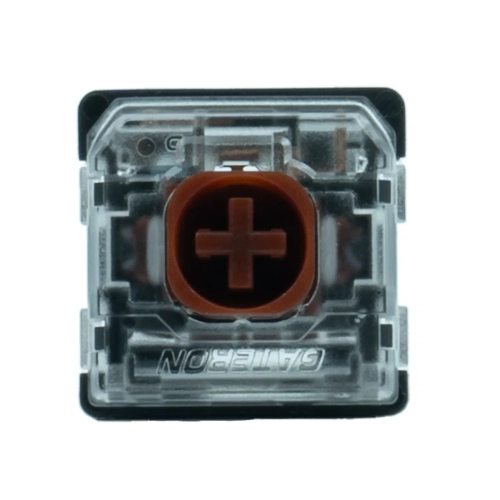
Silent switch keyboards are designed to reduce the sharp tapping sounds of mechanical typing while preserving the distinct movement of individual key switches. Most silent mechanical switches use small internal rubber or silicone dampeners to soften contact as a key reaches the bottom of its travel and returns to its resting position. This helps reduce both the downward clack and the upward tick that can carry across a shared desk or through a microphone. Silent does not mean completely soundless: the space bar, stabilizers, keycaps, case construction, and desk surface all contribute to what a keyboard sounds like in use. Even so, a keyboard built with dampened switches can make a noticeable difference during a video meeting, an evening gaming session, or a stretch of writing while someone nearby reads or rests. The two main switch styles are silent linear and silent tactile. Linear switches move smoothly through the keystroke without a deliberate bump, making them appealing to people who enjoy a consistent feel when typing or repeatedly pressing movement keys in games. Tactile switches add a small bump during the press, giving fingers a point of feedback without the intentional click of a clicky switch. That bump can help some typists judge key travel, although its position does not necessarily match the exact point where the keyboard registers an input. Neither style is automatically quieter in every keyboard; switch design, typing force, and the surrounding construction matter as much as the linear or tactile label. Dampening can also make the end of a keystroke feel softer than it would on an undampened mechanical switch. Some people appreciate that cushioned landing during long documents or frequent messages, while others prefer a firmer stop. For shoppers exploring this quieter approach to typing, Silent Mechanical Keyboards brings the focus to keyboards that pair mechanical key action with reduced typing noise. The practical appeal is straightforward: familiar, responsive keys with less sound competing with conversations, concentration, or a quiet room.
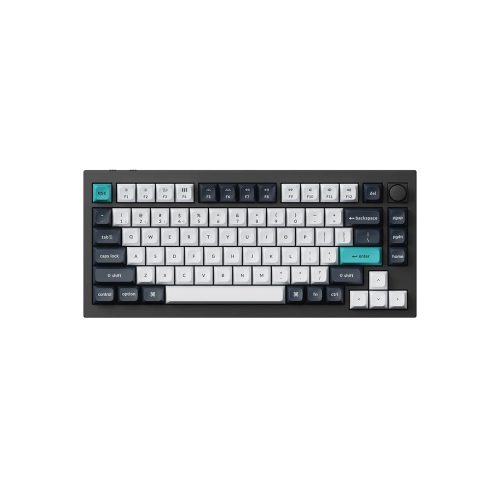
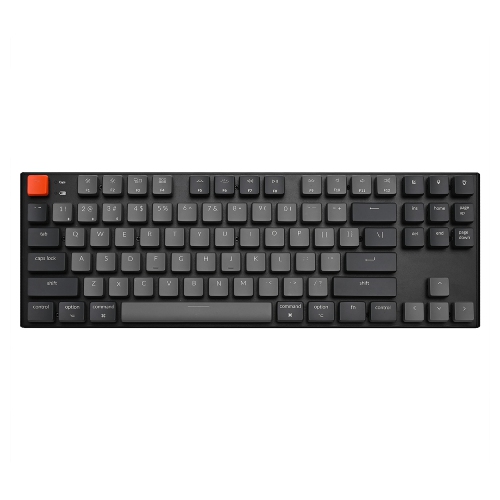
The way a silent switch keyboard fits a desk and a daily routine is just as important as its sound. A full-size layout keeps the number pad close at hand for spreadsheets, bookkeeping, and repeated numerical entry. A tenkeyless layout removes that section while usually retaining dedicated arrow and navigation keys, leaving more space for a mouse without requiring a major adjustment in typing habits. Smaller layouts can suit narrow desks or a workspace shared with notebooks and drawing equipment, but some functions may move to shortcuts or secondary key layers. For someone who edits text all day, easy access to Delete, Home, End, and the arrow keys can matter more than a few centimetres of saved desk space. Keycap legends and layout also deserve attention, especially when switching between English and French input or working across different operating systems. Physical key arrangement, printed characters, and software language settings are related but not interchangeable. Switch weight and travel influence comfort as well. A lighter actuation force may suit a gentle touch, while a firmer switch can feel more deliberate to someone who tends to brush nearby keys. A higher actuation force does not automatically mean better feedback, and a lighter switch does not guarantee less fatigue. Keyboard height, wrist position, and the distance to the mouse also shape how comfortable a setup feels over time. A wrist rest can provide support during pauses, but its height should suit the keyboard rather than push the wrists upward. Connection options add another practical consideration. A wired connection avoids battery charging, while wireless designs can simplify a desk or make it easier to move between compatible devices. Bluetooth and dedicated wireless receivers serve different needs, and compatibility, device switching, and wireless performance vary by model. For gaming, quiet switches address sound rather than every aspect of responsiveness; latency, reliable simultaneous key registration, and connection stability still matter. In shared workspaces, adjustable lighting and readable legends can be useful without drawing attention away from the task at hand.
Materials and construction help explain why two keyboards with silent switches can feel and sound quite different. Plastic cases vary in thickness and stiffness, while metal cases can provide a more substantial feel; neither material alone guarantees a quieter keyboard. The internal mounting system, plate, and any sound-absorbing layers influence how vibration travels through the case. Keycaps contribute their own character. ABS plastic often has a smooth feel and may develop shine with regular use, while PBT plastic commonly offers a textured surface that tends to resist that polished appearance for longer. Keycap thickness, shape, and fit can change the sound, so material names tell only part of the story. Larger keys rely on stabilizers to keep them level, and a rattling space bar can stand out even when the letter keys are well dampened. A stable desk and a soft desk mat may help limit vibration transferred to the surface beneath the keyboard, though they cannot replace dampening inside the switches. Durability depends on more than a stated switch lifespan: secure ports, sturdy keycap stems, consistent stabilizers, and appropriate care all contribute to everyday reliability. Routine cleaning starts with disconnecting the keyboard or turning it off, then clearing loose dust with a soft brush and wiping accessible surfaces with a lightly dampened cloth. Liquid should never be sprayed directly onto the keys, and keycap removal or deeper cleaning should follow the manufacturer's directions. Hot-swappable designs can allow compatible switches to be replaced without soldering, but socket type, pin support, and switch format need to match; that feature does not mean every switch will fit. These details make silent switch keyboards useful for a broad range of people, from students sharing a room to programmers, writers, and players whose desks sit close to family living spaces. They can also make thoughtful gifts for someone setting up a home office or spending more time at a computer during the cooler months. Matching the recipient's preferred layout, connection type, and typing feel keeps the gift focused on everyday usefulness, with quieter keystrokes as a benefit they can appreciate each time they sit down.
The way a silent switch keyboard fits a desk and a daily routine is just as important as its sound. A full-size layout keeps the number pad close at hand for spreadsheets, bookkeeping, and repeated numerical entry. A tenkeyless layout removes that section while usually retaining dedicated arrow and navigation keys, leaving more space for a mouse without requiring a major adjustment in typing habits. Smaller layouts can suit narrow desks or a workspace shared with notebooks and drawing equipment, but some functions may move to shortcuts or secondary key layers. For someone who edits text all day, easy access to Delete, Home, End, and the arrow keys can matter more than a few centimetres of saved desk space. Keycap legends and layout also deserve attention, especially when switching between English and French input or working across different operating systems. Physical key arrangement, printed characters, and software language settings are related but not interchangeable. Switch weight and travel influence comfort as well. A lighter actuation force may suit a gentle touch, while a firmer switch can feel more deliberate to someone who tends to brush nearby keys. A higher actuation force does not automatically mean better feedback, and a lighter switch does not guarantee less fatigue. Keyboard height, wrist position, and the distance to the mouse also shape how comfortable a setup feels over time. A wrist rest can provide support during pauses, but its height should suit the keyboard rather than push the wrists upward. Connection options add another practical consideration. A wired connection avoids battery charging, while wireless designs can simplify a desk or make it easier to move between compatible devices. Bluetooth and dedicated wireless receivers serve different needs, and compatibility, device switching, and wireless performance vary by model. For gaming, quiet switches address sound rather than every aspect of responsiveness; latency, reliable simultaneous key registration, and connection stability still matter. In shared workspaces, adjustable lighting and readable legends can be useful without drawing attention away from the task at hand.
Materials and construction help explain why two keyboards with silent switches can feel and sound quite different. Plastic cases vary in thickness and stiffness, while metal cases can provide a more substantial feel; neither material alone guarantees a quieter keyboard. The internal mounting system, plate, and any sound-absorbing layers influence how vibration travels through the case. Keycaps contribute their own character. ABS plastic often has a smooth feel and may develop shine with regular use, while PBT plastic commonly offers a textured surface that tends to resist that polished appearance for longer. Keycap thickness, shape, and fit can change the sound, so material names tell only part of the story. Larger keys rely on stabilizers to keep them level, and a rattling space bar can stand out even when the letter keys are well dampened. A stable desk and a soft desk mat may help limit vibration transferred to the surface beneath the keyboard, though they cannot replace dampening inside the switches. Durability depends on more than a stated switch lifespan: secure ports, sturdy keycap stems, consistent stabilizers, and appropriate care all contribute to everyday reliability. Routine cleaning starts with disconnecting the keyboard or turning it off, then clearing loose dust with a soft brush and wiping accessible surfaces with a lightly dampened cloth. Liquid should never be sprayed directly onto the keys, and keycap removal or deeper cleaning should follow the manufacturer's directions. Hot-swappable designs can allow compatible switches to be replaced without soldering, but socket type, pin support, and switch format need to match; that feature does not mean every switch will fit. These details make silent switch keyboards useful for a broad range of people, from students sharing a room to programmers, writers, and players whose desks sit close to family living spaces. They can also make thoughtful gifts for someone setting up a home office or spending more time at a computer during the cooler months. Matching the recipient's preferred layout, connection type, and typing feel keeps the gift focused on everyday usefulness, with quieter keystrokes as a benefit they can appreciate each time they sit down.
Top selling and popular products
-
 Your price for this item is $39.99
 -
 Your price for this item is $94.99
 -
 Your price for this item is $319.99
 -
 Your price for this item is $364.99
 -
 Your price for this item is $149.99
 -
 Your price for this item is $124
 -
 Your price for this item is $94.99
 -
 Your price for this item is $139.99
Discover more categories related to Silent Switch Keyboards
Top Collections:
Pokemon Centers, Best Cameras for Sports Photography, Kindle Devices, Samsung Galaxy Phones, Canon G7X Cameras, Pokémon 30th Celebration Cards, Refurbished Apple Laptops, iPhone 15 Apple, Laptops for Students, Budget Smartphones
Some products may be subject to Environmental Handling Fees
(EHF) depending on your province.
Learn more about EHFs.