Sketching Softwares
Whether you're a professional artist, a hobbyist, or simply looking to explore your creative side, having the right sketching software can take your digital artistry to new heights. With a wide array of options available, finding the perfect sketching software can be a daunting task. That's why we've curated an exceptional collection of sketching software that offers unparalleled features, seamless functionality, and intuitive interfaces. From advanced tools for intricate designs to user-friendly platforms for beginners, our selection has something for every skill level and artistic vision. Get ready to unleash your creativity and bring your ideas to life with our top-notch sketching software options.
Explore digital tools for drawing, design, and visual ideas
Compatibility is one of the most important considerations when comparing sketching software. Some applications are designed exclusively for macOS, while others run on Windows, work through a web browser, or offer companion versions for tablets and mobile devices. Check the required operating system and minimum hardware before downloading or purchasing, particularly if you plan to use large canvases, detailed artwork, multiple artboards, or animation. Recent system software may be required, and performance can depend on available memory, processor capability, graphics support, and storage space. A comfortable display also matters; a larger, high-resolution screen makes it easier to inspect fine details and keep tool panels out of the way. If you like drawing directly on the canvas, consider whether your computer supports a stylus or whether a separate drawing tablet would improve control. File handling deserves attention as well. Native project files are useful for returning to editable layers and reusable elements, while common export options such as PDF, SVG, PNG, or JPEG make it easier to share work with clients, classmates, printers, or online platforms. Cloud storage and browser-based previews can simplify feedback, especially when several people need to review a design. Collaboration features may include comments, version history, permissions, team handoff, and shared asset libraries, helping everyone work from the same files rather than passing around confusing attachments. Some newer tools also connect with external services or AI-assisted workflows, which may help with repetitive tasks, exploration, or organizing design information; review privacy controls and account requirements carefully if your work contains confidential material. Subscription plans, one-time purchases, free trials, student pricing, and optional add-ons can vary, so consider the full cost over the time you expect to use the software. A beginner may value a clear interface and helpful templates, while a professional may prioritize shortcuts, colour management, plug-ins, automation, and dependable support.
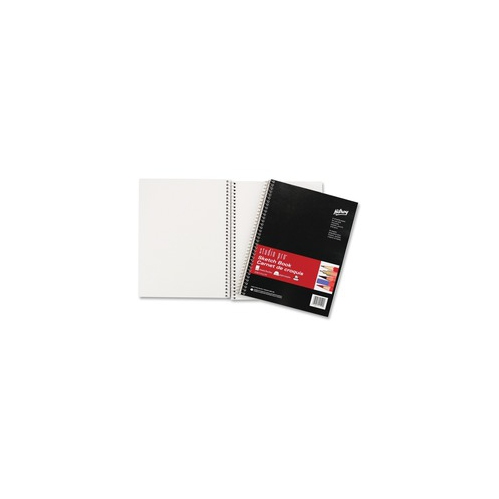
Sketching software can be a thoughtful gift for a creative student, a budding illustrator, a design graduate, or someone who spends rainy afternoons filling notebooks with ideas and wants to take that habit onto a screen. It is also useful for families, teachers, and makers who want a flexible way to practise drawing without needing a full studio setup. A person who is new to digital art may appreciate software with guided tools, sample files, straightforward menus, and a forgiving learning curve. Someone developing a portfolio may need stronger support for presentation boards, layout, prototyping, and exporting professional files. Before giving software as a gift, confirm the recipient’s computer platform, available storage, preferred drawing method, and whether they already use a particular file format. A macOS-only application will not be suitable for a Windows computer, and a program built mainly for interface design may not provide the painting brushes an illustrator expects. It is worth considering the rest of the workspace too: a stylus, drawing tablet, keyboard, monitor, or comfortable desk setup can make long creative sessions more enjoyable, though the software itself may be all that is needed to begin. Digital work can be especially convenient during the cooler months, when a quiet desk, a warm drink, and a collection of unfinished ideas can turn into an evening of experimenting with colour, composition, and form. For those who still enjoy the texture and spontaneity of physical materials, digital tools can complement rather than replace them; finished concepts can be printed, traced, displayed, or developed alongside Sketching Papers. Whether the goal is a quick wireframe, a polished illustration, a personal project, or a portfolio piece, the best choice is software that feels natural to use, fits the available technology, and leaves enough room for ideas to grow.
Top selling and popular products
-
 Your price for this item is $434.99
 -
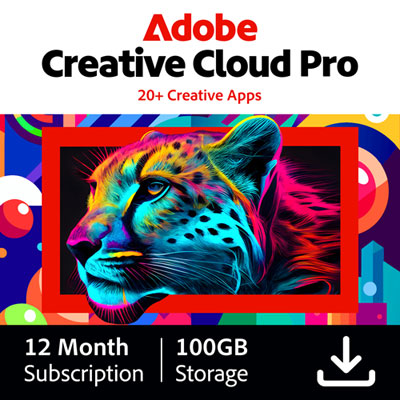 Your price for this item is $1130.99
 -
 Your price for this item is $169.99
 -
 Your price for this item is $334.99
 -
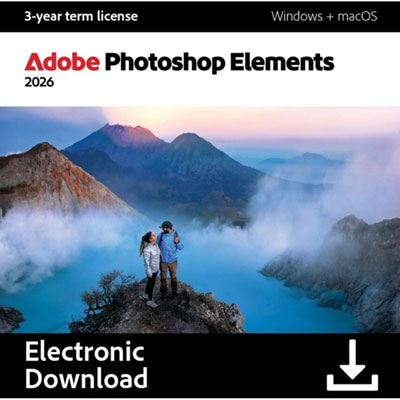 Your price for this item is $138.99
 -
 Your price for this item is $369.99
 -
 Your price for this item is $369.99
 -
 Your price for this item is $138.99