Small Business Softwares
Running a small business can be both exciting and challenging. To help you streamline your operations and boost productivity, we offer a wide range of small business software solutions. From accounting and inventory management to customer relationship management (CRM) and project management tools, our selection of software is designed to meet the unique needs of your growing venture. Whether you're looking to automate tasks, track expenses, or enhance collaboration among your team members, our assortment of small business software has got you covered. Discover the perfect software solutions to propel your business forward and take it to new heights.
Sort
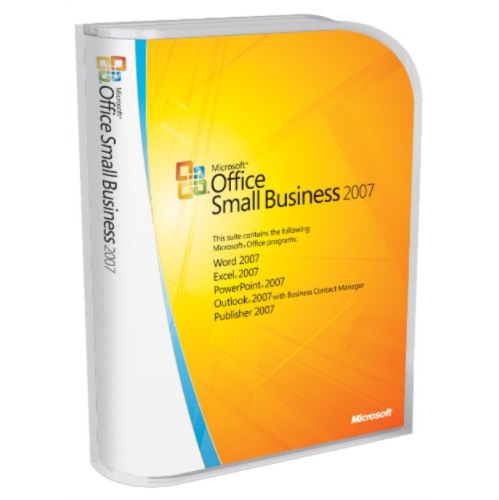


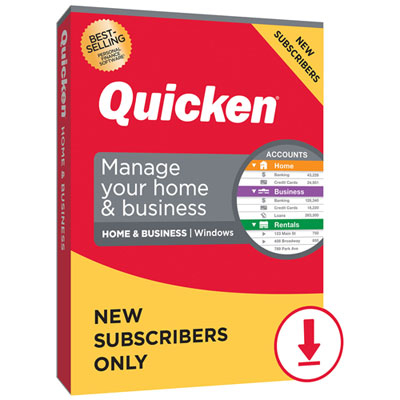

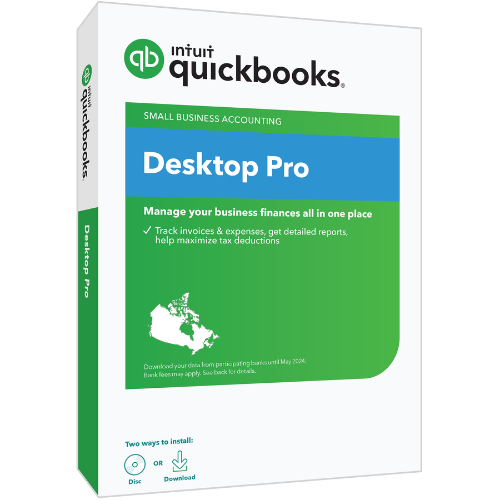


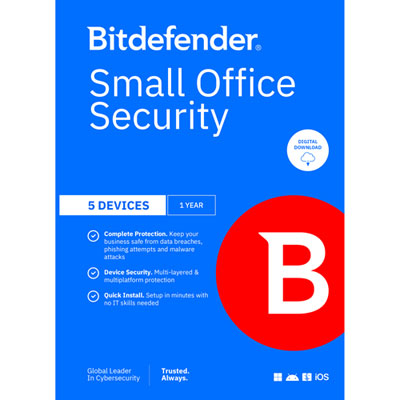









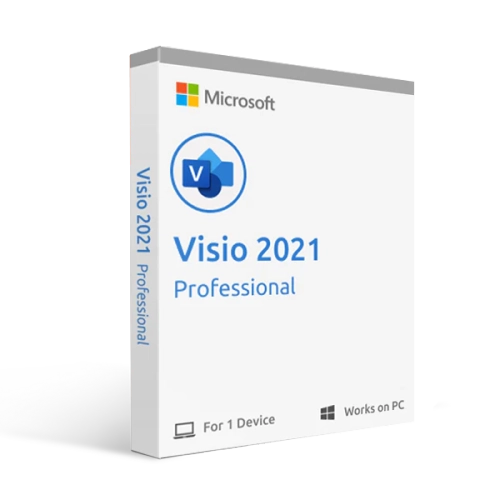
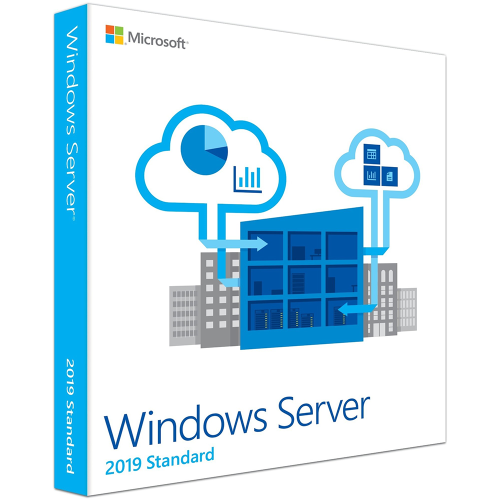
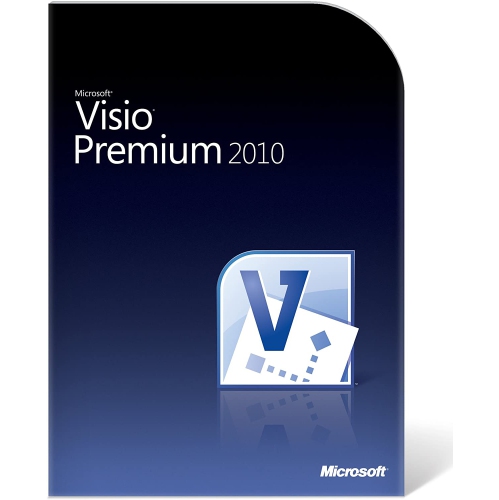

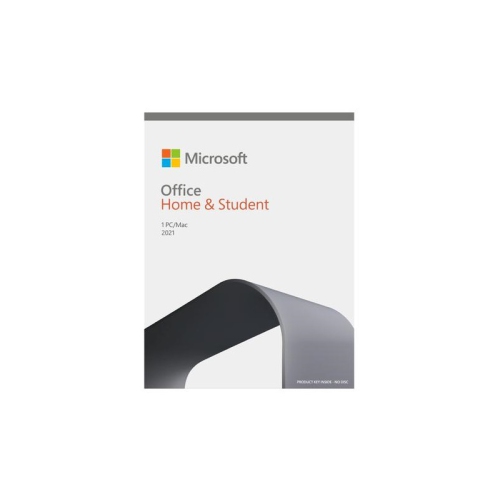






How software supports your finances and daily workflow
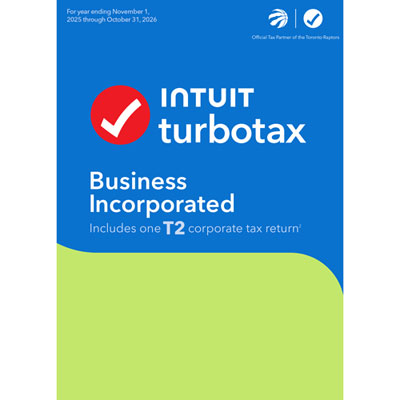
Small business software helps owners and teams manage accounting, invoicing, payroll, documents, projects, and customer relationships. The most suitable combination depends on the work a business does, how many people need access, and which tasks take the most time. A self-employed consultant may need clear invoices, expense tracking, and a reliable place to prepare proposals, while a growing retail operation may need sales records, inventory tracking, staff scheduling, and financial reporting that work together. Accounting software provides a central place to organize income and expenses, match transactions with bank records, and review outstanding payments. Invoicing features can turn completed work into a professional bill, track payment status, and send reminders without requiring a separate spreadsheet for every client. Receipt capture is particularly useful when purchases happen away from a desk: a photographed receipt can be attached to an expense rather than left in a vehicle or tucked into a folder. For Canadian businesses, support for applicable GST/HST, PST, or QST calculations and reports is an important consideration, although the appropriate setup depends on registration, location, and business activities. Payroll tools may support pay calculations, deductions, remittance reporting, and employee records, with capabilities that vary by application and jurisdiction. Businesses that work across borders may also benefit from multiple-currency records and reporting that distinguishes foreign transactions from Canadian-dollar totals. Clear reports make these everyday entries more useful, showing which invoices remain unpaid, where expenses are concentrated, and how results compare across reporting periods. Access for an accountant or bookkeeper can simplify collaboration without requiring the owner to send a new file after every change. The practical value lies in keeping information organized enough to support daily decisions and routine reporting, rather than collecting figures that are difficult to interpret. For a small team, familiar terminology, readable dashboards, and straightforward corrections can matter just as much as a lengthy feature list. An owner reviewing accounts between appointments needs to find a missing receipt or overdue invoice quickly, without navigating several unrelated screens.
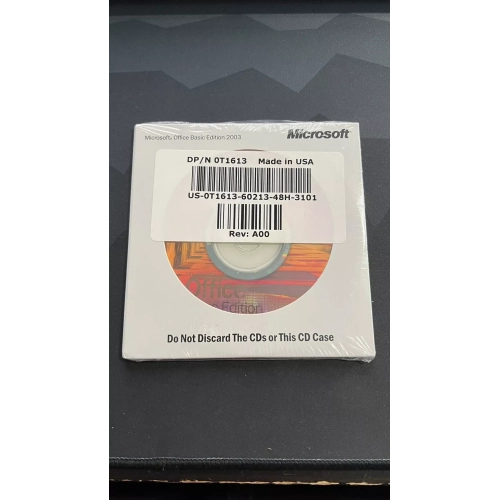
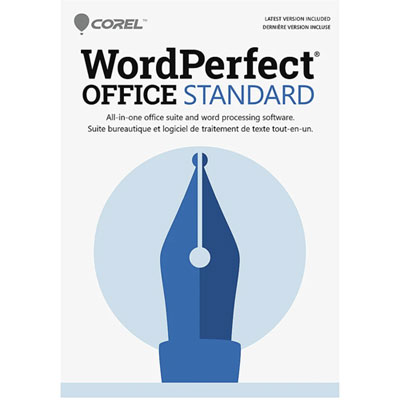
Productivity and collaboration software supports the work around those financial tasks, from preparing a client presentation to keeping a shared project on schedule. Word processing, spreadsheets, presentation tools, email, calendars, and file storage often form the foundation of a small business’s digital workspace. Useful features include reusable templates, shared editing, version history, and access controls that help keep a proposal moving without creating several conflicting copies. A small design team, for example, might keep a project brief, approval notes, and delivery schedule together so that a revised deadline reaches everyone involved. Project management software adds structure through assigned tasks, due dates, status updates, and views that show how separate pieces of work fit together. For businesses handling several client jobs at once, that visibility can reveal an overlooked approval or an approaching deadline before it disrupts delivery. Customer relationship management software serves a different purpose: it brings contact details, conversation notes, sales opportunities, and follow-up activities into a shared record. A service business can use that history to see what a customer requested previously, who last responded, and what needs attention next. Scheduling and appointment features may be useful where work revolves around bookings, while inventory and order management capabilities are more relevant to businesses handling physical goods. Connections between applications can reduce repeated entry, such as transferring customer details from a sales record to an invoice or attaching tracked time to a project. Those connections deserve attention because similar-looking features do not always exchange the same information. Supported file formats, integration requirements, and the handling of duplicate records affect how smoothly separate tools work together. Clear permission settings also help distinguish between information a whole team needs and records intended only for managers or administrative staff. The strongest fit is software that reflects the business’s actual routines, whether that means one person moving between appointments or several colleagues sharing responsibility for customer requests. Features earn their place when they remove friction from familiar tasks, not simply because they add another dashboard.
Compatibility, access, and ongoing maintenance shape how well small business software fits into everyday operations. Installed applications may suit businesses that need particular desktop features or access to certain functions without an internet connection. Browser-based software can make it easier to work from different locations, while mobile access can support tasks such as checking appointments, capturing receipts, or reviewing a customer record between visits. Offline capabilities vary, so a business that regularly works without reliable connectivity benefits from knowing which functions remain usable and how changes are synchronized later. Operating system requirements, supported devices, storage needs, and compatibility with existing files are equally important, especially when a team uses a mix of computers and mobile devices. Licensing terms can determine the number of permitted users or devices, whether business use is included, and how access is managed when someone joins or leaves. Security features such as multi-factor authentication, role-based permissions, and activity logs can help protect business information when they are supported and properly configured. Backup and recovery options also deserve attention: restoring an accidentally deleted file is a different task from exporting financial records for long-term retention. For businesses handling customer or employee information, data storage arrangements, privacy terms, and control over account access are relevant parts of the decision. Clear exports make it easier to retain records, share information with professional advisers, or move to another system as needs change. Regular updates, accessible help resources, and dependable support can contribute to the software’s usefulness over time, particularly when a small team has no dedicated technical staff. As operations become more complex, requirements may extend to centralized administration, detailed permissions, and coordination across multiple departments or locations. Businesses exploring that broader scope can also consider Enterprise Softwares alongside their small business requirements. For smaller operations, however, a manageable set of well-matched tools often provides a better working experience than features that require substantial setup but rarely get used. Software should support the way people complete real work while leaving room for additional users, more records, and changing responsibilities.
Top selling and popular products
-
 Your price for this item is $199.99
-
 Your price for this item is $189.99
-
 Your price for this item is $144.99
-
 Your price for this item is $49.98
-
 Your price for this item is $49.99
-
 Your price for this item is $47.99
-
 Your price for this item is $334.99
-
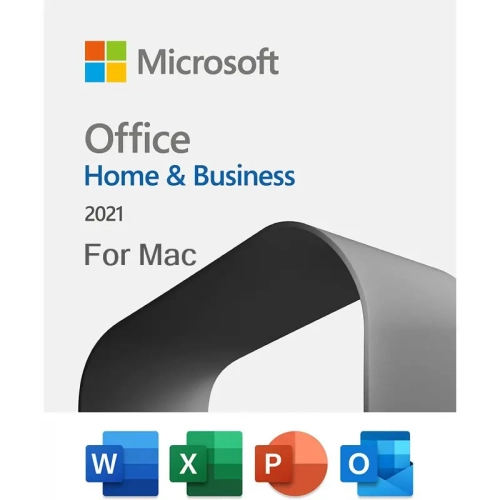 Your price for this item is $149.99
Discover more categories related to Small Business Softwares
Top Collections:
Best Black Friday Deals This Year, Best Black Friday Deals On Electronics, Kindle Devices, Pokemon Centers, Best Black Friday Deals On Apple Products, Best Cameras for Sports Photography, Dyson Airwrap, Pokémon 30th Celebration Cards, Apple iPhone 17 Pro, Canon G7X Cameras
Some products may be subject to Environmental Handling Fees
(EHF) depending on your province.
Learn more about EHFs.