Small TV Monitors
Small TV Monitor options are perfect for those looking to maximize space without sacrificing quality entertainment or productivity. Ideal for bedrooms, kitchens, dorm rooms, or compact office setups, these versatile screens fit seamlessly into any environment. Whether you need an extra display for work or a dedicated screen for streaming your favorite shows, a Small TV Monitor offers the flexibility and convenience to suit your needs. Explore a variety of sizes and designs to find the right match for your space and lifestyle.
Sort

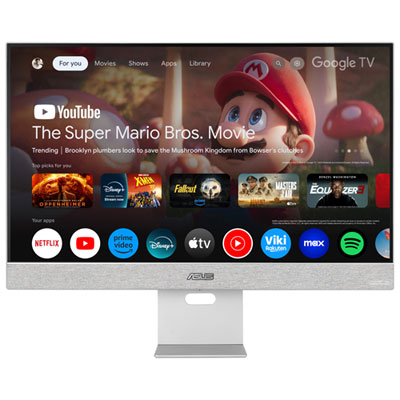
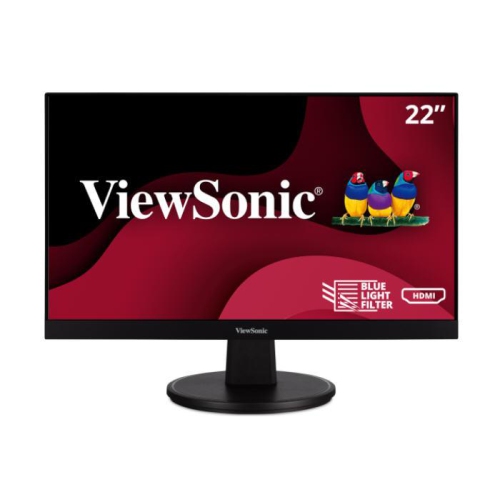
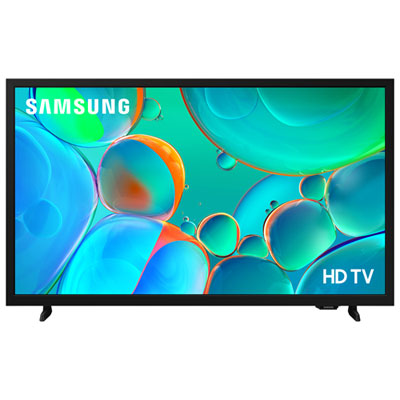
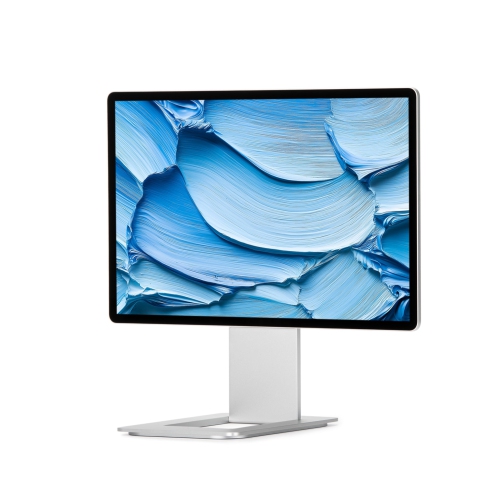

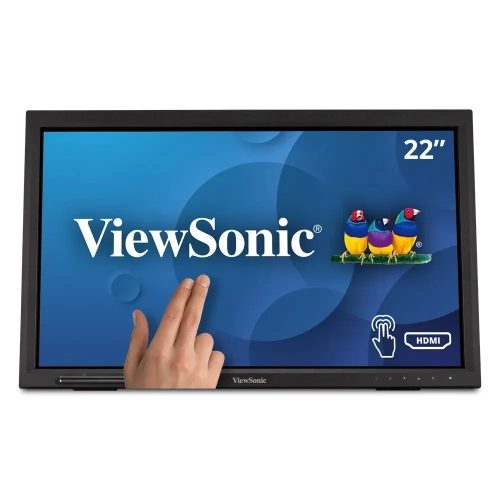
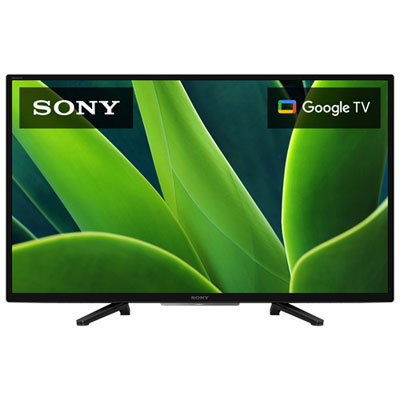
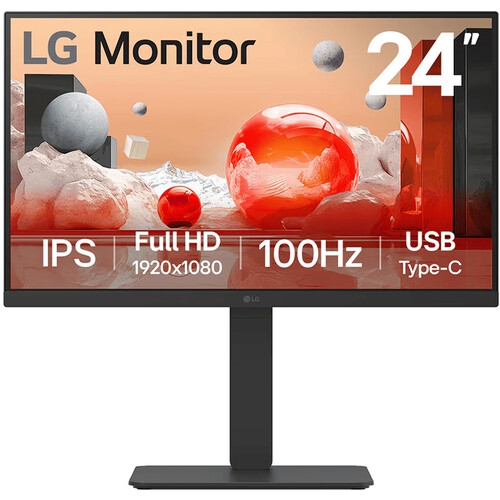
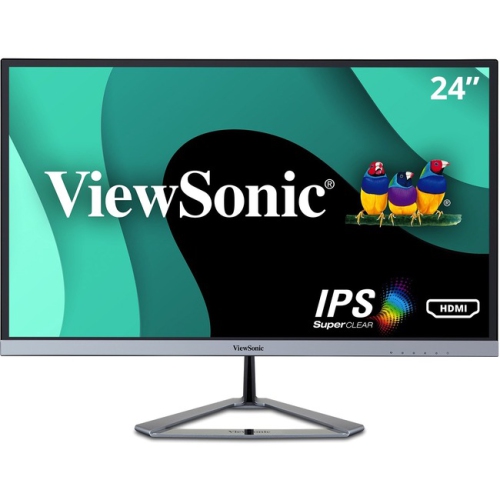
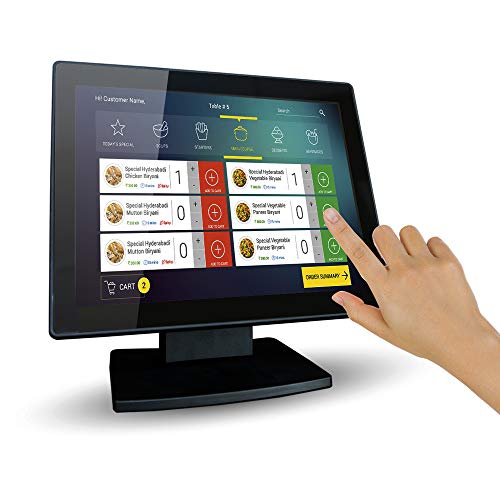
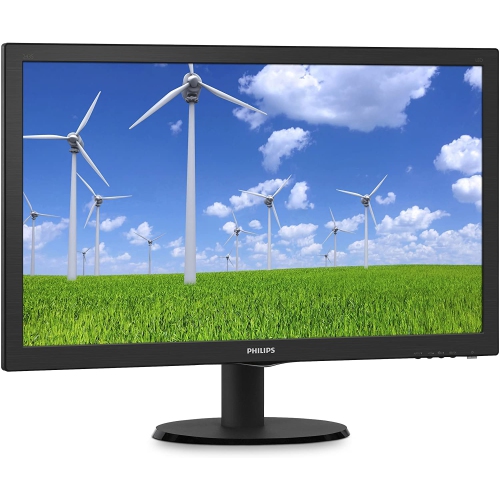
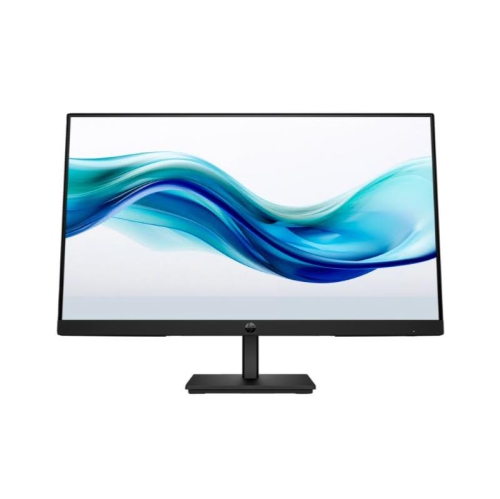
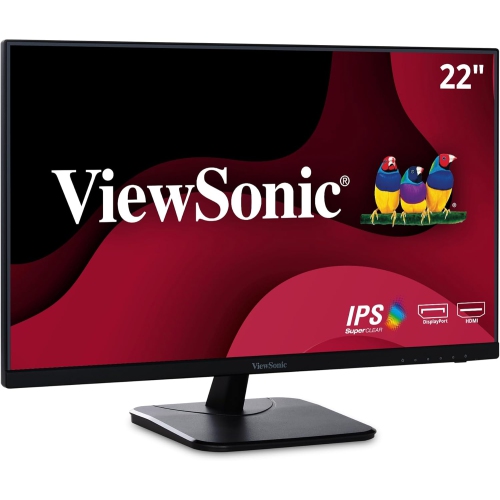
There’s more to a compact screen than size
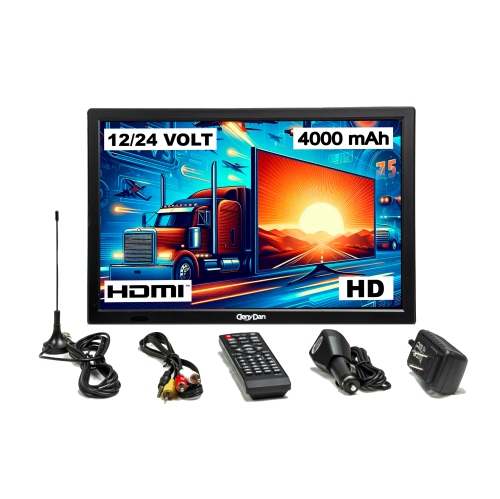
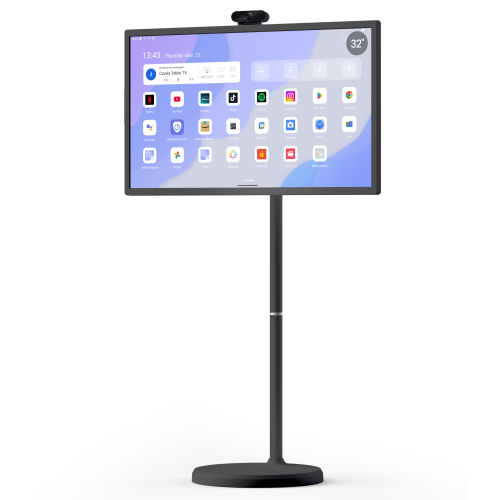
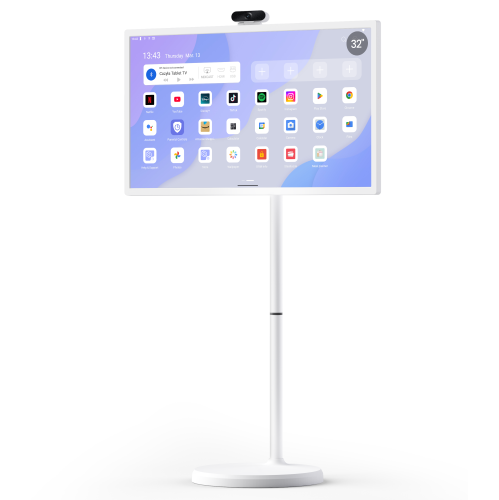
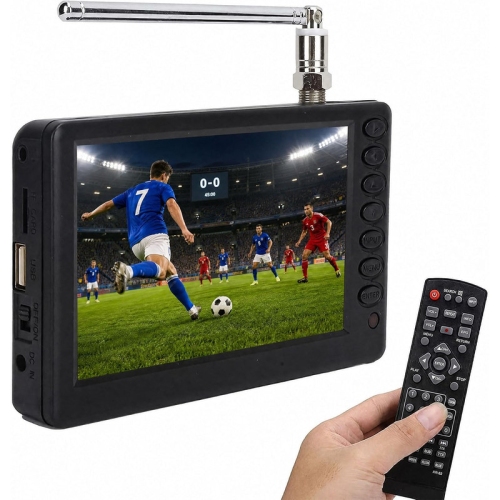
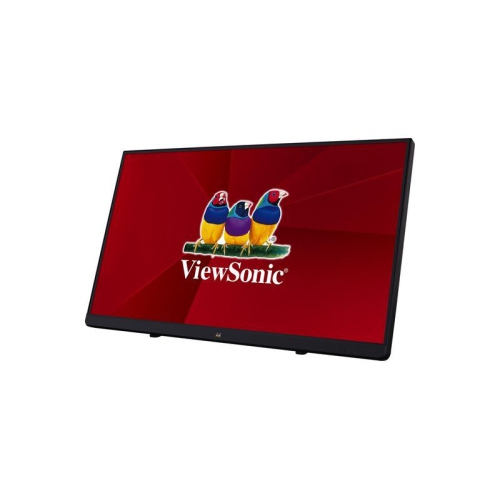
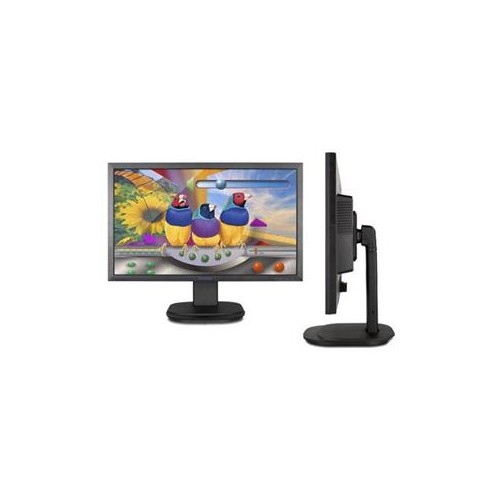
Small TV monitors bring entertainment and everyday screen tasks into places where a larger display would dominate the room. They range from compact mini monitors around 7 inches to portable displays and small televisions around 24 inches, with different features suited to different uses. A small television typically includes a broadcast tuner, while a computer or portable monitor generally needs an external source, such as a laptop, streaming device, game console, or compatible camera system. Smart TV functions add another distinction: built-in apps and network connectivity can support streaming without a separate player, although services may require accounts and subscriptions. These differences matter more than the name alone. A screen beside a kitchen countertop might be used for following a cooking demonstration, while one on a bedroom dresser might be intended mainly for watching television from bed. On a desktop, a compact monitor can keep a video call, document, or message window visible without taking over the work surface. Screen size is measured diagonally, so the stated measurement does not describe the full width, height, or depth of the unit. Viewing distance also shapes what feels comfortable. A small display that looks clear at arm’s length may make subtitles difficult to read from across a room. Resolution becomes especially noticeable with close-up tasks: Full HD, or 1920 × 1080, can provide finer detail than 720p at the same screen size, but text size and display scaling still affect readability. A lower-resolution screen may be adequate for a simple camera feed, yet feel cramped when showing a spreadsheet. Panel viewing angles are worth considering when the screen will sit off to one side or be shared by two people. Colour and contrast can change when viewed from an angle, depending on the panel. A matte screen can help soften reflections near a lamp, while a glossy finish may show surrounding objects more clearly. Brightness, placement, and the ability to tilt the screen all contribute to a comfortable picture.
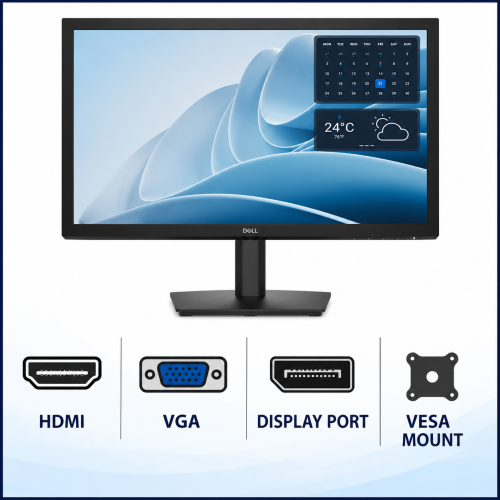
Connections determine how easily a small TV monitor fits into an existing setup. HDMI is common for carrying video and audio from entertainment devices and computers, but the number of inputs matters when more than one source needs to stay connected. Switching between a streaming player and a game console is simpler when each has its own input. Portable displays may use Mini HDMI or Micro HDMI rather than a full-size socket, so the cable ends need to match both devices. USB-C can make a tidy laptop connection, but a USB-C port does not automatically support video. The source device, display, and cable must support the required video mode, and some combinations still need a separate power connection. A USB port on a television may instead be intended for media playback, service functions, or powering an accessory. Older equipment can introduce another layer of compatibility: composite video, VGA, and BNC connections are not interchangeable with HDMI, and converting between analogue and digital signals usually requires an active converter rather than a simple cable. For television broadcasts received through an antenna, a compatible tuner and suitable reception are necessary; a monitor without a tuner needs an external receiver. Streaming also depends on the appropriate apps or connected device and a reliable internet connection, whether through Wi-Fi or Ethernet where supported. Sound deserves similar attention. Built-in speakers keep the setup compact, but their output and clarity vary, particularly for dialogue. A headphone socket, Bluetooth audio, or a supported audio output can provide alternatives, with compatibility and possible wireless delay worth checking. For gaming, native resolution, supported refresh rates, and input lag influence the experience more directly than screen size alone. A small screen can be practical for a console at a desk, provided its inputs accept the console’s output. Portable use brings power requirements into focus as well. A slim, lightweight monitor is not necessarily battery-powered; some require a wall adapter or draw power from a compatible computer. Battery-equipped displays offer more freedom of placement, but operating time depends on settings and use.
Physical fit and day-to-day handling help distinguish a convenient small display from one that creates clutter. On a narrow shelf, the stand’s footprint can matter as much as the panel width, and side-facing or rear-facing sockets need room for cables without sharp bends. Ventilation openings should remain clear, with the spacing specified by the manufacturer. A stand with a broad base can provide useful stability on a desk or dresser, while tilt adjustment helps position the picture without balancing the screen on improvised supports. For mounting, both the VESA hole pattern and the display’s weight must match the bracket, and not every compact model includes mounting points. Many small TV monitors combine a glass-fronted panel with a plastic housing; some portable designs use metal-backed housings or folding covers that double as stands. These materials affect weight and handling, but no thin display should be treated as resistant to pressure or drops unless its specifications explicitly support that use. When moving a portable screen between a home office and another workspace, a padded sleeve helps protect it from scratches and pressure inside a bag. Cables should be disconnected before packing so their plugs do not strain the sockets. Routine care is straightforward: turn off and unplug the display, use a clean microfibre cloth, and follow the manufacturer’s directions for any cleaning solution rather than spraying liquid onto the screen. Around food preparation areas, keep the display away from splashes, steam, and cooking residue. These compact screens can suit students furnishing a small room, people adding a secondary work display, or family members who prefer a modest television in a personal space. As a gift, compatibility with the recipient’s devices and room layout is more useful than screen size alone. Shoppers interested in older television designs can also explore Small Old TV's, keeping connection types and cabinet depth in mind. The most useful small screen is one whose picture, sound, controls, and physical dimensions suit the place it will actually be used.
Top selling and popular products
-
 Your price for this item is $2237.68
-
 Your price for this item is $320.68
-
 Your price for this item is $469
-
 Your price for this item is $149.99
-
 Your price for this item is $265.99
-
 Your price for this item is $229.99
-
 Your price for this item is $1138.68
-
 Your price for this item is $355.68
Discover more categories related to Small TV Monitors
Top Collections:
Best Black Friday Deals This Year, Best Black Friday Deals On Electronics, Kindle Devices, Pokemon Centers, Best Black Friday Deals On Apple Products, Best Cameras for Sports Photography, Dyson Airwrap, Pokémon 30th Celebration Cards, Apple iPhone 17 Pro, Canon G7X Cameras
Some products may be subject to Environmental Handling Fees
(EHF) depending on your province.
Learn more about EHFs.