Fast USB Flash Drives
Looking for fast data transfer speeds? Look no further than our collection of USB flash drives. With their high-speed capabilities, these portable storage devices are perfect for quickly transferring files, documents, photos, and more. Whether you need to store important work files or want to keep your favorite movies and music with you on the go, our selection of fast USB flash drives has got you covered. Say goodbye to long wait times and hello to efficient file transfers with these speedy devices.
Sort






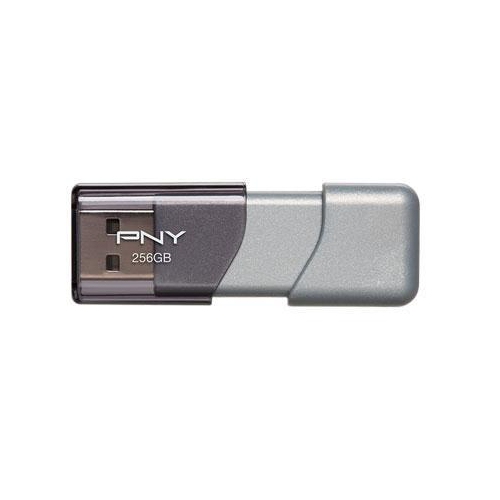

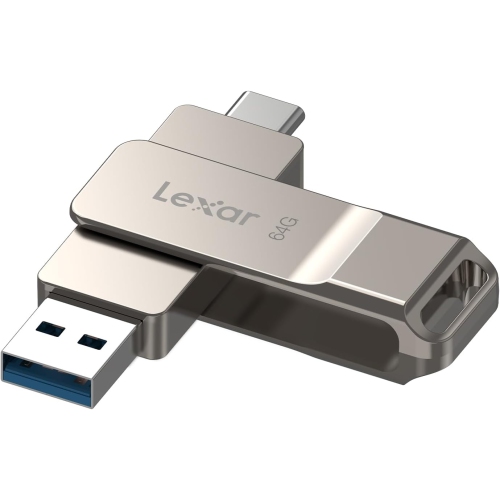
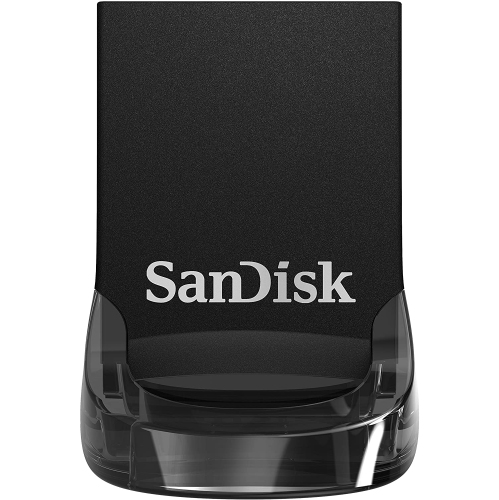
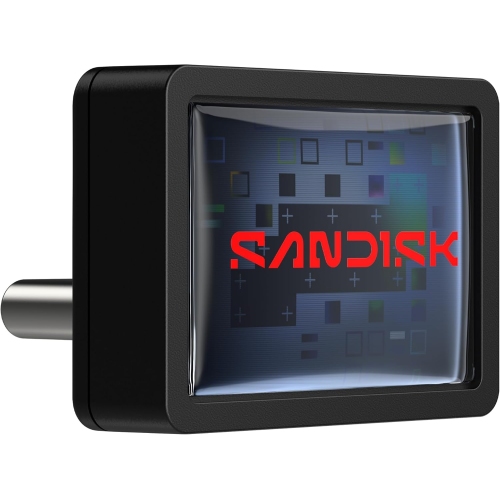
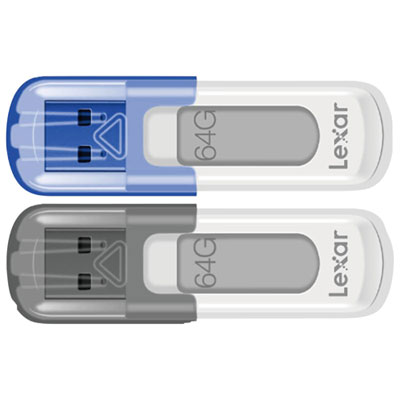

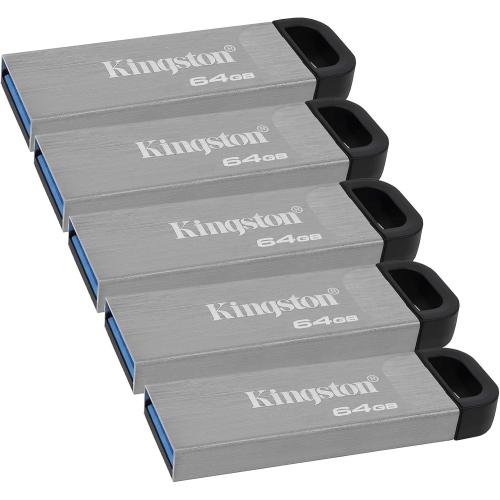

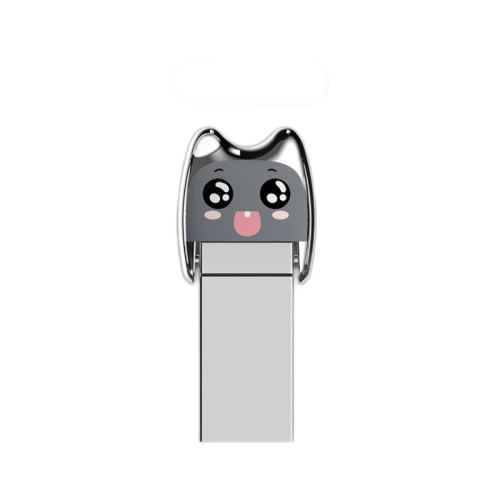
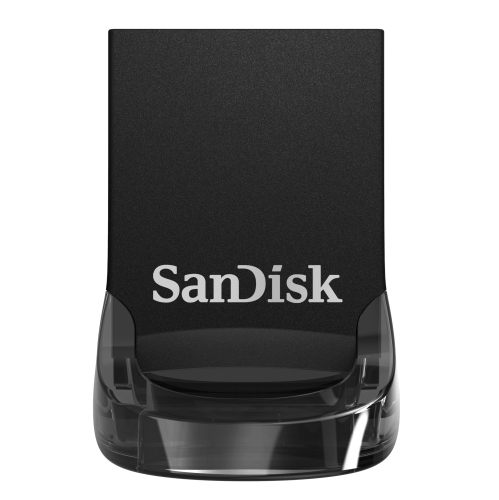






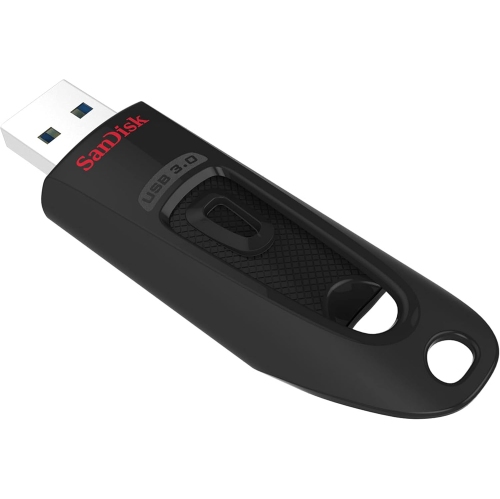
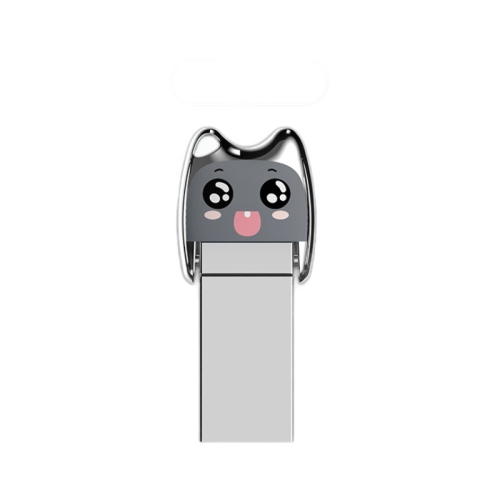
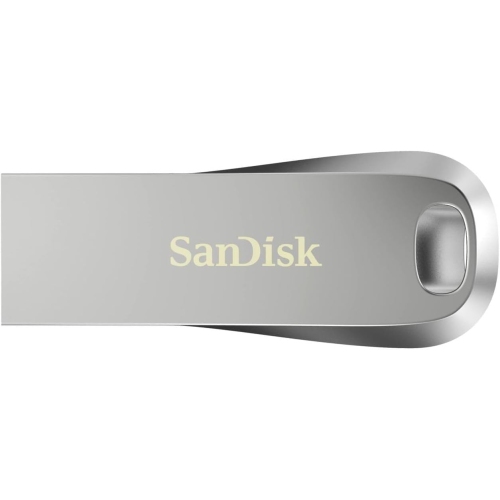
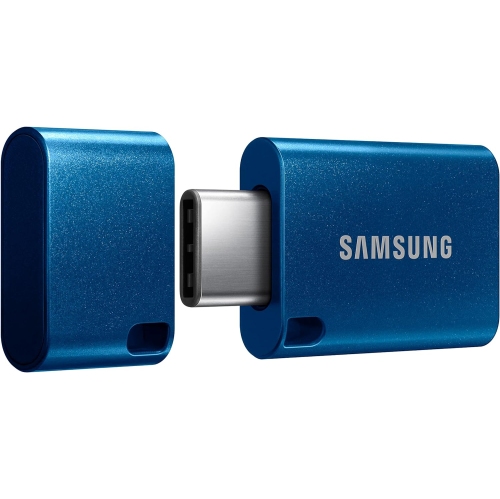


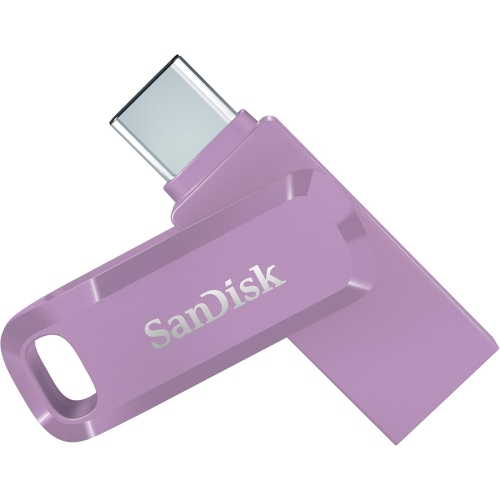
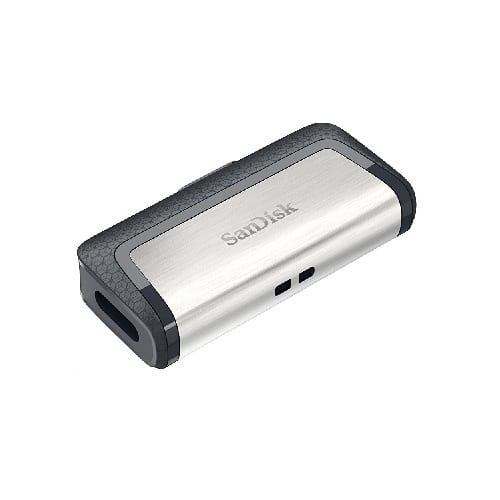
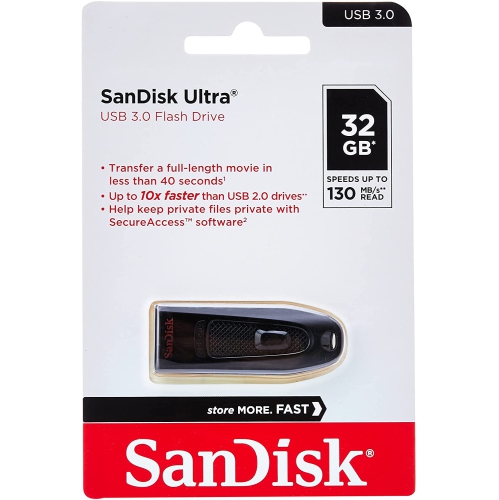
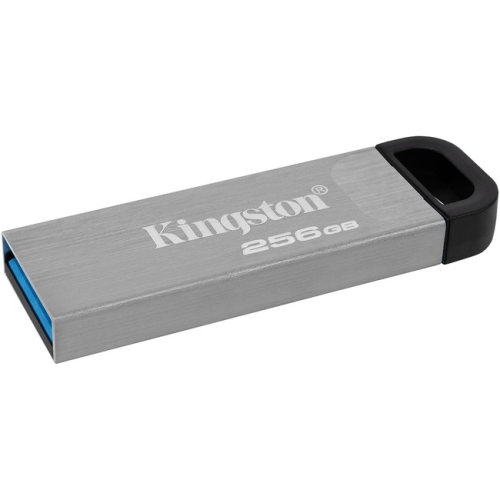

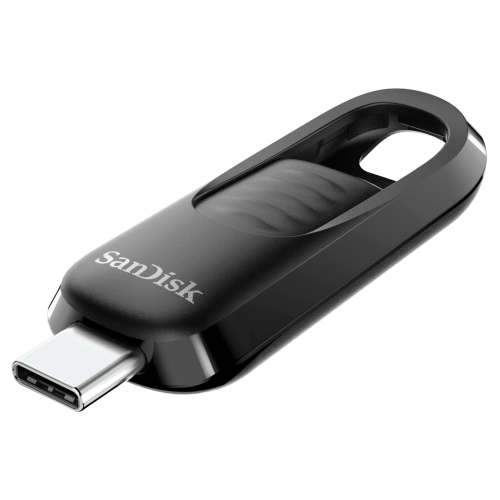

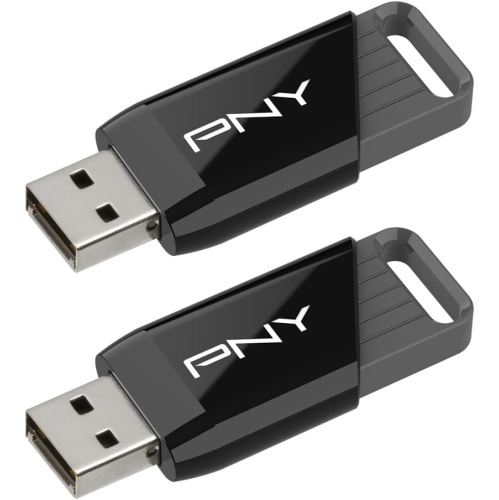
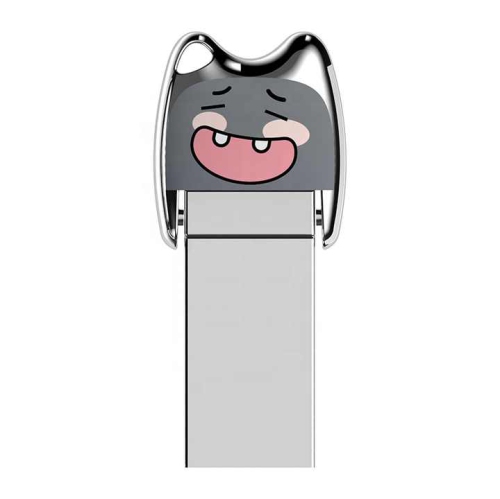
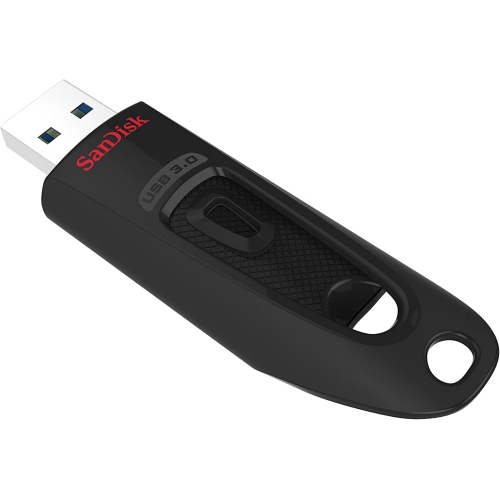

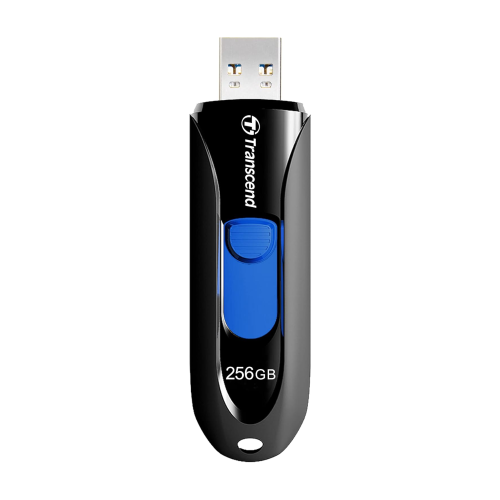
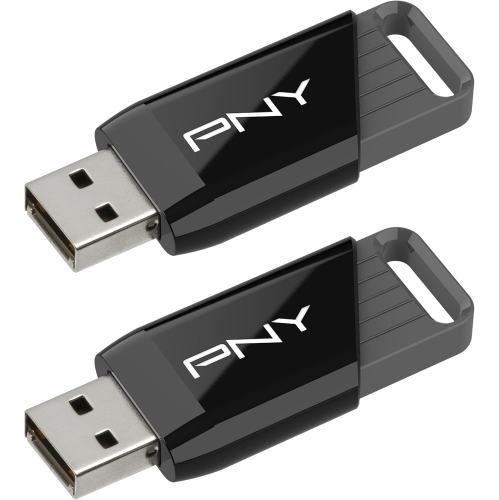

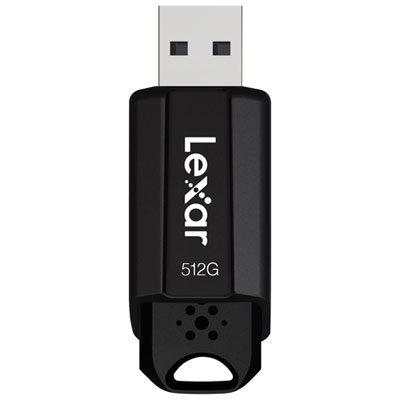









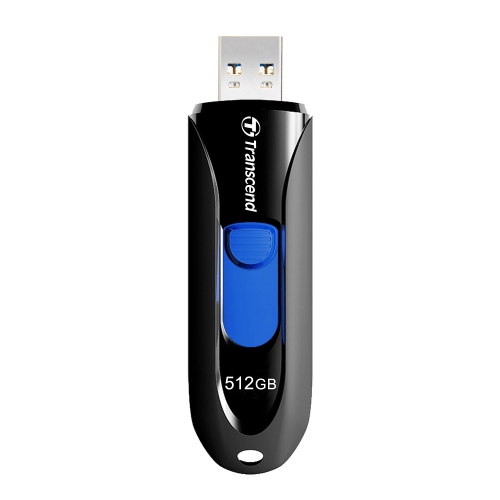
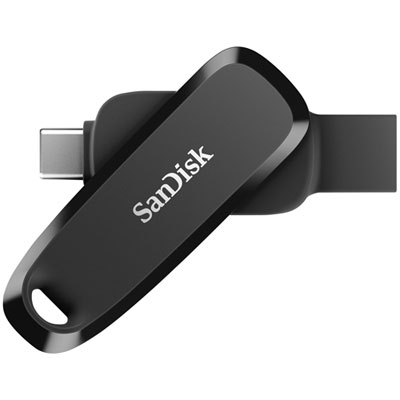










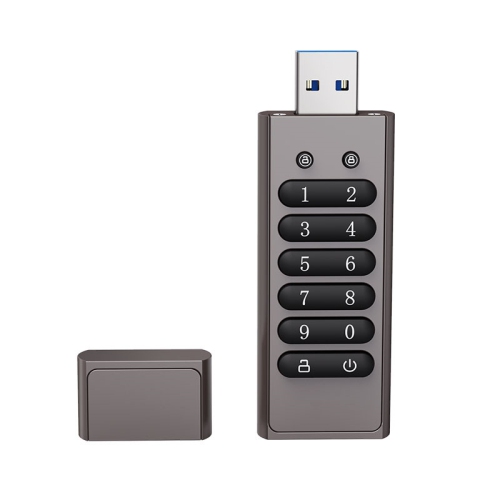
Why write speed matters when moving large files
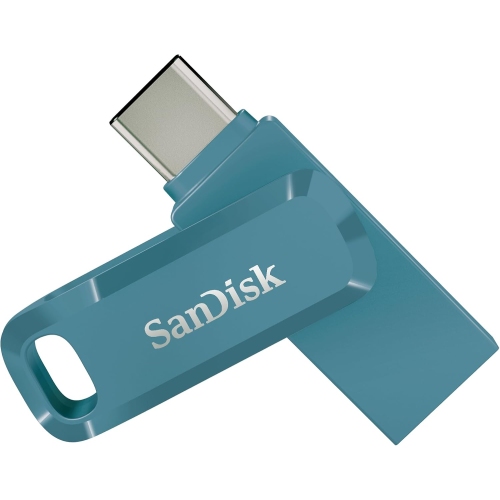
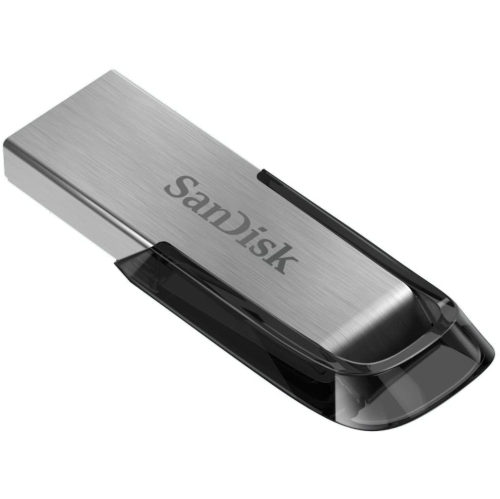
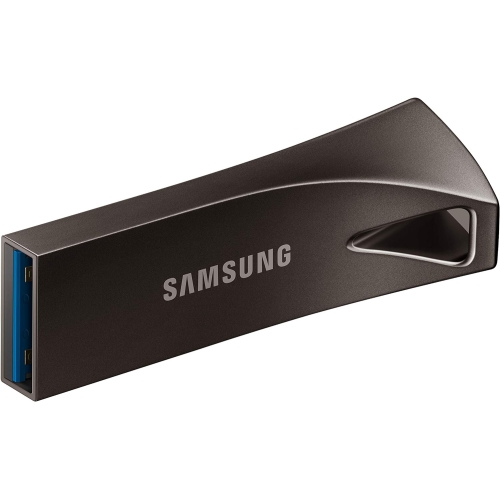
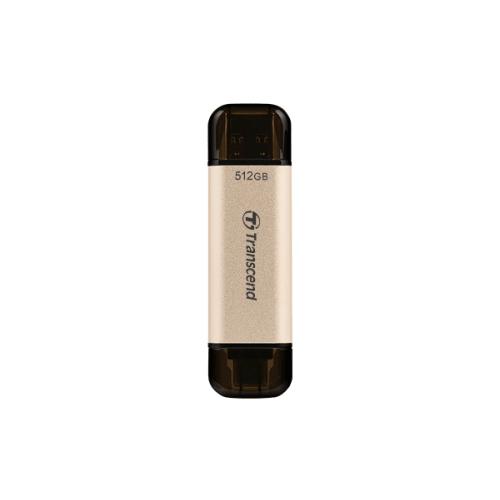
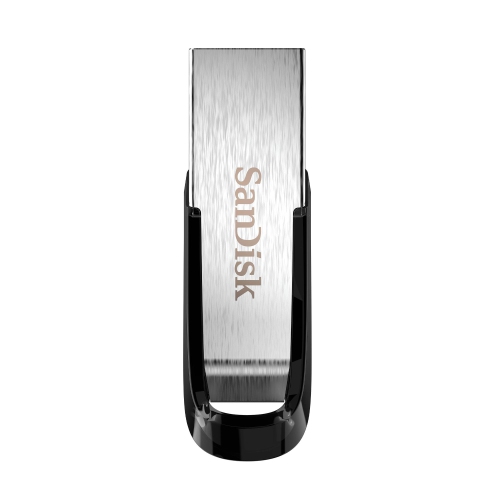
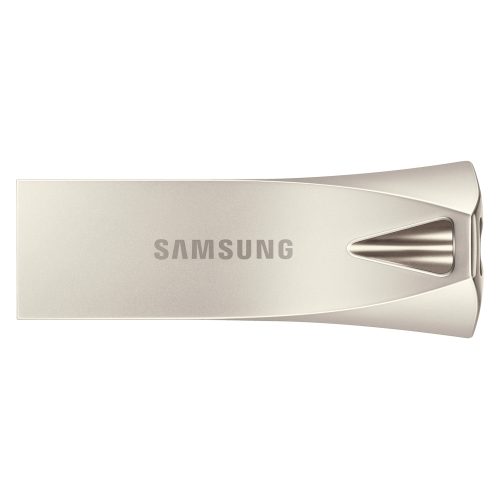
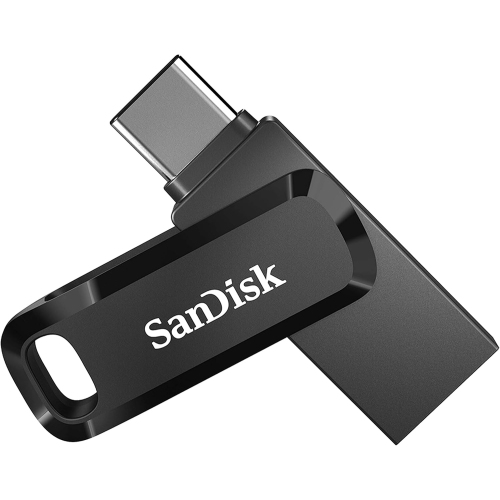
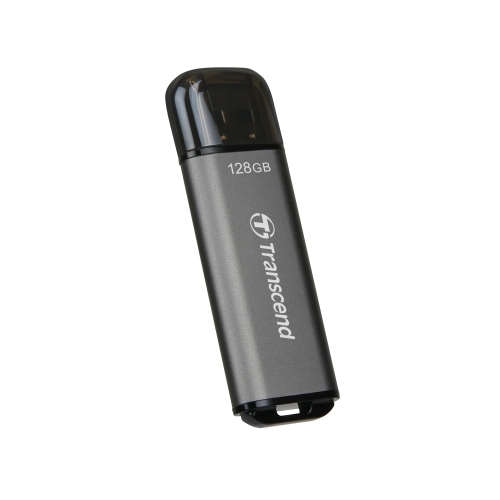
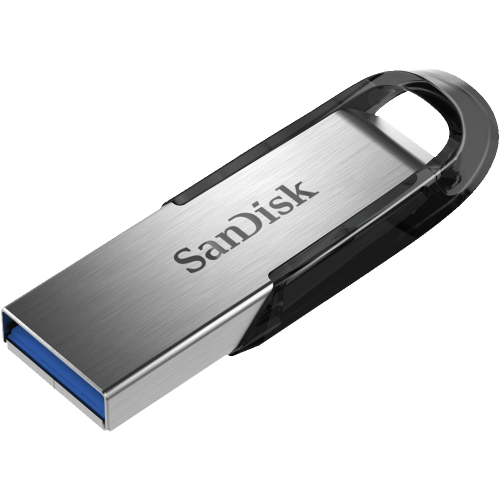
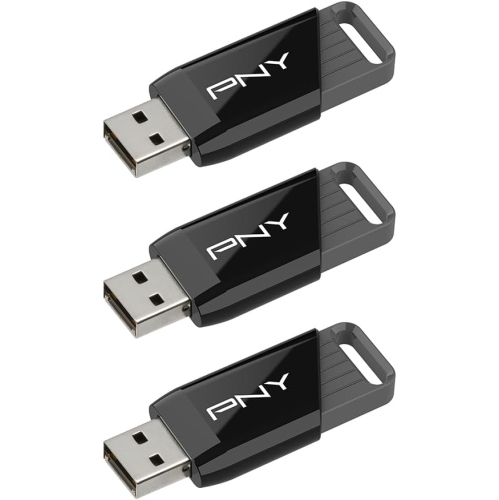
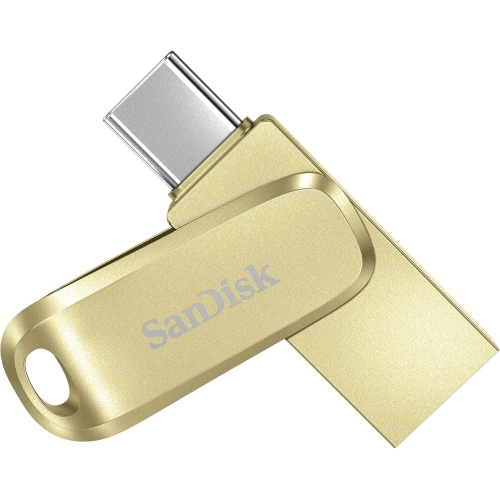
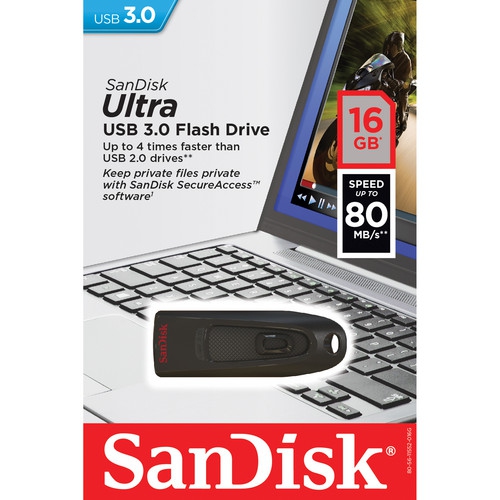
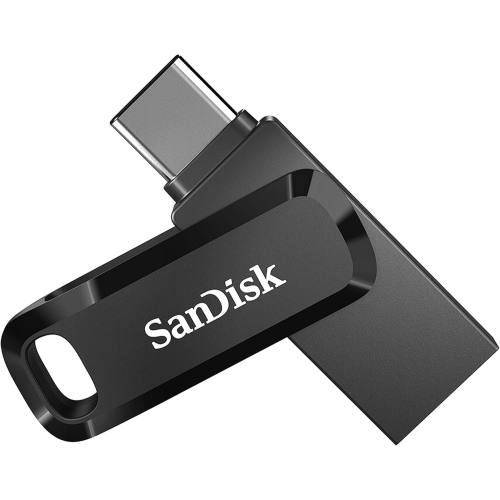
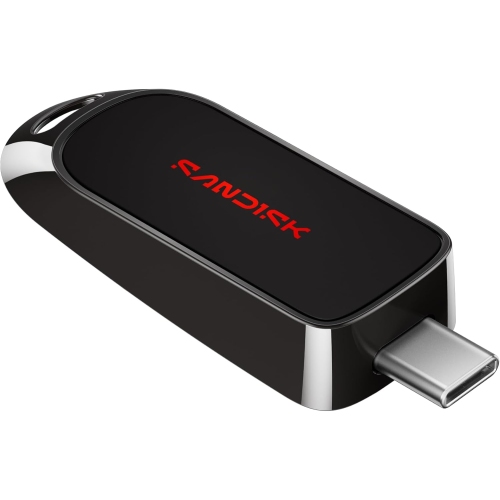
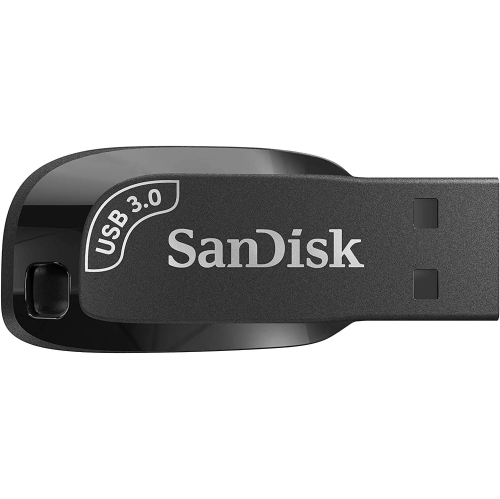
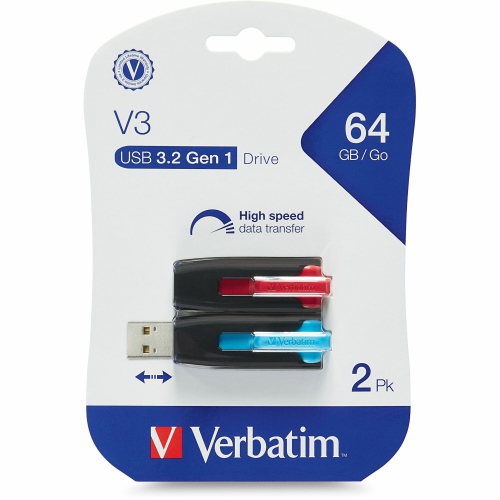
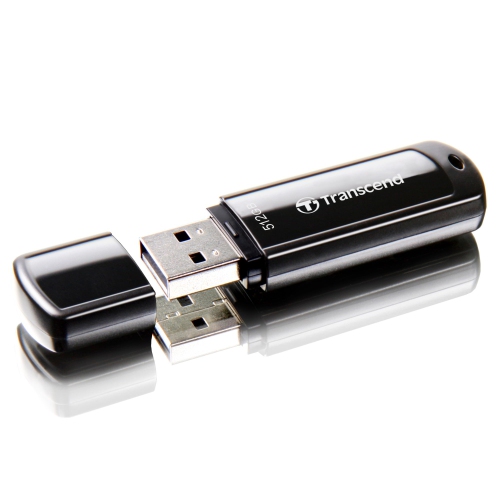
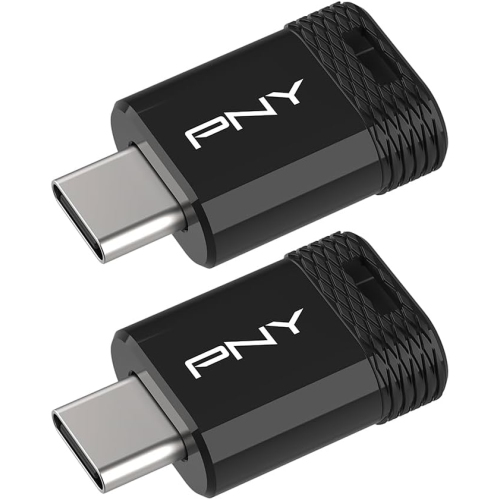
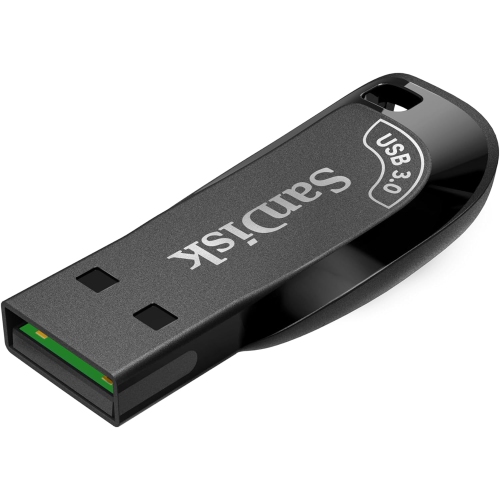
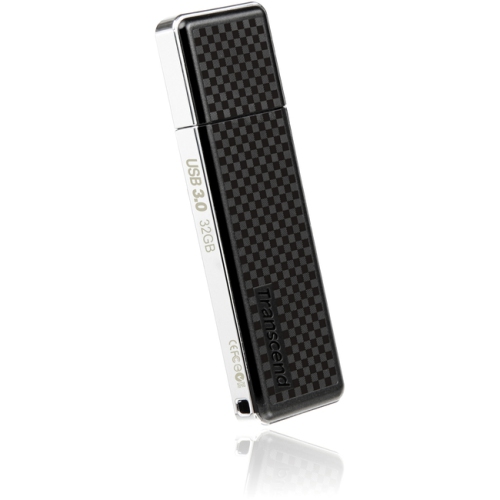
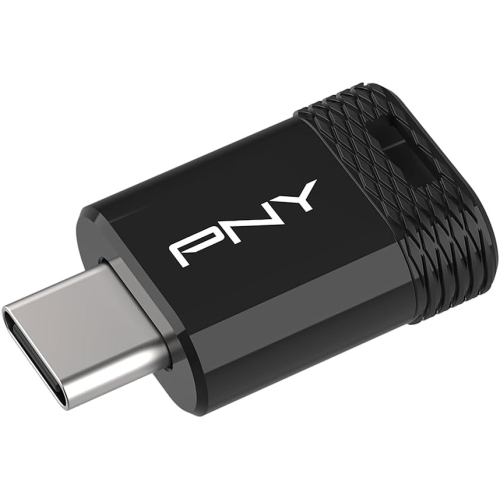
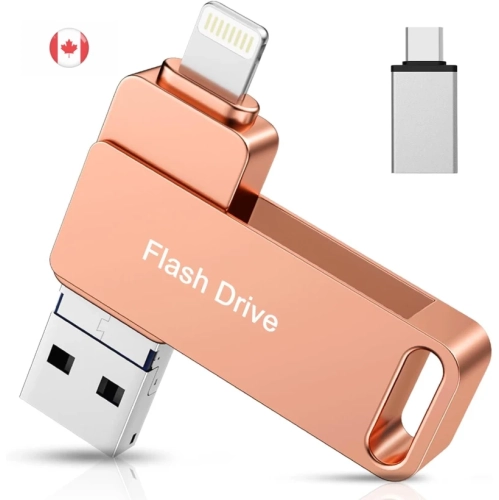
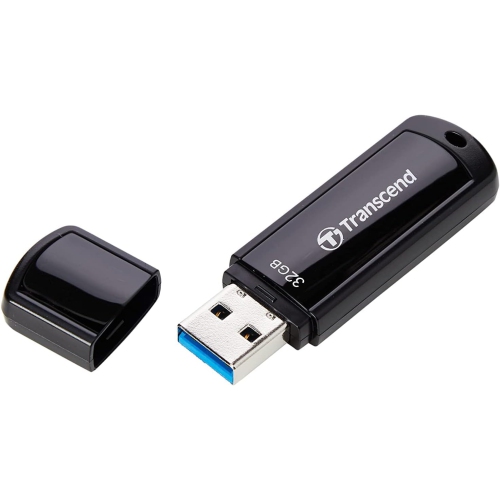
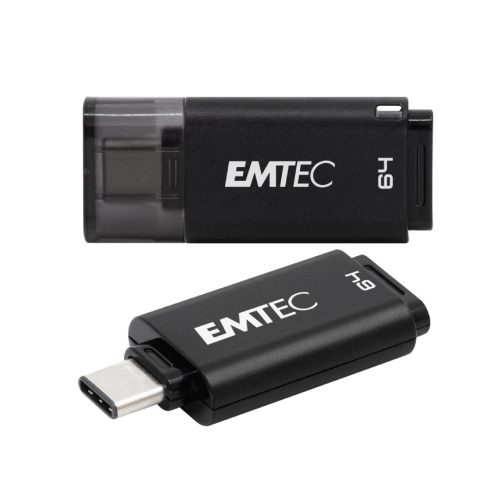
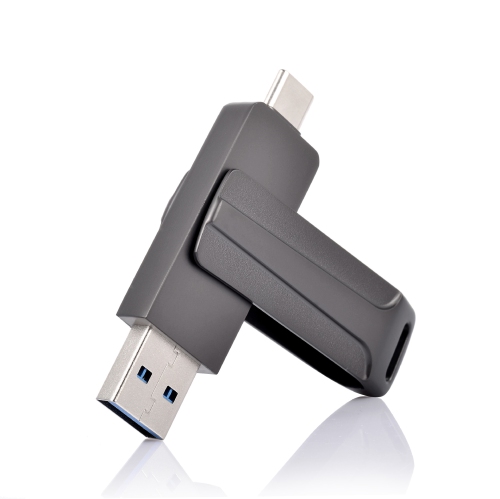
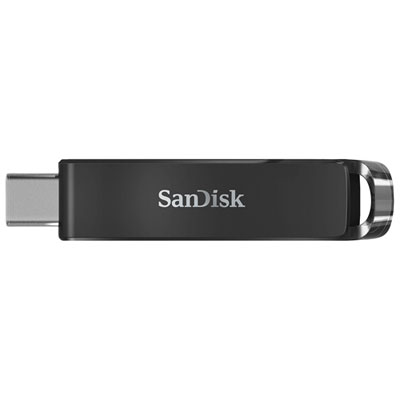
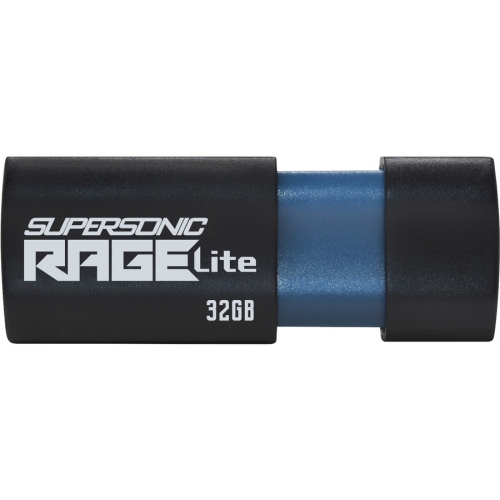
Fast USB flash drives make large files easier to carry between compatible devices, whether that means moving a folder of high-resolution photos, handing over a finished video, or bringing presentation files to a meeting. Their appeal is straightforward: portable storage that slips into a pocket and connects without a separate power supply. Performance depends on more than the USB version printed on the packaging. Read speed describes how quickly a drive can retrieve data, such as when copying footage onto a computer, while write speed describes how quickly it can accept files. Advertised read speeds can reach 400 MB/s or higher on some designs, but write speeds may be substantially different. For anyone regularly copying large folders onto a drive, write performance matters just as much as a headline read figure. USB 3.2 Gen 1 supports a theoretical signalling rate of 5 Gb/s, while USB 3.2 Gen 2 supports 10 Gb/s; those connection rates are not the same as actual file-transfer speeds. The drive, computer port, and any hub or adapter all affect the result. A fast drive connected through an older USB port will operate within that connection’s limits. Connector shape is a separate consideration: USB-A fits the familiar rectangular port, while USB-C uses a smaller, reversible connector. A USB-C connector alone does not guarantee a particular transfer speed. Dual-connector designs can make transfers between compatible laptops, desktop computers, phones, and tablets more convenient, although mobile devices must support external USB storage. Real-world performance also varies with the task. One large video file often transfers more efficiently than thousands of tiny documents, and lengthy transfers can slow after a drive’s high-speed write cache fills. For frequent video work or large project folders, sustained write performance gives a more useful picture than a brief burst of speed. These distinctions make fast flash storage especially useful for photographers, students, office workers, and anyone who regularly moves substantial files between devices.
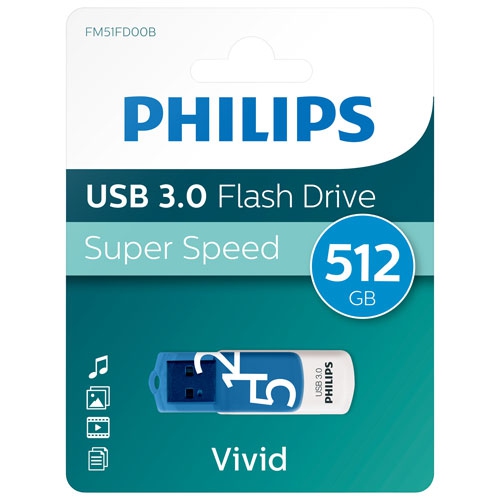
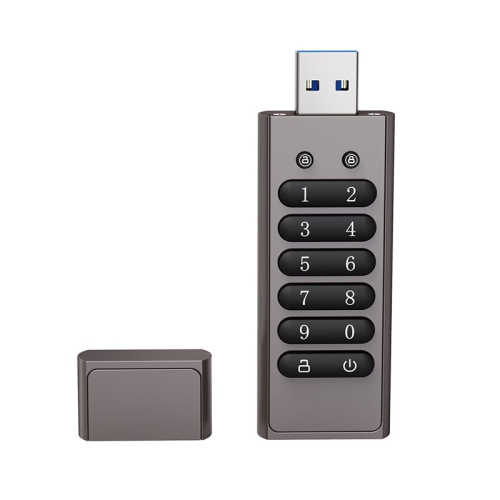
Storage capacity shapes how comfortably a flash drive fits into everyday routines. Documents and presentation slides generally need far less space than high-resolution image collections, audio projects, or video footage. Capacities such as 128 GB, 256 GB, and 512 GB provide different amounts of room for working files, while 1 TB designs accommodate larger collections without splitting them across several drives. Usable space will be lower than the labelled capacity because of formatting and differences in how storage is measured and displayed. Leaving some room for new files also makes a drive easier to manage than filling it to the limit before every transfer. A student might keep coursework, scanned notes, and presentation media together; a photographer might carry selected image folders to an editing session; a household might use a drive to share photos with relatives without uploading the entire collection. File-system compatibility is another practical detail. FAT32 has a maximum individual file size of just under 4 GB, which can be restrictive for longer videos or large archives. exFAT supports larger files and works with many modern computers, but support should still be confirmed for the devices involved. Televisions, vehicle media systems, cameras, and other equipment may have their own formatting and capacity requirements. Reformatting erases existing contents, so important files need to be copied elsewhere first. For work documents or personal records, password protection and hardware-based encryption can add protection where supported. Any included security software needs to work with the intended operating system, particularly when a drive will move between different computers. A flash drive is useful for transport and for keeping an additional copy, but it should not be the only home for irreplaceable photos or important records. Separate backups remain valuable even when a drive is used carefully. Meaningful folder names and clearly labelled versions help prevent an outdated presentation or unfinished file from being mistaken for the final copy.
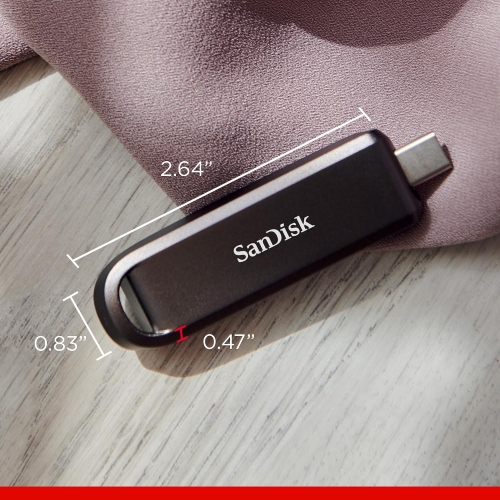
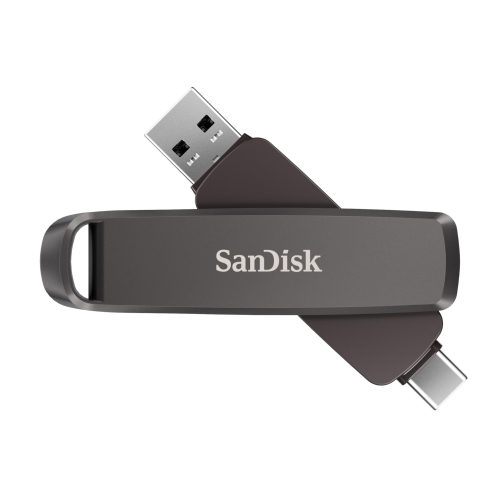
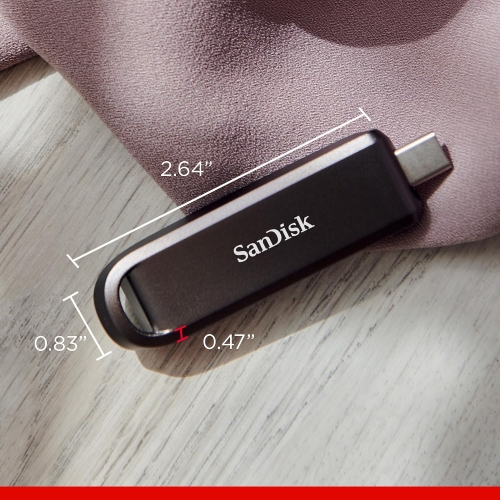
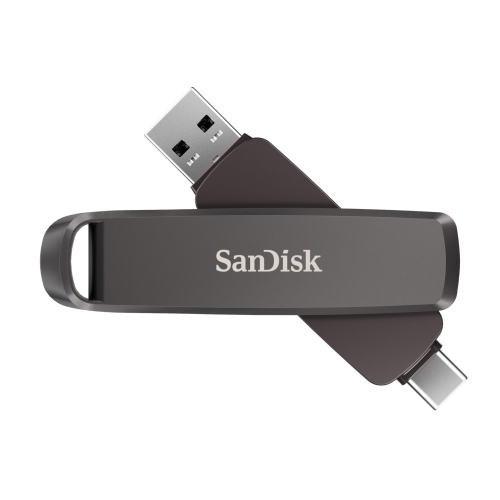
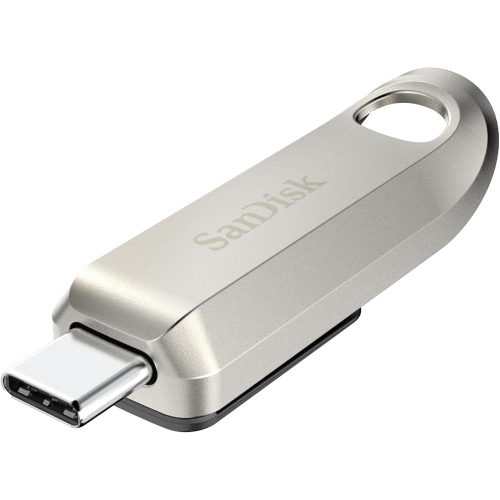
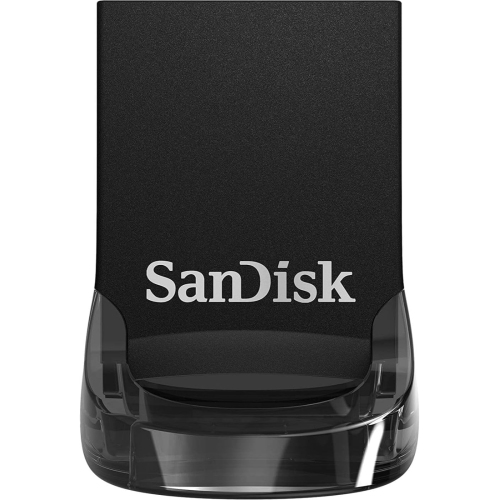
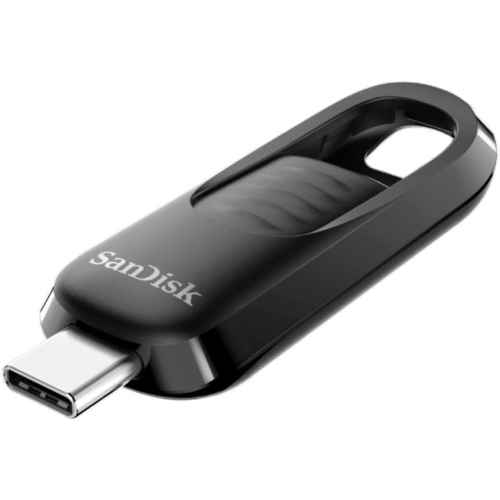
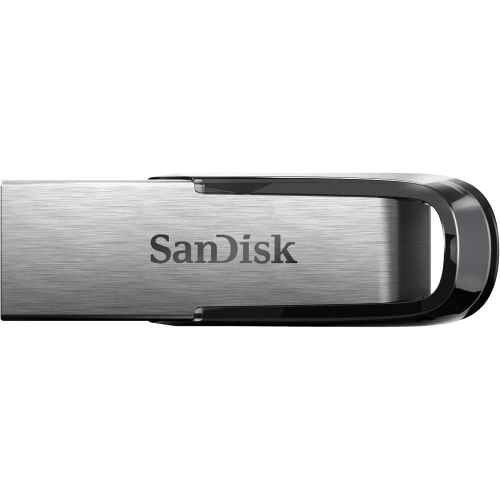
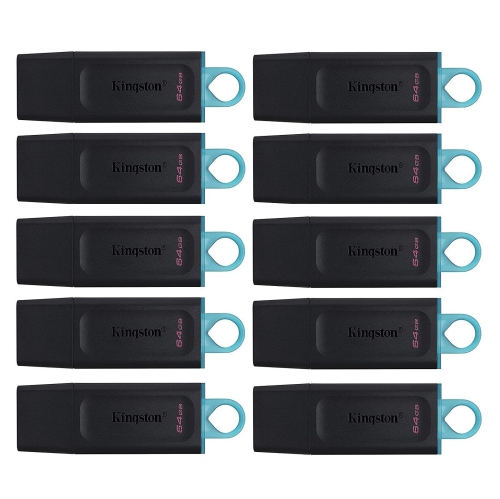
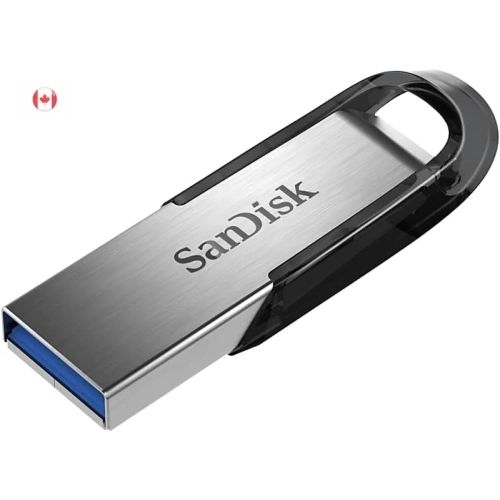
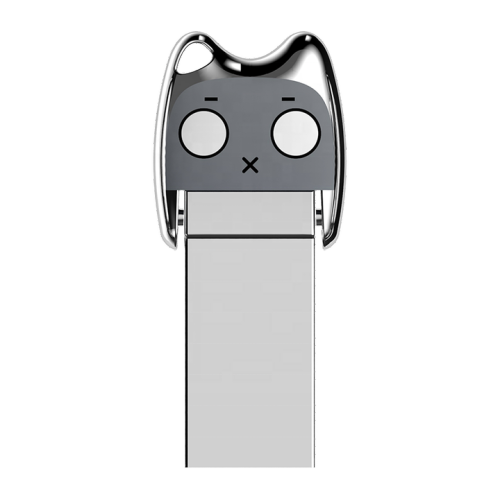
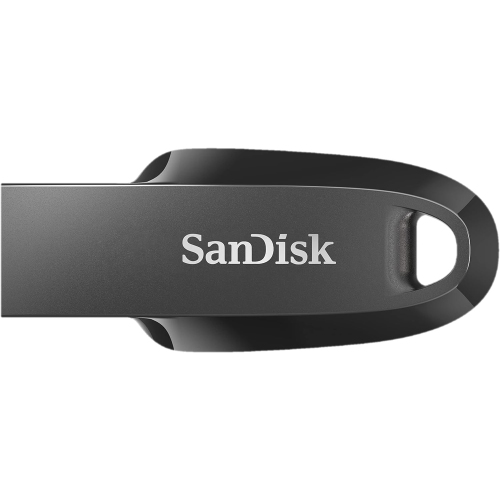
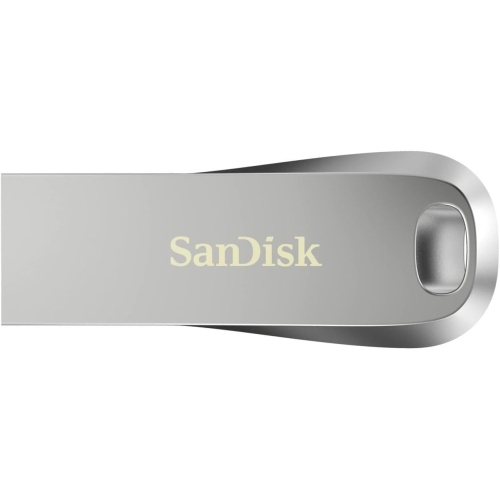
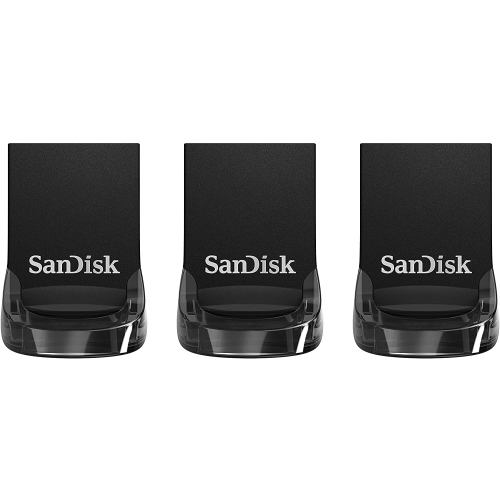
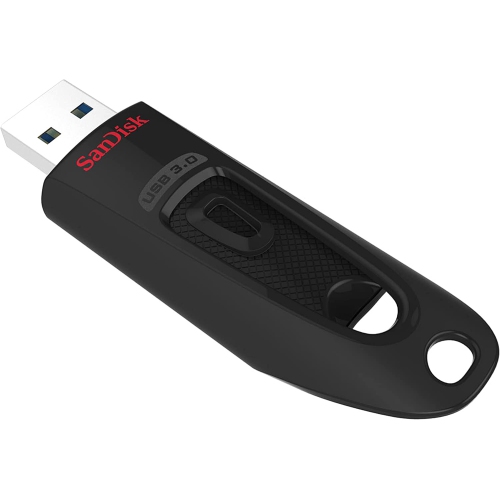
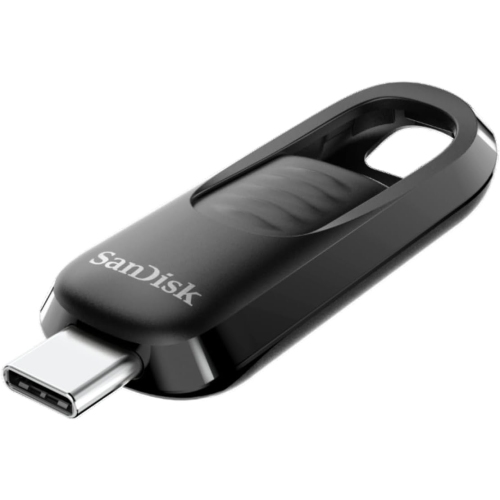
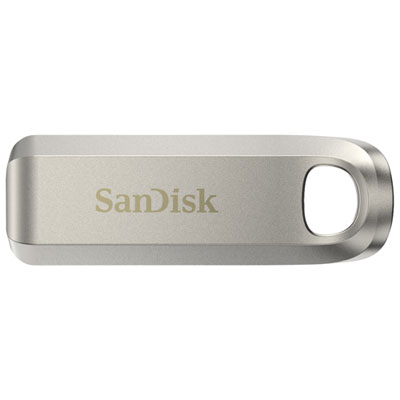
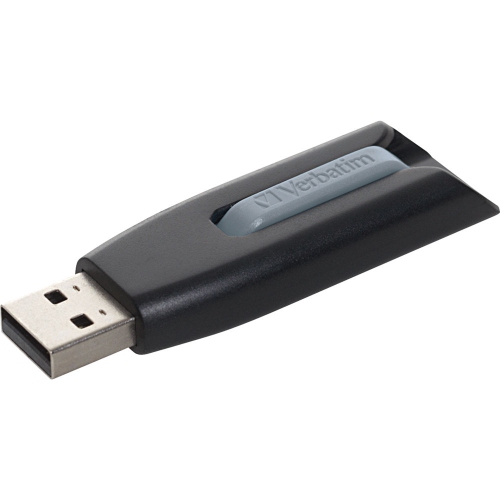
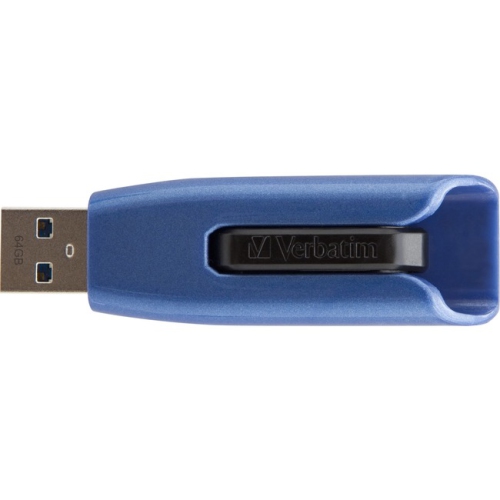
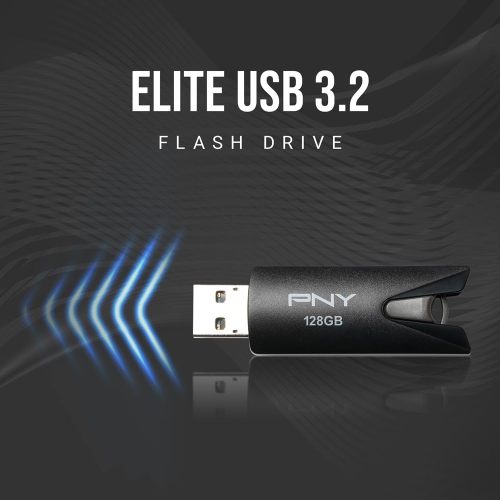
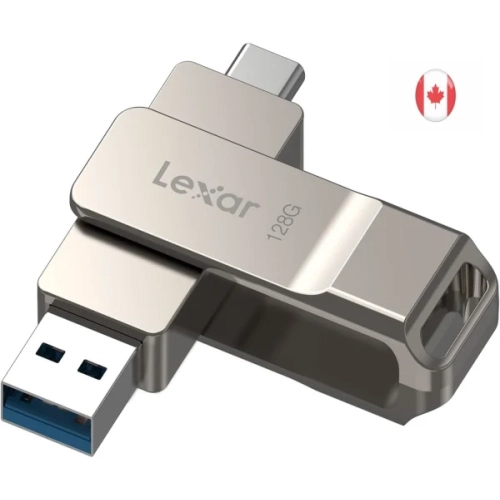
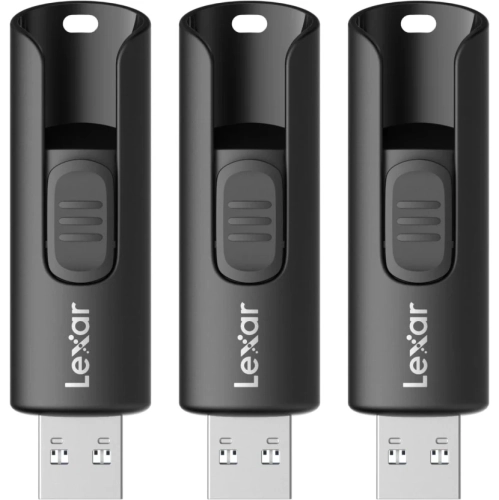
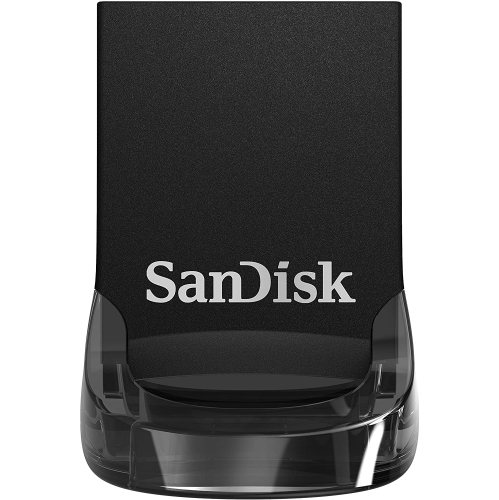
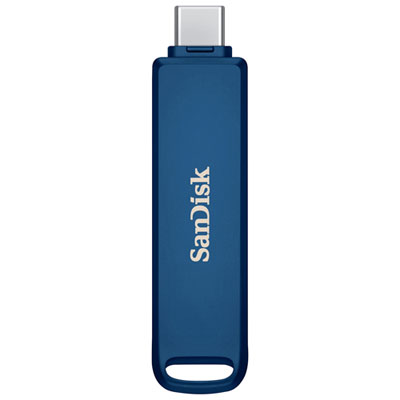
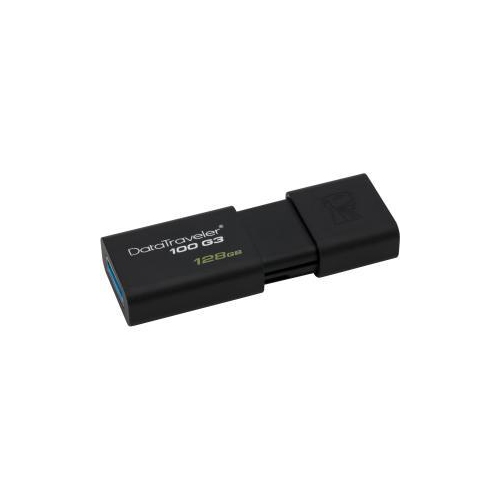
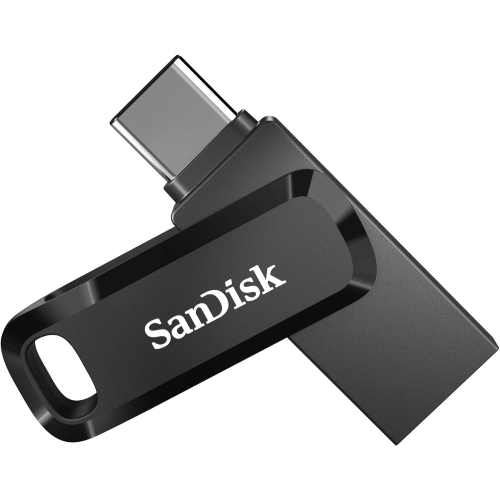
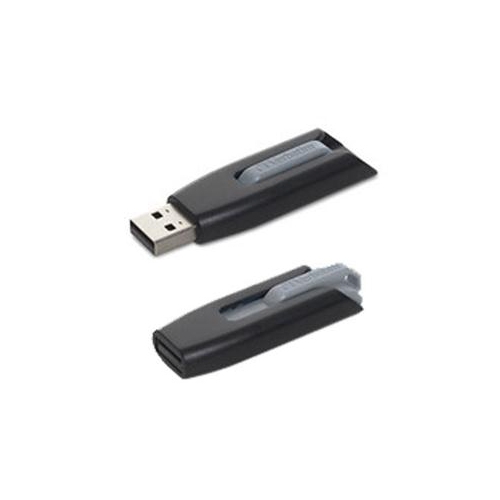
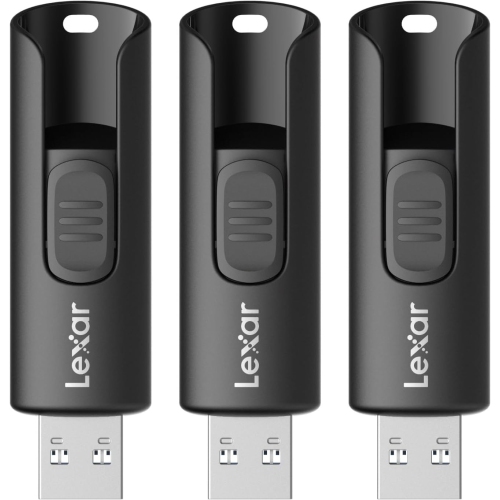
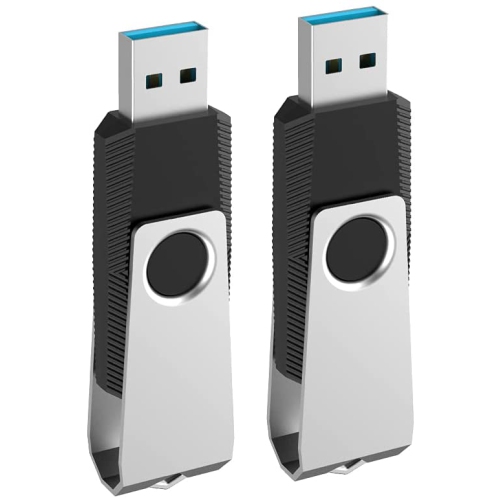
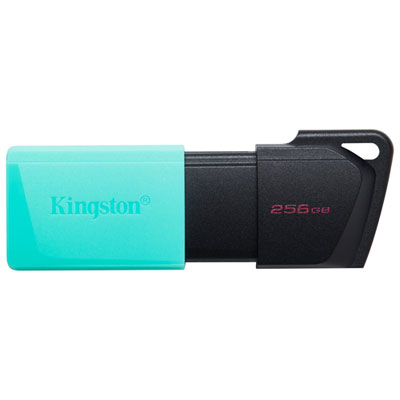
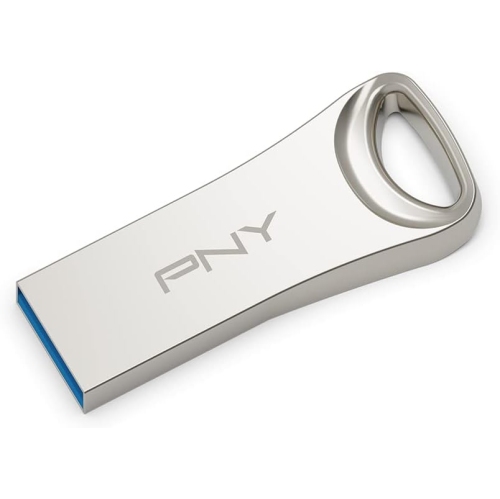
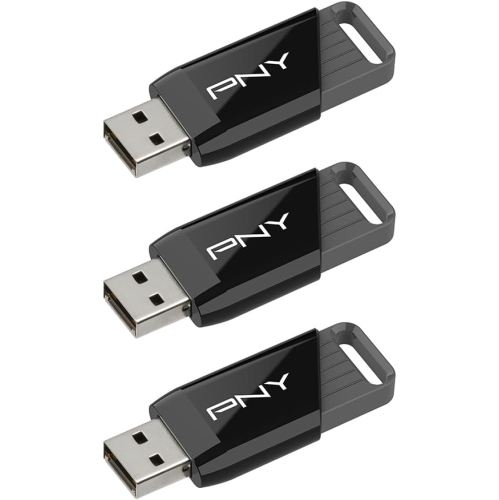
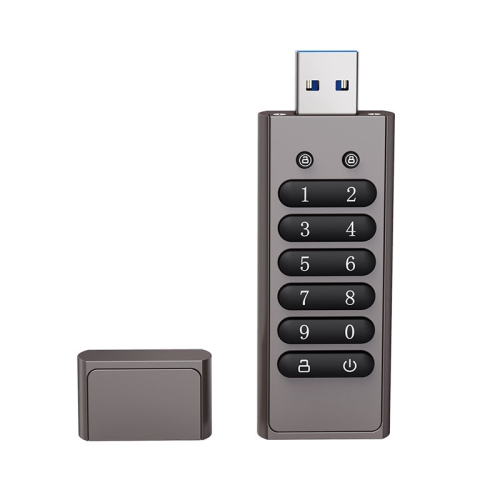
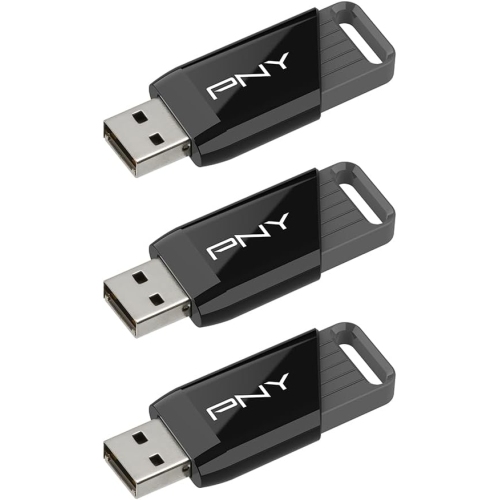
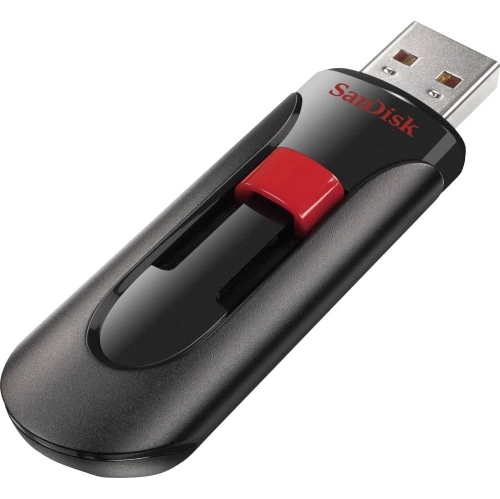
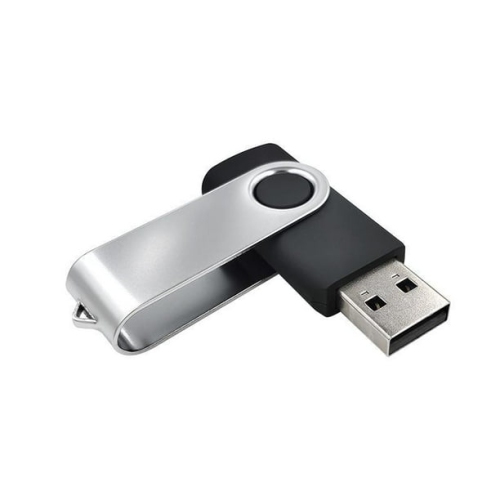
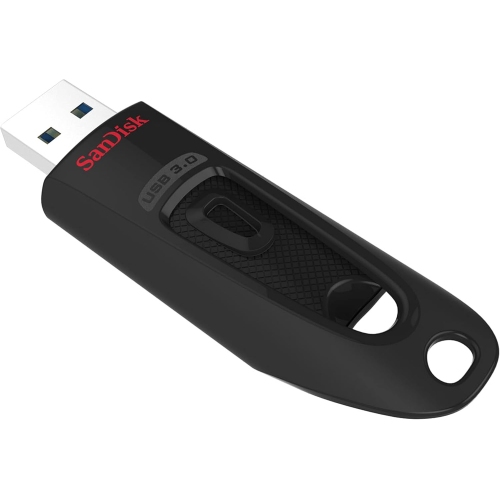
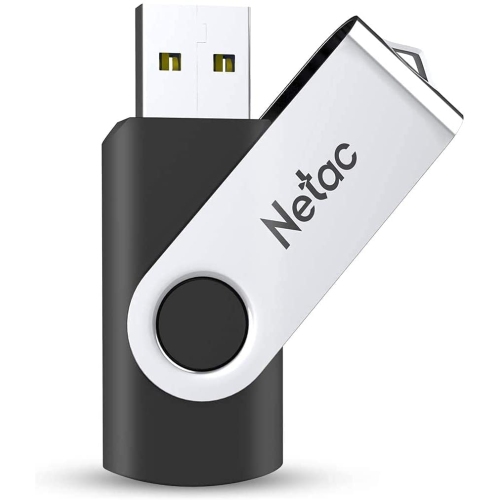
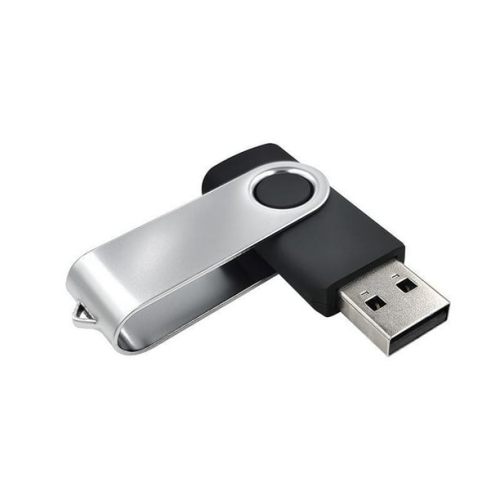
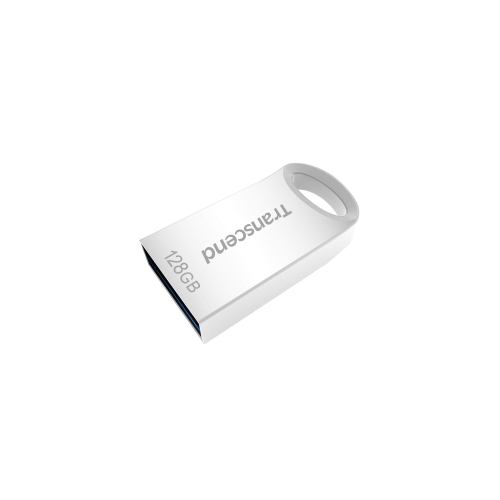
The physical design of a fast USB flash drive affects how it feels to use as much as how it travels. Metal housings offer a firm, solid feel, while plastic shells can keep weight down; neither material alone establishes how well a drive will withstand a drop or exposure to moisture. Any water, dust, or impact resistance depends on the stated protection for that design. Caps help cover connectors in a bag, retractable mechanisms keep the plug tucked away without a separate cap, and swivel covers provide another way to shield it between uses. A keyring loop can keep a drive close at hand, though a heavy bundle of keys should not hang from a computer’s USB port. Body width matters when neighbouring ports are closely spaced, and a phone case can interfere with how fully a USB-C connector seats. Low-profile designs create less protrusion from a laptop, which can be useful at a crowded desk or when working in a shared space. For a closer look at compact formats, Small USB Flash Drives brings together another size-focused option; compact dimensions and high transfer speed are separate characteristics, so both remain worth considering. Larger housings may be easier to grip and remove, especially when ports sit behind a monitor or desktop tower. During long transfers, some drives become warm as their components work, and performance may adjust to manage that heat. Keeping connectors clean and dry, avoiding force when inserting a drive, and storing it away from loose objects that could damage the plug support reliable everyday use. Transfers should finish before removal, with the operating system’s eject function used where provided. As a practical gift, a fast flash drive can suit a student carrying assignments or a relative sharing family videos, provided its connector and capacity match their devices and habits. The most useful combination is enough speed for the files being moved, enough room for the collection, and a shape that fits comfortably into the recipient’s daily routine.
Top selling and popular products
-
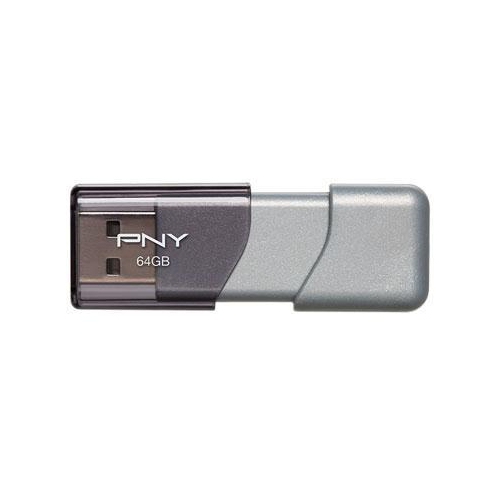 Your price for this item is $57.68
-
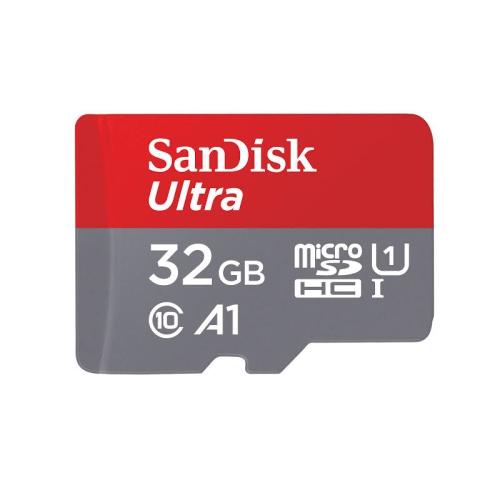 Your price for this item is $26
-
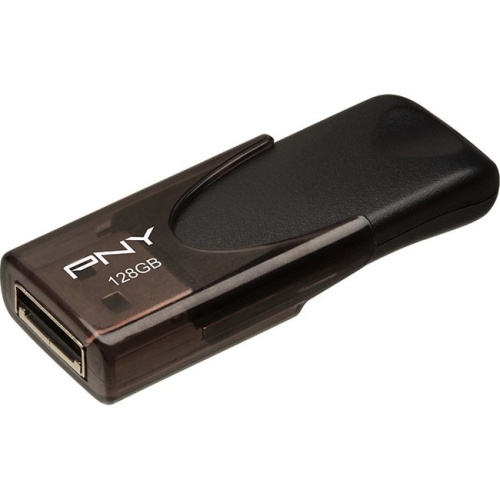 Your price for this item is $35.68
-
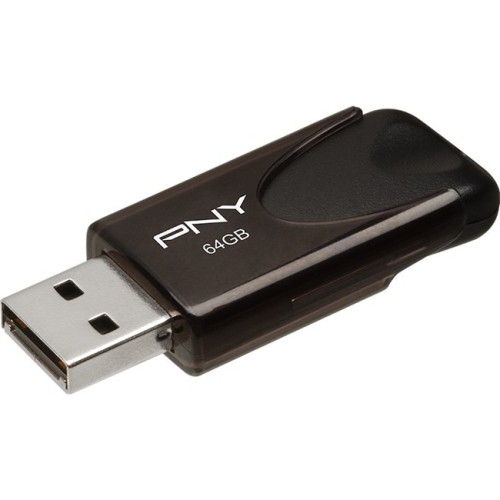 Your price for this item is $52.68
-
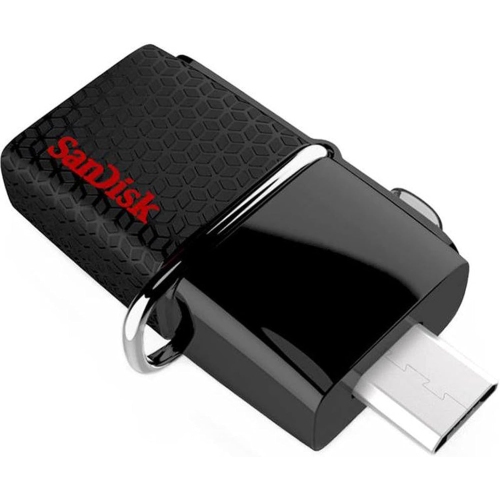 Your price for this item is $27.91
-
 Your price for this item is $186.68
-
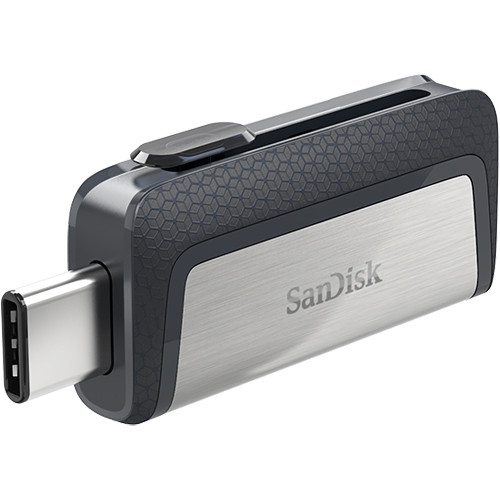 Your price for this item is $49.91
-
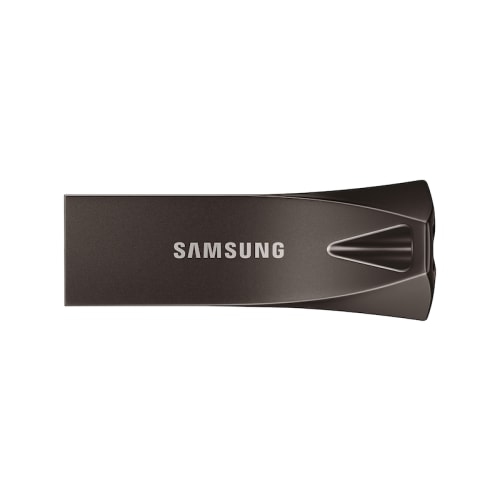 Your price for this item is $92.2
Discover more categories related to Fast USB Flash Drives
Top Collections:
Best Black Friday Deals This Year, Best Black Friday Deals On Electronics, Kindle Devices, Best Black Friday Deals On Apple Products, Best Budget Office Chairs, Best Cameras for Sports Photography, Dyson Airwrap, Canon G7X Cameras, Best Laptops for Writers, Samsung Galaxy Phones
Some products may be subject to Environmental Handling Fees
(EHF) depending on your province.
Learn more about EHFs.