Small Wi-Fi Routers
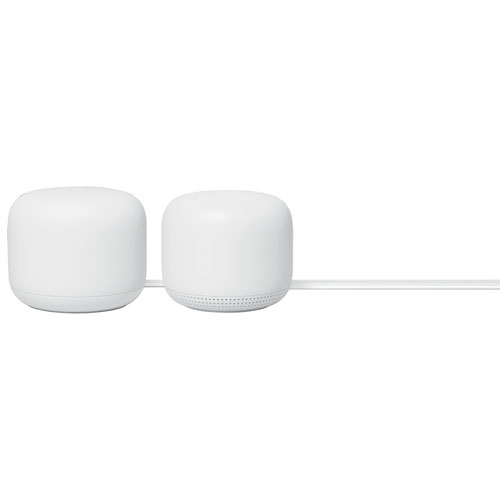
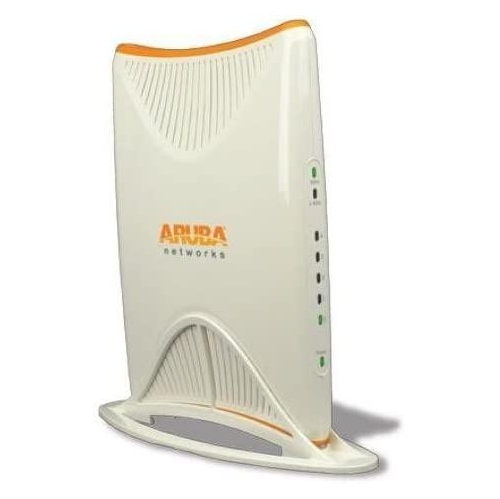
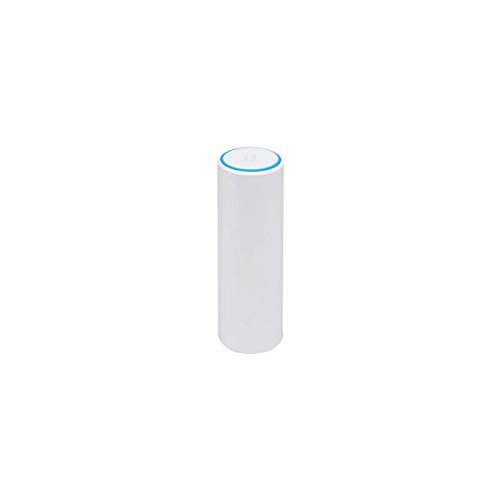
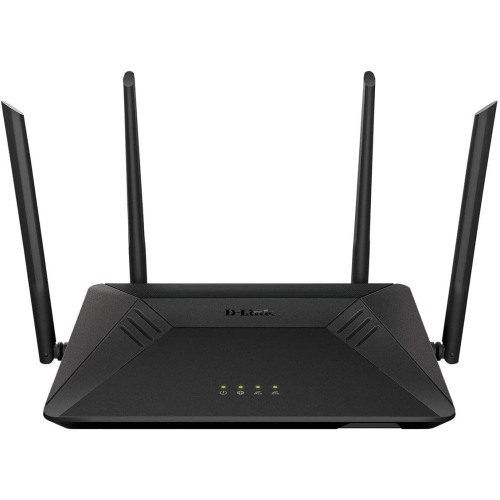
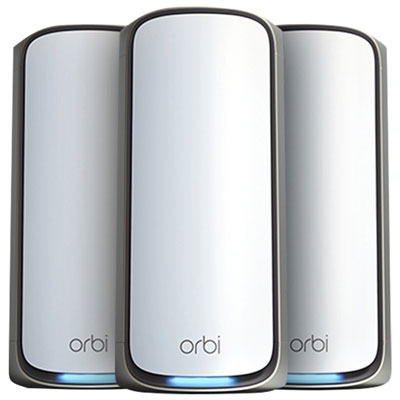
A small router is a great option for anyone who wants to add Wi-Fi to an existing network but doesn't have a lot of space to work with. A small router can also be a good choice for people who want to use their routers as part of a mesh network. A mesh network is a group of routers that work together to provide wireless coverage in every corner of your house or building. Here are some of the best small Wi-Fi routers on the market today.
Sort
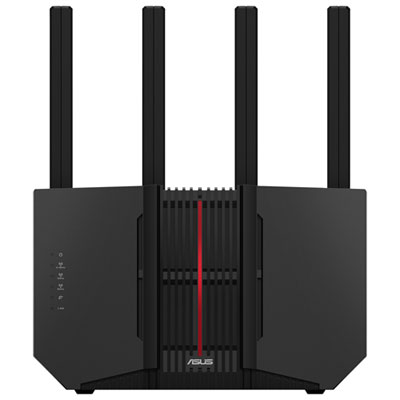
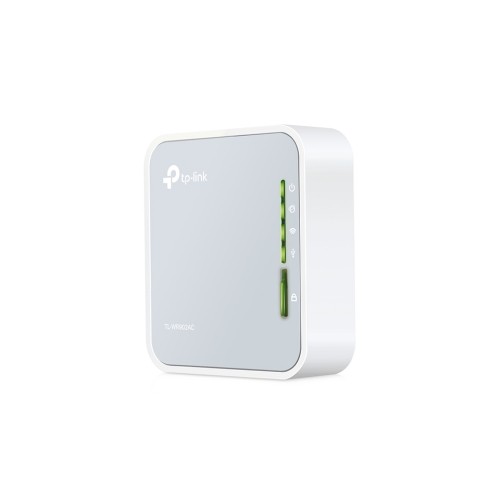
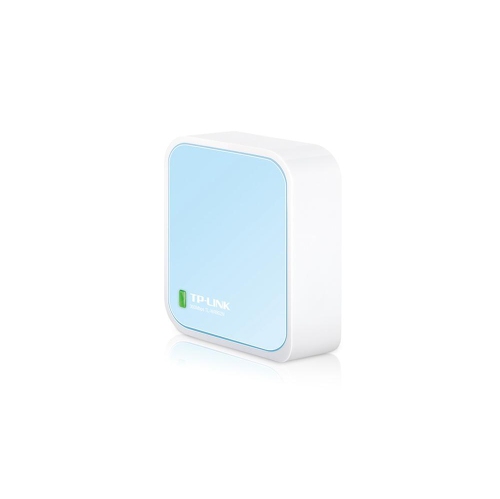
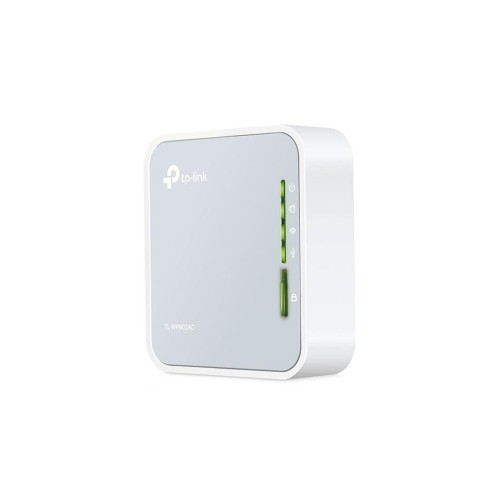
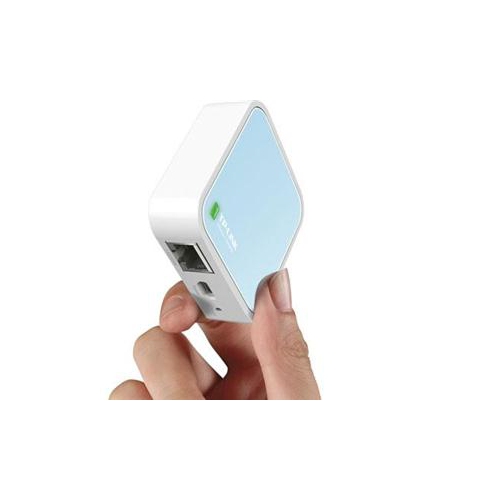
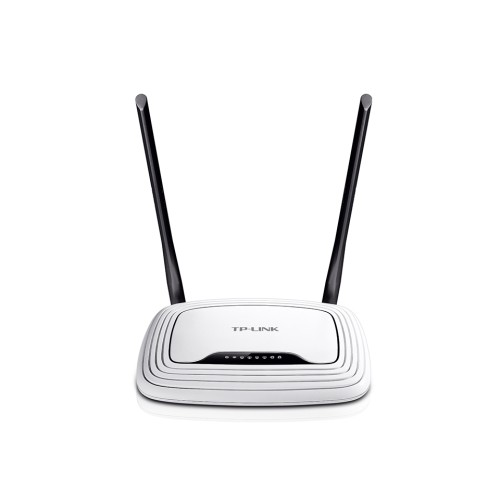
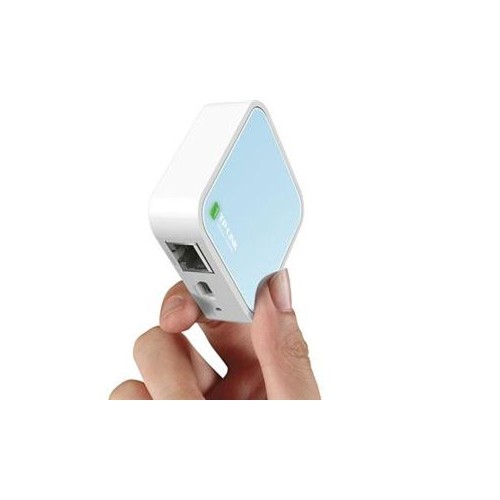
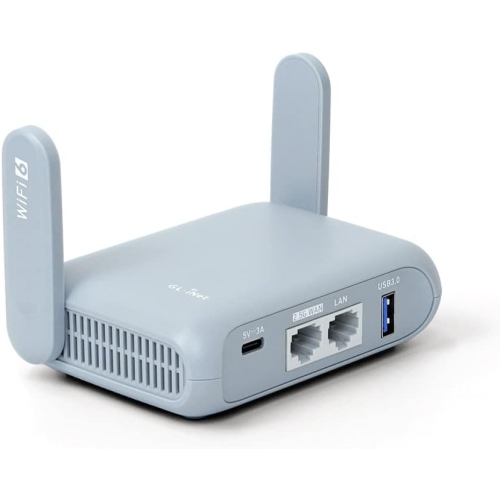
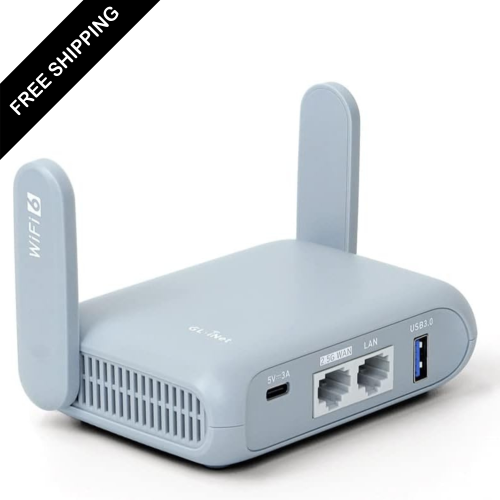
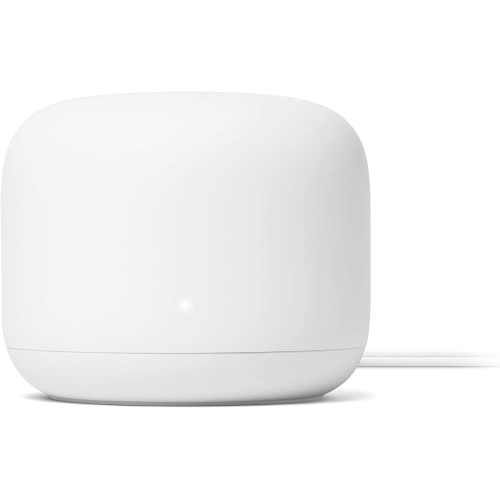
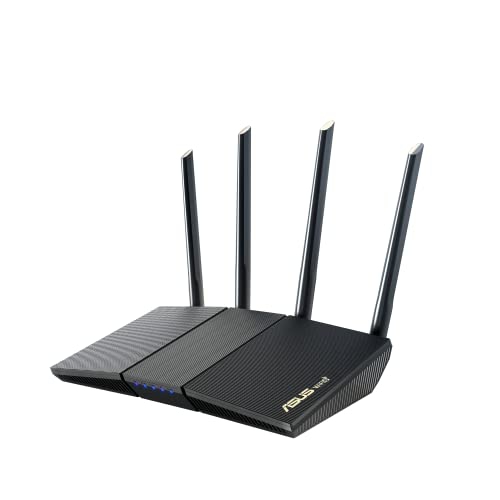
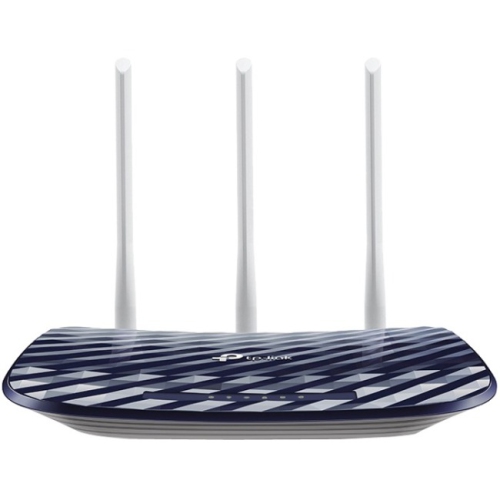
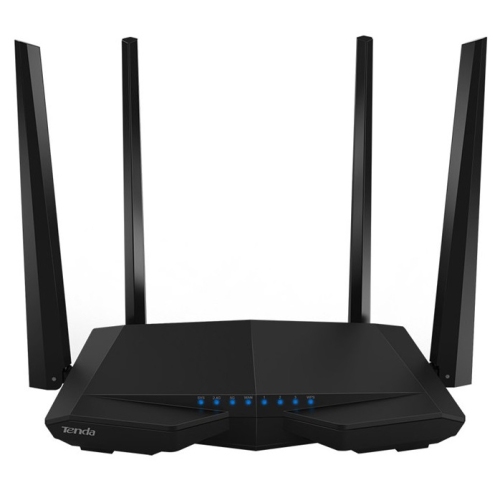
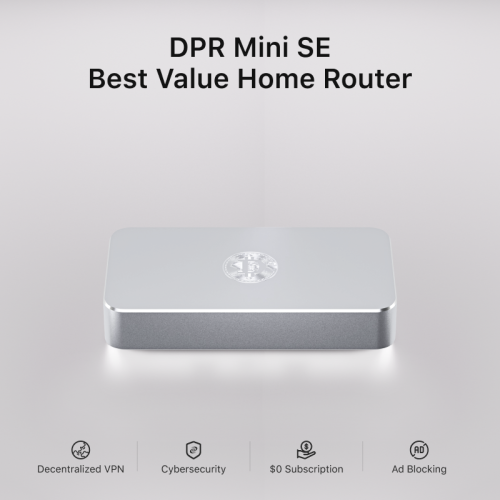
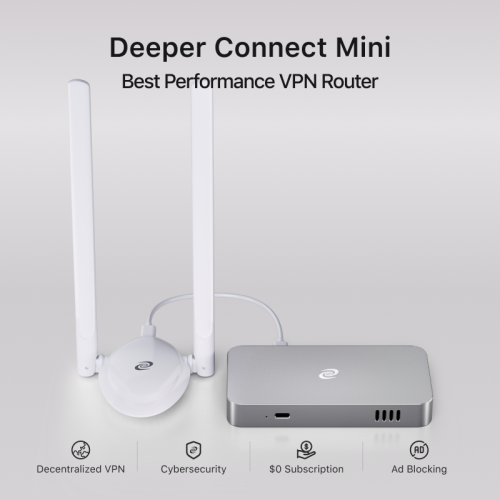
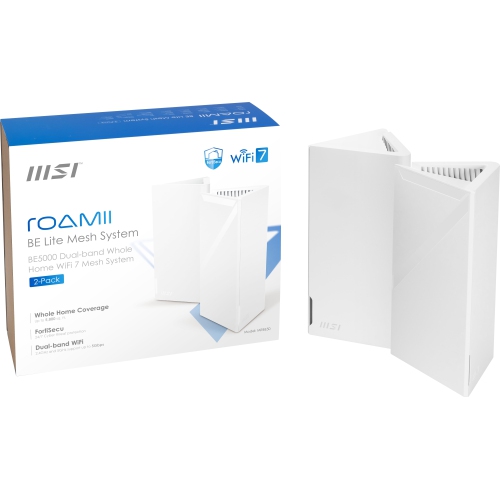
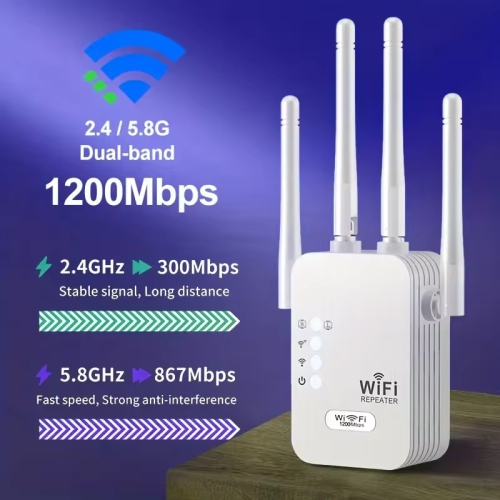

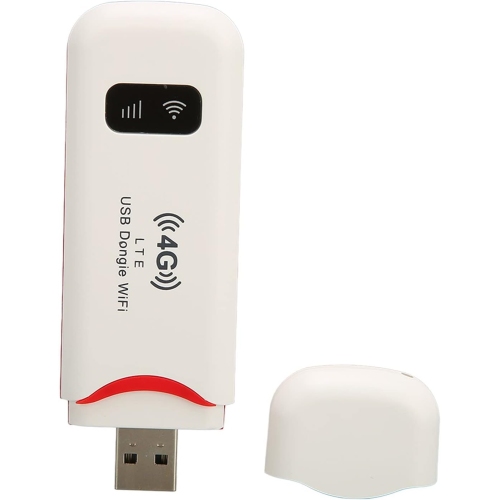
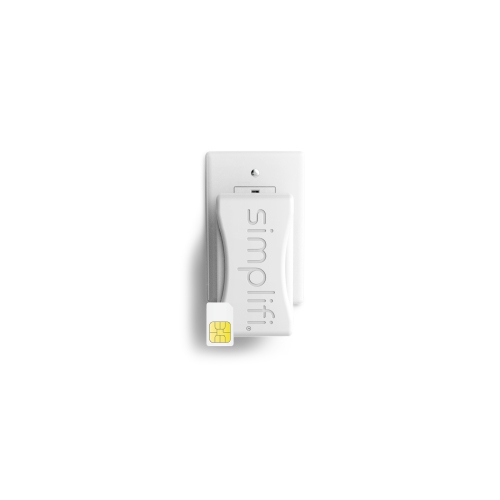
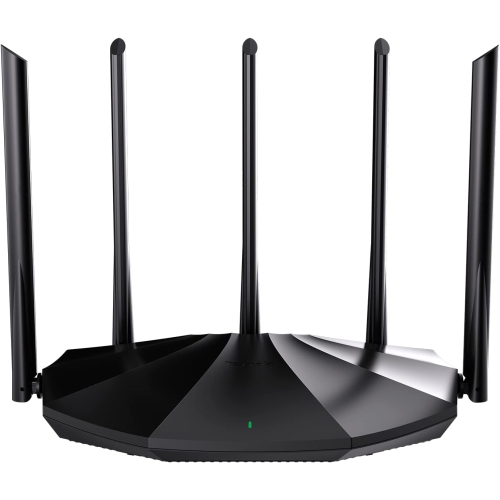
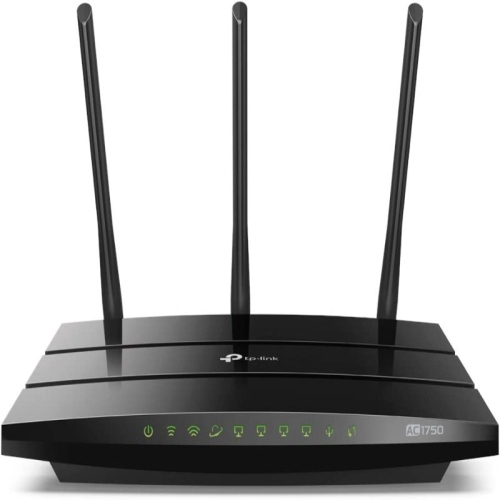

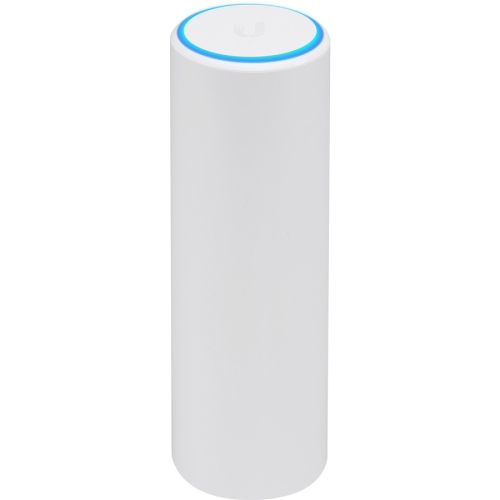

Practical networking for travel and temporary spaces
Small Wi-Fi routers, sometimes called travel routers or nano routers, are compact networking devices designed to make getting online simpler when space, time, or connection options are limited. They can be useful in hotel rooms, student residences, short-term rentals, dormitories, offices, recreational vehicles, and other places where the available internet connection is shared, wired, or inconvenient to use with several devices. Instead of connecting every phone, laptop, tablet, streaming device, or game console separately to a public network, a small Wi-Fi router can create one private wireless network for your own equipment. Depending on the model, you can connect it to an Ethernet cable in a hotel room or office, use it as a wireless hotspot through an existing Wi-Fi connection, or configure it as a range extender to improve coverage in a hard-to-reach area. Some devices support router, access point, repeater, hotspot, or WISP modes, giving you flexibility when internet setups change from one location to the next. This versatility is particularly helpful during the cooler months, when more time may be spent indoors at a rental property, cottage, campus residence, or temporary workspace, and multiple connected devices need a dependable connection without adding a full-size router to your luggage. A small Wi-Fi router can also be a practical gift for a frequent traveller, remote worker, university student, truck driver, camper, or anyone who regularly moves between accommodations. Its compact design can fit into a backpack, laptop sleeve, desk drawer, or carry-on pouch, while its straightforward purpose makes it useful even for people who do not want to manage a complicated home network. When comparing options, consider the number of devices you expect to connect, the size of the space, the type of internet access available, and whether you need a single-band or dual-band connection. Dual-band models can provide access to both the 2.4 GHz and 5 GHz bands, helping balance range and speed, while newer Wi-Fi standards can be beneficial for compatible phones, computers, and streaming equipment.
Power and connectivity are also important considerations when choosing among small Wi-Fi routers. Many compact models use a USB or USB-C power connection, allowing them to run from a wall adapter, laptop port, car adapter, or portable power bank. This can be convenient when a hotel room has limited outlets or when you are setting up a temporary network away from a traditional desk. USB-C may be especially useful if it matches the charging accessories already packed for your other devices, reducing the number of cables needed in a travel kit. Check whether the router includes the required power cable and whether it supports the input voltage and connection type you plan to use. Wired ports are another key feature: an Ethernet port can turn a wired hotel or office connection into Wi-Fi, while additional ports may let you connect a desktop computer, smart television, printer, or other equipment directly. If your main need is internet access through a cellular network, explore Portable Mobile WiFi Routers for devices designed around mobile data connections. For small Wi-Fi routers that work with an existing wired or wireless internet source, look for setup features that make unfamiliar networks easier to manage. A clear administration app or browser interface can simplify network-name and password changes, while support for hotel captive portals can help you complete the sign-in page often required before internet access is granted. Some models allow you to connect the router to the public network once, then share that connection with your personal devices, which can be easier than signing in repeatedly on every device. Keep in mind that hotel, airport, café, and workplace networks can have their own restrictions, and performance will still depend on the underlying internet service, signal strength, congestion, and the number of connected users.
Security features can make a meaningful difference when you use a small Wi-Fi router on shared or unfamiliar networks. Creating your own password-protected network helps separate your devices from the general list of phones and computers connected to a public access point, although it does not replace sensible online habits or the security features built into your devices. Models with guest-network support can give visitors or less-trusted equipment access to the internet without placing them on the same network as your primary computer, storage device, or smart home accessories. For people who work with confidential files, travel frequently, or connect through hotel and café Wi-Fi, built-in virtual private network support may be worth considering. Some advanced compact routers can operate as VPN clients using services or protocols such as WireGuard or OpenVPN, encrypting traffic between the router and the chosen VPN server when configured correctly. This can also make it easier to apply one VPN connection across several devices, including equipment that does not normally support VPN applications. Review the supported VPN protocols, installation process, speed limitations, and subscription requirements before buying, since VPN performance can vary with the router hardware and internet connection. It is also useful to check firmware update support, memory, processor capability, wireless speed ratings, and the manufacturer’s setup instructions, particularly if you expect to use advanced controls, traffic management, ad blocking, or custom network settings. A small Wi-Fi router is not intended to replace every full-size home router, and its coverage and processing power may be more limited, but the compact format can be exactly right for temporary spaces and travel routines. Pack one with a laptop and charging accessories for a more consistent work setup, use one to connect a streaming device during a stay away from home, or keep one ready for a guest room, move, renovation, or occasional trip. With the right combination of operating modes, power options, wireless bands, ports, and security features, these small devices can turn a complicated connection into a tidy, private network that is easier to carry, configure, and use.
Power and connectivity are also important considerations when choosing among small Wi-Fi routers. Many compact models use a USB or USB-C power connection, allowing them to run from a wall adapter, laptop port, car adapter, or portable power bank. This can be convenient when a hotel room has limited outlets or when you are setting up a temporary network away from a traditional desk. USB-C may be especially useful if it matches the charging accessories already packed for your other devices, reducing the number of cables needed in a travel kit. Check whether the router includes the required power cable and whether it supports the input voltage and connection type you plan to use. Wired ports are another key feature: an Ethernet port can turn a wired hotel or office connection into Wi-Fi, while additional ports may let you connect a desktop computer, smart television, printer, or other equipment directly. If your main need is internet access through a cellular network, explore Portable Mobile WiFi Routers for devices designed around mobile data connections. For small Wi-Fi routers that work with an existing wired or wireless internet source, look for setup features that make unfamiliar networks easier to manage. A clear administration app or browser interface can simplify network-name and password changes, while support for hotel captive portals can help you complete the sign-in page often required before internet access is granted. Some models allow you to connect the router to the public network once, then share that connection with your personal devices, which can be easier than signing in repeatedly on every device. Keep in mind that hotel, airport, café, and workplace networks can have their own restrictions, and performance will still depend on the underlying internet service, signal strength, congestion, and the number of connected users.
Security features can make a meaningful difference when you use a small Wi-Fi router on shared or unfamiliar networks. Creating your own password-protected network helps separate your devices from the general list of phones and computers connected to a public access point, although it does not replace sensible online habits or the security features built into your devices. Models with guest-network support can give visitors or less-trusted equipment access to the internet without placing them on the same network as your primary computer, storage device, or smart home accessories. For people who work with confidential files, travel frequently, or connect through hotel and café Wi-Fi, built-in virtual private network support may be worth considering. Some advanced compact routers can operate as VPN clients using services or protocols such as WireGuard or OpenVPN, encrypting traffic between the router and the chosen VPN server when configured correctly. This can also make it easier to apply one VPN connection across several devices, including equipment that does not normally support VPN applications. Review the supported VPN protocols, installation process, speed limitations, and subscription requirements before buying, since VPN performance can vary with the router hardware and internet connection. It is also useful to check firmware update support, memory, processor capability, wireless speed ratings, and the manufacturer’s setup instructions, particularly if you expect to use advanced controls, traffic management, ad blocking, or custom network settings. A small Wi-Fi router is not intended to replace every full-size home router, and its coverage and processing power may be more limited, but the compact format can be exactly right for temporary spaces and travel routines. Pack one with a laptop and charging accessories for a more consistent work setup, use one to connect a streaming device during a stay away from home, or keep one ready for a guest room, move, renovation, or occasional trip. With the right combination of operating modes, power options, wireless bands, ports, and security features, these small devices can turn a complicated connection into a tidy, private network that is easier to carry, configure, and use.
Top selling and popular products
-
 Your price for this item is $189.99
 -
 Your price for this item is $189.99
 -
 Your price for this item is $219
 -
 Your price for this item is $899.99
 -
 Your price for this item is $249.99
 -
 Your price for this item is $149.99
 -
 Your price for this item is $134.99
 -
 Your price for this item is $499.99
Discover more categories related to Small Wi-Fi Routers
Top Collections:
Pokemon Centers, Budget 4K TVs, Best Budget Office Chairs, Kindle Devices, Canon G7X Cameras, Apple iPhones 16, iPhone 15 Apple, Laptops for Business Work, Xiaomi Phones, Flip Phones
Some products may be subject to Environmental Handling Fees
(EHF) depending on your province.
Learn more about EHFs.