Smart Displays For Video Calls
Smart Displays for Video Calls make it easy to connect with friends, family, and colleagues from the comfort of your home or office. With a range of screen sizes and designs to choose from, these devices offer a convenient way to stay in touch using video chat platforms. Whether you’re setting up a dedicated space for virtual meetings or looking for a simple solution to keep in contact with loved ones, explore the selection of Smart Displays for Video Calls to find the right fit for your needs.
Sort
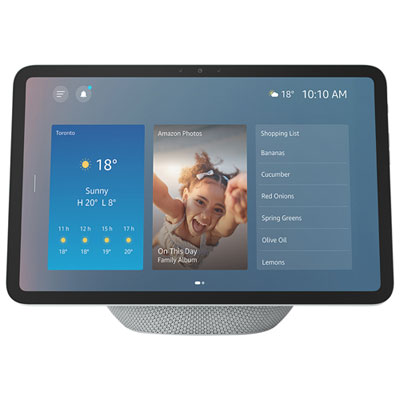
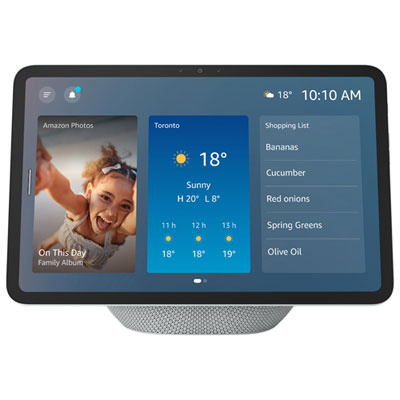

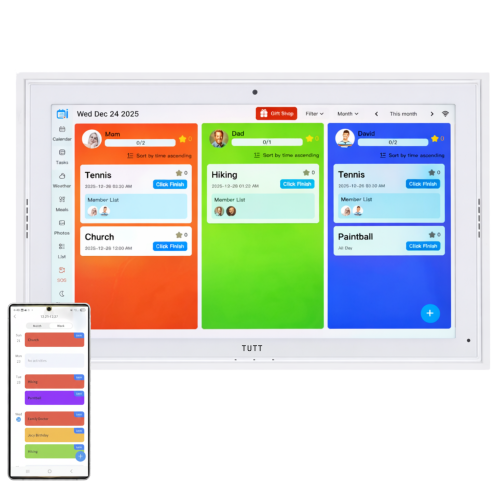


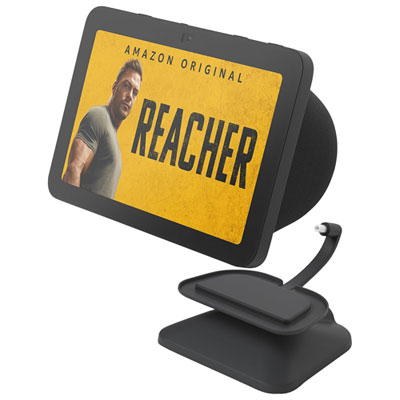
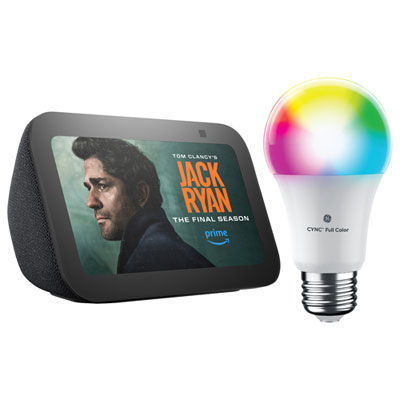
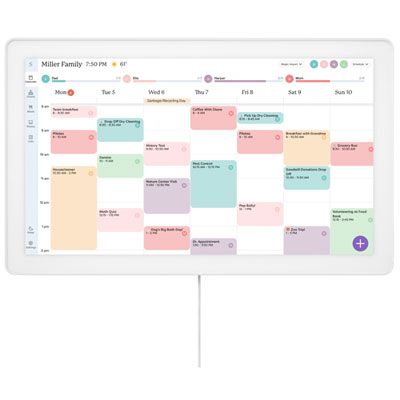
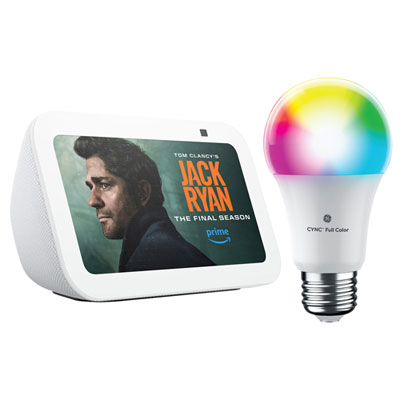
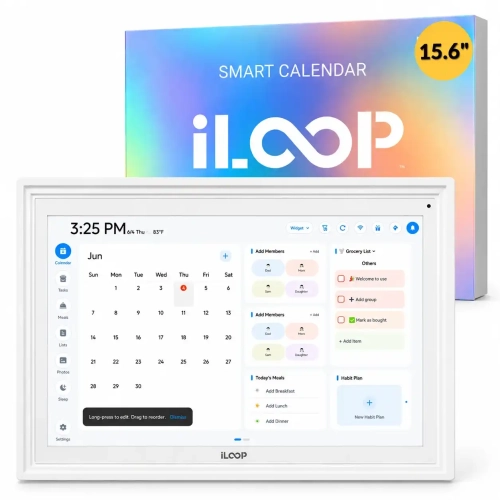
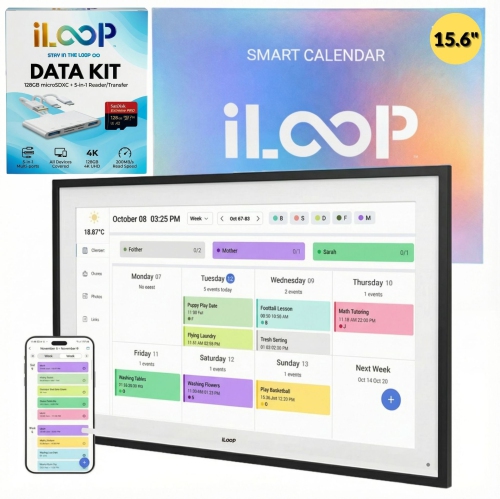
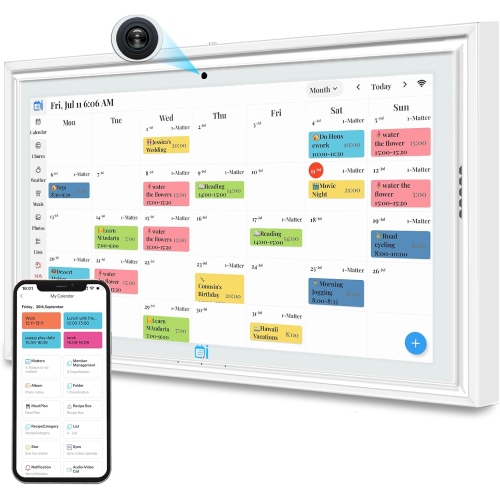


Face-to-face family time takes more than a screen
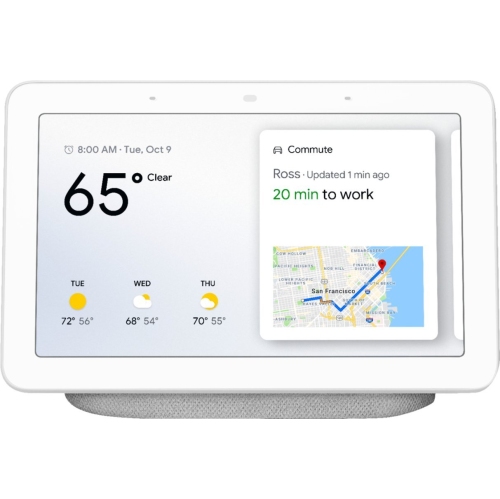
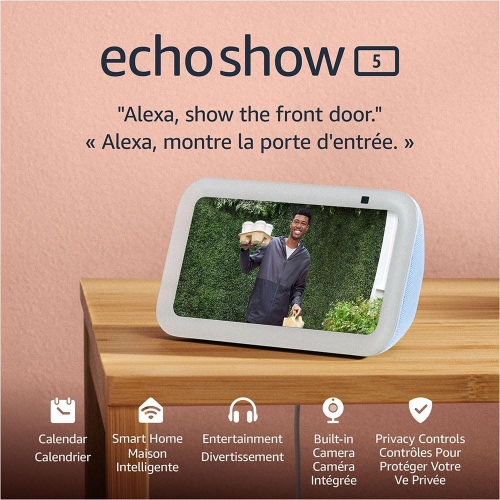
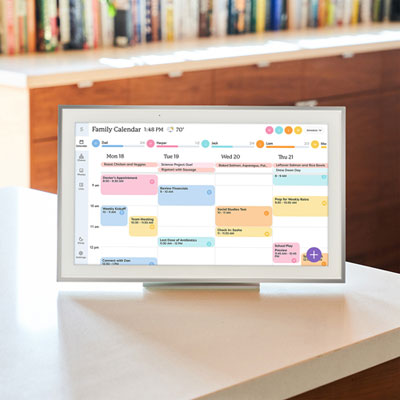
Smart displays for video calls combine a screen, camera, microphones and speakers with a compatible calling service, making face-to-face conversations possible without holding a phone. They suit everyday moments such as catching up with grandparents from the kitchen, sharing a birthday greeting across provinces or talking with a friend while sitting comfortably in an armchair. The important distinction is that not every smart display supports two-way video calling. A camera-free display cannot send live video of the person using it, even if it has a touchscreen and voice controls, while a display with a camera still needs supported calling software. Clear picture quality, intelligible sound and compatibility with the people being called matter more than any single specification. Camera resolution contributes to image detail, but lighting, connection quality and video compression also affect what the other person sees. A camera positioned near eye level usually produces a more natural view than one looking up from a low shelf. Soft light from in front of the caller helps show facial expressions, whereas a bright window behind them can leave their face in shadow. On displays that offer automatic framing, the camera view can adjust to keep someone centred as they move within its supported range. This can be useful when two people share a call or when a parent steps aside to let a child show a drawing. A wider field of view can fit more people into the picture, although it may also show more of the room. Screen size and viewing angle shape the experience at the receiving end: a larger display can make expressions easier to see from across a countertop, while a compact screen may fit better beside a favourite chair. Speaker clarity and microphone performance deserve equal attention, particularly in rooms where a range hood, dishwasher or nearby conversation could compete with a caller’s voice.
Calling-service compatibility is central to choosing a smart display for video calls. The display and the person receiving the call need a supported way to connect, whether that involves compatible devices, a mobile app or an account with the same service. A familiar app on a phone is not necessarily available on a dedicated smart display, and a device that handles personal calls may not support workplace meeting software. Canadian feature support, account requirements and the status of the calling service are worth confirming before making a choice, since software features can change over a device’s life. For a household that regularly calls the same relatives, a straightforward contact list and a simple way to answer can be more useful than a long list of unrelated features. Voice commands can reduce the need to navigate menus, especially when hands are busy preparing food or folding laundry. Voice-Activated Smart Displays can also support spoken requests for other everyday tasks, with the available functions depending on the device and connected services. Reliable home Wi-Fi helps keep conversations steady, but signal strength at the display’s actual location matters more than proximity on a floor plan. Thick walls, crowded wireless networks and several people streaming at once can affect call quality. A stable place within good wireless coverage is preferable to a convenient corner where the picture repeatedly freezes. Privacy controls are another practical consideration for a camera-equipped device in a shared room. A physical camera shutter, microphone mute control and clearly visible status indicators can make it easier to understand when the camera or microphones are disabled, where those features are included. Household account settings, contact permissions and options for managing saved activity also deserve attention. In a room used by several people, it helps when everyone understands how calls are answered, which account is active and what appears on the screen between conversations.
The best fit for a home depends on how the display will be used and where it will sit. A kitchen countertop location can support relaxed family calls during meal preparation, but the display needs space away from splashes, steam and cooking heat. On a desktop, a stable base and an adjustable viewing angle can help position the screen without crowding a keyboard or work surface. Most smart displays are designed for indoor use, so a sheltered-looking outdoor spot is not a substitute for an appropriate indoor location. Power-cord length, outlet access and cable routing influence placement too; a cord stretched across a walkway can make an otherwise convenient position unsuitable. Materials commonly include a glass screen, a moulded plastic housing and fabric or mesh around the speakers. Smooth surfaces are generally easier to wipe, while textured speaker coverings may need gentler dust removal according to the manufacturer’s care instructions. Cleaning should avoid excess moisture around ports and speaker openings, and liquid should not be sprayed directly onto the screen. A secure base matters in a busy household, particularly where children or pets might brush against furniture. Comfort and accessibility can be just as important as durability. Large touch targets, readable text, clear volume controls and supported captioning features may make conversations easier for someone with limited vision, hearing or dexterity, although those options vary by device and calling service. For older relatives, the most useful setup may be one with a familiar contact list and very few steps between hearing a call and seeing a loved one. For a couple sharing news with distant family, a wider camera view and enough screen space for both faces may take priority. A smart display can also make a thoughtful housewarming or family gift when the recipient wants video calling and has compatible internet access and accounts. Helping establish contacts, comfortable placement and privacy settings can turn a promising gift into something that feels natural to use.
Top selling and popular products
-
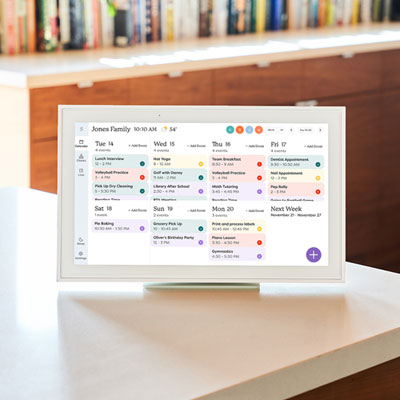 Your price for this item is $449.99
-
 Your price for this item is $139.99
-
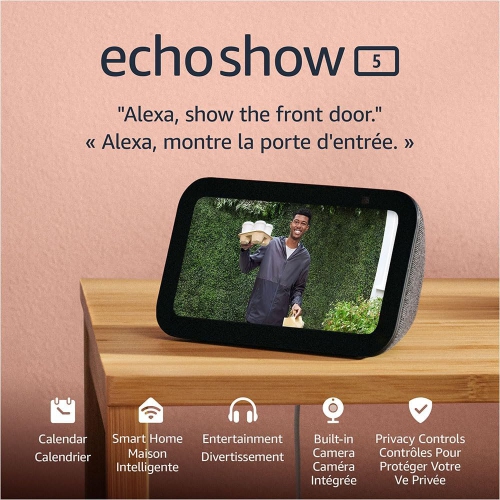 Your price for this item is $239.99
-
 Your price for this item is $199.99
-
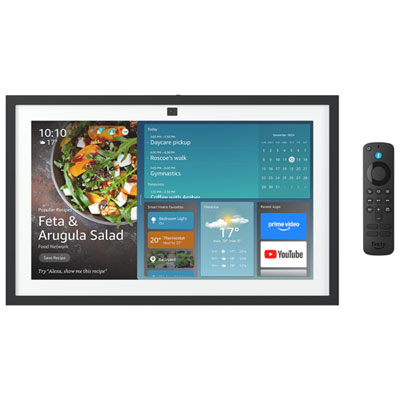 Your price for this item is $499.99
-
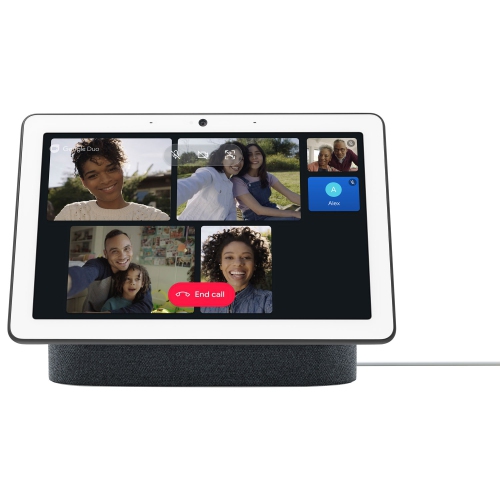 Your price for this item is $719.99
-
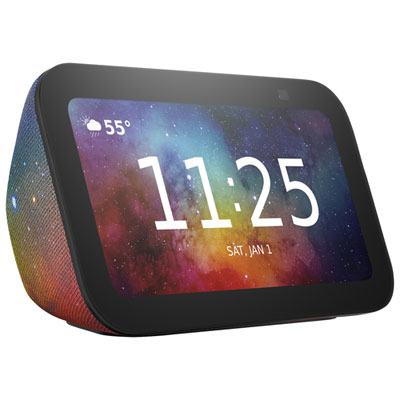 Your price for this item is $154.99
-
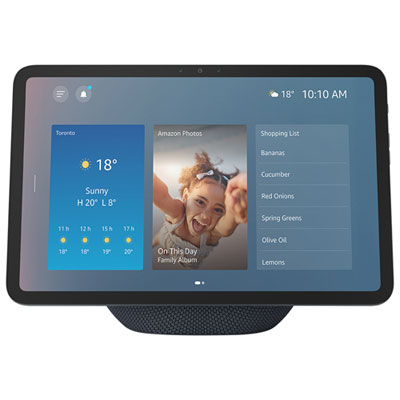 Your price for this item is $359.99
Discover more categories related to Smart Displays For Video Calls

Top Collections:
Best Black Friday Deals This Year, Best Black Friday Deals On Electronics, Kindle Devices, Pokemon Centers, Best Black Friday Deals On Apple Products, Best Cameras for Sports Photography, Dyson Airwrap, Pokémon 30th Celebration Cards, Apple iPhone 17 Pro, Canon G7X Cameras
Some products may be subject to Environmental Handling Fees
(EHF) depending on your province.
Learn more about EHFs.