Software Downloads
Looking to upgrade your digital toolbox with the latest software downloads? Explore our diverse collection of cutting-edge programs designed to enhance productivity, creativity, and entertainment. From essential utilities to specialized applications, our selection caters to a wide range of needs and interests. Find the perfect software solutions to streamline your tasks and elevate your digital experience right here at Best Buy Canada.
Sort


































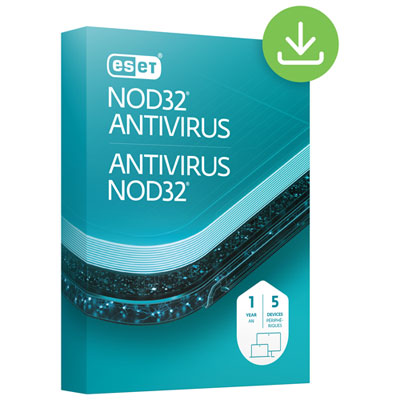
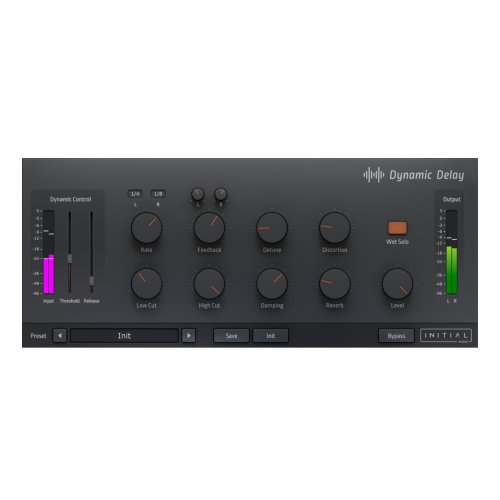
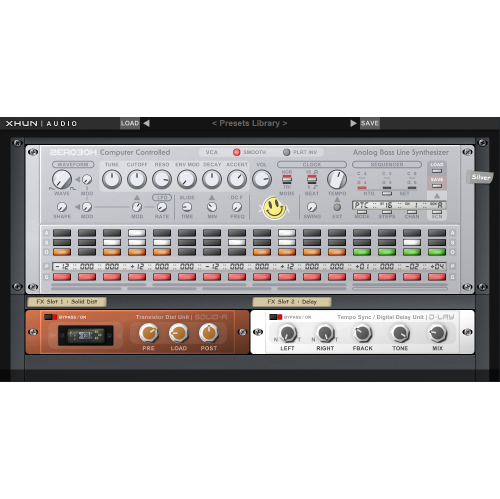
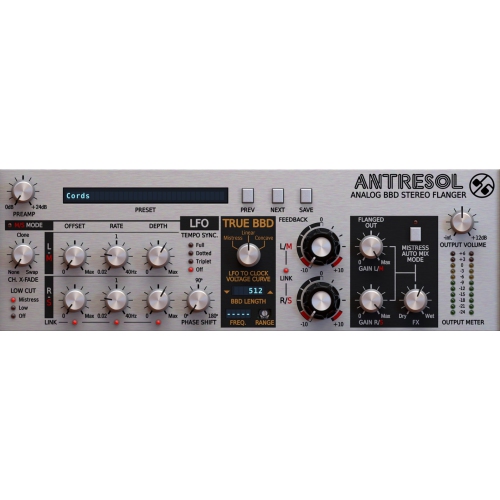













Software licences matter as much as the download
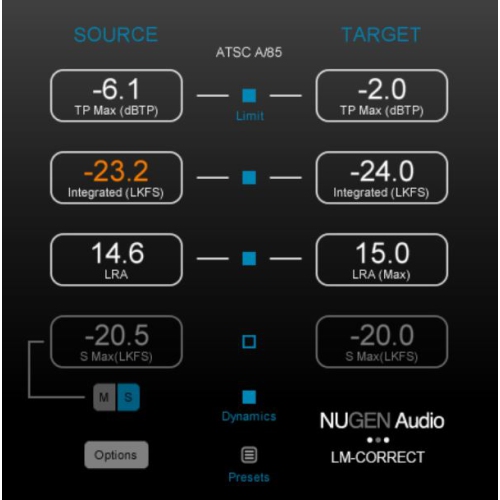
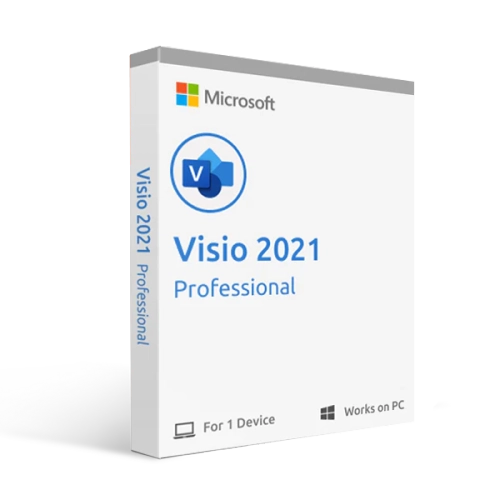
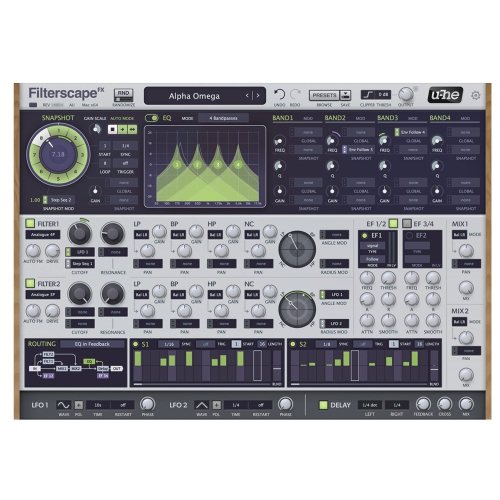
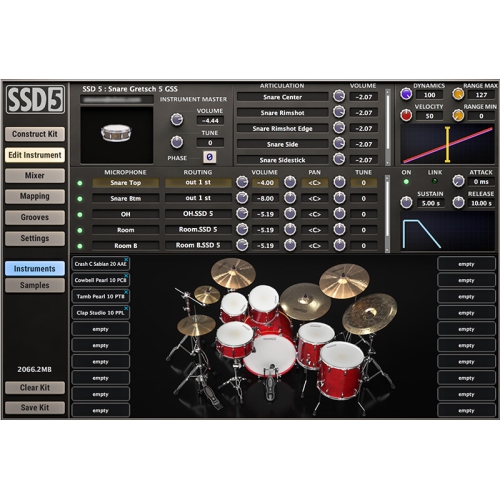
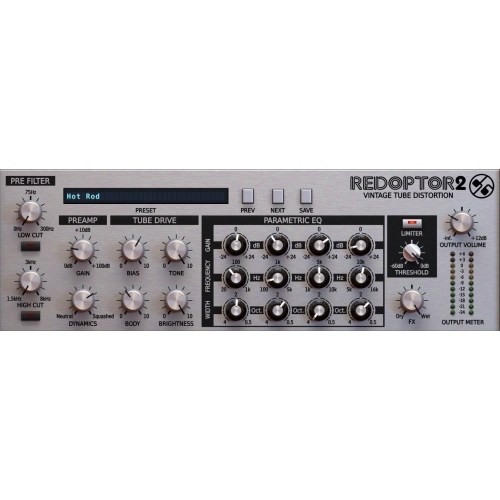
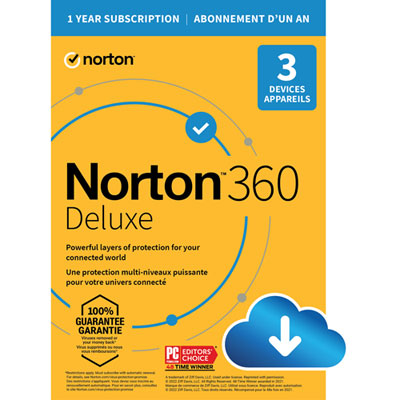
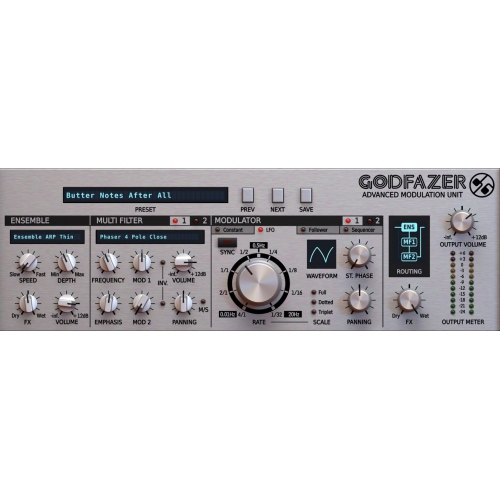
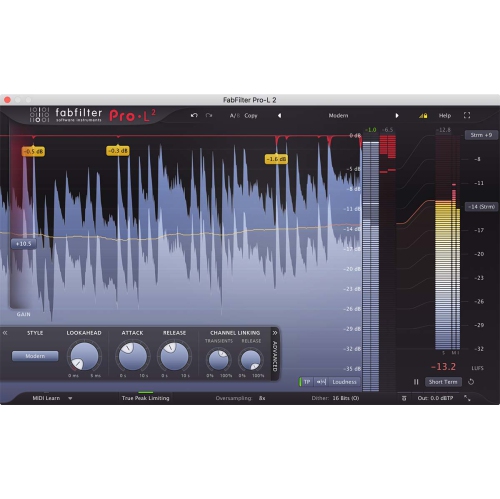
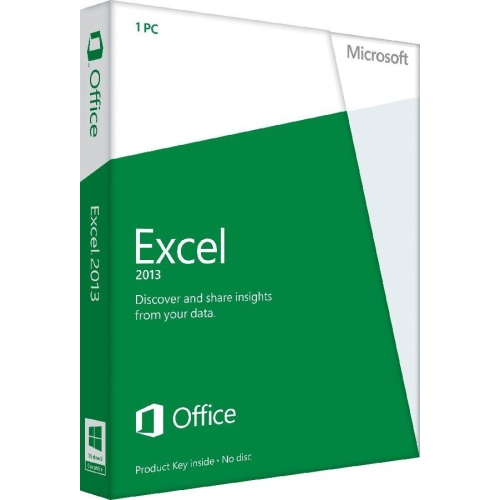
Software downloads let you install applications digitally, with no disc required, for tasks ranging from writing documents and managing finances to editing photos and protecting personal files. Safe, reliable software downloads start with files supplied by an official publisher, an authorized retailer, or a trusted software repository. A recognizable application name alone does not establish that a download is genuine: the source, publisher details, and installation process all matter. Unofficial copies and altered installers can contain malware or add unwanted applications, browser extensions, and other bundled software. Clear information about the publisher, system requirements, licence terms, and activation method helps distinguish a legitimate download from an uncertain source. Digital software may arrive as a downloadable installation file, an activation code, or instructions for accessing the publisher’s account portal. These delivery methods serve different purposes, so the download itself and the right to use the application are not always the same thing. An installer places the software on a compatible device, while a licence or subscription determines which features can be used and for how long. Some applications operate mainly on the computer after installation; others rely on online services for storage, collaboration, identity verification, or selected tools. An internet connection may be needed for downloading and activation even when everyday work can later happen offline. That distinction matters for anyone preparing documents while travelling, working away from a reliable connection, or using a computer in a shared workspace. Download size and installed size can also differ considerably, particularly for applications with image libraries, audio content, or additional language files. Enough free storage for the application, temporary installation files, and future updates helps keep setup straightforward. A clear understanding of what is being installed makes digital software a practical addition to a home computer, study setup, or business workstation, with the application and its supporting files suited to the device where they will be used.
The most useful software is matched to the work it needs to support. Productivity applications help students prepare assignments, households organize records, and small businesses create documents, spreadsheets, and presentations. For these tasks, familiar file formats, readable document layouts, and dependable sharing tools can matter as much as the number of features. A spreadsheet sent to an accountant or a presentation opened on another computer needs to retain its structure without unnecessary conversion. Creative software serves a different set of needs, from adjusting the colour and exposure of family photos to assembling a video project with several audio tracks. Simple editing tools can suit occasional projects, while more advanced applications may offer layered editing, detailed sound controls, batch processing, or support for larger files. These capabilities can place greater demands on memory, processor performance, graphics hardware, and storage speed. Security software focuses on functions such as detecting malicious files, identifying suspicious activity, and helping protect personal information, although no application can eliminate every online risk. Backup tools serve another purpose: keeping recoverable copies of important files so that an accidental deletion or device failure does not necessarily mean losing the only version. Business and personal finance applications may include record organization, reporting, or document preparation, with regional compatibility especially important when forms or calculations depend on Canadian requirements. Across these categories, operating system compatibility is fundamental. The required system version, processor type, memory, storage space, and display specifications should correspond to the computer that will run the application. Compatibility also extends to connected equipment and existing workflows. A photo application may need to support a camera’s file format, while document software may need to work with an established printer or shared filing system. Accessibility features, interface language, and adjustable text or display settings can further affect everyday comfort. The right fit is an application that handles familiar tasks clearly and reliably, whether that means polishing a résumé, keeping household paperwork organized, or completing a detailed creative project.
Licence terms and ongoing support shape how downloaded software fits into daily use over time. A licence may cover one person, one device, or several permitted installations, and those arrangements are not interchangeable. Someone working between a desktop and a laptop may need different installation rights from a household sharing one computer. Business use, educational use, and personal use can also carry different conditions. A one-time licence generally grants use of a particular version under its stated terms, while a subscription typically provides access for a defined period and may include updates or connected services. Neither arrangement automatically means that every future version, feature, or support service is included. Account requirements are equally relevant, especially when activation, installation files, or saved projects are managed through a publisher’s online portal. Keeping account access secure and retaining activation details can make reinstalling software or moving to a replacement computer easier, where the licence permits it. For shoppers browsing Digital Downlaods, the distinction between an application, its activation credentials, and any associated online services helps clarify what each type of digital purchase provides. After installation, routine updates help address known security weaknesses and can improve compatibility or resolve performance issues. Publisher-provided update tools are generally a more dependable route than unexpected pop-ups directing users to unfamiliar download pages. Important documents and projects still benefit from separate backups, particularly before a major application upgrade or a change of computer. Export options also deserve attention: being able to save work in commonly supported formats can make files easier to share or continue using later. Support resources, clear installation instructions, and understandable licence documentation contribute to the long-term usefulness of an application, especially for less familiar tasks. Software downloads work best as part of a considered setup, with genuine installation files, suitable device specifications, appropriate usage rights, and a practical way to maintain access to both the software and the work created with it.
Top selling and popular products
-
 Your price for this item is $198
-
 Your price for this item is $214
-
 Your price for this item is $189
-
 Your price for this item is $249
-
 Your price for this item is $99
-
 Your price for this item is $68
-
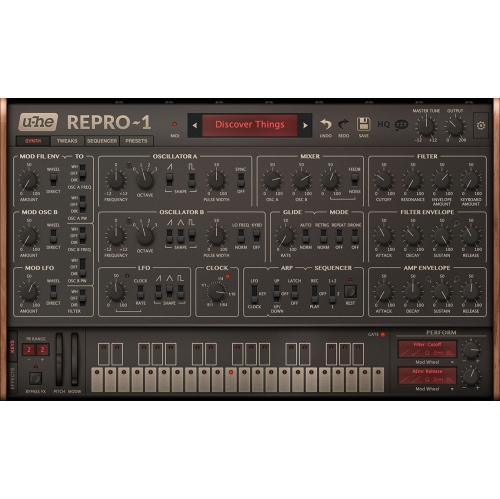 Your price for this item is $149
-
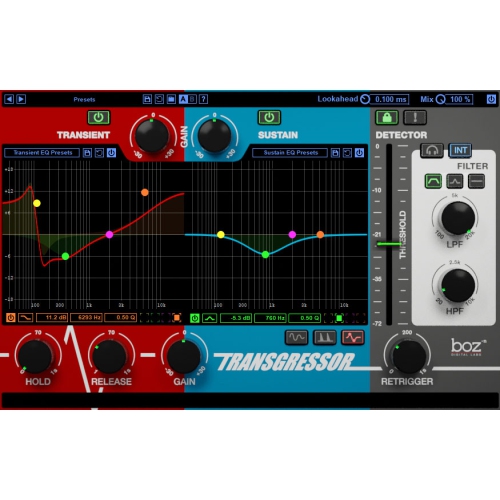 Your price for this item is $95
Discover more categories related to Software Downloads

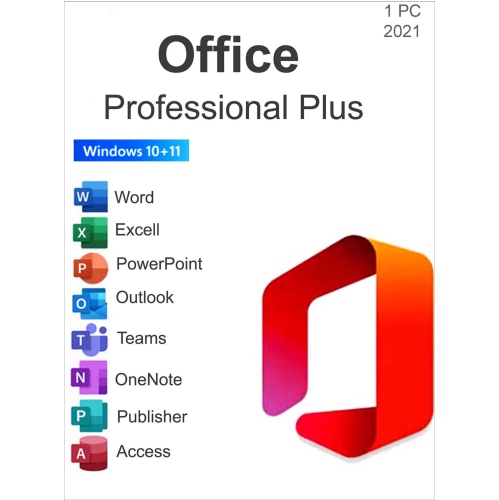
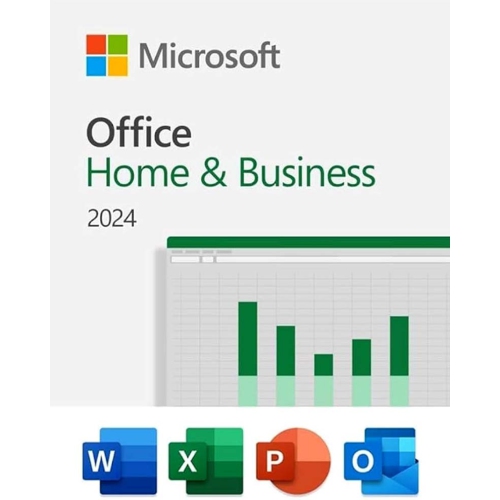

Top Collections:
Best Black Friday Deals This Year, Best Black Friday Deals On Electronics, Kindle Devices, Pokemon Centers, Best Black Friday Deals On Apple Products, Best Cameras for Sports Photography, Dyson Airwrap, Pokémon 30th Celebration Cards, Apple iPhone 17 Pro, Canon G7X Cameras
Some products may be subject to Environmental Handling Fees
(EHF) depending on your province.
Learn more about EHFs.