Music Software Downloads
Looking to take your musical creativity to the next level? Look no further than our wide selection of music software downloads. Whether you're a professional musician, an aspiring DJ, or simply enjoy creating your own beats, our collection of music software has everything you need to unlock your full potential. From powerful digital audio workstations to virtual instruments and effects plugins, we offer a range of options to suit every style and skill level. Explore our extensive catalog of music software downloads and get ready to unleash your musical genius.
Sort


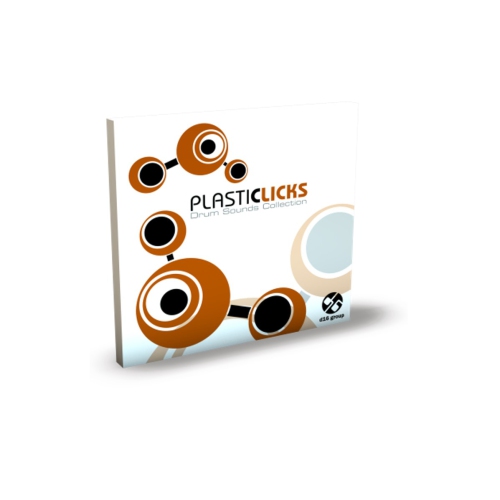
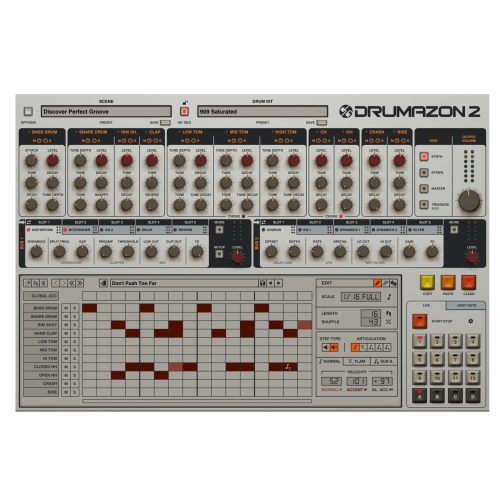
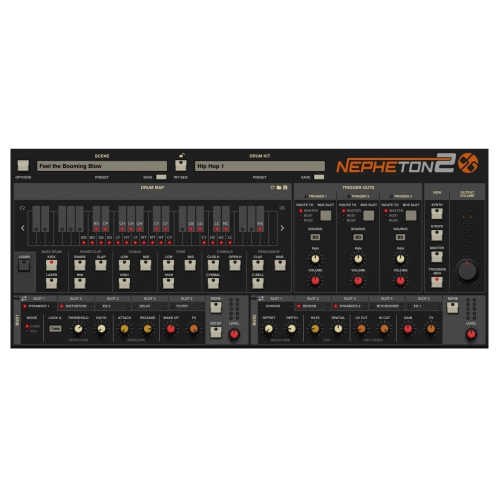
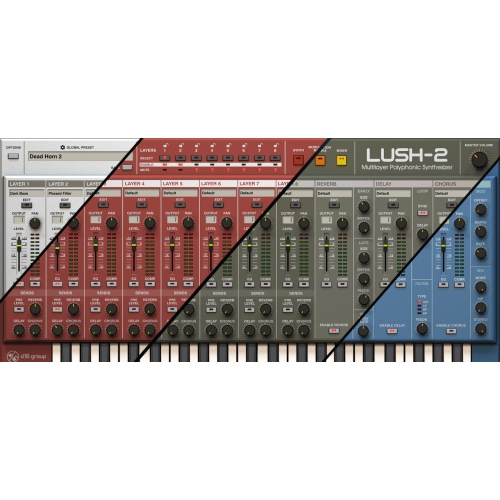
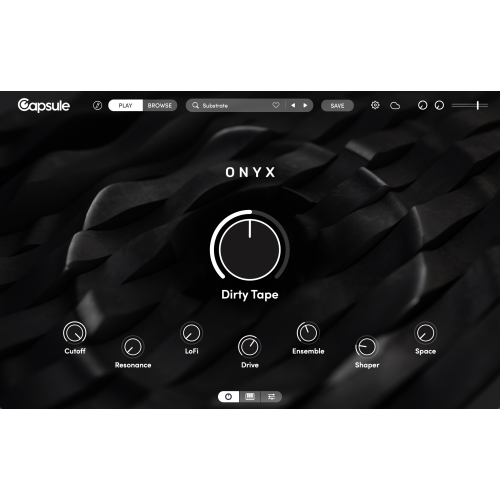
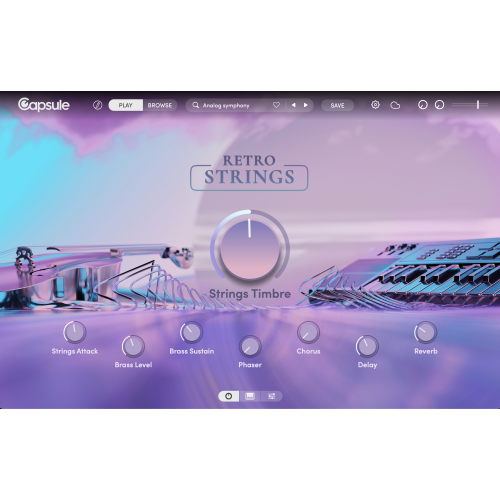
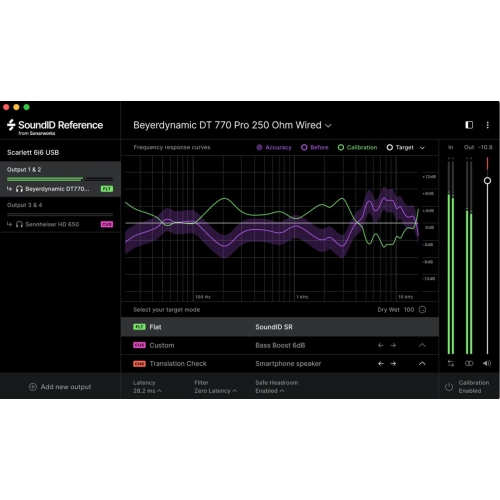

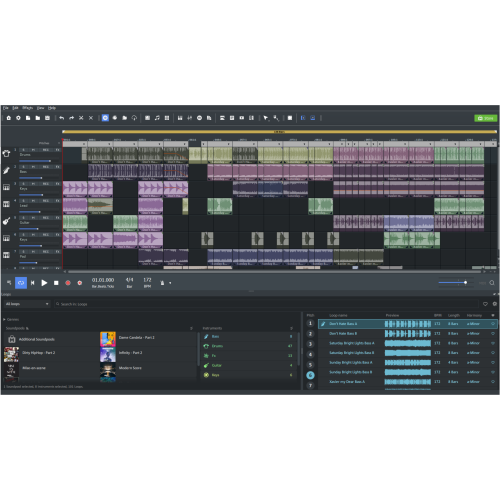


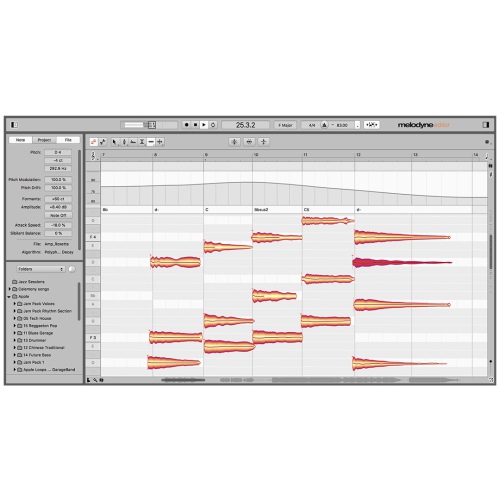
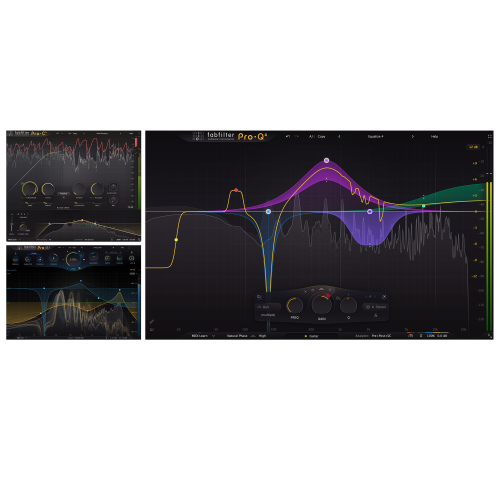
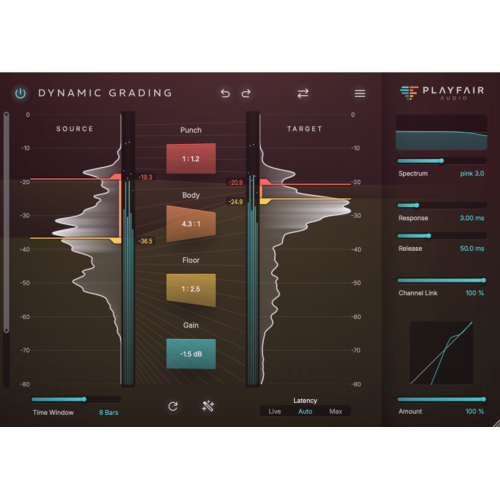

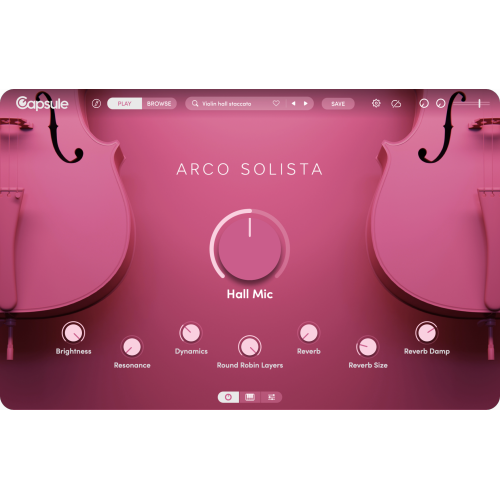
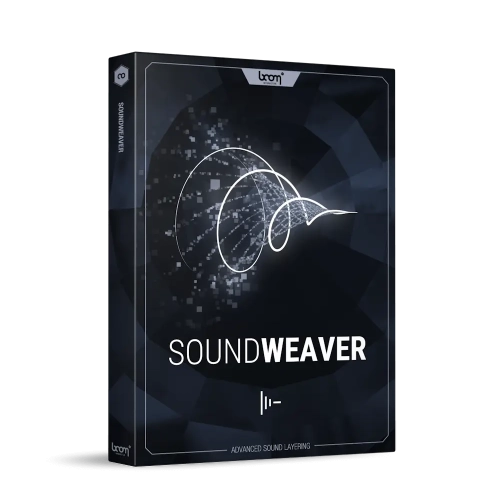
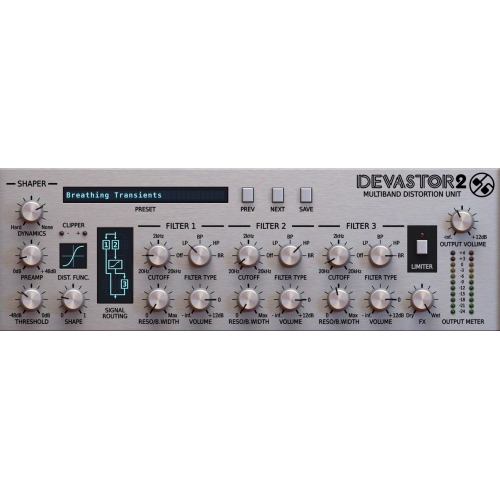
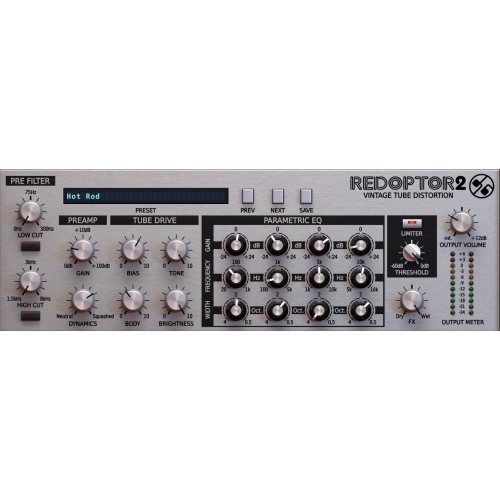
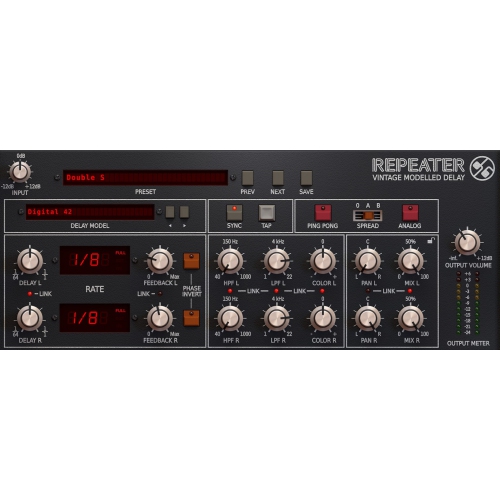
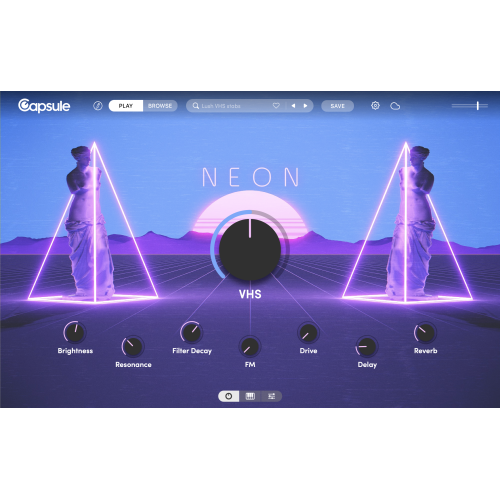
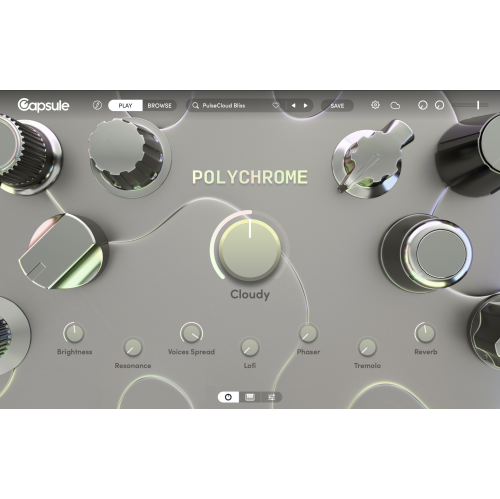
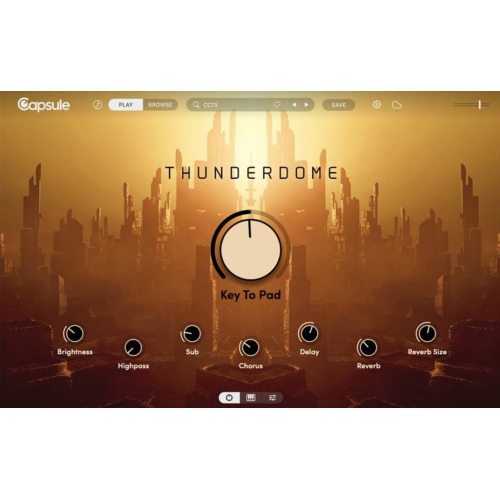
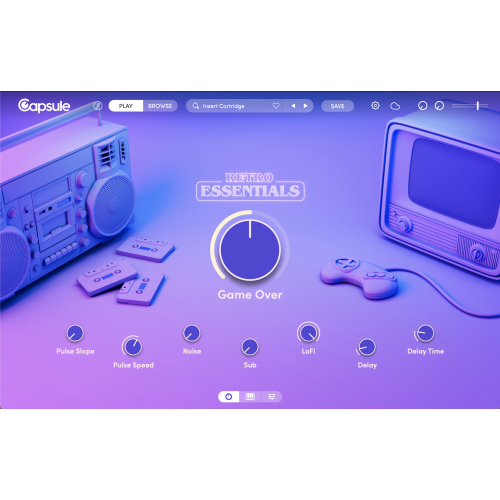
The right tools can turn a computer into a studio
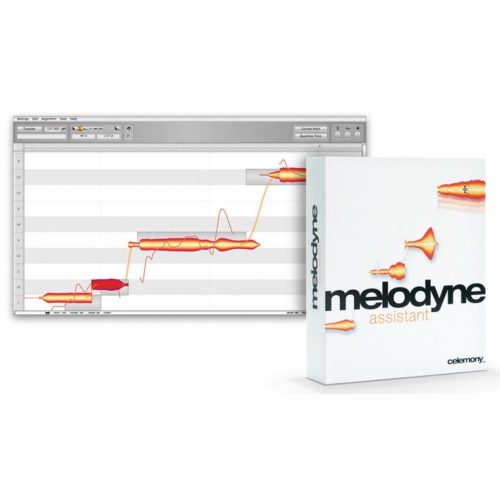
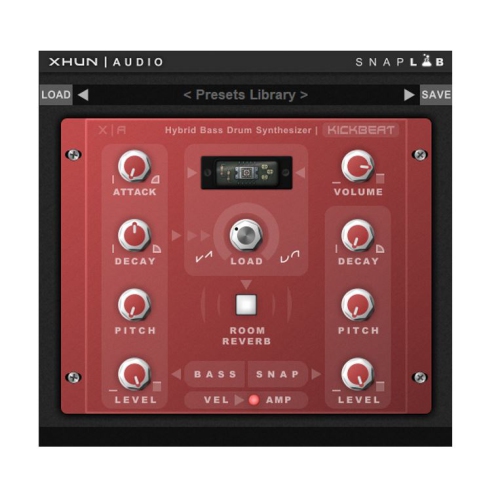
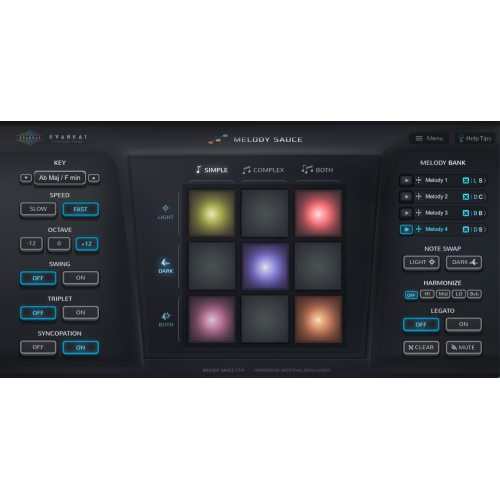
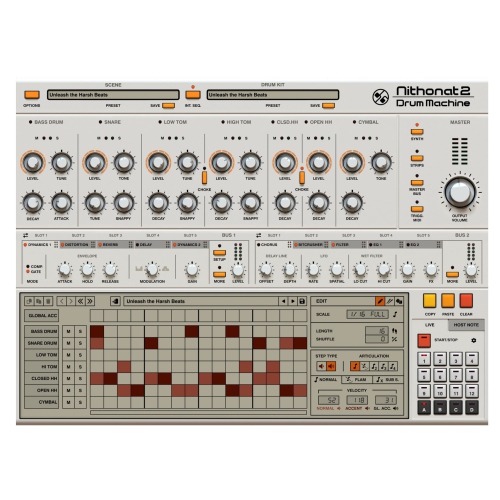
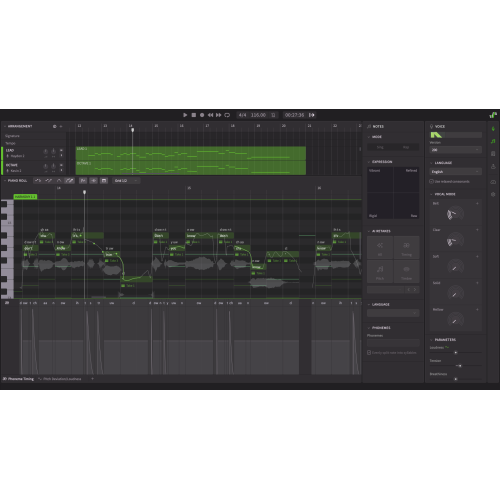
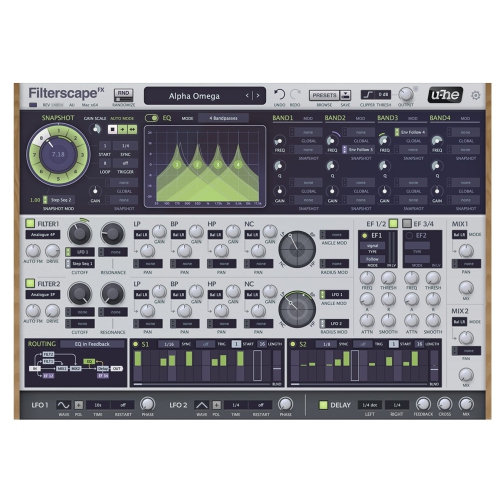
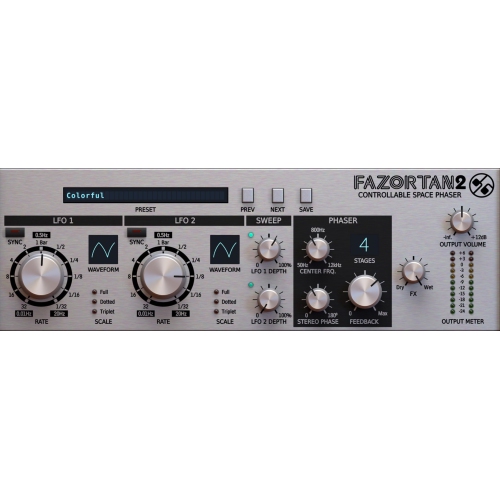
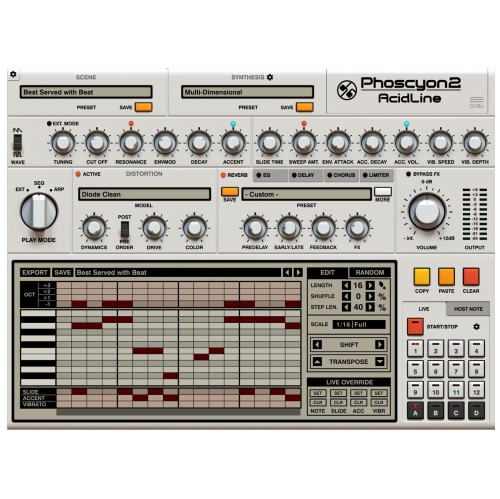
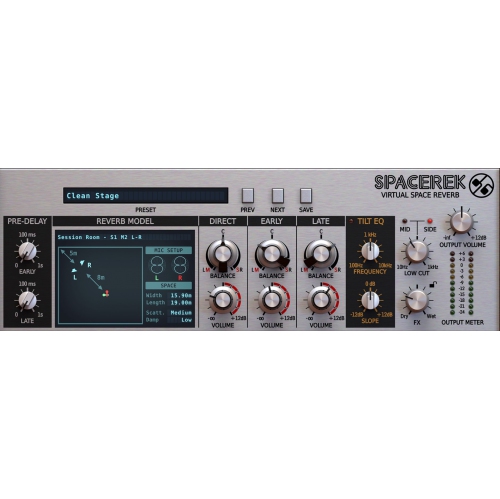
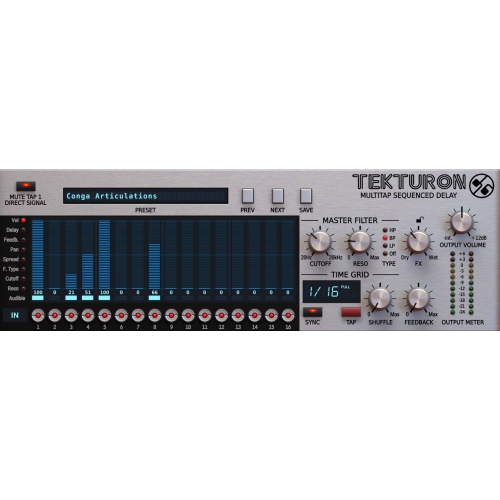
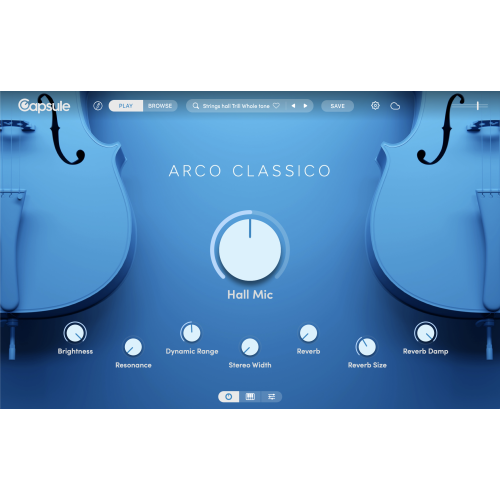
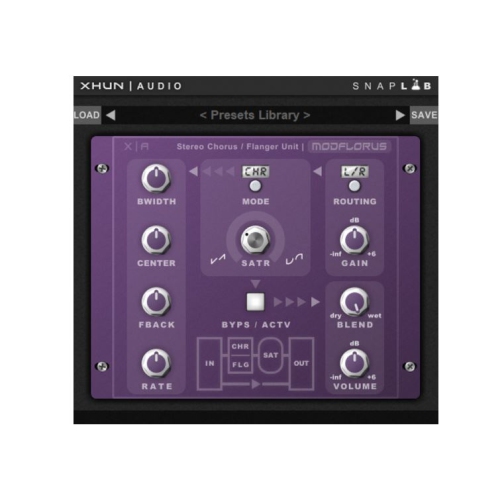
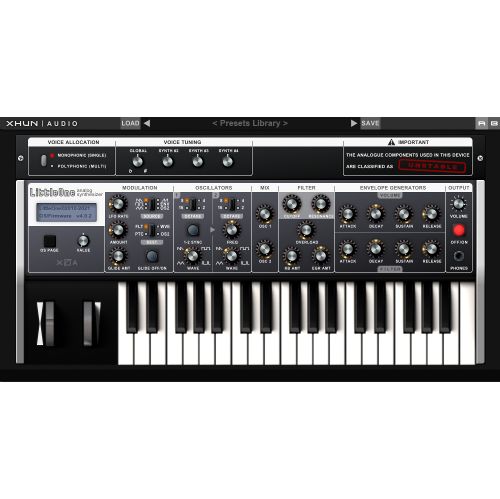
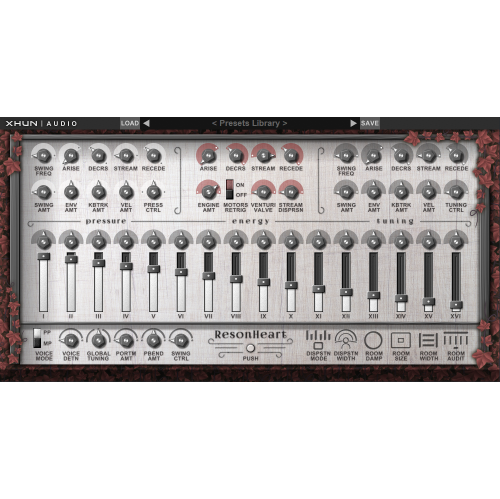
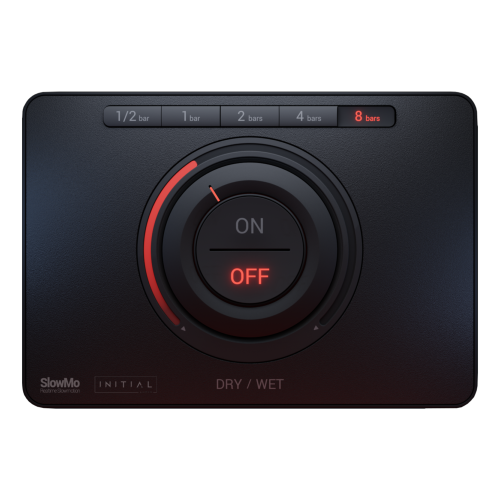
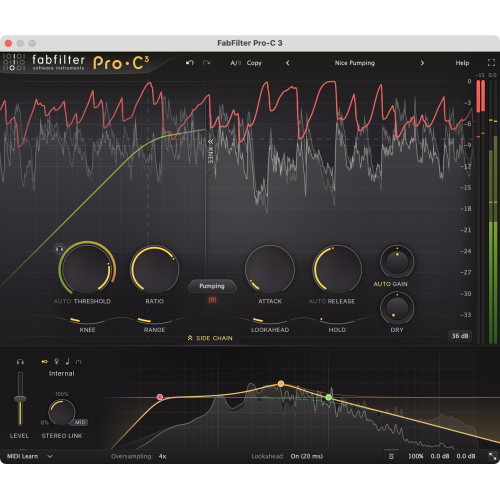
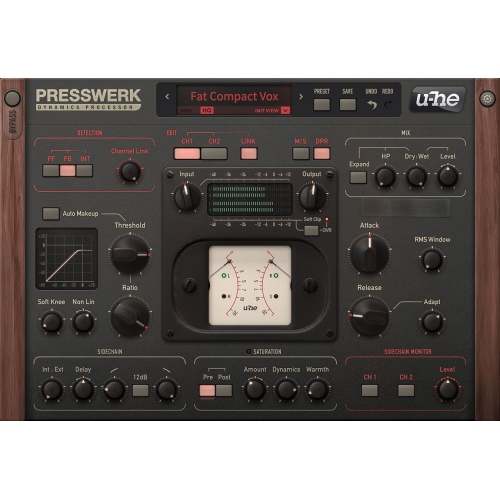
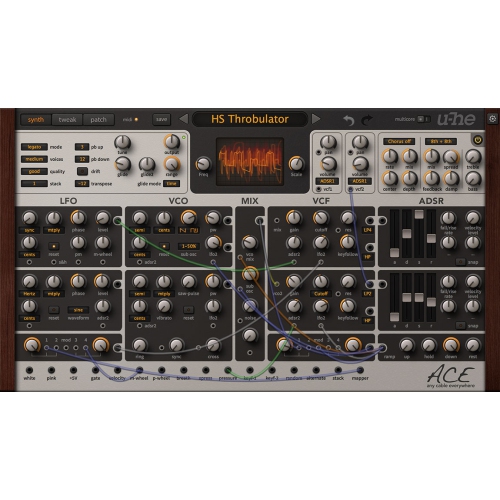
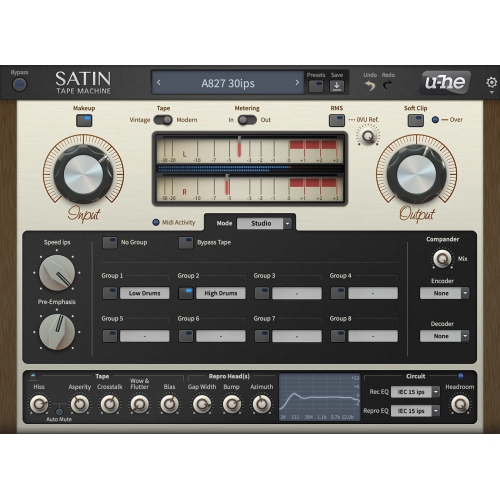
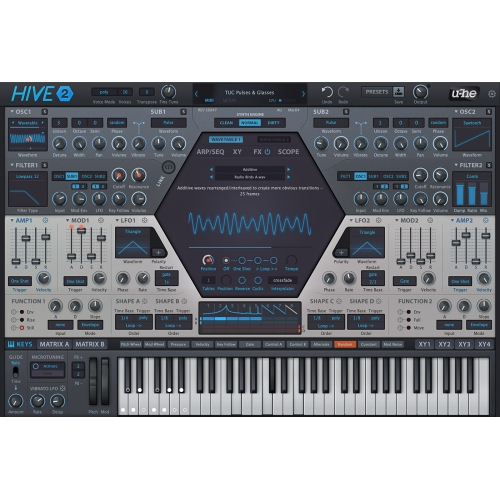
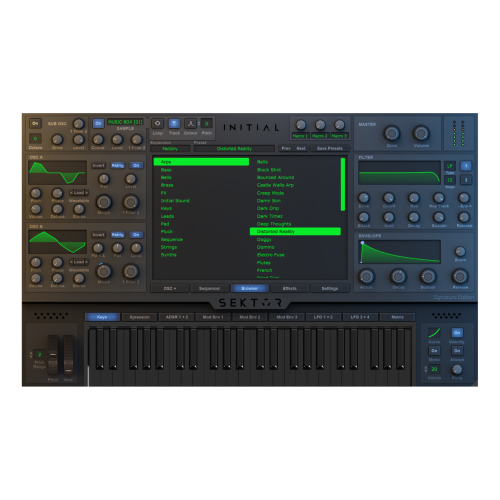
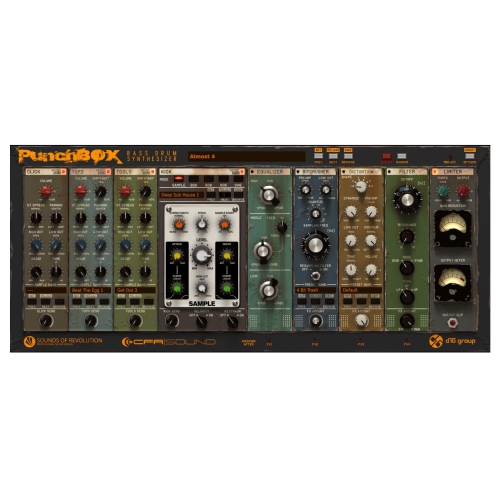
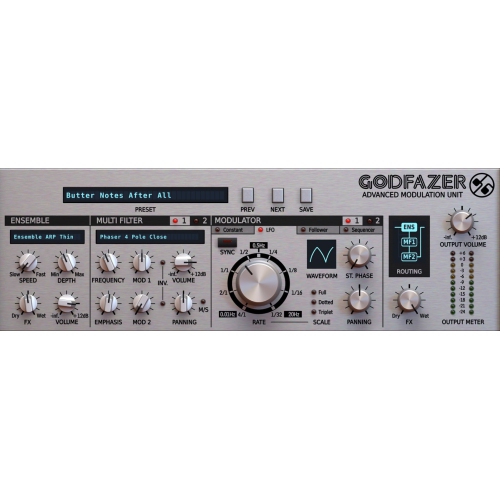
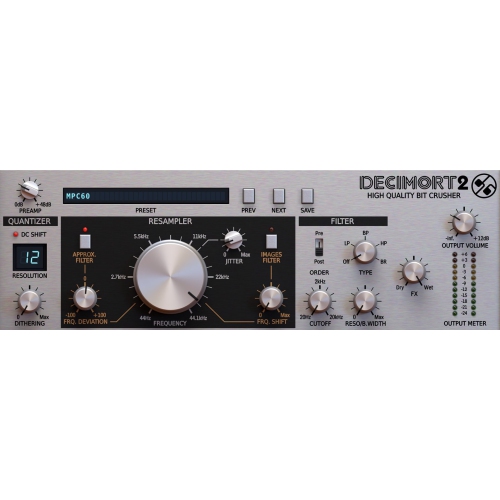
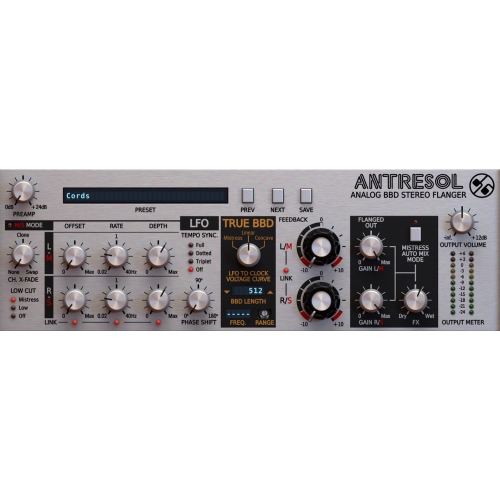
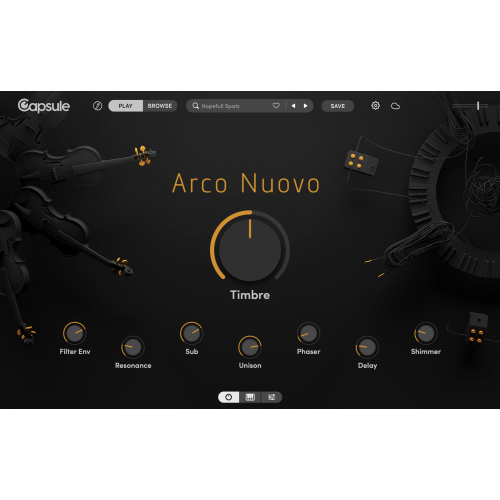
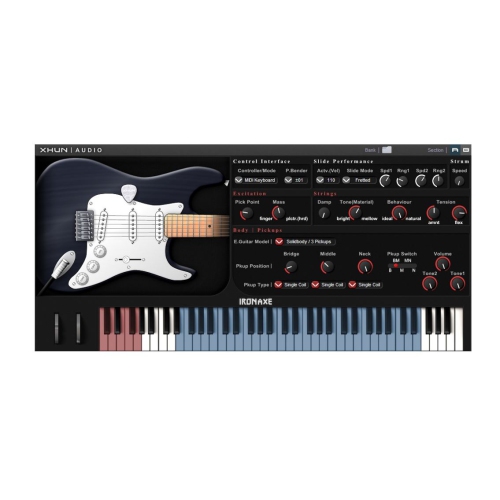
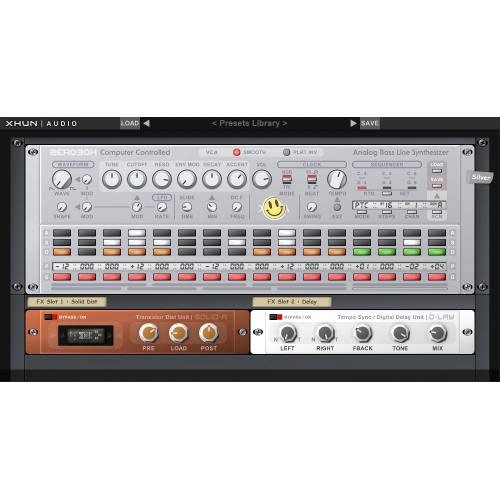
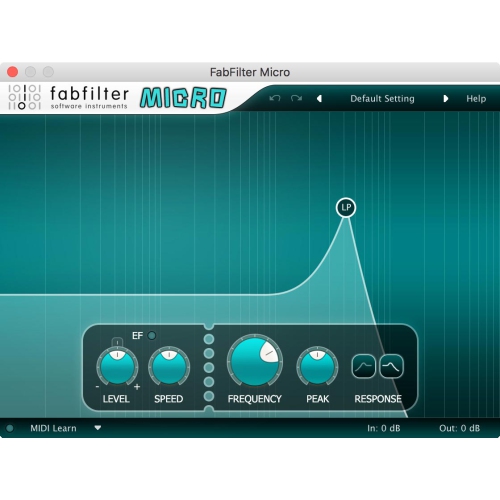
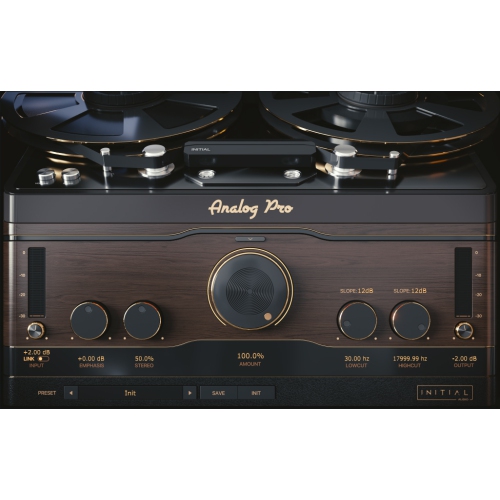
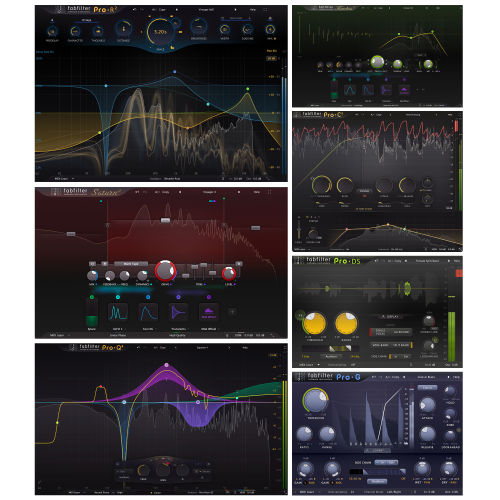
Music software downloads give musicians, producers, podcasters, video creators, DJs, students, and hobbyists a convenient way to add creative tools to a compatible computer without waiting for a physical shipment. These downloads commonly include digital audio workstations (DAWs), audio editors, virtual instruments, drum machines, effects plug-ins, loop libraries, notation programs, and recording utilities. A DAW acts as a central workspace for recording vocals or instruments, arranging MIDI performances, editing clips, mixing tracks, and preparing finished audio for sharing. An audio editor is often better suited to trimming a spoken recording, removing unwanted sections, adjusting volume, or converting files, while virtual instruments can turn a computer keyboard or MIDI controller into a piano, synthesizer, drum kit, orchestral section, or collection of sampled instruments. Some software is designed for detailed studio production, and other downloads focus on quick beat-making, podcast editing, sound design, songwriting, or live performance. The right choice depends on the creator’s experience, preferred workflow, and the type of music or audio they want to make. Beginners may appreciate an uncluttered interface, guided lessons, built-in sounds, templates, and drag-and-drop editing. More experienced users may prioritize unlimited or expanded track counts, advanced automation, surround or spatial audio support, detailed mixing controls, and compatibility with third-party plug-ins. A download can be an especially thoughtful gift for a musician setting up a first home studio, a student exploring audio production, or a creator who wants to turn ideas captured on a laptop into polished recordings. It can also complement a microphone, headphones, MIDI keyboard, audio interface, or studio monitor setup, although the software itself may be the most practical starting point for someone who already owns a computer. For a broader look at related creative tools, explore Software for Musicians.
Before selecting music software, check the system requirements carefully, including the supported operating system, processor, memory, available storage, display resolution, and whether an internet connection is required for installation or activation. A program built for Windows may not run on macOS, and a download intended for one version of an operating system may need an update before it works properly on another. Compatibility also matters when connecting microphones, instruments, controllers, and other recording equipment. Common plug-in formats include VST, AU, and AAX, but support varies by application, so it is worth confirming that the effects and virtual instruments you plan to use can load in your chosen workspace. Think about storage as well: a basic editor may take little room, while high-quality sampled instruments, drum libraries, and sound packs can occupy many gigabytes. An external drive may help keep large libraries organized, and a reliable backup routine can protect recordings, presets, and project files from accidental loss. Pay attention to the type of licence included with a download. Some software is purchased outright, some uses a subscription, and some offers a free version with optional upgrades or additional sound content. Read the activation terms to understand whether the licence is tied to one computer, allows more than one installation, or can be transferred later. It is also useful to confirm whether updates, technical support, cloud storage, and bundled sounds are included. A simple setup can be enough for recording a guitar idea at the kitchen table, layering a vocal over a beat during the cooler months, or editing a family video with carefully timed music. As skills grow, the same workflow can expand into multi-track recording, detailed mixing, mastering, and collaboration. Headphones can make precise editing easier in a shared home, while an audio interface can improve the connection between microphones or instruments and the computer. Saving projects with clear names, keeping track of plug-in versions, and organizing recordings into dedicated folders can prevent frustration when returning to a song after several weeks. Whether the goal is a finished album, a podcast episode, a backing track, a film score, or simply a place to experiment, music software downloads offer flexible tools for shaping sound from the first rough take to the final export.
Before selecting music software, check the system requirements carefully, including the supported operating system, processor, memory, available storage, display resolution, and whether an internet connection is required for installation or activation. A program built for Windows may not run on macOS, and a download intended for one version of an operating system may need an update before it works properly on another. Compatibility also matters when connecting microphones, instruments, controllers, and other recording equipment. Common plug-in formats include VST, AU, and AAX, but support varies by application, so it is worth confirming that the effects and virtual instruments you plan to use can load in your chosen workspace. Think about storage as well: a basic editor may take little room, while high-quality sampled instruments, drum libraries, and sound packs can occupy many gigabytes. An external drive may help keep large libraries organized, and a reliable backup routine can protect recordings, presets, and project files from accidental loss. Pay attention to the type of licence included with a download. Some software is purchased outright, some uses a subscription, and some offers a free version with optional upgrades or additional sound content. Read the activation terms to understand whether the licence is tied to one computer, allows more than one installation, or can be transferred later. It is also useful to confirm whether updates, technical support, cloud storage, and bundled sounds are included. A simple setup can be enough for recording a guitar idea at the kitchen table, layering a vocal over a beat during the cooler months, or editing a family video with carefully timed music. As skills grow, the same workflow can expand into multi-track recording, detailed mixing, mastering, and collaboration. Headphones can make precise editing easier in a shared home, while an audio interface can improve the connection between microphones or instruments and the computer. Saving projects with clear names, keeping track of plug-in versions, and organizing recordings into dedicated folders can prevent frustration when returning to a song after several weeks. Whether the goal is a finished album, a podcast episode, a backing track, a film score, or simply a place to experiment, music software downloads offer flexible tools for shaping sound from the first rough take to the final export.
Top selling and popular products
-
 Your price for this item is $198
 -
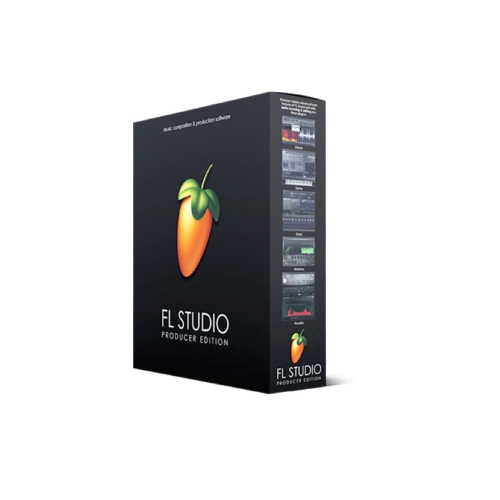 Your price for this item is $329.99
 -
 Your price for this item is $1085.61
 -
 Your price for this item is $179
 -
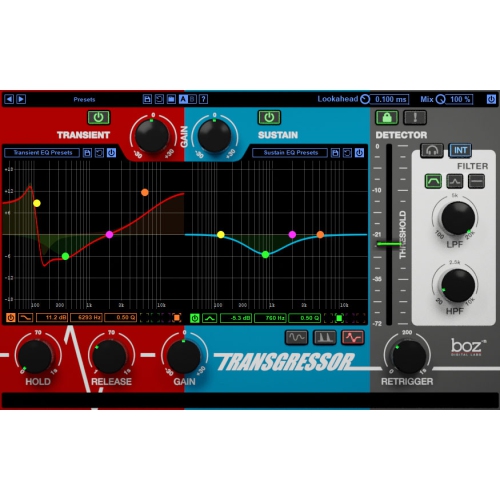 Your price for this item is $275
 -
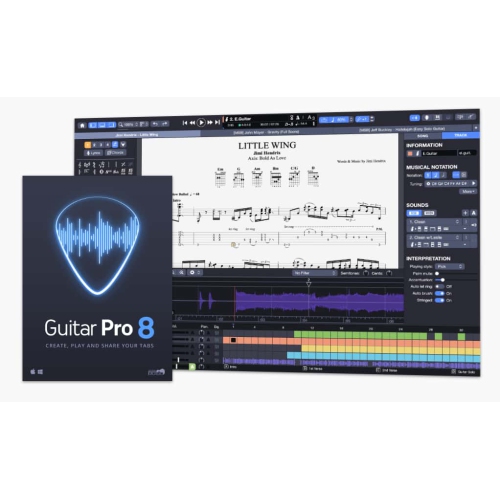 Your price for this item is $65
 -
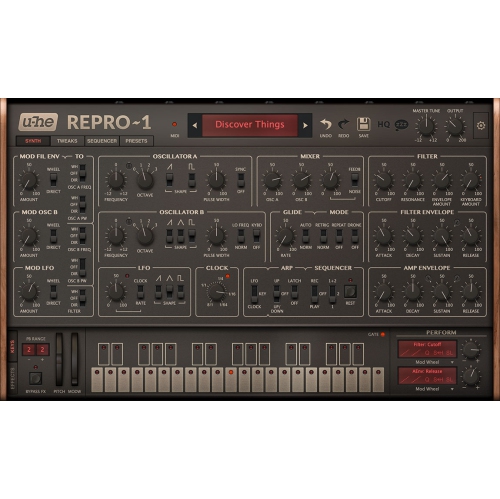 Your price for this item is $279
 -
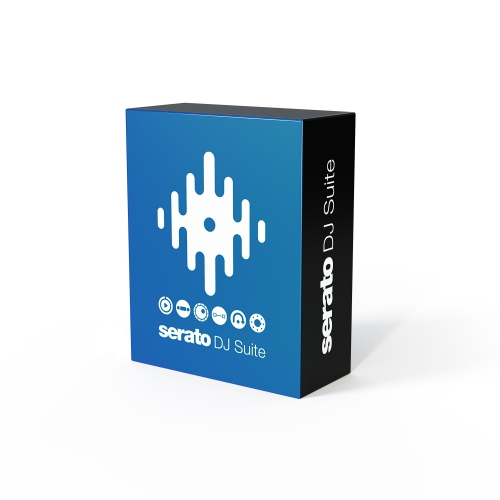 Your price for this item is $809
Discover more categories related to Music Software Downloads
Top Collections:
Pokemon Centers, Kindle Devices, Best Budget Office Chairs, Apple iPhones 16, Best Laptops for Writers, iPhone 15 Apple, Canon G7X Cameras, Refurbished Apple Laptops, Alarm Clock, Motorola Razr Phones
Some products may be subject to Environmental Handling Fees
(EHF) depending on your province.
Learn more about EHFs.