Staples Laptops
Discover the perfect blend of performance and reliability with Staples Laptop options at Best Buy. Whether you're tackling work projects, managing school assignments, or enjoying your favorite entertainment, Staples Laptop models are designed to meet a variety of needs. Explore a wide selection that offers something for every user, making it easy to find the right fit for your lifestyle. Shop Staples Laptop choices today and experience convenience and quality in one place.
Sort

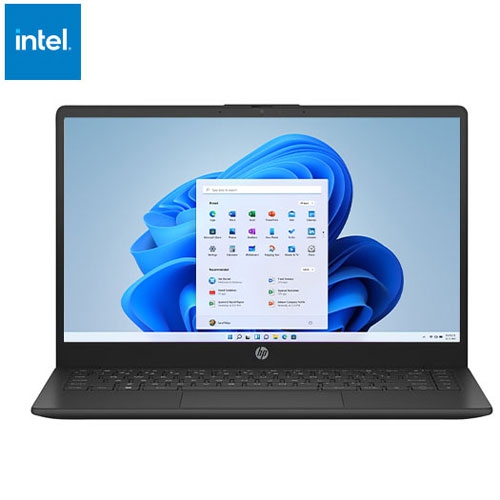
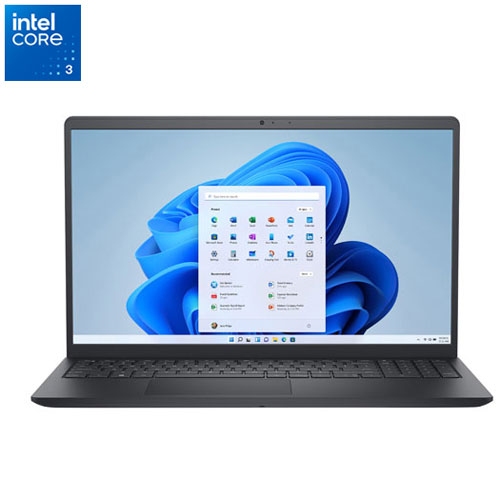
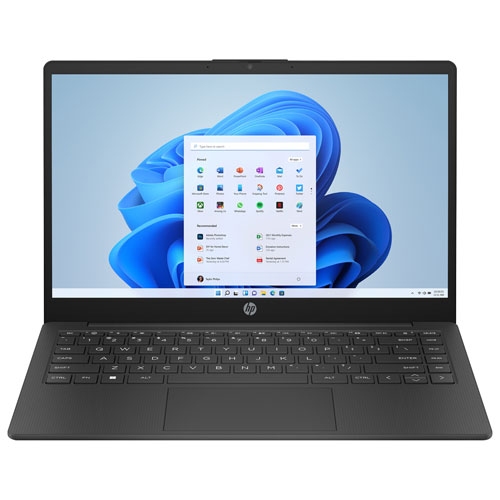
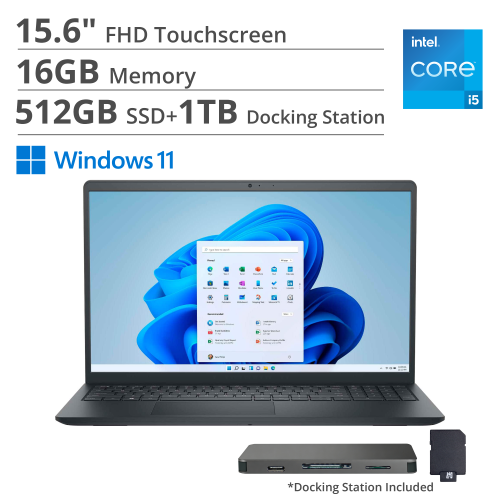
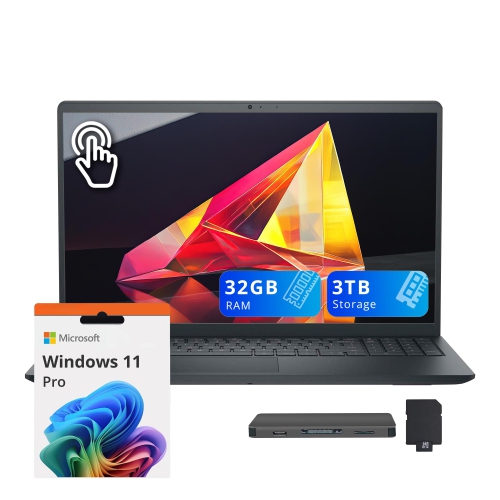

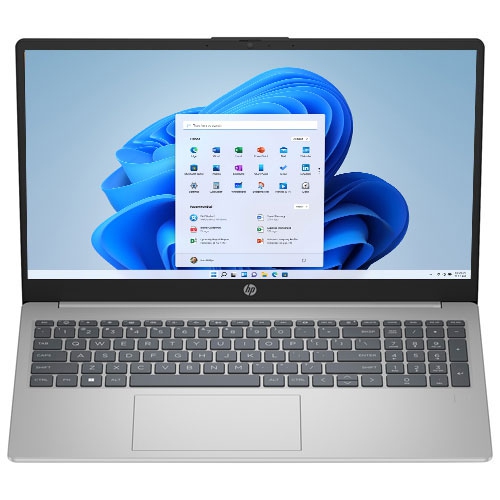
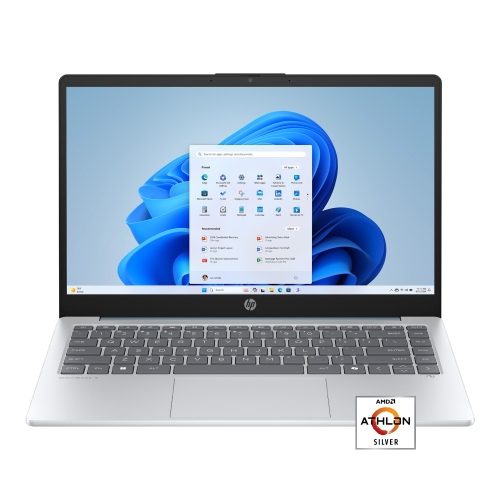
The laptop features that fit your daily routine
Laptops bring a screen, keyboard, computing hardware, and rechargeable battery into a single device that can move between a desk, a classroom, and a kitchen table. Their usefulness depends less on any one specification than on how the whole system suits its owner’s daily routine. Writing assignments, managing household documents, joining video calls, and browsing the web place different demands on a computer than editing high-resolution photographs, assembling video projects, or running technical software. A processor handles the calculations behind those tasks, while memory helps keep applications responsive when several are open together. Someone who regularly works with a spreadsheet, a presentation, a video meeting, and numerous browser tabs will generally benefit from more memory than someone using one lightweight application at a time. Storage capacity determines how much space there is for applications, downloaded files, photos, and other saved content. A solid-state drive supports quick access to files and applications, although actual performance also depends on the processor, memory, software, and drive itself. Large media libraries and project files can occupy substantial space, especially when they need to remain accessible without an internet connection. Cloud storage can complement local storage, but it depends on account settings, connection quality, and the requirements of the service being used. Operating system compatibility matters just as much as hardware: school software, workplace applications, creative tools, and connected accessories may have particular requirements. For gaming or demanding visual work, graphics capability and cooling deserve attention alongside processor performance. Dedicated graphics hardware can help with certain workloads, while integrated graphics can suit everyday productivity and entertainment. Specifications are most meaningful when connected to recognizable activities, whether that means keeping lecture notes beside a research document or reviewing a large photo collection. A laptop intended mainly for writing and communication does not need the same capabilities as one used to render detailed designs, and a powerful system still needs the right software to perform the task.
Physical design shapes how comfortable a laptop feels throughout the day. A smaller screen and lighter chassis can make a computer easier to carry between classes or fit onto a compact desk, while a larger display provides more room for side-by-side documents, detailed spreadsheets, and creative work. Overall dimensions matter as much as screen size when matching a laptop with a backpack compartment or protective sleeve. Display resolution affects how clearly text and images appear, and brightness and surface finish influence visibility under different lighting. People who edit images may also need to consider colour accuracy rather than judging a screen solely by its size. Touchscreen input and convertible hinges suit some note-taking and presentation routines, but a conventional laptop design remains practical for typing-focused work. Keyboard spacing, key feel, and touchpad responsiveness become noticeable during a long assignment or a day spent answering messages. A numeric keypad can be useful for frequent data entry, although it changes the keyboard layout and often accompanies a wider chassis. Construction varies too: metal housings can feel firm and substantial, while plastic housings may help keep weight down. Neither material alone establishes durability; hinge design, chassis rigidity, and careful handling also affect long-term use. Battery life varies with screen brightness, applications, wireless activity, and power settings, so a light browsing session is not comparable to sustained gaming or video editing. Charging convenience depends on the laptop’s supported charging method and the power requirements of the device. Ports also influence everyday practicality. An external monitor, wired mouse, memory card, or presentation display may need a particular connection or a compatible adapter. Wi-Fi capability supports wireless networking, though connection quality also depends on the router and surrounding network conditions. For frequent video calls, camera placement, microphone clarity, and speaker performance help determine how naturally conversations flow. A headset may still be useful in a shared room, particularly when privacy and background noise are concerns.
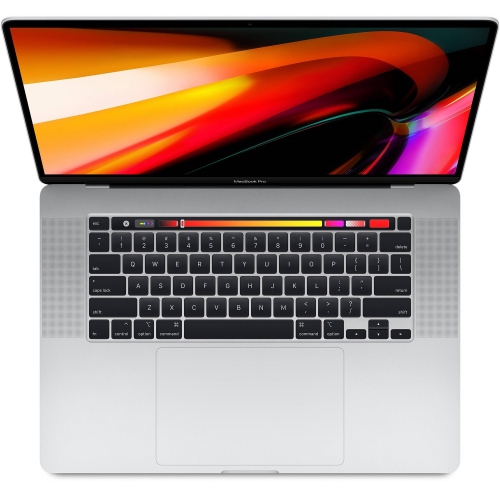
A laptop’s intended user often brings the most important details into focus. A student carrying a computer between lectures may prioritize manageable weight, reliable access to course software, and enough battery capacity for time away from an outlet. Someone working from home may care more about a comfortable keyboard, clear video calls, and support for a larger external display. A household computer might need to accommodate separate user accounts, homework, personal records, and entertainment without making everyday tasks complicated. Creative users may place greater emphasis on display quality, storage, and performance with their preferred applications. For shoppers interested in a particular laptop family, the Staples MacBook Pro page provides a more focused category to explore. When a laptop is a gift, knowing the recipient’s required software, preferred screen size, and existing accessories helps make the choice more personal and practical. A computer for a first-year student, a family member returning to study, or someone developing a photography hobby should reflect what that person will actually do with it. Care also plays a part in keeping a laptop useful. A padded sleeve or properly fitted bag helps protect the casing during transport, while a firm, unobstructed surface allows ventilation openings to function as intended. Soft bedding and crowded cushions can block airflow, making a desk or laptop stand a better place for extended use. Cleaning methods should follow the manufacturer’s directions, with particular care around the screen, keyboard, and ports; liquid should not be sprayed directly onto the device. Carrying a laptop by its base rather than its display reduces unnecessary strain on the hinges. Regular software updates, secure sign-in settings, and backups help protect both the computer’s usefulness and the information stored on it. Together, appropriate performance, comfortable design, compatible connections, and straightforward care make a laptop easier to live with, whether its usual place is a dedicated workspace or a bag beside the front door.
Top selling and popular products
-
 Your price for this item is $449
-
 Your price for this item is $3099
-
 Your price for this item is $1800.68
-
 Your price for this item is $664.05
-
 Your price for this item is $3400.68
-
 Your price for this item is $489.7
-
 Your price for this item is $1199
-
 Your price for this item is $1951.79
Discover more categories related to Staples Laptops
Top Collections:
Best Black Friday Deals This Year, Best Black Friday Deals On Electronics, Kindle Devices, Dyson Airwrap, Best Cameras for Sports Photography, Best Budget Office Chairs, Canon G7X Cameras, PS5 Pro Consoles, Best Black Friday Deals On Apple Products, XBOX One S Consoles
Some products may be subject to Environmental Handling Fees
(EHF) depending on your province.
Learn more about EHFs.