Staples MacBook Pro
Staples MacBook Pro options offer a seamless blend of performance and reliability for both work and play. Explore a variety of models designed to support your productivity, creativity, and everyday tasks. Whether you’re upgrading your current setup or searching for a dependable device for school or business, Staples MacBook Pro selections provide the versatility to meet your needs. Discover the perfect match to enhance your digital experience and stay connected wherever you go.
Sort
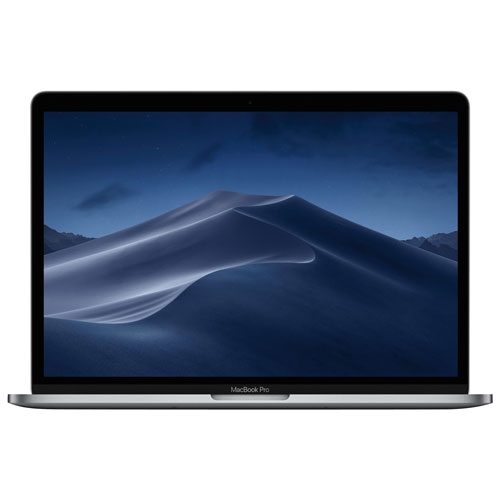
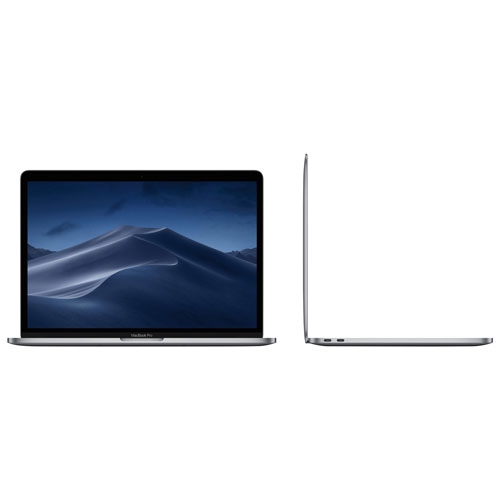
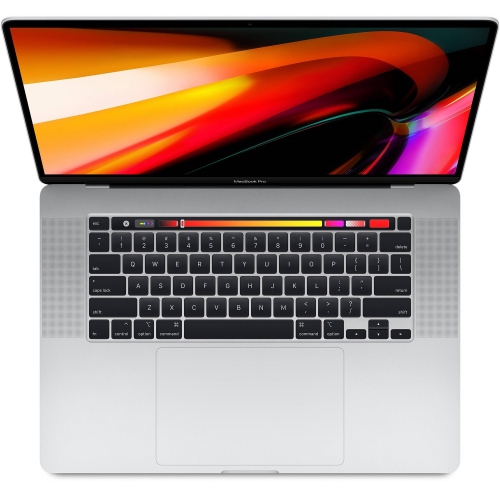
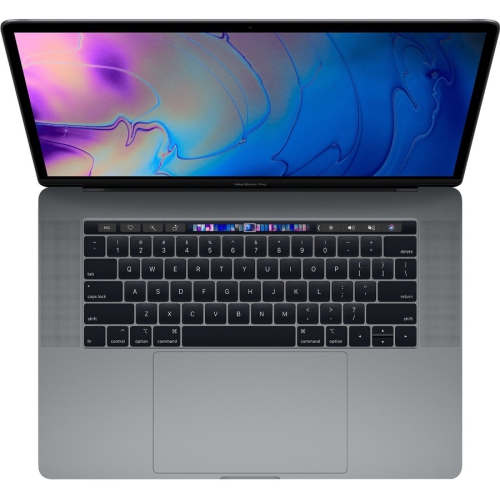
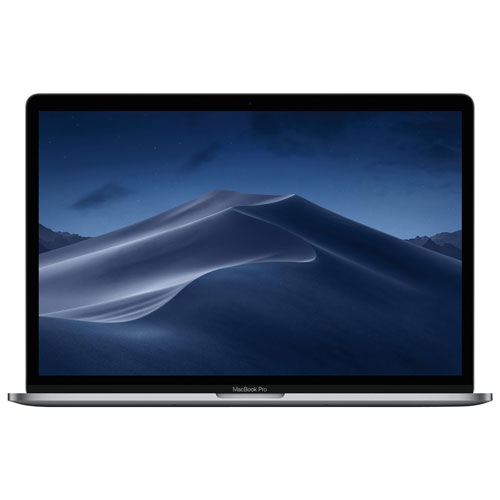
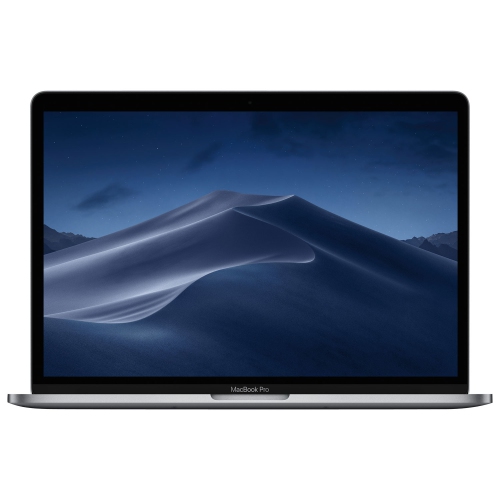
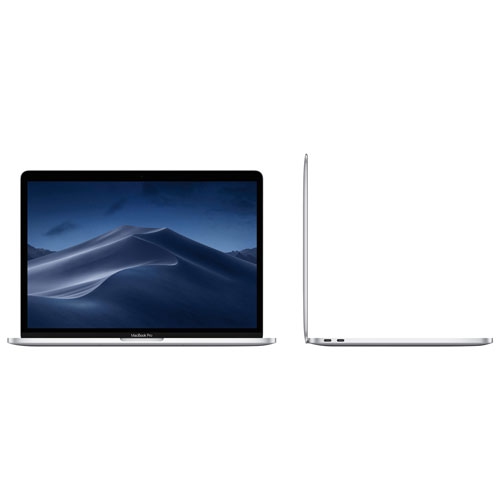
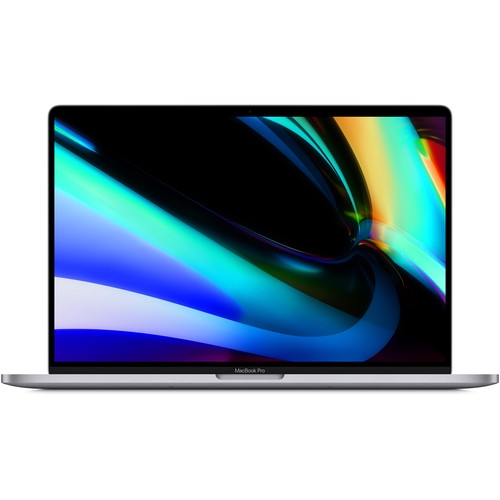
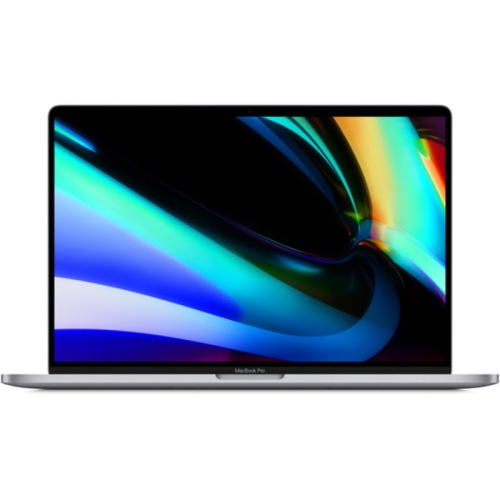
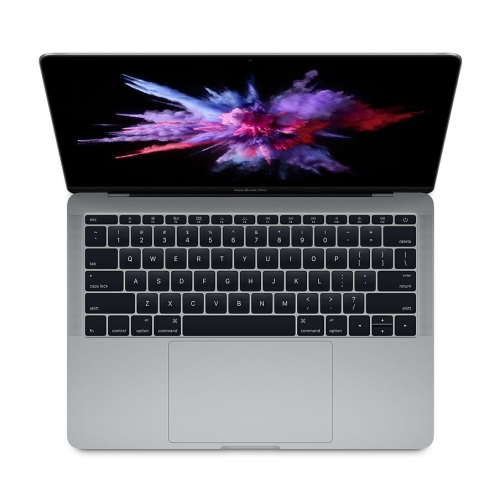
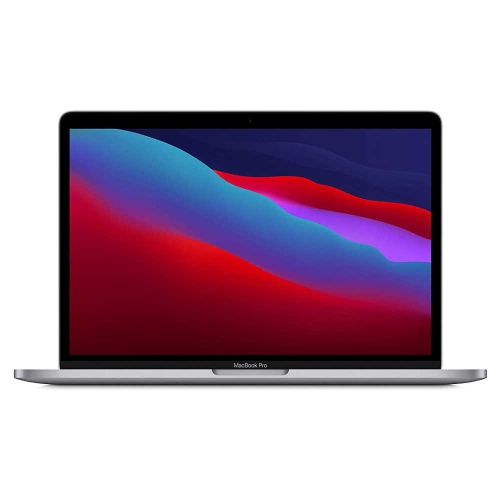
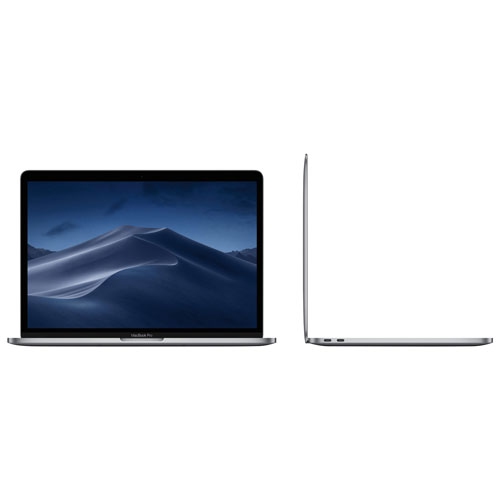
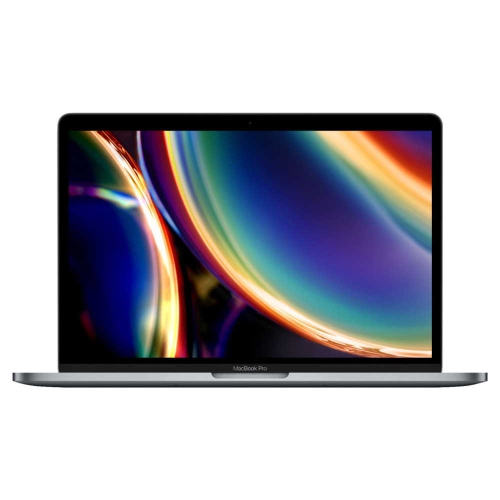
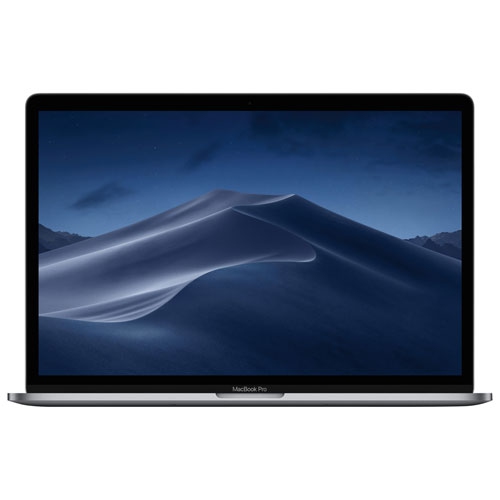

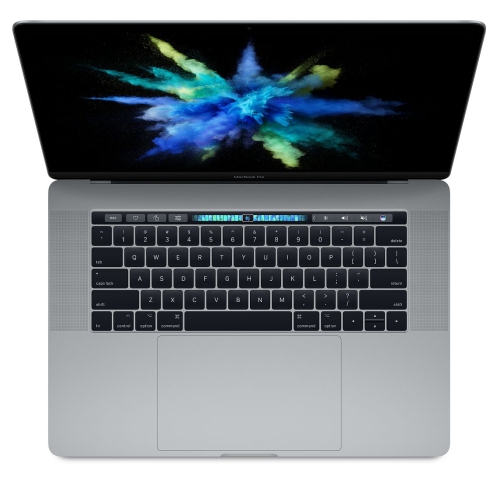
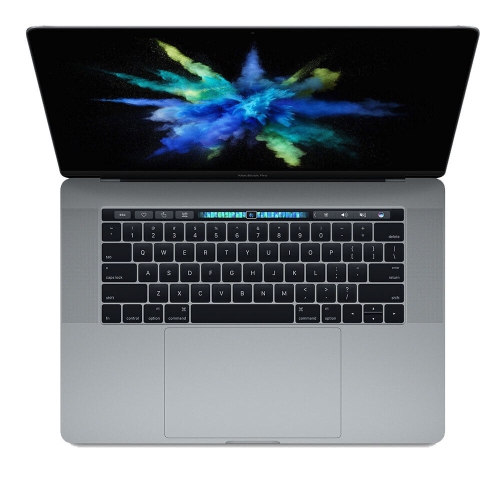
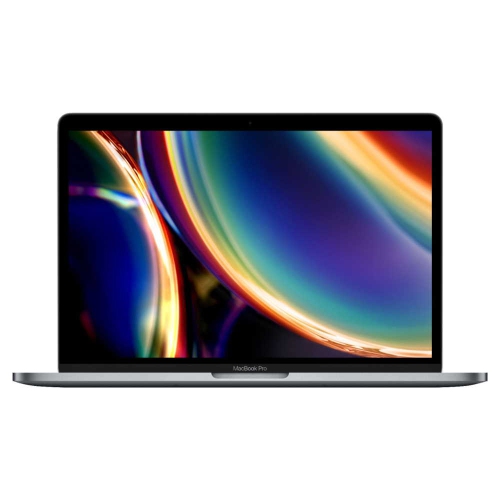
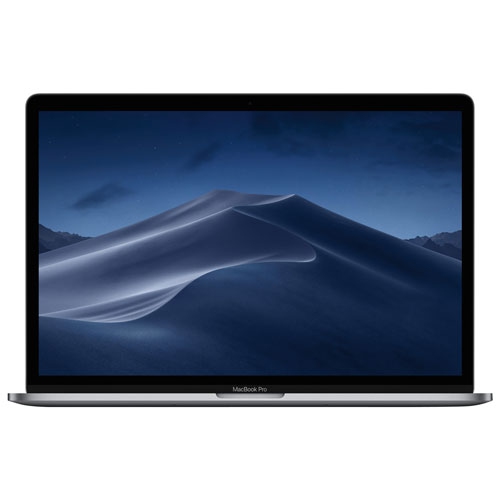

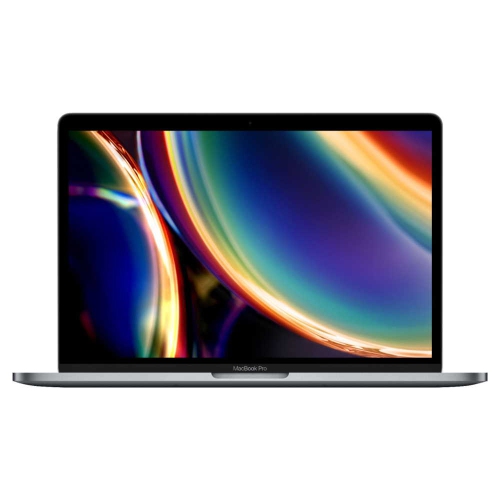
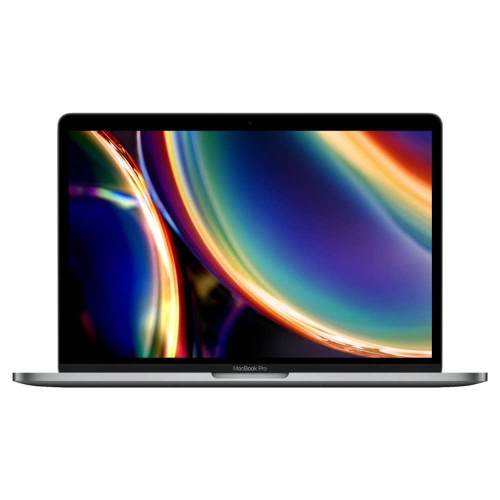
Professional laptops that balance creative power and portability
Professional laptops bring demanding creative work and everyday computing together in a portable format. They suit people whose day might move from a spreadsheet and video meeting to photo editing, software development, or a presentation with several large files open at once. The appeal is not simply speed: a clear display, comfortable keyboard, responsive trackpad, and sturdy construction all contribute to a computer that feels practical over long working sessions. Aluminium chassis construction offers a firm, streamlined feel, while the hinge, finish, and overall dimensions influence how comfortably a notebook travels between a desk, classroom, studio, and meeting room. A screen around 14 inches can leave more room in a backpack and fit more easily on a compact desk; a screen around 16 inches provides a larger workspace for timelines, drawings, code, and side-by-side documents. Screen size is measured diagonally, so the laptop’s actual width, depth, and weight matter when matching it with a sleeve or carrying bag. Display quality also involves more than resolution. Brightness, contrast, colour reproduction, and refresh rate affect how images look and how smoothly movement appears, particularly during video editing or detailed visual work. For photographers and designers, consistent colour is valuable when preparing work for different screens or print. For students and office users, readable text and enough space to keep reference material beside a document may be more useful than the largest display. Keyboard layout deserves attention as well, especially for anyone who writes extensively or needs particular language characters. A spacious trackpad can make gestures and navigation comfortable without a separate mouse, although an external keyboard and pointing device may be preferable at a permanent desk. These details shape the experience every day, making the relationship between portability, screen space, and input comfort as meaningful as the processor specification.
Processing power, memory, and storage determine how well a professional notebook handles the work placed on it. A processor’s core count is only one part of the picture; chip design, graphics capability, application support, and cooling also affect performance. Tasks such as browsing, writing, and managing email have different demands from exporting a lengthy video, compiling software, or working with complex three-dimensional scenes. A stronger graphics configuration can be valuable for compatible creative applications, while ample memory helps when several demanding programs and large documents need to remain open together. In designs that use unified memory, the processor and graphics hardware share a memory pool, making the selected capacity especially relevant to the intended workload. Memory and internal storage are not user-upgradeable in many thin professional laptops, so a configuration that suits longer-term needs can be more useful than one chosen only for basic tasks. Solid-state storage provides space for applications, projects, and local files, but usable capacity is lower than the headline figure after formatting and system software. Video footage, photo libraries, and design assets can accumulate quickly. External storage can support an archive or backup routine, though it does not replace every benefit of having enough internal space for active work. Connectivity matters just as much when the laptop becomes part of a larger setup. USB-C and Thunderbolt connections can support compatible accessories, storage, and displays, but their capabilities depend on the computer, cable, and connected device. An HDMI connection or memory card slot can simplify particular workflows where included, while a dock may help connect several desk accessories through fewer cables. Support for external displays also varies by configuration. Battery-life claims should be understood in relation to the task: light document work usually draws less power than sustained rendering, high screen brightness, or demanding graphics. Battery endurance, charger size, and charging connections all influence the ease of carrying a laptop through a full schedule. Reliable Wi-Fi and a suitable camera and microphone round out the experience for remote collaboration, classes, and regular calls.
The strongest match is a laptop that fits both the user’s applications and the way their work unfolds. A student preparing research papers may value a manageable carrying weight, quiet operation, and enough battery endurance for lectures, while a video editor may prioritize graphics performance, memory, storage, and a larger display. A developer might keep an editor, testing tools, documentation, and several browser tabs open throughout the day. Someone working with audio may care about application compatibility, accessory connections, and how the computer behaves during longer recording sessions. Existing software, licences, plug-ins, and peripherals should work with the chosen operating system and hardware; a familiar connector alone does not guarantee full compatibility. At a desk, a laptop stand and separate keyboard can position the screen more comfortably, while an external monitor can provide additional room for detailed work. On the move, a properly fitted padded sleeve protects against everyday scuffs, and a bag with a separate laptop compartment keeps hard accessories from pressing against the lid. Metal construction can feel durable, but screens, ports, and hinges still benefit from careful handling. Carrying a notebook closed, keeping liquids away from the keyboard, and avoiding pressure on the display help protect it during ordinary use. Cleaning is straightforward with a soft, lint-free cloth and the manufacturer’s recommended method; sprays should not be applied directly to the computer. Ventilation openings should remain clear, particularly during demanding tasks, and a firm surface is preferable to bedding or a cushion. Regular software updates and dependable backups help protect work as well as the device itself. For a graduation gift or another milestone, compatibility with the recipient’s course requirements, preferred software, and existing accessories is more important than choosing the highest specification automatically. People considering a touch-first device for handwritten notes, reading, or sketching can also explore Staples iPads; tablets serve different needs and do not replace every desktop application or laptop workflow. For sustained typing, file management, and complex creative projects, a professional notebook remains a versatile foundation for work, study, and personal projects.
Top selling and popular products
-
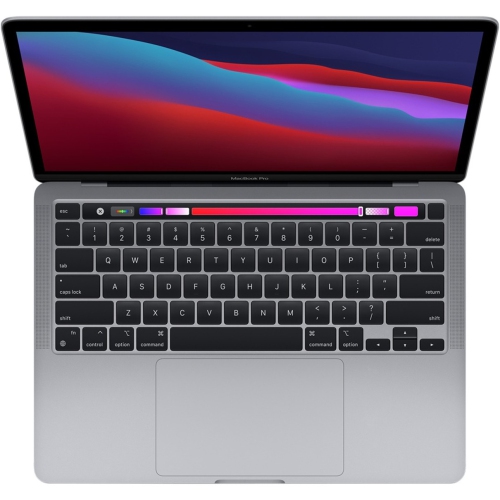 Your price for this item is $899.77
-
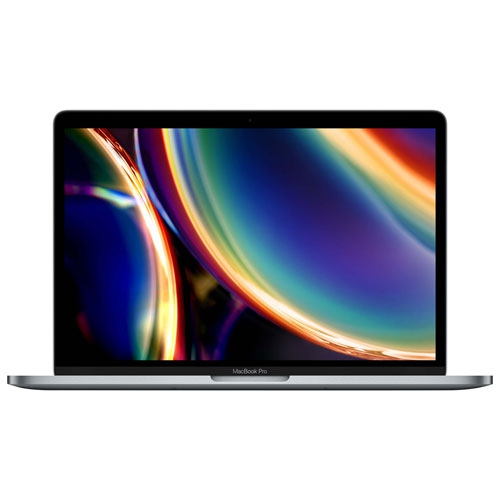 Your price for this item is $699.77
-
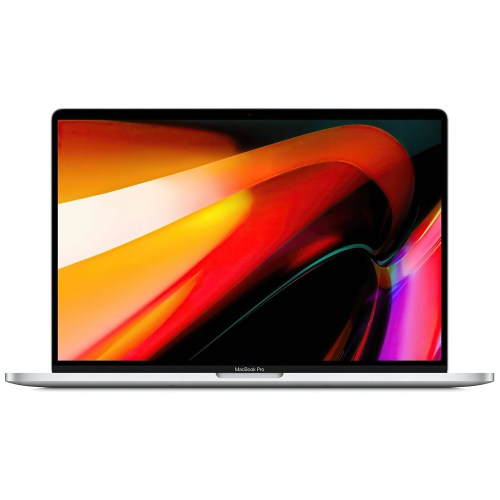 Your price for this item is $659.99
-
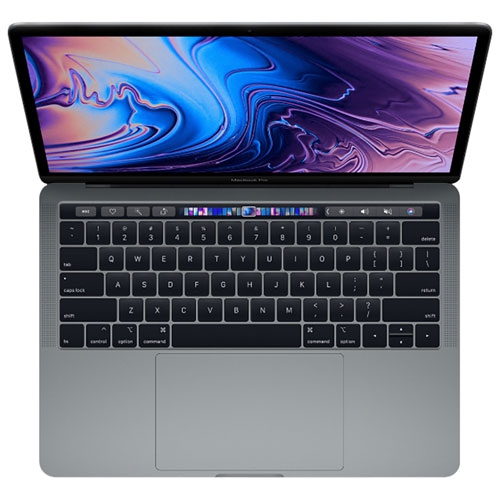 Your price for this item is $599.77
-
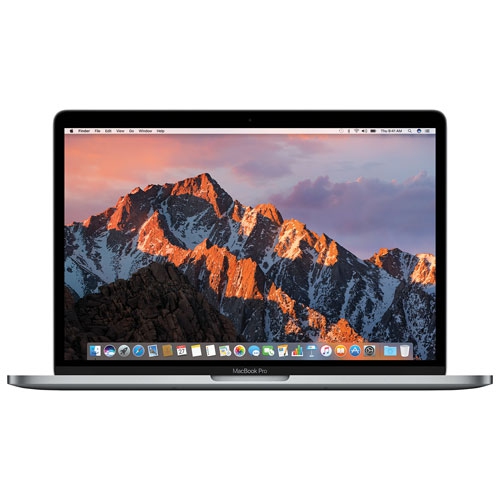 Your price for this item is $549.77
-
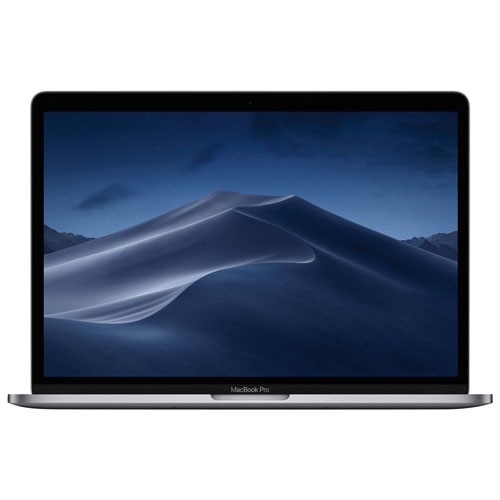 Your price for this item is $629.77
-
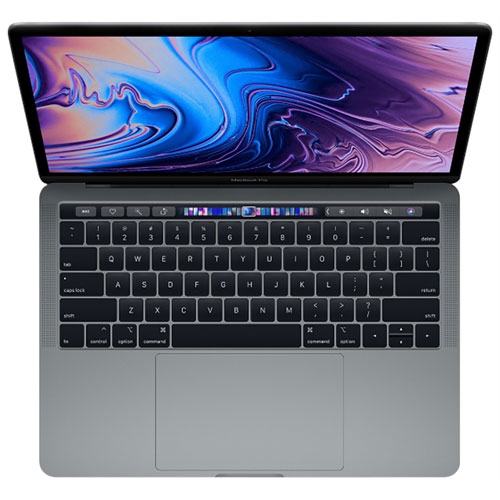 Your price for this item is $599.77
-
 Your price for this item is $899.77
Discover more categories related to Staples MacBook Pro
Top Collections:
Best Black Friday Deals This Year, Best Black Friday Deals On Electronics, Kindle Devices, Dyson Airwrap, Best Cameras for Sports Photography, Best Budget Office Chairs, Canon G7X Cameras, PS5 Pro Consoles, Best Black Friday Deals On Apple Products, XBOX One S Consoles
Some products may be subject to Environmental Handling Fees
(EHF) depending on your province.
Learn more about EHFs.